Pick from a variety of helpbook themes to create modern and clean helpbooks. PDF themes for exporting to PDF & More.
Automatically translate your helpbook into multiple languages using Ollama, OpenAI and Claude APIs
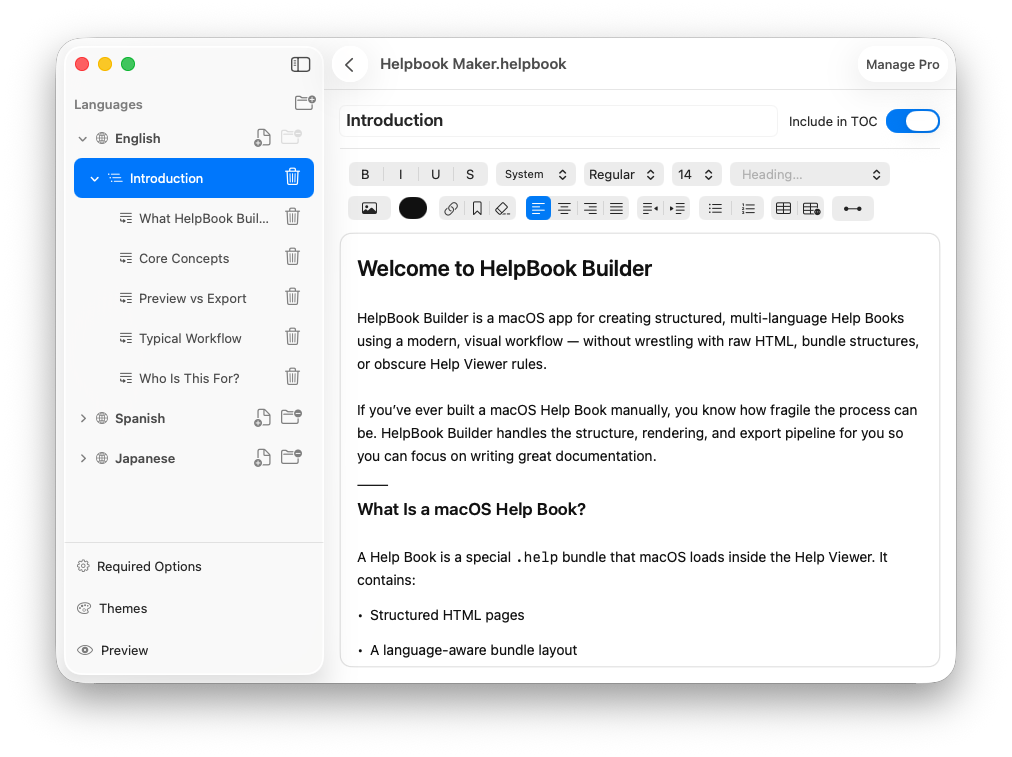
Our WYSIWYG editor was built from the ground up to offer native image, table, and text formatting support.
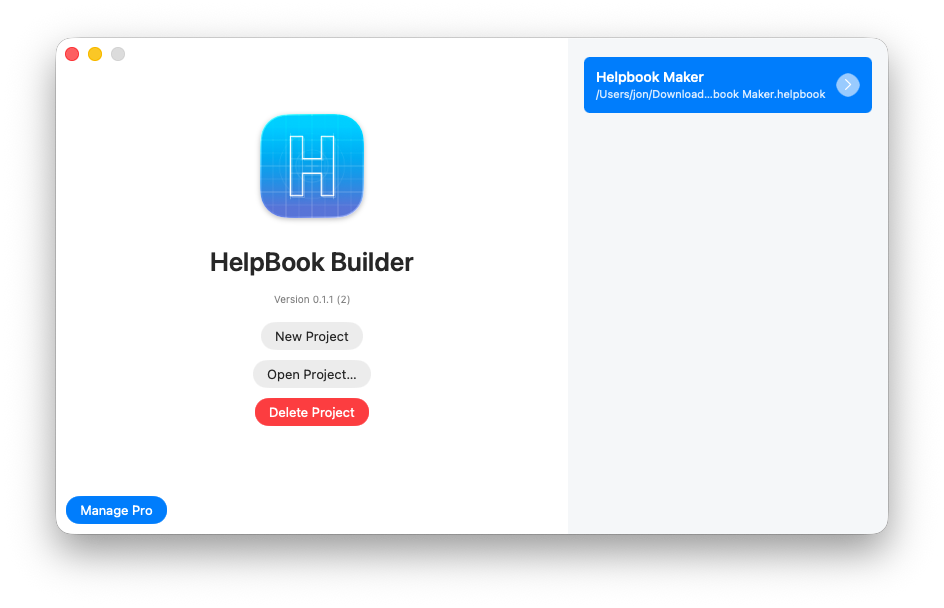
Create and plan via our Helpbook Project Organizer. Projects are stored as files and are easy to share.
Version 0.2.0 — August 27, 2026
The helpbook app allows you to work on 1 helpbook for free at any given time with up to 3 languages in that one project. For unlimited language support and unlimited file support we are charging a $5.99/mo subscription which you can cancel at any time. Files created during the subscription can be used individually on the free plan.
At this time creating custom themes are not possible however with our base theme you an export to HTML or Helpbook bundle which is at its core an HTML, CSS and JS bundle that you can then re-theme or tweak in native HTML. We are working on a build your own theme capability in the app in the future.
Helpbook Builder is a document based app so when you create a project it asks you where you want to save your project file, and you can pick any location.
This is a pretty common issue. Our Guide over at Helpbookbuilder.com offers a lot of debug strategies including flushing the helpbook cache, validating settings etc.. Once you export your helpbook you will get instructions for easy integration to your XCode project.
At this time each helpbook is a snapshot in time. You can create versions yourself by duplicating the Helpbook file and naming it V1, or V2, for example in this way you can always refer back to edits made in the 1.0 file vs the 2.0 file.
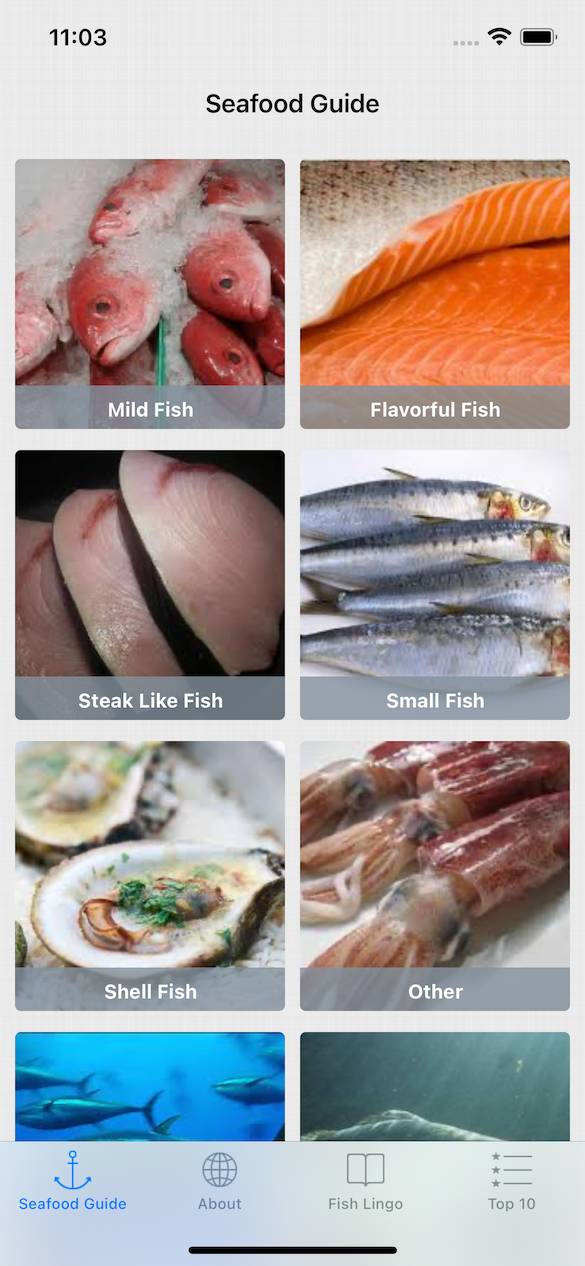
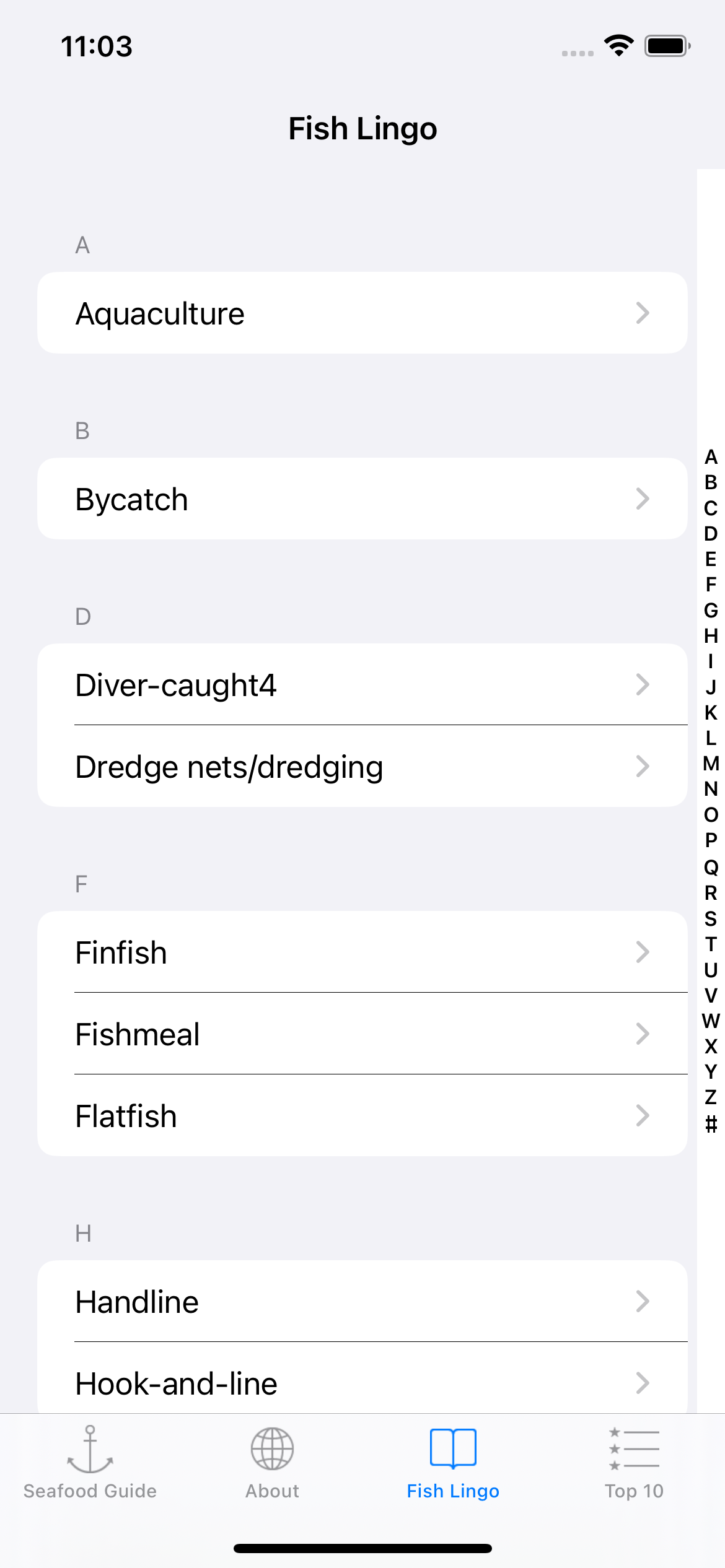
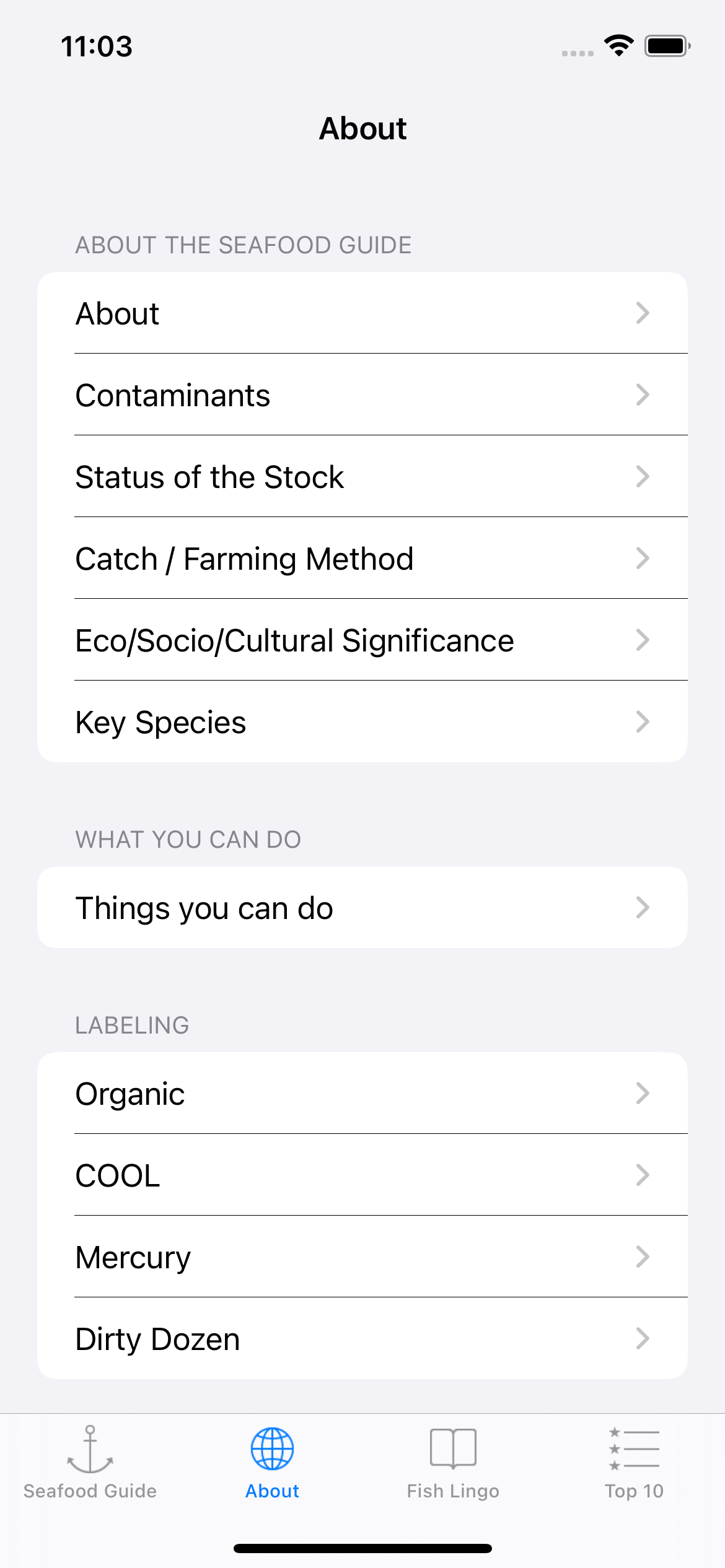
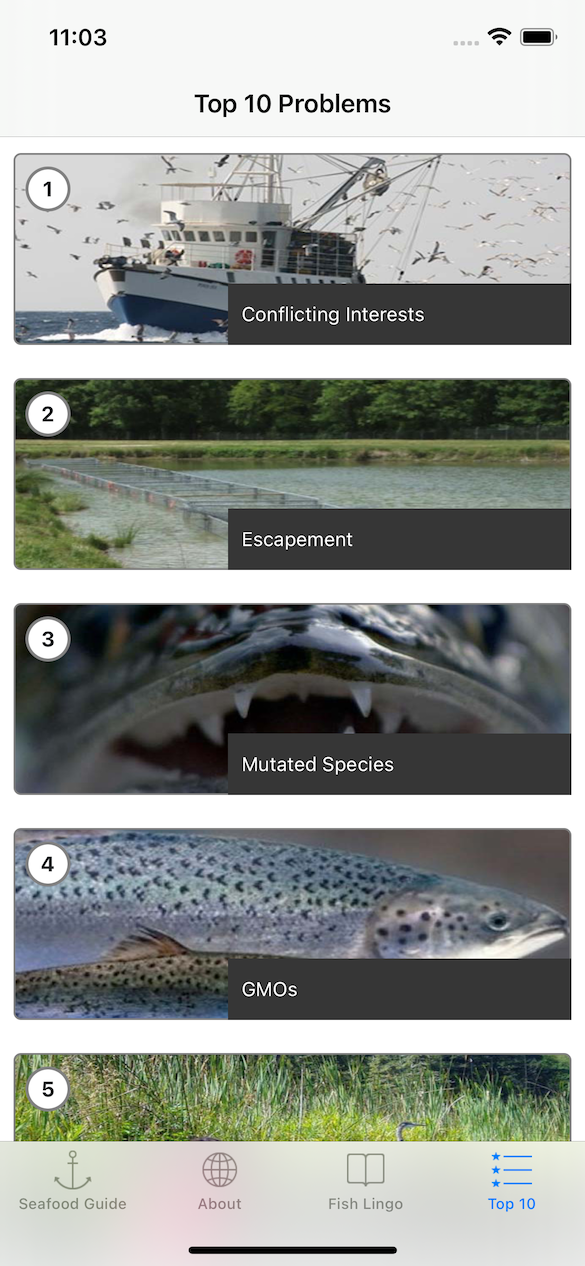
Quickly search for seafood items to see whether they are sustainable, invasive, or a healthier choice. Each result is grounded in trusted scientific guidance and easy-to-understand recommendations.
All recommendations are based on the Monterey Bay Aquarium Seafood Watch program, incorporating fish population health, environmental impact, and socio-economic factors.
Learn common seafood terms, classifications, and industry language with a built-in glossary designed to help consumers better understand what they’re buying and eating.
Designed for real-world use at grocery stores, restaurants, and markets, Seafood Guide makes it easy to make informed seafood choices without needing an internet connection at all times.
Version 8.0 — August, 2026
Seafood Guide uses data from the Monterey Bay Aquarium Seafood Watch program. Recommendations are based on scientific research that considers fish population health, environmental impact, and fisheries management practices.
An internet connection is not required for basic lookups and reference information once the app is installed. This makes it useful in grocery stores, markets, and restaurants where connectivity may be limited.
Sustainability ratings take into account how a seafood species is harvested or farmed, its population status, environmental impact, and long-term viability. The app simplifies this information into clear, consumer-friendly guidance.
Yes. Seafood Guide identifies invasive species where applicable and provides guidance to help users understand their environmental impact and consumption considerations.
Both. Seafood Guide is designed to be approachable for everyday consumers while still providing accurate, well-sourced information that food professionals, educators, and sustainability advocates can trust.
Review food, activity, goals, achievements, and recent progress together in the BeFit Tracker Mac dashboard.
Browse foods, inspect serving details and source information, and choose the result that best matches what you actually logged.
Use supported OpenAI or Claude connections to help identify dictated or photographed food and discover recipe sources for review before saving.
Move from dated tracker records to supported weekly, monthly, six-month, and yearly views without losing the history behind the trend.
Version 8.0.1
BeFit Tracker for Mac gives you a spacious way to review food, goals, activity, health trackers, achievements, and progress history. It shares the current BeFit Tracker experience with iPhone and iPad.
You can review and manage supported food, calorie, weight, BMI, hydration, step, sleep, A1C, fasting, cycle, mindfulness, goal, and achievement records. A1C, Sleep, Fasting, Cycle, and Mindfulness features may be labeled Beta where applicable.
BeFit Tracker can reconcile supported personal records through the signed-in user’s iCloud account when iCloud access is configured on the devices. The bundled food catalog remains local to the app.
Mac gives you more room to browse food, inspect nutrition details, review dated tracker history, compare supported trends, and keep more context visible at once.
Mac supports optional food-assistance workflows involving OpenAI and Claude. A compatible locally running Ollama vision model may also be used when installed and configured by the customer.
These providers may require separate accounts, API access, compatible models, permissions, or image-input support. AI suggestions can be incomplete or incorrect and should always be reviewed before saving.
Supported AI providers can help identify photographed food and find recipe sources for review. The result is an assistive starting point, not a guaranteed identification or nutrition assessment.
No. BeFit Tracker is not subscription-based. The Full Food Database is an optional restorable $2.99 one-time in-app purchase.
Eligible non-consumable purchases may support Apple Family Sharing when Apple marks them as shareable. Eligible members of your Apple Family Sharing group may be able to restore purchase access. Personal records and app data remain separate.
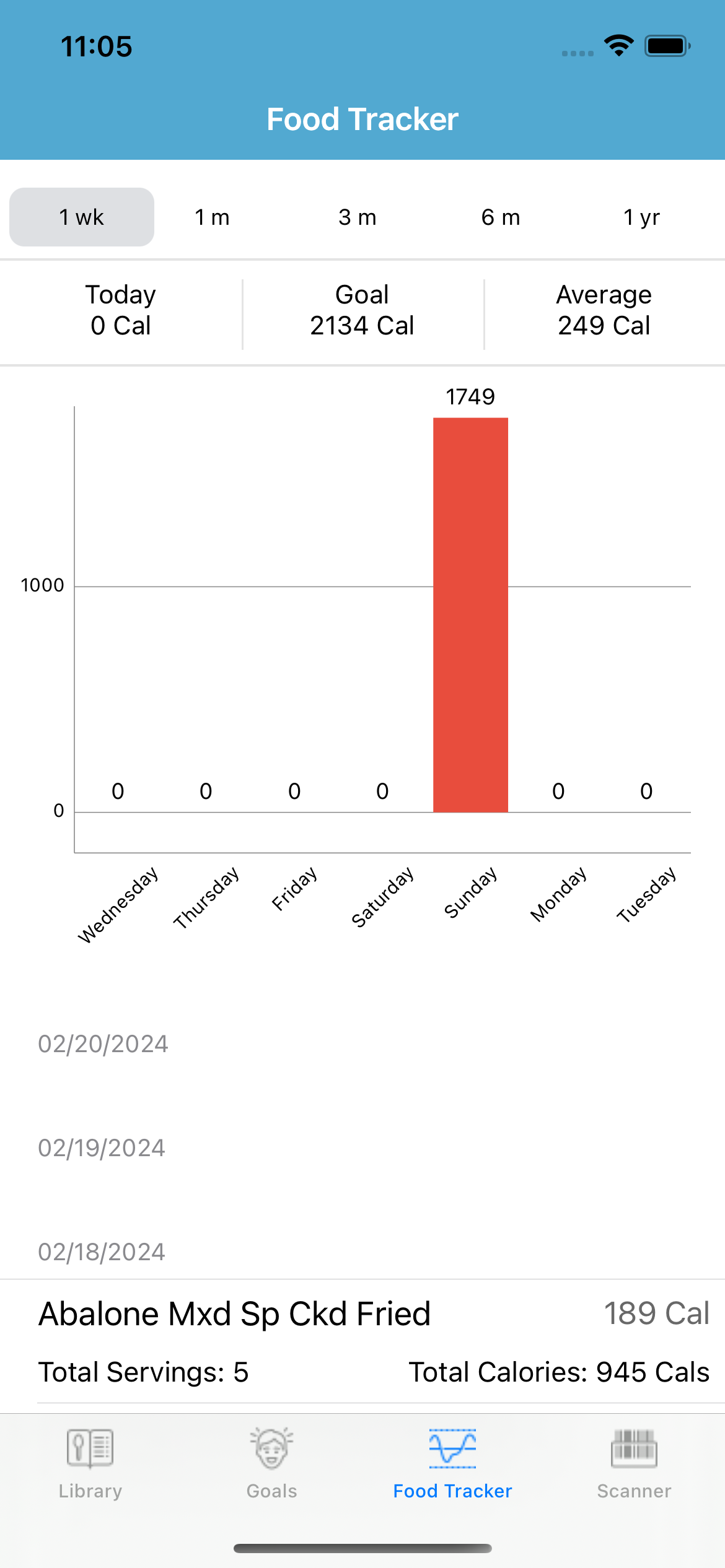
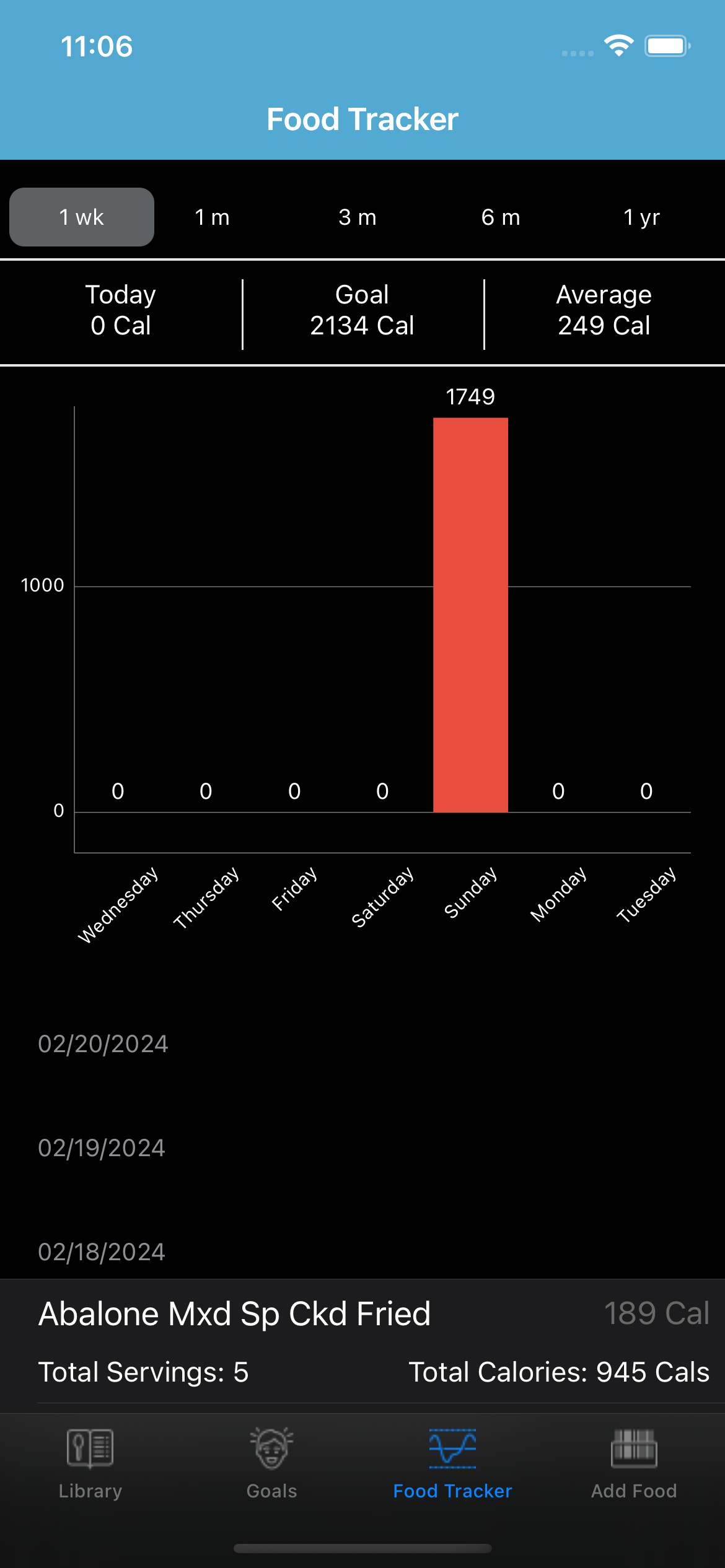
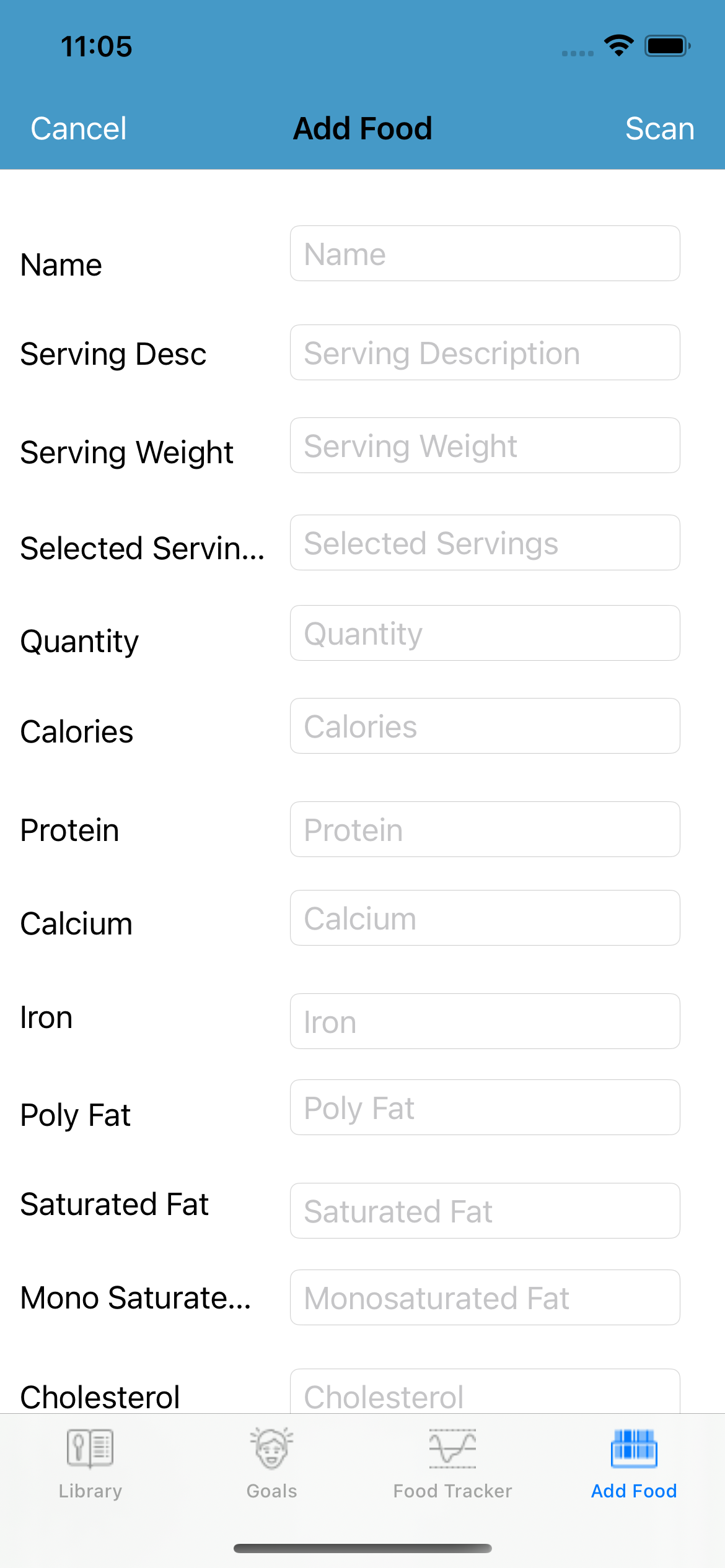
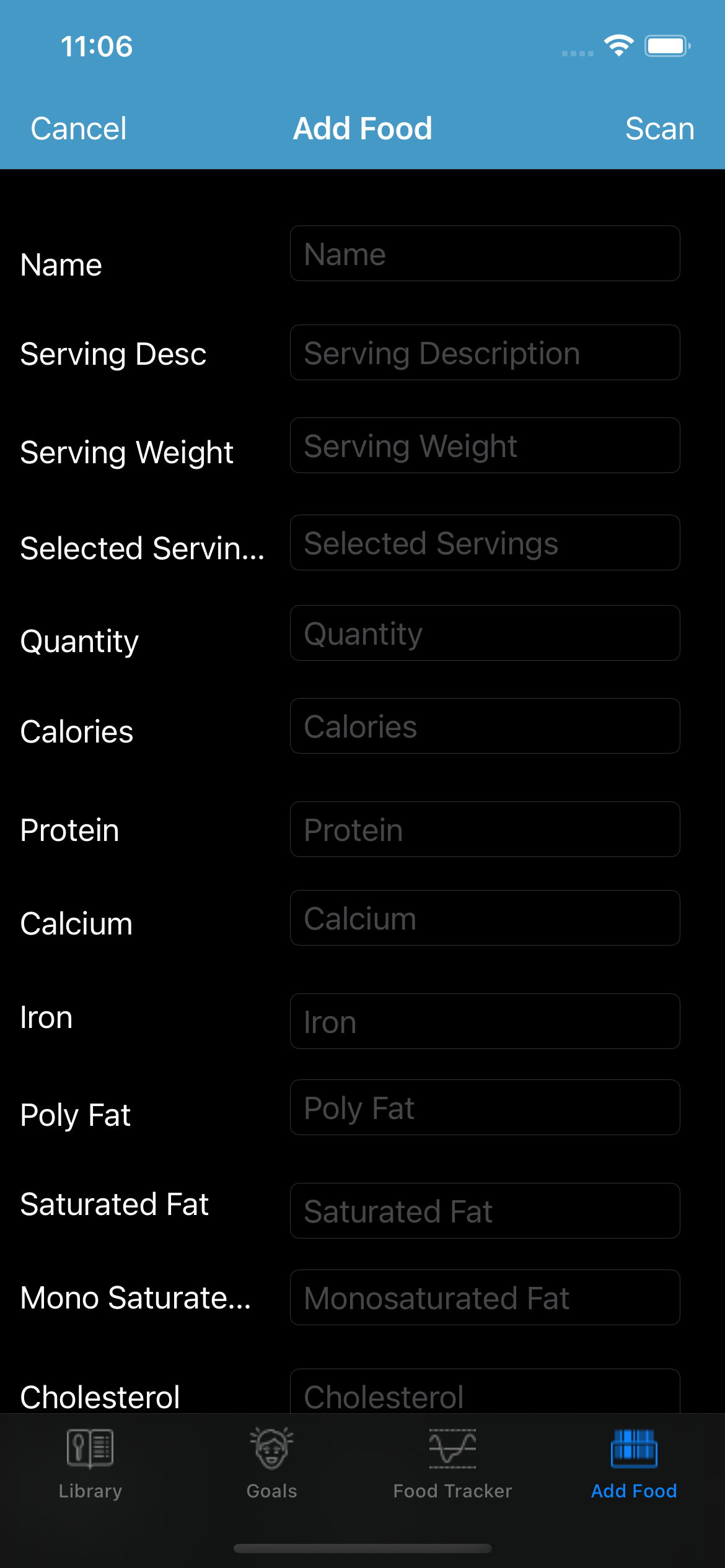
Scan a barcode to look up a product through Open Food Facts, review its source and nutrition details, and save it when the information looks right.
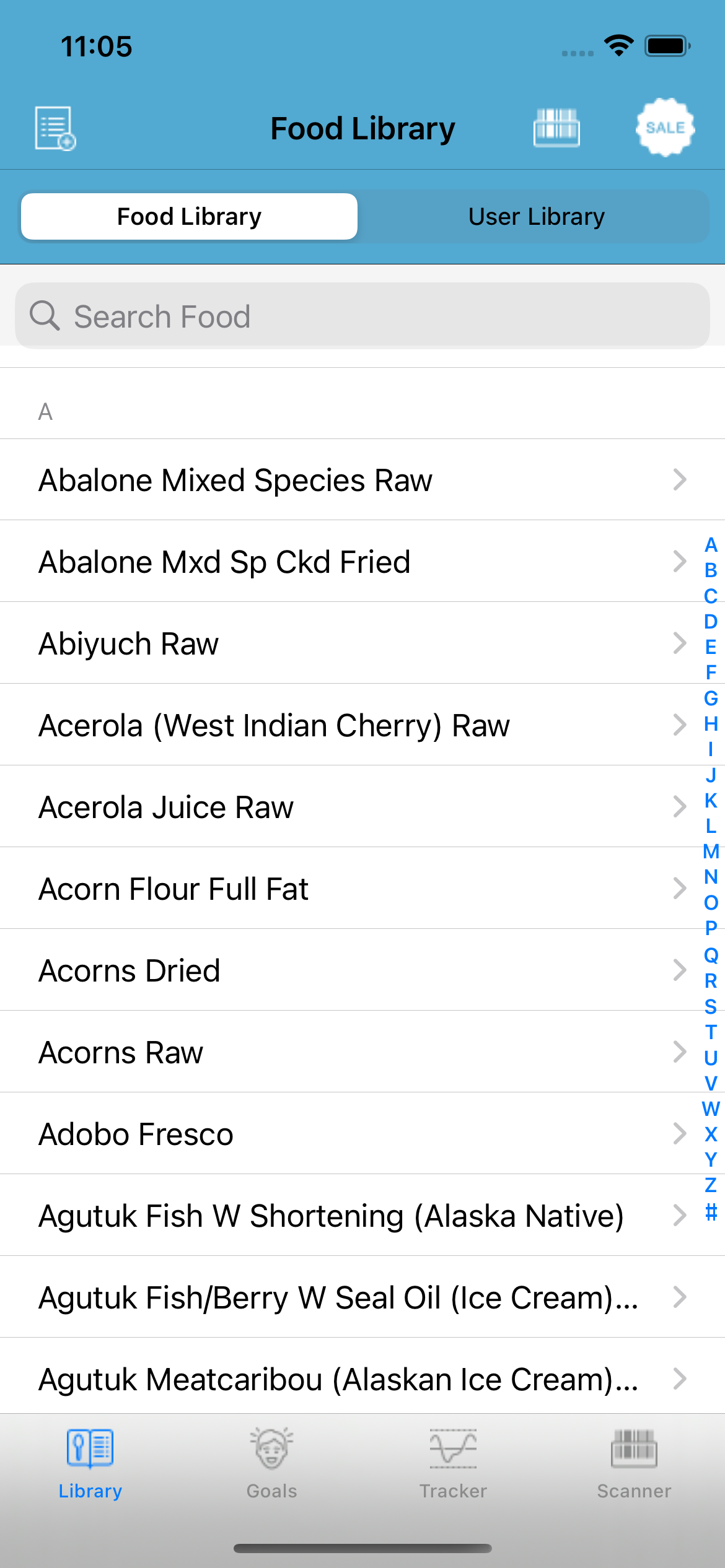
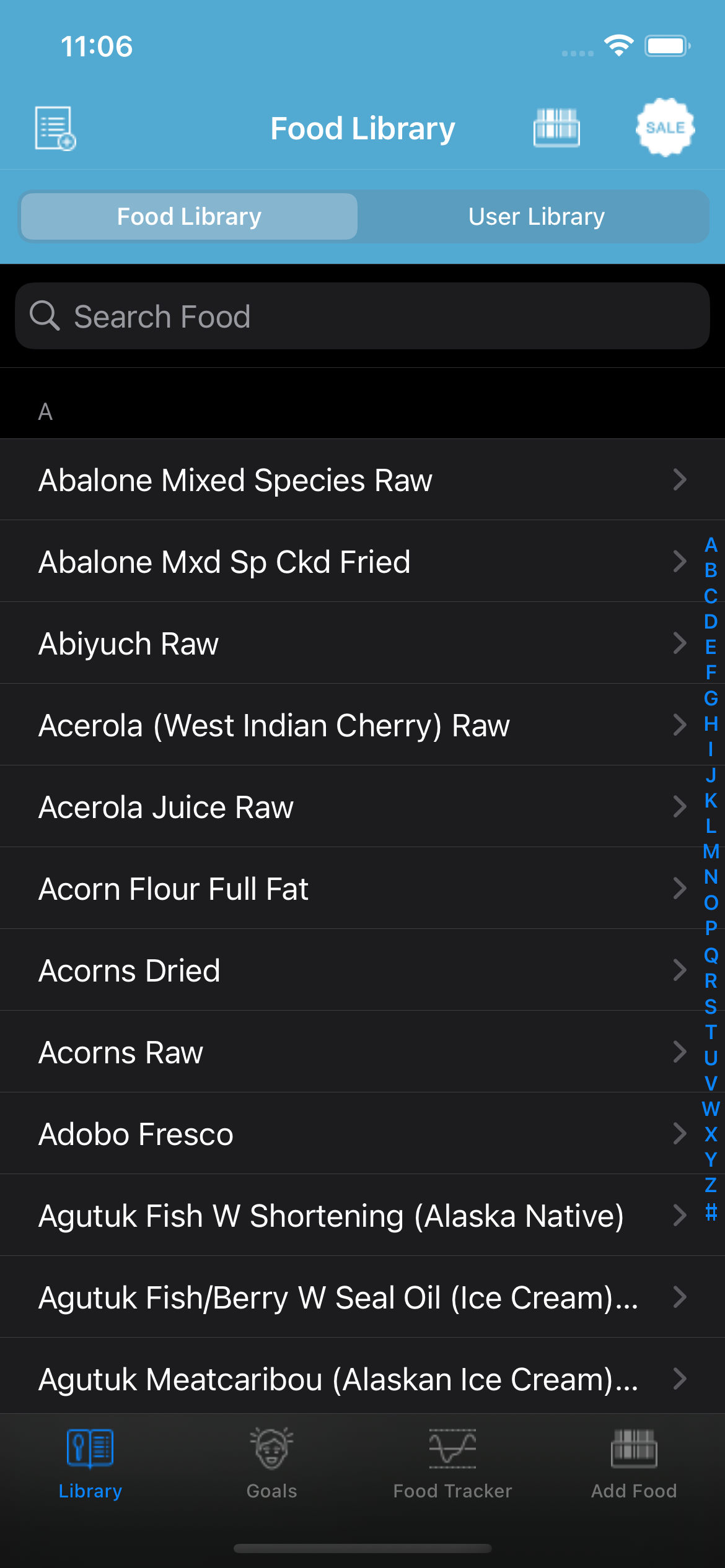
Search the included food catalog, compare available results, and review serving information before adding food to your day.
With permission, import supported steps, sleep, cycle, and mindfulness records from Apple Health.
Save favorites, collections, recipes, recent choices, and custom foods in a personal library that is ready to use again.
Version 8.0.2
BeFit Tracker for iPhone and iPad helps you record food, activity, goals, and personal progress with focused touch-friendly workflows. Your supported records can also be reviewed across the current BeFit Tracker experience on Mac.
You can search the bundled food catalog, use barcode lookup where available, choose foods from your personal library, create custom foods, import recipes, or use supported food-assistance workflows.
Review the food source, serving information, and nutrition details before saving.
No. Barcode lookup can request product information from Open Food Facts, but availability and completeness vary by product and country. BeFit Tracker lets you review the returned information before saving it.
With permission, BeFit Tracker can import supported records from Apple Health, including steps, sleep, cycle, and mindfulness data. Apple Health remains the source of those records, and available data depends on your permissions and connected devices or apps.
On eligible devices, Apple Intelligence can assist with food-photo entry and recipe discovery. Apple Vision may assist with image classification inside that workflow.
The workflow is Beta. Results may be incomplete or incorrect, and you should review the suggested food, recipe, ingredients, and nutrition before importing or saving anything.
You can dictate a dish or food description, review and edit the transcript, and choose from available recipe or food matches before adding the result to your records.
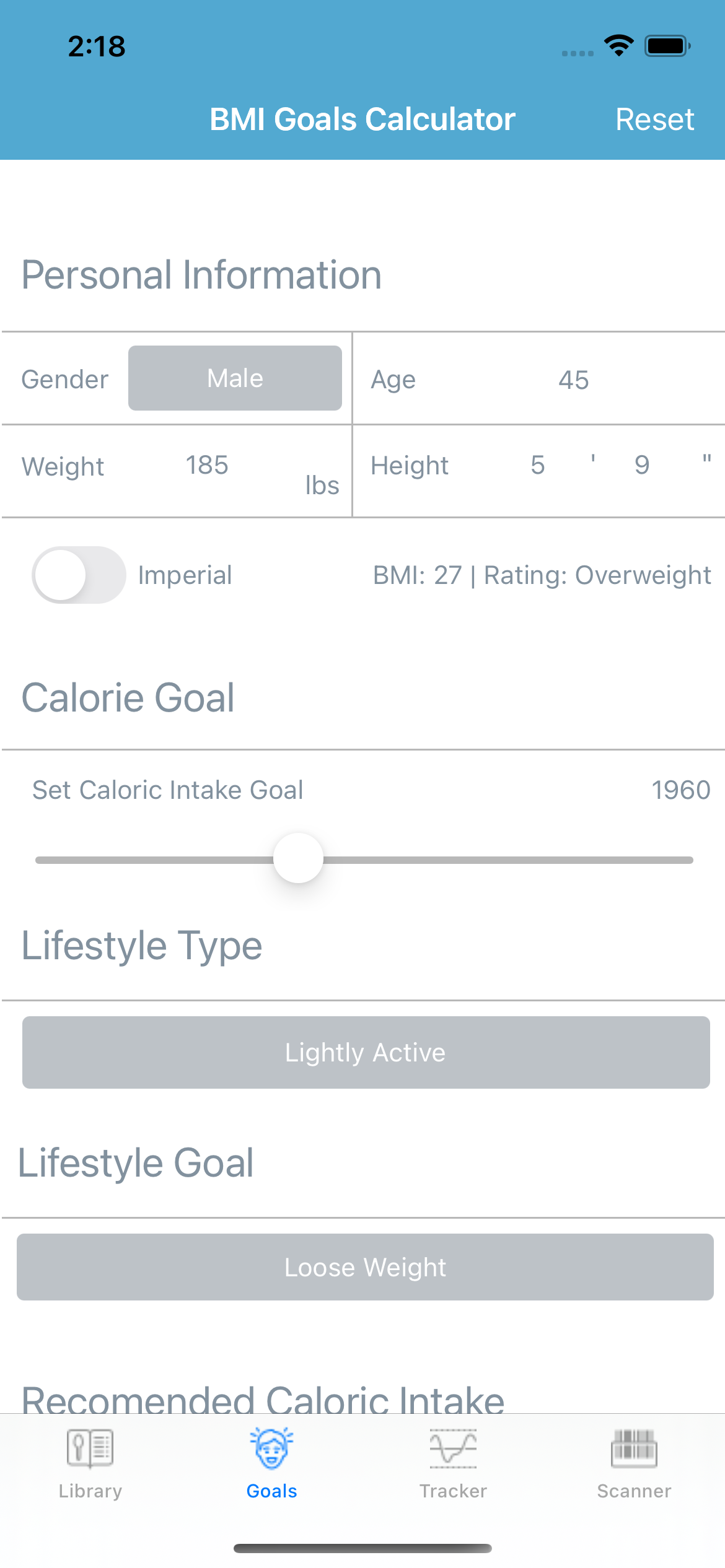
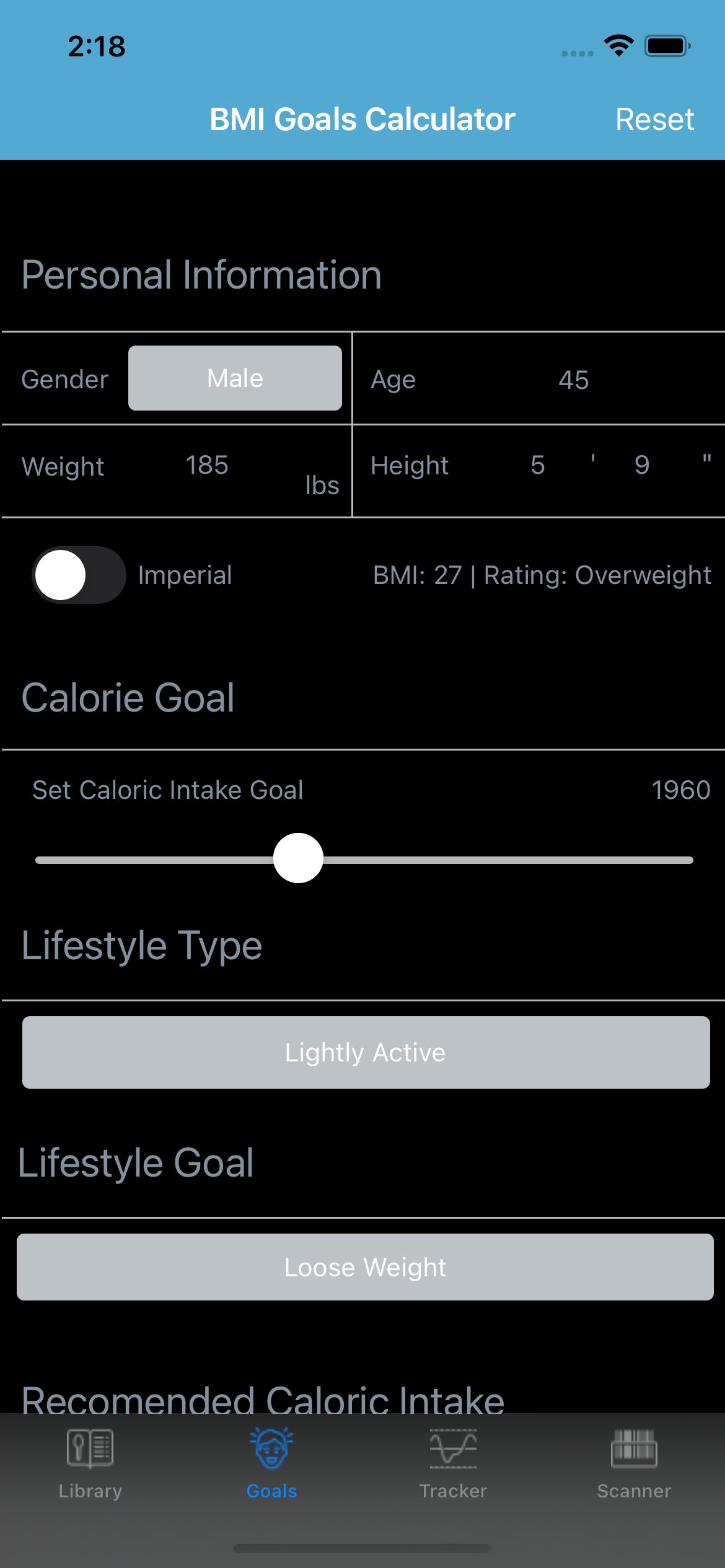
Supported trackers include food, calories, weight, BMI, hydration, steps, sleep, A1C, fasting, cycle, mindfulness, goals, achievements, and trends. A1C, Sleep, Fasting, Cycle, and Mindfulness features may be labeled Beta where applicable.
BeFit Tracker can reconcile supported personal records through the signed-in user’s private iCloud account when iCloud access is configured. The bundled food catalog is read locally and is separate from your personal records.
No. BeFit Tracker is not subscription-based. The Full Food Database is an optional restorable $2.99 one-time in-app purchase.
The included Lite catalog contains 100,000 foods. The optional Full Food Database expands the catalog to more than 1.9 million foods through a one-time purchase.
The bundled catalog and on-demand Open Food Facts lookup are separate sources. BeFit Tracker preserves source context and shows missing information instead of inventing values.
Eligible non-consumable purchases may support Apple Family Sharing when Apple marks them as shareable. Eligible members of your Apple Family Sharing group may be able to restore purchase access. Personal records and app data remain separate.
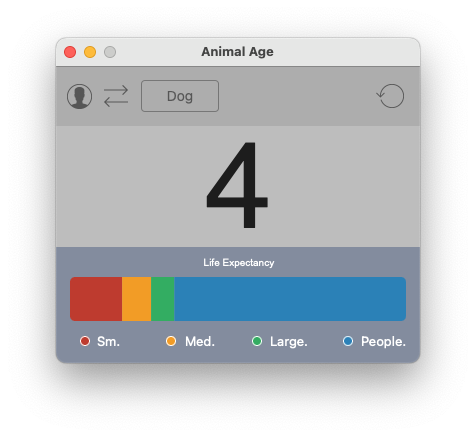
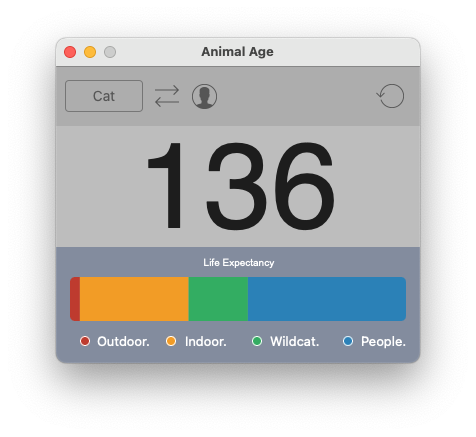
Convert the ages of different animals into human-equivalent years to better understand lifespan, maturity, and aging differences across species.
Explore general information about animals, including lifespan ranges and age expectations, based on available species and breed data.
Store and track your pet’s age and basic information directly on your iPhone, making it easy to reference age conversions over time.
Compare ages for a wide range of animals — including dogs, cats, chickens, ducks, cows, and more — with breed and species context for improved accuracy.
Version 7.7 — August 2026
Animal Age uses commonly accepted lifespan averages and age-conversion models for each species and breed. These models compare an animal’s age progression against a typical human lifespan to provide an easy-to-understand comparison rather than an exact biological equivalent.
No. The comparisons are intended to be informational and illustrative, not medical or veterinary advice. Lifespans can vary widely based on breed, genetics, environment, and care, so results should be viewed as general guidance.
Yes. Animal Age allows you to enter and track your pet’s age and basic information directly on your iPhone. This makes it easy to see how your pet’s age compares to human years over time.
Different species — and even different breeds — age at very different rates. For example, smaller animals often mature faster and have shorter lifespans, while larger animals tend to age more slowly. Animal Age accounts for these differences when presenting comparisons.
Yes. In addition to common household pets, Animal Age includes a variety of species such as birds, livestock, and other animals. This allows you to explore age comparisons across a broad range of animals for learning and curiosity.
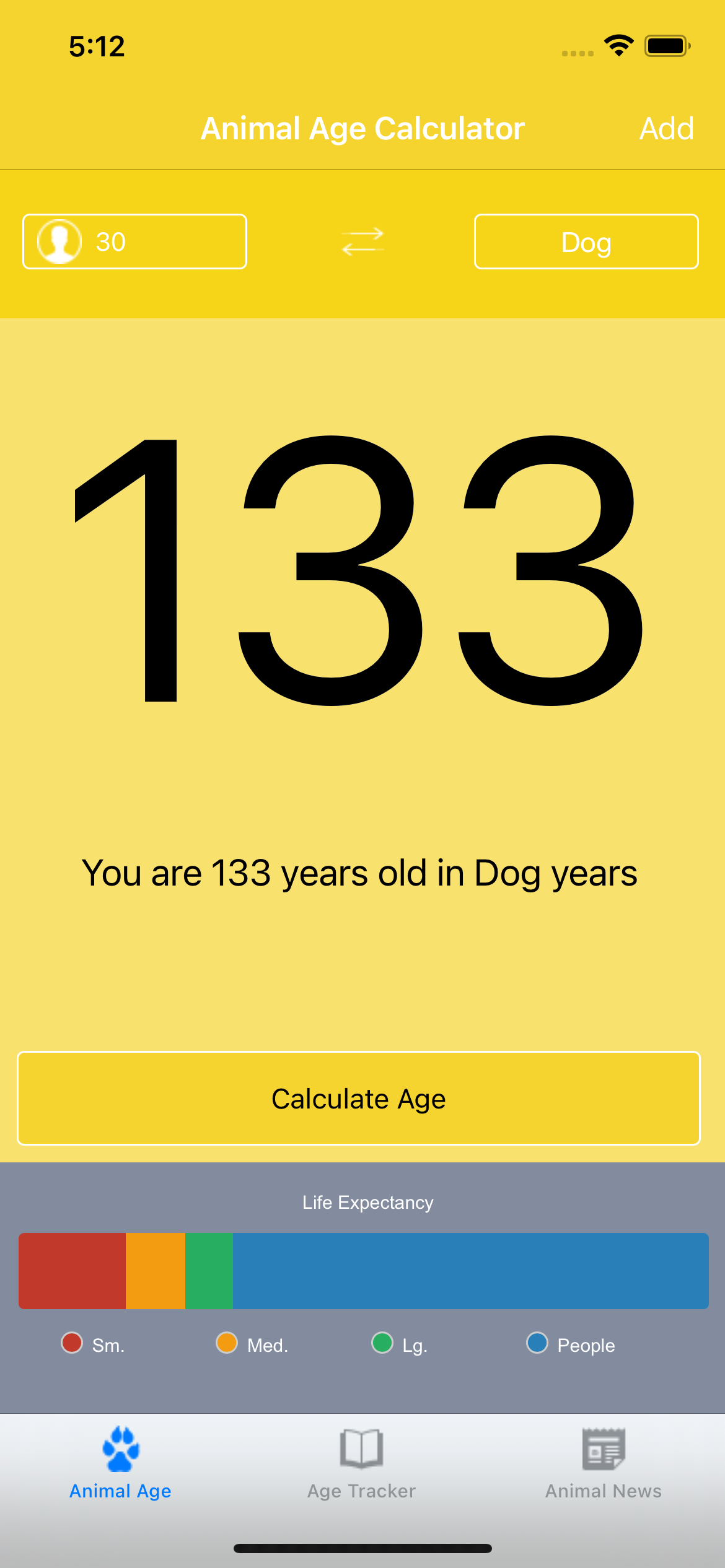
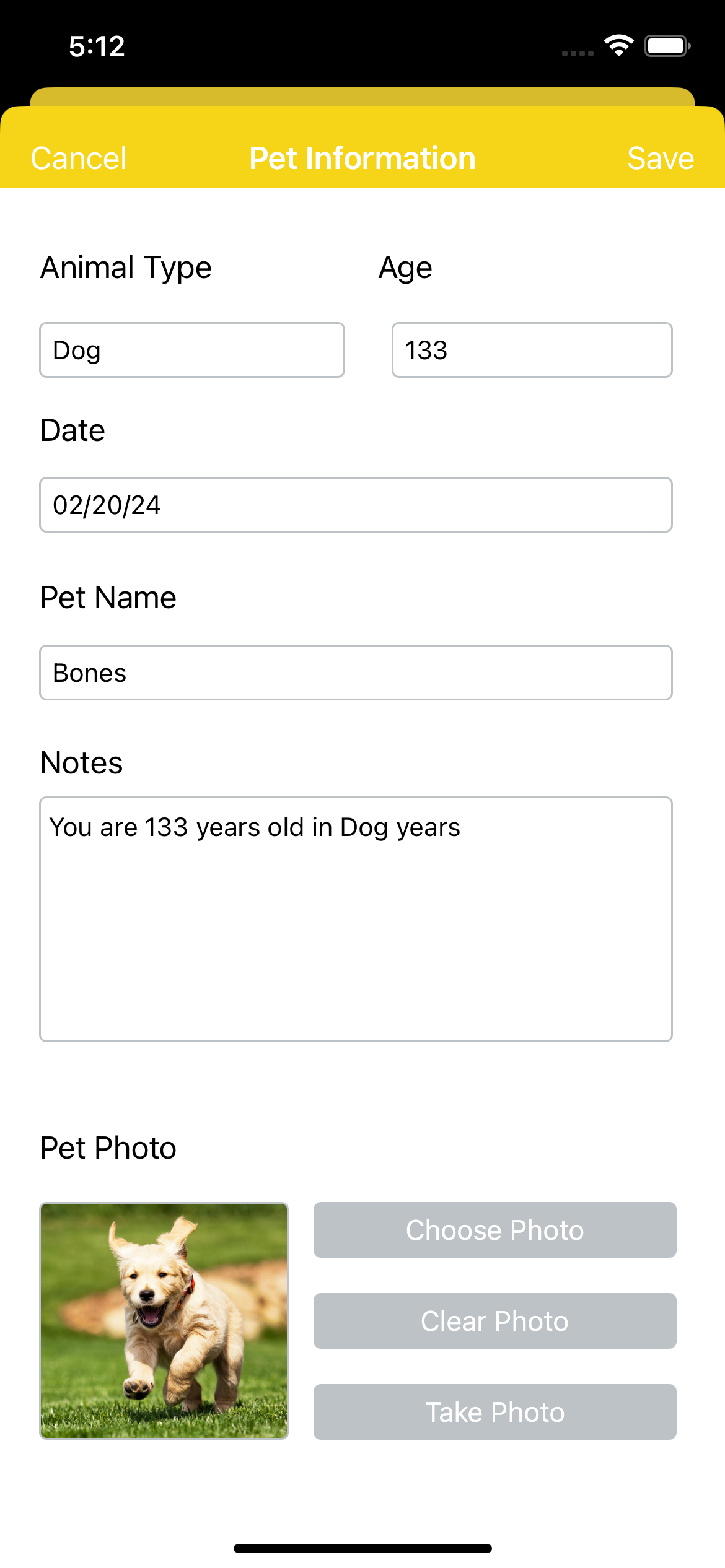
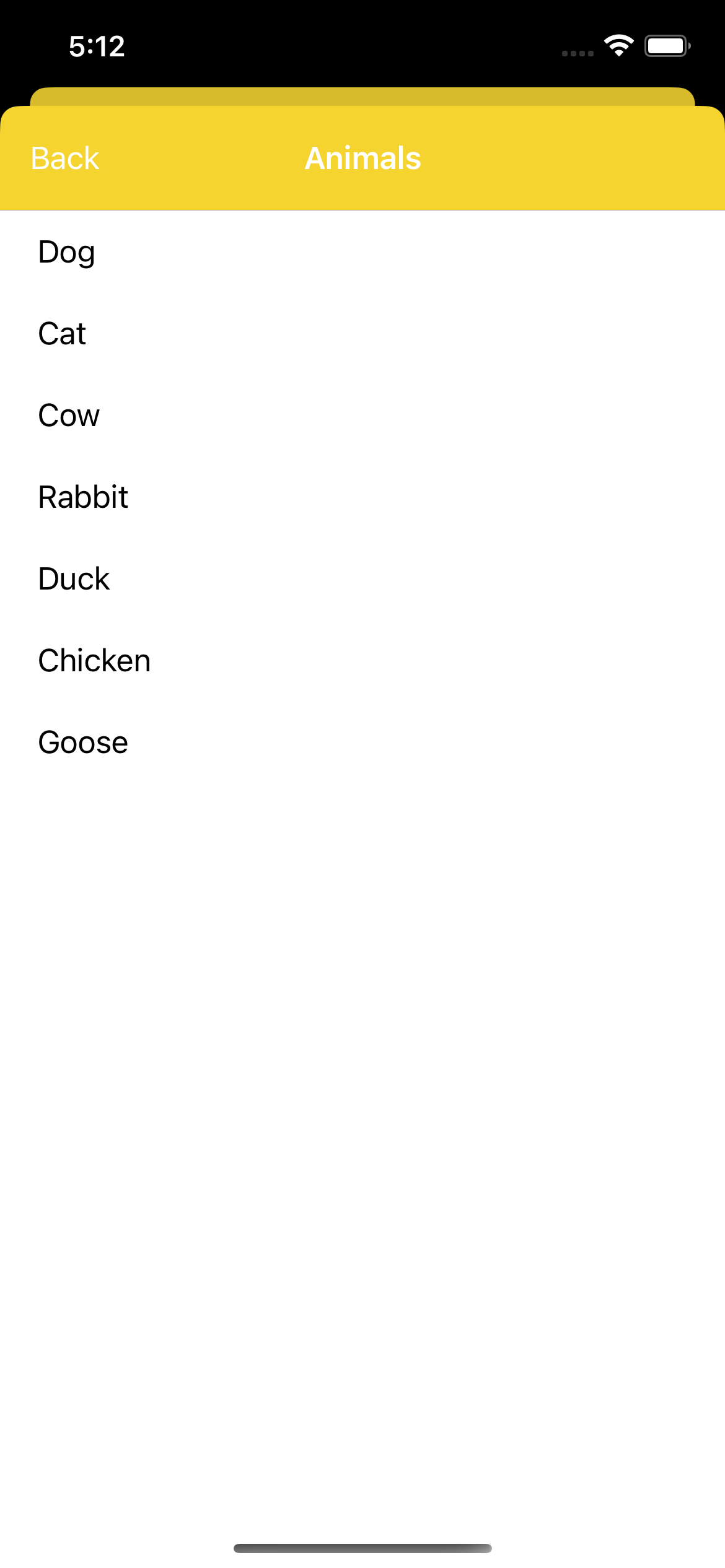
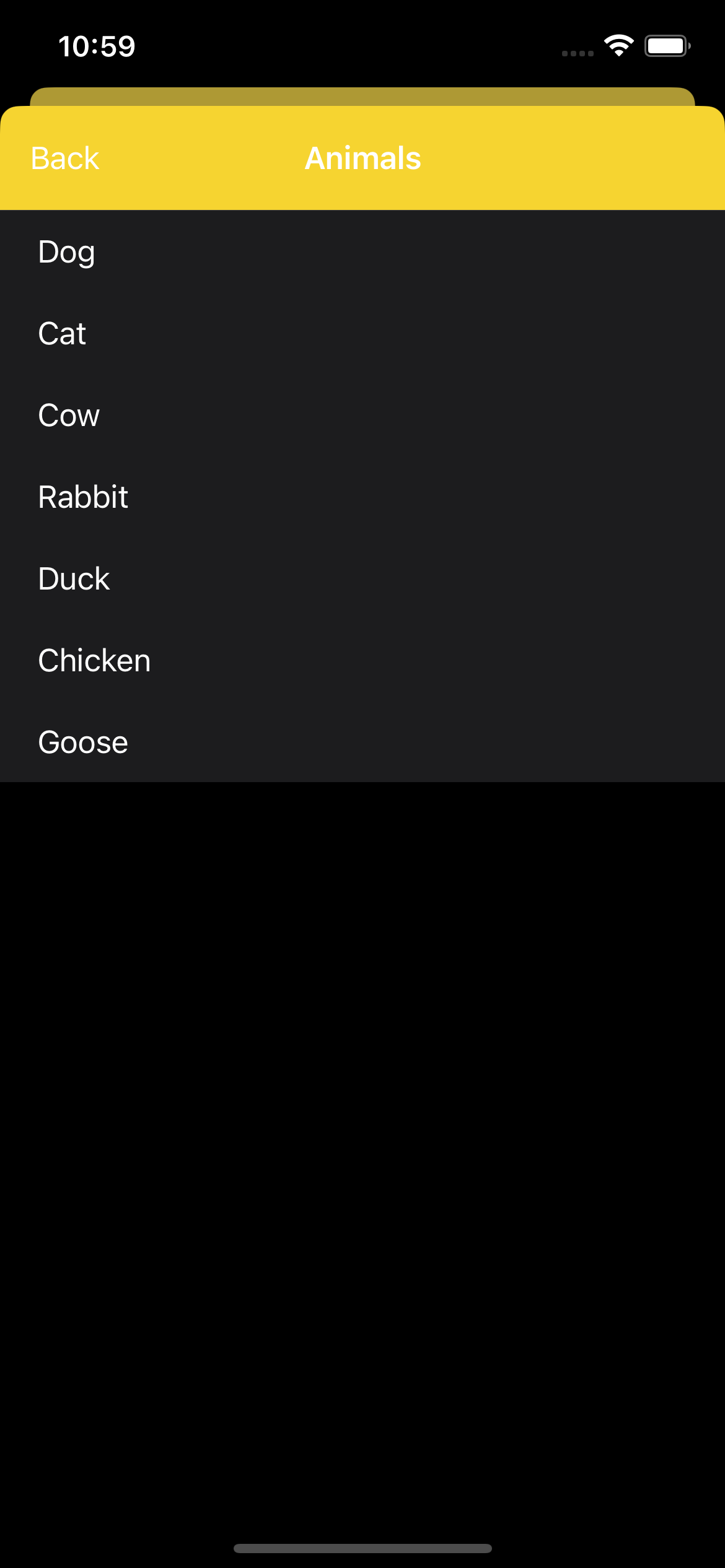
Convert animal ages into clear, human-equivalent terms so lifespan differences are easy to understand at a glance. Calculations adapt based on species and known lifespan ranges.
Compare lifespans across animals using an interactive graph view. Quickly spot how different species and breeds age relative to one another without digging through tables.
Different breeds age differently. Animal Tracker accounts for breed-level variation where available, providing more accurate lifespan expectations and comparisons.
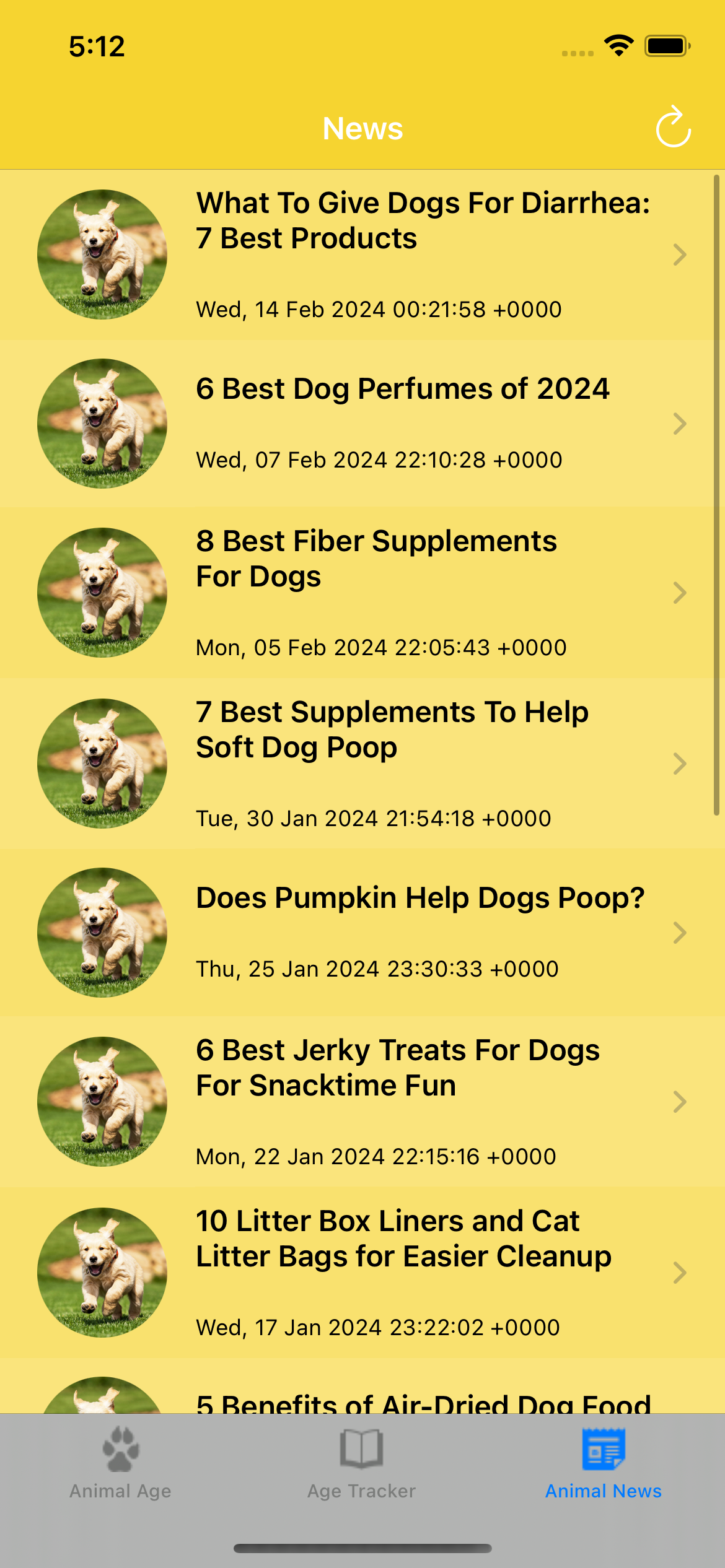
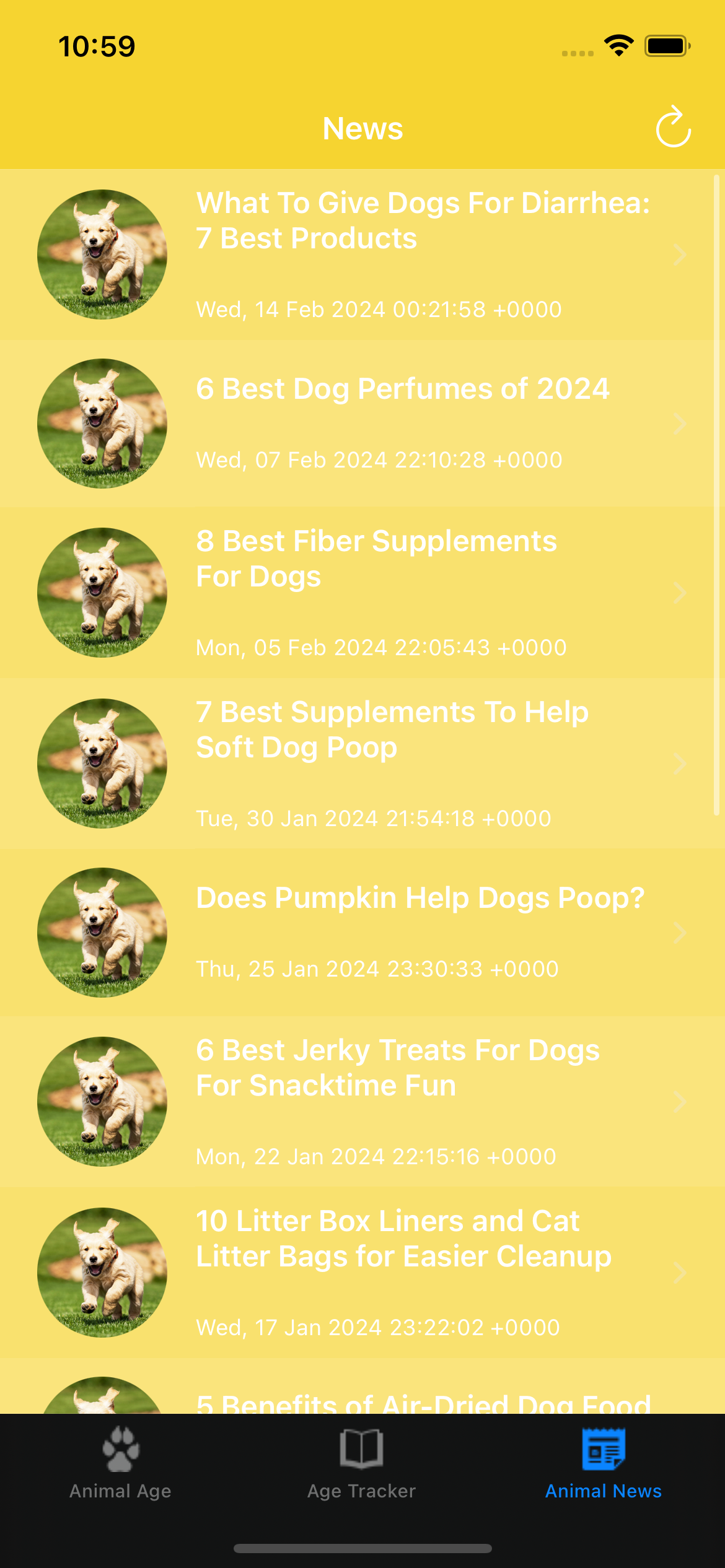
Stay up to date with animal-related news and articles pulled from across the animal and wildlife community, helping you learn about trends, discoveries, and issues that impact different species.
Version 7.7 — August 2026
Animal Tracker for iOS is designed for quick, visual comparisons on your iPhone. It focuses on touch-friendly graphs, fast conversions, and mobile workflows rather than large data exports or enterprise use cases.
Yes. When breed-specific lifespan data is available, Animal Tracker adjusts age conversions and lifespan expectations accordingly to provide more accurate results.
All lifespan values are estimates based on commonly accepted averages and research data. Individual animals may age differently depending on health, environment, and care.
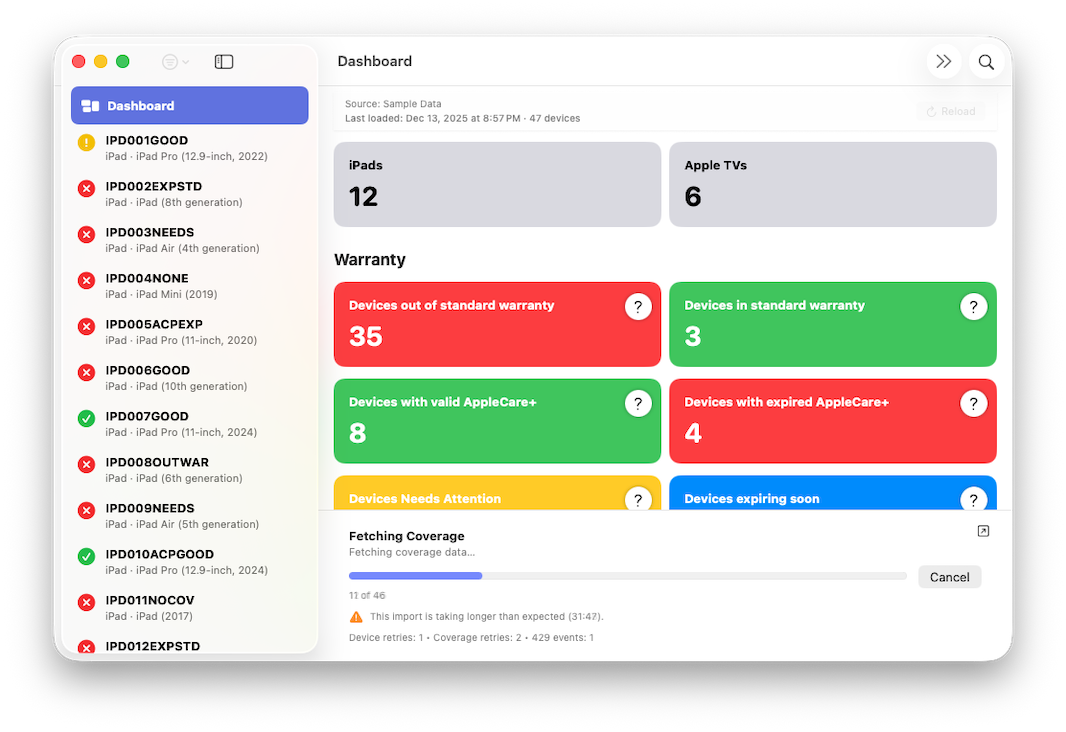
Retrieves device and warranty data directly from Apple Business Manager with pagination safety.
Uses Apple-approved OAuth authentication with locally stored EC private keys.
Handles tens of thousands of devices without UI freezes or data loss.
Exports warranty and coverage data to CSV for audits and lifecycle planning.
Version 0.6.0 — September 28, 2026
ABM Warranty uses Apple’s official OAuth 2.0 client authentication flow. You generate an EC P-256 private key in Apple Business Manager and provide the required identifiers within the app. All credentials are stored locally on your Mac and are never transmitted to any third-party service.
Yes. The app is designed and tested for large organizations with tens of thousands of devices. It includes pagination safeguards, serialized coverage requests, retry handling, and protections against malformed or partial ABM API responses to ensure stability during large imports.
No. ABM Warranty is strictly read-only. It retrieves device inventory and warranty information from Apple Business Manager but does not create, update, or delete any data in your ABM tenant.
Individual device failures do not stop the overall import. If Apple Business Manager returns errors for specific devices, the app continues processing the remaining inventory and records failures so you can review them later. This prevents partial API issues from disrupting large data pulls.
Yes. ABM Warranty allows you to export retrieved warranty and AppleCare+ coverage information to CSV format. This makes it easy to use the data for audits, lifecycle planning, budgeting, or integration with other internal tools.