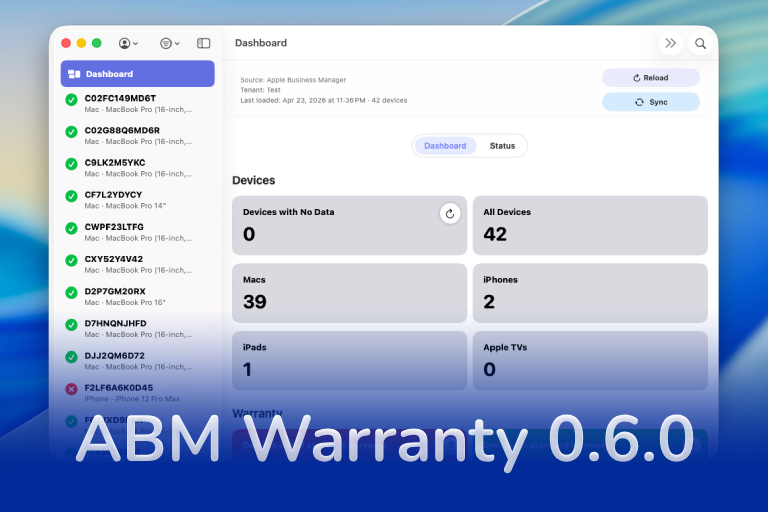
ABM Warranty 0.6.0: Schedule Inbound and Outbound Syncs
Learn how to configure tenant-aware inbound and outbound schedules in ABM Warranty 0.6.0, export managed jobs for MDM, and inspect schedules from the CLI.
Learn how to configure tenant-aware inbound and outbound schedules in ABM Warranty 0.6.0, export managed jobs for MDM, and inspect schedules from the CLI.

Turning off Jamf Trust fixed the webinar, which normally would have sent me straight to its routing policies. This time the route was fine: Chromium was treating Jamf's ZTNA broker addresses as a local network, and an Edge and Chrome preference corrected it.

Part one of a Clamshell iBook G3 restoration: a broken screen, a charger detour, a blinking system folder, a full teardown, and the backlight connector mistake that paused the project.
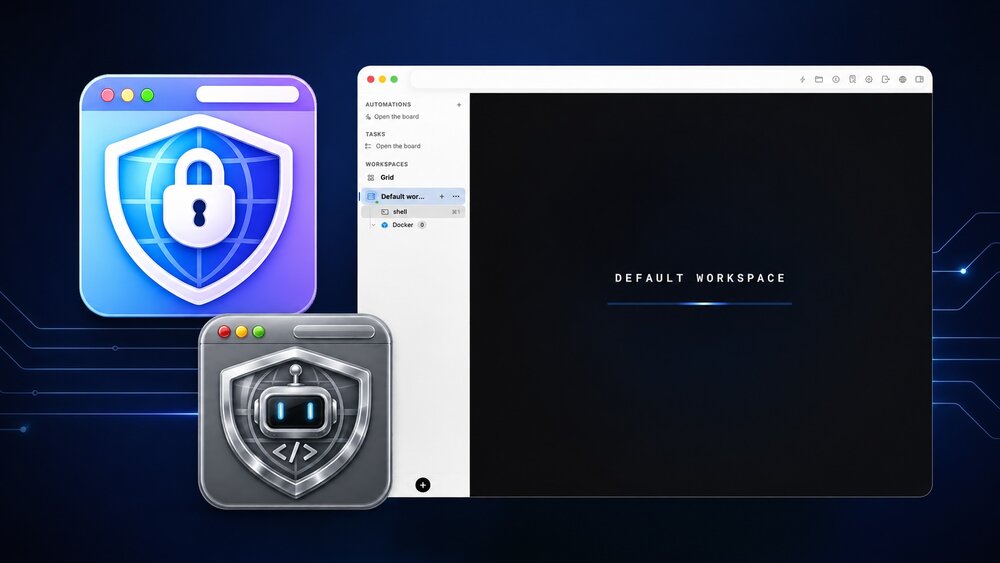
I installed Bromure Agentic Coding, watched it build the Linux VM, authenticated Codex, and followed a real Codex task through the workspace.
Claude Code Auto mode changes how approval decisions are handled. It does not expand the boundary of what the coding agent should be allowed to do.

Amnesia Stealer shows how ClickFix-style social engineering is adapting on macOS, while a public malware sample gives defenders an opportunity to study the behavior behind the campaign.
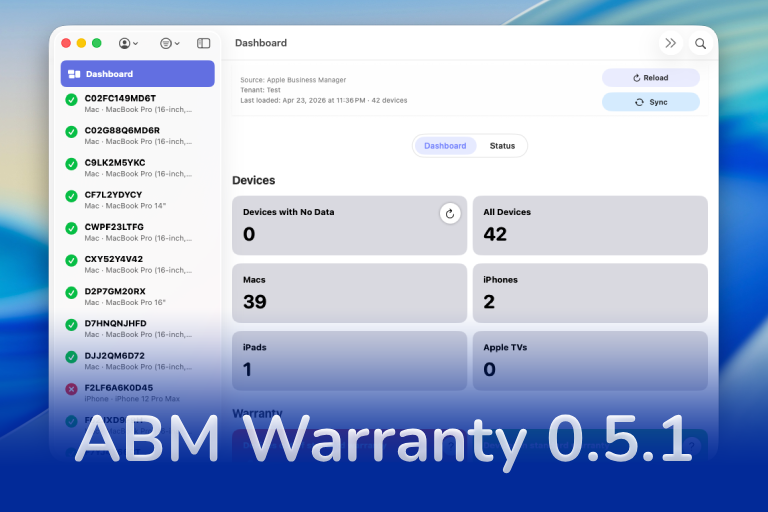
ABM Warranty 0.5.1 adds outbound connection workflows for JAMF and OAuth-based APIs, an expanded device detail view, outbound job tracking, and guide updates for connection setup and sync review.

Build beautiful macOS Help Books with live preview, multilingual AI translation, and one-click export to Helpbook, PDF, and HTML.
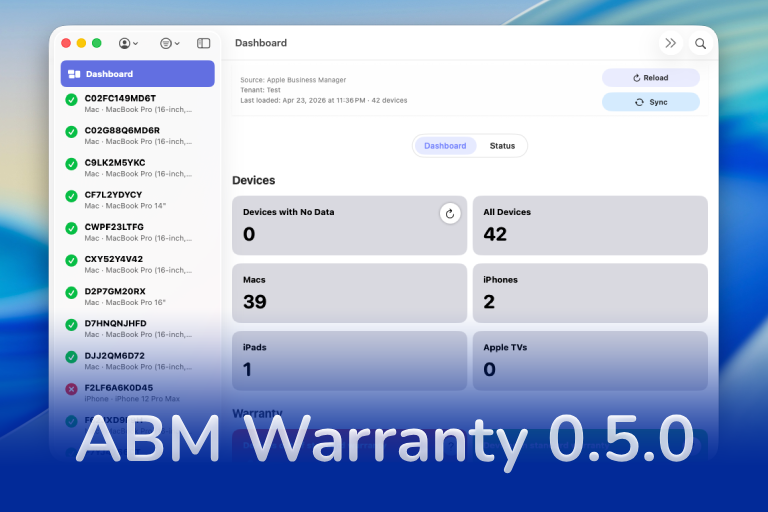
ABM Warranty 0.5.0 expands the platform with tenant-aware desktop widgets and notifications, giving teams clear, real-time visibility into fleet health, expiring coverage, and devices requiring attention across ABM/ASM environments. This release introduces a powerful CLI for managing notifications and sync workflows, alongside a new job-based architecture with chunking, sync history tracking, and an enterprise sync mode designed to scale with large device fleets. Additional enhancements include API credential rotation for security-conscious organizations, notification muting for known exceptions, forward-compatible database migration paths, and full localization support across 10 languages for global...

Local LLMs have rapidly evolved beyond text and are now capable of producing high-quality images directly on-device. For users running Apple Silicon machines—especially M-series Mac Studios and MacBook Pros—this represents a major shift in what’s possible without relying on cloud services. Just a few years ago, image generation required powerful remote GPUs, subscriptions, and long processing times. Today, thanks to optimized models and Apple’s Metal acceleration, you can generate and edit images locally with impressive speed and quality. The result is a workflow that is faster, private, and entirely under...

In this final ABM Warranty 0.4.1 walkthrough, I’m wrapping up the last features I had not covered directly in the earlier videos and then focusing on support, community, and the beta program. I also want to show where the support resources live inside the app so you know where to go if you need help, documentation, or a way to send useful feedback. Additionally, I'll be covering some of the key features that were updated since the previous version, including any bug fixes or improvements made to existing functionality.
In this part of the ABM Warranty 0.4.1 walkthrough series, I'm focusing on managed preferences and the credential packaging workflow. In the last video, I covered multiple credentials inside the app itself. In this one, I'm showing how to package those credentials so they can be deployed securely through MDM. This process is a crucial step in ensuring that your credentials are properly configured and protected within your organization's mobile device management system.
Today I’m walking through Low Profile, a utility from Nindi Gill that I use when I want to inspect profiles already installed on a Mac and figure out whether those profiles contain issues I need to clean up. The value is that Low Profile gives me a straightforward way to inspect profiles installed on any Mac. This simplicity makes it easy for me to identify and address potential problems, which is especially useful when working with multiple machines or troubleshooting complex profile configurations.
In this part of the ABM Warranty 0.4.1 walkthrough series, I’m focusing on multiple credentials. In the first video, I showed the basic setup and how to add a single credential. Now, I want to explore what happens when I remove a credential, what changes occur when I add more than one, and how the app behaves once there are multiple contexts in play. This will help clarify any potential issues or inconsistencies that may arise with multiple credentials.
In this first ABM Warranty 0.4.1 walkthrough, I want to show you what the app actually does before I get into the more specific feature videos. This is the broad introduction. I’m walking through the dashboard, how I think about the warranty cards, how released devices are handled, how the filters work, how to add credentials, where the data is stored locally, and what the logging and security model looks like.
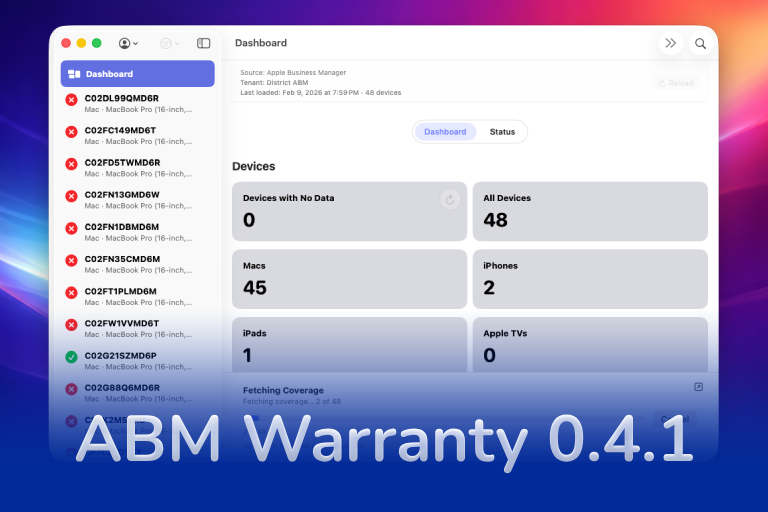
The 0.4.x release series for ABM Warranty is focused on operational scale. The earlier 0.3 releases were about trust, correctness, and stabilizing the foundation. Version 0.4.1 builds directly on that work by making the app more practical for consultants, internal IT teams, and managed service providers who need to support multiple environments without losing isolation, control, or visibility. This includes improvements to user interface and workflow, as well as enhanced reporting capabilities to help these users manage their workflows more efficiently.

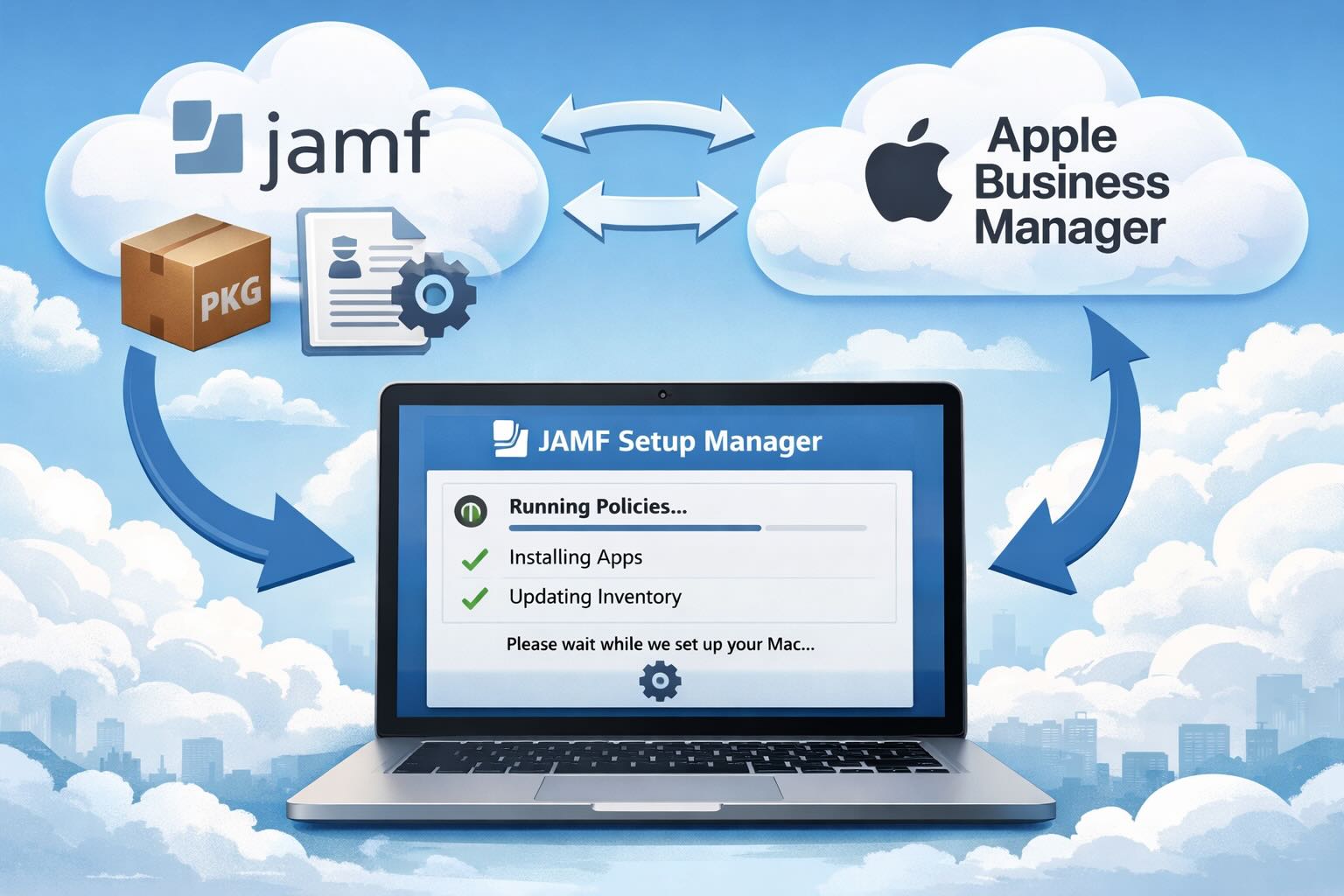
Jamf's attended Simplified Setup for Platform SSO changes Mac enrollment by making identity registration part of Setup Assistant before the MDM profile is installed.
Apple’s WWDC26 special presentation on Apple Intelligence and Xcode was less about adding a chat box to developer tools and more about making AI part of the platform boundary. Xcode agents, App Intents, Foundation Models, Core AI, and MLX all point toward the same idea: intelligent features need context, permissions, testing, and clear ownership before they belong in production software.
After helping lead our organization through a successful CMMC Level 2 assessment, I share lessons learned from years of preparation, audit readiness, evidence collection, and working through the certification process.
Caches pile up, apps leave behind junk, and disk space slowly disappears. While there are plenty of GUI tools out there, most of them either lack transparency or feel overly bloated.
As a Mac admin, I'm always on the lookout for tools that make my life easier and more efficient. Recently, I stumbled upon Pique - a brilliant Quick Look plugin created by Henry Stamerjohann that allows you to view file contents in a syntax highlighted way.
In this final ABM Warranty 0.4.1 walkthrough, I’m wrapping up the last features I had not covered directly in the earlier videos and then focusing on support, community, and the beta program. I also want to show where the support resources live inside the app so you know where to go if you need help, documentation, or a way to send useful feedback. Additionally, I'll be covering some of the key features that were updated since the previous version, including any bug fixes or improvements made to existing functionality.
In this part of the ABM Warranty 0.4.1 walkthrough series, I'm focusing on managed preferences and the credential packaging workflow. In the last video, I covered multiple credentials inside the app itself. In this one, I'm showing how to package those credentials so they can be deployed securely through MDM. This process is a crucial step in ensuring that your credentials are properly configured and protected within your organization's mobile device management system.
A few days ago I released a review of QuickPKG, a tool I love and use almost daily. What I really love about packaging and QuickPKG is that no matter what Mobile Device Management (MDM) solution I'm working with at any given moment, it provides a universal way to create a quick package to import into JAMF, Mosyle, or any MDM. This consistency is particularly valuable when switching between projects or environments, as the process remains the same regardless of the specific MDM being used.