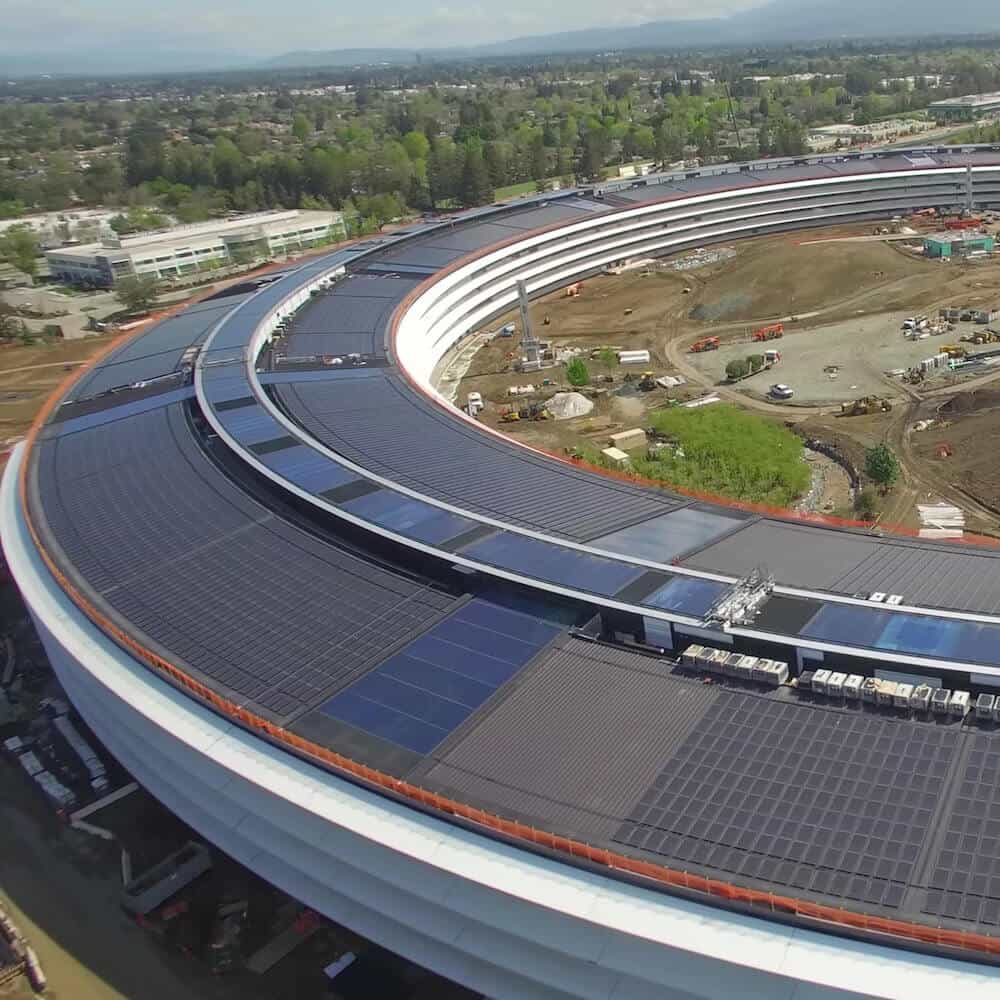

Apple Park Features a Steve Jobs Theater and is Powered 100% by Renewable Energy.
Earlier this year, Apple announced that its new corporate headquarters was nearing completion and would be ready to house over 12,000 employees. First known as Campus 2, Apple’s HQ was renamed Apple Park and is officially open. Construction is still underway to finish the construction of adjacent buildings and parklands through the summer. View aerial drone footage here.
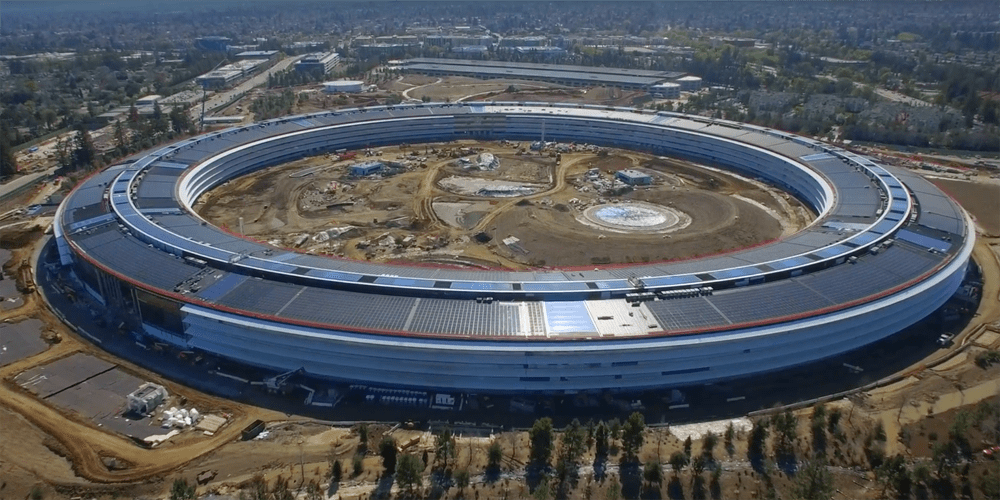
Powered by 100% Renewable Energy
Apple takes a dramatic leap ahead into the future by embracing renewable energy as its primary energy source for the large new park. There are 17 megawatts of rooftop solar available through a new microgrid installed that make Apple’s headquarters one of the largest global on-site solar energy installations, delivering 75 percent of the facility’s power requirements. The remaining 25 percent of energy is provided by Bloom Energy fuel cells, similar to the ones that Apple has its existing data center in North Carolina. The new facility also is naturally ventilated and projected to not need heating or air conditioning for as much as nine months of the year.
The new Apple Park replaces over 5 million square feet of existing concrete with new grassy fields and 9,000 drought-resistant trees native to California. Apple’s tree range includes apple, apricot, cherry and persimmon trees. In addition, there are two miles of walking and running paths for employees as well as a meadow, orchard and pond within the massive ring. Apple Park has been designed by existing Apple design executives and employees and the architecture firm Foster + Partners.
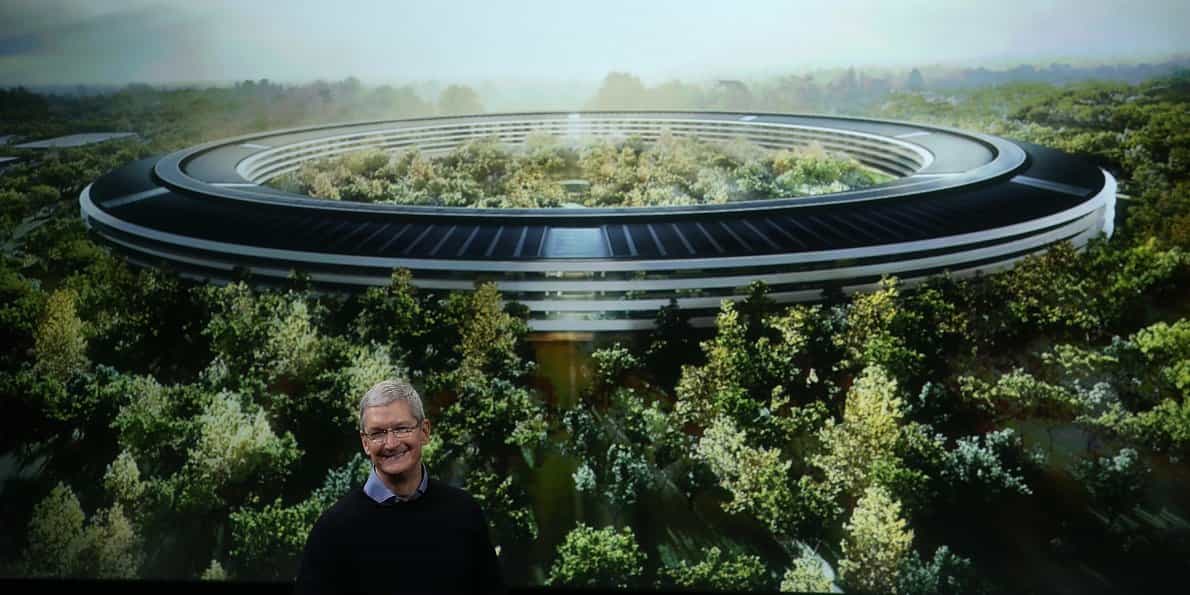
Prior to Apple’s land purchase, the area was owned by Hewlett Parkett and paved with asphalt and concrete. The eco-friendly design was essential to founder Steve Job’s initial vision and years later, this plan is being put in place with love and careful planning.
The adjacent Phase 2 project offers additional workspace and has a data center powered by solar cells and renewable energy.
Steve Jobs Theater and Visitor Center
Apple Park has a new 20-foot-tall glass auditorium called the Steve Jobs Theater that honors its founder Steve Jobs. Adjacent to the theater is a visitor center complex with 120,000 square feet of assembly space and seating for 1,000, as well as a large lobby area and kitchen facilities. Construction of the theater began just little over a year ago. The Steve Jobs Theater sits atop a hill that overlooks grassy meadows.
The visitor center has an Apple Store and a public cafe. It also has a large 100,000 square foot fitness center for employees and a secure R&D center.
Phase 2 Buildings
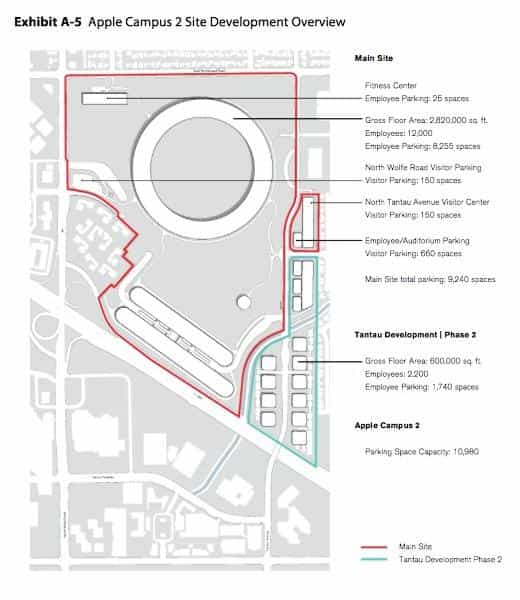
There is also another set of buildings under construction on the property referred to as Phase 2. There have been suggestions that this building will be focused on automotive products. There’s been speculation whether this consists of autonomous driving alone or will include designing and developing an entire automotive vehicle and vehicle information systems.
Phase 2’s largest building consists of a four-story, 300,000 square foot office building for research and development. This beautiful new building under construction features large curtain walls of glass for clear, unobstructed views of the landscape.

AI Usage Transparency Report
Pre-AI Era · Written before widespread use of generative AI tools
AI Signal Composition
Score: 0.04 · Low AI Influence
Summary
Apple Park is a new corporate headquarters that features a Steve Jobs Theater and is powered by 100% renewable energy.
Related Posts
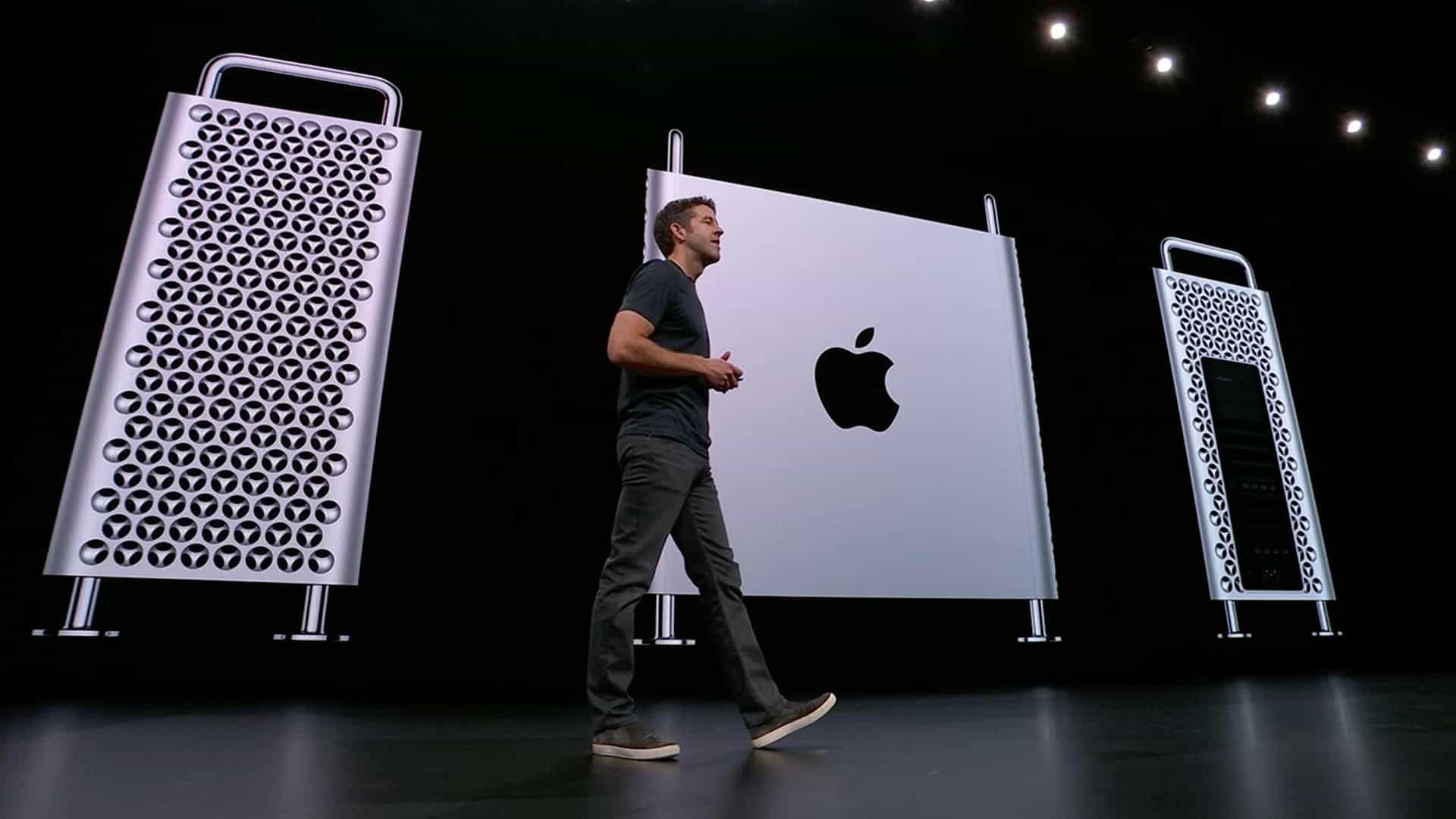
The new Mac Pro Tower: Wheels optional
So happy to see that Apple is going back to its ability to allow users to upgrade and customize their Mac Pro tower experience. There was much much love for the old Cheese Grater style Mac Pro and many are still in use because of their overall upgradeability and customization. Not saying that the Trash Can approach was bad. It was in line with their motto, think different. Coming up with a new and unique approach to power computing.

MacOS 10.15 Catalina Releasing this Fall
Wow things move quickly from year to year. No surprise here. MacOS Catalina brings a whole new level of cool back to the Mac in my honest opinion. I am so happy that Apple has decided to break out iTunes into multiple apps. iTunes back in the day was so awesome, easy to use and simplistic. Now it tends to be a power hungry and semi confusing app to use as its the defacto app for everything. How about that annoying feature that automatically launched iTunes when your phone was...

Thanks to our wonderful clients for a great 2018
--- This year was a year of Growth here at Grove Technologies. Our company changed brand, re-defined its core strategy and competency. During this time of transition we learned a lot about what we want to accomplish moving forward and the new direction that we will be moving in. That said I want to thank all of the passionate and amazing clients that trust us with their technology. We are proud to be able to claim that we are helping further many social justice, climate and advocacy movements as well...
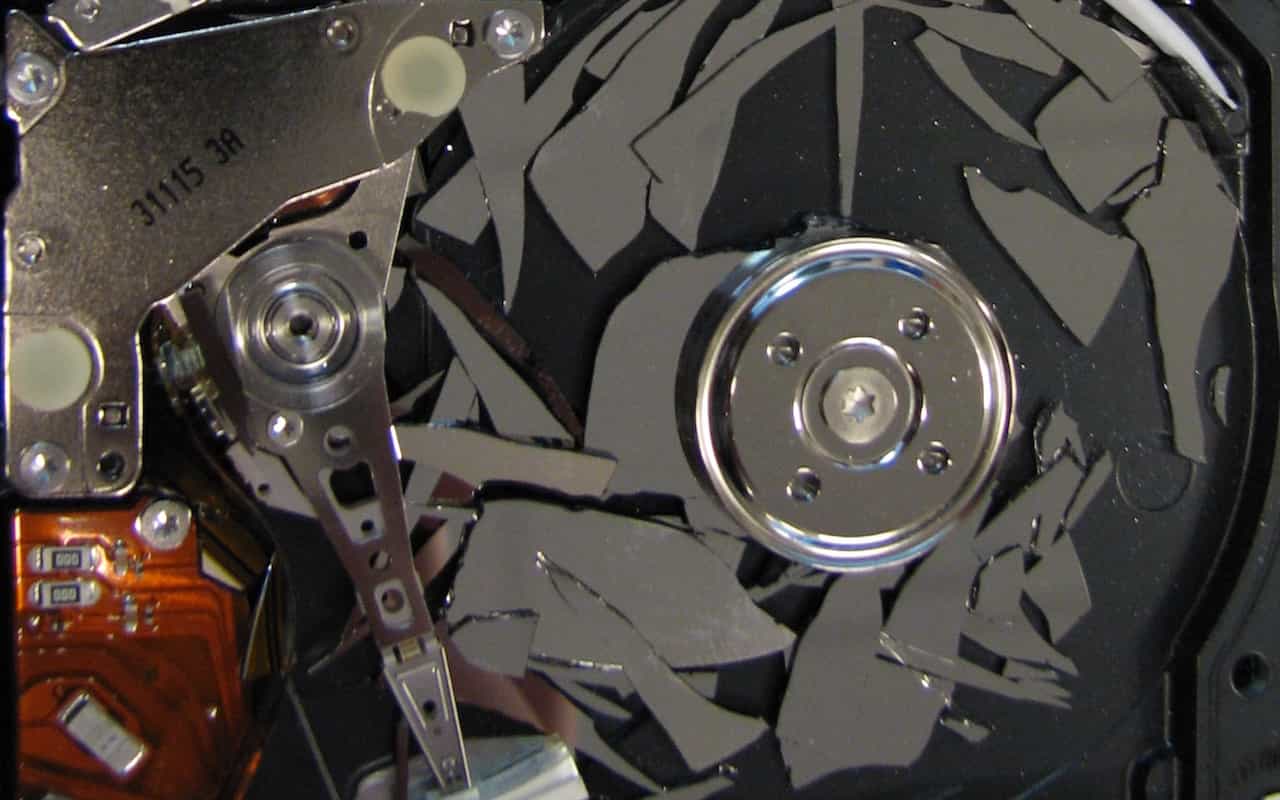
Back Up Before Upgrading to Mojave or iOS 12
Poll a room of Apple experts about the one topic they can't stop talking about and many will launch into frustrated rants about how too few people back up. Backups are always important, since you can never predict when your Mac or iPhone will be lost or stolen, melt in a fire, or just break. But one time when backups are especially important is before you upgrade to a major new operating system. If you're thinking "What could go wrong?" the answer is, "Lots," and wouldn't you like to be...
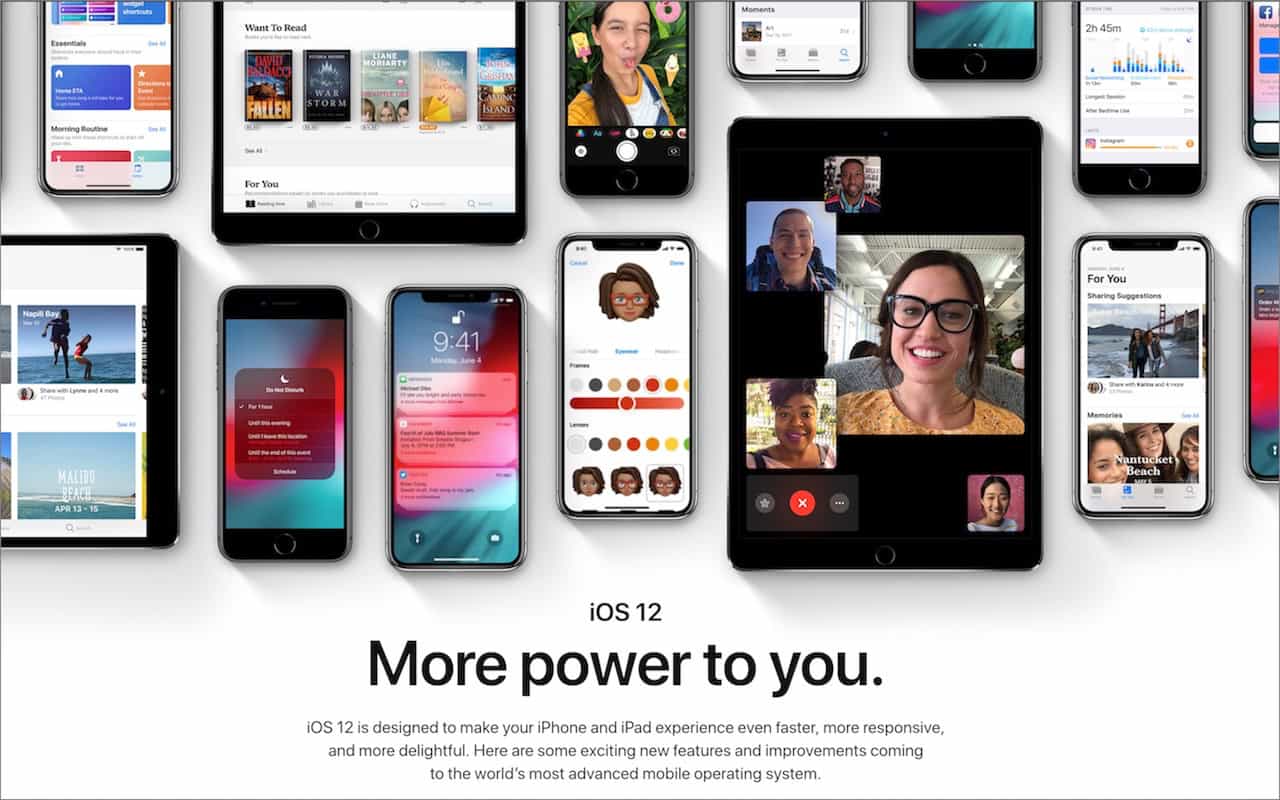
Top Features of iOS 12 to Take Advantage of Right Away
Feeling left behind because you don't have the latest iPhone or iPad? Don't worry, because Apple has a present for you in the form of iOS 12. The new operating system promises to increase performance, particularly for older devices as far back as the iPhone 5s and iPad Air. This means that your device will be able to run more smoothly and efficiently, making it feel like a newer model again.

Seriously Cool Features of macOS 10.14 Mojave You Won’t Want to Miss
With last year's macOS 10.13 High Sierra, Apple made no sweeping changes, instead focusing on refinements and bug fixes. In keeping with the company's alternating cycle of releases, this year's macOS 10.14 Mojave boasts a range of new features that build upon the previous version. As expected, these additions are incremental rather than revolutionary, allowing users to gradually adapt to the updated functionality without feeling overwhelmed by drastic changes.

When Should You Upgrade to macOS 10.14 Mojave, iOS 12, watchOS 5, and tvOS 12
When Should You Upgrade to macOS 10.14 Mojave, iOS 12, watchOS 5, and tvOS 12? --- It's that time of year again, when an Apple user's thoughts drift to new versions of macOS, iOS, watchOS, and tvOS. Apple announced the new versions in June, and public betas have been available since. But once Apple makes macOS 10.14 Mojave, iOS 12, watchOS 5, and tvOS 12 available for free download, you'll need to decide when to install each.
How to Deal with macOS Server Losing Many of Its Services
For many years, Apple has sold macOS Server (previously called OS X Server) for those who wanted to run various Unix-based Internet services on a Mac. Server became popular because it put an easy-to-use graphical interface on top of the Unix apps, allowing Mac users to avoid complicated configuration files and reducing the need to work at the command line. This made it accessible to a wider range of users, including those without extensive technical knowledge, who still wanted to manage their own servers.

Sneak Preview of What’s Coming from Apple This Fall
At Apple’s Worldwide Developer Conference keynote on June 4th, the company unveiled the first developer versions of all four of its operating systems: macOS 10.14 Mojave, iOS 12, watchOS 5, and tvOS 12. They won’t be available until this fall, likely in September or October, but here is a glimpse of what you can expect from these upcoming updates. The new features and improvements will be detailed further at the conference, giving developers a head start on preparing their apps for the new operating systems.
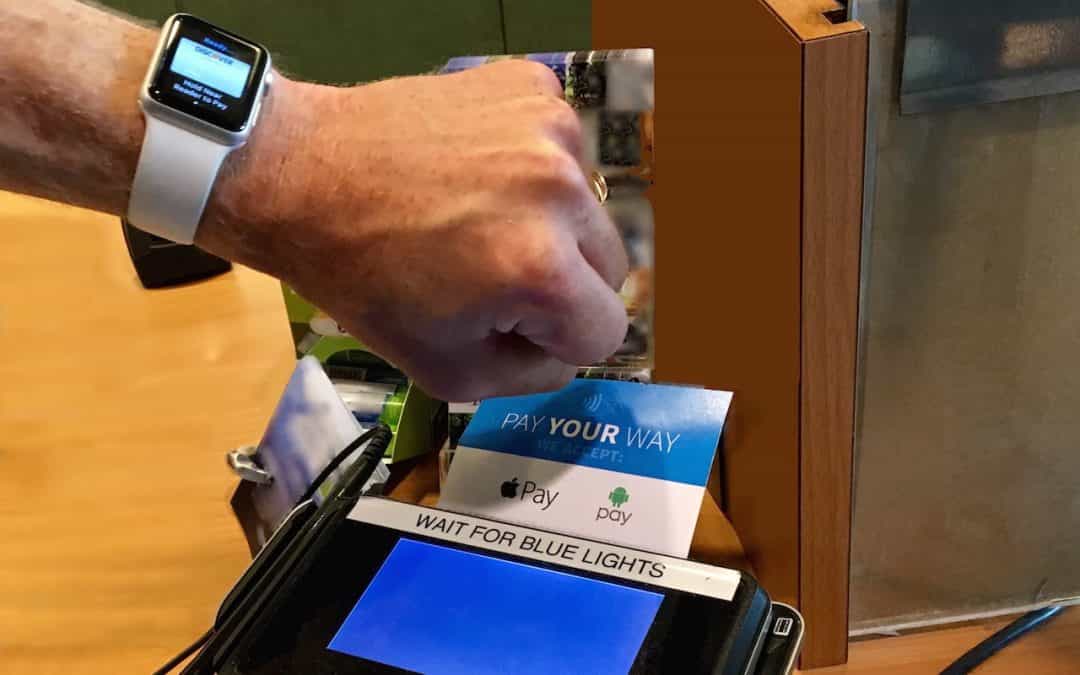
Apple Pay Is Faster, Easier, More Secure, and More Private Than Using Credit Cards
You’ve probably heard of Apple Pay, but have you set it up so you can use it to pay for purchases at checkout? If not, give it a try, since it’s one of those living-in-the-future Apple technologies that feels like science fiction every time you use it. Simply put your iPhone, iPad, or Apple Watch within an inch or so of a compatible payment terminal (look for an Apple Pay or contactless payment logo), put your finger on the Home button to use Touch ID (or double-press the iPhone’s side...
