

When disaster strikes, your company needs to be ready. As the pandemic has shown in 2020, many small businesses were not ready for the scope and impact that a disaster may cause in terms of disruption and unavailability too critical systems and essential employees. Many small businesses were forced to scramble at the last minute to accommodate remote work solutions with the bare minimum preparation or experience to support continuity requirements. Small businesses should take into account the types of disasters that they may occur or impact their company. Here are a few key tips that companies large and small should prepare for to help navigate through an unplanned disaster.
The first and foremost tip all businesses should undertake is to have a documented disaster recovery plan sometimes called BCDR. A BCDR defines the critical steps for recovery procedures needed to ensure business continuity can be restored as quickly as possible to meet the critical objective points. At a bare minimum a small business should conduct a business impact analysis to determine which assets are the most critical and essential to support needed operations.
A small business should keep an up-to-date hardware and software inventory list which provides a complete listing of hardware and software applications in their priority order. This is essential to have documented to ensure that all assets are properly tracked and managed so that they could be replaced in the event of a disaster. In addition to the inventory listing a small business should have the vendor technical support contract information and phone numbers needed in order to quickly reach out for support in the event of a disaster.
Another good starting point for a small business is to properly define your maximum downtime and data loss. A recovery time objective is the maximum allowed time for critical operations essential to your business. You should define this time allotment to determine how long can you go without being able to perform business functions. A recovery point objective is the point at which essential operations are restored and you can resume critical operations. It is often only to determine that the recovery point objective align to the critical business functions that your small business performs. If you can recover only critical functions and resume other operations later rather than waiting on all operations to be restored this will help get you back in working order faster.
One of the other most practical disaster recovery practices is having an off-site or cloud based backup strategy. A small business should have a cloud-based backup solution such as AWS S3, Backupify, Google Drive, etc. to back up both company data as well as software applications that are required for the business. Modern operating systems provide built in cloud base backup support or provide agents that can be installed to automatically perform this function.
Disasters or unplanned emergencies can happen to any business. Our consultants at Grove have the right skills and technology experience to provide guidance and support in preparing a disaster recovery process tailored to your organization. Reach out to the folks at Grove today for a consultation.
AI Usage Transparency Report
Pre-AI Era · Written before widespread use of generative AI tools
AI Signal Composition
Score: 0.01 · Low AI Influence
Summary
A small business should have a documented disaster recovery plan, conduct a business impact analysis, keep an up-to-date hardware and software inventory list, define maximum downtime and data loss, and have an off-site or cloud-based backup strategy.
Related Posts
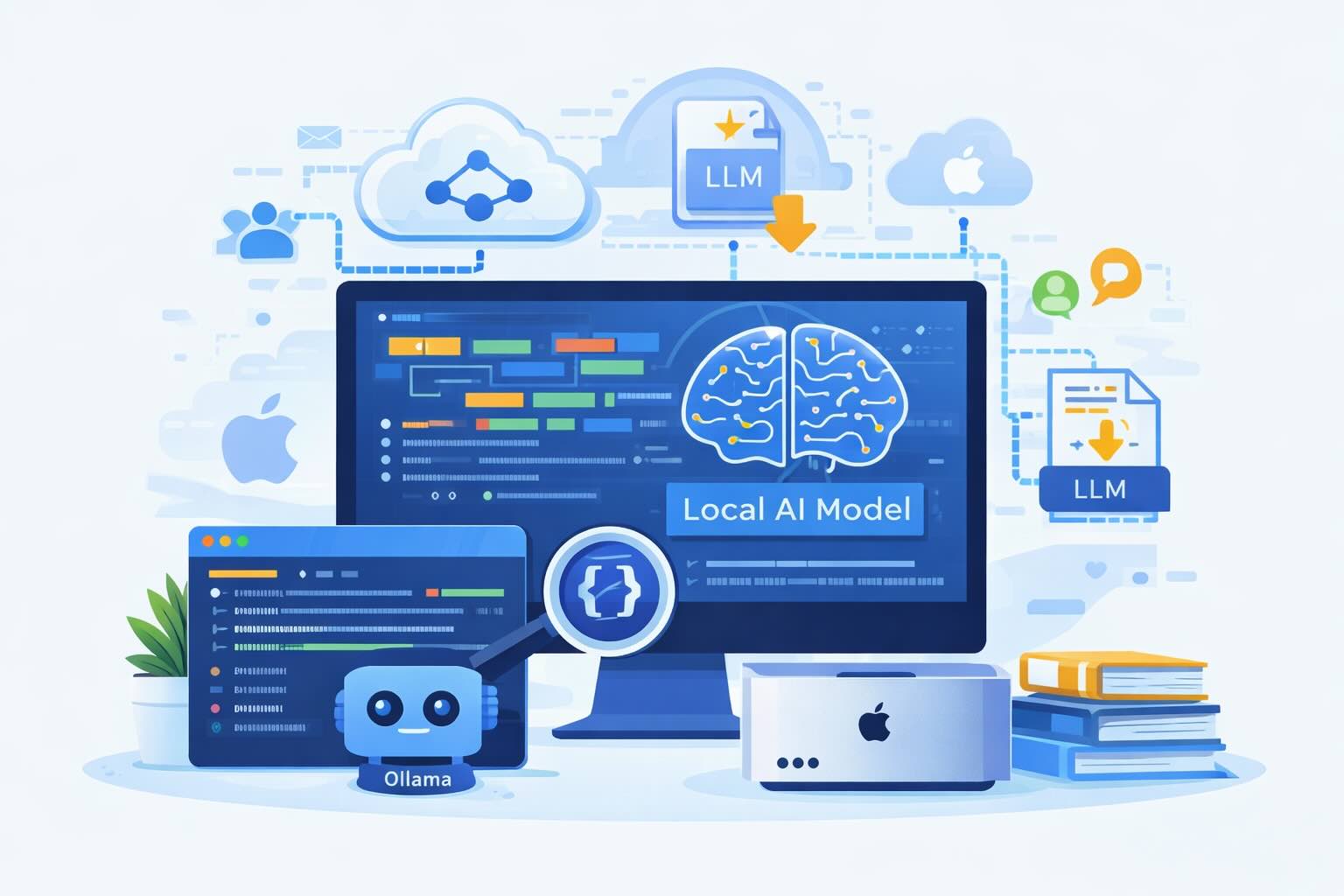
Setting up Ollama on macOS
Recently, after some bad experiences with OpenAI's ChatGPT and CODEX, I decided to look into and learn more about running local AI models. On its face it was intimidating, but I had seen a lot of people in the MacAdmins community posting examples of macOS setups, which really helped lower the bar for me both in terms of approachability and just making me more aware of the local AI community that exists out there today.
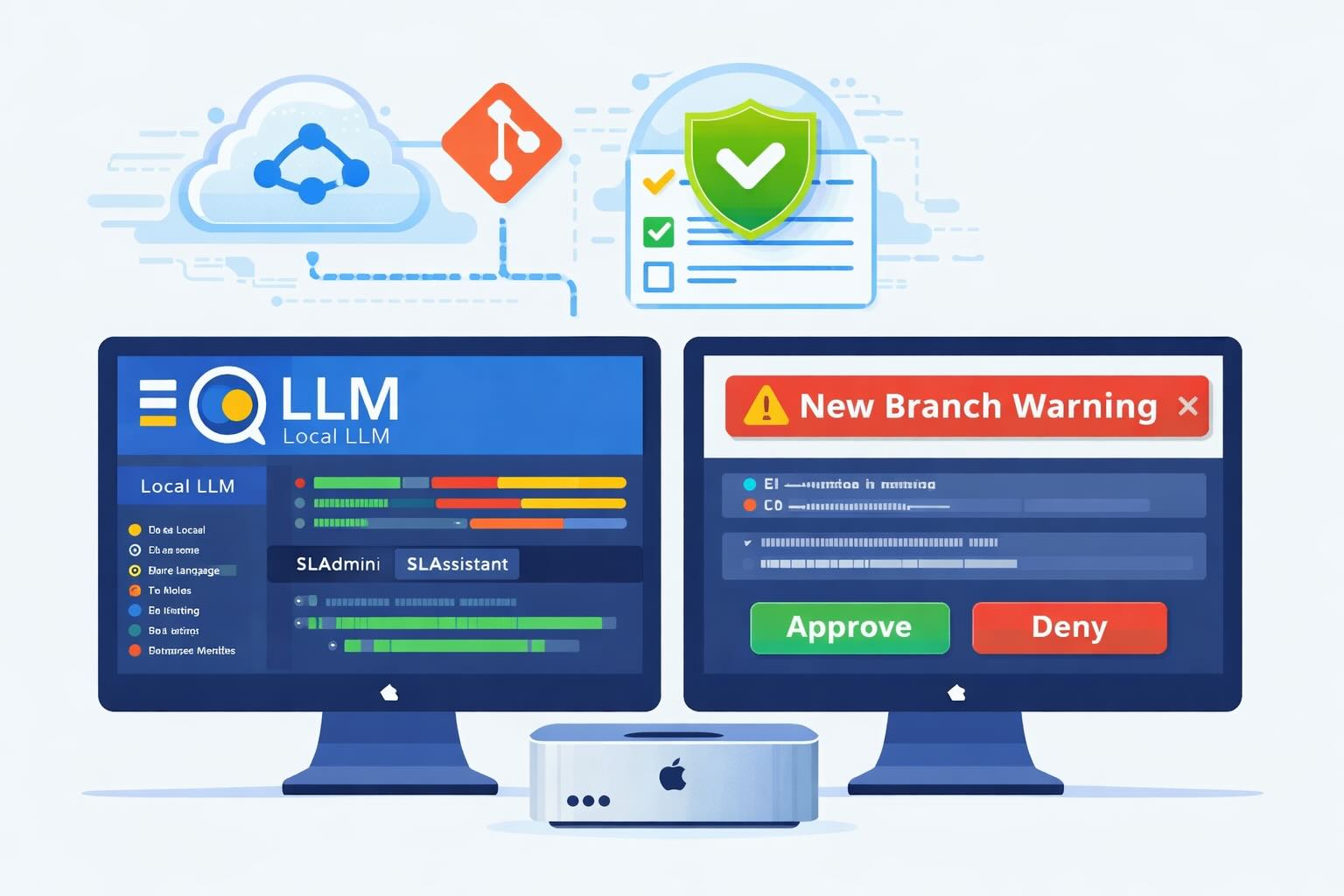
AI Agent Constraints and Security
I really feel like in this era of AI it's essential to write about and share experiences for others who are leveraging AI, especially now that AI usage seems almost ubiquitous. Specifically, when it comes to AI in development and the rapid growth of AI-driven automations in the IT landscape, I believe there's a need for open discussion and exploration.

ABM Warranty 0.4.1
The 0.4.x release series for ABM Warranty is focused on operational scale. The earlier 0.3 releases were about trust, correctness, and stabilizing the foundation. Version 0.4.1 builds directly on that work by making the app more practical for consultants, internal IT teams, and managed service providers who need to support multiple environments without losing isolation, control, or visibility. This includes improvements to user interface and workflow, as well as enhanced reporting capabilities to help these users manage their workflows more efficiently.
Vibe Coding with Codex: From Fun to Frustration
So there I was, a typically day, a typical weekend. As a ChatGPT customer, I had heard good things about Codex and had not yet tried the platform. To date my experience with agentic coding was simply snippit based support with ChatGPT and Gemeni where I would ask questions, get explanations and support with squashing bugs in a few apps that I work on, for fun, on the side. There were a few core features in one of the apps I built that I wanted to try implementing but the...
The warranty dashboard Apple doesn’t provide… yet
Download ABM Warranty
Why Apple Fleet Risk Isn’t a Security Problem—Until It Is
Security and risk are often treated as interchangeable concepts in modern IT environments, but they are not the same discipline. Security focuses on controls, enforcement, and prevention. Risk management, by contrast, is concerned with likelihood, impact, and consequence across operational, financial, and organizational domains. Frameworks such as those published by NIST make this distinction explicit: risk assessment is not a technical exercise, but a business one. Technology informs risk decisions, but it does not define them.
ABM Warranty 0.3.1
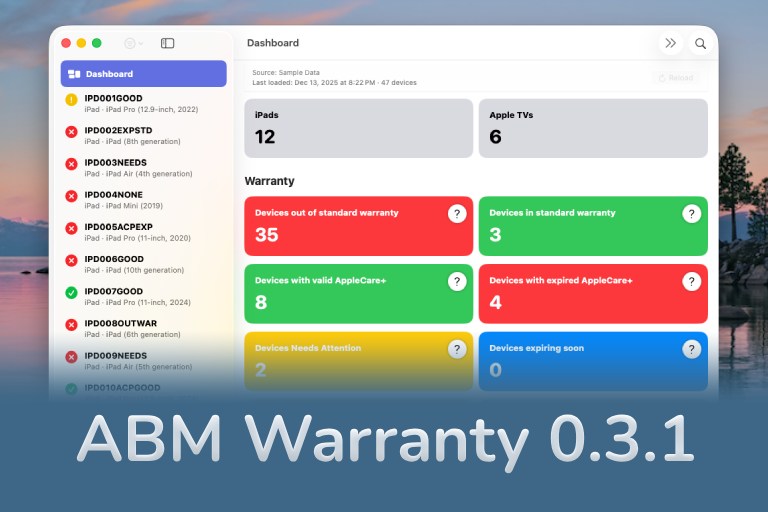
The 0.3.x release series for ABM Warranty is about tightening guarantees. Where earlier releases focused on surfacing data and making long-running operations observable, 0.3.x focuses on ensuring that what you see is complete, consistent, and safe to trust—particularly as the app is used in larger, slower, and more varied environments. This shift in focus aims to provide a more reliable foundation for users who require higher levels of assurance from their warranty management system.
ABM Warranty 0.2.0
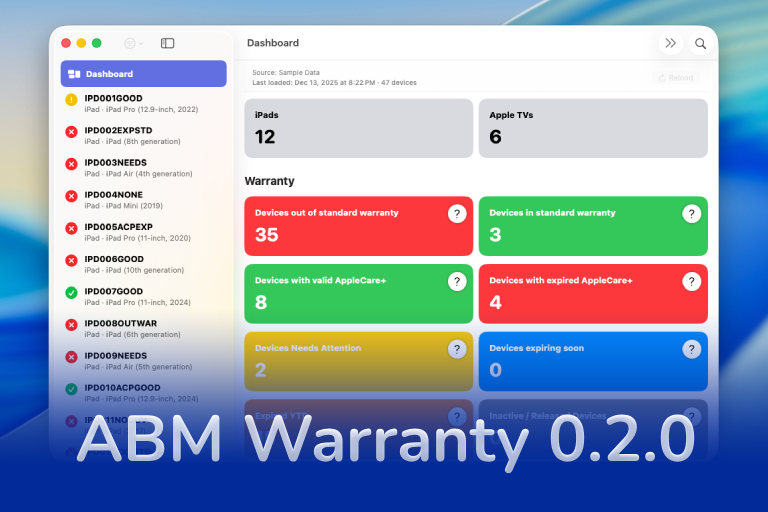
ABM Warranty 0.2.0 is a feature release focused on visibility, safety, and scale. This version does not change what ABM Warranty is meant to be, but it significantly improves how the app behaves under real-world conditions—large device counts, API throttling, long-running imports, and the kinds of failure modes Apple IT admins actually encounter. The improvements in this release are designed to make the app more reliable and efficient, allowing it to handle complex scenarios without breaking or becoming unresponsive.

Running a Beta Program: Lessons Learned
Shipping software in isolation is comforting. You control the inputs, the environment, and the narrative you tell yourself about how things work. The moment you invite other people in—especially people who don’t share your assumptions—you lose that comfort. You also gain something far more valuable. Running a public beta for ABM Warranty through Apple’s TestFlight program forced me to confront that tradeoff head-on, and it fundamentally changed how quickly and confidently the app matured.
The Day I Unmanaged a Mac Into a Corner
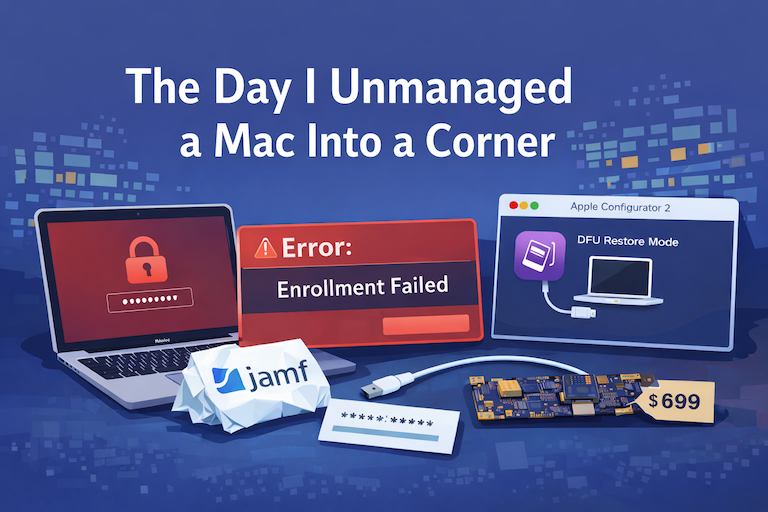
There are a few kinds of mistakes you make as a Mac admin. There are the ones that cost you time, the ones that cost you sleep, and then there are the ones that leave you staring at a perfectly good laptop thinking, “How did I possibly make this *less* manageable by touching it?” These mistakes often stem from a lack of understanding or experience with macOS, but they can also be the result of rushing through tasks or not taking the time to properly plan and test.
