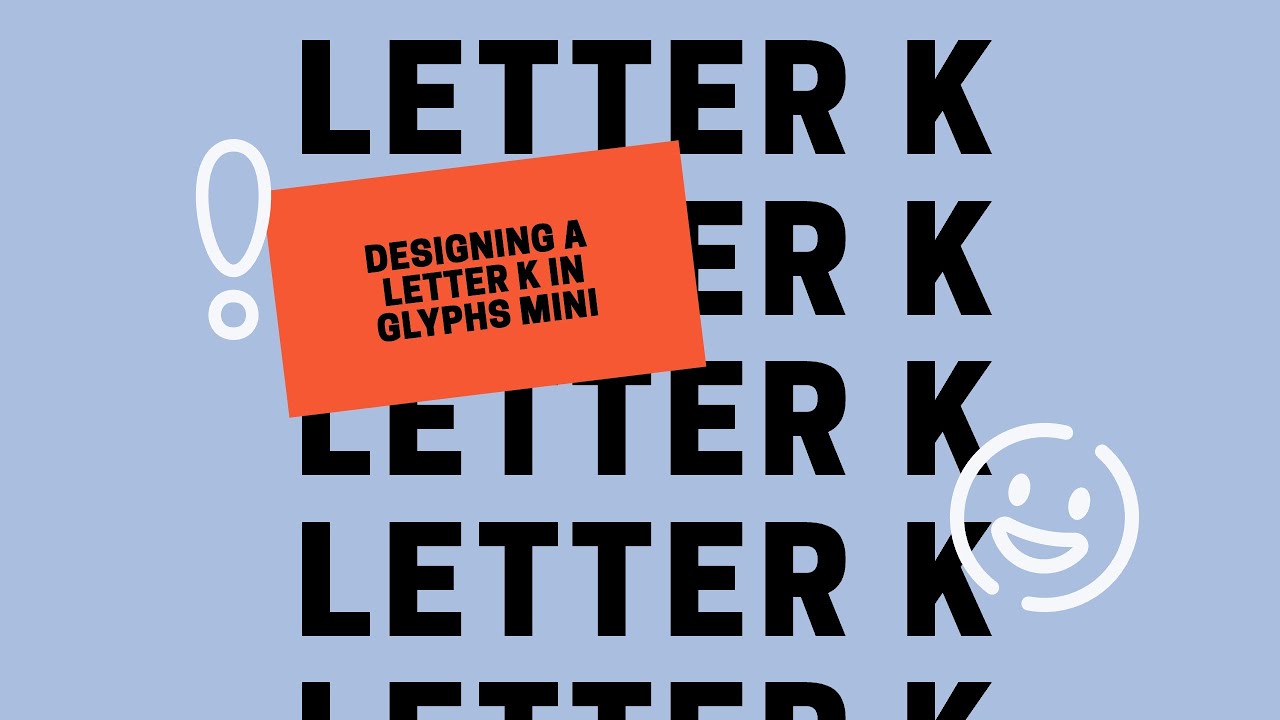

We all need a hobby, a thing to do as we unwind from a long and sometimes stressful day. Come join me as I rediscover something that I used to do many years ago but never completed and hope to do, create my own font face. In this series I am using the tool https://glyphsapp.com/buy and toggling back and forth between this tool and https://fontforge.org/en-US/ and creating my own font face discovering and sharing technique’s along the way.
The letter K:
I this video we’ve already made it up to the letter K. No you haven’t missed anything this is the first letter in the video series, it took me a while to get comfortable video recording myself creating letters.
I am using https://www.screen.studio/ to do the screen recordings for these blog recordings and my setup is a Mac Studio. As I mentioned I am using FontForge as well, as of the recording and writing of this I am still in the demo of the Glyphs mini.
I am finding that its fairly easy to use and FontForge also fairly intuitive however to be honest the use of both tools fairly similar. The only issue that is making me lean towards Glyphs mini is that with FontForge when you add a reference file for tracing the font items you get an annoying popup error each time you trace over it even when its on the background layer.
https://github.com/fontforge/fontforge/issues/5437 report but its gone mostly unaddressed. If the bug is fixed I will come back and update this blog post for sure. So far the creation of the font face has been going well but I have a new found appreciation for the font creators out there. Not so much for the actual font letter creation but for the tedious nature for the leading, spacing, kerning and otherwise pleasing nature of how fonts appear on the printed page that you tend to take for granted.
I feel like I am a particularly picky person which I feel makes me well suited as a designer and when you are used to looking at things around you that do not give you that anxious feeling and then you try to create that thing and it gives you tose emotions and when you realize the effort it takes to subside those feelings to make the font perfect on the printed page its then you realize that typography is hard work.
Its a real job, its not a hobby, while I am taking it up as such for now I am not meaning to trivialize it as something thats meant to be, its a serious occupation and I really do admire those that are masters of the craft.
AI Usage Transparency Report
AI Era · Written during widespread use of AI tools
AI Signal Composition
Score: 0.02 · Low AI Influence
Summary
We all need a hobby, a thing to do as we unwind from a long and sometimes stressful day. Come join me as I rediscover something that I used to do many years ago but never completed and hope to do, create my own font face. In this series I am using the tool https://glyphsapp.com/buy and toggling back and forth between this tool and https://fontforge.org/en-US/ and creating my own font face discovering and sharing technique's along the way.
Related Posts

AppleCare One Just Became a Better AppleCare Deal
AppleCare One looks more valuable after AppleCare+ price increases for Macs and iPads, especially for people with several Apple devices and older eligible hardware.
WWDC 2026 Was Bigger Than The Keynote
Most of those conversations eventually landed in the same place. Siri wasn't ready. Liquid Glass was everywhere. There was no new hardware announcement. Depending on who you asked, WWDC 2026 was either disappointing or forgettable.
The New Apple Business Manager Feels Like More Than Device Management
Apple has quietly turned Apple Business Manager into something much broader than the device enrollment portal many of us have known for years. The new experience feels cleaner, more organized, and much more intentional. After spending time with the latest Apple Business documentation, my first reaction is that Apple is building a more complete business platform — one that brings identity, services, communications, support, storage, and payments closer together under a single administrative surface.

Low Profile Walkthrough and Review
Today I’m walking through Low Profile, a utility from Nindi Gill that I use when I want to inspect profiles already installed on a Mac and figure out whether those profiles contain issues I need to clean up. The value is that Low Profile gives me a straightforward way to inspect profiles installed on any Mac. This simplicity makes it easy for me to identify and address potential problems, which is especially useful when working with multiple machines or troubleshooting complex profile configurations.

ABM Warranty 0.4.1 Walkthrough: Multiple Credentials
In this part of the ABM Warranty 0.4.1 walkthrough series, I’m focusing on multiple credentials. In the first video, I showed the basic setup and how to add a single credential. Now, I want to explore what happens when I remove a credential, what changes occur when I add more than one, and how the app behaves once there are multiple contexts in play. This will help clarify any potential issues or inconsistencies that may arise with multiple credentials.
QuickPKG Walkthrough and Review
I use QuickPKG when I need to turn an application, DMG, or ZIP file into a package quickly without wasting time in a heavier packaging workflow. This post follows the same path as my video: what QuickPKG is, where to get it, how I run it, what a simple packaging example looks like, and where I think admins need to be careful about potential pitfalls that can arise from using this tool.
Amphetamine: The Ultimate Mac Utility to Keep Your Computer Awake
In today's fast-paced digital world, keeping your computer awake during important tasks is crucial. Enter **Amphetamine**, a powerful utility designed specifically for Mac users. This app ensures that your system remains active, preventing it from going to sleep or activating the screensaver when you need it most. In this article, we will explore the features of Amphetamine, how to use it effectively, and why it’s a must-have for Mac admins and everyday users alike.
Mactracker Walkthrough and Review
In the world of Mac administration, having the right tools at your disposal is crucial. One of the standout applications that every Mac admin should consider is **Mac Tracker**. This powerful app serves as a comprehensive database of all historical Mac OS versions and Apple accessories, making it an invaluable resource for both seasoned professionals and newcomers alike. In this article, we will explore the features of Mac Tracker, how it can enhance your workflow, and why it deserves a spot in your toolkit.

Reviewing Bravas.io - Roll your own Cloud MSP like Electric.ai
When inquiring about a demo or starting a 30-day trial, please mention the code JONBROWN to receive an additional 5% discount on your first year of annual service. This offer is exclusive to new customers and can be applied at the time of sign-up. The discount will be automatically reflected in your account upon activation of the annual plan.
Reviewing Bravas.io - Enrolling using a Zero Touch Workflow!
When inquiring about a demo or starting a 30-day trial, please mention the code JONBROWN to receive an additional 5% discount on your first year of annual service. This offer is exclusive to new customers and can be applied at the time of sign-up. The discount will be automatically reflected in your account upon activation of the annual plan.
