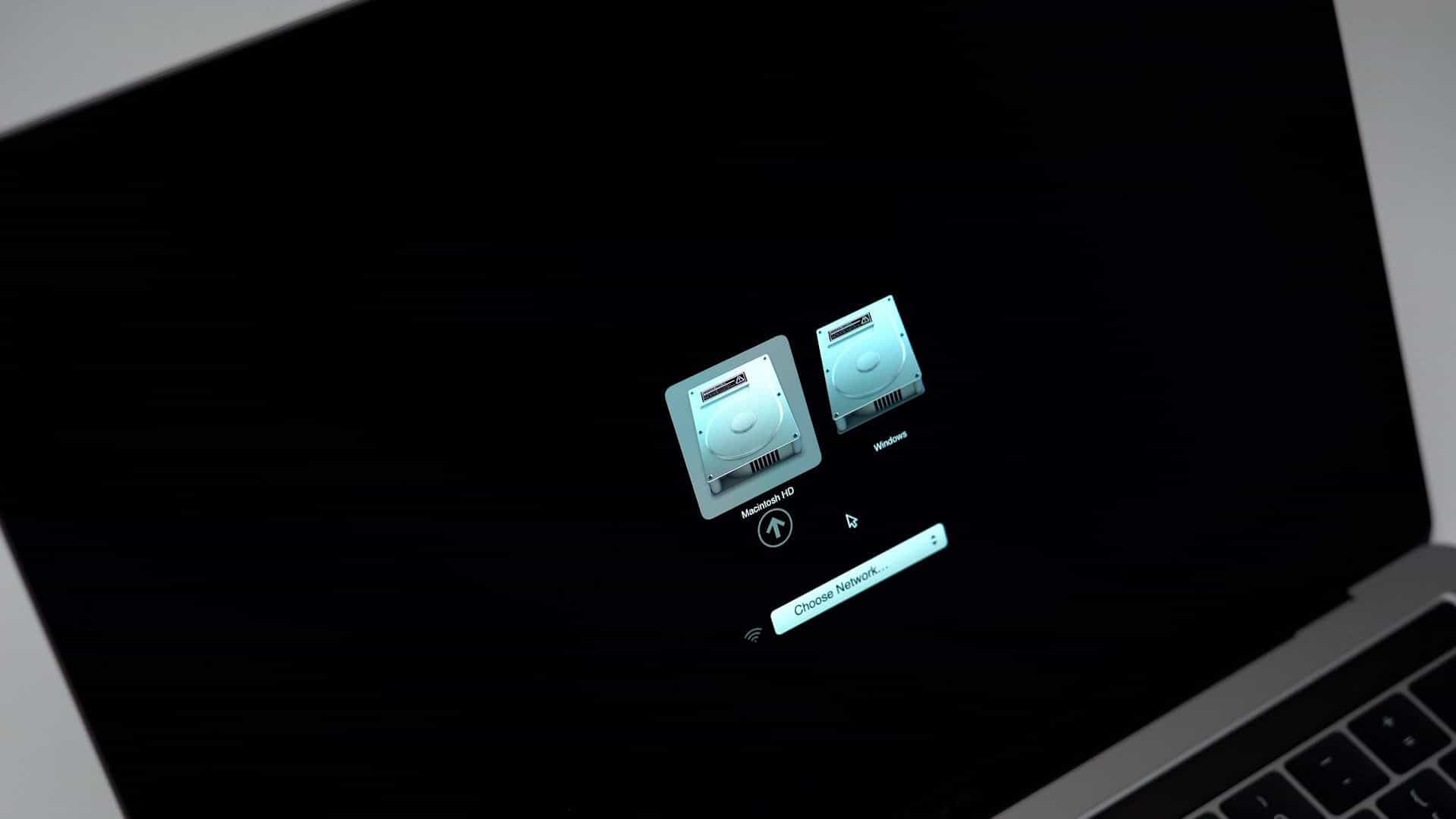

If like me you use the Boot Camp Control panel in Windows to restart your Mac into High Sierra and you are using an SSD drive for High Sierra, you may or may not notice that you can no longer choose your Macintosh startup disk in the Boot Camp Control Panel in Windows.
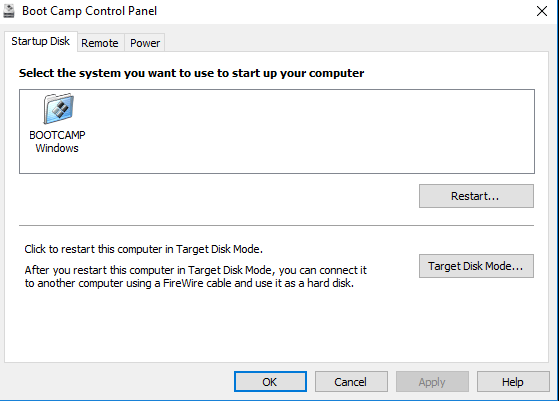
The Windows “Boot Camp” partition will be selectable but that is all.
And if you have set the Windows Boot Camp partition as the Startup Disk in System preferences > Startup Disk in High Sierra then you will be stuck in a loop whereby every time you start up your Mac the Mac will boot into Windows.
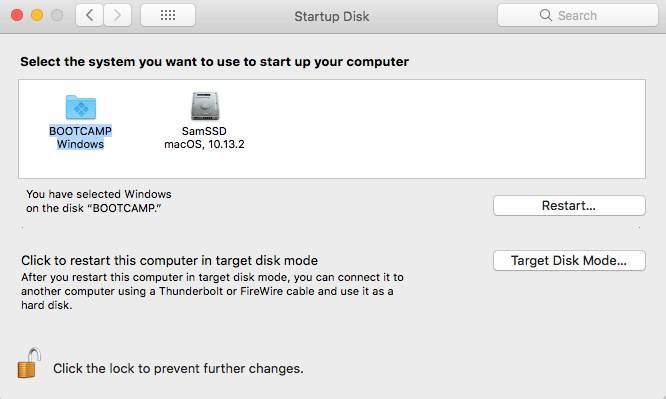
Unfortunately, there is currently no way to fix the Boot camp control panel in Windows and this bug is related to Apple File System (APFS). However, the solution is very simple if not somewhat annoying.
As soon as your Mac starts so as soon as the startup chime finishes press and hold the alt (option) key ⌥.
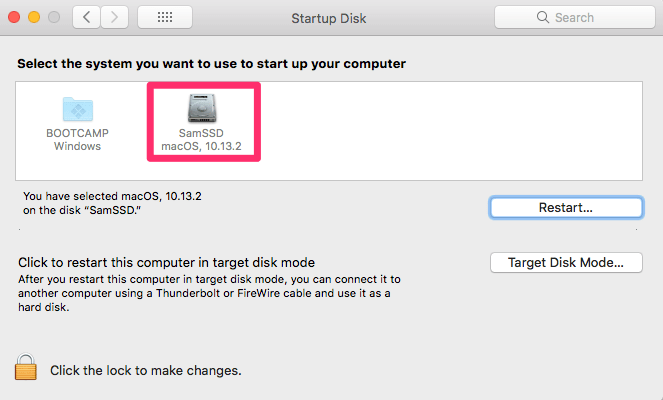
Let go of the alt (option) key ⌥ as soon as the Startup Manager window appears Select your Macintosh HD (you can use the arrow key on the keyboard or click with your mouse or trackpad) in this case it’s Called SamSSD:
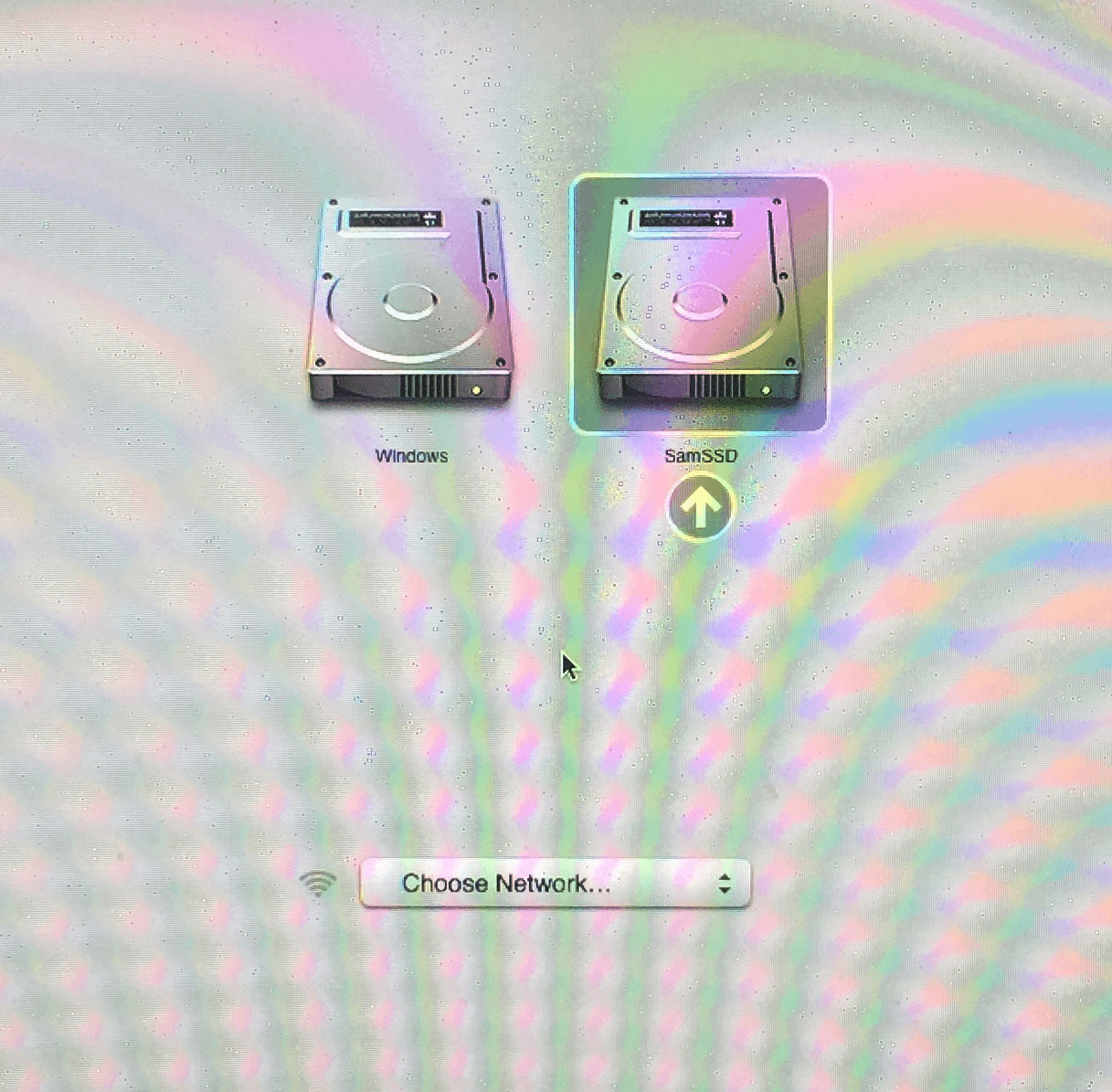
And hit Enter or click the arrow under the drive you want to boot from.
I recommend once you have booted into High Sierra that you go to: System preferences > Startup Disk
And make sure your Macintosh HD or the boot volume for High Sierra whichever you prefer to call it is selected and to switch between Windows Boot Camp and High Sierra you press and hold the alt (option) key ⌥ on startup, this will keep you out of a confusing boot sequence.
This bug is due to the updated Apple File System (APFS) and we will let you know if Apple provides a fix to this with the Windows boot Camp Control panel. If you install High Sierra on a non SSD hard drive you will not come across this bug.
AI Usage Transparency Report
Pre-AI Era · Written before widespread use of generative AI tools
AI Signal Composition
Score: 0.04 · Low AI Influence
Summary
A workaround for the Boot Camp Control panel issue in Windows when using an SSD drive for High Sierra: press and hold the alt (option) key on startup to select the Macintosh HD.
Related Posts

What is the Managed App Store & Why you need it
--- Many people discount the importance of running app level updates on your computers. Programs like Chrome, Firefox and Adobe Creative Suite all have built it update utilities that will look for and apply critical security and functional updates from their respective development teams. Part of the job of software vendors is providing quality assurance meaning they are testing their software to make sure that it is stable and usable for their users. However little is known about how each vendor actually tests their software. Many only test on newer...

Moment Helps You Gauge Your iPhone Use
Smartphone addiction is real. Do you check your iPhone before you get out of bed? During family dinners? Right before you go to sleep? Constantly during the day even when you’re on vacation? If you—or your family members—feel that you're disappearing into your phone too often or at inappropriate times, it may be time to do something about it. Consider how this behavior affects your relationships and daily routines – are you missing out on quality time with loved ones or neglecting responsibilities because of your phone use?

Block Telemarketing Calls Automatically on Your iPhone
Junk calls are one of the great annoyances of the modern world. You're minding your own business when your iPhone vibrates in your pocket. You pull it out, curious as to who's calling, but don't recognize the number. You may notice that it's in the same exchange as your phone number, suggesting that it's a neighbor. Often these calls are nothing more than automated messages or telemarketers trying to sell you something.
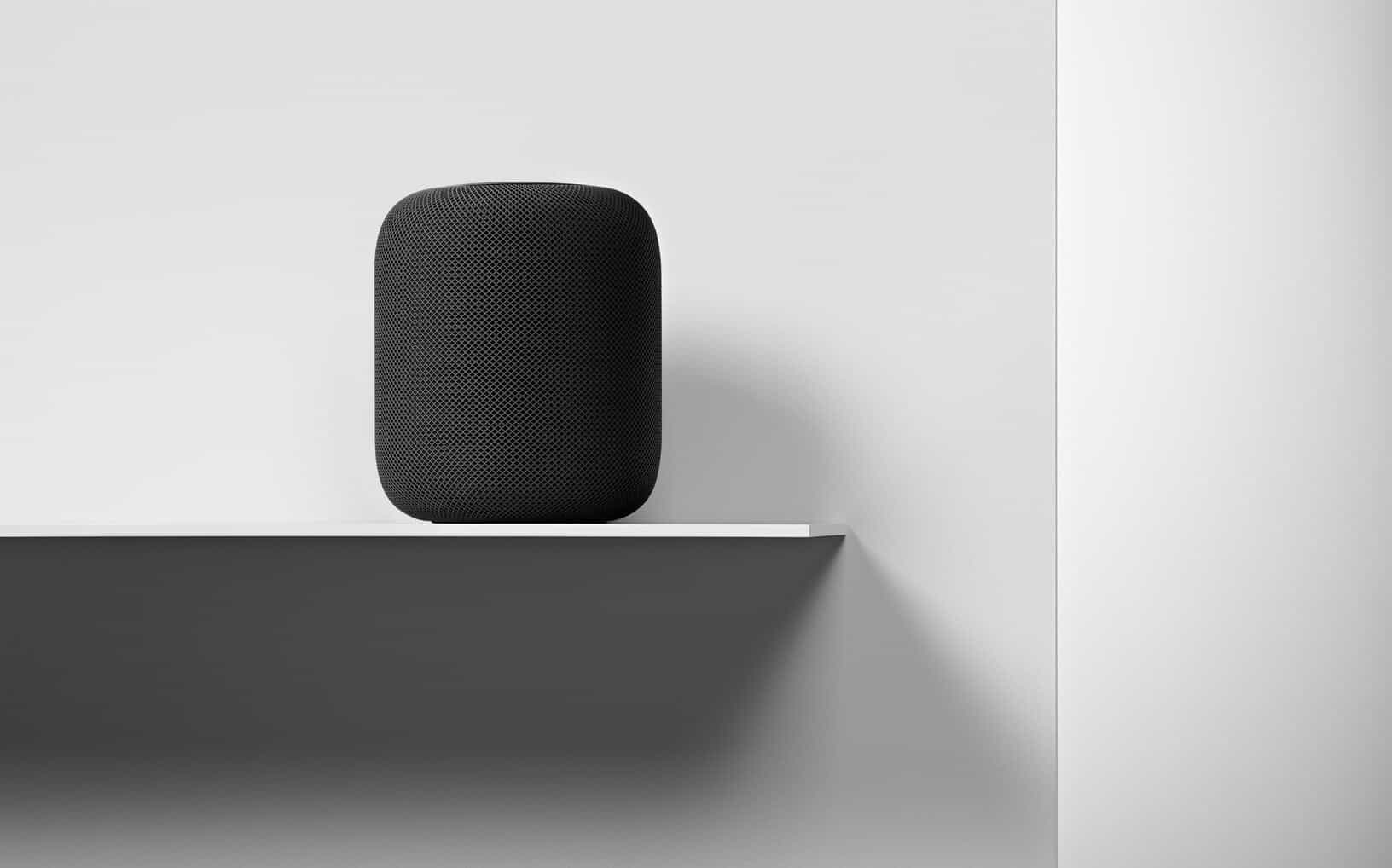
HomePod Preorders Begin, Smart Speaker Ships Feb 9
Apple has started preorders for its new HomePod as of yesterday. Priced at $349, the audio accessory focuses on delivering high-quality sound, offers integration with Siri's AI capabilities, and provides access to Apple Music's vast library of 45 million songs. The device is designed to work seamlessly within existing Apple ecosystems, allowing users to control it with their iPhone or iPad.
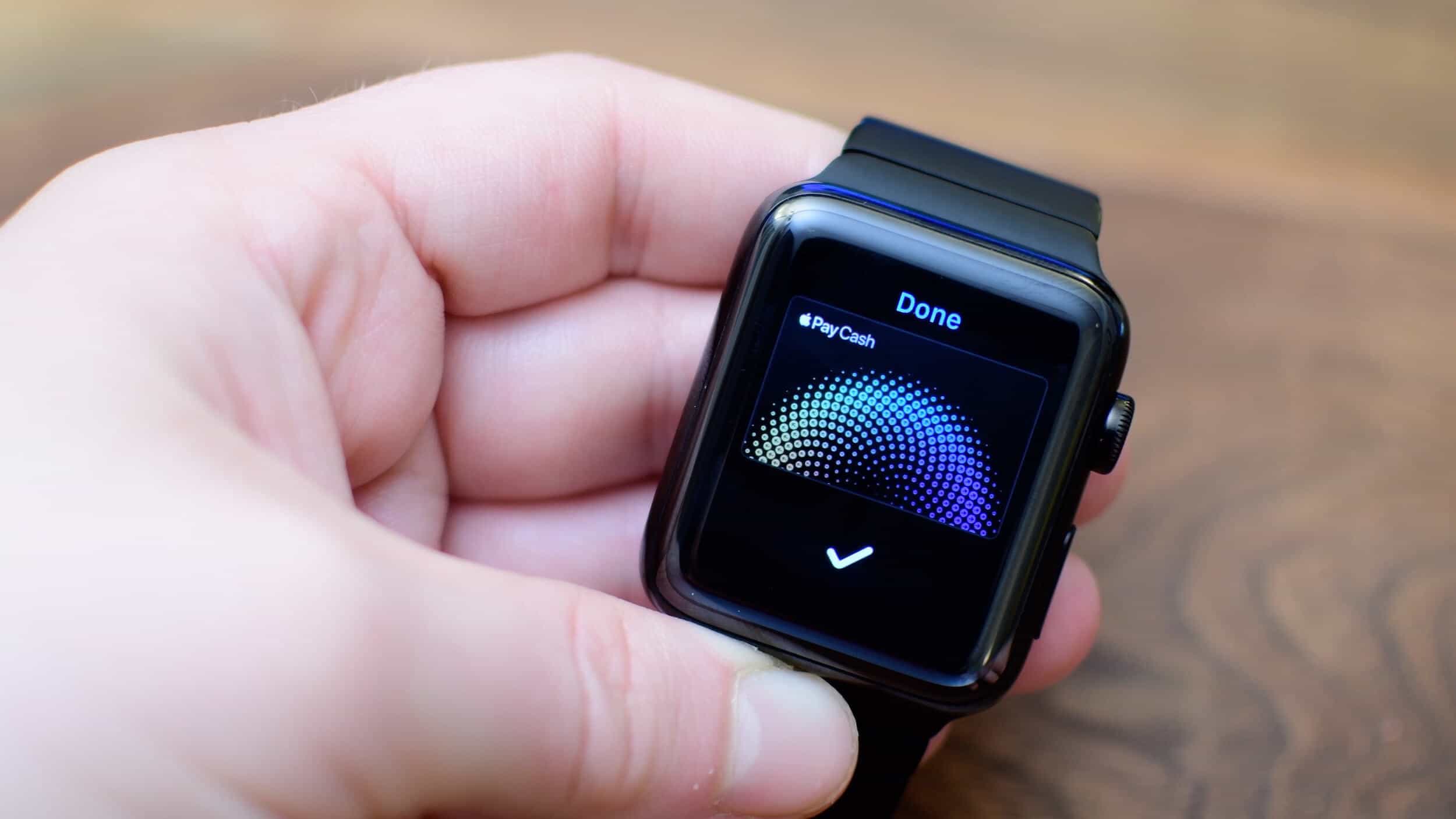
How to Use Apple Pay Cash on Your Apple Watch
After you install watchOS 4.2, you will see on your paired iPhone with iOS 11.2 installed, an Apple Pay Cash option within the Watch app's Wallet settings. To enable it, simply toggle the switch to "ON". You'll then be prompted to sign in with your Apple ID to complete the setup process.
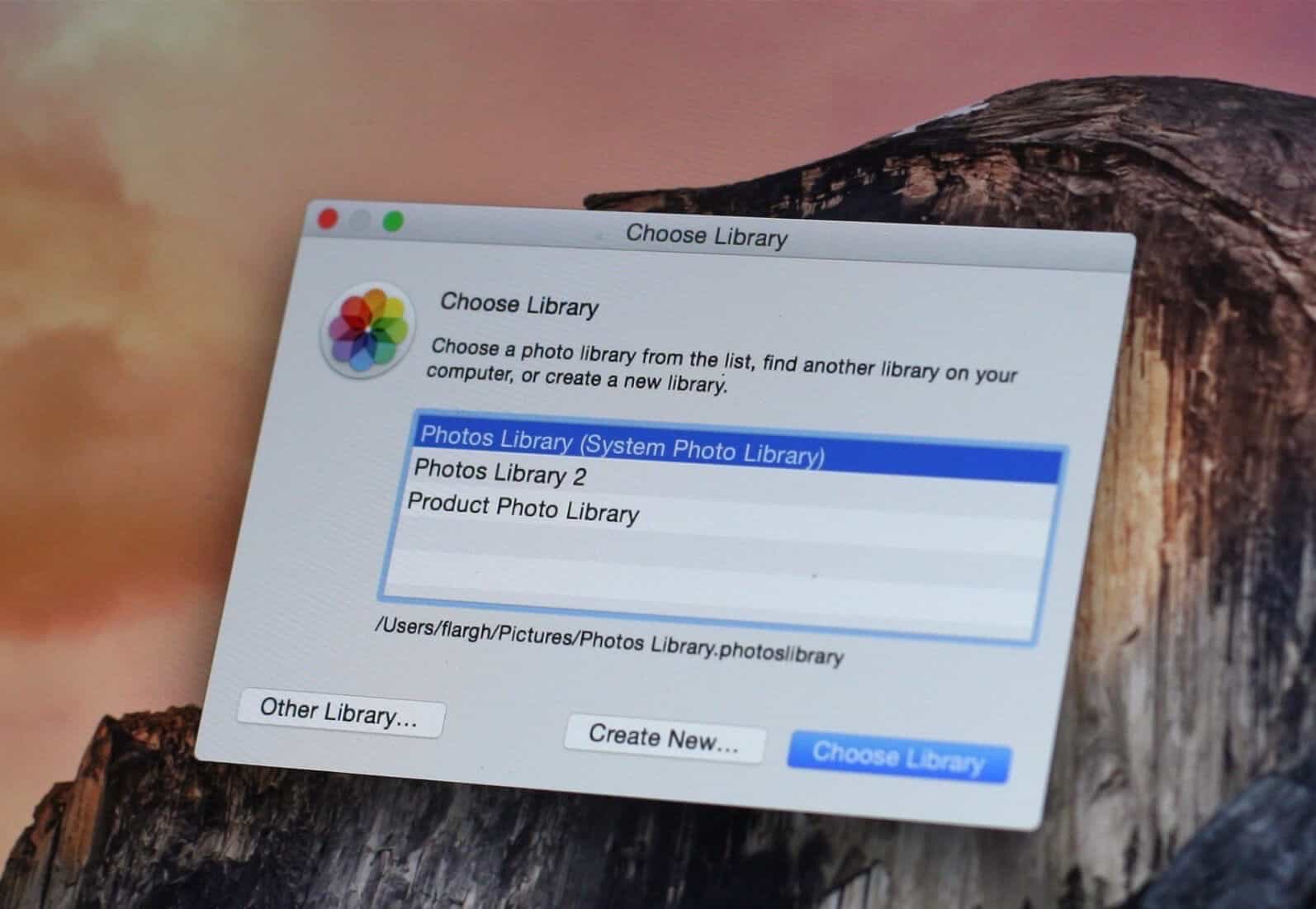
Move your Photos library to an External drive
Sometimes whether it is for backup purposes or for hosting, you will want to move your photos stored in your Apple Photos application library on your Mac to an external drive instead of the startup boot drive. This can help free up space and reduce clutter on your main drive. Making the change is simpler than you think, as long as you follow a few straightforward steps.

Does your iPhone battery need to be replaced?
Earlier this week we reported that Apple had acknowledged some iPhones are being throttled to prevent unexpected shutdowns. This admission came after a class-action lawsuit was filed against the company, alleging that it intentionally slowed down older devices to encourage users to upgrade to newer models. See our previous post for more information on this development.
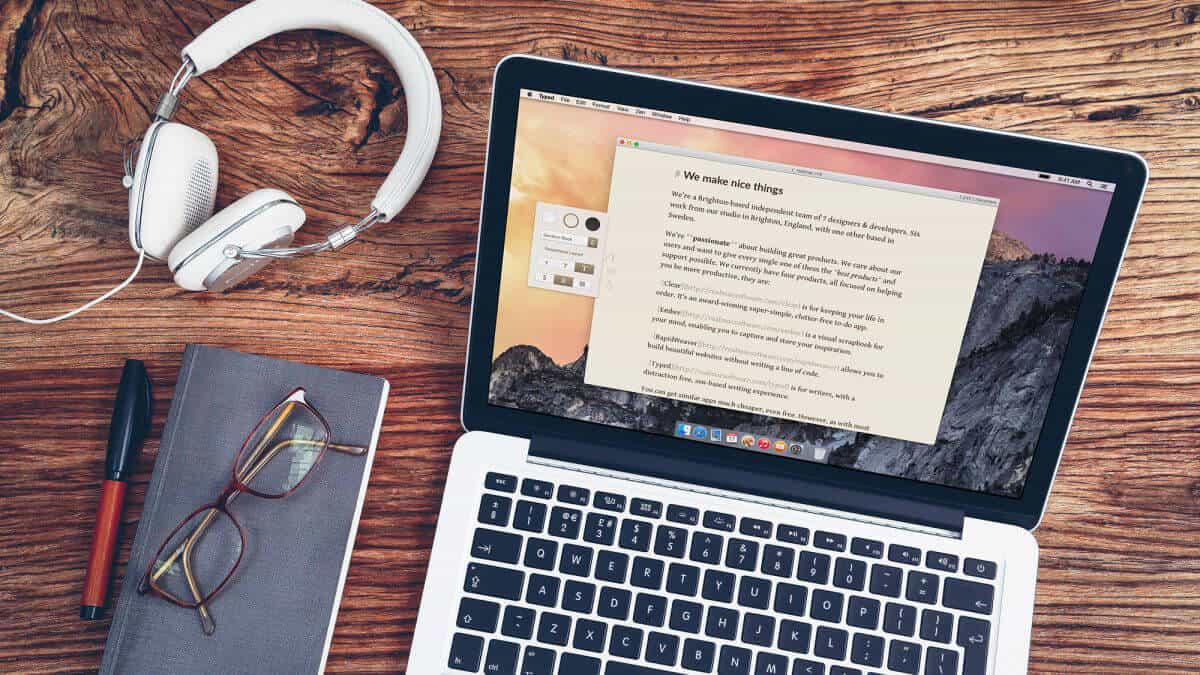
Our Top 5 free macOS App picks for 2017
It is the season for giving, and we're happy to share some of our free apps with you. Here's a rundown of what's available to install on your Mac:
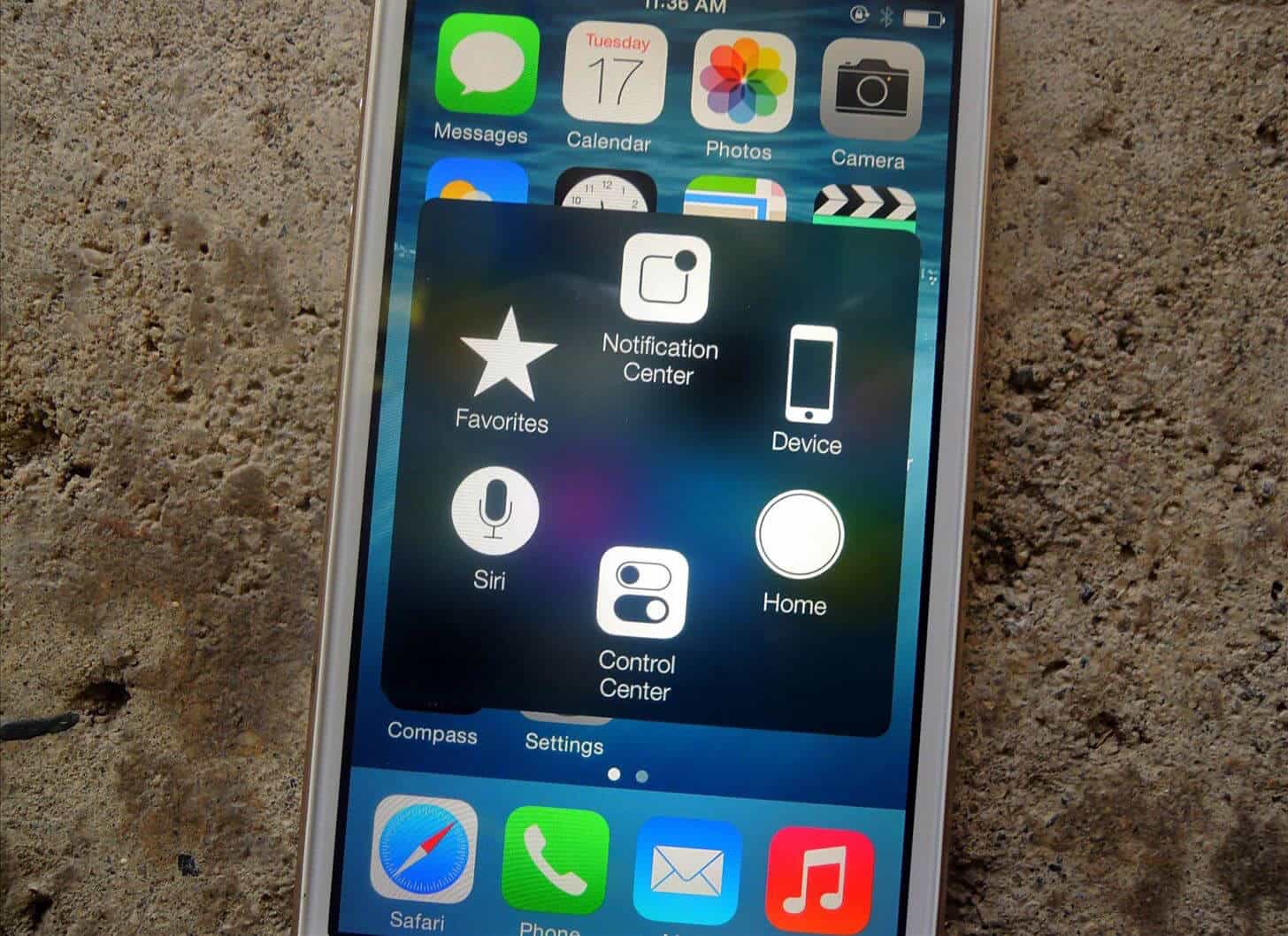
Don’t think you need Accessibility help with your iPhone?
Apple has made accessibility for differently abled people a cornerstone of iPhones and iDevices since 2007, and most of us never bother to explore these controls on our iPhone unless there is a specific need. These features are often hidden in plain sight, buried beneath layers of default settings and user interfaces that cater to the majority.
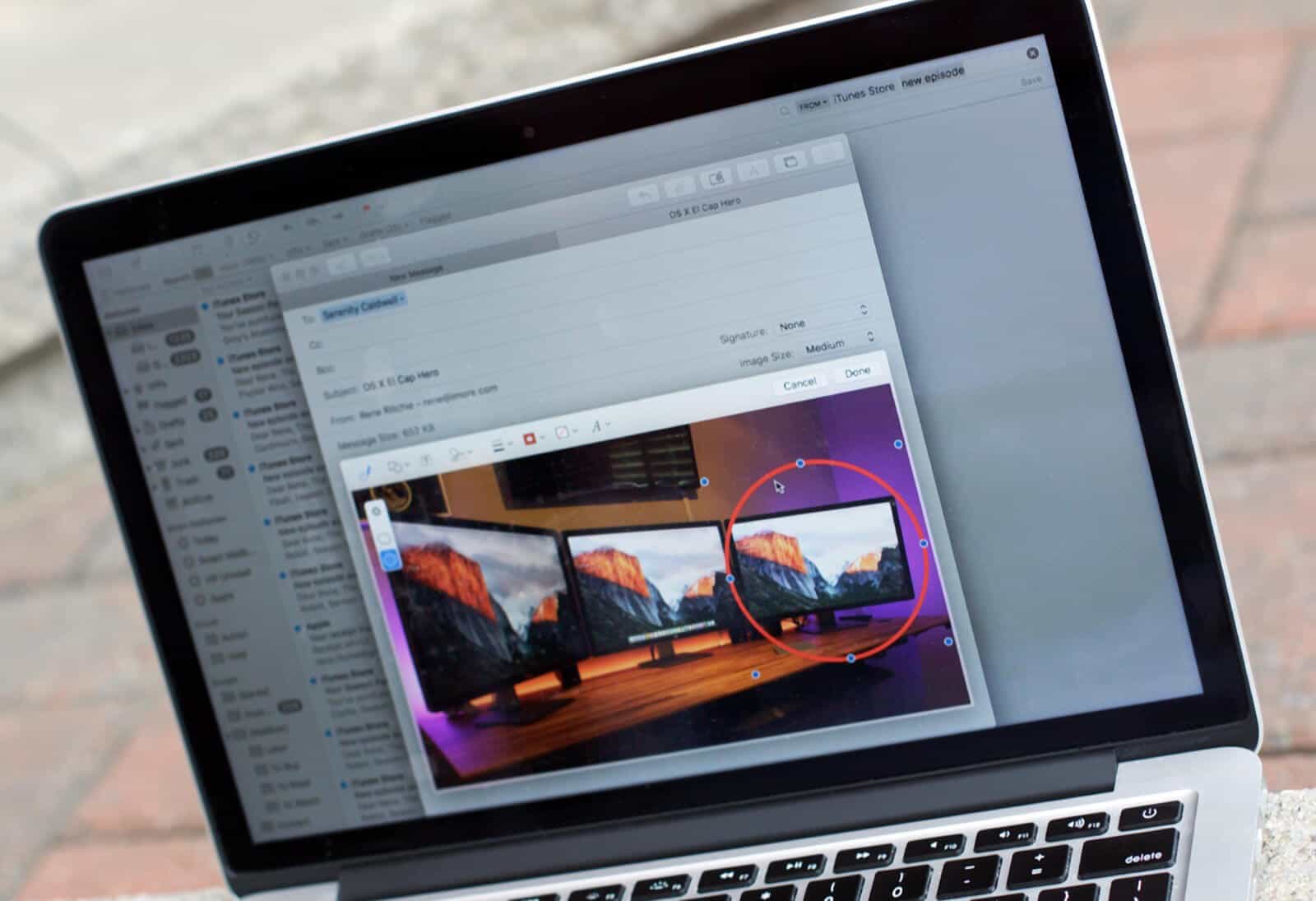
High Sierra has some new features for the mail App
Just like Spotlight, the Mail App now supports natural language search. If that phrase leaves you stumped, it means you can search using a more natural way, such as using "from Jon last week" instead of specifically searching for "jon@gmail.com" on 11/13/2017. This allows you to type in your searches without having to worry about the exact format or syntax, making it easier to find what you're looking for.
