

The modern office, small and large, have largely driven the practice of access to company data anywhere at any time. With COVID-19 forcing many companies to adopt a remote workforce, organizations must provide access solutions to their workers in order to safely and efficiently perform their tasks. The cost to provide organization provided devices can be expensive so the rise of BYOD (bring your own device) policies have largely given rise to the concept of using employee-owned devices to access organizational resources. This reduces the cost of equipment and reduces IT overhead by not having to purchase and configure mobile devices for end-users. However, using non-company owned or managed devices to access company information introduces all sorts of security risks and considerations. Allowing users to bring untrusted devices into an organization and connect them to the company network can have a major impact on the security of the corporate network.
So, what are the security considerations an organization should implement or consider with a bring your own device policy? The easiest and most applicable form of device security should be a mandatory device passcode that is required for access. A device passcode policy complying with industry best practices including a complex passcode should be enforced upon all devices within a BYOD environment to prevent unauthorized access to the device. Another consideration is the use of containerization in the form of a second password used to access corporate information. A secondary password should be a different password when the standard device unlock passcode with security features ranging from device locking after three incorrect password attempts to a serious security feature of completely wiping the device after an incorrect number of attempts. Another security consideration is a BYOD permitted applications list for allowed or approved applications to be installed on the device itself. With so many potential rogue or malware applications available on the various app stores it is important to enforce only a handful of approved applications to execute on devices that might have access to corporate data. Finally, a BYOD security policy should include also full-disk encryption as a mandatory requirement to safeguard corporate data.
With so many of these complex BYOD security policy requirements, it is recommended that organizations utilize a mobile device management solution to track and manage enrolled devices. MDM solutions support many of the previously mentioned features but also ease overall device management. With an MDM solution, if a device is lost or stolen the user can report it to the company and the company can have the device remotely wiped thereby preventing corporate data from being accessed. An MDM solution also supports multifactor authentication which increases the security over the standard device passcode which makes it more complex in harder to access. MDM solutions also support IP allow lists to restrict access to certain IP addresses or ranges which prevents anyone without a predetermined IP address from gaining access to the MDM.
BYOD security policies and MDM solutions can be complex to undertake if not properly analyzed and determined for your corporate requirements. Let the consultants at Grove help. Our Grove consultants can help build a secure MDM solution adhering to various cybersecurity compliance needs. So contact us a call today to schedule an appointment!
AI Usage Transparency Report
Pre-AI Era · Written before widespread use of generative AI tools
AI Signal Composition
Score: 0.0 · Low AI Influence
Summary
The article discusses the security considerations for Bring Your Own Device (BYOD) policies in organizations. It highlights the importance of implementing a mandatory device passcode, containerization, permitted applications list, and full-disk encryption to safeguard corporate data. The article also recommends utilizing a mobile device management solution to track and manage enrolled devices.
Related Posts

HelpBook Builder Launches 🚀
Build beautiful macOS Help Books with live preview, multilingual AI translation, and one-click export to Helpbook, PDF, and HTML.
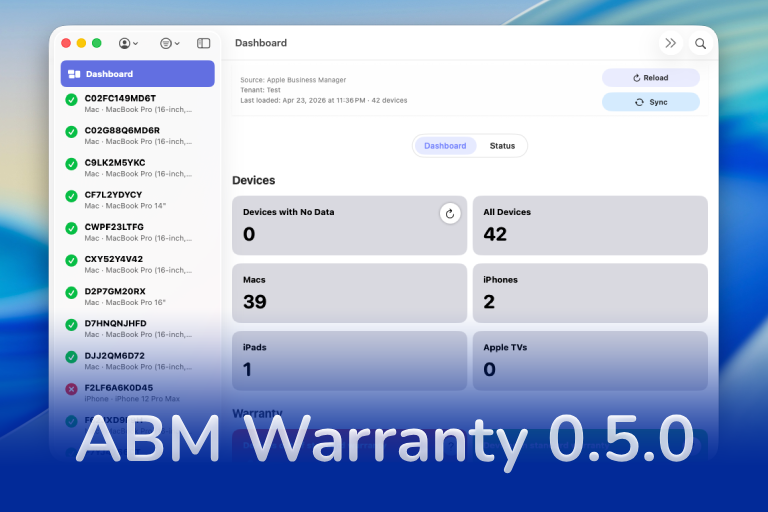
ABM Warranty 0.5.0
ABM Warranty 0.5.0 expands the platform with tenant-aware desktop widgets and notifications, giving teams clear, real-time visibility into fleet health, expiring coverage, and devices requiring attention across ABM/ASM environments. This release introduces a powerful CLI for managing notifications and sync workflows, alongside a new job-based architecture with chunking, sync history tracking, and an enterprise sync mode designed to scale with large device fleets. Additional enhancements include API credential rotation for security-conscious organizations, notification muting for known exceptions, forward-compatible database migration paths, and full localization support across 10 languages for global...
The New Apple Business Manager Feels Like More Than Device Management
Apple has quietly turned Apple Business Manager into something much broader than the device enrollment portal many of us have known for years. The new experience feels cleaner, more organized, and much more intentional. After spending time with the latest Apple Business documentation, my first reaction is that Apple is building a more complete business platform — one that brings identity, services, communications, support, storage, and payments closer together under a single administrative surface.

Setting up Ollama on macOS
Recently, after some bad experiences with OpenAI's ChatGPT and CODEX, I decided to look into and learn more about running local AI models. On its face it was intimidating, but I had seen a lot of people in the MacAdmins community posting examples of macOS setups, which really helped lower the bar for me both in terms of approachability and just making me more aware of the local AI community that exists out there today.
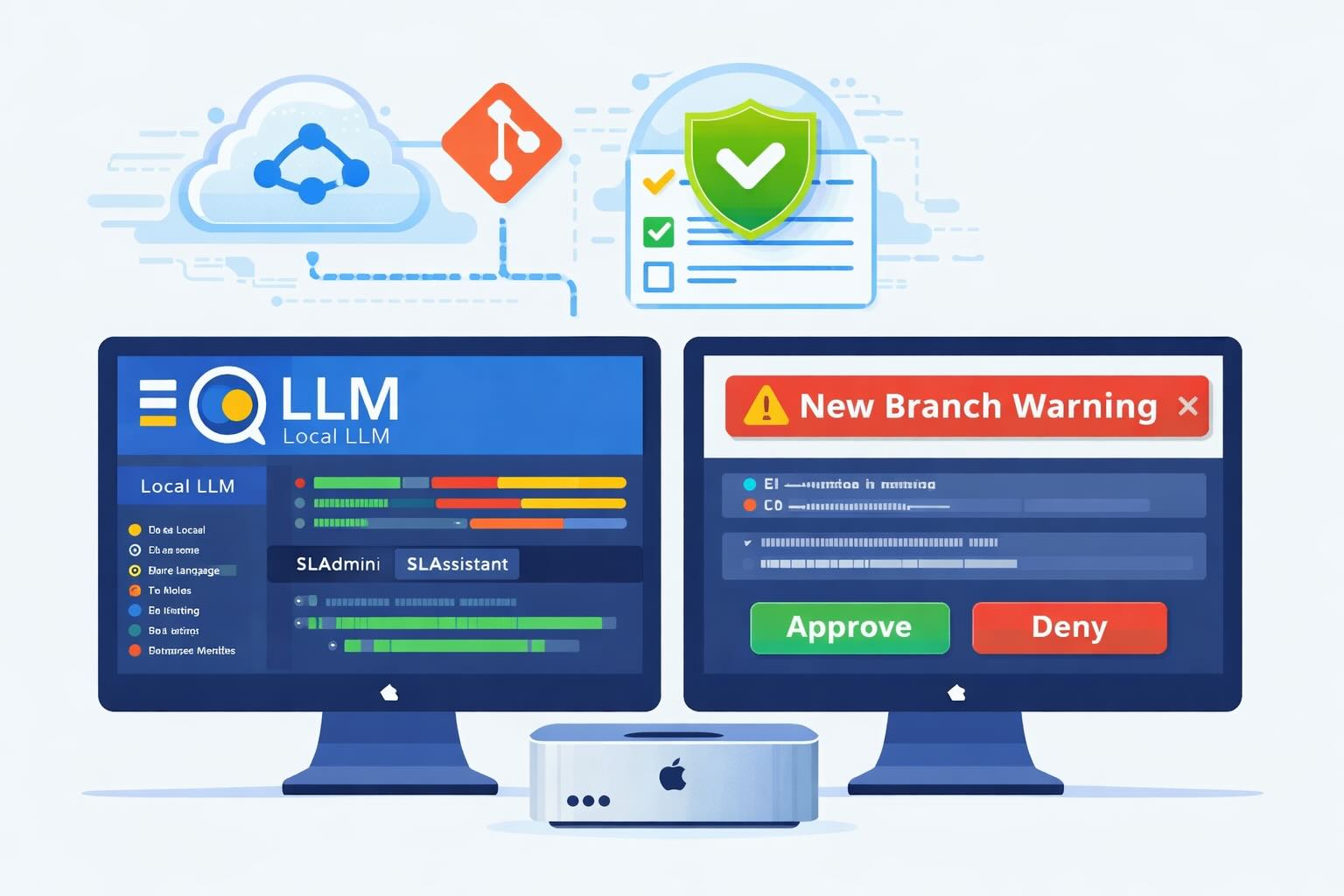
AI Agent Constraints and Security
I really feel like in this era of AI it's essential to write about and share experiences for others who are leveraging AI, especially now that AI usage seems almost ubiquitous. Specifically, when it comes to AI in development and the rapid growth of AI-driven automations in the IT landscape, I believe there's a need for open discussion and exploration.

ABM Warranty 0.4.1
The 0.4.x release series for ABM Warranty is focused on operational scale. The earlier 0.3 releases were about trust, correctness, and stabilizing the foundation. Version 0.4.1 builds directly on that work by making the app more practical for consultants, internal IT teams, and managed service providers who need to support multiple environments without losing isolation, control, or visibility. This includes improvements to user interface and workflow, as well as enhanced reporting capabilities to help these users manage their workflows more efficiently.

Vibe Coding with Codex: From Fun to Frustration
So there I was, a typically day, a typical weekend. As a ChatGPT customer, I had heard good things about Codex and had not yet tried the platform. To date my experience with agentic coding was simply snippit based support with ChatGPT and Gemeni where I would ask questions, get explanations and support with squashing bugs in a few apps that I work on, for fun, on the side. There were a few core features in one of the apps I built that I wanted to try implementing but the...
The warranty dashboard Apple doesn’t provide… yet
Download ABM Warranty
Why Apple Fleet Risk Isn’t a Security Problem—Until It Is
Security and risk are often treated as interchangeable concepts in modern IT environments, but they are not the same discipline. Security focuses on controls, enforcement, and prevention. Risk management, by contrast, is concerned with likelihood, impact, and consequence across operational, financial, and organizational domains. Frameworks such as those published by NIST make this distinction explicit: risk assessment is not a technical exercise, but a business one. Technology informs risk decisions, but it does not define them.
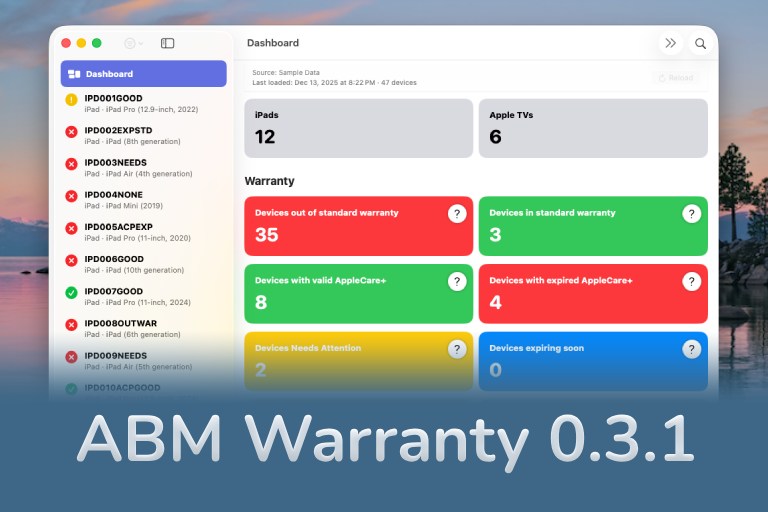
ABM Warranty 0.3.1
The 0.3.x release series for ABM Warranty is about tightening guarantees. Where earlier releases focused on surfacing data and making long-running operations observable, 0.3.x focuses on ensuring that what you see is complete, consistent, and safe to trust—particularly as the app is used in larger, slower, and more varied environments. This shift in focus aims to provide a more reliable foundation for users who require higher levels of assurance from their warranty management system.
