

The modern office, small and large, have largely driven the practice of access to company data anywhere at any time. With COVID-19 forcing many companies to adopt a remote workforce, organizations must provide access solutions to their workers in order to safely and efficiently perform their tasks. The cost to provide organization provided devices can be expensive so the rise of BYOD (bring your own device) policies have largely given rise to the concept of using employee-owned devices to access organizational resources. This reduces the cost of equipment and reduces IT overhead by not having to purchase and configure mobile devices for end-users. However, using non-company owned or managed devices to access company information introduces all sorts of security risks and considerations. Allowing users to bring untrusted devices into an organization and connect them to the company network can have a major impact on the security of the corporate network.
So, what are the security considerations an organization should implement or consider with a bring your own device policy? The easiest and most applicable form of device security should be a mandatory device passcode that is required for access. A device passcode policy complying with industry best practices including a complex passcode should be enforced upon all devices within a BYOD environment to prevent unauthorized access to the device. Another consideration is the use of containerization in the form of a second password used to access corporate information. A secondary password should be a different password when the standard device unlock passcode with security features ranging from device locking after three incorrect password attempts to a serious security feature of completely wiping the device after an incorrect number of attempts. Another security consideration is a BYOD permitted applications list for allowed or approved applications to be installed on the device itself. With so many potential rogue or malware applications available on the various app stores it is important to enforce only a handful of approved applications to execute on devices that might have access to corporate data. Finally, a BYOD security policy should include also full-disk encryption as a mandatory requirement to safeguard corporate data.
With so many of these complex BYOD security policy requirements, it is recommended that organizations utilize a mobile device management solution to track and manage enrolled devices. MDM solutions support many of the previously mentioned features but also ease overall device management. With an MDM solution, if a device is lost or stolen the user can report it to the company and the company can have the device remotely wiped thereby preventing corporate data from being accessed. An MDM solution also supports multifactor authentication which increases the security over the standard device passcode which makes it more complex in harder to access. MDM solutions also support IP allow lists to restrict access to certain IP addresses or ranges which prevents anyone without a predetermined IP address from gaining access to the MDM.
BYOD security policies and MDM solutions can be complex to undertake if not properly analyzed and determined for your corporate requirements. Let the consultants at Grove help. Our Grove consultants can help build a secure MDM solution adhering to various cybersecurity compliance needs. So contact us a call today to schedule an appointment!
AI Usage Transparency Report
Pre-AI Era · Written before widespread use of generative AI tools
AI Signal Composition
Score: 0.0 · Low AI Influence
Summary
The article discusses the security considerations for Bring Your Own Device (BYOD) policies in organizations. It highlights the importance of implementing a mandatory device passcode, containerization, permitted applications list, and full-disk encryption to safeguard corporate data. The article also recommends utilizing a mobile device management solution to track and manage enrolled devices.
Related Posts

When Chromium Mistakes Your VPN for a Local Network
Turning off Jamf Trust fixed the webinar, which normally would have sent me straight to its routing policies. This time the route was fine: Chromium was treating Jamf's ZTNA broker addresses as a local network, and an Edge and Chrome preference corrected it.
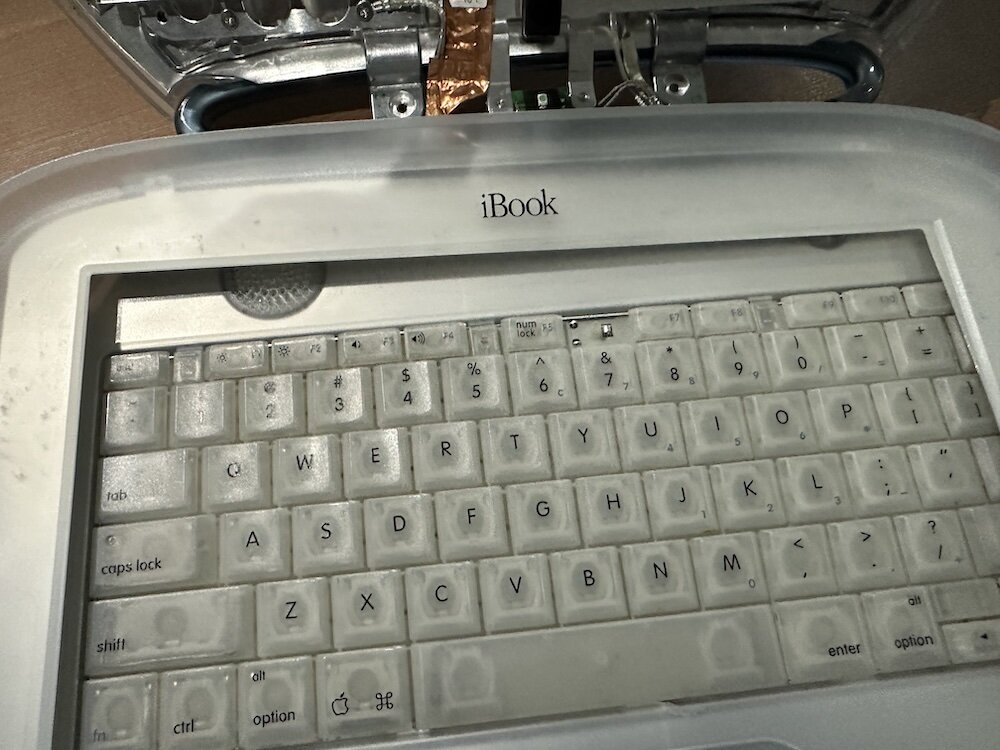
Clamshell iBook G3 Restoration, Part 1: From Broken Screen to Board-Level Repair
Part one of a Clamshell iBook G3 restoration: a broken screen, a charger detour, a blinking system folder, a full teardown, and the backlight connector mistake that paused the project.
Bromure Gives Codex a Room of Its Own
I installed Bromure Agentic Coding, watched it build the Linux VM, authenticated Codex, and followed a real Codex task through the workspace.
Claude Code Auto Mode Changes Approval Flow, Not the Safety Boundary
Claude Code Auto mode changes how approval decisions are handled. It does not expand the boundary of what the coding agent should be allowed to do.

Amnesia Stealer Shows the Next Stage of ClickFix on macOS
Amnesia Stealer shows how ClickFix-style social engineering is adapting on macOS, while a public malware sample gives defenders an opportunity to study the behavior behind the campaign.
Reporting on Microsoft 365 DLP Overrides with PowerShell
DLP overrides are not automatically bad. They are a business process that needs visibility. This walkthrough covers a Microsoft Purview DLP policy, a custom sensitive information type, user override behavior, and a PowerShell report that exports override events from Activity Explorer.

PowerBook 140 BlueSCSI Install: Cable Fixed, Battery-Bay Power, and Wi-Fi Setup
The PowerBook 140 project moved from preparing a BlueSCSI card in Basilisk II to installing the repaired internal SCSI cable, powering the BlueSCSI Pico externally from the battery bay, booting System 7.1, and fighting through DaynaPORT Wi-Fi setup.
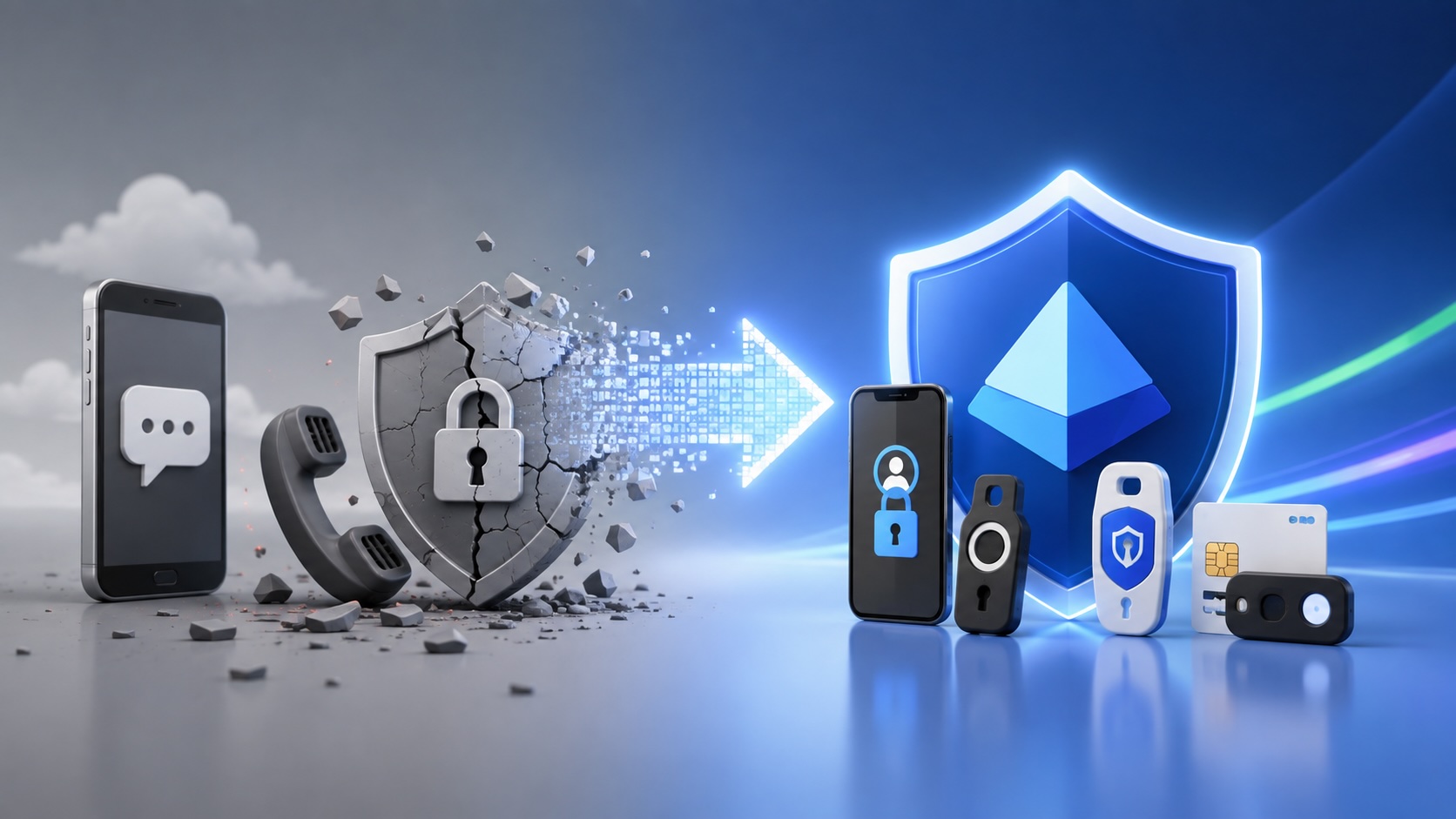
Move Entra Users Off SMS and Voice Before Microsoft Retires Them
Microsoft is retiring Microsoft-provided SMS and voice authentication in Entra ID. The migration is not passkeys for everyone; it is removing weak telecom MFA and choosing supported replacement methods such as Microsoft Authenticator, FIDO2 keys, certificate-based authentication, OATH hardware tokens, or customer-managed telecom.
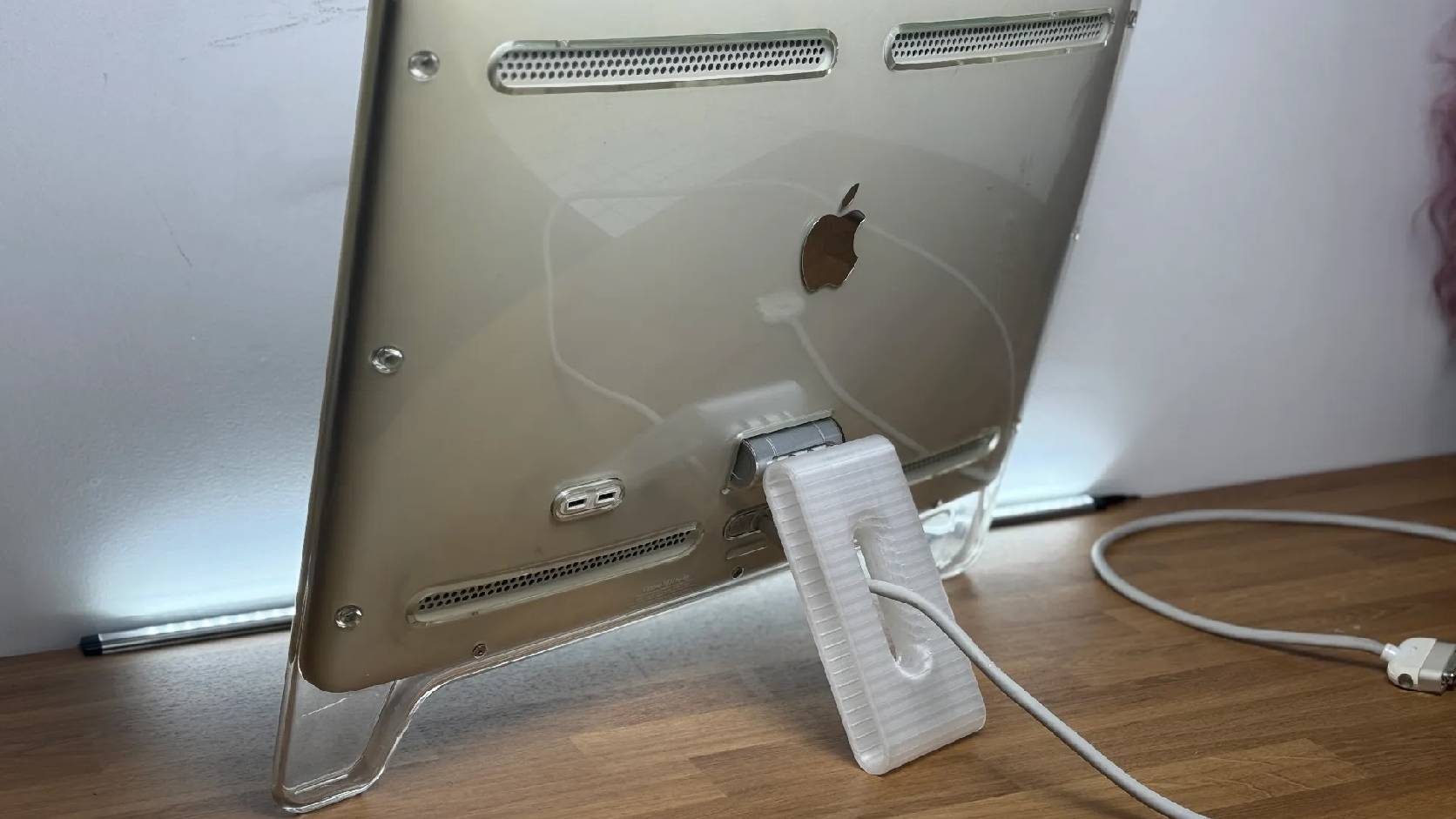
Fixing a Broken Apple Cinema Display Stand with a 3D Printed Leg
A 22-inch Apple Cinema Display arrived with a broken acrylic easel stand, so I used a 3D printed replacement leg instead of sending the monitor back.
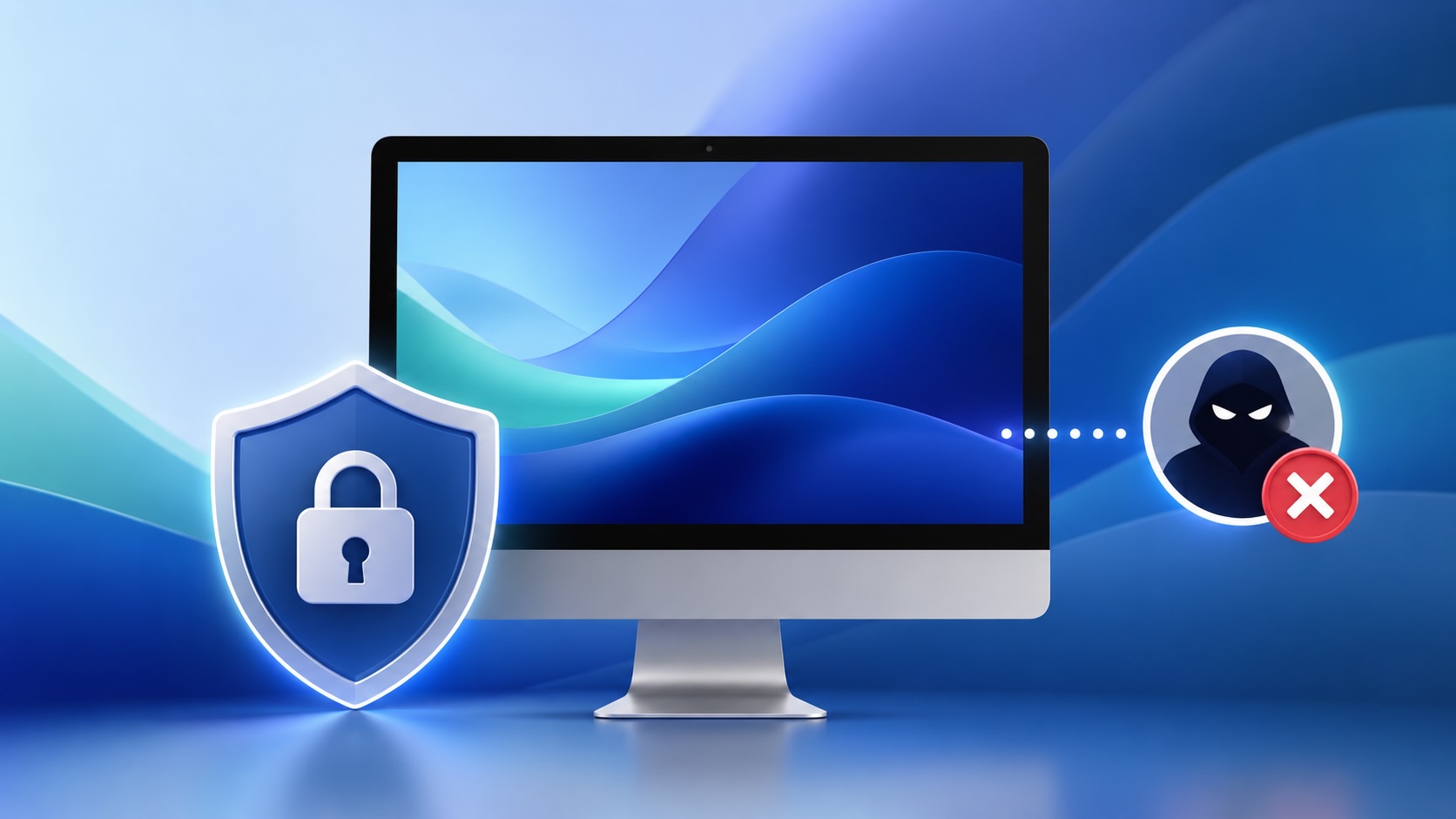
macOS Tahoe 26.6.1 Fixes a High-Severity Screen Sharing Authentication Bypass
macOS Tahoe 26.6.1 fixes CVE-2026-65400, a high-severity Screen Sharing authentication issue where an attacker on the network may be able to authenticate without valid credentials.
