

In 2020, it seems like there is a new headline just about every week of another major company getting hit with a ransomware attack. Per the New York Times, “A woman died from treatment delays after a hospital in Germany hit by a cyberattack was forced to turn away emergency patients. Hackers released private information, including Social Security numbers, from a Las Vegas school district. A coronavirus vaccine trial was bogged down in recent weeks when researchers were locked out of their data.” Adding to this you see major companies like Garmin getting their core infrastructure hit and having to pay a 10-million-dollar ransom to get access to their data back.
How did this problem get so bad? In essence, cyber criminals found that the payout is higher and easier with ransomware that other types of cybercrime. Once other cyber criminal organizations noticed and caught on, the race was on. To compound matters even further, companies have started increasingly purchasing cybersecurity liability insurance against ransomware attacks. This is a double edged because if a company has liability insurance, then they will likely pay the ransom making them more enticing of a target.
So, what exactly is ransomware? Essentially ransomware involves an attacker typically performing a phishing attack against an unsuspecting employee of said corporation. If the phish is successful and the attacker has access to the inside network, they will scour the network looking for valuable information such as confidential customer files, database, and other essential intellectual property to the organization. Once they have the information, they will encrypt the information or systems with the attacker’s private key so that information or systems are inaccessible without the attacker’s private key to decrypt the information. The attacker will contact by various communication channel means the target and ask for payment (i.e., “the ransom”) for the private key for the organization to get access to their files.
A common question asked is should the company pay the ransom? The answer is it depends. Companies should consider the pros and cons of paying and what essentially is inaccessible. If a company’s strategic or critical assets such as customer data used for company business or the nature of your business is time sensitive, (i.e., a hospital) than companies might want to consider paying. If company assets that are hit have full backups and are not critical to essential operations, they might want to consider not paying and performing recovery operations immediately as part of their incident response/contingency plans. Another factor that companies should be aware of is whom the intended ransomware payment is going to. Recent policy guidance was issued by the Treasure Department stating that companies must ensure ransomware payment are not directed towards entities that were terrorist countries or organizations, Per the NLR, “Under the International Emergency Economic Powers Act (IEEPA) and the Trading with the Enemy Act (TWEA), among other laws, executive orders, and regulations, U.S. persons generally are prohibited from engaging in transactions — directly or indirectly — with individuals or entities “designated” on OFAC’s Specially Designated Nationals and Blocked Persons List (SDN List), as well as persons or entities covered by comprehensive country embargoes (e.g., Cuba, Iran, North Korea, Syria, and the Crimea region of Ukraine).” This should be carefully discussed and determined with company legal and law enforcement prior to authorizing payment as there could criminal liabilities if found actions were to occur.
So, what can a company do to prevent or at least minimize the threat of ransomware? While there is no magic panacea to prevent ransomware, a company should take the following steps. Companies should remain vigilant and maintain software patches to minimize vulnerabilities attackers might exploit to plan ransomware. Companies should ensure network boundary devices are hardened and minimize unnecessary ports or services access to their infrastructure. Companies should remain vigilant and ensure frequent user security awareness training to be aware of the latest threat vectors to prevent phishing attacks.
Worried about Ransomware? Need some guidance on getting your network and company assets better organized? Talk to us! Our consultants are Grove can help you understand the risks of ransomware and design a solution specifically for your organization to minimize these and other cybersecurity threats.
AI Usage Transparency Report
Pre-AI Era · Written before widespread use of generative AI tools
AI Signal Composition
Score: 0.04 · Low AI Influence
Summary
Ransomware attacks have become increasingly common, with major companies like Garmin being targeted. The problem is exacerbated by the ease and profitability of ransomware compared to other types of cybercrime. Companies should consider paying the ransom if their strategic or critical assets are inaccessible, but this decision depends on various factors. To prevent or minimize the threat of ransomware, companies should maintain software patches, harden network boundary devices, and provide frequent user security awareness training.
Related Posts
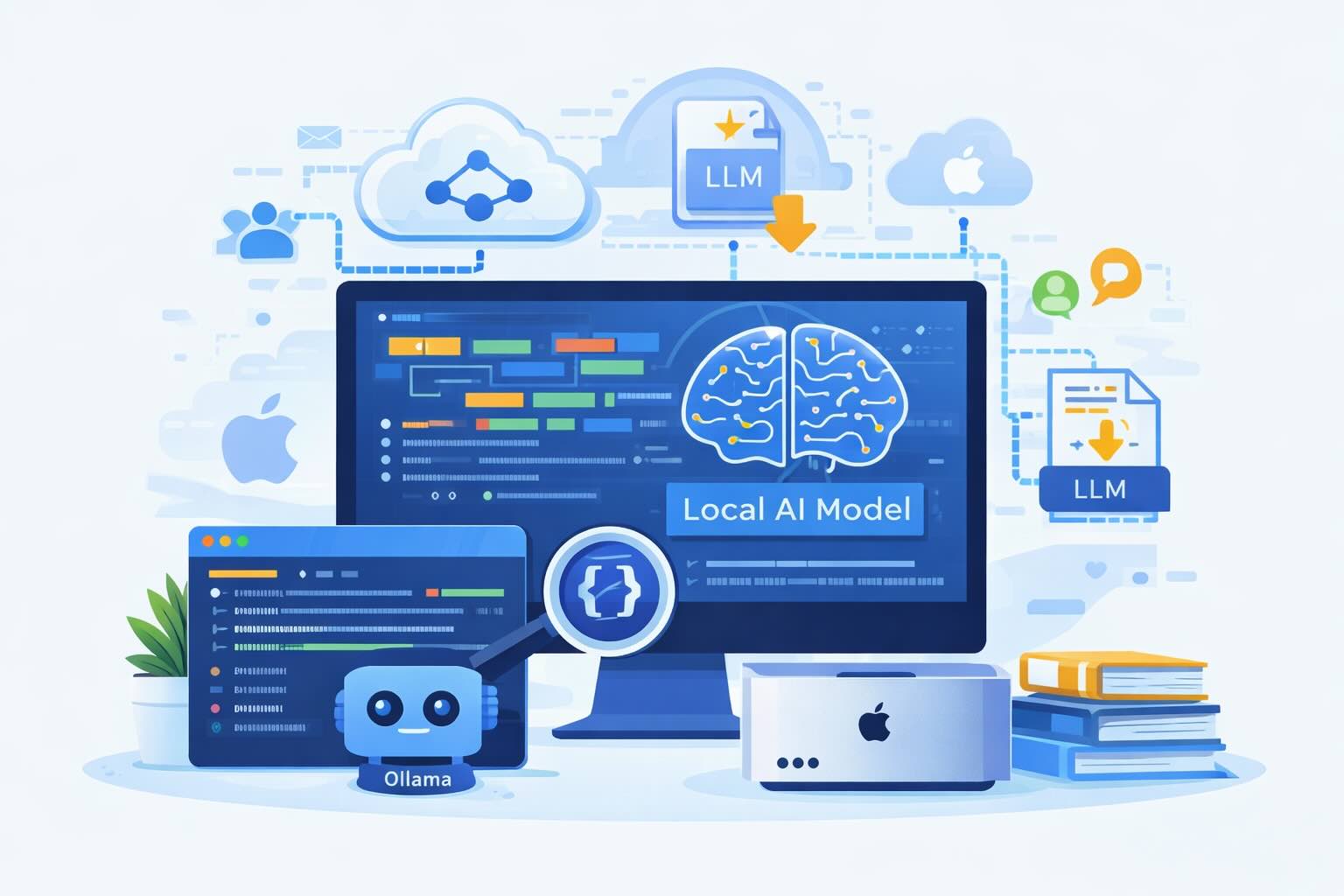
Setting up Ollama on macOS
Recently, after some bad experiences with OpenAI's ChatGPT and CODEX, I decided to look into and learn more about running local AI models. On its face it was intimidating, but I had seen a lot of people in the MacAdmins community posting examples of macOS setups, which really helped lower the bar for me both in terms of approachability and just making me more aware of the local AI community that exists out there today.
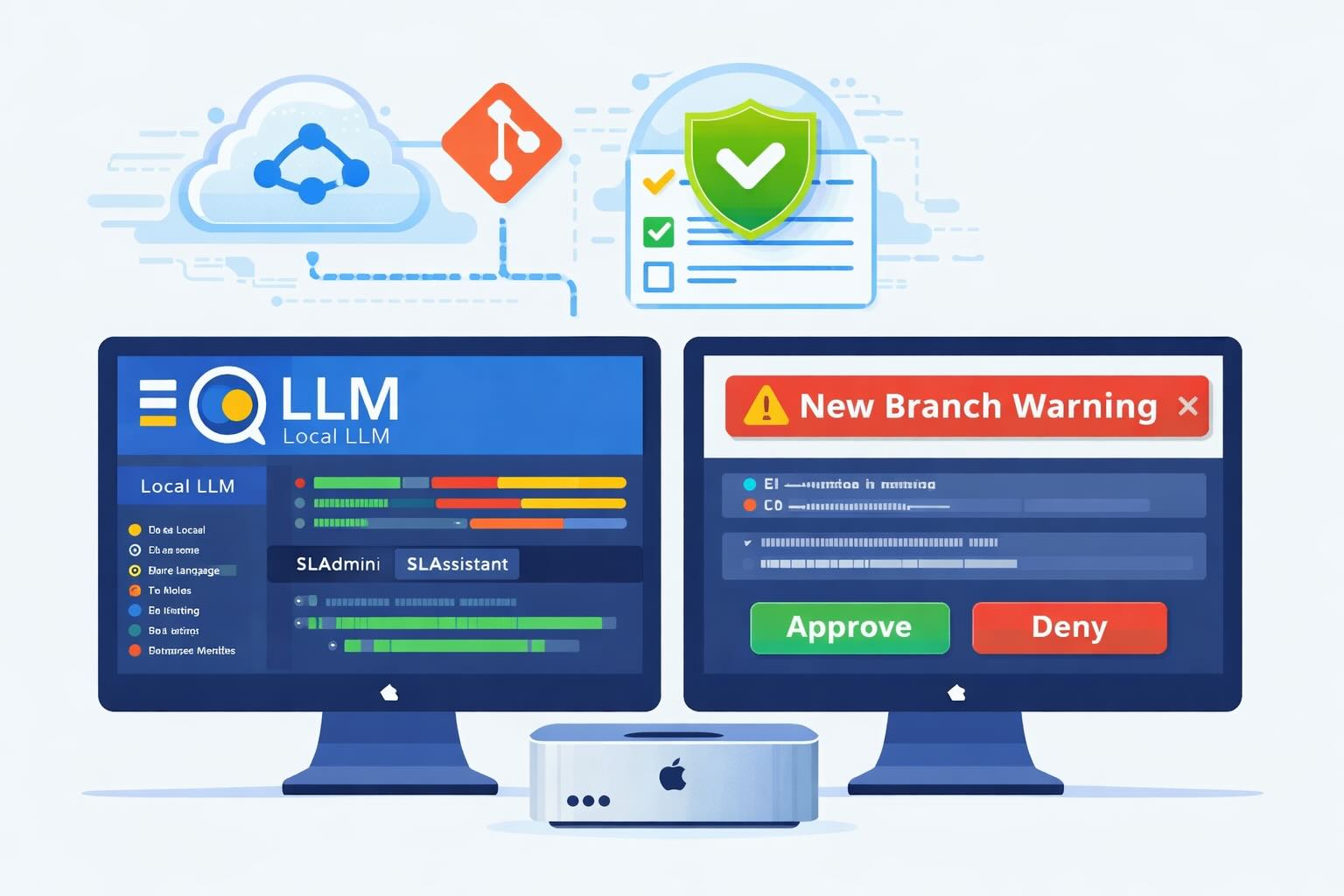
AI Agent Constraints and Security
I really feel like in this era of AI it's essential to write about and share experiences for others who are leveraging AI, especially now that AI usage seems almost ubiquitous. Specifically, when it comes to AI in development and the rapid growth of AI-driven automations in the IT landscape, I believe there's a need for open discussion and exploration.

ABM Warranty 0.4.1
The 0.4.x release series for ABM Warranty is focused on operational scale. The earlier 0.3 releases were about trust, correctness, and stabilizing the foundation. Version 0.4.1 builds directly on that work by making the app more practical for consultants, internal IT teams, and managed service providers who need to support multiple environments without losing isolation, control, or visibility. This includes improvements to user interface and workflow, as well as enhanced reporting capabilities to help these users manage their workflows more efficiently.
Vibe Coding with Codex: From Fun to Frustration
So there I was, a typically day, a typical weekend. As a ChatGPT customer, I had heard good things about Codex and had not yet tried the platform. To date my experience with agentic coding was simply snippit based support with ChatGPT and Gemeni where I would ask questions, get explanations and support with squashing bugs in a few apps that I work on, for fun, on the side. There were a few core features in one of the apps I built that I wanted to try implementing but the...
The warranty dashboard Apple doesn’t provide… yet
Download ABM Warranty
Why Apple Fleet Risk Isn’t a Security Problem—Until It Is
Security and risk are often treated as interchangeable concepts in modern IT environments, but they are not the same discipline. Security focuses on controls, enforcement, and prevention. Risk management, by contrast, is concerned with likelihood, impact, and consequence across operational, financial, and organizational domains. Frameworks such as those published by NIST make this distinction explicit: risk assessment is not a technical exercise, but a business one. Technology informs risk decisions, but it does not define them.
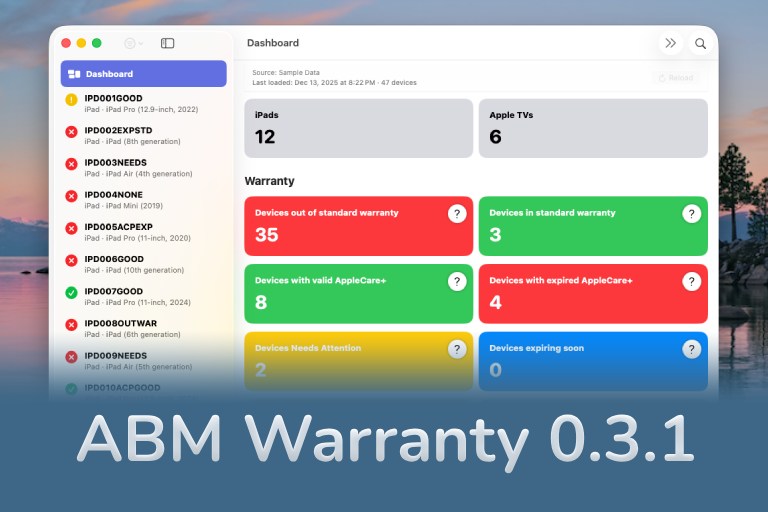
ABM Warranty 0.3.1
The 0.3.x release series for ABM Warranty is about tightening guarantees. Where earlier releases focused on surfacing data and making long-running operations observable, 0.3.x focuses on ensuring that what you see is complete, consistent, and safe to trust—particularly as the app is used in larger, slower, and more varied environments. This shift in focus aims to provide a more reliable foundation for users who require higher levels of assurance from their warranty management system.
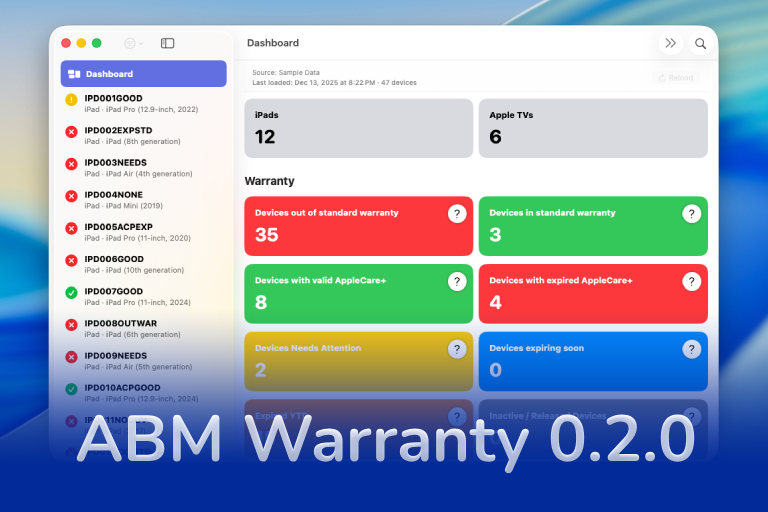
ABM Warranty 0.2.0
ABM Warranty 0.2.0 is a feature release focused on visibility, safety, and scale. This version does not change what ABM Warranty is meant to be, but it significantly improves how the app behaves under real-world conditions—large device counts, API throttling, long-running imports, and the kinds of failure modes Apple IT admins actually encounter. The improvements in this release are designed to make the app more reliable and efficient, allowing it to handle complex scenarios without breaking or becoming unresponsive.

Running a Beta Program: Lessons Learned
Shipping software in isolation is comforting. You control the inputs, the environment, and the narrative you tell yourself about how things work. The moment you invite other people in—especially people who don’t share your assumptions—you lose that comfort. You also gain something far more valuable. Running a public beta for ABM Warranty through Apple’s TestFlight program forced me to confront that tradeoff head-on, and it fundamentally changed how quickly and confidently the app matured.
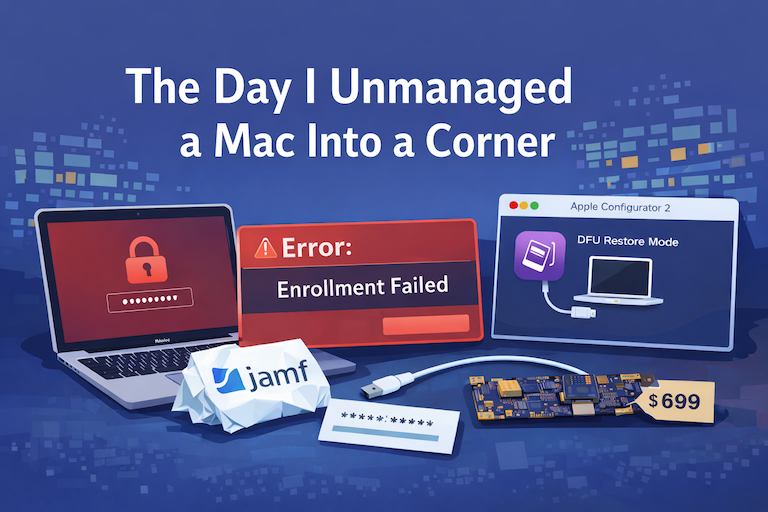
The Day I Unmanaged a Mac Into a Corner
There are a few kinds of mistakes you make as a Mac admin. There are the ones that cost you time, the ones that cost you sleep, and then there are the ones that leave you staring at a perfectly good laptop thinking, “How did I possibly make this *less* manageable by touching it?” These mistakes often stem from a lack of understanding or experience with macOS, but they can also be the result of rushing through tasks or not taking the time to properly plan and test.
