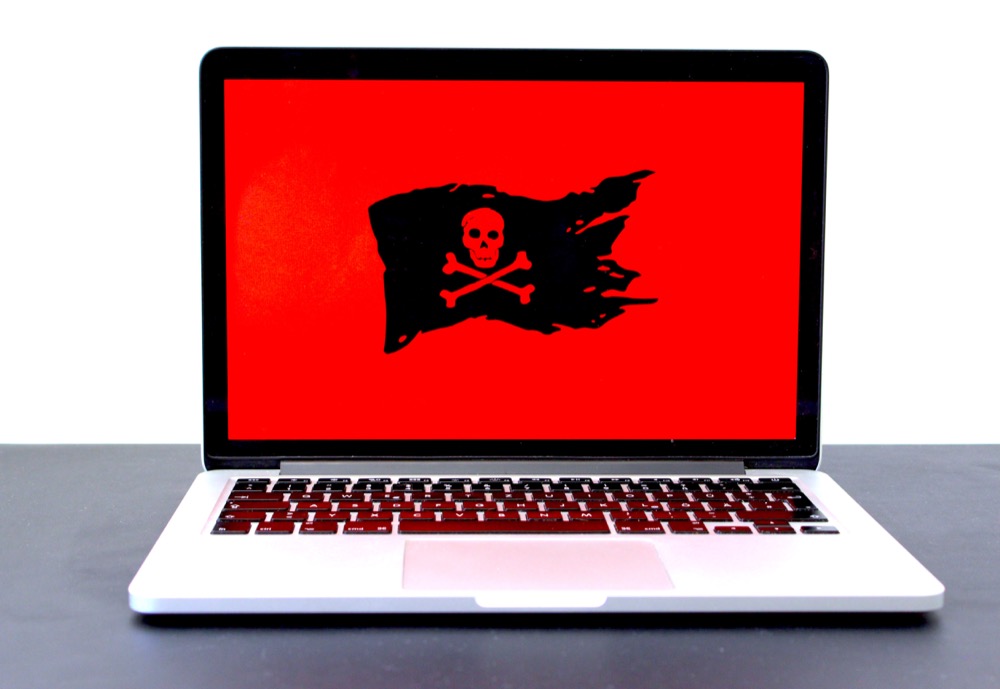

In 2020, it seems like there is a new headline just about every week of another major company getting hit with a ransomware attack. Per the New York Times, “A woman died from treatment delays after a hospital in Germany hit by a cyberattack was forced to turn away emergency patients. Hackers released private information, including Social Security numbers, from a Las Vegas school district. A coronavirus vaccine trial was bogged down in recent weeks when researchers were locked out of their data.” Adding to this you see major companies like Garmin getting their core infrastructure hit and having to pay a 10-million-dollar ransom to get access to their data back.
How did this problem get so bad? In essence, cyber criminals found that the payout is higher and easier with ransomware that other types of cybercrime. Once other cyber criminal organizations noticed and caught on, the race was on. To compound matters even further, companies have started increasingly purchasing cybersecurity liability insurance against ransomware attacks. This is a double edged because if a company has liability insurance, then they will likely pay the ransom making them more enticing of a target.
So, what exactly is ransomware? Essentially ransomware involves an attacker typically performing a phishing attack against an unsuspecting employee of said corporation. If the phish is successful and the attacker has access to the inside network, they will scour the network looking for valuable information such as confidential customer files, database, and other essential intellectual property to the organization. Once they have the information, they will encrypt the information or systems with the attacker’s private key so that information or systems are inaccessible without the attacker’s private key to decrypt the information. The attacker will contact by various communication channel means the target and ask for payment (i.e., “the ransom”) for the private key for the organization to get access to their files.
A common question asked is should the company pay the ransom? The answer is it depends. Companies should consider the pros and cons of paying and what essentially is inaccessible. If a company’s strategic or critical assets such as customer data used for company business or the nature of your business is time sensitive, (i.e., a hospital) than companies might want to consider paying. If company assets that are hit have full backups and are not critical to essential operations, they might want to consider not paying and performing recovery operations immediately as part of their incident response/contingency plans. Another factor that companies should be aware of is whom the intended ransomware payment is going to. Recent policy guidance was issued by the Treasure Department stating that companies must ensure ransomware payment are not directed towards entities that were terrorist countries or organizations, Per the NLR, “Under the International Emergency Economic Powers Act (IEEPA) and the Trading with the Enemy Act (TWEA), among other laws, executive orders, and regulations, U.S. persons generally are prohibited from engaging in transactions — directly or indirectly — with individuals or entities “designated” on OFAC’s Specially Designated Nationals and Blocked Persons List (SDN List), as well as persons or entities covered by comprehensive country embargoes (e.g., Cuba, Iran, North Korea, Syria, and the Crimea region of Ukraine).” This should be carefully discussed and determined with company legal and law enforcement prior to authorizing payment as there could criminal liabilities if found actions were to occur.
So, what can a company do to prevent or at least minimize the threat of ransomware? While there is no magic panacea to prevent ransomware, a company should take the following steps. Companies should remain vigilant and maintain software patches to minimize vulnerabilities attackers might exploit to plan ransomware. Companies should ensure network boundary devices are hardened and minimize unnecessary ports or services access to their infrastructure. Companies should remain vigilant and ensure frequent user security awareness training to be aware of the latest threat vectors to prevent phishing attacks.
Worried about Ransomware? Need some guidance on getting your network and company assets better organized? Talk to us! Our consultants are Grove can help you understand the risks of ransomware and design a solution specifically for your organization to minimize these and other cybersecurity threats.
AI Usage Transparency Report
Pre-AI Era · Written before widespread use of generative AI tools
AI Signal Composition
Score: 0.04 · Low AI Influence
Summary
Ransomware attacks have become increasingly common, with major companies like Garmin being targeted. The problem is exacerbated by the ease and profitability of ransomware compared to other types of cybercrime. Companies should consider paying the ransom if their strategic or critical assets are inaccessible, but this decision depends on various factors. To prevent or minimize the threat of ransomware, companies should maintain software patches, harden network boundary devices, and provide frequent user security awareness training.
Related Posts

When Chromium Mistakes Your VPN for a Local Network
Turning off Jamf Trust fixed the webinar, which normally would have sent me straight to its routing policies. This time the route was fine: Chromium was treating Jamf's ZTNA broker addresses as a local network, and an Edge and Chrome preference corrected it.

Clamshell iBook G3 Restoration, Part 1: From Broken Screen to Board-Level Repair
Part one of a Clamshell iBook G3 restoration: a broken screen, a charger detour, a blinking system folder, a full teardown, and the backlight connector mistake that paused the project.
Bromure Gives Codex a Room of Its Own
I installed Bromure Agentic Coding, watched it build the Linux VM, authenticated Codex, and followed a real Codex task through the workspace.
Claude Code Auto Mode Changes Approval Flow, Not the Safety Boundary
Claude Code Auto mode changes how approval decisions are handled. It does not expand the boundary of what the coding agent should be allowed to do.

Amnesia Stealer Shows the Next Stage of ClickFix on macOS
Amnesia Stealer shows how ClickFix-style social engineering is adapting on macOS, while a public malware sample gives defenders an opportunity to study the behavior behind the campaign.
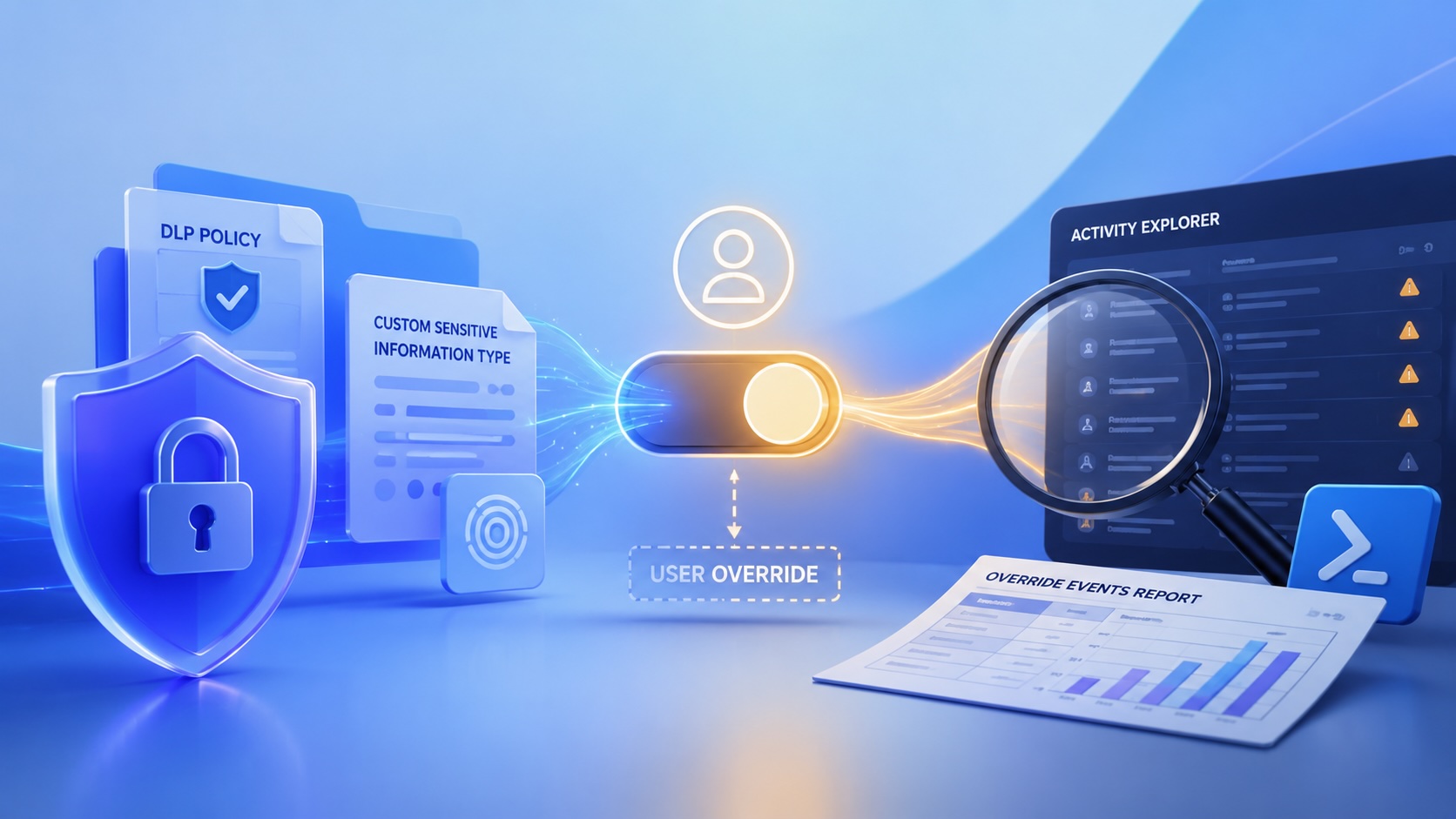
Reporting on Microsoft 365 DLP Overrides with PowerShell
DLP overrides are not automatically bad. They are a business process that needs visibility. This walkthrough covers a Microsoft Purview DLP policy, a custom sensitive information type, user override behavior, and a PowerShell report that exports override events from Activity Explorer.

PowerBook 140 BlueSCSI Install: Cable Fixed, Battery-Bay Power, and Wi-Fi Setup
The PowerBook 140 project moved from preparing a BlueSCSI card in Basilisk II to installing the repaired internal SCSI cable, powering the BlueSCSI Pico externally from the battery bay, booting System 7.1, and fighting through DaynaPORT Wi-Fi setup.
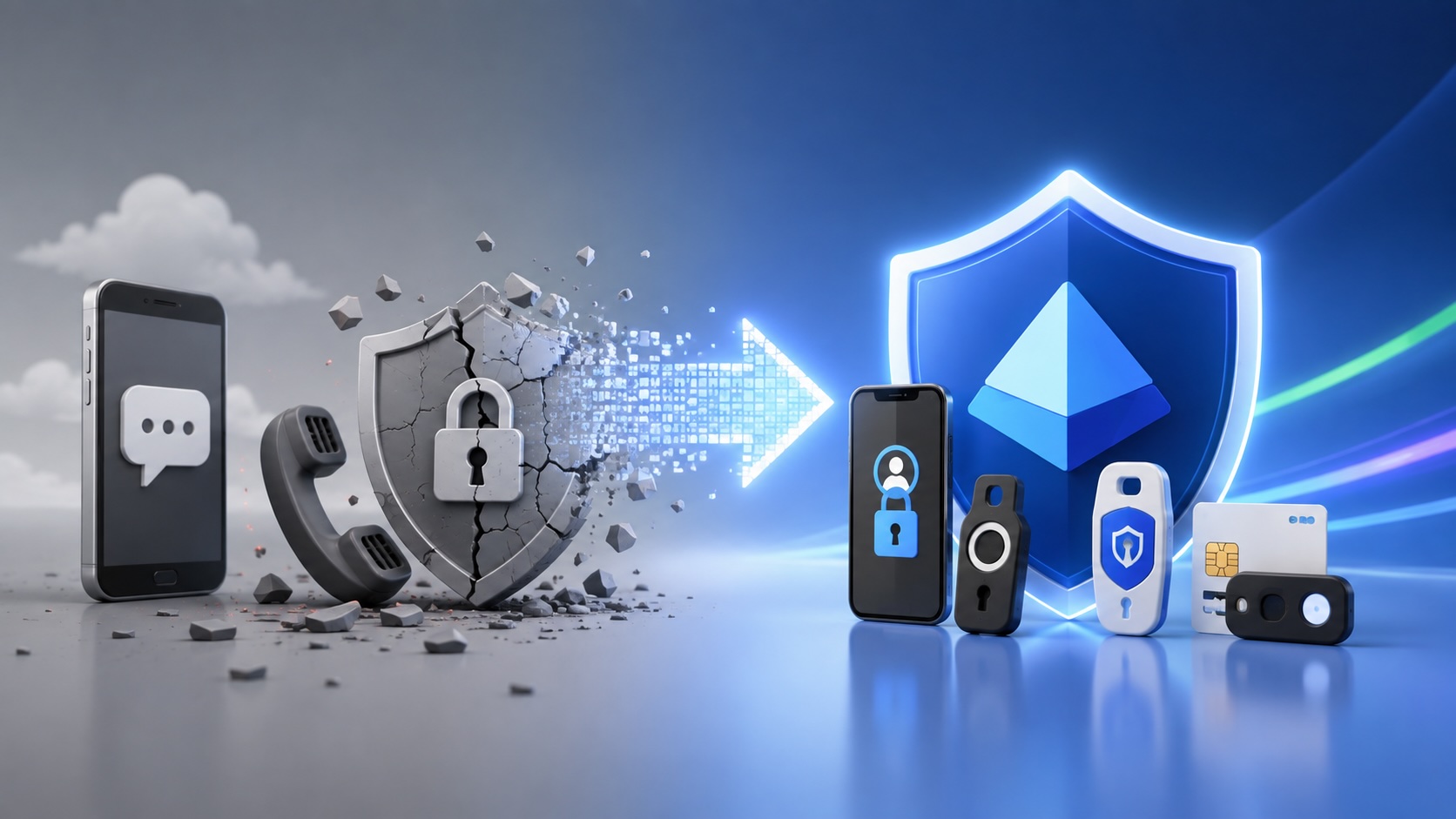
Move Entra Users Off SMS and Voice Before Microsoft Retires Them
Microsoft is retiring Microsoft-provided SMS and voice authentication in Entra ID. The migration is not passkeys for everyone; it is removing weak telecom MFA and choosing supported replacement methods such as Microsoft Authenticator, FIDO2 keys, certificate-based authentication, OATH hardware tokens, or customer-managed telecom.

Fixing a Broken Apple Cinema Display Stand with a 3D Printed Leg
A 22-inch Apple Cinema Display arrived with a broken acrylic easel stand, so I used a 3D printed replacement leg instead of sending the monitor back.
macOS Tahoe 26.6.1 Fixes a High-Severity Screen Sharing Authentication Bypass
macOS Tahoe 26.6.1 fixes CVE-2026-65400, a high-severity Screen Sharing authentication issue where an attacker on the network may be able to authenticate without valid credentials.
