
Moment Helps You Gauge Your iPhone Use and Offers Parental Oversight Option
Smartphone addiction is real. Do you check your iPhone before you get out of bed? During family dinners? Right before you go to sleep? Constantly during the day even when you’re on vacation? If you—or your family members—feel that you’re disappearing into your phone too often or at inappropriate times, it may be time to do something about it.
To start, you might want to quantify the problem, and for that, you can turn to a free iPhone app called Moment. Written by developer Kevin Holesh, Moment is designed to track three key pieces of data:
- How often you pick up your iPhone every day
- How much time you spend on your iPhone
- Which apps you use the most
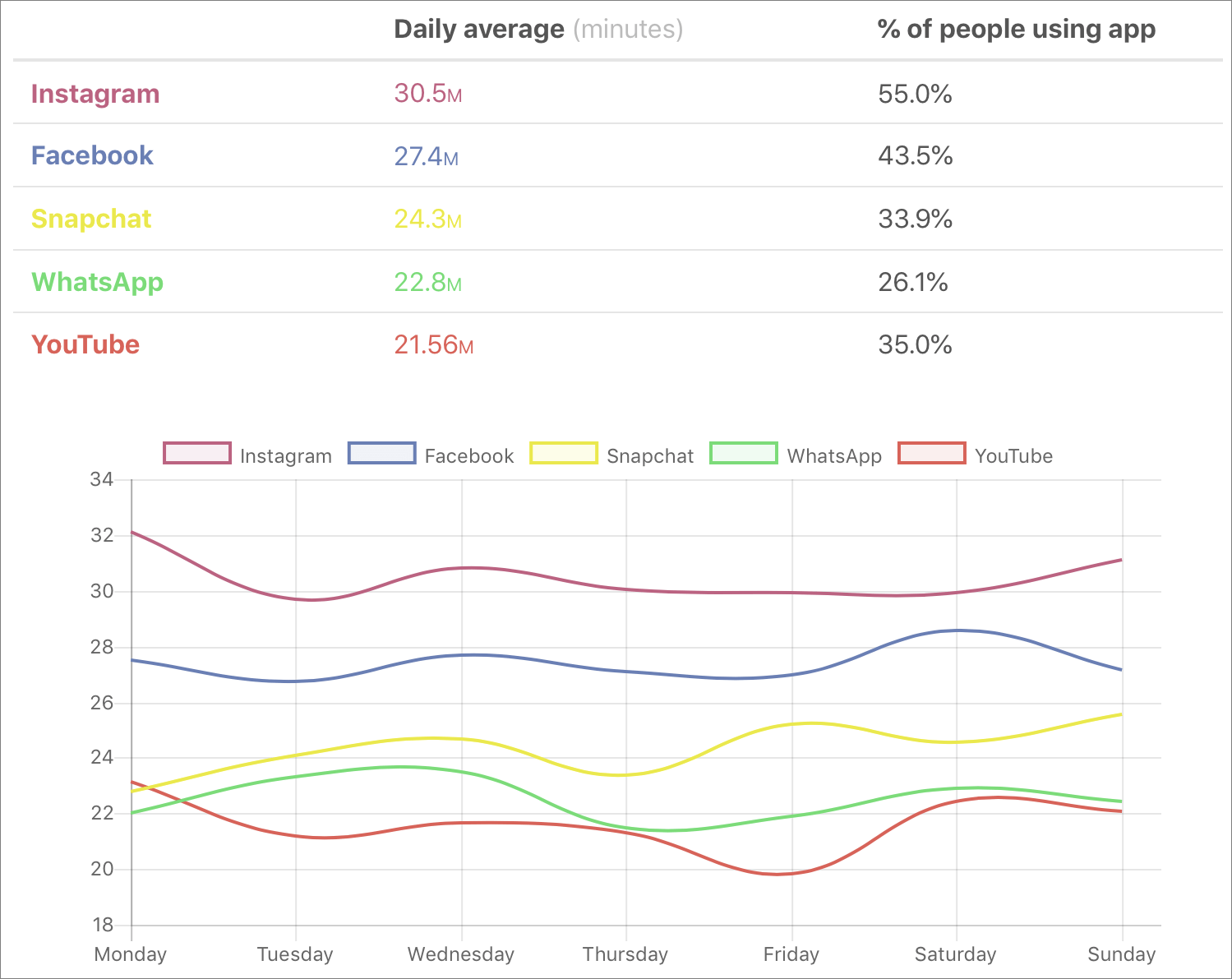
It then uses that information to paint a picture (well, not literally) of your iPhone use. Most people underestimate how much time they spend on their iPhones by about 100% (the average Moment user uses their iPhone for nearly 4 hours per day!). Knowing how much time you spend is the first step toward using your phone intentionally, rather than as a conduit to a constant stream of social media updates (look at the stats shown below), email messages, and quick-hit entertainment.
To get started, use the App Store app to install Moment, and then launch the app. It starts tracking your usage immediately, although once per week you’ll need to take screenshots of Settings > Battery so Moment can figure out how long you use each app. Then ignore Moment for a few days so it can gather some data.
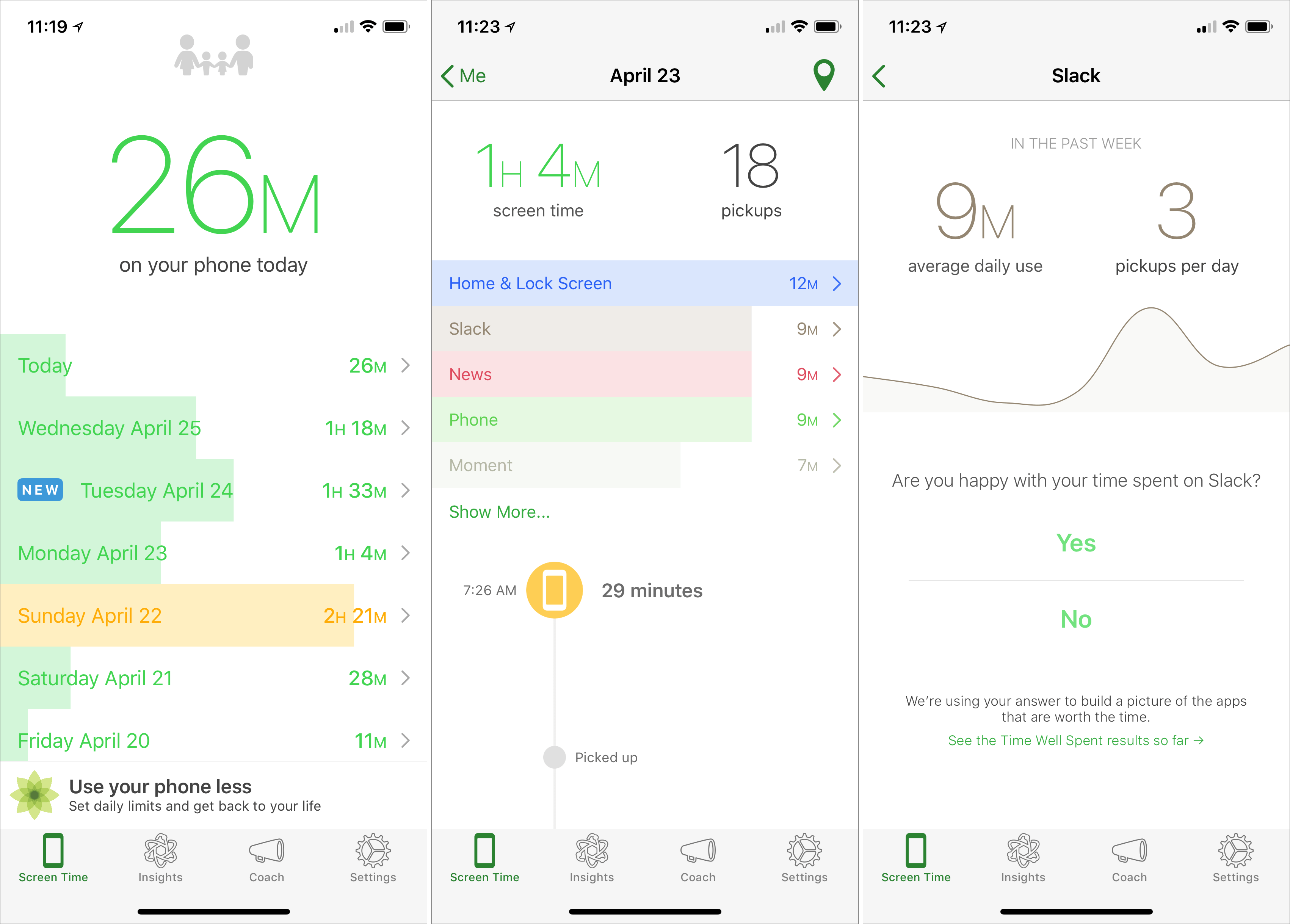
On the main Screen Time screen, Moment shows how much time you’ve spent on your phone today, along with a scrolling bar graph of how much time you spent every day since you installed Moment. Don’t get too hung up on these raw numbers, though, since Moment tracks every second the screen is on. You probably aren’t concerned about time spent reading an ebook or working out with an app that talks you through a routine.
To view both a breakdown by app and a timestamp for each time you picked up your iPhone, tap any day’s entry, and to see how much you use a particular app on average, tap it in the day view. You can answer a Yes/No question about whether you’re happy with how much you use the app, which informs the Time Well Spent aggregate data about which apps people are and are not concerned about.
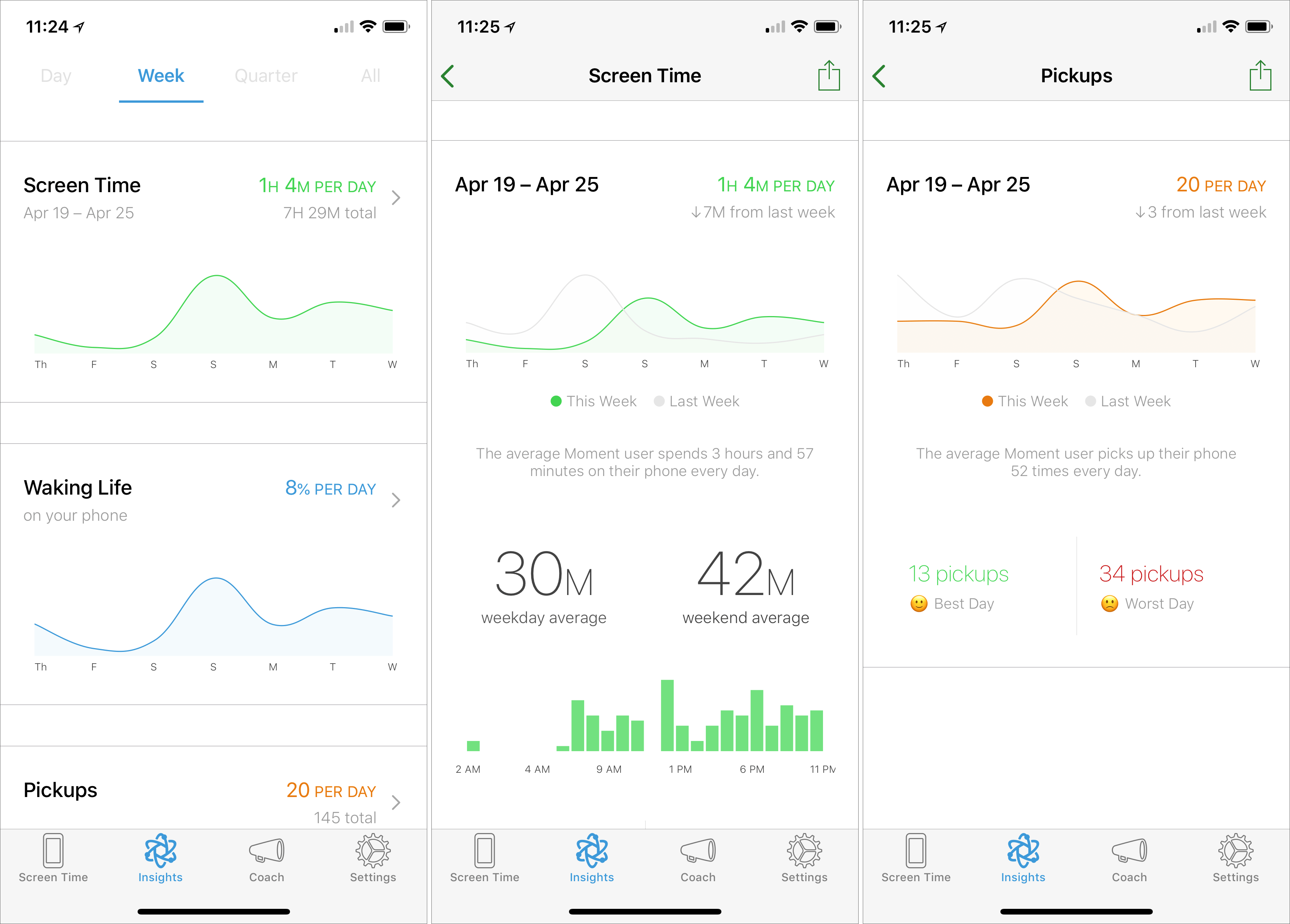
All that is helpful, but for a more useful overview, tap Insights and then Week. You’ll see graphs of your usage patterns for screen time, waking life, pickups, most used app, and sleep (this depends on your first and last pickups of the day, so take its data with a grain of salt). Tap any graph to see more detail, but wait until you’ve used Moment for a while.
Everything we’ve described so far is free, but Moment offers additional features for a one-time $3.99 in-app purchase. They let you exclude certain apps from the app-use detection, if you don’t want to be dinged for using apps that are necessary or otherwise positive. You can receive quick reminders about your usage, and set daily time limits. There is even a 14-day Phone Bootcamp course that helps you rethink your relationship with your phone.
More interesting for parents is Moment Family, a subscription service ($26.99 for 6 months or $44.99 for 12 months) that allows you to monitor your entire family’s screen time with Moment, set phone-free dinner times, and enforce daily limits.
So if you’re perturbed by the amount of time you spend using your iPhone every day, give Moment a try. On its own, it won’t solve your problem but by showing you exactly how often you turn to your phone—and for what apps—it can help you regain control over your usage patterns. And if others in your family have trouble putting their iPhones down at dinner or to do homework, Moment Family could be the answer.
AI Usage Transparency Report
Pre-AI Era · Written before widespread use of generative AI tools
AI Signal Composition
Score: 0.05 · Low AI Influence
Summary
Moment is a free iPhone app that helps you track and understand your phone usage, providing insights to help you use your phone more intentionally.
Related Posts

HelpBook Builder Launches 🚀
Build beautiful macOS Help Books with live preview, multilingual AI translation, and one-click export to Helpbook, PDF, and HTML.
What is the Managed App Store & Why you need it
--- Many people discount the importance of running app level updates on your computers. Programs like Chrome, Firefox and Adobe Creative Suite all have built it update utilities that will look for and apply critical security and functional updates from their respective development teams. Part of the job of software vendors is providing quality assurance meaning they are testing their software to make sure that it is stable and usable for their users. However little is known about how each vendor actually tests their software. Many only test on newer...
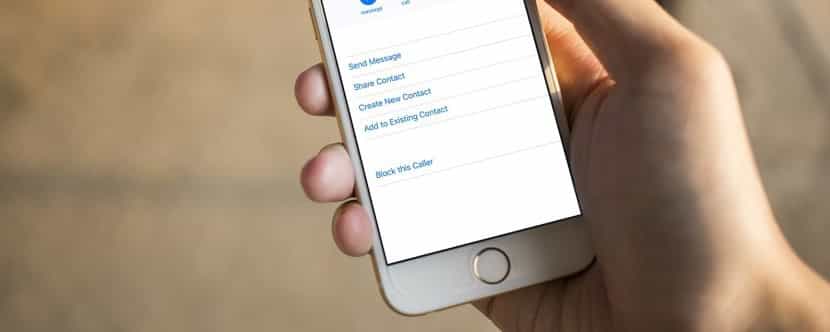
Block Telemarketing Calls Automatically on Your iPhone
Junk calls are one of the great annoyances of the modern world. You're minding your own business when your iPhone vibrates in your pocket. You pull it out, curious as to who's calling, but don't recognize the number. You may notice that it's in the same exchange as your phone number, suggesting that it's a neighbor. Often these calls are nothing more than automated messages or telemarketers trying to sell you something.
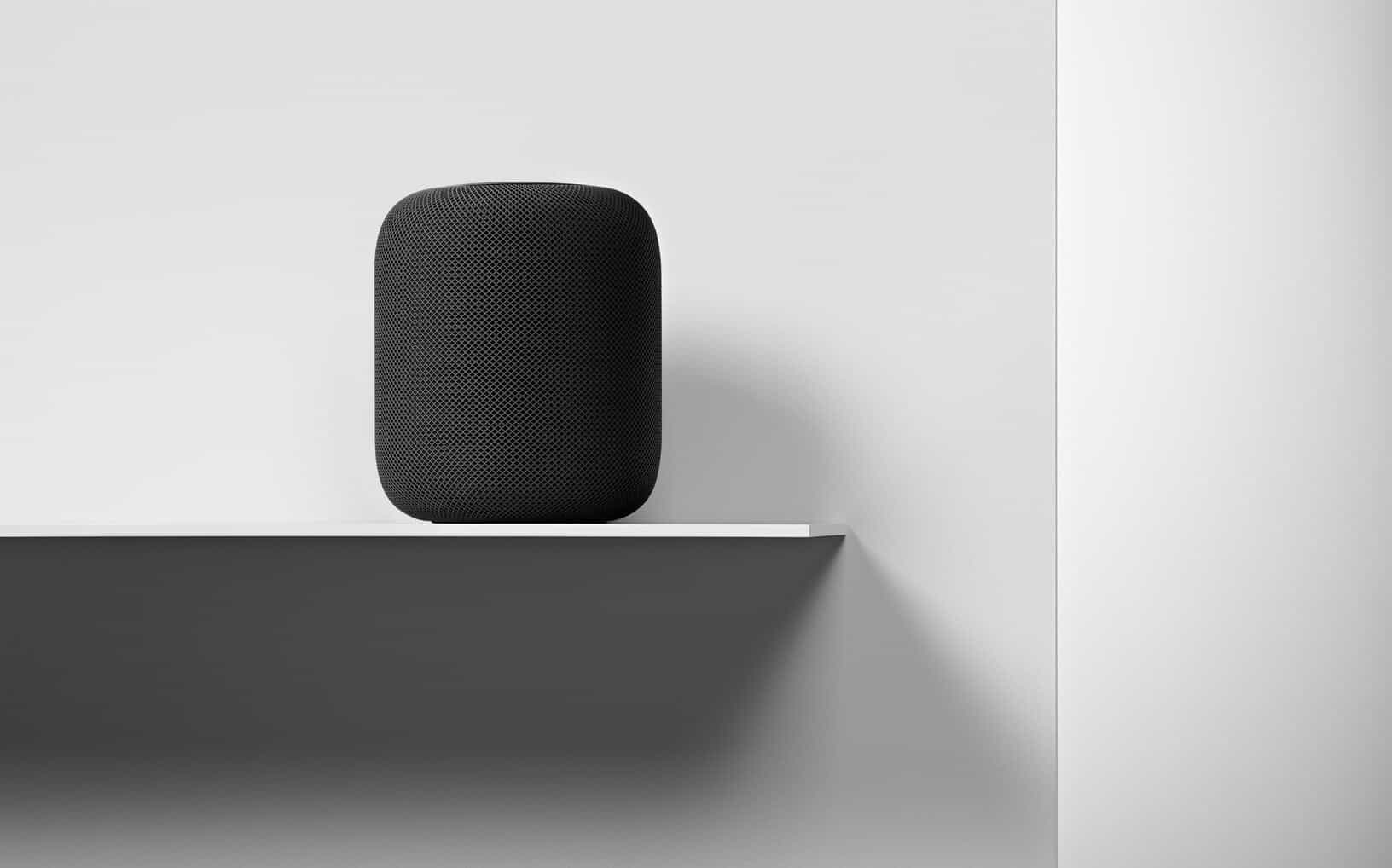
HomePod Preorders Begin, Smart Speaker Ships Feb 9
Apple has started preorders for its new HomePod as of yesterday. Priced at $349, the audio accessory focuses on delivering high-quality sound, offers integration with Siri's AI capabilities, and provides access to Apple Music's vast library of 45 million songs. The device is designed to work seamlessly within existing Apple ecosystems, allowing users to control it with their iPhone or iPad.
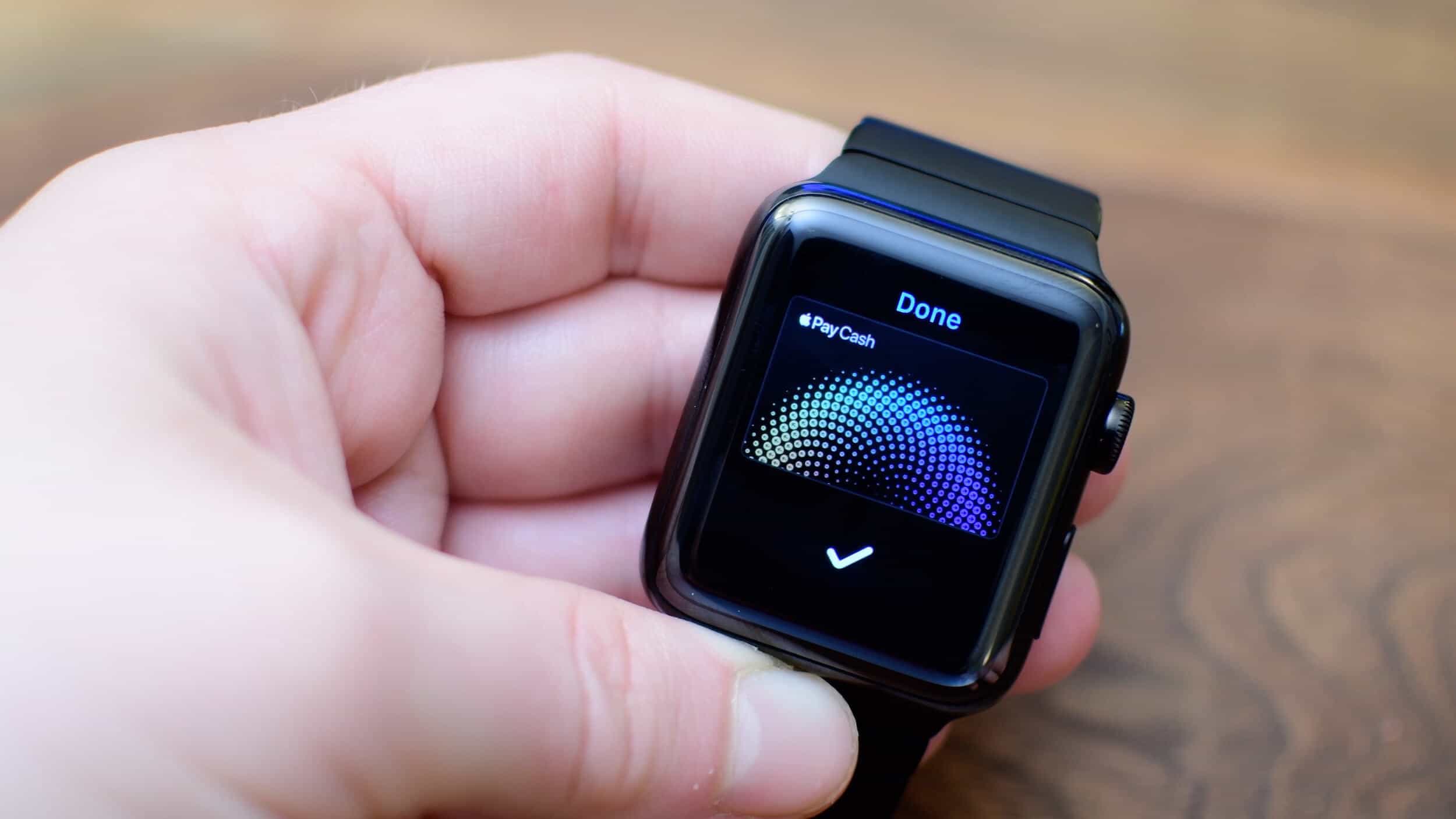
How to Use Apple Pay Cash on Your Apple Watch
After you install watchOS 4.2, you will see on your paired iPhone with iOS 11.2 installed, an Apple Pay Cash option within the Watch app's Wallet settings. To enable it, simply toggle the switch to "ON". You'll then be prompted to sign in with your Apple ID to complete the setup process.
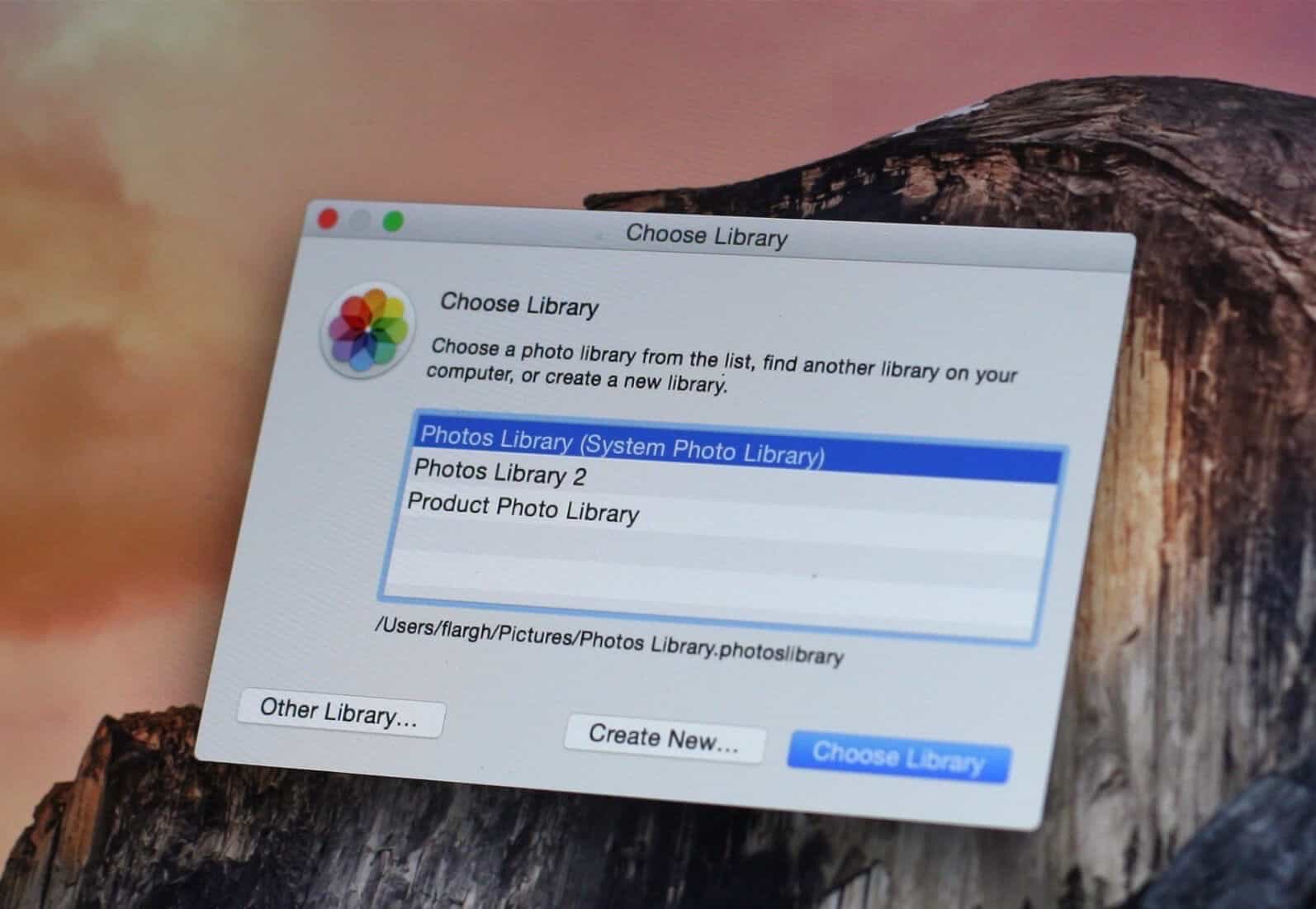
Move your Photos library to an External drive
Sometimes whether it is for backup purposes or for hosting, you will want to move your photos stored in your Apple Photos application library on your Mac to an external drive instead of the startup boot drive. This can help free up space and reduce clutter on your main drive. Making the change is simpler than you think, as long as you follow a few straightforward steps.
Does your iPhone battery need to be replaced?
Earlier this week we reported that Apple had acknowledged some iPhones are being throttled to prevent unexpected shutdowns. This admission came after a class-action lawsuit was filed against the company, alleging that it intentionally slowed down older devices to encourage users to upgrade to newer models. See our previous post for more information on this development.
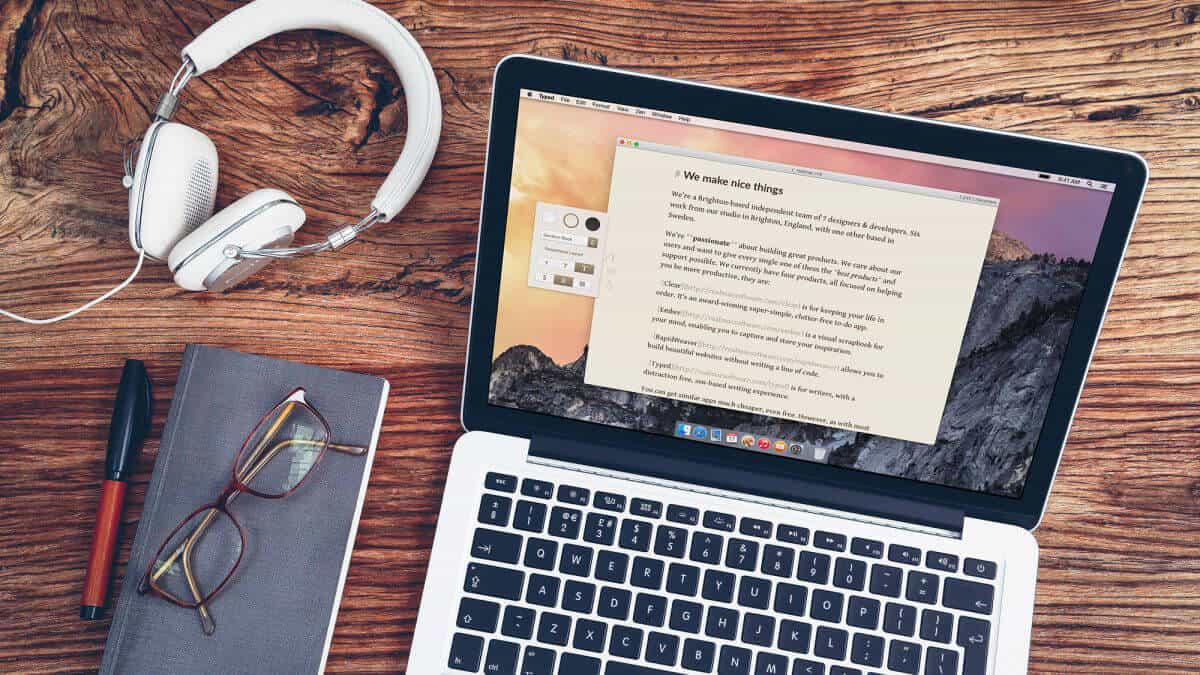
Our Top 5 free macOS App picks for 2017
It is the season for giving, and we're happy to share some of our free apps with you. Here's a rundown of what's available to install on your Mac:
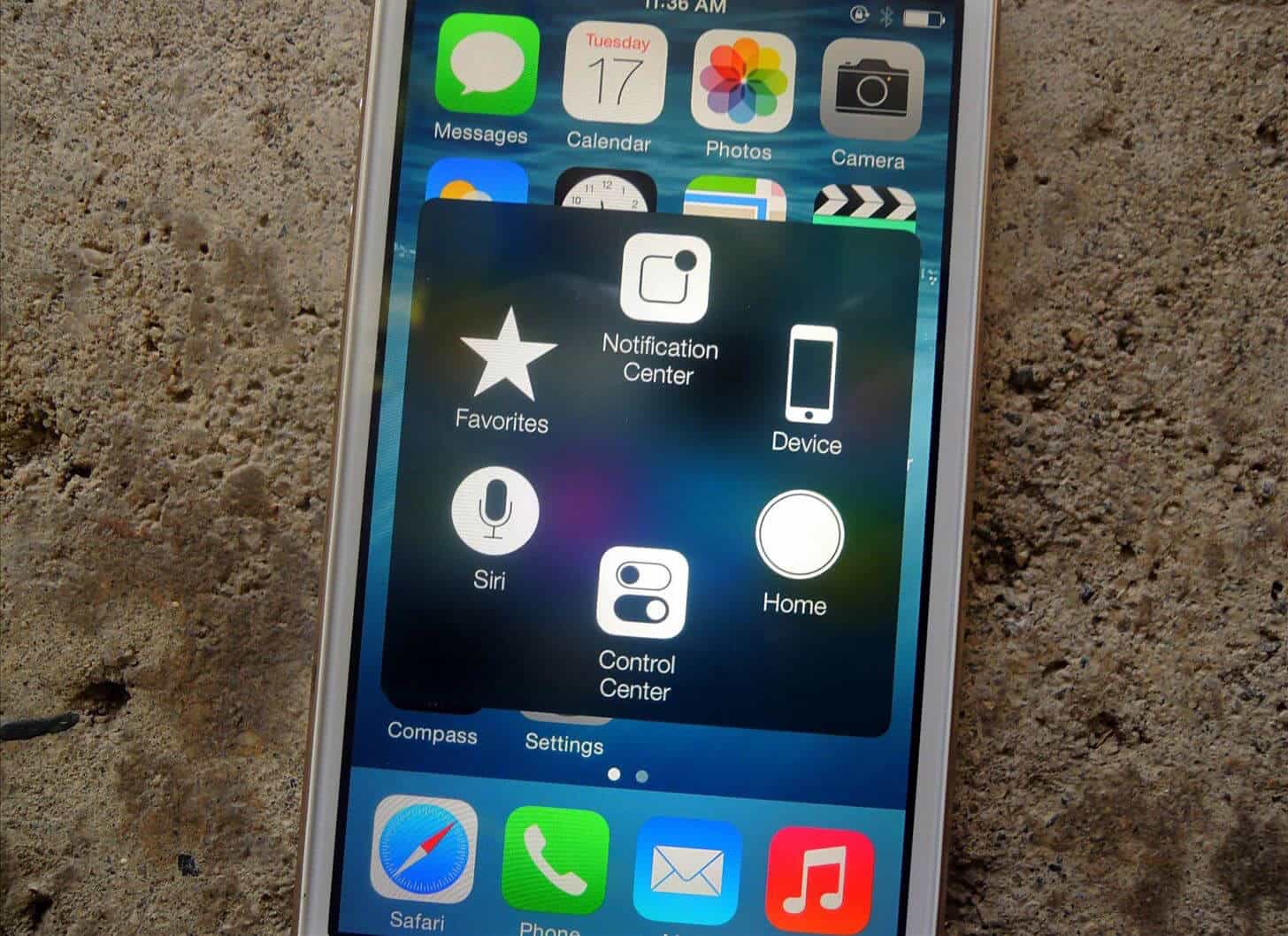
Don’t think you need Accessibility help with your iPhone?
Apple has made accessibility for differently abled people a cornerstone of iPhones and iDevices since 2007, and most of us never bother to explore these controls on our iPhone unless there is a specific need. These features are often hidden in plain sight, buried beneath layers of default settings and user interfaces that cater to the majority.
High Sierra using APFS breaks Boot Camp switching
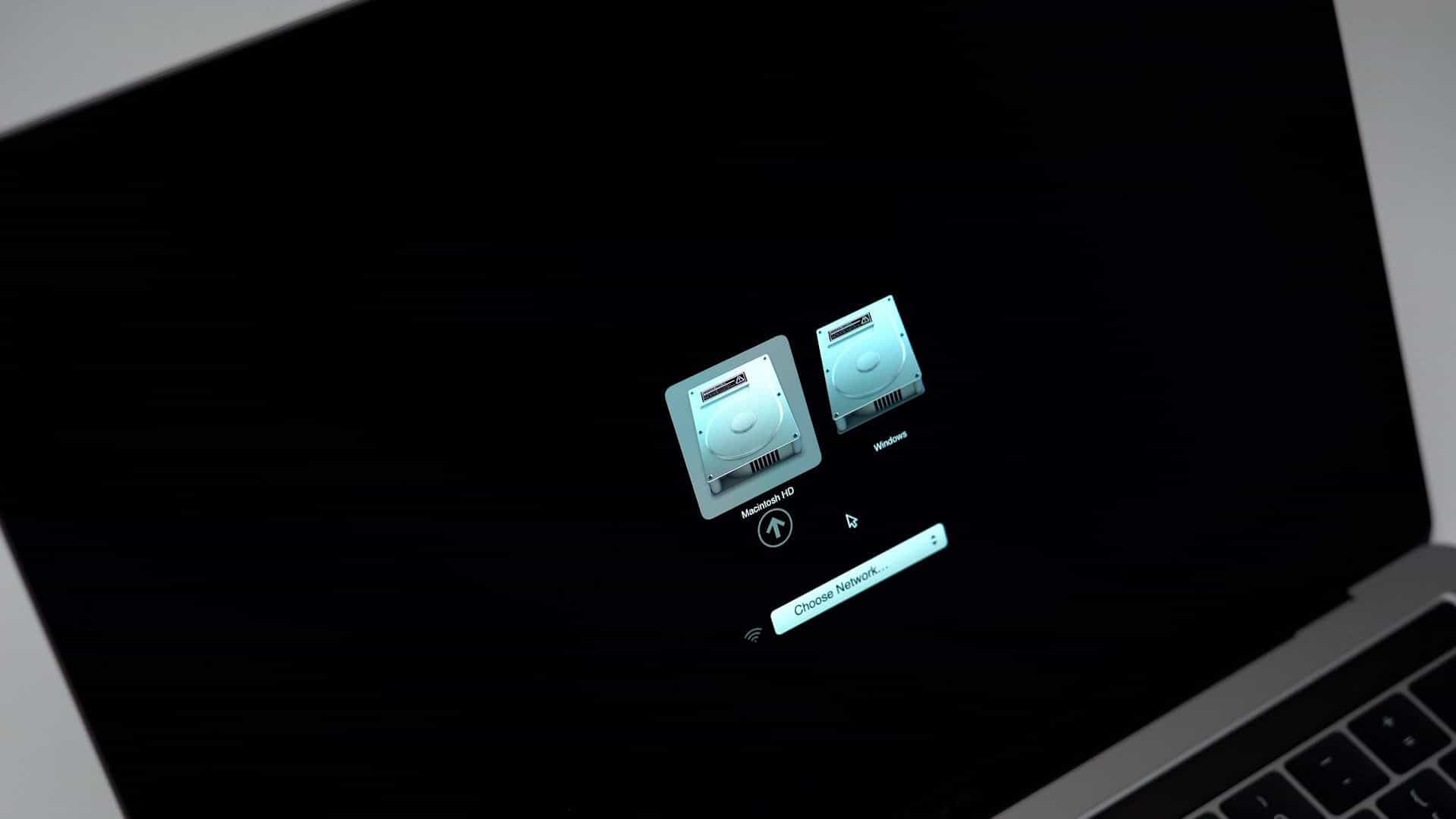
If like me you use the Boot Camp Control panel in Windows to restart your Mac into High Sierra and you are using an SSD drive for High Sierra, you may or may not notice that you can no longer choose your Macintosh startup disk in the Boot Camp Control Panel in Windows. This change is likely due to a limitation in the integration between Boot Camp and High Sierra on an SSD, but I haven't been able to find any official documentation confirming this.
