

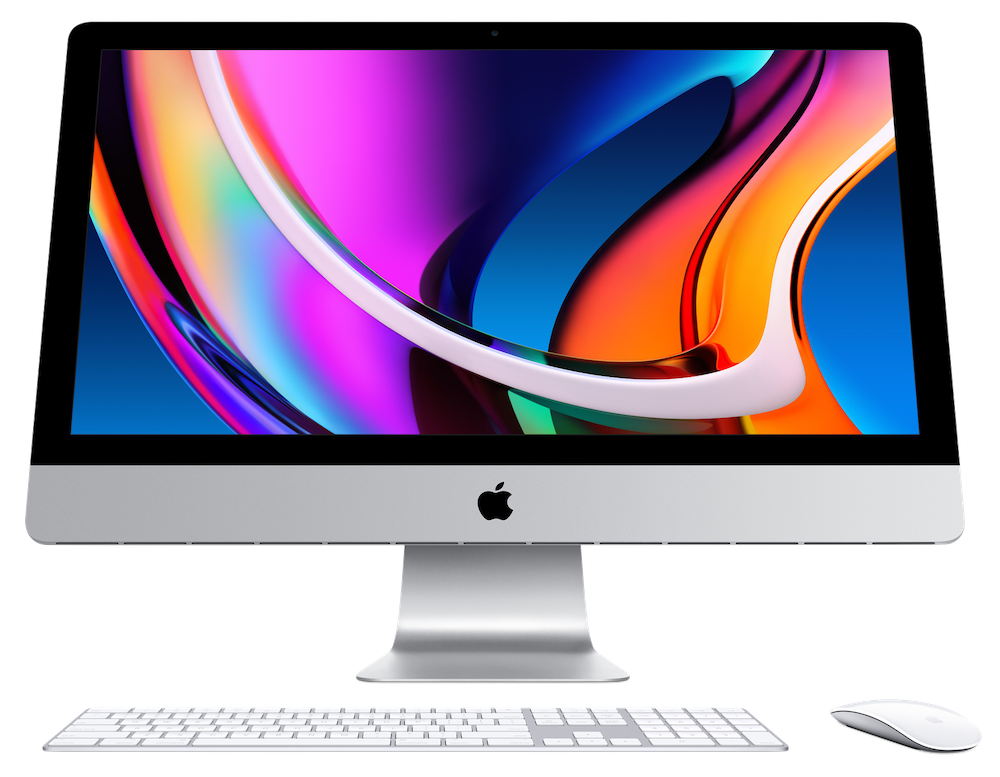
Apple’s workhorse desktop Mac, the 27-inch iMac with Retina 5K display, hasn’t seen an update since March 2019—nearly a year and a half ago. Happily, the company has finally released a new version of the popular iMac, outfitting it with 10th-generation Intel processors, increasing its RAM and storage capacities, and improving its audio and video capabilities. Prices haven’t changed, with the low-end model starting at $1799, the mid-range model at $1999, and the high-end configuration at $2299.
Separately, although Apple didn’t update either the 21.5-inch iMac or the iMac Pro, it tweaked both of their configurations. The company finally stopped selling the small, inexpensive 21.5-inch iMac with a performance-robbing hard drive. It now comes with SSDs standard across the line, with a 1 TB Fusion Drive as an alternative. For the iMac Pro, Apple dropped the 8-core Intel Xeon W processor configuration, making the base model a 10-core processor configuration.
There are no industrial design changes this time around, unsurprisingly, but the rest of the enhancements will be extremely welcome to anyone who has been holding out for a new iMac.
Faster Processors
For those who are concerned about performance but don’t want to spend thousands more on an iMac Pro or Mac Pro, Apple increased the 27-inch iMac’s specs in noteworthy ways. You have choices of four of the latest 10th-generation Intel Core processors: a 3.1 GHz 6-core i5, a 3.3 GHz 6-core i5, a 3.8 GHz 8-core i7, and a 3.6 GHz 10-core i9. Performance and cost both rise through that list.
Higher Performance Graphics Chips
Apple also moved to the next-generation AMD Radeon Pro graphics chips, with the Radeon Pro 5300 with 4 GB of memory in the low-end and mid-range models. The high-end model starts with a Radeon Pro 5500 XT with 8 GB of memory, and you can upgrade to a Radeon Pro 5700 with 8 GB for $300 or a Radeon Pro 5700 XT with 16 GB for $500. The more expensive options would be useful for graphics-intensive workflows, complex video editing, or developing 3D content.
Higher RAM Ceiling
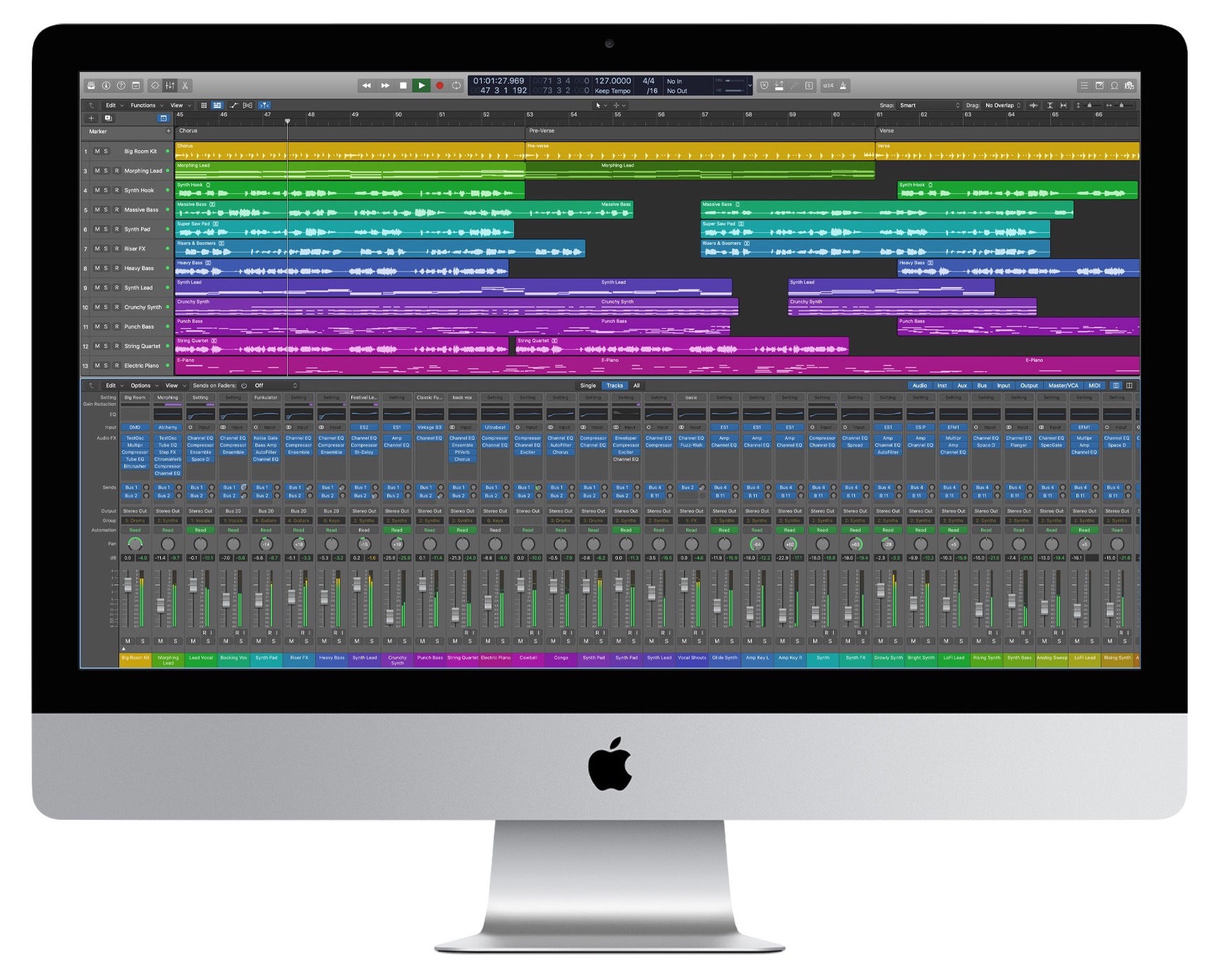
All configurations of the 27-inch iMac start with 8 GB, but you can expand that to 16 GB ($200), 32 GB ($600), 64 GB ($1000) or, for the first time in the iMac line, 128 GB ($2600). Unlike on most other Macs, RAM is user-accessible through a panel on the back, so you’d be smart to buy RAM separately, where it will be far cheaper—perhaps as much as two-thirds less.
Increased SSD Storage
Storage is locked at 256 GB for the low-end model, whereas the mid-range model starts at 512 GB and lets you upgrade to 1 TB ($200) or 2 TB ($600). The high-end model also starts at 512 GB, offering the same 1 TB and 2 TB upgrades and adding 4 TB ($1200) and 8 TB ($2400) options. The Fusion Drive is no longer an option for the 27-inch iMac.
Stronger Security and Processing with the T2 Security Chip
New to the 27-inch iMac is Apple’s T2 security chip. Along with encrypting all data on the SSD and ensuring that macOS hasn’t been tampered with at boot, the T2 chip includes custom processors that provide computational improvements for both audio and video. On the downside, the T2 chip’s added security makes certain kinds of troubleshooting and hardware repair difficult or impossible, so it’s extra important to have reliable backups.
Improved Glare and Ambient Light Handling
For those who have problems with screen glare, the 27-inch iMac now offers a $500 option for “nano-texture glass,” which Apple says provides “better viewing under various lighting conditions, such as a bright room or indirect sunlight.” Previously, nano-texture glass was available only for Apple’s Pro Display XDR screen. The iMac’s Retina display also now supports True Tone, enabling it to adjust its color temperature automatically for ambient light conditions.
Better Video and Audio for Videoconferencing
Those who spend their days on video calls will appreciate the new 1080p FaceTime HD camera, a notable improvement on the previous 720p camera. Apple also says the 27-inch iMac now features higher-fidelity speakers and a studio-quality three-mic array for better audio output and input.
Faster Networking
Finally, if you need the ultimate networking performance, a $100 option gets you 10 Gigabit Ethernet.
Overall, if you need a powerful desktop Mac with a gorgeous display, you can’t go wrong with the new 27-inch iMac. It’s significantly cheaper than the iMac Pro and more powerful than both the Mac mini and the 21.5-inch iMac. Just remember that some of the options are available only if you start with the high-end configuration.
AI Usage Transparency Report
Pre-AI Era · Written before widespread use of generative AI tools
AI Signal Composition
Score: 0.05 · Low AI Influence
Summary
The new 27-inch iMac features improved processors, graphics chips, RAM, and storage options, as well as enhanced security, display, and audio capabilities.
Related Posts

Setting up Ollama on macOS
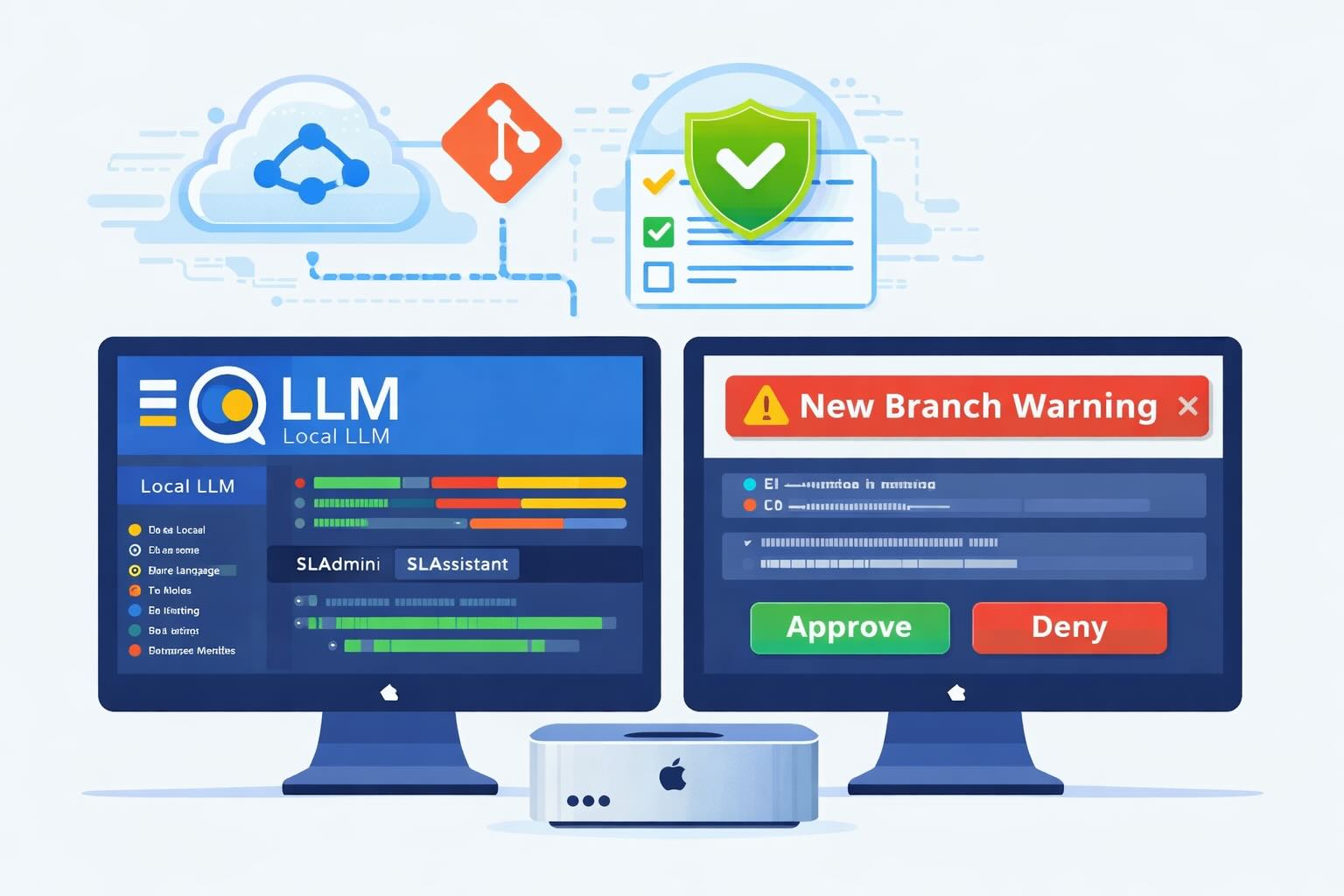
Recently, after some bad experiences with OpenAI's ChatGPT and CODEX, I decided to look into and learn more about running local AI models. On its face it was intimidating, but I had seen a lot of people in the MacAdmins community posting examples of macOS setups, which really helped lower the bar for me both in terms of approachability and just making me more aware of the local AI community that exists out there today.
AI Agent Constraints and Security
I really feel like in this era of AI it's essential to write about and share experiences for others who are leveraging AI, especially now that AI usage seems almost ubiquitous. Specifically, when it comes to AI in development and the rapid growth of AI-driven automations in the IT landscape, I believe there's a need for open discussion and exploration.

ABM Warranty 0.4.1
The 0.4.x release series for ABM Warranty is focused on operational scale. The earlier 0.3 releases were about trust, correctness, and stabilizing the foundation. Version 0.4.1 builds directly on that work by making the app more practical for consultants, internal IT teams, and managed service providers who need to support multiple environments without losing isolation, control, or visibility. This includes improvements to user interface and workflow, as well as enhanced reporting capabilities to help these users manage their workflows more efficiently.

Vibe Coding with Codex: From Fun to Frustration
So there I was, a typically day, a typical weekend. As a ChatGPT customer, I had heard good things about Codex and had not yet tried the platform. To date my experience with agentic coding was simply snippit based support with ChatGPT and Gemeni where I would ask questions, get explanations and support with squashing bugs in a few apps that I work on, for fun, on the side. There were a few core features in one of the apps I built that I wanted to try implementing but the...
The warranty dashboard Apple doesn’t provide… yet
Download ABM Warranty
Why Apple Fleet Risk Isn’t a Security Problem—Until It Is
Security and risk are often treated as interchangeable concepts in modern IT environments, but they are not the same discipline. Security focuses on controls, enforcement, and prevention. Risk management, by contrast, is concerned with likelihood, impact, and consequence across operational, financial, and organizational domains. Frameworks such as those published by NIST make this distinction explicit: risk assessment is not a technical exercise, but a business one. Technology informs risk decisions, but it does not define them.
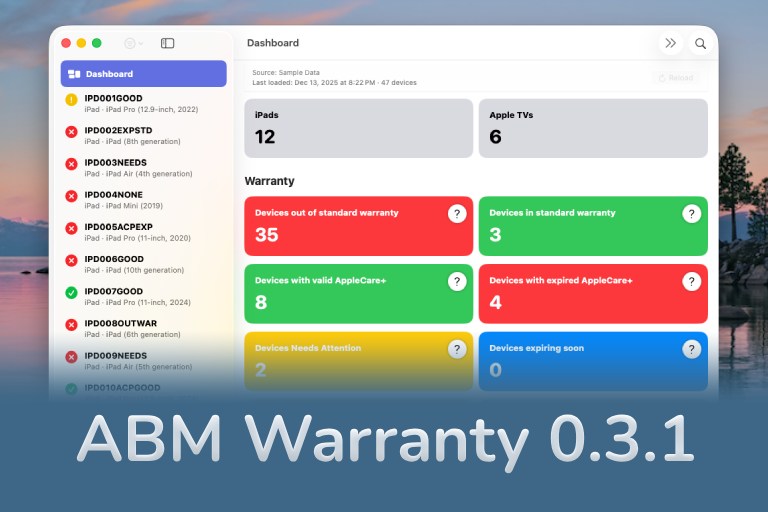
ABM Warranty 0.3.1
The 0.3.x release series for ABM Warranty is about tightening guarantees. Where earlier releases focused on surfacing data and making long-running operations observable, 0.3.x focuses on ensuring that what you see is complete, consistent, and safe to trust—particularly as the app is used in larger, slower, and more varied environments. This shift in focus aims to provide a more reliable foundation for users who require higher levels of assurance from their warranty management system.
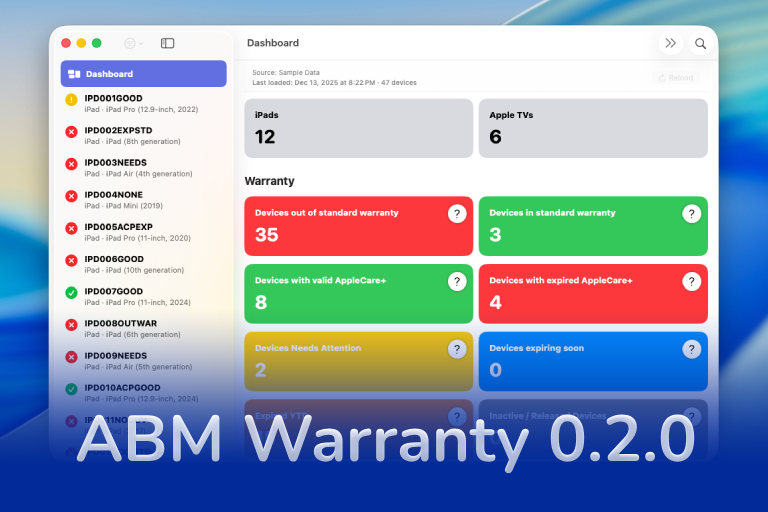
ABM Warranty 0.2.0
ABM Warranty 0.2.0 is a feature release focused on visibility, safety, and scale. This version does not change what ABM Warranty is meant to be, but it significantly improves how the app behaves under real-world conditions—large device counts, API throttling, long-running imports, and the kinds of failure modes Apple IT admins actually encounter. The improvements in this release are designed to make the app more reliable and efficient, allowing it to handle complex scenarios without breaking or becoming unresponsive.

Running a Beta Program: Lessons Learned
Shipping software in isolation is comforting. You control the inputs, the environment, and the narrative you tell yourself about how things work. The moment you invite other people in—especially people who don’t share your assumptions—you lose that comfort. You also gain something far more valuable. Running a public beta for ABM Warranty through Apple’s TestFlight program forced me to confront that tradeoff head-on, and it fundamentally changed how quickly and confidently the app matured.
The Day I Unmanaged a Mac Into a Corner
There are a few kinds of mistakes you make as a Mac admin. There are the ones that cost you time, the ones that cost you sleep, and then there are the ones that leave you staring at a perfectly good laptop thinking, “How did I possibly make this *less* manageable by touching it?” These mistakes often stem from a lack of understanding or experience with macOS, but they can also be the result of rushing through tasks or not taking the time to properly plan and test.
