Running a Beta Program: Lessons Learned


Shipping software in isolation is comforting. You control the inputs, the environment, and the narrative you tell yourself about how things work. The moment you invite other people in—especially people who don’t share your assumptions—you lose that comfort. You also gain something far more valuable. Running a public beta for ABM Warranty through Apple’s TestFlight program forced me to confront that tradeoff head-on, and it fundamentally changed how quickly and confidently the app matured.
The motivation for opening a beta was simple: ABM Warranty was solving a problem I knew well, but I didn’t want to build it only for my environment. Apple Business Manager behaves differently at scale, Jamf and other MDMs surface edge cases in unpredictable ways, and administrators bring wildly different expectations to tooling. TestFlight gave me a structured way to put the app in front of real admins, running real fleets, without pretending that internal testing could substitute for that diversity.
Apple’s beta infrastructure does some things extremely well. Distribution is trivial once the app is approved. Updates propagate quickly. Crash reports and basic feedback are centralized in a way that’s easy to reason about. For an indie developer, especially one already living inside Apple’s ecosystem, it’s hard to argue with the convenience. TestFlight lowers the friction enough that the hard part becomes the human side, not the mechanics of delivery.
That human side turned out to be the real work. Coordinating beta testers meant setting expectations early and often. TestFlight feedback is asynchronous and largely text-based, which is both a strength and a limitation. You get honest, in-the-moment reactions, but you lose nuance. Apple restricts beta submissions to screenshots rather than screen recordings, which makes it harder to capture complex workflows or subtle UI issues. For an app like ABM Warranty—where state, progress, and timing matter—that limitation came up more than once. I found myself asking follow-up questions, reconstructing scenarios, and occasionally asking testers to describe what didn’t happen rather than what did.
Despite that friction, the quality of feedback was better than I expected. Testers weren’t just reporting bugs; they were describing how the app fit—or didn’t fit—into their daily work. They pointed out assumptions I didn’t realize I was making, especially around error handling, long-running operations, and what “done” actually means when you’re querying thousands of devices. That feedback loop shortened development cycles dramatically. Instead of guessing which edge cases mattered, I was reacting to evidence.
There were tradeoffs. Every beta build increases cognitive load. You’re balancing feature development against regression risk, and every new tester expands the surface area of potential confusion. Some feedback contradicted other feedback, and learning when not to act was just as important as learning when to ship a fix. Running a beta doesn’t absolve you from judgment; it sharpens the need for it.
What surprised me most was how much confidence the process created—not just for testers, but for me. Seeing the app survive outside my environment validated architectural decisions and exposed weak ones early enough to fix them without panic. Bugs found in beta are still bugs, but they don’t feel like failures. They feel like the system doing what it’s supposed to do.
Running a beta didn’t just improve the app, it changed how I thought about developing it. TestFlight forced me to stop treating “works on my machine” as a milestone and start treating real-world friction as part of the design process. The feedback wasn’t always neat, and Apple’s tooling isn’t always expressive, but the signal was there if I paid attention. More importantly, it reminded me that velocity doesn’t come from moving fast alone—it comes from moving with other people early enough that their reality can still shape the outcome.
Resources
- Apple Developer Documentation: “TestFlight Overview”
- Apple Developer Documentation: “Beta Testing Made Simple with TestFlight”
- Apple App Store Connect Help: “Manage TestFlight Beta Testing”
Ready to take your Apple IT skills and consulting career to the next level?
I’m opening up free mentorship slots to help you navigate certifications, real-world challenges, and starting your own independent consulting business.
Let’s connect and grow together — Sign up here
AI Usage Transparency Report
AI Era · Written during widespread use of AI tools
AI Signal Composition
Score: 0.28 · Moderate AI Influence
Summary
Running a public beta for ABM Warranty through Apple’s TestFlight program forced me to confront the tradeoff between comfort and value, ultimately changing how quickly and confidently the app matured.
Related Posts

Bromure Gives Codex a Room of Its Own
I installed Bromure Agentic Coding, watched it build the Linux VM, authenticated Codex, and followed a real Codex task through the workspace.
Claude Code Auto Mode Changes Approval Flow, Not the Safety Boundary
Claude Code Auto mode changes how approval decisions are handled. It does not expand the boundary of what the coding agent should be allowed to do.
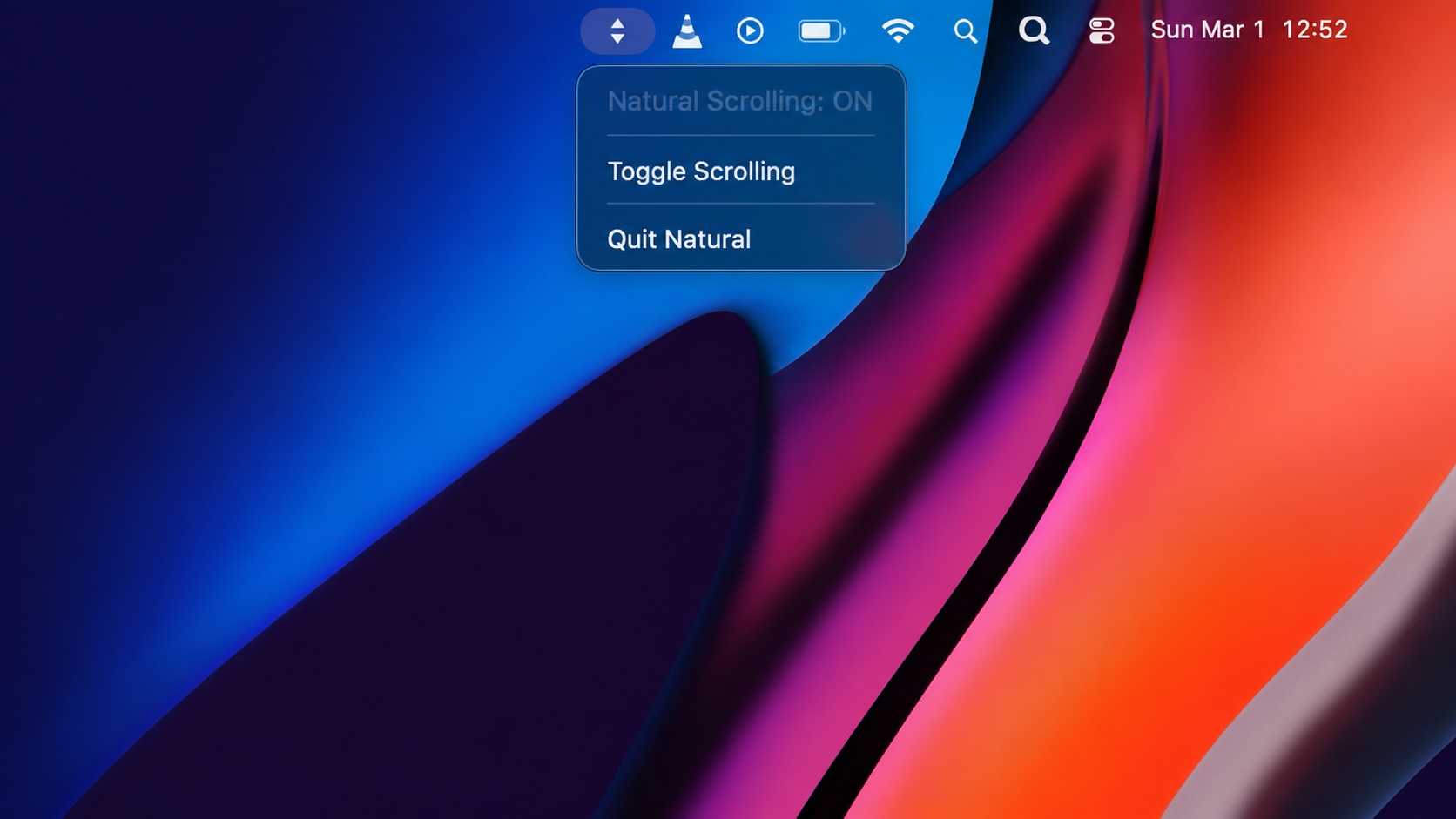
Natural Makes the macOS Scroll Direction Toggle Less Buried
Natural is a small macOS menu bar utility that makes the natural scrolling toggle easy to reach, but building it from source also shows why open-source desktop utilities need clear prerequisite checks before they become recommended tools.
LibrePods Turns AirPods Into an Interoperability Question
LibrePods is interesting because it turns AirPods into an interoperability question: what happens when open-source software implements Apple's private AirPods protocol so Android and Linux users can reach features normally reserved for Apple's ecosystem?

Why Mac Performance Monitor Belongs in the Mac Admin Toolbox
Mac Performance Monitor belongs in the Mac admin toolbox because it records local performance history, helps Help Desk review slow-Mac reports after the moment has passed, and keeps process telemetry on the Mac instead of sending it to a cloud service.
Apple’s WWDC26 AI Story Is About Control, Not Just Models
Apple’s WWDC26 special presentation on Apple Intelligence and Xcode was less about adding a chat box to developer tools and more about making AI part of the platform boundary. Xcode agents, App Intents, Foundation Models, Core AI, and MLX all point toward the same idea: intelligent features need context, permissions, testing, and clear ownership before they belong in production software.

HelpBook Builder Launches 🚀
Build beautiful macOS Help Books with live preview, multilingual AI translation, and one-click export to Helpbook, PDF, and HTML.
When Chromium Mistakes Your VPN for a Local Network
Turning off Jamf Trust fixed the webinar, which normally would have sent me straight to its routing policies. This time the route was fine: Chromium was treating Jamf's ZTNA broker addresses as a local network, and an Edge and Chrome preference corrected it.

Clamshell iBook G3 Restoration, Part 1: From Broken Screen to Board-Level Repair
Part one of a Clamshell iBook G3 restoration: a broken screen, a charger detour, a blinking system folder, a full teardown, and the backlight connector mistake that paused the project.

Amnesia Stealer Shows the Next Stage of ClickFix on macOS
Amnesia Stealer shows how ClickFix-style social engineering is adapting on macOS, while a public malware sample gives defenders an opportunity to study the behavior behind the campaign.
