
Welcome to my blog
Join me on my journey as I share my insights and experiences on all things Apple, Business and Entrepreneurship!
Join me on my journey as I share my insights and experiences on all things Apple, Business and Entrepreneurship!
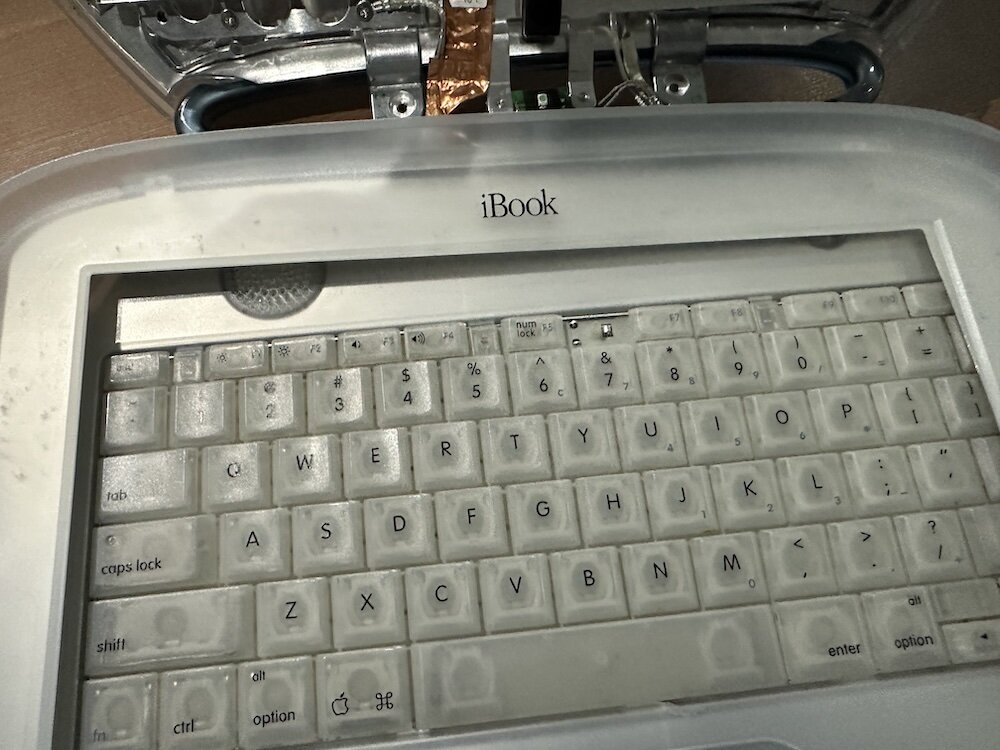
Part one of a Clamshell iBook G3 restoration: a broken screen, a charger detour, a blinking system folder, a full teardown, and the backlight connector mistake that paused the project.
The PowerBook 140 project moved from preparing a BlueSCSI card in Basilisk II to installing the repaired internal SCSI cable, powering the BlueSCSI Pico externally from the battery bay, booting System 7.1, and fighting through DaynaPORT Wi-Fi setup.
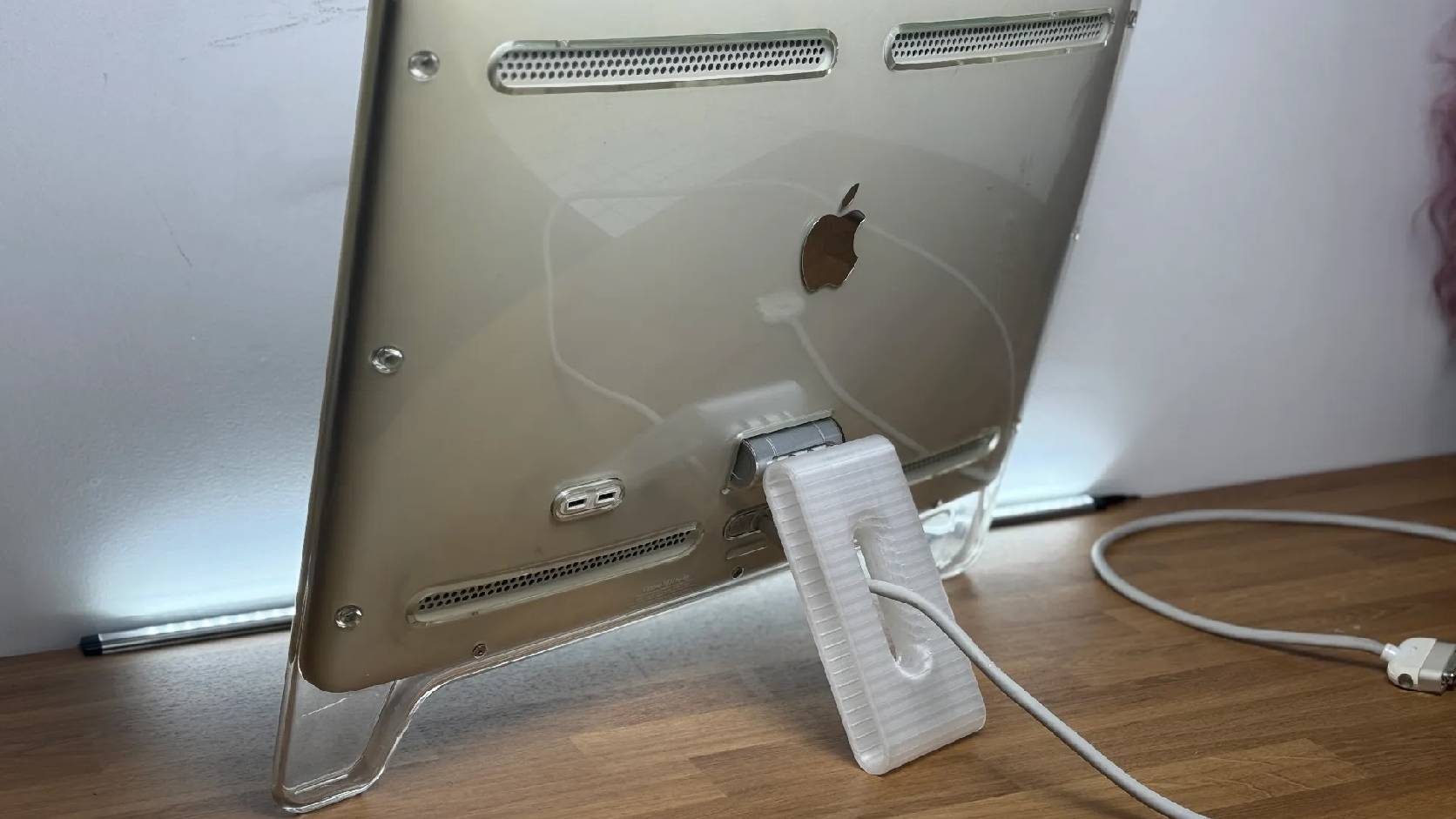
A 22-inch Apple Cinema Display arrived with a broken acrylic easel stand, so I used a 3D printed replacement leg instead of sending the monitor back.

macOS Tahoe 26.6.1 fixes CVE-2026-65400, a high-severity Screen Sharing authentication issue where an attacker on the network may be able to authenticate without valid credentials.
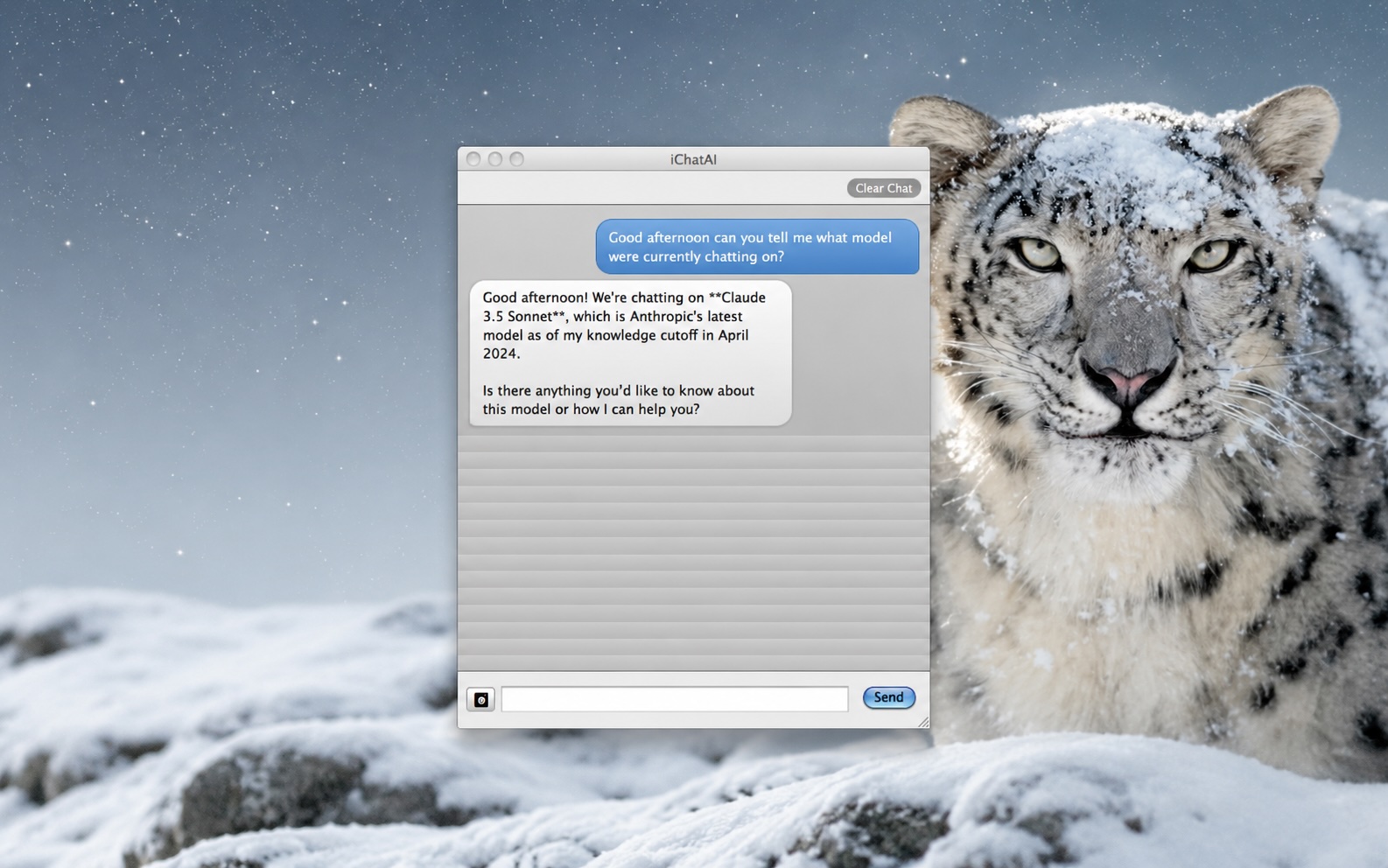
ClaudeChat-Snow-Leopard is interesting because it brings a modern Claude API workflow back to Mac OS X 10.6.8 with Objective-C, Cocoa, Keychain storage, screenshot uploads, and a native installer built for an older white MacBook.

LibrePods is interesting because it turns AirPods into an interoperability question: what happens when open-source software implements Apple's private AirPods protocol so Android and Linux users can reach features normally reserved for Apple's ecosystem?

Apple says macOS 28 will not support encrypted Mac OS Extended volumes, so older encrypted HFS+ external drives need to be identified, backed up, decrypted, converted, or reformatted before that upgrade.
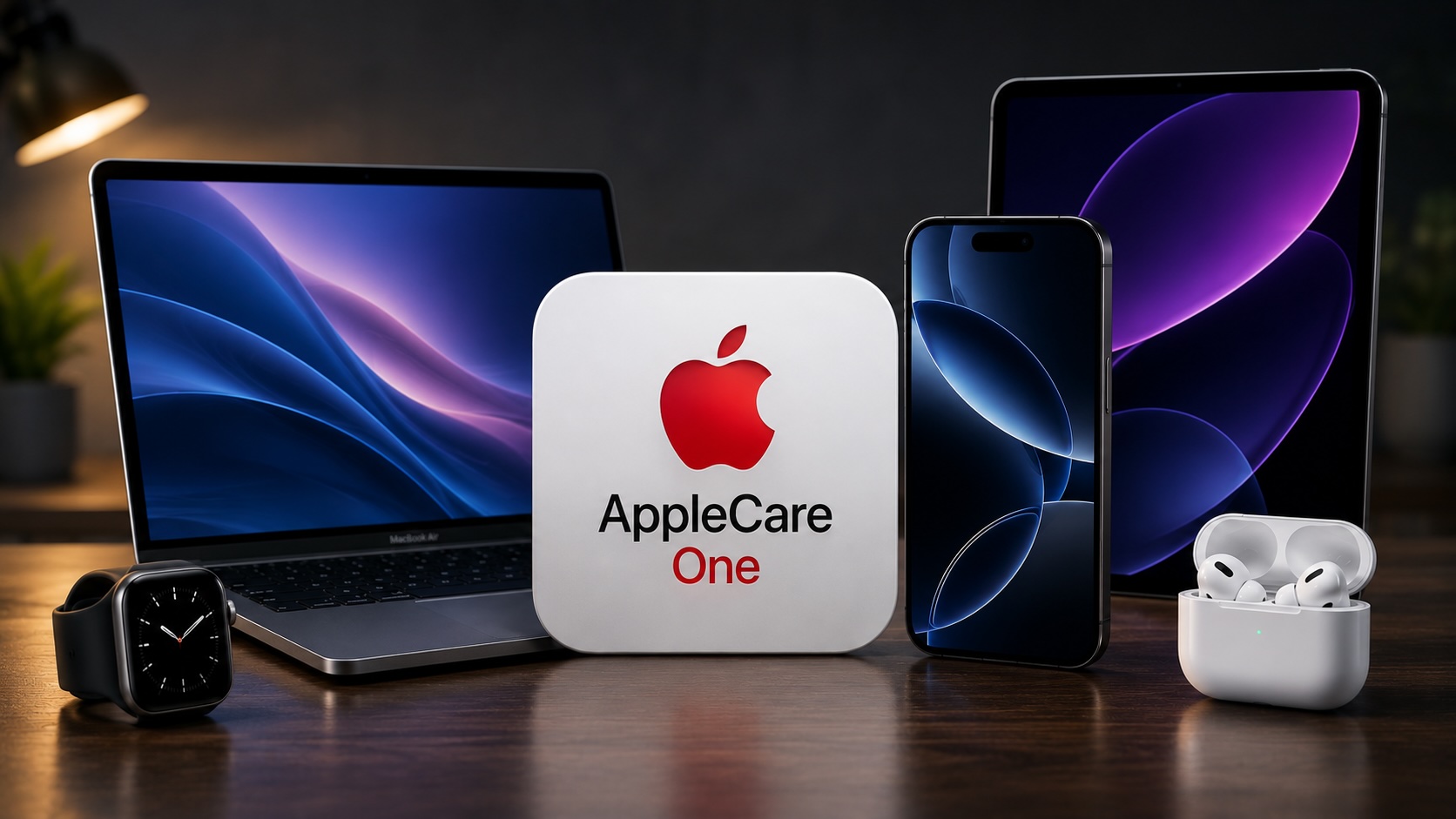
AppleCare One looks more valuable after AppleCare+ price increases for Macs and iPads, especially for people with several Apple devices and older eligible hardware.
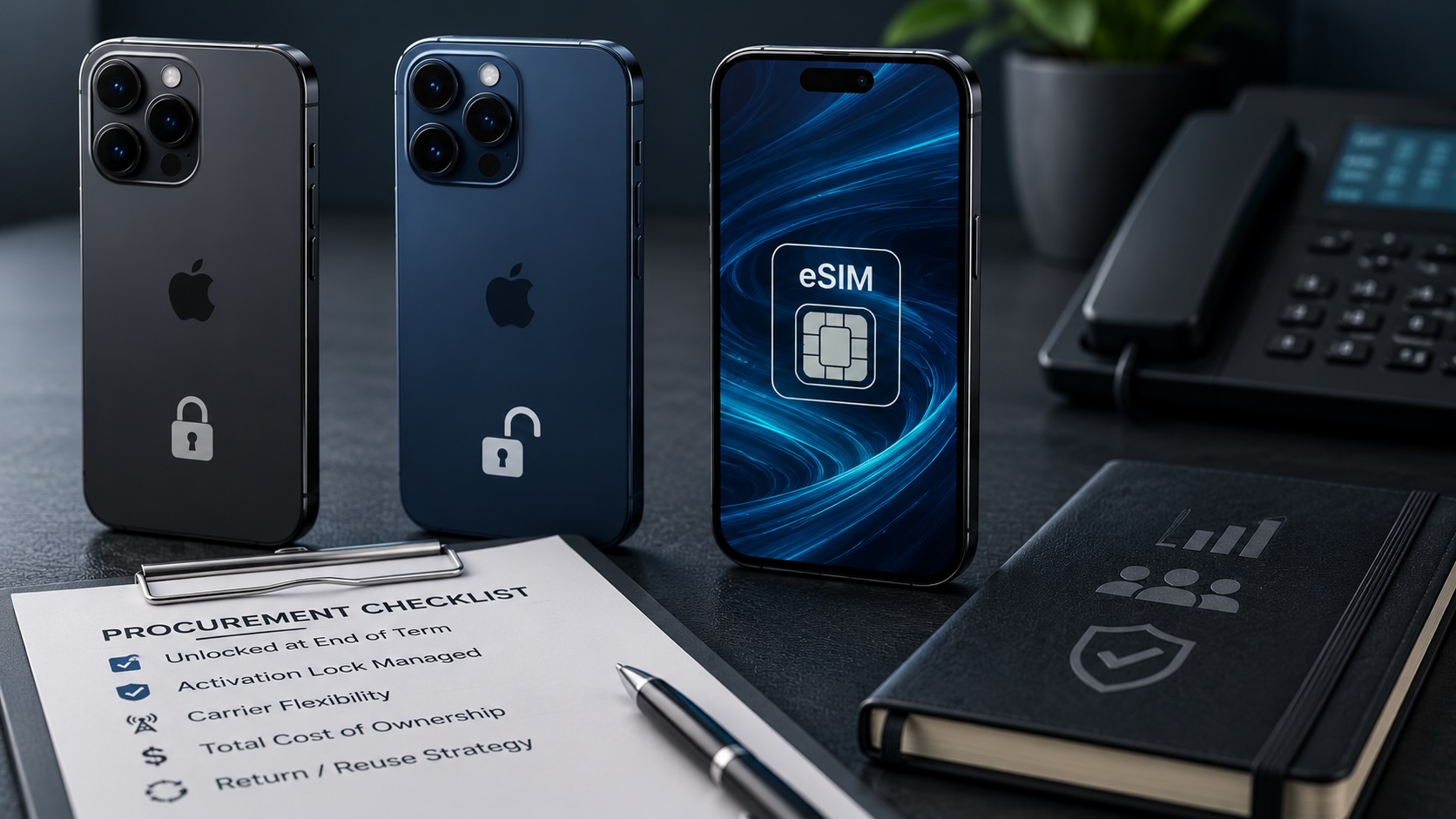
Apple's U.S. carrier financing change makes locked versus unlocked iPhones an operational buying decision for small businesses, BYOD users, and Apple fleet planners.
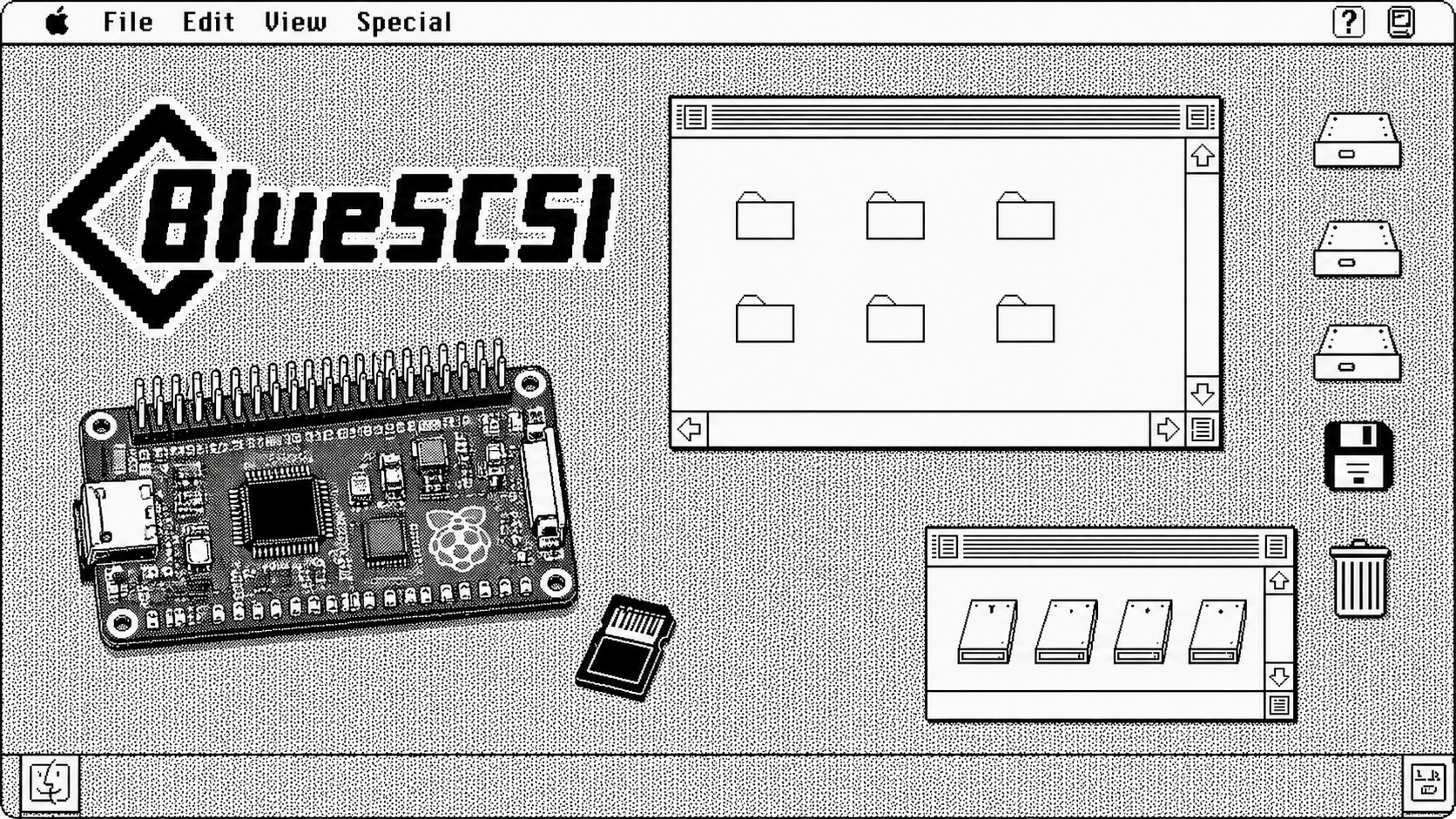
A step-by-step walkthrough for preparing a BlueSCSI v2 PowerBook card image with Basilisk II: download the pieces, configure the emulator, boot a working classic Mac image, mount the target System 7.1 image, stage tools, and shut down cleanly before moving the image to the card.
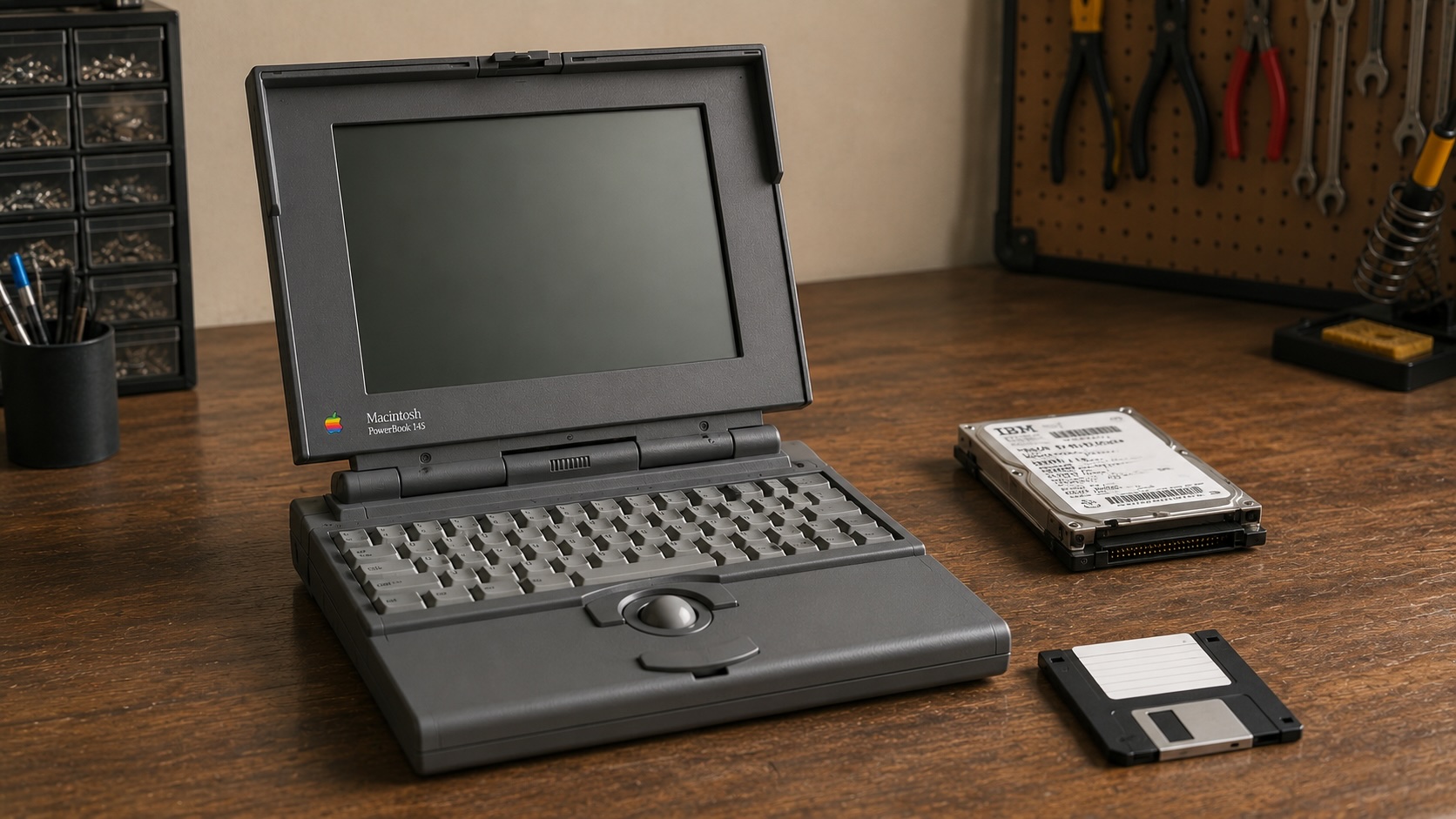
A replacement adapter finally brought my PowerBook 145 back to life, but the storage bay had a stranger problem than I first thought: the drive inside was an IDE drive, not the SCSI storage this machine needs. The surprise was that 6 MB of RAM made a System 7.1 RAM Disk boot possible while I wait on a replacement cable and BlueSCSI.

Apple’s WWDC26 special presentation on Apple Intelligence and Xcode was less about adding a chat box to developer tools and more about making AI part of the platform boundary. Xcode agents, App Intents, Foundation Models, Core AI, and MLX all point toward the same idea: intelligent features need context, permissions, testing, and clear ownership before they belong in production software.

I picked up a clean PowerBook 145 knowing it might be a gamble. What I found was a machine that looked promising on the outside, demanded the correct 7.5V power approach, revealed a torn hard drive ribbon cable inside, and still refused to chime. That first teardown ended up being less about a successful revival and more about the reality of vintage Apple restoration.
Apple has quietly turned Apple Business Manager into something much broader than the device enrollment portal many of us have known for years. The new experience feels cleaner, more organized, and much more intentional. After spending time with the latest Apple Business documentation, my first reaction is that Apple is building a more complete business platform — one that brings identity, services, communications, support, storage, and payments closer together under a single administrative surface.
