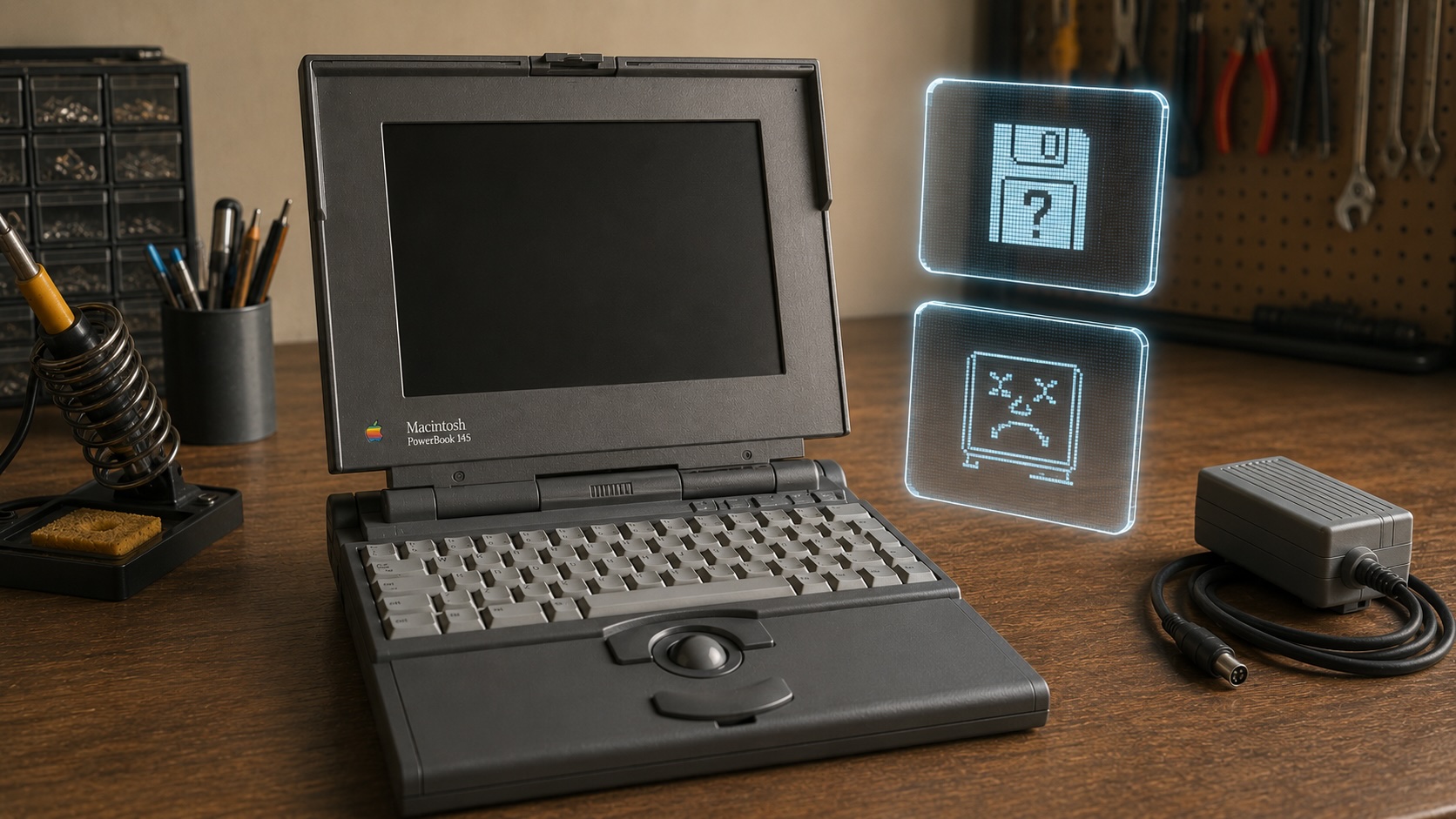

I picked up this PowerBook 145 because it looked like a fair vintage gamble. It was clean, complete enough to be interesting, and cheap enough that I could live with it becoming a shelf piece if the revival never happened. I was hoping for a simple first power-on story. That is not what I got.
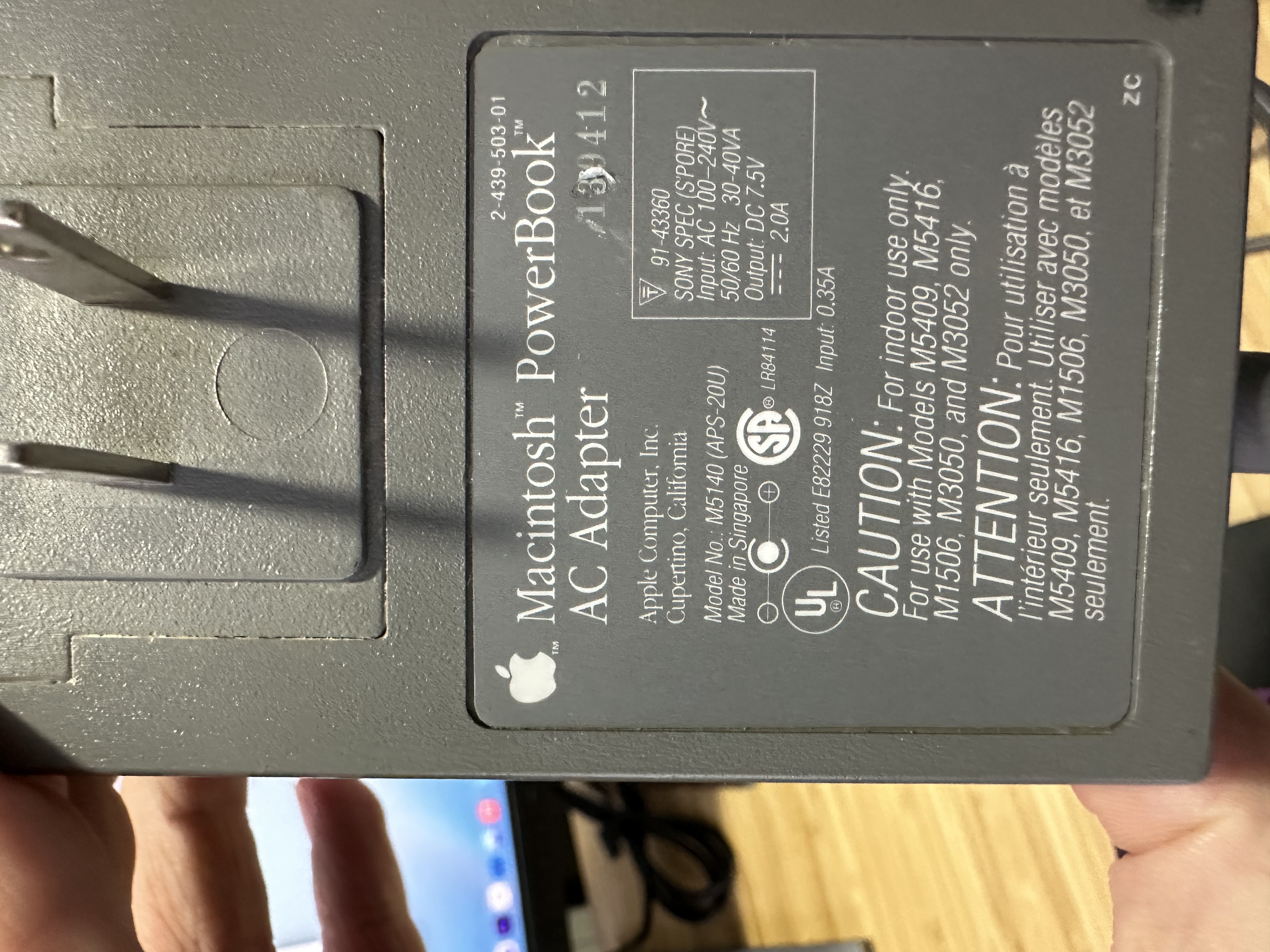
Before I even opened it, the first issue was power. This machine came to me with no battery, no internal hard drive, and no known startup history, so I was not going to jam a random adapter into it just to see what happened. That is one of the easiest ways to turn an unknown vintage machine into a definitely damaged one. Apple’s service documentation for the PowerBook 140, 145, 145B, and 170 family says the adapter should verify at 7.5 to 7.9 volts at the plug, which matched the concern I already had about the pile of common 12V bricks that seem to show up with old hardware.
That was enough for me to slow down and source a proper adapter instead of guessing. When that adapter arrived, I still got nothing. No chime. No flash of life. No half-dead startup that at least told me the board wanted to do something. At that point the story got more interesting, because a clean-looking machine that stays completely silent tends to narrow the list of easy answers fast.
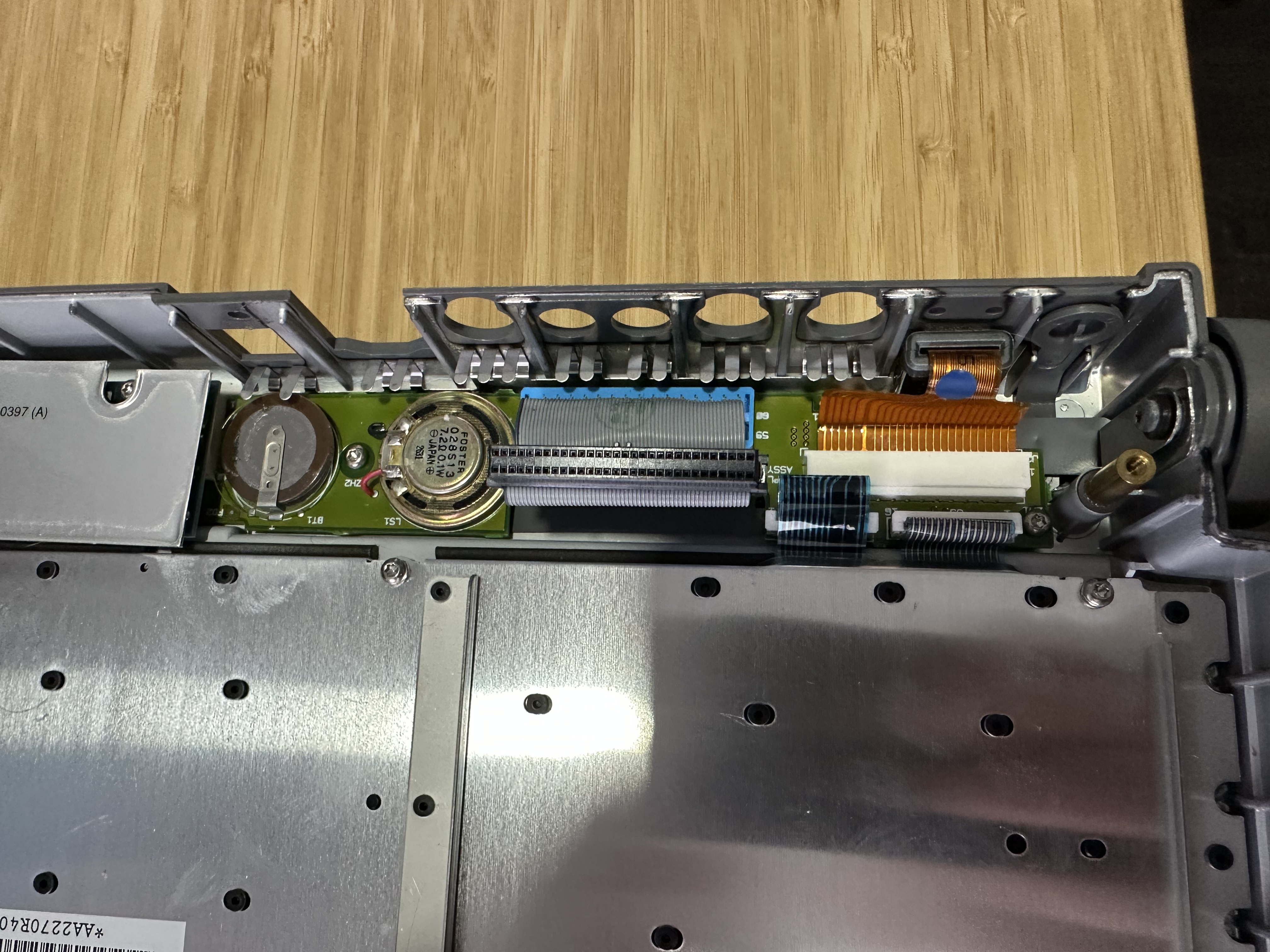
I opened it up expecting that I might find the usual obvious vintage failure: corrosion, a battery mess, something burned, something loose, something that instantly explains the whole problem. Instead I found a machine that looked better inside than a lot of old laptops have any right to look.
The PRAM battery area was especially encouraging because I did not see the kind of leakage or corrosion that would let me blame the failure on one ugly visual clue and move on.
Then I found the torn hard drive ribbon cable.
That was real damage, and it mattered. Apple’s service manual is explicit that the hard drive ribbon cable is fragile and calls out the board-side connector at J11 during the take-apart procedure. So this was not some made-up theory or collector paranoia. I had a genuinely damaged part in front of me.
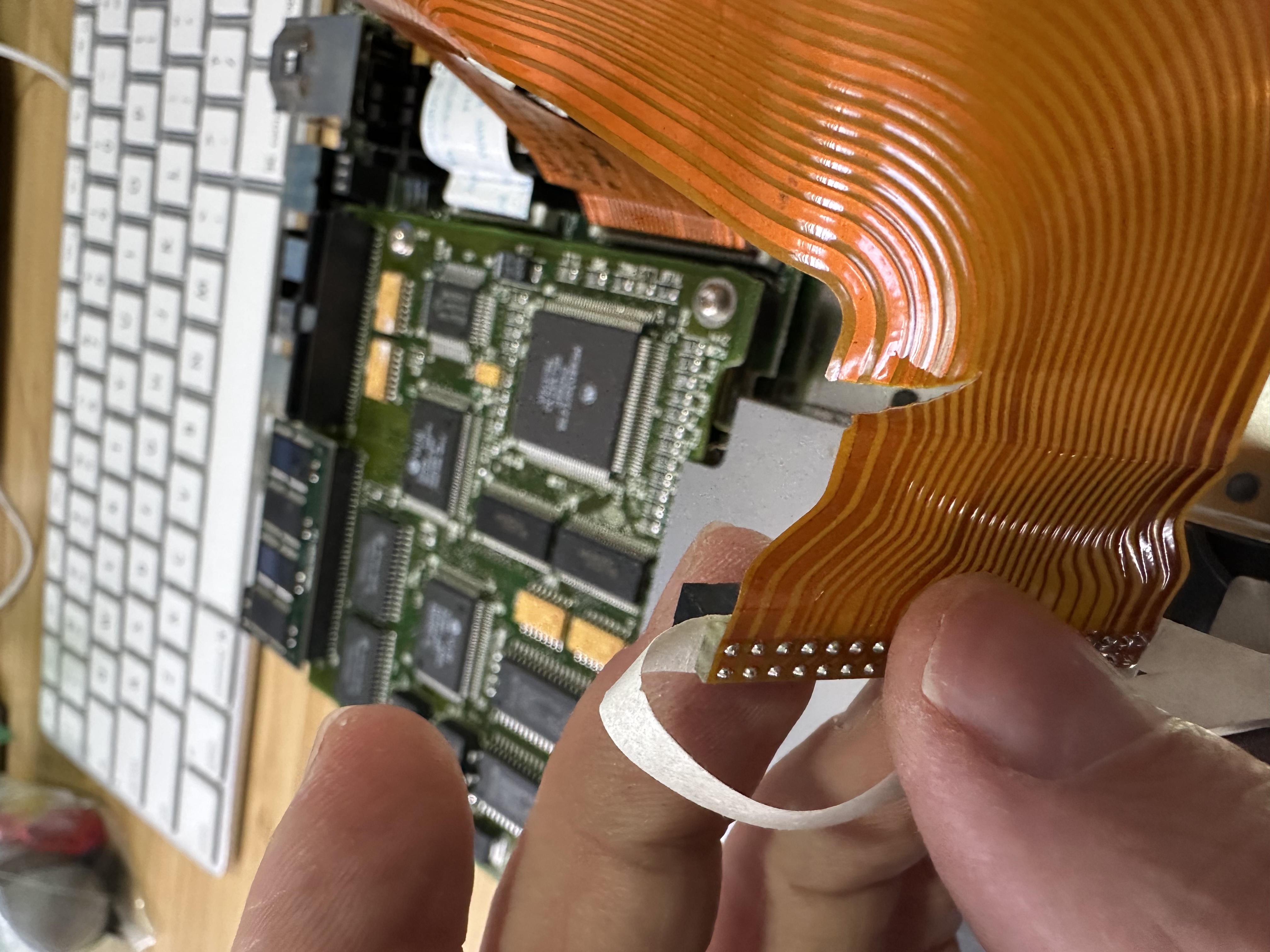
The problem is that the torn cable still did not feel like the whole answer.
Yes, a damaged drive cable explains why the storage path would be bad. Yes, it gives me one concrete thing that needs attention. But the machine never chimed. That is the part I keep coming back to. A dead drive is one thing. A machine that stays completely silent is another. The service documentation treats drive faults as one branch of the troubleshooting tree, not as a universal explanation for a dead machine. That does not prove the logic board is gone, and I am not going to overstate what I know, but it does mean I cannot pretend the torn cable solved the case.
The drive itself also told part of the story. This PowerBook came to me with no internal hard drive installed, which already changed the odds that this was going to be a straightforward power-on-and-go project. Once I had it apart, the missing drive and the damaged ribbon made it obvious that someone had been in here before me or that this machine had already lived a harder life than the clean outer shell suggested.
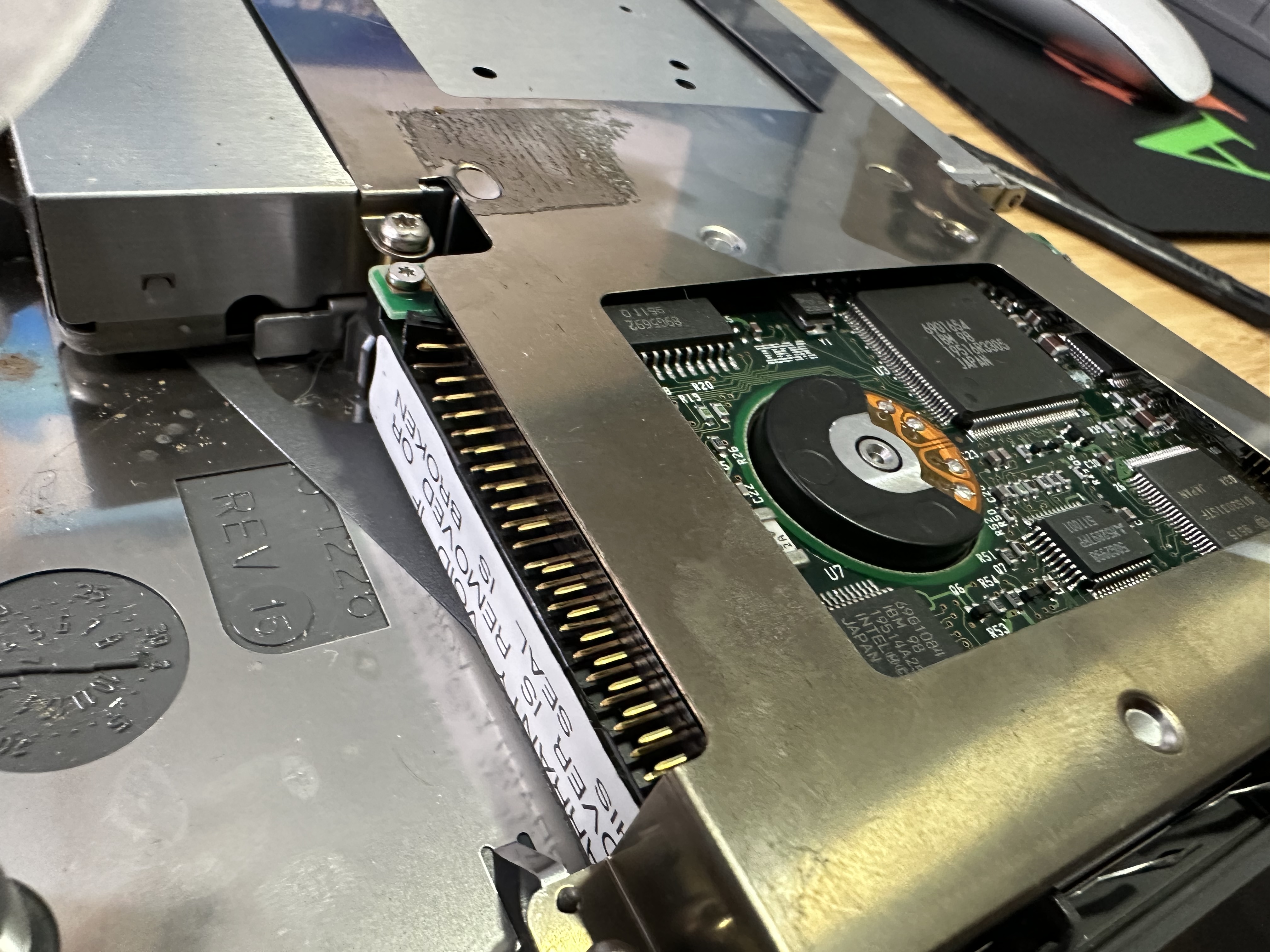
That is where the PowerBook 145 versus 145B distinction started to matter more than I expected. Apple used one service manual for the 140, 145, 145B, and 170, but they are not interchangeable in every way that counts when you start thinking about repair parts. The 145 and 145B share the same 25 MHz 68030 family, but the 145B has different memory handling and the display compatibility matrix is not identical across the line. That is not just trivia for collectors. If I end up chasing donor parts later, I need to be precise about what this machine is and what assumptions are safe.
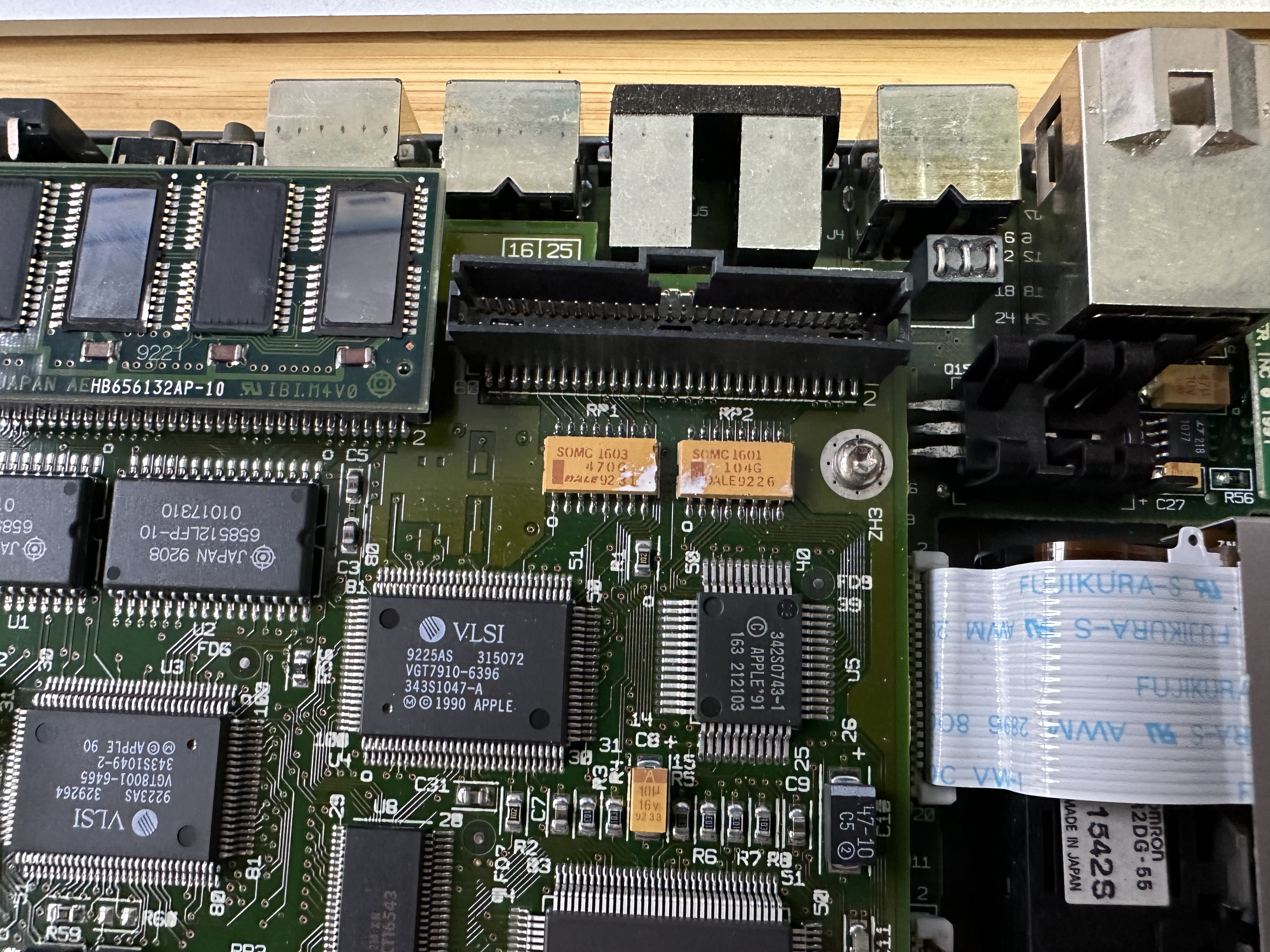
What I like about projects like this is that they force you to stop pretending old hardware will reward optimism. A machine can look clean, have no obvious battery leak, and still refuse to do the most basic thing you want from it. A torn ribbon cable can be a valid find and still not be the root cause. A proper adapter can remove one risk and still leave you with a dead machine. That is not a failed story. That is the actual story.
Right now I know a few things for certain. The PowerBook 145 needs correct 7.5V power, not guesswork. The hard drive ribbon cable is damaged. The inside looks much better than I expected. And the machine still will not give me a startup chime. I also have a modern 7.5V replacement adapter on the way, which should help rule out one more variable before I decide whether this is a power-brick problem, a deeper board problem, or both.
If that next adapter changes the outcome, great. That becomes a follow-up. If it does not, this was still worth the gamble because the first teardown already told me more than the closed case ever could. Old Apple hardware is good at teaching patience, and this PowerBook started doing that before it ever powered on.
Sources
AI Usage Transparency Report
AI Era · Written during widespread use of AI tools
AI Signal Composition
Score: 0.23 · Moderate AI Influence
Summary
The PowerBook 145 needs correct 7.5V power, a damaged hard drive ribbon cable was found, and the machine still refuses to give a startup chime.
Related Posts

When Chromium Mistakes Your VPN for a Local Network
Turning off Jamf Trust fixed the webinar, which normally would have sent me straight to its routing policies. This time the route was fine: Chromium was treating Jamf's ZTNA broker addresses as a local network, and an Edge and Chrome preference corrected it.
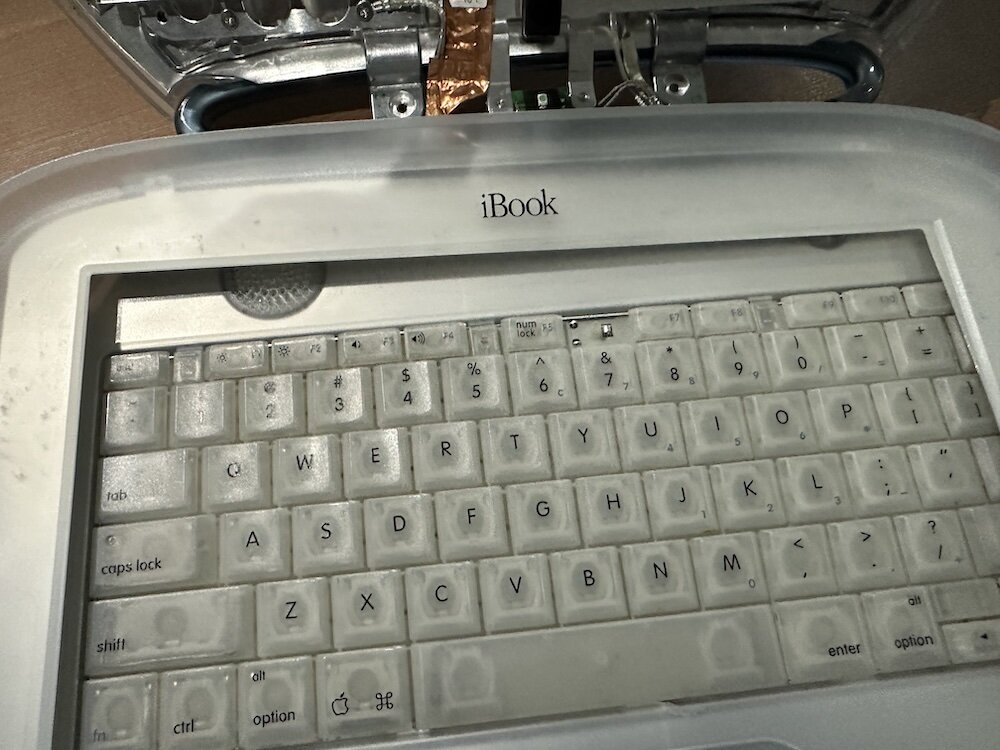
Clamshell iBook G3 Restoration, Part 1: From Broken Screen to Board-Level Repair
Part one of a Clamshell iBook G3 restoration: a broken screen, a charger detour, a blinking system folder, a full teardown, and the backlight connector mistake that paused the project.

Bromure Gives Codex a Room of Its Own
I installed Bromure Agentic Coding, watched it build the Linux VM, authenticated Codex, and followed a real Codex task through the workspace.
Claude Code Auto Mode Changes Approval Flow, Not the Safety Boundary
Claude Code Auto mode changes how approval decisions are handled. It does not expand the boundary of what the coding agent should be allowed to do.

Amnesia Stealer Shows the Next Stage of ClickFix on macOS
Amnesia Stealer shows how ClickFix-style social engineering is adapting on macOS, while a public malware sample gives defenders an opportunity to study the behavior behind the campaign.
Reporting on Microsoft 365 DLP Overrides with PowerShell
DLP overrides are not automatically bad. They are a business process that needs visibility. This walkthrough covers a Microsoft Purview DLP policy, a custom sensitive information type, user override behavior, and a PowerShell report that exports override events from Activity Explorer.
PowerBook 140 BlueSCSI Install: Cable Fixed, Battery-Bay Power, and Wi-Fi Setup
The PowerBook 140 project moved from preparing a BlueSCSI card in Basilisk II to installing the repaired internal SCSI cable, powering the BlueSCSI Pico externally from the battery bay, booting System 7.1, and fighting through DaynaPORT Wi-Fi setup.

Move Entra Users Off SMS and Voice Before Microsoft Retires Them
Microsoft is retiring Microsoft-provided SMS and voice authentication in Entra ID. The migration is not passkeys for everyone; it is removing weak telecom MFA and choosing supported replacement methods such as Microsoft Authenticator, FIDO2 keys, certificate-based authentication, OATH hardware tokens, or customer-managed telecom.
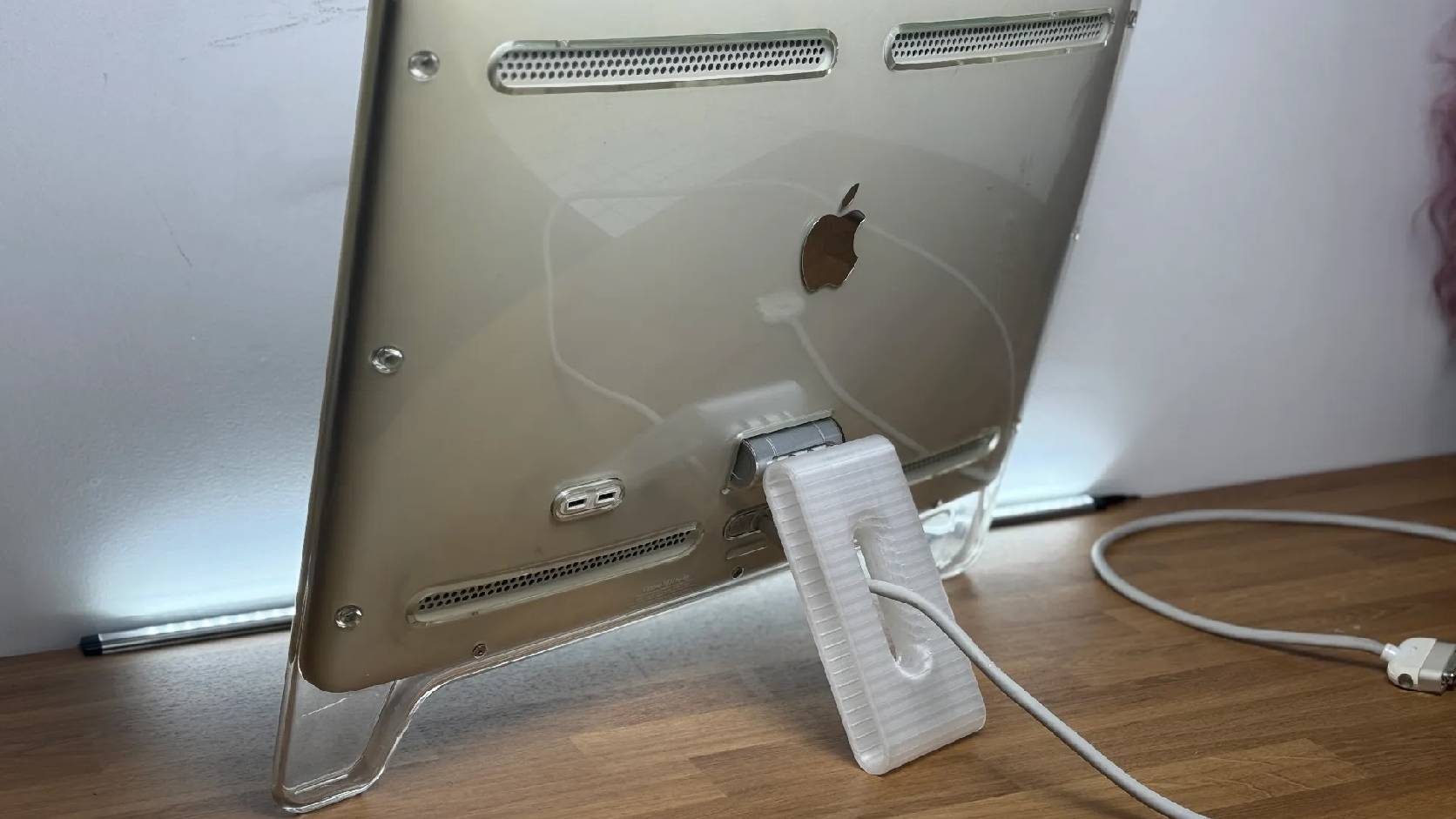
Fixing a Broken Apple Cinema Display Stand with a 3D Printed Leg
A 22-inch Apple Cinema Display arrived with a broken acrylic easel stand, so I used a 3D printed replacement leg instead of sending the monitor back.
macOS Tahoe 26.6.1 Fixes a High-Severity Screen Sharing Authentication Bypass
macOS Tahoe 26.6.1 fixes CVE-2026-65400, a high-severity Screen Sharing authentication issue where an attacker on the network may be able to authenticate without valid credentials.
