
Welcome to my blog
Join me on my journey as I share my insights and experiences on all things Apple, Business and Entrepreneurship!
Join me on my journey as I share my insights and experiences on all things Apple, Business and Entrepreneurship!
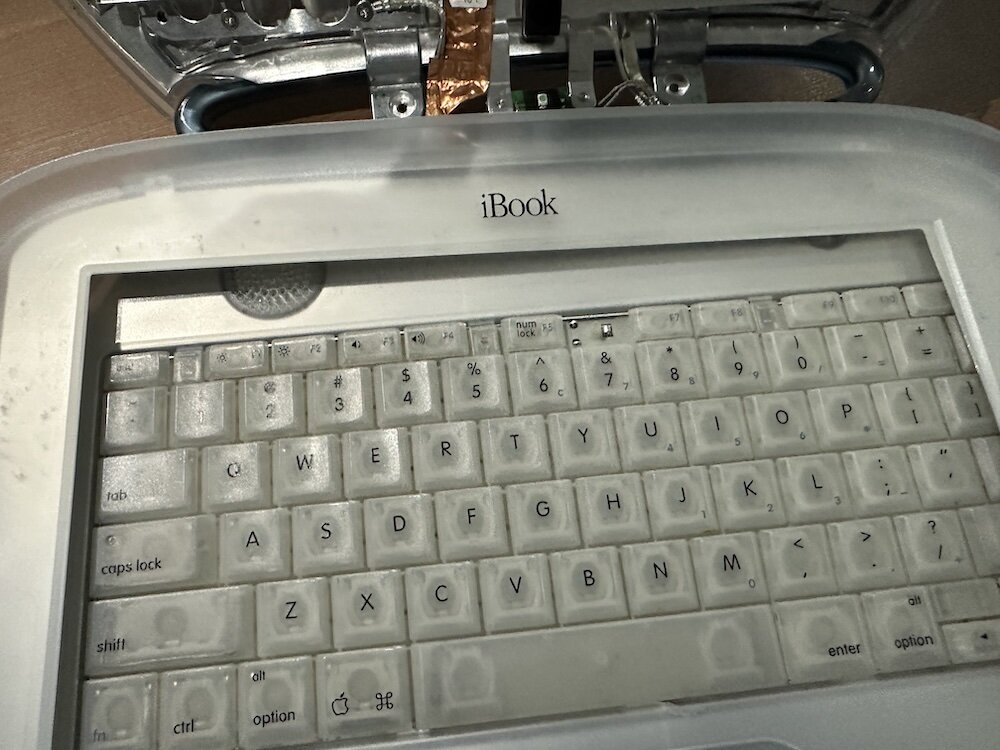
Part one of a Clamshell iBook G3 restoration: a broken screen, a charger detour, a blinking system folder, a full teardown, and the backlight connector mistake that paused the project.
The PowerBook 140 project moved from preparing a BlueSCSI card in Basilisk II to installing the repaired internal SCSI cable, powering the BlueSCSI Pico externally from the battery bay, booting System 7.1, and fighting through DaynaPORT Wi-Fi setup.
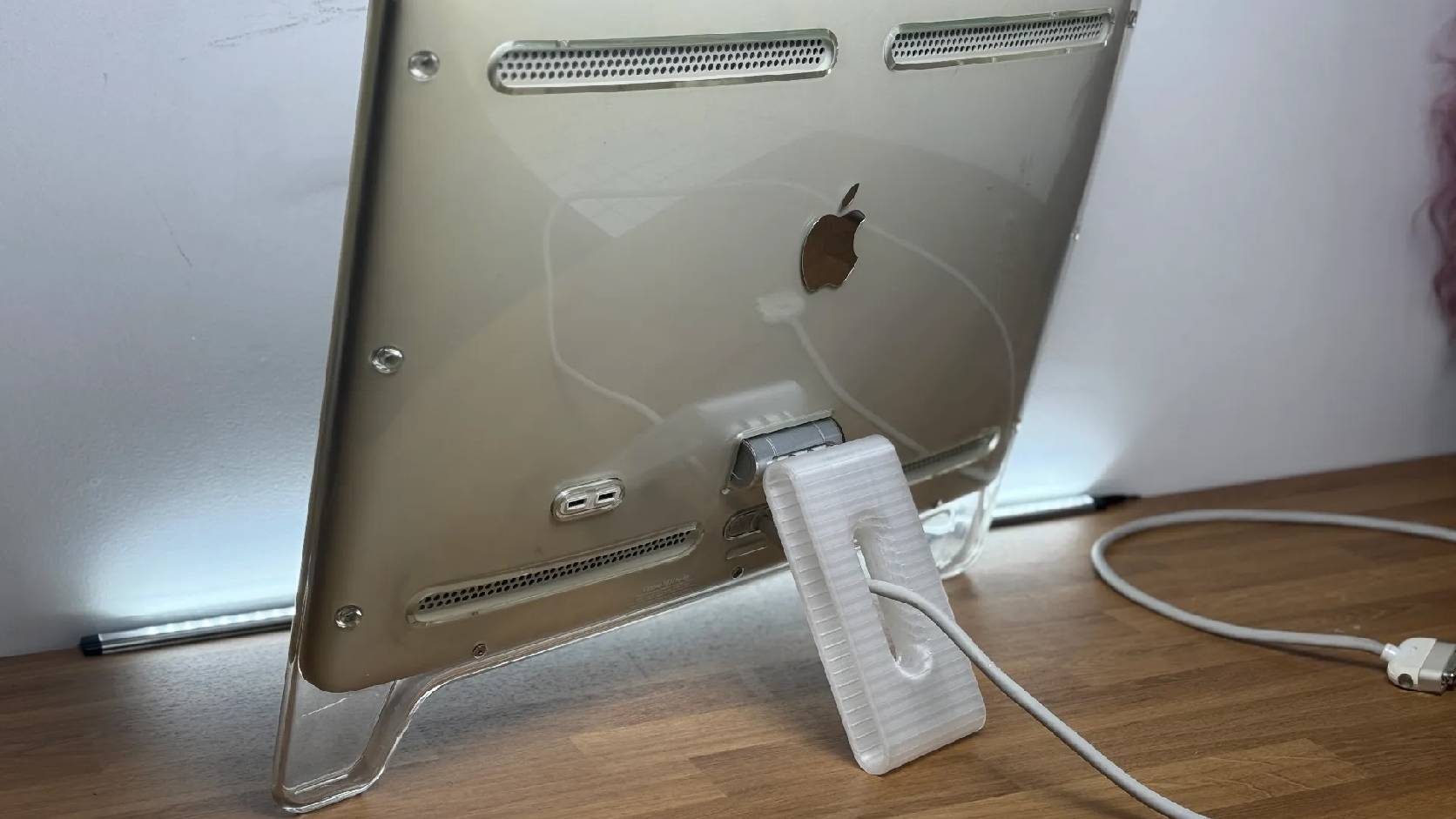
A 22-inch Apple Cinema Display arrived with a broken acrylic easel stand, so I used a 3D printed replacement leg instead of sending the monitor back.
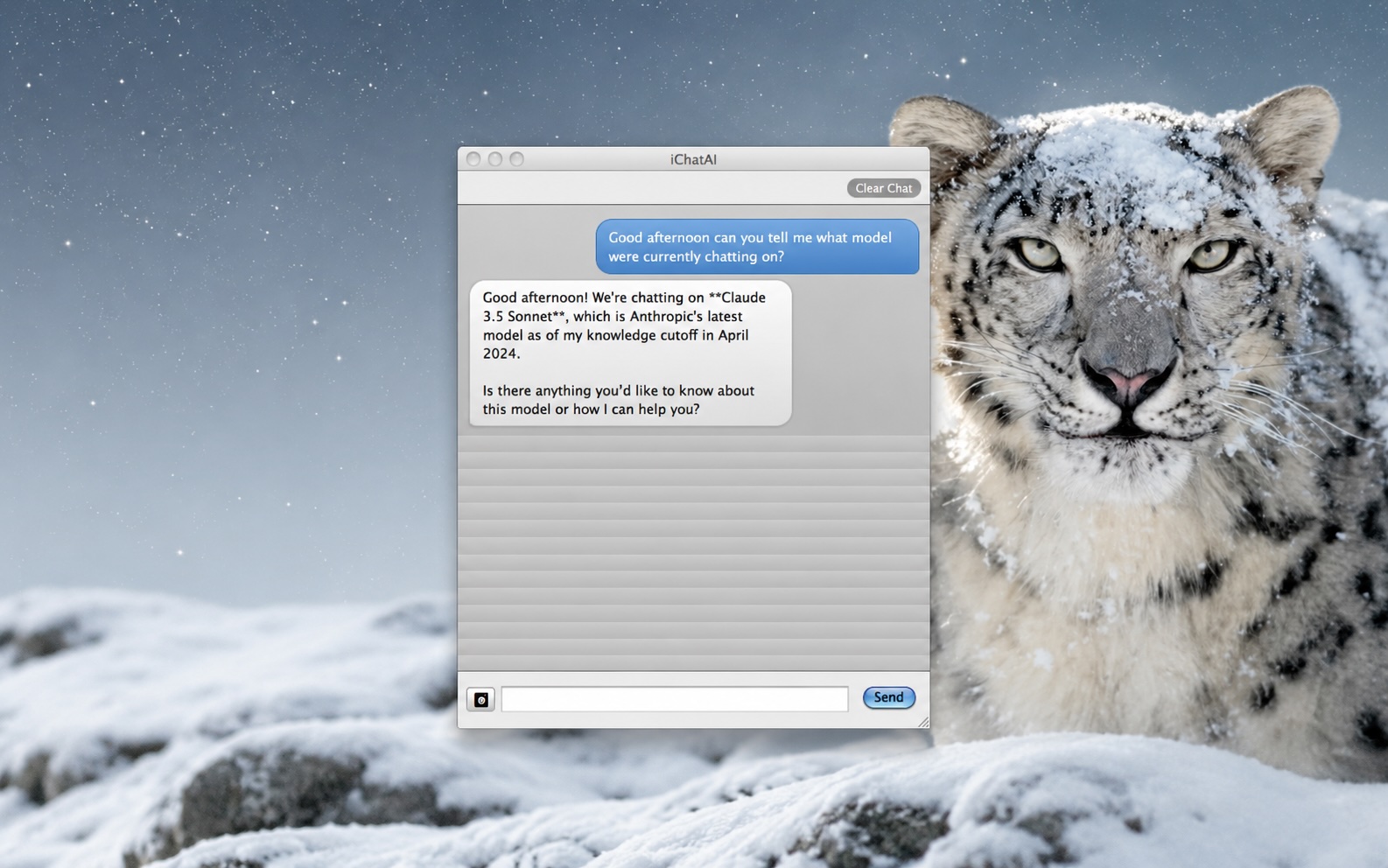
ClaudeChat-Snow-Leopard is interesting because it brings a modern Claude API workflow back to Mac OS X 10.6.8 with Objective-C, Cocoa, Keychain storage, screenshot uploads, and a native installer built for an older white MacBook.
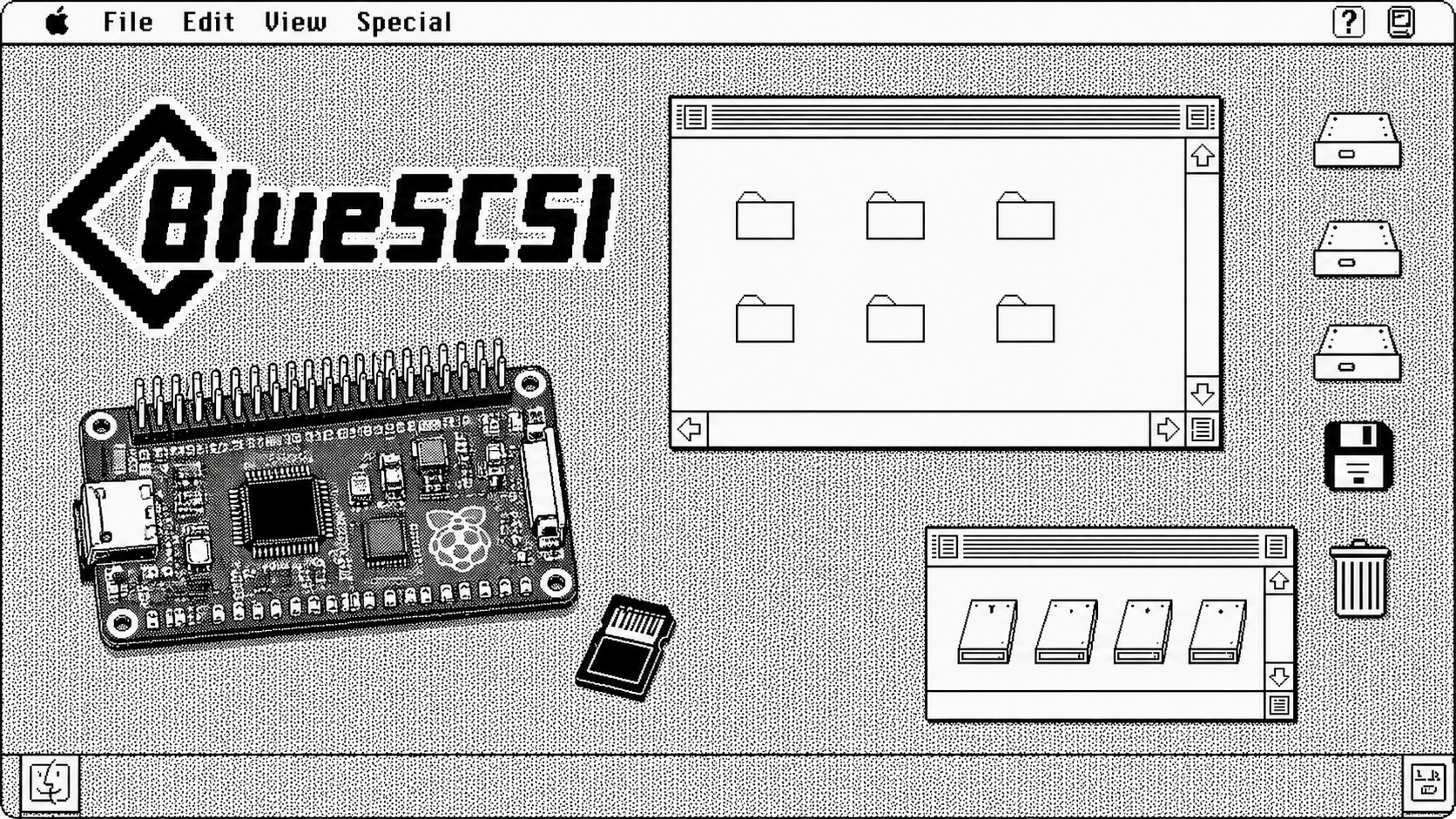
A step-by-step walkthrough for preparing a BlueSCSI v2 PowerBook card image with Basilisk II: download the pieces, configure the emulator, boot a working classic Mac image, mount the target System 7.1 image, stage tools, and shut down cleanly before moving the image to the card.
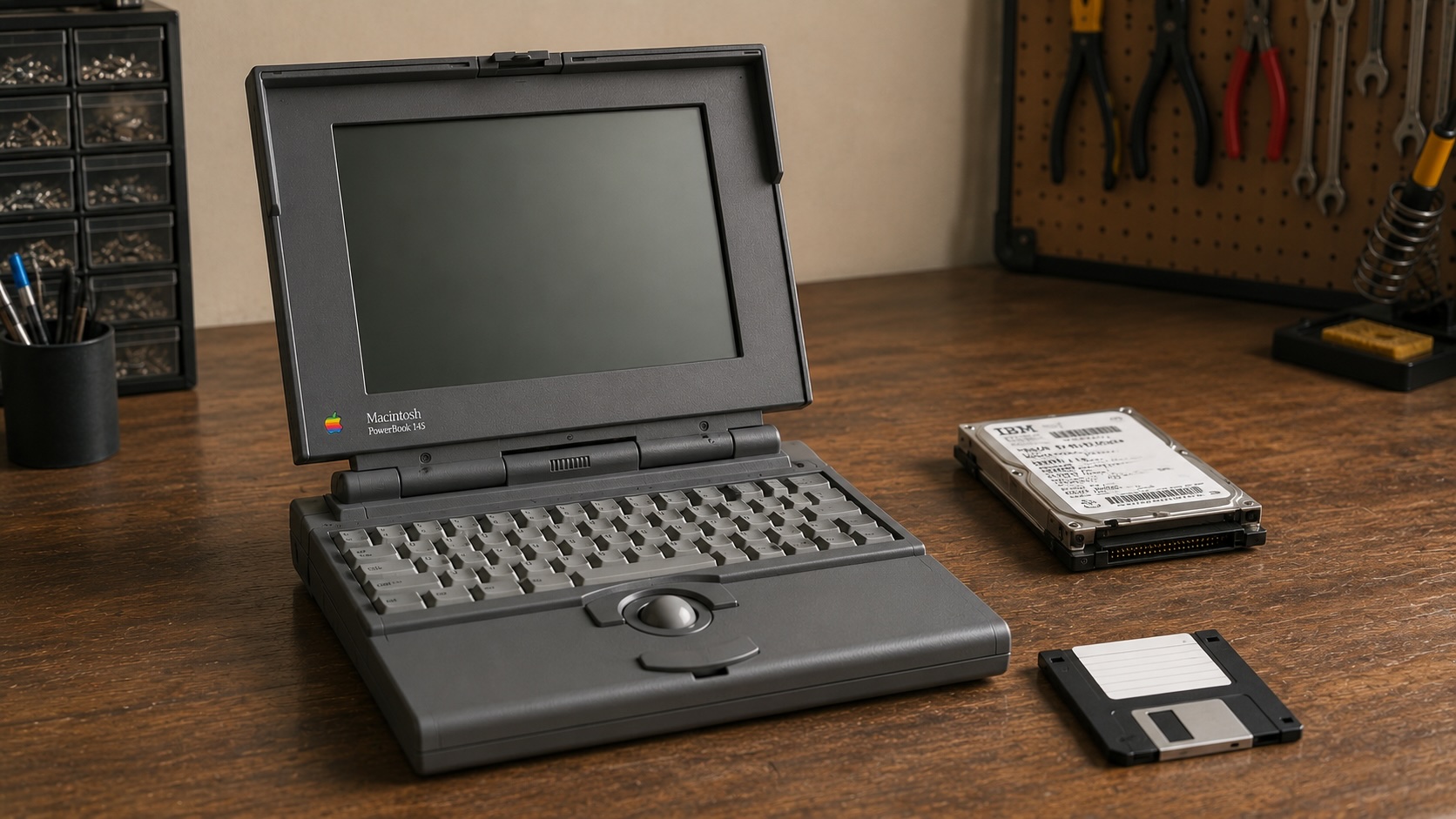
A replacement adapter finally brought my PowerBook 145 back to life, but the storage bay had a stranger problem than I first thought: the drive inside was an IDE drive, not the SCSI storage this machine needs. The surprise was that 6 MB of RAM made a System 7.1 RAM Disk boot possible while I wait on a replacement cable and BlueSCSI.
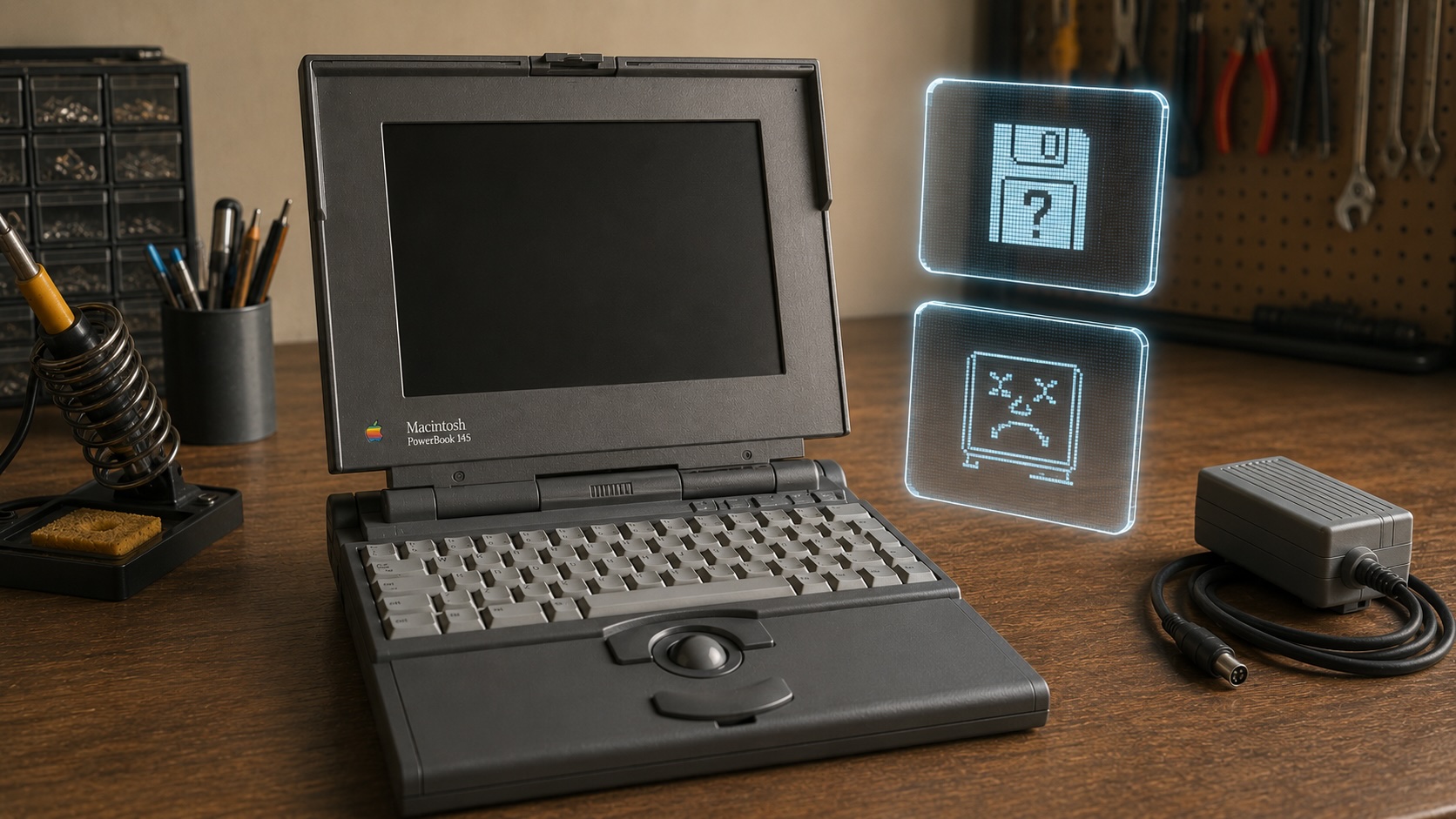
I picked up a clean PowerBook 145 knowing it might be a gamble. What I found was a machine that looked promising on the outside, demanded the correct 7.5V power approach, revealed a torn hard drive ribbon cable inside, and still refused to chime. That first teardown ended up being less about a successful revival and more about the reality of vintage Apple restoration.
