Move Entra Users Off SMS and Voice Before Microsoft Retires Them


Starting September 1, 2026, Microsoft is going to start nudging Entra ID users who rely on SMS or voice MFA toward passkey registration. The bigger date is February 1, 2027, when Microsoft-provided SMS and voice delivery retires. If SMS or voice is the only MFA method a user has left at that point, sign-in becomes a registration problem before it becomes a Help Desk problem.
I would not treat this as another optional “move away from SMS someday” reminder. Microsoft has already put dates on the change. That gives administrators a clean window to identify who still depends on SMS or voice, move those users to Microsoft Authenticator, passkeys, FIDO2 keys, certificate-based authentication, OATH hardware tokens, or another approved method, and handle the few real exceptions before the deadline turns into blocked sign-ins.
The deadline is about SMS and voice
Microsoft is pushing passkeys as the default experience, and the September 1, 2026 behavior is built around nudging SMS and voice users toward passkey registration. The retirement itself is about Microsoft-provided telecom delivery. SMS and voice are being removed as native Microsoft-provided authentication methods in Entra ID.
Microsoft’s retirement page says users who already sign in with passkeys, Windows Hello for Business, or another phishing-resistant method can keep using those methods. It also says customers that still require SMS or voice can configure customer-managed telecom providers through Microsoft Security Store when they have a legitimate business, regulatory, or technical need. The requirement is to get off Microsoft-provided SMS and voice, not to force one replacement method across every environment. Where phones are allowed, Microsoft Authenticator is one of the obvious replacement methods because it supports MFA notifications, verification codes, passwordless phone sign-in, and passkeys depending on how the tenant enables it.
The distinction becomes important in environments where phones are not allowed for authentication. Some government, defense, regulated, manufacturing, and secure-room environments are not going to solve this with a mobile-phone prompt, even if Microsoft Authenticator would be fine somewhere else. In those places, the replacement conversation is usually about FIDO2 security keys, Windows Hello for Business, certificate-based authentication, smart cards, Temporary Access Pass for onboarding, or OATH hardware tokens as a phone-free MFA method. Passkeys may still be part of the answer, especially FIDO2 security keys, but they are not the only answer.
Hardware tokens
Hardware tokens are absolutely part of this conversation. Products such as DeepNet SafeID OATH hardware tokens are a real answer for users who cannot use phones for authentication and still need a physical MFA token. DeepNet describes SafeID tokens as OATH-compliant hardware tokens for Office 365 and Azure AD / Entra ID MFA, with unique token seeds assigned into the authentication system. That fits the practical problem Microsoft is creating: it removes dependency on Microsoft-provided SMS and voice without asking the user to carry a personal mobile device.
In a high-side federal enclave, SCIF, or other phone-restricted environment, an approved OATH hardware-token deployment is often treated as a first-class replacement path for SMS and voice. Many agencies have not fully adopted FIDO yet, and that may change over time, but the current replacement plan still has to respect what the environment actually allows. In our own CMMC Level 2 C3PAO audit, OATH hardware tokens cleared the phishing-resistance bar. That is not something I would casually dismiss because a commercial cloud product labels authentication strengths differently.
The separate issue is Microsoft’s Conditional Access vocabulary. In Microsoft Entra, authentication strengths separate general MFA combinations from the built-in phishing-resistant strength. Microsoft’s built-in phishing-resistant strength includes FIDO2 security keys, Windows Hello for Business or platform credentials, and multifactor certificate-based authentication. Hardware OATH tokens are listed under the broader “something you have” MFA category. That is a Microsoft policy category, not the same thing as saying an approved OATH hardware-token deployment fails a federal audit or cannot satisfy an enclave’s phishing-resistant MFA requirement.
The man-in-the-middle discussion also needs context. A hardware OATH token assigned to a user is not interchangeable with another user’s account. It is a physical factor with a seed bound into the authentication system for that identity. In a controlled enclave, the surrounding controls may make the common commercial phishing scenario unrealistic or out of scope. NIST’s general guidance still draws a protocol distinction around manually entered OTPs because an impostor verifier can theoretically relay a fresh OTP to the real verifier. That protocol definition does not erase the fact that OATH hardware tokens are approved and appropriate in environments that have selected them.
That needs to be clear before any user communication goes out. “SMS and voice are retiring” is accurate. A tenant-wide passkey message is not accurate for every environment. For some tenants, the right replacement may be passkeys or FIDO2 keys. For others, especially phone-restricted enclaves and CMMC-scoped environments, it may be OATH hardware tokens or certificate-based authentication because those are the approved controls.
How I would verify the affected population
Microsoft documents two supported places to start: the Authentication Methods Activity report in the Entra admin center and the Microsoft Graph userRegistrationDetails report.
The admin center path is Entra ID > Authentication methods > Activity. Microsoft says the report shows registration and usage across the organization, including registered methods and sign-ins by authentication method. The same documentation also warns that the report is not real-time and may have up to 36 hours of latency, so I would treat it as a reporting source to validate, not as a live enforcement engine.
The Graph report is documented at:
GET https://graph.microsoft.com/v1.0/reports/authenticationMethods/userRegistrationDetails
Microsoft documents methodsRegistered as a filterable property on that report. Microsoft’s retirement article also links to its own PowerShell script for finding users enabled for SMS or voice and says the roles needed include Global Reader, Authentication Policy Administrator, or Security Reader. I would use Microsoft’s documented report or script as the starting point, then compare it against policy scope and actual sign-in usage before changing anything.
The difference between “registered,” “enabled,” and “used” is important. A user may have a phone number registered but normally use FIDO2. Another user may have several methods registered but only one method that actually works from their workstation. A third user may be in a policy scope that enables SMS even though they should have moved to a hardware key years ago. Those are different cleanup problems, and they should not be collapsed into one “SMS users” bucket.
The replacement method depends on the environment
For a normal office worker with a modern phone and supported devices, Microsoft Authenticator may be the easiest immediate replacement for SMS and voice. It can provide MFA push with number matching, verification codes, passwordless phone sign-in, and Authenticator-based passkeys depending on how the tenant enables the method. Passkeys may still be the longer-term direction, but Authenticator is a valid bridge and, in many tenants, the most familiar replacement method.
For admins, privileged users, shared workstations, secure facilities, or places where phones are not allowed, I would be much more careful. Microsoft’s phishing-resistant deployment guidance recommends FIDO2 security keys for admins and highly regulated users, with certificate-based authentication as another option. That lines up with how these environments usually operate. A physical FIDO2 key, smart card, PIV/CAC-style certificate workflow, managed Windows Hello for Business rollout, or approved OATH hardware-token deployment can be easier to govern than asking every user to use a personal phone.
There is also a cost and support difference. Microsoft Authenticator needs mobile-device availability, app support, registration help, and a policy decision about push, passwordless phone sign-in, verification codes, and passkeys. Hardware keys need purchasing, spare inventory, enrollment, recovery, and loss handling. Certificate-based authentication needs PKI, certificate lifecycle management, binding policy, revocation behavior, and client testing. OATH hardware tokens need seed management and replacement procedures. None of those are reasons to stay on SMS or voice, but they are reasons to choose the replacement deliberately instead of letting the September nudge decide for the organization.
Do not design around Microsoft’s default prompt
The February behavior is not a migration strategy. It is what happens when a tenant leaves users dependent on Microsoft-provided SMS or voice for too long.
Microsoft says users enabled for SMS or voice will be auto-enabled for passkeys starting September 1, 2026, and that Registration Campaign settings will move to Microsoft Managed for those users. Microsoft also says there is a temporary opt-out for that September behavior through February 1, 2027. That answers the “what if passkeys are disabled?” question for the first phase: if the tenant is in scope and does nothing, Microsoft intends to enable the passkey path for those SMS and voice users unless the tenant opts out or moves them first.
That still does not make passkeys the right design for every tenant. If an organization has intentionally disabled passkeys because the approved replacement is Microsoft Authenticator, FIDO2 security keys, certificate-based authentication, Windows Hello for Business, OATH hardware tokens, or a customer-managed telecom provider, then the work is to finish that migration before the February retirement. Leaving SMS and voice in place while also blocking the default passkey path is exactly how sign-in turns into a help desk event.
Next steps
SMS and voice were useful because they made MFA easy to adopt. They are however weak, and easy to attack compared with modern authentication methods. Microsoft is using passkeys as the default migration path because it wants tenants moving toward phishing-resistant authentication, but administrators still need to design the replacement around the environment they actually run.
I would start by proving who still has SMS or voice enabled, who actually uses it, and who has no viable replacement today. Then I would split the population by what they can use: Microsoft Authenticator where phones are allowed, passkeys where they fit, FIDO2 or certificate-based authentication for phone-restricted or higher-assurance users, OATH hardware tokens where a phone-free OTP factor is acceptable, and telecom-provider exceptions only where there is a real requirement to keep SMS or voice.
Sources
Microsoft Entra ID security updates: Passkeys are the default authentication method in Entra ID
Passkeys by default and retirement of Microsoft-provided SMS and voice authentication
Run a registration campaign to set up a passkey or Microsoft Authenticator
Microsoft Authenticator authentication method
Passwordless sign-in with Microsoft Authenticator
How number matching works in MFA push notifications for Authenticator
Authentication Methods Activity
Manage users’ authentication methods using Microsoft Graph
Overview of Conditional Access Authentication Strengths
Plan a phishing-resistant passwordless authentication deployment in Microsoft Entra ID
Microsoft Entra certificate-based authentication
OATH tokens authentication method
DeepNet Security OATH Hardware Tokens
DeepNet SafeKey FIDO Security Keys
NIST SP 800-63B Authenticators
AI Usage Transparency Report
AI Era · Written during widespread use of AI tools
AI Signal Composition
Score: 0.46 · Moderate AI Influence
Summary
Microsoft is retiring SMS and voice as native authentication methods in Entra ID, starting September 1, 2026. Users who rely on these methods will be nudged toward passkey registration. The retirement itself is about Microsoft-provided telecom delivery. Customers can configure customer-managed telecom providers through Microsoft Security Store for legitimate business or technical needs.
Related Posts
Bromure Gives Codex a Room of Its Own
I installed Bromure Agentic Coding, watched it build the Linux VM, authenticated Codex, and followed a real Codex task through the workspace.

Amnesia Stealer Shows the Next Stage of ClickFix on macOS
Amnesia Stealer shows how ClickFix-style social engineering is adapting on macOS, while a public malware sample gives defenders an opportunity to study the behavior behind the campaign.
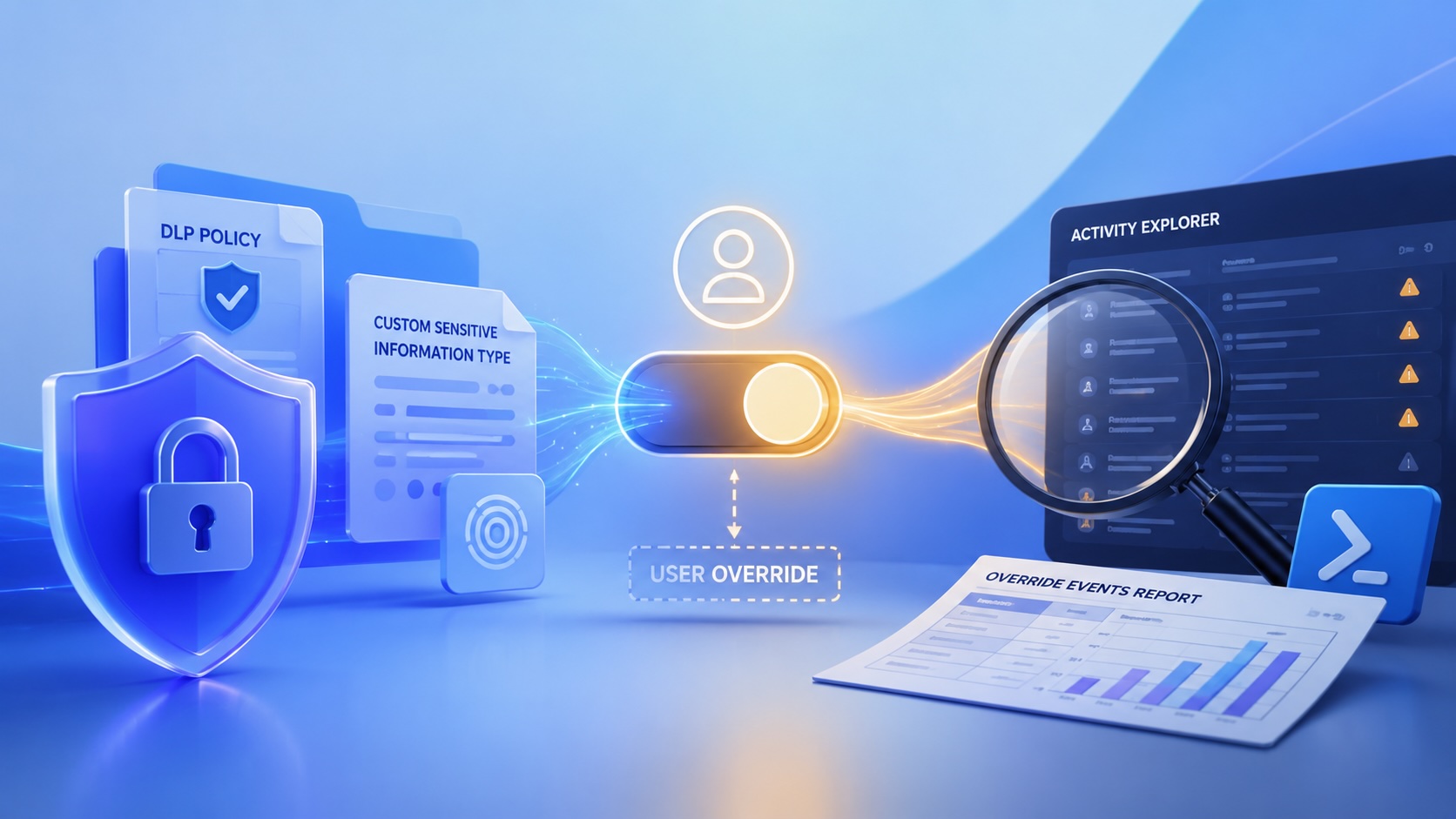
Reporting on Microsoft 365 DLP Overrides with PowerShell
DLP overrides are not automatically bad. They are a business process that needs visibility. This walkthrough covers a Microsoft Purview DLP policy, a custom sensitive information type, user override behavior, and a PowerShell report that exports override events from Activity Explorer.
macOS Tahoe 26.6.1 Fixes a High-Severity Screen Sharing Authentication Bypass
macOS Tahoe 26.6.1 fixes CVE-2026-65400, a high-severity Screen Sharing authentication issue where an attacker on the network may be able to authenticate without valid credentials.
ClickLock Shows Why Terminal Paste Is a Mac Security Boundary
ClickLock Stealer shows why Mac security teams should watch for Terminal paste lures, fake AppleScript password prompts, command-line Keychain access, LaunchAgent persistence, and Jamf Protect alerts that can route suspected Macs into Jamf Pro response groups.
CrashStealer Shows the Gap Between Notarization and Detection
CrashStealer shows the security gap between Apple's Developer ID notarization path and App Store review, and why Jamf's behavioral detection mattered.

The CMMC Pause Does Not Make a Level 2 Audit Worthless
The July 2026 CMMC Phase II pause changes the timing of third-party assessment requirements, but it does not erase DFARS, NIST SP 800-171, SPRS, or the value of a completed Level 2 audit.
How We Structured and Hashed CMMC Evidence for Auditor Review
How folder naming, control-level artifact names, spreadsheet hyperlinks, and evidence hashing made a CMMC evidence package easier for the auditor to validate.

Opening the Ollama Black Box: Understanding the Trust Boundary Behind Local AI
Installing Ollama is easy. Understanding the trust boundary behind a local AI service is what determines whether it belongs in an automation workflow.

Your Vibe-Coded App Still Needs a Trustworthy Release Path
Why vibe-coded apps still need release discipline: code signing, notarization, checksums, and GitHub artifact attestations all support integrity and user trust.
