Opening the Ollama Black Box: Understanding the Trust Boundary Behind Local AI
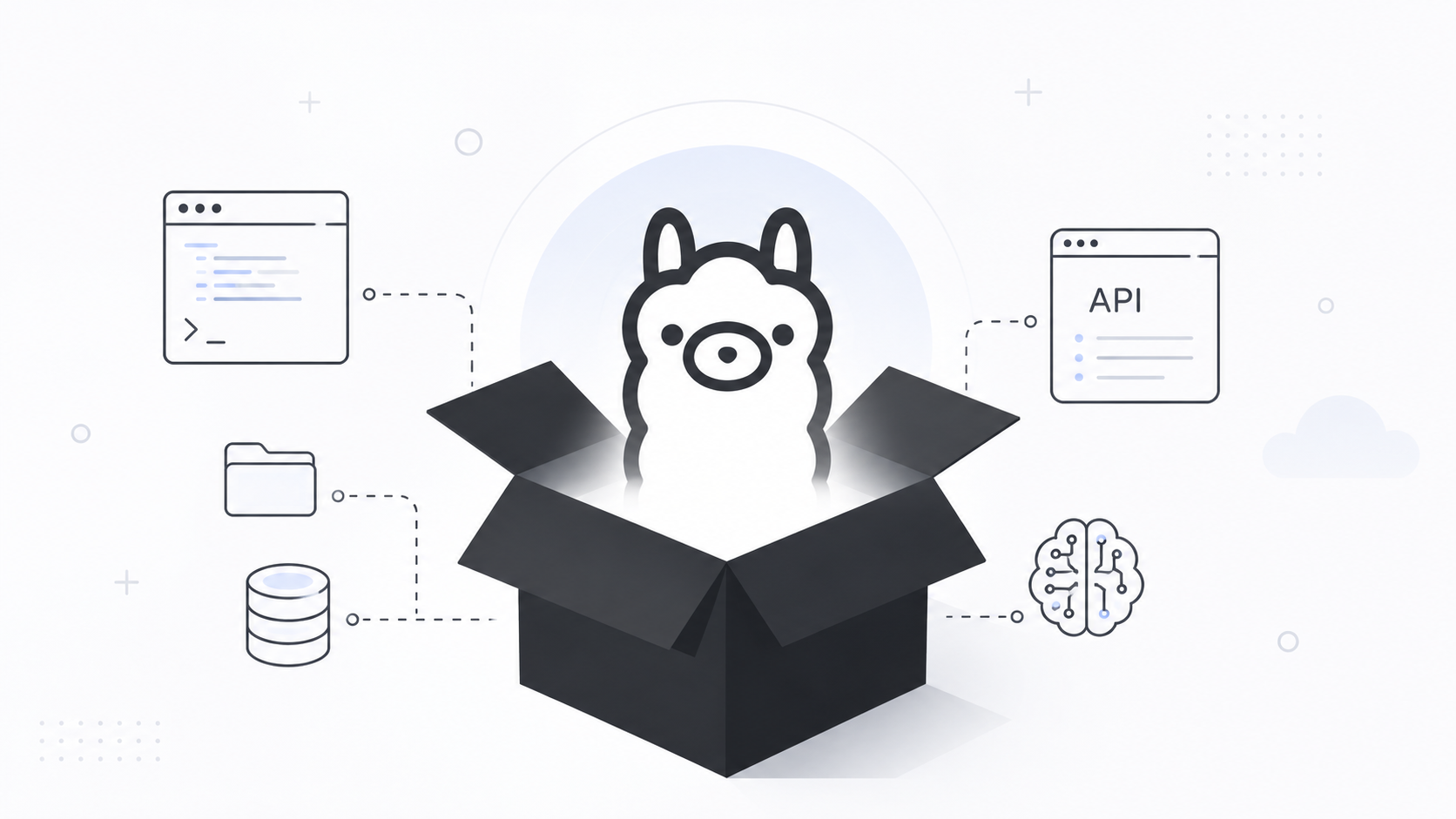

Installing Ollama takes a few minutes. Understanding what you just installed usually takes quite a bit longer.
That isn’t a criticism of Ollama. Quite the opposite. One of the reasons it has become so popular is because it makes running large language models feel almost effortless. Download a model, start asking questions, and suddenly AI is running on your own Mac.
As an ISSO, that’s usually the point where my curiosity starts. Before I let any new service become part of my automation workflow, I want to understand the trust boundary. What process is actually running? Where are the models stored? What network interface is exposed? How do I stop it? What happens when another application starts talking to it?
This article isn’t about installing Ollama. It’s about opening the black box or better yet, understanding how Ollama runs under the hood.
Start With the Process
The first thing I want to know is whether Ollama is actually running.
ps aux | grep ollama
If I installed it as a service, I also want to know how macOS is managing it.
launchctl list | grep ollama
To me, Ollama stops being “an AI application” the moment it becomes another long-running service on my Mac. From that point on I treat it like any other local service.
Is Anything Listening?
Ollama exposes a REST API. Before I write a single line of automation I verify where it is listening.
lsof -iTCP:11434 -sTCP:LISTEN
or
netstat -an | grep 11434
Seeing 127.0.0.1:11434 tells me the API is only reachable from the local machine. That’s an important part of the trust boundary because every script, Shortcut, Python program, or application I write is going to communicate with that endpoint.
Open the Box
Next I want to know what is actually installed.
ollama list
I also like checking how much disk space models are consuming.
du -sh ~/.ollama
Knowing where models live makes backup, cleanup, and storage decisions much easier than simply assuming “AI lives somewhere on disk.”
Talk to the API Yourself
One of my favorite things about Ollama is that it isn’t magic.
It’s just HTTP.
curl http://localhost:11434/api/chat -d '{
  "model":"llama3.2",
  "messages":[
    {
      "role":"user",
      "content":"Summarize this document in one paragraph."
    }
  ],
  "stream":false
}'
Once I realized I was simply talking to a local REST API, Ollama became much easier to understand.
Validate Before You Trust
Most of my automation expects structured output.
curl http://localhost:11434/api/generate -d '{
  "model":"llama3.2",
  "prompt":"Return JSON with title, summary and risk_notes.",
  "format":"json",
  "stream":false
}' > review.json
Even if the response parses correctly, I don’t assume it’s correct.
jq empty review.json
Valid JSON only tells me the response is well formed. It doesn’t tell me the content is accurate. Human review is still part of my workflow.
Monitor the Engine
Once Ollama becomes part of automation, I also want to know how it’s behaving.
log stream --predicate 'process == "ollama"'
Activity Monitor, top, lsof, and unified logging all become useful tools for understanding resource usage and troubleshooting.
Stopping the Service
If I need to stop Ollama, I don’t close a window and hope for the best.
Depending on how it was installed I stop the service explicitly.
brew services stop ollama
or manage it through launchd if that’s how it is running.
Knowing how to stop the service is just as important as knowing how to start it.
When Ollama Became Just Another Service
One thing surprised me while working through all of this. At some point, Ollama stopped feeling like “AI” and started feeling like another service running on my Mac.
Once I understood where the models were stored, how the daemon started, which port it listened on, and how my own scripts communicated with it, there wasn’t much mystery left. It became another process I could inspect, monitor, restart, or troubleshoot just like any other service running on the system.
It’s easy to think of local AI as something fundamentally different because the results can feel impressive, but from an administrator’s perspective it’s still software. It has configuration files, log files, network listeners, storage locations, APIs, and dependencies. Those are all things we’re already accustomed to managing.
The real value of spending time understanding Ollama wasn’t learning another AI tool. It was learning how it fit into the rest of my environment.
If one of my scripts reads a local file, sends a prompt to Ollama, receives structured JSON in return, and uses that output to make a decision, I want to understand every step in that process. I want to know where the data came from, where it went, what could fail, and how I’d troubleshoot it if something stopped working six months from now.
Once I reached that point, I stopped thinking about Ollama as a black box. It became another service that happened to provide AI capabilities.
For me, that’s when local AI starts to become useful in production—not because it’s running on my own hardware, but because I understand it well enough to operate and support it with the same confidence as everything else in my environment.
Sources
- Ollama GitHub Repository
- Ollama Documentation
- Ollama REST API Documentation
- Ollama Modelfile Documentation
AI Usage Transparency Report
AI Era · Written during widespread use of AI tools
AI Signal Composition
Score: 0.22 · Moderate AI Influence
Summary
Understanding how Ollama works is crucial for integrating it into automation workflows. This involves identifying the process, API, data flow, and trust boundary to ensure secure and reliable operation.
Related Posts
Bromure Gives Codex a Room of Its Own
I installed Bromure Agentic Coding, watched it build the Linux VM, authenticated Codex, and followed a real Codex task through the workspace.

Amnesia Stealer Shows the Next Stage of ClickFix on macOS
Amnesia Stealer shows how ClickFix-style social engineering is adapting on macOS, while a public malware sample gives defenders an opportunity to study the behavior behind the campaign.
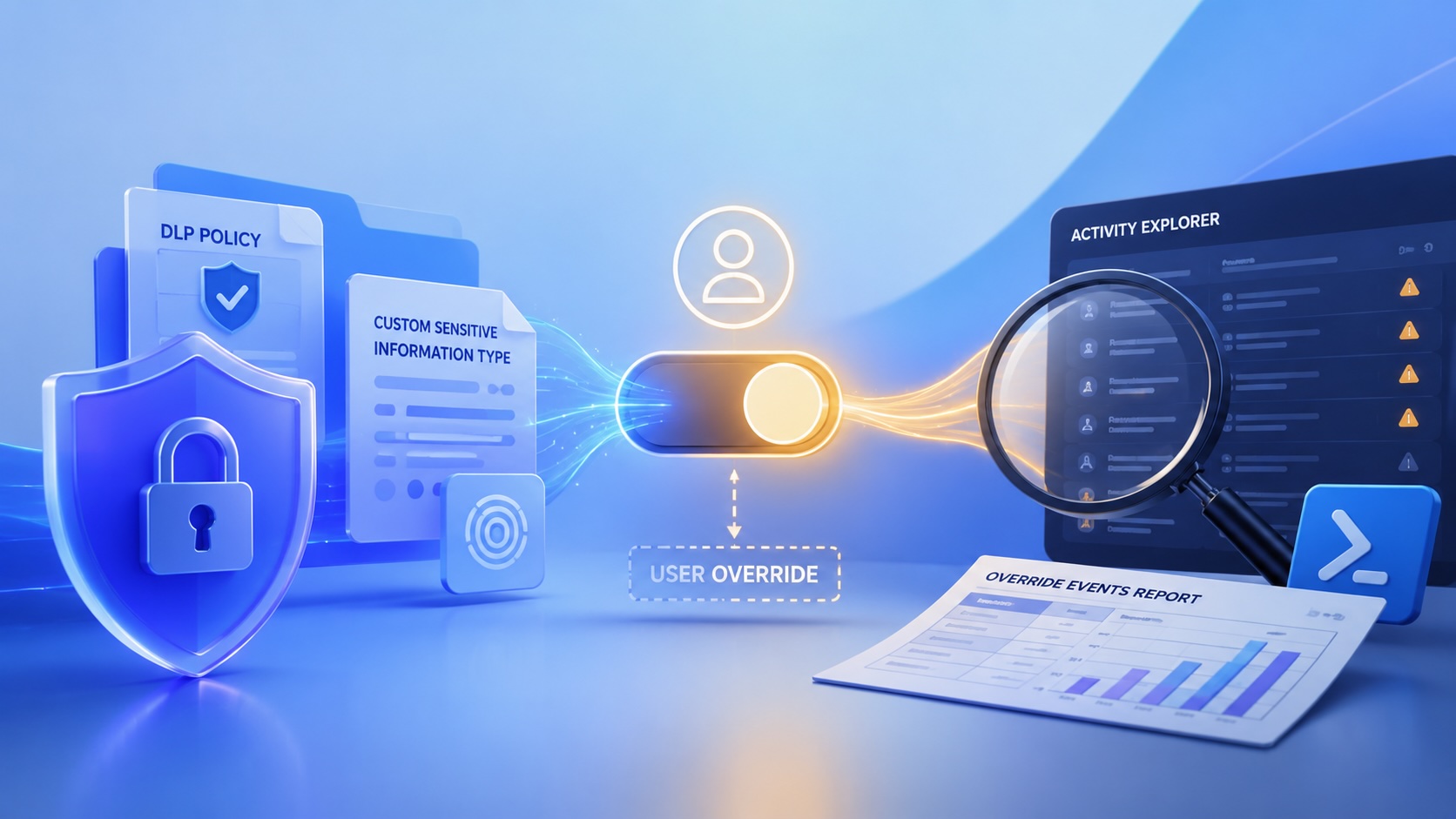
Reporting on Microsoft 365 DLP Overrides with PowerShell
DLP overrides are not automatically bad. They are a business process that needs visibility. This walkthrough covers a Microsoft Purview DLP policy, a custom sensitive information type, user override behavior, and a PowerShell report that exports override events from Activity Explorer.

Move Entra Users Off SMS and Voice Before Microsoft Retires Them
Microsoft is retiring Microsoft-provided SMS and voice authentication in Entra ID. The migration is not passkeys for everyone; it is removing weak telecom MFA and choosing supported replacement methods such as Microsoft Authenticator, FIDO2 keys, certificate-based authentication, OATH hardware tokens, or customer-managed telecom.

macOS Tahoe 26.6.1 Fixes a High-Severity Screen Sharing Authentication Bypass
macOS Tahoe 26.6.1 fixes CVE-2026-65400, a high-severity Screen Sharing authentication issue where an attacker on the network may be able to authenticate without valid credentials.
ClickLock Shows Why Terminal Paste Is a Mac Security Boundary
ClickLock Stealer shows why Mac security teams should watch for Terminal paste lures, fake AppleScript password prompts, command-line Keychain access, LaunchAgent persistence, and Jamf Protect alerts that can route suspected Macs into Jamf Pro response groups.
CrashStealer Shows the Gap Between Notarization and Detection
CrashStealer shows the security gap between Apple's Developer ID notarization path and App Store review, and why Jamf's behavioral detection mattered.

The CMMC Pause Does Not Make a Level 2 Audit Worthless
The July 2026 CMMC Phase II pause changes the timing of third-party assessment requirements, but it does not erase DFARS, NIST SP 800-171, SPRS, or the value of a completed Level 2 audit.
How We Structured and Hashed CMMC Evidence for Auditor Review
How folder naming, control-level artifact names, spreadsheet hyperlinks, and evidence hashing made a CMMC evidence package easier for the auditor to validate.
Your Vibe-Coded App Still Needs a Trustworthy Release Path
Why vibe-coded apps still need release discipline: code signing, notarization, checksums, and GitHub artifact attestations all support integrity and user trust.
