Secure Storage Isn't Enough: Using Secrets Safely in Admin Automation
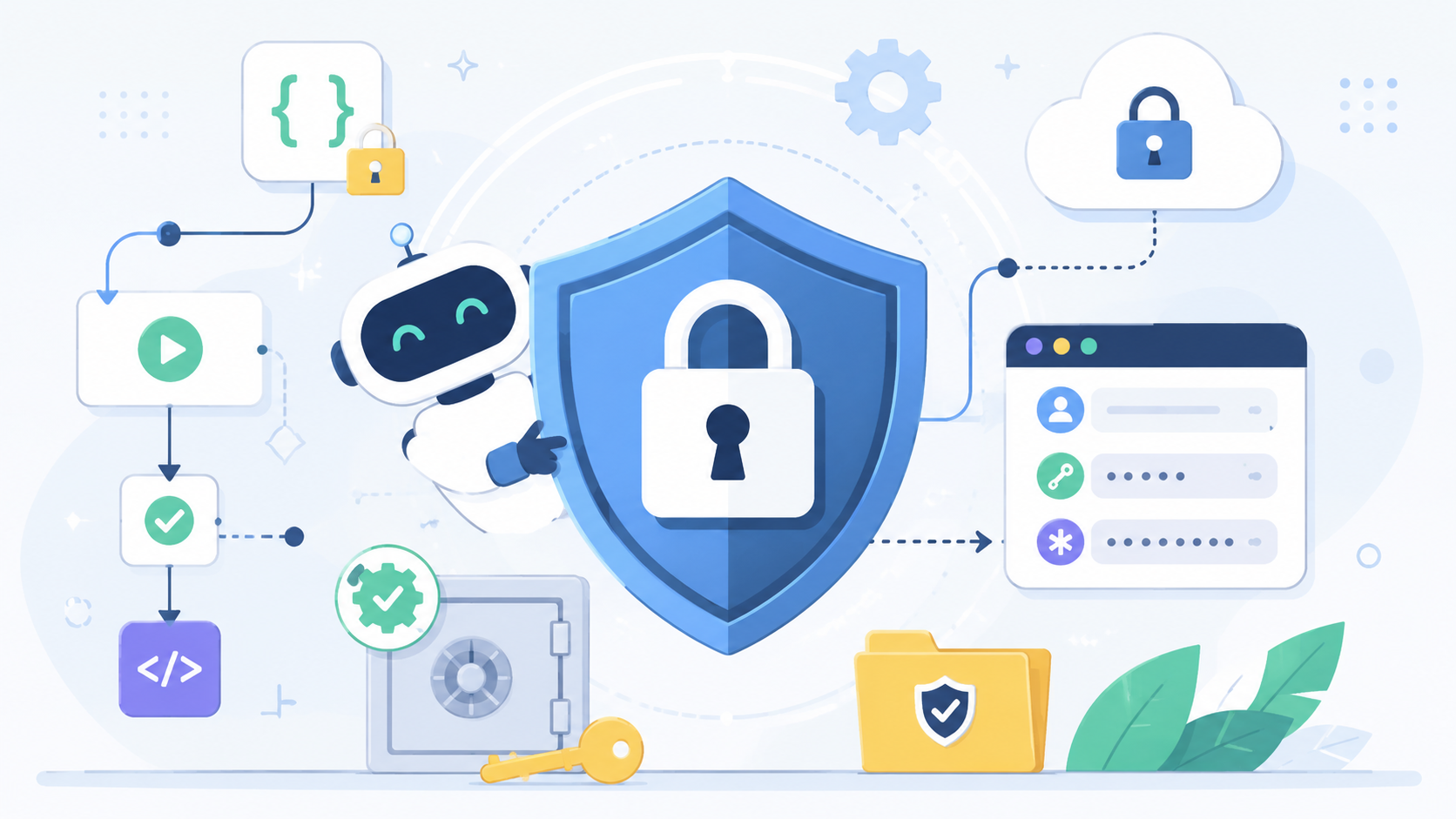

One of the best improvements in modern automation is the built-in secret manager. You can find it in many solutions from GitHub, Snowflake, and many many more.
Whether you’re using GitHub Actions, Jamf Pro, or another automation platform, you no longer need to hard-code passwords, API keys, or client secrets directly into scripts. That’s a huge improvement over the way many of us built automation years ago.
The mistake I still see isn’t storing secrets incorrectly. It’s assuming that storing them securely means the automation itself is secure. That is not necessarily true.
A secret manager protects a credential while it’s being stored. It doesn’t automatically protect how your workflow retrieves it, where it passes it, what gets logged, what temporary files are created, or how quickly you can recover if something goes wrong.
It really important to think about that as you architect your solution to ensure that remnants of these keys or tokens are not accidentally exposed.
GitHub Protects the Secret
GitHub Secrets solve the storage problem well. Repository, organization, and environment secrets provide a secure place for credentials that shouldn’t live in source control.
A typical workflow might retrieve a credential like this:
env:
  API_TOKEN: $
At that point GitHub has done exactly what it promised. It stored the secret securely and injected it into the workflow. Once the secret leaves the secret store, however, the responsibility shifts from GitHub to the workflow itself.
Before I review the rest of the automation, I ask a few simple questions. Does the workflow really need this credential? Are the workflow permissions scoped as narrowly as possible? Is this running from a trusted trigger, or can user-controlled input influence the execution?
I also look for explicit permissions instead of broad defaults.
permissions:
  contents: read
If a job needs additional rights to publish packages, create releases, or request OIDC credentials, I want those permissions granted only to that job.
The Workflow Now Owns the Secret
Once a secret reaches a script, the review changes. Now I’m looking for how the credential is used rather than where it came from. A simple API call is a good example.
curl -H "Authorization: Bearer $API_TOKEN" https://example.internal/api
Using GitHub Actions is ultimately where I want to end up, but my preference is to validate everything locally first. Running the automation on my own machine lets me observe exactly how it behaves before introducing GitHub Secrets or CI infrastructure.
For example, if the workflow normally runs a shell script, I can execute that same script directly from a terminal:
export API_KEY="your-api-key"
export API_TOKEN="your-api-token"

./scripts/run.sh
If the project uses a .env file, I can load it before running the script:
set -a
source .env
set +a

./scripts/run.sh
Or, if the workflow is just invoking a command, I can run that command exactly as the workflow would:
API_KEY="$API_KEY" python sync.py
Running the automation locally also lets me inspect its behavior in real time. I can verify whether it exits successfully, determine if any commands are unexpectedly echoed to the terminal, check whether temporary files are created, and review log output after both successful and failed runs.
The command itself isn’t inherently a problem. What matters is everything the automation does around it. Does the script enable shell tracing (set -x)? Does it print command output? Does it write temporary files? If an API request fails, does it dump request headers or response bodies into a log?
Answering those questions locally gives me confidence that the workflow isn’t inadvertently exposing sensitive information. Once I’m satisfied that the script behaves correctly and handles secrets safely, I can move the same process into GitHub Actions with minimal changes, knowing I’ve already validated the behavior outside of the CI environment.
Tokens Are Secrets Too
It’s easy to focus on protecting the original credential and overlook everything that happens afterward.
Many automation workflows use one secret to obtain another. A GitHub Secret, for example, might be exchanged for an OAuth access token from Jamf Pro or another API. While the client secret remains protected, the newly issued access token is every bit as sensitive.
That means the security review can’t stop once authentication succeeds. If an access token is written to a log file, captured in debug output, or saved in a temporary JSON file, the secret manager hasn’t failed—the automation has.
That’s why I evaluate every point where sensitive data is created, used, stored, or displayed, not just where the original credential is injected into the workflow. A well-protected secret can still be exposed if the automation mishandles the credentials it generates along the way.
Debugging Is Usually Where Things Change
Almost every automation project goes through a troubleshooting phase. The workflow fails, an API call returns an unexpected response, or authentication isn’t working as expected. To figure out what’s happening, it’s common to add temporary debugging commands.
For example, someone might enable shell tracing to see every command as it executes:
set -x
./deploy.sh
Or they may print a variable to verify that it was populated correctly:
echo "$API_TOKEN"
echo "$CLIENT_SECRET"
When an API call isn’t behaving as expected, it’s also common to enable verbose output:
curl -v \
  -H "Authorization: Bearer $API_TOKEN" \
  https://example.com/api/v1/devices
Other troubleshooting techniques include dumping the environment to verify variables are present:
printenv
Saving command output for later inspection:
./deploy.sh | tee debug.log
Or reviewing a temporary response file created during testing:
cat response.json
None of these commands are inherently unsafe. In fact, they can be invaluable while diagnosing a problem. The risk is that temporary debugging often becomes permanent. A command added during an incident can remain in a script long after the issue has been resolved.
When I review automation, I don’t automatically flag these commands as vulnerabilities. Instead, I ask why they’re still there. If they continue to provide operational value, they may be completely appropriate. If they’re leftovers from troubleshooting weeks or months ago, they’re worth removing before they expose information that was never intended to leave the workflow.
Rotation Should Never Be an Afterthought
Every credential will eventually need to be replaced. That might happen because someone changes roles, an API client is retired, a secret reaches its expiration date, or a token appears somewhere it shouldn’t.
A good way to evaluate an automation is to ask a simple question:
What would we do if this credential appeared in a log this afternoon?
The answer should be more than “generate a new one.” There should be a documented process that identifies where the credential lives, what uses it, and how it can be replaced without disrupting the workflow.
For example, if a GitHub Actions secret needs to be rotated, the process might look something like this:
# 1. Create a new API client or generate a new token
# (Performed in the application or identity provider)

# 2. Update the GitHub Secret
gh secret set JAMF_CLIENT_SECRET < new-secret.txt

# 3. Run the workflow to validate authentication
gh workflow run package-upload.yml

# 4. Confirm the workflow completed successfully
gh run list
Or, if you’re testing locally before updating GitHub, you might temporarily export the new credential and verify that everything still works:
export JAMF_CLIENT_SECRET="new-client-secret"

./scripts/package-upload.sh
Only after confirming the automation functions correctly would you replace the production secret and retire the old credential.
If no one knows where the secret is used, who owns it, or what depends on it, the automation may work perfectly today—but it isn’t operationally complete. Credential rotation shouldn’t require detective work during an incident.
Even a simple inventory like the following can make future rotations much easier:
Credential: Jamf Package Upload API Client
Stored in: GitHub Actions Secret
Used by: Package Upload Workflow
Permissions: Package upload only
Rotation: Annual review or suspected exposure
Owner: Mac Administration Team
The goal isn’t to make rotation complicated. It’s to make it predictable. When the process has been documented and tested ahead of time, replacing a credential becomes routine instead of a high-pressure recovery exercise.
Final Thoughts
Over the last few years, secret managers have become one of the biggest improvements in how we build and operate automation. Storing API keys, passwords, certificates, and tokens in a secure vault is unquestionably better than embedding them in scripts, configuration files, or source code. Modern platforms have made secure storage far easier than it used to be.
What I’ve learned, though, is that storing a secret securely is only one part of the problem. The moment an automation workflow retrieves that secret, it becomes responsible for everything that happens next. How is the credential used? Does it have only the permissions it actually needs? Could it accidentally appear in a log file or error message? Does the workflow create additional files that now contain sensitive information? If the credential is compromised, how difficult would it be to rotate it without disrupting the rest of the automation?
Those are the questions I spend the most time thinking about during a review. When I’m looking at a workflow, I rarely start by asking where the secret is stored. I assume a modern secret manager is doing its job correctly. Instead, I focus on how the workflow uses that secret after it’s been retrieved, because that’s where most of the security decisions are still being made.
A secret manager can protect a credential at rest, but it can’t tell you whether you’ve granted that credential too much access, logged it by accident, or built a workflow that’s difficult to recover if something goes wrong. Those are design decisions, and they’re still the responsibility of the person writing the automation.
For me, that’s the real takeaway. Good automation isn’t just about protecting secrets—it’s about designing workflows that continue to protect those secrets every time they’re used.
Sources
- GitHub Docs: Using secrets in GitHub Actions
- GitHub Docs: Security hardening for GitHub Actions
- GitHub Docs: Automatic token authentication
- Jamf Developer: Client Credentials
- OWASP Secrets Management Cheat Sheet
AI Usage Transparency Report
AI Era · Written during widespread use of AI tools
AI Signal Composition
Score: 0.23 · Moderate AI Influence
Summary
The article discusses the importance of secure secret management in automation workflows, highlighting the difference between storing secrets securely and protecting how they are used. It emphasizes the need for a thorough review of every stage where sensitive information is created, not just where it starts.
Related Posts
Bromure Gives Codex a Room of Its Own
I installed Bromure Agentic Coding, watched it build the Linux VM, authenticated Codex, and followed a real Codex task through the workspace.

Amnesia Stealer Shows the Next Stage of ClickFix on macOS
Amnesia Stealer shows how ClickFix-style social engineering is adapting on macOS, while a public malware sample gives defenders an opportunity to study the behavior behind the campaign.
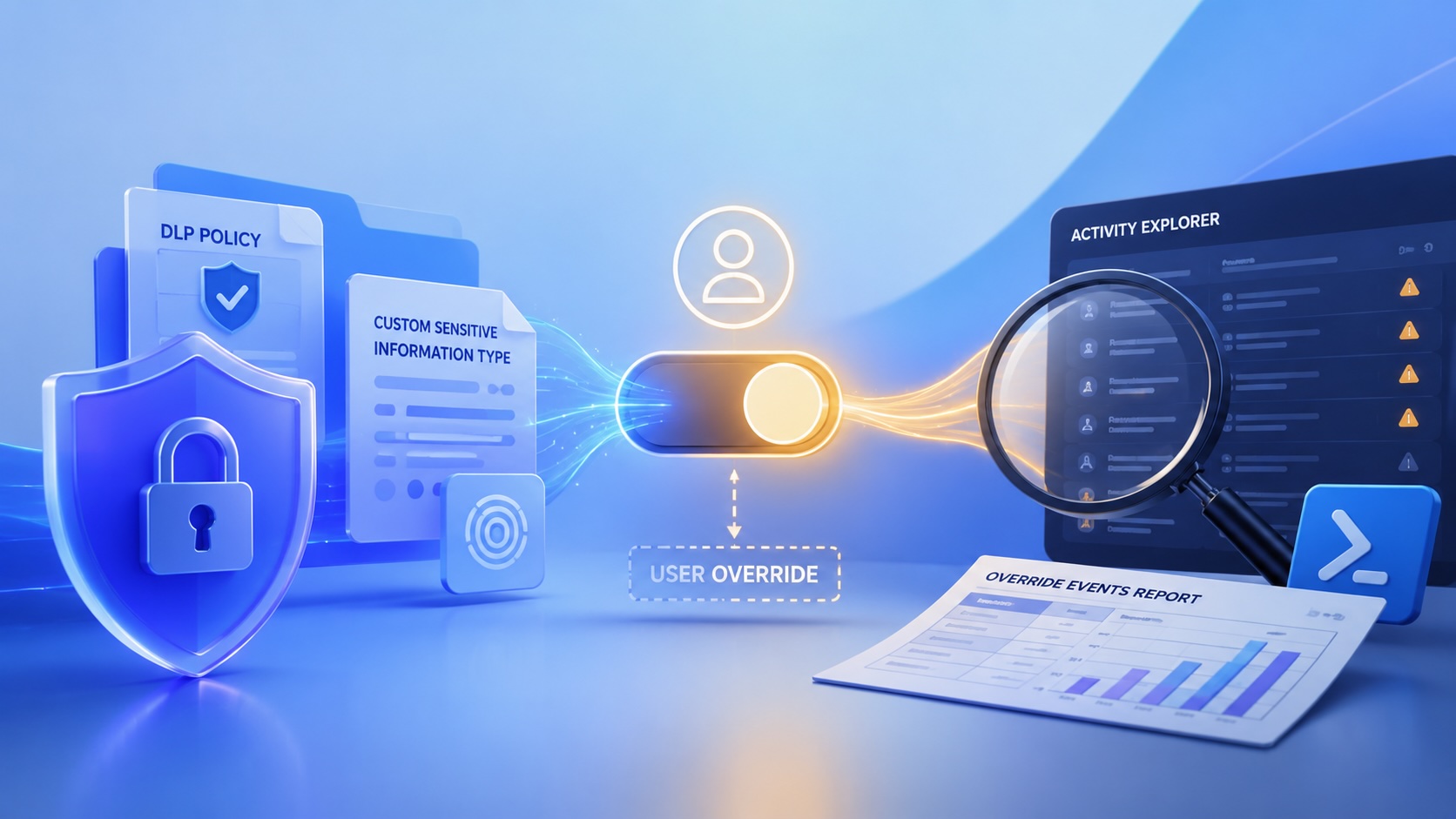
Reporting on Microsoft 365 DLP Overrides with PowerShell
DLP overrides are not automatically bad. They are a business process that needs visibility. This walkthrough covers a Microsoft Purview DLP policy, a custom sensitive information type, user override behavior, and a PowerShell report that exports override events from Activity Explorer.

Move Entra Users Off SMS and Voice Before Microsoft Retires Them
Microsoft is retiring Microsoft-provided SMS and voice authentication in Entra ID. The migration is not passkeys for everyone; it is removing weak telecom MFA and choosing supported replacement methods such as Microsoft Authenticator, FIDO2 keys, certificate-based authentication, OATH hardware tokens, or customer-managed telecom.

macOS Tahoe 26.6.1 Fixes a High-Severity Screen Sharing Authentication Bypass
macOS Tahoe 26.6.1 fixes CVE-2026-65400, a high-severity Screen Sharing authentication issue where an attacker on the network may be able to authenticate without valid credentials.
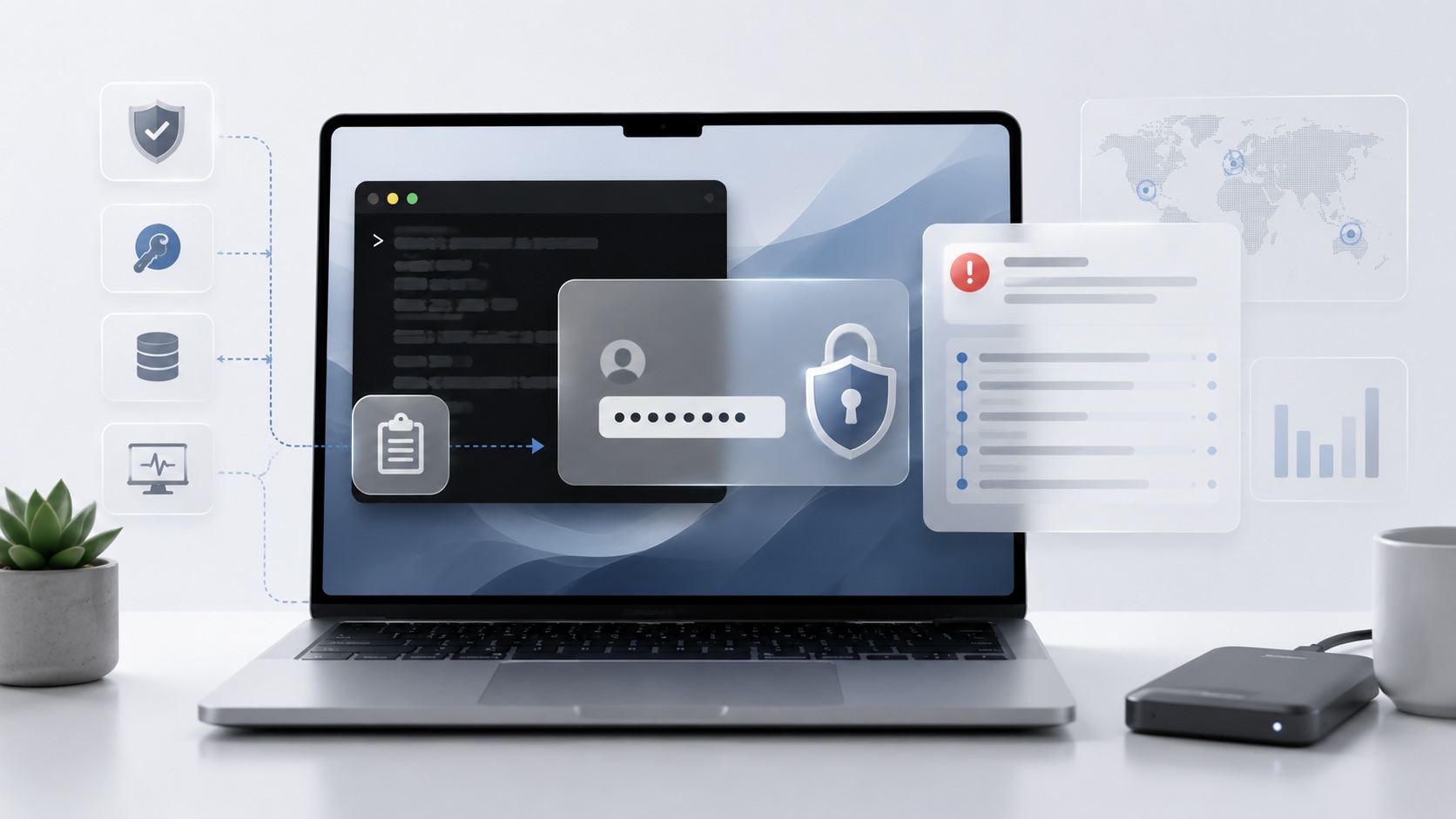
ClickLock Shows Why Terminal Paste Is a Mac Security Boundary
ClickLock Stealer shows why Mac security teams should watch for Terminal paste lures, fake AppleScript password prompts, command-line Keychain access, LaunchAgent persistence, and Jamf Protect alerts that can route suspected Macs into Jamf Pro response groups.
CrashStealer Shows the Gap Between Notarization and Detection
CrashStealer shows the security gap between Apple's Developer ID notarization path and App Store review, and why Jamf's behavioral detection mattered.

The CMMC Pause Does Not Make a Level 2 Audit Worthless
The July 2026 CMMC Phase II pause changes the timing of third-party assessment requirements, but it does not erase DFARS, NIST SP 800-171, SPRS, or the value of a completed Level 2 audit.
How We Structured and Hashed CMMC Evidence for Auditor Review
How folder naming, control-level artifact names, spreadsheet hyperlinks, and evidence hashing made a CMMC evidence package easier for the auditor to validate.

Opening the Ollama Black Box: Understanding the Trust Boundary Behind Local AI
Installing Ollama is easy. Understanding the trust boundary behind a local AI service is what determines whether it belongs in an automation workflow.
