
One of the biggest lessons I took away from our CMMC Level 2 assessment was that collecting evidence is only half the job. The other half is making that evidence easy for an assessor to understand.
You can have every screenshot, report, policy, ticket, and configuration export an assessor could ask for, but if they have to stop and ask where it came from, what control it supports, whether it’s the latest version, or how it relates to the rest of your documentation, you’ve added unnecessary friction to the assessment.
Every one of those questions slows the review, even when the evidence itself is perfectly valid.
After our assessment, I published a much more detailed guide on what evidence to collect for each CMMC control family. This article focuses on something different. It’s about the organizational layer that sits on top of your evidence: how you name folders, how you label files, how you organize control directories, how you reference artifacts from your tracking spreadsheet, and why preserving that organization matters long after the assessment is over.
Those details may seem minor while you’re preparing, but they become incredibly important when someone who has never seen your environment needs to quickly verify that a control has been implemented.
Your Folder Structure Becomes Part of the Assessment
One thing I underestimated going into the assessment was how much our folder structure would influence the overall review process.
We didn’t treat the evidence repository like a shared file share where documents were dropped whenever they were finished. Instead, we treated it as an extension of the System Security Plan. Every folder, filename, and document location was intentional.
At the top level, evidence was organized by CMMC control family. Inside each family, we created folders for the individual control, using both the control identifier and the official control name. That meant anyone navigating the repository could immediately understand where they were and what requirement the supporting evidence addressed.
For example:
Access Control (AC)
├── AC.L2-3.1.1 - Authorized Access Control
├── AC.L2-3.1.2 - Transaction and Function Control
├── AC.L2-3.1.3 - Control CUI Flow
This organization wasn’t just for our benefit. It meant the assessor never had to guess where supporting documentation should live, and we never had to remember where we’d placed a screenshot six months earlier. Every artifact had a logical home that matched the language used throughout our SSP, policies, and evidence tracker.
When your documentation, evidence repository, and tracking spreadsheet all speak the same language, finding supporting evidence becomes almost effortless. That consistency reduced confusion during the assessment and made it much easier to demonstrate how individual artifacts mapped directly to each CMMC requirement.
A Good Artifact Name Should Explain Itself
A well-organized folder structure gets someone to the right place. A good filename tells them whether they’ve found the right artifact.
When I was building our evidence repository, I tried to make every filename descriptive enough that it could stand on its own. If someone downloaded the file, emailed it to another assessor, or opened it months later outside of its original folder, they should still be able to understand what they were looking at without additional context.
For every artifact, I wanted the filename to answer a few simple questions. Which CMMC control does it support? What system or process produced it? What type of evidence is it? When was it collected or exported?
That led us to filenames like these:
AC.L2-3.1.5-Entra-admin-role-assignments-export-2026-06-29.csv
AC.L2-3.1.5-Jamf-local-admin-smart-group-screenshot-2026-06-29.png
CM.L2-3.4.1-macOS-baseline-tailoring-summary-2026-06-29.pdf
SI.L1-3.14.2-endpoint-protection-policy-export-2026-06-29.pdf
They’re not particularly elegant, and that’s intentional.
An evidence repository isn’t the place for creative naming conventions. Consistency is far more valuable than brevity. When every filename follows the same pattern, it’s immediately obvious which control it supports, where the information originated, and whether you’re looking at the most recent export or something collected months earlier.
That consistency also makes conversations during an assessment much easier. Instead of opening half a dozen files to find the right screenshot or report, both you and the assessor can usually identify the correct artifact just by reading its name. Over the course of an assessment, those small time savings add up and help keep the review focused on validating controls instead of hunting for documentation.
The goal isn’t to cram every possible detail into a filename. It’s to include enough information that the artifact remains meaningful wherever it ends up—whether it’s copied into another evidence package, attached to an email, hashed for archival purposes, or reviewed long after the assessment has been completed.
The Spreadsheet Became the Map
By the time our evidence repository started taking shape, it became clear that folders alone weren’t enough.
Finding evidence wasn’t difficult, but keeping track of hundreds of artifacts across dozens of controls quickly became its own challenge. We needed a single place that told us what evidence existed, where it lived, who owned it, and whether it was ready for review.
That’s where our tracking spreadsheet came in.
I started thinking of the folder structure as the library and the spreadsheet as the card catalog. The evidence lived in the folders, but the spreadsheet was how we navigated it.
Each row represented a CMMC control and included the information we needed to manage the supporting artifacts throughout the assessment process. Rather than simply listing filenames, the spreadsheet linked directly to the evidence stored in the repository. During the assessment, that made an enormous difference.
Instead of saying, “I think that screenshot is somewhere under Access Control,” we could open the spreadsheet, navigate to the appropriate control, and follow a hyperlink directly to the supporting artifact. There was no guessing, no searching through folders, and no wondering whether someone had opened the wrong version of a document.
Our tracking sheet included information similar to this:
Family
Control
Control Name
Evidence Description
Artifact File Name
Artifact Folder Link
Evidence Owner
Captured Date
Hash Recorded
Review Status
Notes
The spreadsheet wasn’t replacing the evidence—it was providing context around it. It told us who was responsible for an artifact, when it had been collected, whether it had been reviewed, and exactly where it could be found.
It also solved another common problem: a single artifact often supports more than one CMMC practice. Rather than making multiple copies of the same screenshot or report, we stored the artifact once in the most appropriate control folder and referenced it from anywhere else it was applicable. That eliminated duplicate files, reduced version control issues, and ensured everyone—including the assessor—was always looking at the same piece of evidence.
Preserving Integrity with Artifact Hashing
Organization helped us find evidence quickly, but hashing helped us demonstrate that the evidence hadn’t changed.
That was an important distinction.
Once our evidence package was finalized, we generated cryptographic hashes for the entire repository. From that point forward, the goal wasn’t simply to keep the files organized—it was to preserve the integrity of the evidence exactly as it existed when it was collected.
That changes the way you think about even small edits.
Renaming a file for consistency, replacing a screenshot with a higher-resolution version, exporting a newer copy of a report, or making what feels like a harmless correction all change the artifact the assessor is validating. Once evidence has been collected and hashed, even seemingly insignificant changes become part of the chain of custody.
The guidance we followed provided a PowerShell script that generated hashes for every artifact in the repository. Although our evidence was stored on macOS, the script ran under PowerShell and was executed from the root of the evidence directory.
pwsh -ExecutionPolicy ByPass ./ArtifactHash.ps1 \
    -ArtifactRootDirectory ./ \
    -ArtifactOutputDirectory ./
The script produced two output files.
The first, CMMCAssessmentArtifacts.log, contained a cryptographic hash for every artifact in the repository. The second, CMMCAssessmentLogHash.log, contained a hash of the artifact log itself.
That second file is easy to overlook, but it’s an elegant design. The evidence repository has a manifest, and the manifest has its own integrity check. If an evidence file changes, the artifact log changes. If the artifact log changes, its hash changes as well. Together, they provide a straightforward way to verify that the retained evidence package remains exactly as it was when it was prepared for the assessment.
By the time we generated those hashes, the organizational work was already finished. The folders had been finalized, filenames were consistent, artifacts had been placed in their permanent locations, and the tracking spreadsheet linked each CMMC control directly to the corresponding evidence. Hashing became the final step that preserved that state and gave us confidence that the evidence package could be validated later without any question about whether it had been altered.
<#
.SYNOPSIS
    Hash artifacts for a CMMC Assessment to maintain integrity in the event any files are needed in the future

.DESCRIPTION
    This script will recursively evaluate all files in a local or UNC path. Each file will be hashed and written to a text file. Additionally, the record is hashed to preserve the integrity of the output

.PARAMETER ArtifactRootDirectory
    Specifies the root path of the CMMC assessment artifacts. This location can be represented by a traditional Windows file path, a UNC path, or even .\

.PARAMETER ArtifactOutputDirectory
    Specifies the directory where the script will write two log files. The first log is the listing of all files within the ArtifactRootDirectory as well as the corresponding hash. The second log, is a hashed value of the first log. This is a simple way to help preserve the integrity of the artifact listing without requiring the maintenance of a public/private key pair or a password for an HMAC
#>

#VERSION 1.11
param
(
    [Parameter(mandatory=$false)][string]$ArtifactRootDirectory = ".\",
    [Parameter(mandatory=$false)][string]$ArtifactOutputDirectory = ".\"
)

function GetFileHashes ([string] $rootLocation, [boolean] $isDirectory)
{
    if ($isDirectory)
    {
        $hashList = Get-ChildItem -path $rootLocation -Recurse -Force -File | Get-FileHash
    }
    else
    {
        $hashList = Get-FileHash $rootLocation
    }
    return $hashList
}

function WriteASCIIFile ([string] $filePath, [object] $fileContent)
{
    Out-File -FilePath $filePath -Force -Encoding ASCII -InputObject $fileContent -Width 1024
}

function VerifyLocationExist ([string] $location)
{
    try
    {
        $doesExist = Test-Path $location
        if (-Not $doesExist)
        {
            ECHO "Location $location does not exist"
            throw
        }
    }
    catch
    {
        ECHO "The program failed to evaluate the path. Perhaps you specified an incorrectly formatted command line parameter?"
        EXIT
    }
}

function IsDirectory ([string] $location)
{
    $isDirectory = (get-item $location) -is [System.IO.DirectoryInfo]
    return $isDirectory
}

$version = "1.11"
ECHO "Artifact Hashing Script Version $version"

ECHO "Verifying existence of $ArtifactRootDirectory"
VerifyLocationExist $ArtifactRootDirectory

ECHO "Verifying existence of $ArtifactOutputDirectory"
VerifyLocationExist $ArtifactOutputDirectory

$artifactLocationIsDir = IsDirectory($ArtifactRootDirectory)
$logFileLocationIsDir = IsDirectory($ArtifactOutputDirectory)

if($logFileLocationIsDir)
{
    $logFileLocation = $ArtifactOutputDirectory + "\CMMCAssessmentArtifacts.log"
    $hashedLogFileLocation = $ArtifactOutputDirectory + "\CMMCAssessmentLogHash.log"
}
else
{
    $endOfString = $ArtifactOutputDirectory.LastIndexOf("\")
    $logFileLocation = $ArtifactOutputDirectory.Substring(0,$endOfString) + "\CMMCAssessmentArtifacts.log"
    $hashedLogFileLocation = $ArtifactOutputDirectory.Substring(0,$endOfString) + "\CMMCAssessmentLogHash.log"
}

$hashedFiles = GetFileHashes $ArtifactRootDirectory $artifactLocationIsDir
ECHO "Writing artifact file listing to $logFileLocation"
WriteASCIIFile $logFileLocation $hashedFiles

$hashTheHash = GetFileHashes $logFileLocation $false
ECHO "Writing hashed value of artifact file listing to $hashedLogFileLocation"
WriteASCIIFile $hashedLogFileLocation $hashTheHash

ECHO "SCRIPT COMPLETE"
The resulting artifact log gave us the file list and hash values. The exact paths depended on the evidence folder structure, but the useful output looked conceptually like this:
4c1f...  AC - Access Control/AC.L2-3.1.5 - Least Privilege/AC.L2-3.1.5-Entra-admin-role-assignments-export-2026-06-29.csv
9b7a...  AC - Access Control/AC.L2-3.1.5 - Least Privilege/AC.L2-3.1.5-Jamf-local-admin-smart-group-screenshot-2026-06-29.png
PowerShell’s Get-FileHash uses SHA-256 by default. That fit the goal here: preserve a repeatable cryptographic fingerprint for each retained artifact, then preserve a fingerprint of the artifact listing itself.
The exact tool can vary by assessment process, operating system, and assessor instructions. The important part is that the hash manifest and the evidence package agree. If the auditor follows the spreadsheet link to an artifact and checks the hash, the file should match the retained record.
Don’t Hash a Mess
One lesson became obvious very quickly: hashing should be one of the last steps in preparing your evidence package, not one of the first.
It’s tempting to think of hashing as something you can do whenever you’ve accumulated enough evidence, but all you’re really doing is creating an integrity record for whatever exists at that moment. If your folder structure is still evolving, screenshots are being renamed, reports are being regenerated, or your tracking spreadsheet still points to temporary locations, you’re simply preserving an unfinished repository.
The hash proves that a file hasn’t changed. It doesn’t prove the file was organized well, named consistently, or associated with the correct control.
Before we generated our hashes, we made sure the evidence package had reached a stable state. The control family folders were complete, every artifact had been moved into its permanent location, filenames followed a consistent convention, hyperlinks in the tracking spreadsheet pointed to the retained artifacts, and we had completed a final review for missing, duplicate, or misplaced evidence.
Only then did we run the hashing process.
pwsh -ExecutionPolicy ByPass ./ArtifactHash.ps1 \
    -ArtifactRootDirectory ./ \
    -ArtifactOutputDirectory ./
That became our checkpoint. From that point forward, the evidence package wasn’t something we continued to tidy up—it became the version we intended to preserve.
If we ever discovered that an artifact genuinely needed to be replaced, I wouldn’t quietly overwrite the existing file and move on. I’d treat it as a documented change. The replacement artifact would be added intentionally, the tracking spreadsheet would be updated, new hashes would be generated following the assessor’s guidance, and enough context would be retained to explain why the evidence changed after the original collection.
That approach preserves more than file integrity. It preserves confidence in the assessment process itself.
Good Organization Isn’t More Evidence
One misconception I had before the assessment was that improving an evidence repository meant collecting more documentation.
It doesn’t.
Most organizations already have far more evidence than they realize. The challenge is organizing it in a way that allows someone unfamiliar with your environment to validate it efficiently.
A well-designed evidence package lets an assessor move naturally from the control they’re reviewing, to the tracking spreadsheet, to the supporting artifact, and finally to the corresponding hash record without stopping to ask where something is located or whether they’re looking at the correct version. Every layer reinforces the next, creating a clear path from the CMMC practice to the supporting evidence.
Looking back, the biggest change I’d make isn’t collecting additional artifacts—it’s standardizing the repository much earlier in the project. Folder structures, naming conventions, spreadsheet references, and hashing aren’t cleanup tasks for the week before the assessment. They’re part of the overall evidence strategy, and the earlier they’re established, the easier every subsequent collection effort becomes.
If you’re still deciding what evidence to collect for each CMMC practice, I cover that in my earlier article, The CMMC Evidence Collection Guide I Wish I Had Before My Assessment. Once you’ve gathered that evidence, though, the next challenge is making it easy to validate.
That’s where good organization stops being administrative overhead and becomes an asset during the assessment itself.
Sources
- The CMMC Evidence Collection Guide I Wish I Had Before My Assessment
- Cybersecurity Maturity Model Certification
- NIST SP 800-171 Revision 2
- NIST SP 800-171A
- NIST FIPS 180-4: Secure Hash Standard
- Microsoft Learn: Install PowerShell on macOS
- Microsoft Learn: Get-FileHash
AI Usage Transparency Report
AI Era · Written during widespread use of AI tools
AI Signal Composition
Score: 0.3 · Moderate AI Influence
Summary
CMMC evidence collection involves organizing artifacts in a structured manner, including folder names, control names, artifact names, spreadsheet links, and hashing to maintain integrity.
Related Posts
Bromure Gives Codex a Room of Its Own
I installed Bromure Agentic Coding, watched it build the Linux VM, authenticated Codex, and followed a real Codex task through the workspace.

Amnesia Stealer Shows the Next Stage of ClickFix on macOS
Amnesia Stealer shows how ClickFix-style social engineering is adapting on macOS, while a public malware sample gives defenders an opportunity to study the behavior behind the campaign.
Reporting on Microsoft 365 DLP Overrides with PowerShell
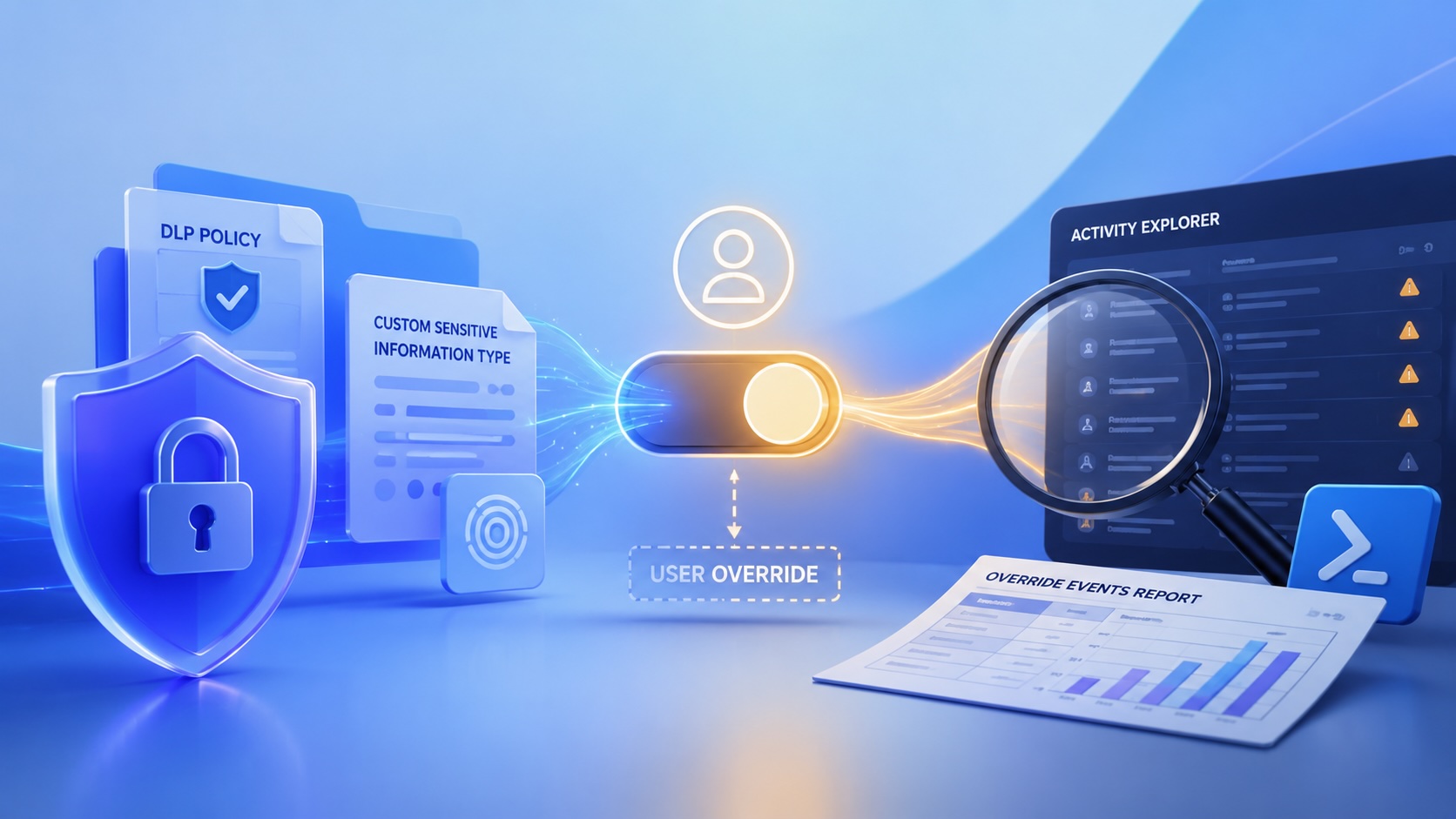
DLP overrides are not automatically bad. They are a business process that needs visibility. This walkthrough covers a Microsoft Purview DLP policy, a custom sensitive information type, user override behavior, and a PowerShell report that exports override events from Activity Explorer.

Move Entra Users Off SMS and Voice Before Microsoft Retires Them
Microsoft is retiring Microsoft-provided SMS and voice authentication in Entra ID. The migration is not passkeys for everyone; it is removing weak telecom MFA and choosing supported replacement methods such as Microsoft Authenticator, FIDO2 keys, certificate-based authentication, OATH hardware tokens, or customer-managed telecom.

macOS Tahoe 26.6.1 Fixes a High-Severity Screen Sharing Authentication Bypass
macOS Tahoe 26.6.1 fixes CVE-2026-65400, a high-severity Screen Sharing authentication issue where an attacker on the network may be able to authenticate without valid credentials.
ClickLock Shows Why Terminal Paste Is a Mac Security Boundary
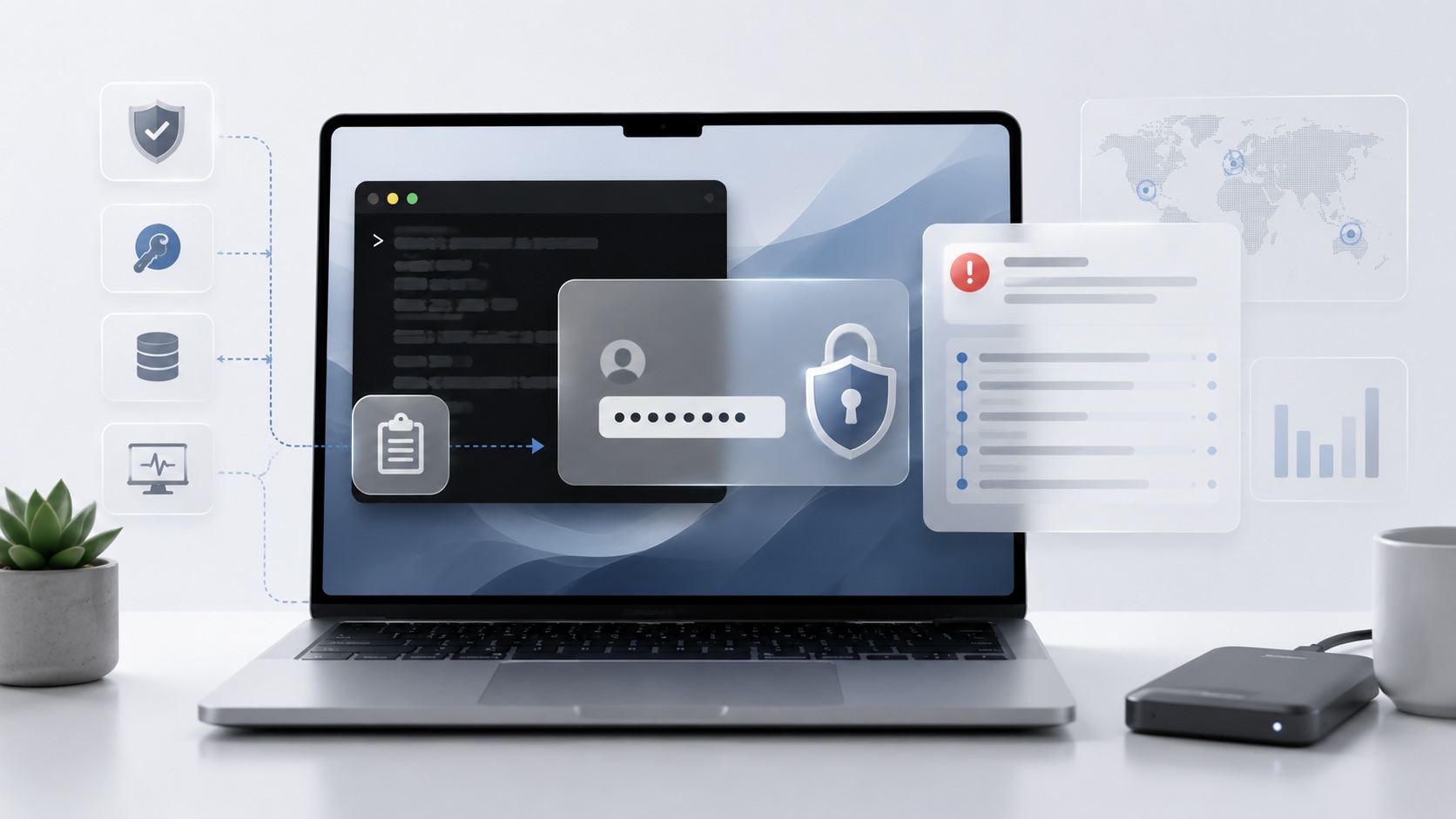
ClickLock Stealer shows why Mac security teams should watch for Terminal paste lures, fake AppleScript password prompts, command-line Keychain access, LaunchAgent persistence, and Jamf Protect alerts that can route suspected Macs into Jamf Pro response groups.
CrashStealer Shows the Gap Between Notarization and Detection
CrashStealer shows the security gap between Apple's Developer ID notarization path and App Store review, and why Jamf's behavioral detection mattered.

The CMMC Pause Does Not Make a Level 2 Audit Worthless
The July 2026 CMMC Phase II pause changes the timing of third-party assessment requirements, but it does not erase DFARS, NIST SP 800-171, SPRS, or the value of a completed Level 2 audit.

Opening the Ollama Black Box: Understanding the Trust Boundary Behind Local AI
Installing Ollama is easy. Understanding the trust boundary behind a local AI service is what determines whether it belongs in an automation workflow.

Your Vibe-Coded App Still Needs a Trustworthy Release Path
Why vibe-coded apps still need release discipline: code signing, notarization, checksums, and GitHub artifact attestations all support integrity and user trust.
