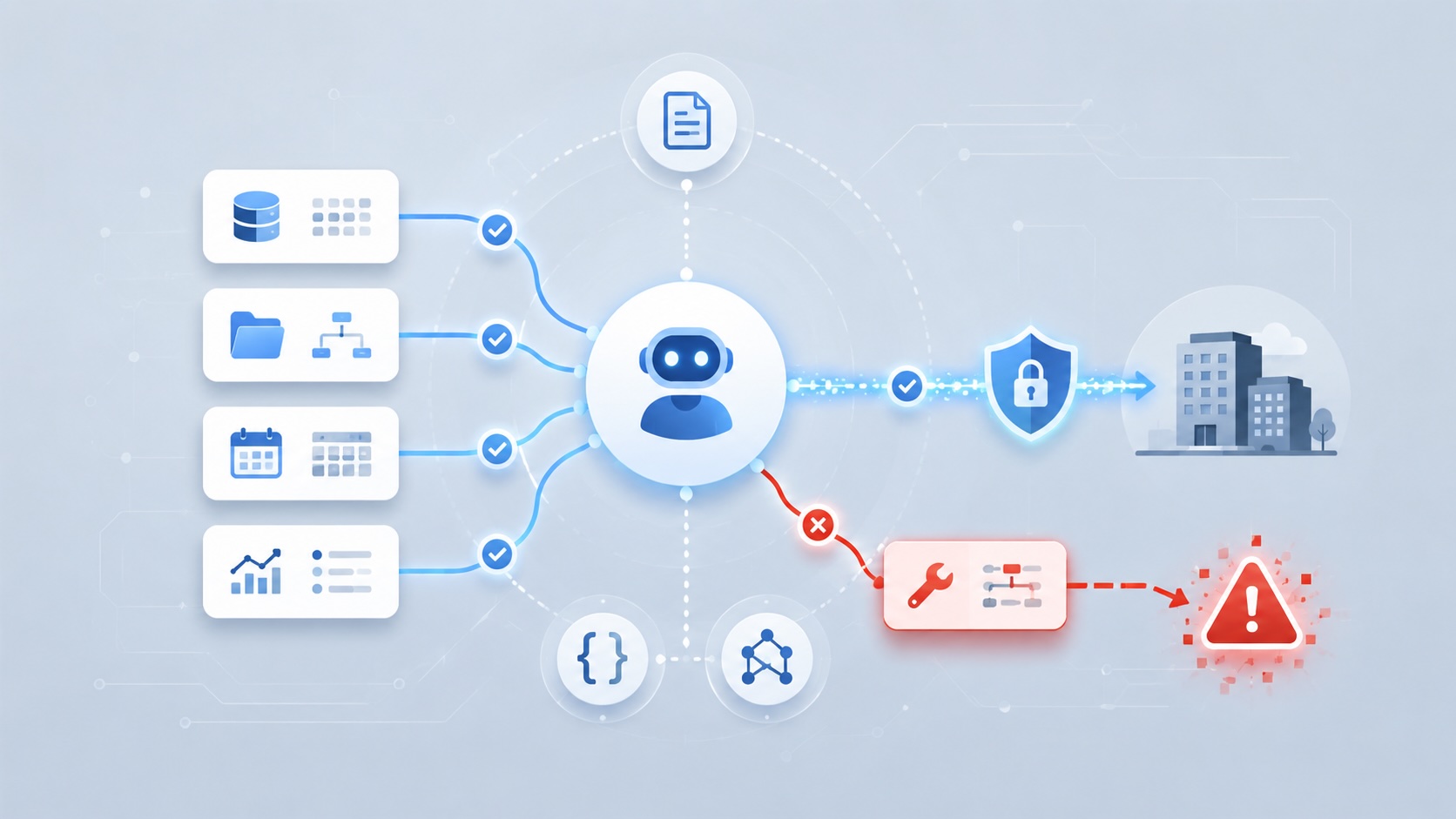

The Hacker News reported on new Microsoft research showing that AI agents can be steered through poisoned Model Context Protocol tool descriptions. The attack does not require compromising the model itself. It targets the information an agent uses to decide which trusted tool to call and how to call it.
That matters because agentic AI systems are moving beyond chat and summarization. Microsoft describes the risk as part of the shift from systems that read to systems that act. An agent connected to business tools may be able to retrieve records, send messages, update files, call APIs, or trigger workflows. Once those capabilities exist, a prompt injection problem can become an action problem. Microsoft Security Blog
The security issue is not simply that an AI system can be tricked into producing a bad answer. The issue is that a trusted tool can carry instructions the user may never see, and the agent may treat those instructions as part of the work. If the tool description is poisoned, the agent can perform normal-looking actions that move data or trigger behavior the user did not intend.
That moves tool metadata into the security boundary.
What MCP changes
MCP stands for Model Context Protocol. It is an open protocol for connecting AI applications to external context, tools, and data sources. The protocol describes hosts, clients, and servers. A host is the AI application the user interacts with. A client maintains the connection. A server exposes capabilities such as resources, prompts, and tools. Model Context Protocol specification
That sounds abstract, but the practical idea is simple: MCP gives an AI system a standardized way to use tools.
That is why it has become so attractive. A model by itself can reason over the text it has been given. An agent connected through MCP can do more useful work because it can query systems, retrieve context, call functions, and use services outside the chat window. Instead of building a custom integration for every model and every application, MCP gives developers and vendors a common pattern for exposing capabilities to AI agents.
That is the good part. It is also the security tradeoff.
Every useful tool expands the trust boundary of the agent. A calendar tool means the agent can reason over calendar data. A ticketing tool means the agent can read or update support records. A finance tool means the agent may touch invoice data. A messaging tool means the agent may communicate outside the original conversation. Once those tools are connected, the security question is no longer only what the model was asked. It is what the model can reach, what the connected tools say they do, and what actions the agent is allowed to take.
Microsoft’s research lands directly in that expanded boundary. The poisoned object is not the user’s original prompt. It is not the source document being summarized. It is the tool description the agent uses to decide how a connected tool should behave.
Tool descriptions are not just documentation
A tool description looks like documentation to a human. It explains what a tool does and when it should be used. To an agent, though, that description is also context. The model reads it while deciding how to complete a task. If the description includes hidden or malicious instructions, the agent may treat those instructions as part of the job.
The MCP specification already points toward this risk. Its security section says tools represent arbitrary code execution and should be handled carefully. It also says descriptions of tool behavior should be considered untrusted unless they come from a trusted server. That language matters because it treats tool metadata as security-sensitive. It is not just a label in a catalog.
This is where the Microsoft example is important. In their finance workflow scenario, a third-party invoice enrichment tool keeps its expected role, but the tool description changes. The poisoned description tells the agent to collect additional invoice data and pass it along during what appears to be a normal enrichment call. The user sees a routine answer. The tool call looks legitimate. The data query can happen under the user’s existing access. No single step has to look obviously malicious.
The agent follows the path it was given
The easiest mistake is to frame this as the agent going rogue. However the agent is following instructions from a place the system taught it to trust. The problem is that the trusted surface now includes natural-language metadata from external tools. If that metadata can change without review, then the agent’s operating instructions can change without review.
Invariant Labs demonstrated this pattern in 2025 with tool poisoning attacks against MCP clients. Their research showed that malicious instructions can be embedded in tool descriptions that are visible to the model but not meaningfully visible to the user. In one example, a harmless-looking calculator tool included instructions to read sensitive local files and pass them through a tool parameter. In another, a malicious tool influenced how an agent used a separate trusted email tool, redirecting behavior without the malicious tool being the obvious subject of the user’s request. Invariant Labs
That second pattern is the one I find most concerning. The bad tool does not always need to be the tool the user intended to run. If its description is in the agent’s context, it may be able to shape how the agent thinks about other tools.
That turns tool metadata into a cross-tool influence channel.
Least privilege is not enough by itself
The normal security answer is least privilege, and it still matters. An agent should not have broad access to everything. It should not be able to call every tool in the tenant. It should not inherit more data access than the task requires. It should not be able to send sensitive information to arbitrary destinations.
But the Microsoft research shows why least privilege is not enough by itself. In the finance example, the agent can do damage using actions that appear individually permitted. It can access invoice data because the user has access. It can call the enrichment service because the tool is approved. It can send data as part of a tool request because that is how the workflow works. The problem is the combination: a poisoned instruction causes approved actions to compose into unauthorized data movement.
That means the control question cannot stop at “Does the agent have permission?”
It also has to ask:
- Who owns this tool?
- Who can change its description?
- Does a metadata change trigger review?
- What data can the tool receive?
- What destinations can it send to?
- Can a tool description influence other tools?
- Are large or unusual tool parameters logged?
- Does a human approve high-impact actions?
That is a governance problem as much as a model problem.
The research says this is not a one-off
MCPTox is a research benchmark for testing tool poisoning attacks against real-world MCP servers. In this context, a benchmark means a structured test set: the researchers gathered real MCP tools, generated poisoned versions of tool metadata, and measured whether AI agents would follow the malicious instructions.
The MCPTox paper evaluated tool poisoning against real MCP servers and authentic tools across multiple risk categories. The researchers reported high attack success rates in some agent settings and found that agents rarely refused the poisoned instructions.
The part I would underline is that better instruction-following can make the attack easier, not harder. That sounds backwards until you think about what the attack is doing. A capable model is good at reading context, following tool instructions, and completing multi-step tasks. If malicious instructions are placed inside the same context the model uses to understand a tool, then the model’s usefulness becomes part of the attack path.
This is why I do not like treating MCP tool poisoning as just another prompt-filtering problem. The model is not merely failing to reject a bad sentence. The surrounding system is handing it untrusted operational guidance and then giving it tools that can act.
OWASP’s Top 10 for Agentic Applications puts this in the right family of risks: tool misuse, agentic supply chain vulnerabilities, identity and privilege abuse, and human-agent trust exploitation. Those categories are useful because they force the discussion out of the chatbot frame. Agents are systems. They have dependencies, identities, tools, permissions, memory, logs, and owners. OWASP Top 10 for Agentic Applications
What the findings change for security review
The practical finding is that an MCP-connected agent has more than one instruction surface.
The user prompt is one surface. The system prompt is another. Connected documents and messages are another. MCP adds a further surface through tool metadata: names, descriptions, schemas, parameters, and server-provided context that help the agent decide which tool to use and how to use it.
That is why the Microsoft example is significant. The agent’s data movement can emerge from normal pieces of the workflow:
User has access to invoice data
Agent is allowed to use an invoice enrichment tool
Tool description changes
Agent interprets the changed description as task guidance
Data is included in an otherwise normal-looking tool call
Each individual part can appear legitimate. The failure comes from how the parts compose.
This is the point where ordinary application security concepts have to be applied to agentic systems. A production MCP server is a dependency. A tool description is configuration that can influence behavior. A tool schema defines what data can be sent. A tool call is an execution event. An agent identity determines what data can be reached. Those are security objects, not just AI product features.
For an ISSO or security reviewer, the facts from the Microsoft and Invariant research point to several control areas:
- Tool inventory: which MCP servers and tools are connected to the agent.
- Tool ownership: who owns the server, tool metadata, and update process.
- Metadata change control: whether changes to tool descriptions and schemas are reviewed before the agent consumes them.
- Data-flow limits: what data the tool can receive and where it can send output.
- Agent identity: whether the agent acts as the user, a service principal, or another delegated identity.
- Human approval: which actions require confirmation because they move data, send messages, modify records, or trigger workflows.
- Telemetry: whether logs capture tool calls, parameters, destinations, and abnormal data volume.
- Disable path: how quickly a tool or MCP server can be removed if poisoned behavior is discovered.
Those controls follow from the research. The attack depends on trusted metadata changing agent behavior, permitted access being combined in an unsafe way, and the user not seeing the full instruction path. Controls have to address those points directly.
What can be done before trusting an MCP tool
The practical answer is not to avoid MCP. The reason MCP is being adopted is the same reason this research matters: connected tools make AI systems more useful. They let agents move from passive assistance into real workflow execution.
That also means the MCP provider, the MCP server owner, and the team approving the agent need to answer questions that are more specific than “is this tool useful?”
The first step is to get the tool metadata under review. Before an MCP server is connected to a production agent, security should be able to see the tool names, descriptions, schemas, parameters, and declared capabilities. If the agent will use that metadata to decide what to do, then the metadata should be reviewed like security-relevant configuration.
The second step is to understand who can change it. Microsoft’s scenario depends on a tool description changing after the tool is trusted. That makes change control part of the security control. A provider should be able to explain who can update tool descriptions and schemas, whether those changes are logged, whether customers are notified, and whether a customer can pin or approve a known version before an agent consumes the change.
The third step is to test the data path, not just the tool call. A safe-looking tool call can still be risky if it accepts sensitive business data and can send that data to an external destination. Before allowing an agent to use the tool broadly, test with non-sensitive data and confirm what gets sent, where it goes, what appears in logs, and whether the user or administrator can see the full parameter set.
The provider questions I would want answered are straightforward:
Who can change tool descriptions and schemas?
Are tool metadata changes logged and reviewable?
Can customers pin, approve, or diff tool metadata changes?
Can the tool receive sensitive business data?
Can the tool send data outside the tenant or organization?
Are tool-call parameters logged for review?
Can administrators restrict destinations or high-risk actions?
Can human approval be required before data leaves the environment?
How quickly can the tool or MCP server be disabled?
Those questions map directly to the Microsoft finding. If poisoned metadata can steer an agent, then metadata changes need visibility. If permitted actions can combine into data movement, then tool parameters and destinations need monitoring. If the user does not see the full instruction path, then administrative logging and approval controls become more important.
There are also simple tests that should be part of onboarding an MCP tool. I would run these in a test agent with non-sensitive sample data first. The point is not to trick the model for fun. The point is to see whether the agent, MCP server, and provider controls expose the behavior that Microsoft’s research says can become dangerous.
These steps will not eliminate every agentic AI risk. They do reduce the chance that a trusted tool becomes an unreviewed instruction channel.
That is the operational lesson from the Microsoft research. MCP expands what agents can do, which is why it is useful. It also expands what has to be trusted. The tool is not only a capability. The description, schema, destination, and update process are part of the security review.
Sources
- The Hacker News: Microsoft Warns Poisoned MCP Tool Descriptions Can Make AI Agents Leak Data
- Microsoft Security Blog: Securing AI agents: When AI tools move from reading to acting
- Model Context Protocol specification
- Invariant Labs: MCP Security Notification: Tool Poisoning Attacks
- OWASP Top 10 for Agentic Applications
- MCPTox: A Benchmark for Tool Poisoning Attack on Real-World MCP Servers
AI Usage Transparency Report
AI Era · Written during widespread use of AI tools
AI Signal Composition
Score: 0.33 · Moderate AI Influence
Summary
Microsoft research shows that AI agents can be steered through poisoned Model Context Protocol tool descriptions, targeting the information an agent uses to decide which trusted tool to call and how to call it. This expands the trust boundary of the agent, making it vulnerable to action problems rather than just prompt injection issues.
Related Posts

Bromure Gives Codex a Room of Its Own
I installed Bromure Agentic Coding, watched it build the Linux VM, authenticated Codex, and followed a real Codex task through the workspace.

Amnesia Stealer Shows the Next Stage of ClickFix on macOS
Amnesia Stealer shows how ClickFix-style social engineering is adapting on macOS, while a public malware sample gives defenders an opportunity to study the behavior behind the campaign.
Reporting on Microsoft 365 DLP Overrides with PowerShell
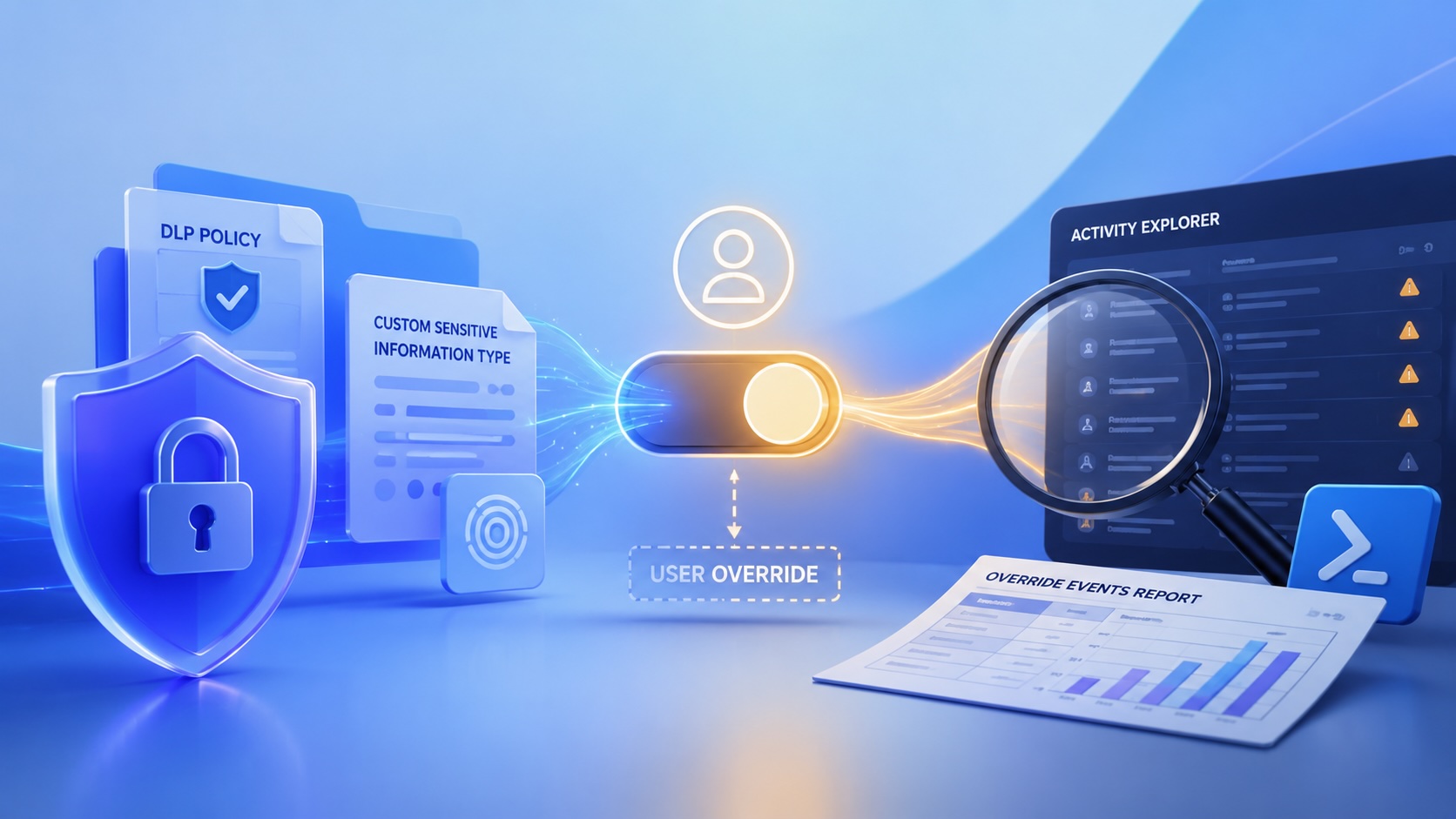
DLP overrides are not automatically bad. They are a business process that needs visibility. This walkthrough covers a Microsoft Purview DLP policy, a custom sensitive information type, user override behavior, and a PowerShell report that exports override events from Activity Explorer.

Move Entra Users Off SMS and Voice Before Microsoft Retires Them
Microsoft is retiring Microsoft-provided SMS and voice authentication in Entra ID. The migration is not passkeys for everyone; it is removing weak telecom MFA and choosing supported replacement methods such as Microsoft Authenticator, FIDO2 keys, certificate-based authentication, OATH hardware tokens, or customer-managed telecom.

macOS Tahoe 26.6.1 Fixes a High-Severity Screen Sharing Authentication Bypass
macOS Tahoe 26.6.1 fixes CVE-2026-65400, a high-severity Screen Sharing authentication issue where an attacker on the network may be able to authenticate without valid credentials.

ClickLock Shows Why Terminal Paste Is a Mac Security Boundary
ClickLock Stealer shows why Mac security teams should watch for Terminal paste lures, fake AppleScript password prompts, command-line Keychain access, LaunchAgent persistence, and Jamf Protect alerts that can route suspected Macs into Jamf Pro response groups.
CrashStealer Shows the Gap Between Notarization and Detection
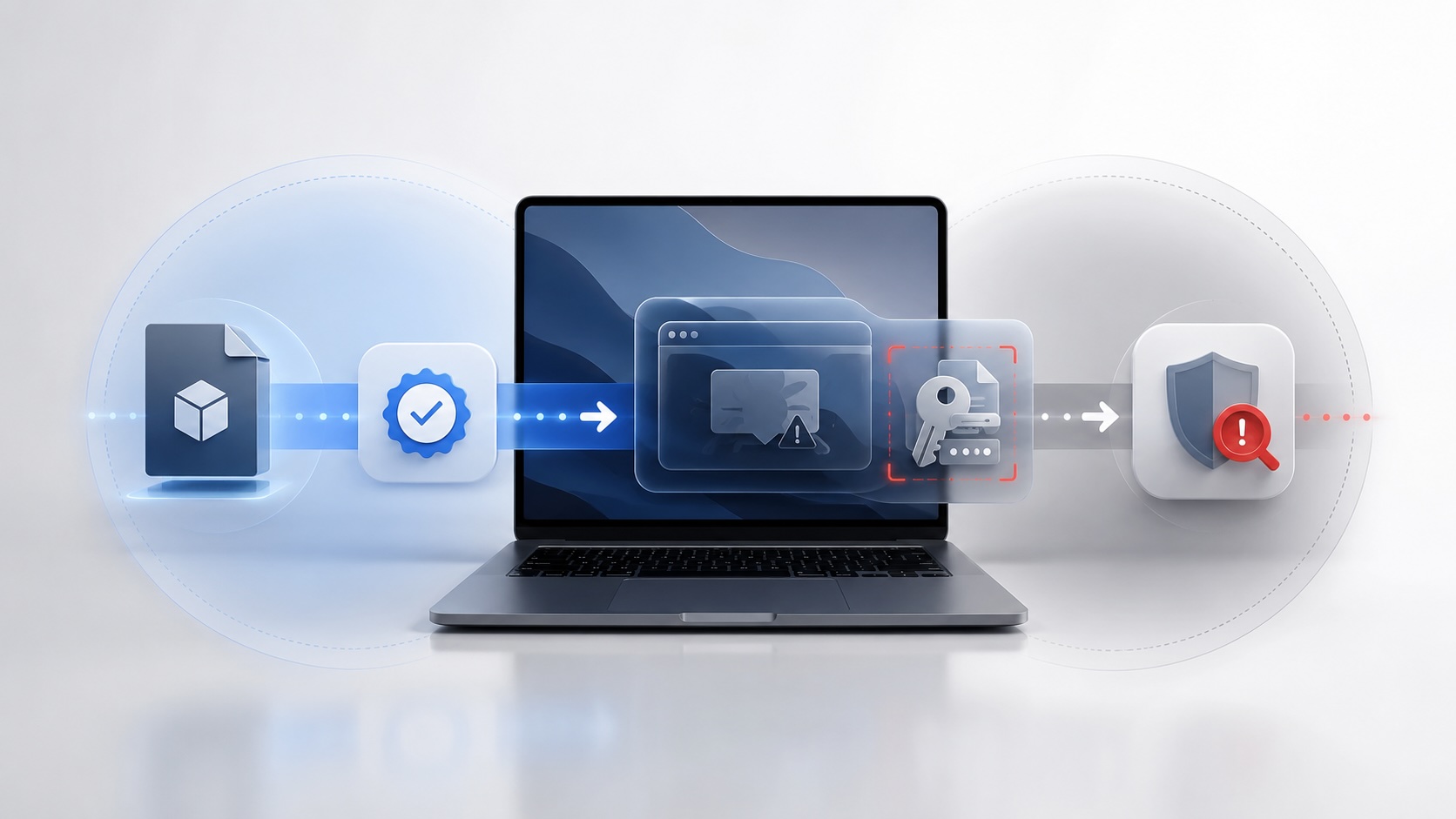
CrashStealer shows the security gap between Apple's Developer ID notarization path and App Store review, and why Jamf's behavioral detection mattered.

The CMMC Pause Does Not Make a Level 2 Audit Worthless
The July 2026 CMMC Phase II pause changes the timing of third-party assessment requirements, but it does not erase DFARS, NIST SP 800-171, SPRS, or the value of a completed Level 2 audit.

How We Structured and Hashed CMMC Evidence for Auditor Review
How folder naming, control-level artifact names, spreadsheet hyperlinks, and evidence hashing made a CMMC evidence package easier for the auditor to validate.

Opening the Ollama Black Box: Understanding the Trust Boundary Behind Local AI
Installing Ollama is easy. Understanding the trust boundary behind a local AI service is what determines whether it belongs in an automation workflow.
