
Welcome to my blog
Join me on my journey as I share my insights and experiences on all things Apple, Business and Entrepreneurship!
Join me on my journey as I share my insights and experiences on all things Apple, Business and Entrepreneurship!

Jamf's attended Simplified Setup for Platform SSO changes Mac enrollment by making identity registration part of Setup Assistant before the MDM profile is installed.
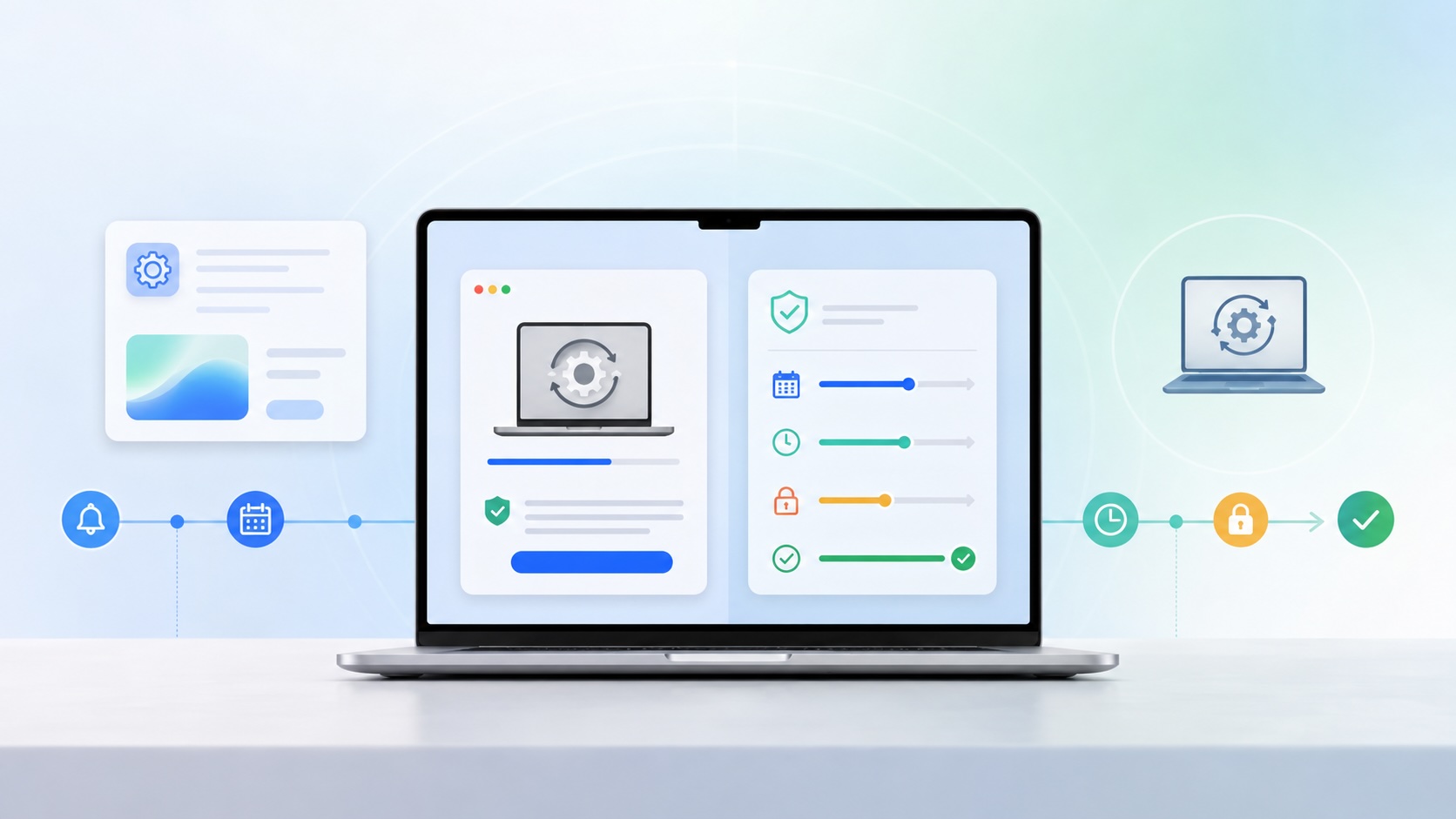
Nudge still has a place in a DDM software update workflow: Jamf deploys the app, the Nudge profile explains the deadline to users, and DDM becomes the enforcement layer when the deadline arrives.
Apple’s WWDC26 special presentation on Apple Intelligence and Xcode was less about adding a chat box to developer tools and more about making AI part of the platform boundary. Xcode agents, App Intents, Foundation Models, Core AI, and MLX all point toward the same idea: intelligent features need context, permissions, testing, and clear ownership before they belong in production software.
After helping lead our organization through a successful CMMC Level 2 assessment, I share lessons learned from years of preparation, audit readiness, evidence collection, and working through the certification process.
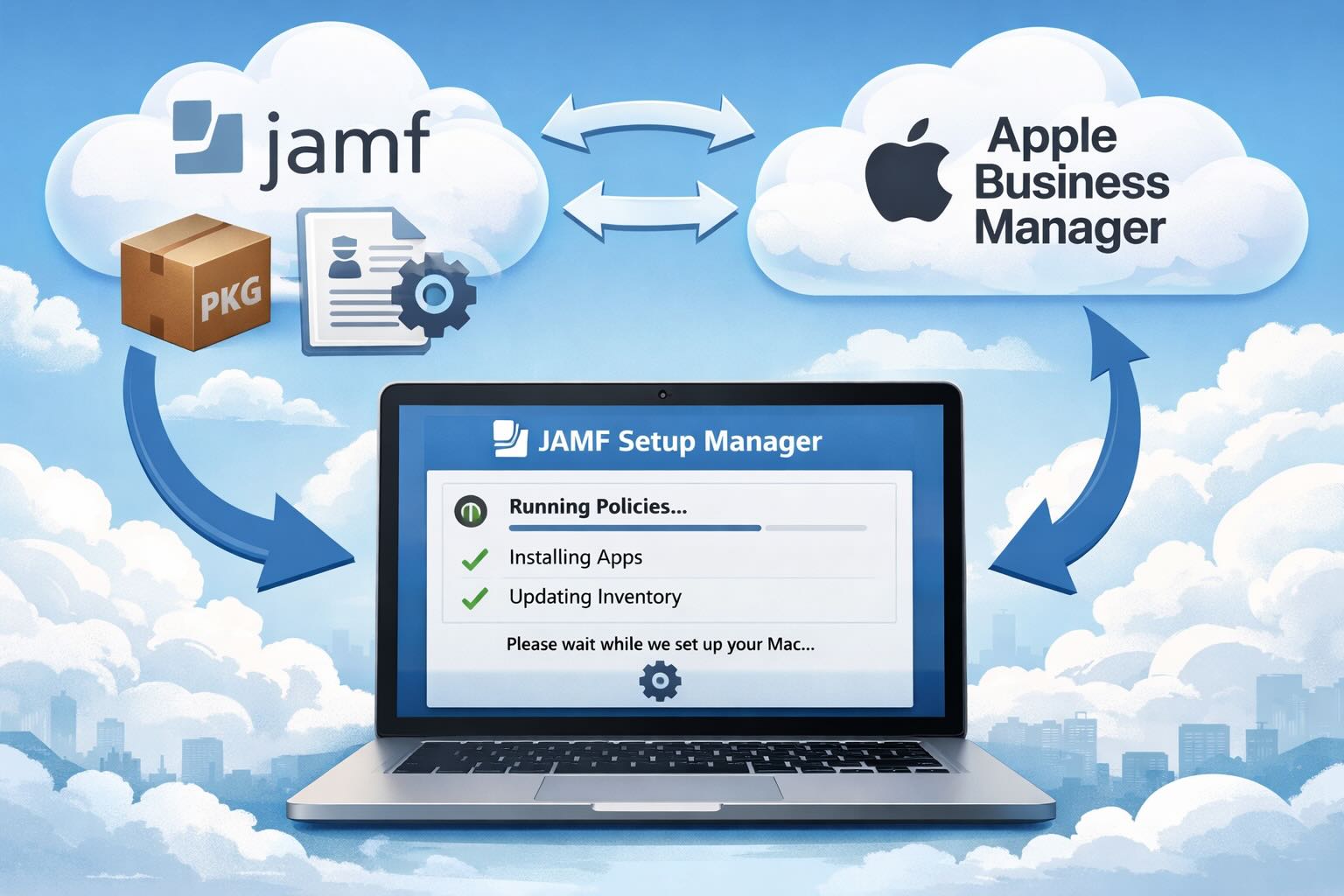
If you're trying to streamline macOS deployments in JAMF, there’s always that moment where you realize: the built-in experience gets you *close*, but not all the way there.
Caches pile up, apps leave behind junk, and disk space slowly disappears. While there are plenty of GUI tools out there, most of them either lack transparency or feel overly bloated.
As a Mac admin, I'm always on the lookout for tools that make my life easier and more efficient. Recently, I stumbled upon Pique - a brilliant Quick Look plugin created by Henry Stamerjohann that allows you to view file contents in a syntax highlighted way.

In this final ABM Warranty 0.4.1 walkthrough, I’m wrapping up the last features I had not covered directly in the earlier videos and then focusing on support, community, and the beta program. I also want to show where the support resources live inside the app so you know where to go if you need help, documentation, or a way to send useful feedback. Additionally, I'll be covering some of the key features that were updated since the previous version, including any bug fixes or improvements made to existing functionality.
In this part of the ABM Warranty 0.4.1 walkthrough series, I'm focusing on managed preferences and the credential packaging workflow. In the last video, I covered multiple credentials inside the app itself. In this one, I'm showing how to package those credentials so they can be deployed securely through MDM. This process is a crucial step in ensuring that your credentials are properly configured and protected within your organization's mobile device management system.
A few days ago I released a review of QuickPKG, a tool I love and use almost daily. What I really love about packaging and QuickPKG is that no matter what Mobile Device Management (MDM) solution I'm working with at any given moment, it provides a universal way to create a quick package to import into JAMF, Mosyle, or any MDM. This consistency is particularly valuable when switching between projects or environments, as the process remains the same regardless of the specific MDM being used.
Today I’m walking through Low Profile, a utility from Nindi Gill that I use when I want to inspect profiles already installed on a Mac and figure out whether those profiles contain issues I need to clean up. The value is that Low Profile gives me a straightforward way to inspect profiles installed on any Mac. This simplicity makes it easy for me to identify and address potential problems, which is especially useful when working with multiple machines or troubleshooting complex profile configurations.
In this part of the ABM Warranty 0.4.1 walkthrough series, I’m focusing on multiple credentials. In the first video, I showed the basic setup and how to add a single credential. Now, I want to explore what happens when I remove a credential, what changes occur when I add more than one, and how the app behaves once there are multiple contexts in play. This will help clarify any potential issues or inconsistencies that may arise with multiple credentials.
I use QuickPKG when I need to turn an application, DMG, or ZIP file into a package quickly without wasting time in a heavier packaging workflow. This post follows the same path as my video: what QuickPKG is, where to get it, how I run it, what a simple packaging example looks like, and where I think admins need to be careful about potential pitfalls that can arise from using this tool.
In this first ABM Warranty 0.4.1 walkthrough, I want to show you what the app actually does before I get into the more specific feature videos. This is the broad introduction. I’m walking through the dashboard, how I think about the warranty cards, how released devices are handled, how the filters work, how to add credentials, where the data is stored locally, and what the logging and security model looks like.
Most of us treat Apple Configurator like a fire extinguisher: break glass, DFU, restore, move on. But it can do a lot more, and when you know the edges, you can turn a bricked morning into a ship-it afternoon. Below are ten things I regularly use (or wish I’d used sooner) that demonstrate its capabilities beyond just emergency recovery.
After passing the CISSP earlier this year, I decided to follow it up with the **Certified Secure Software Lifecycle Professional (CSSLP)** certification. For those unfamiliar, CSSLP is an ISC2 certification that focuses specifically on secure software development practices across the full SDLC—from requirements and design to coding, testing, deployment, and maintenance. My goal in pursuing this certification was to further develop my skills in ensuring the security of software throughout its entire lifecycle.
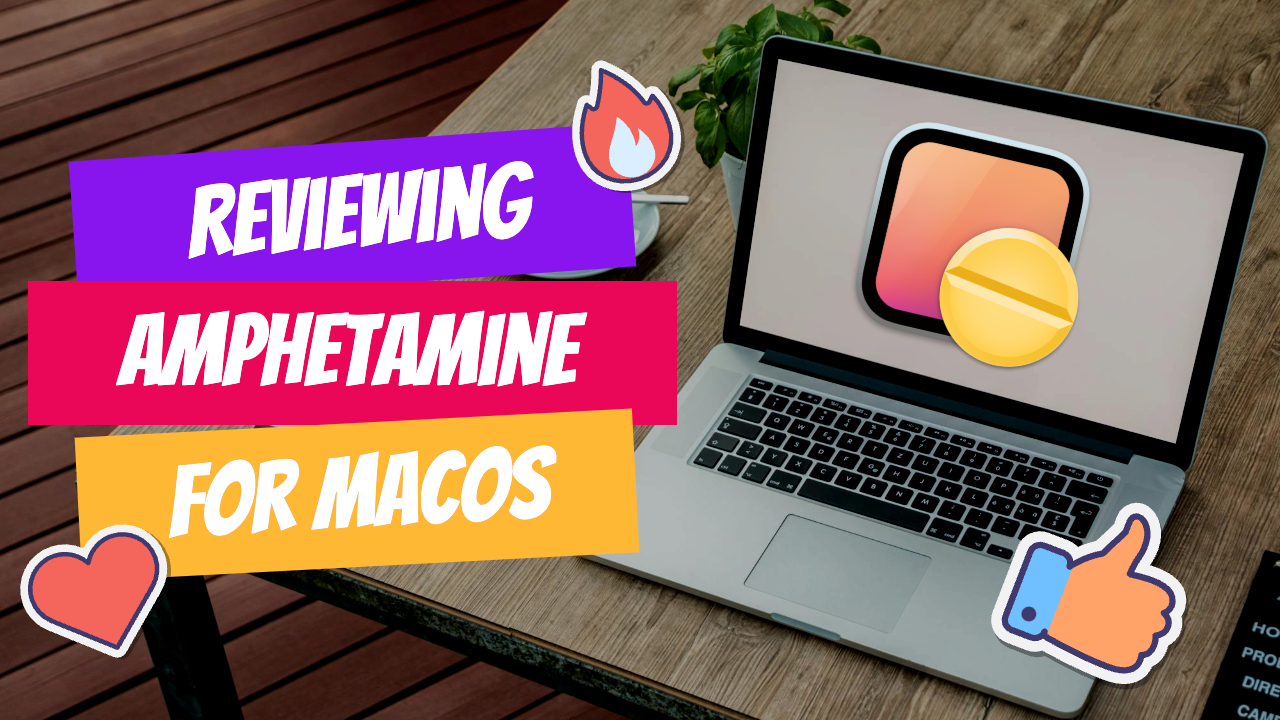
In today's fast-paced digital world, keeping your computer awake during important tasks is crucial. Enter **Amphetamine**, a powerful utility designed specifically for Mac users. This app ensures that your system remains active, preventing it from going to sleep or activating the screensaver when you need it most. In this article, we will explore the features of Amphetamine, how to use it effectively, and why it’s a must-have for Mac admins and everyday users alike.

It really depends on your company's needs. For example, many companies need to hire 1099 contractors and in such a case they come with their own devices but not the correct security settings or enforcements. Remember BYOD is a security construct. The idea here is that you should be securing the company's sensitive data in all forms. This may involve implementing policies for contractor-owned devices, ensuring that all devices accessing company data meet minimum security standards, and regularly reviewing and updating these standards to stay ahead of emerging threats.
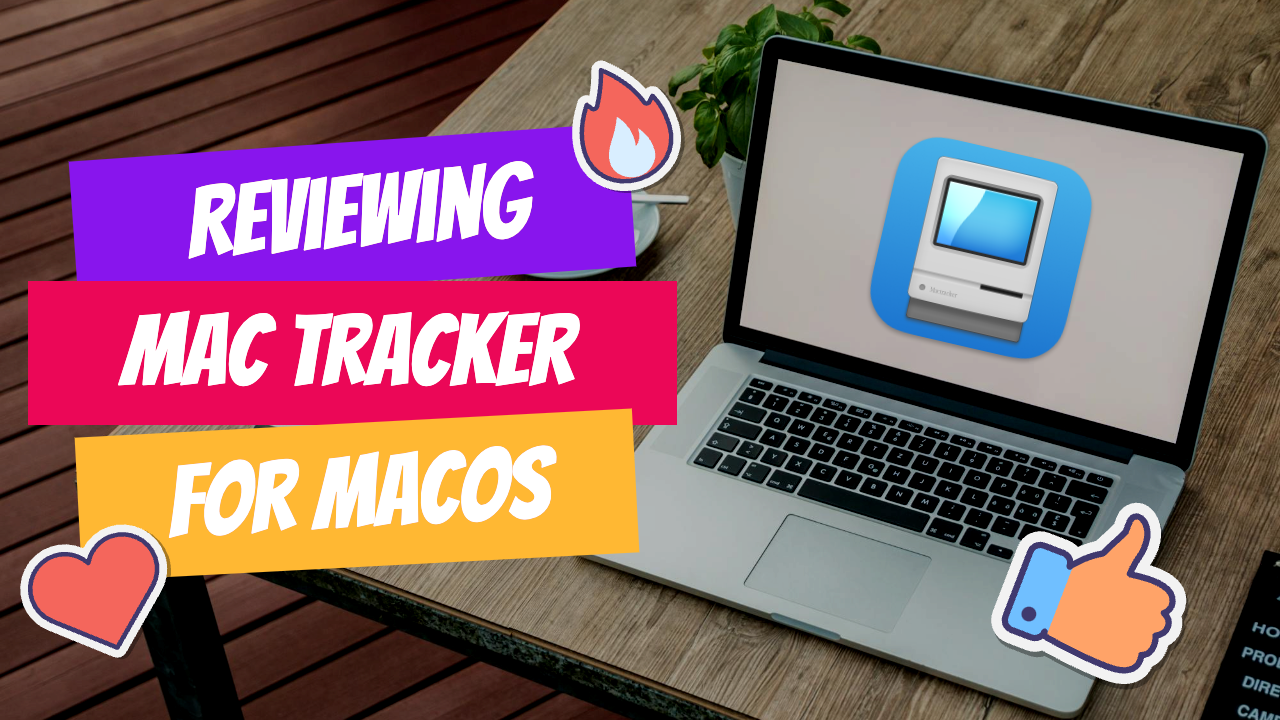
In the world of Mac administration, having the right tools at your disposal is crucial. One of the standout applications that every Mac admin should consider is **Mac Tracker**. This powerful app serves as a comprehensive database of all historical Mac OS versions and Apple accessories, making it an invaluable resource for both seasoned professionals and newcomers alike. In this article, we will explore the features of Mac Tracker, how it can enhance your workflow, and why it deserves a spot in your toolkit.
Passing the CISSP (Certified Information Systems Security Professional) exam is no small feat. It’s known for its breadth, depth, and ability to test not just your knowledge but your practical understanding of cybersecurity. After nine months of intense preparation, I’m thrilled to say I’ve joined the ranks of CISSP-certified professionals! Here's a detailed account of my experience, including the resources I used, some tips that helped me along the way, and what I learned from the process itself.

When inquiring about a demo or starting a 30-day trial, please mention the code JONBROWN to receive an additional 5% discount on your first year of annual service. This offer is exclusive to new customers and can be applied at the time of sign-up. The discount will be automatically reflected in your account upon activation of the annual plan.
Ok so now that we have Portainer up and running, it's running securely so now we are ready to set up SNIPE-IT. Here are the steps to add SNIPE via Portainer. The first step is logging into Portainer. Upon logging into Portainer you will click on "Local" under Environments. This is the default Environment. Next, navigate to the "Stacks" tab and select the option to create a new stack. In this case, we'll be creating a new stack for SNIPE-IT.
When inquiring about a demo or starting a 30-day trial, please mention the code JONBROWN to receive an additional 5% discount on your first year of annual service. This offer is exclusive to new customers and can be applied at the time of sign-up. The discount will be automatically reflected in your account upon activation of the annual plan.
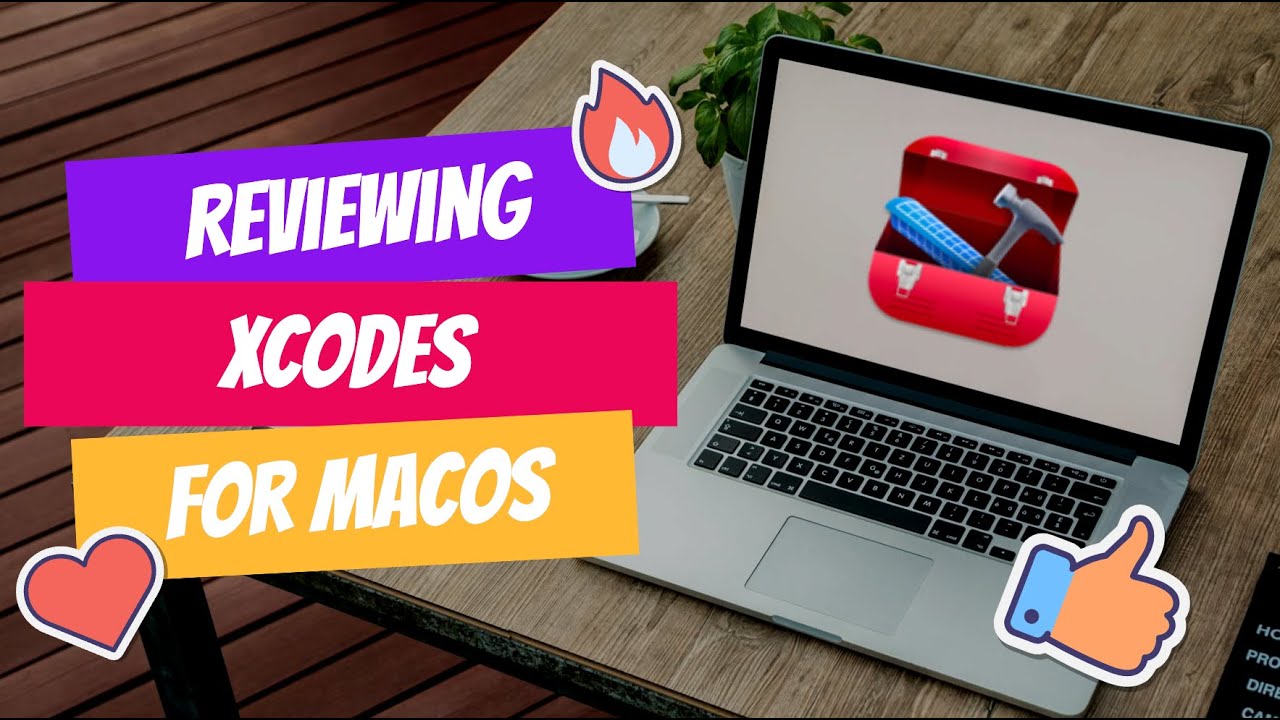
Xcodes is an amazing native application that you can use to switch back and forth between different versions of XCode on your Mac. Why would you need this? Some developers need to test beta versions of XCode and manually switching back and forth is a huge pain. You can only have one active version of XCode if your using the CLI and its hard to remember which one you left activated and which versions are actually installed.
When inquiring about a demo or starting a 30-day trial, please mention the code JONBROWN to receive an additional 5% discount on your first year of annual service. This offer is exclusive to new customers and can be applied at the time of sign-up. The discount will be automatically reflected in your account upon activation of the annual plan.
Here's the expanded paragraph: Ok so I've done a lot of research on reverse proxies and they are great at protecting your internal assets by hiding them from direct access, but there are some inherent security flaws that you have to live with if you want perfect security. Lets face it, there is no such thing as perfect security, but we can get pretty close. In fact, the more secure something is, the more complex and vulnerable it becomes in other ways.
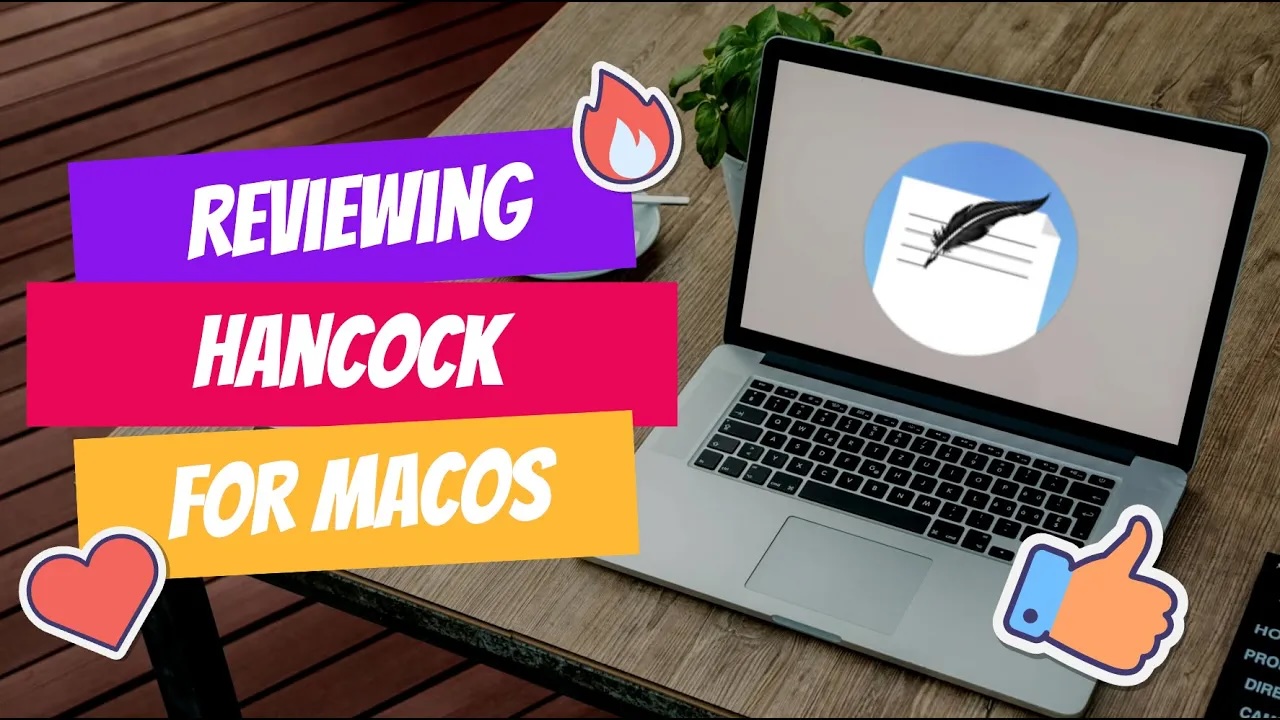
Back in 2016, Hancock was created at the MacAdmins PSU conference during the Hackathon, where it took home the award for "Biggest Time Saver". We'd like to extend our thanks to Jeremy Agostino for developing a great little utility that has since become an essential tool for many.
Expect is an extension to the Tcl scripting language written by Don Libes. The program automates interactions with programs that expose a text terminal interface. Expect, originally written in 1990 for the Unix platform, has since become available for Microsoft Windows and other systems. Its functionality allows users to interact with these programs through scripted commands, eliminating the need for manual input.
Processes, cybersecurity is 99% documentation, writing, that's what it is. If you don't enjoy writing policies and procedures, or enforcing them, be aware that this may lead to conflicts with your coworkers. You'll need to communicate clearly and consistently, which can be a challenge for some people.
At this stage, we are assuming that you are still connected to the Raspberry Pi via a monitor. If you're already SSH'd into the machine, then you're one step ahead. In either case, please ensure that you have a stable connection and can access the terminal or command line interface without any issues.
Platypus is an amazing Mac Admins utility that allows you to take virtually any script and convert it into a GUI Application. Lets take a look at what it is and what it can do.
The first step in setting up SNIPE-IT is to set up the platform that it will run on. Luckily, the best platform and most economical option is a Raspberry Pi. We are using a Raspberry Pi 3 in this case. Before we get too far, we need to pick the operating system that the Raspberry Pi will use. This decision will determine how easily we can install and manage SNIPE-IT's dependencies and requirements.

Show me Your ID v 3.0 a great utility that allows you to as stated on the website "This app will provide you with the Bundle ID, Team ID, and the full code for an application by dragging the application to the Show Me Your ID 3.0 window. You have the option of saving the applications logo to your Desktop. This can be helpful when configuring items in Jamf Self Service as it provides a look and feels similar to the Mac App Store."
SD Notary 2 by Late Night Software developed by Shane Stanley is a valuable tool that has significantly reduced the time I spend on manual notarization tasks for applications, packages, and DMG files. This has been an essential part of my Mac Admin's toolkit, allowing me to streamline processes and focus on other critical tasks.

We all need a hobby, a thing to do as we unwind from a long and sometimes stressful day. Come join me as I rediscover something that I used to do many years ago but never completed and hope to do, create my own font face. In this series I am using the tool https://glyphsapp.com/buy and toggling back and forth between this tool and https://fontforge.org/en-US/ and creating my own font face discovering and sharing technique's along the way.
In the vast landscape of macOS utilities, finding a tool that seamlessly manages application uninstallations while ensuring no residual files clutter your system is invaluable. AppCleaner, developed by FreeMacSoft, emerges as a standout solution, providing users with an intuitive interface and features that extend far beyond ordinary uninstallers. Its simplicity and effectiveness make it a reliable choice for those seeking to declutter their Macs without compromising performance or security.
