
Apple’s WWDC26 special presentation on Apple Intelligence and Xcode stood out because it did not treat AI as a separate service developers bolt onto an app after the real work is done. Apple framed it as part of the platform boundary itself: the development environment, the operating system, the frameworks, the app integration layer, and the local silicon all have to participate.
That is the part that matters to me as a developer and administrator. The industry version of AI often starts with a model endpoint, an API key, and a prompt. Apple’s version, at least in this presentation, starts with different questions: where should the work run, what should it be allowed to see, when should the user approve an action, and how do you test behavior that is not fully deterministic?
The Big Shift: AI as a Platform Boundary
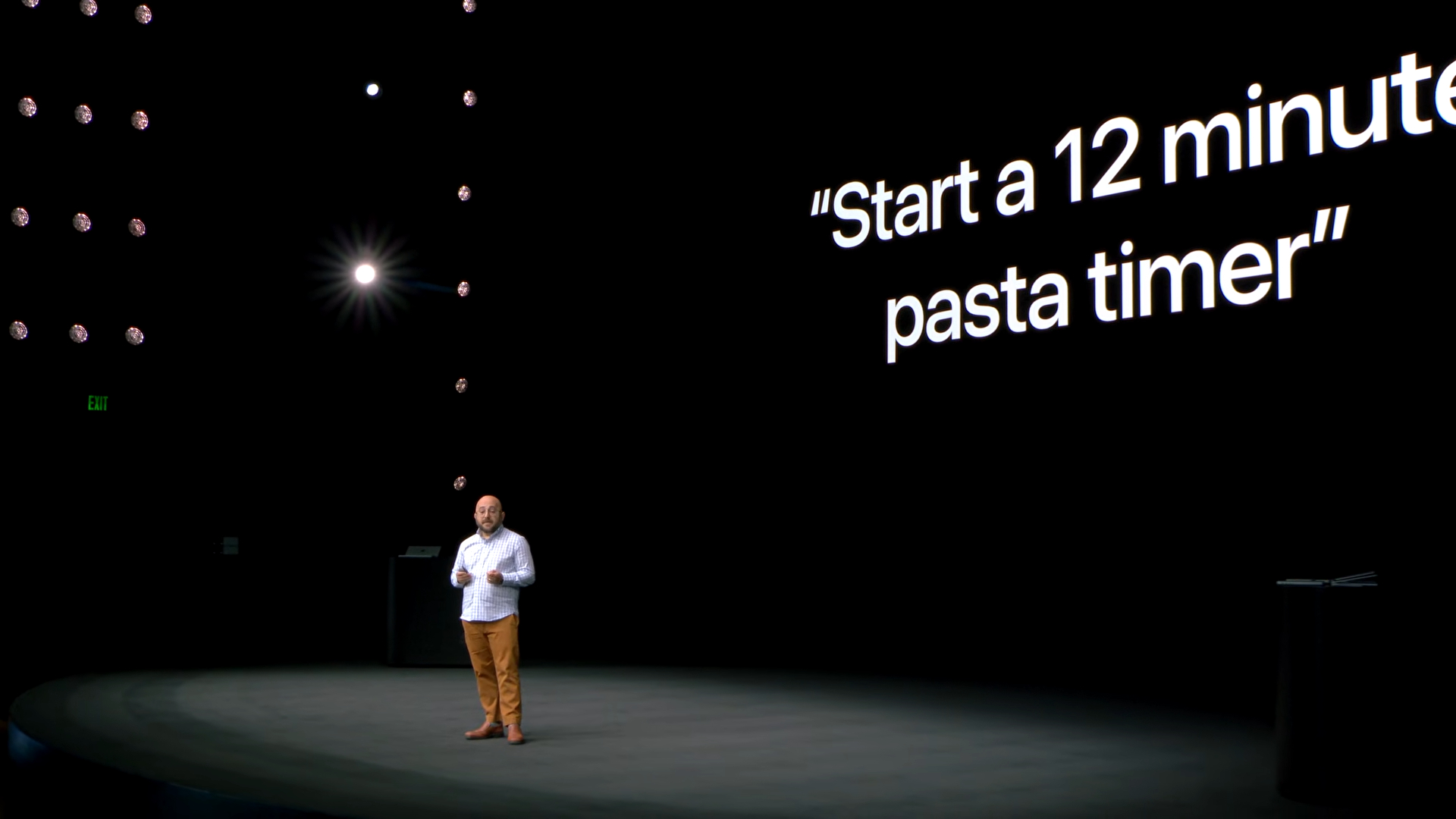
The opening laid out the map clearly: Xcode agents, App Intents, Foundation Models, Core AI, and MLX are not separate announcements so much as different parts of the same platform story. Apple starts making that case right near the beginning of the presentation, when it describes AI as something integrated into the silicon, OS, frameworks, models, and tools. Watch that setup at 1:05.
Taken as a whole, the presentation was less about one feature and more about Apple drawing boundaries. Xcode agents need project context and file permissions. Siri needs App Intents, schemas, annotations, and donations. App AI features need model abstraction and evaluations. Custom models need Core AI’s deployment path. Research and local experimentation need MLX.
That is a more serious platform story than simply saying every app should have AI. It also raises the bar for developers. Adding a model is becoming the easy part. The harder part is deciding what the model is allowed to do, how the app exposes meaning to the system, where the work should run, how failure is measured, and how much control the user keeps.
Xcode 27 Agents Need Guardrails, Not Just Prompts
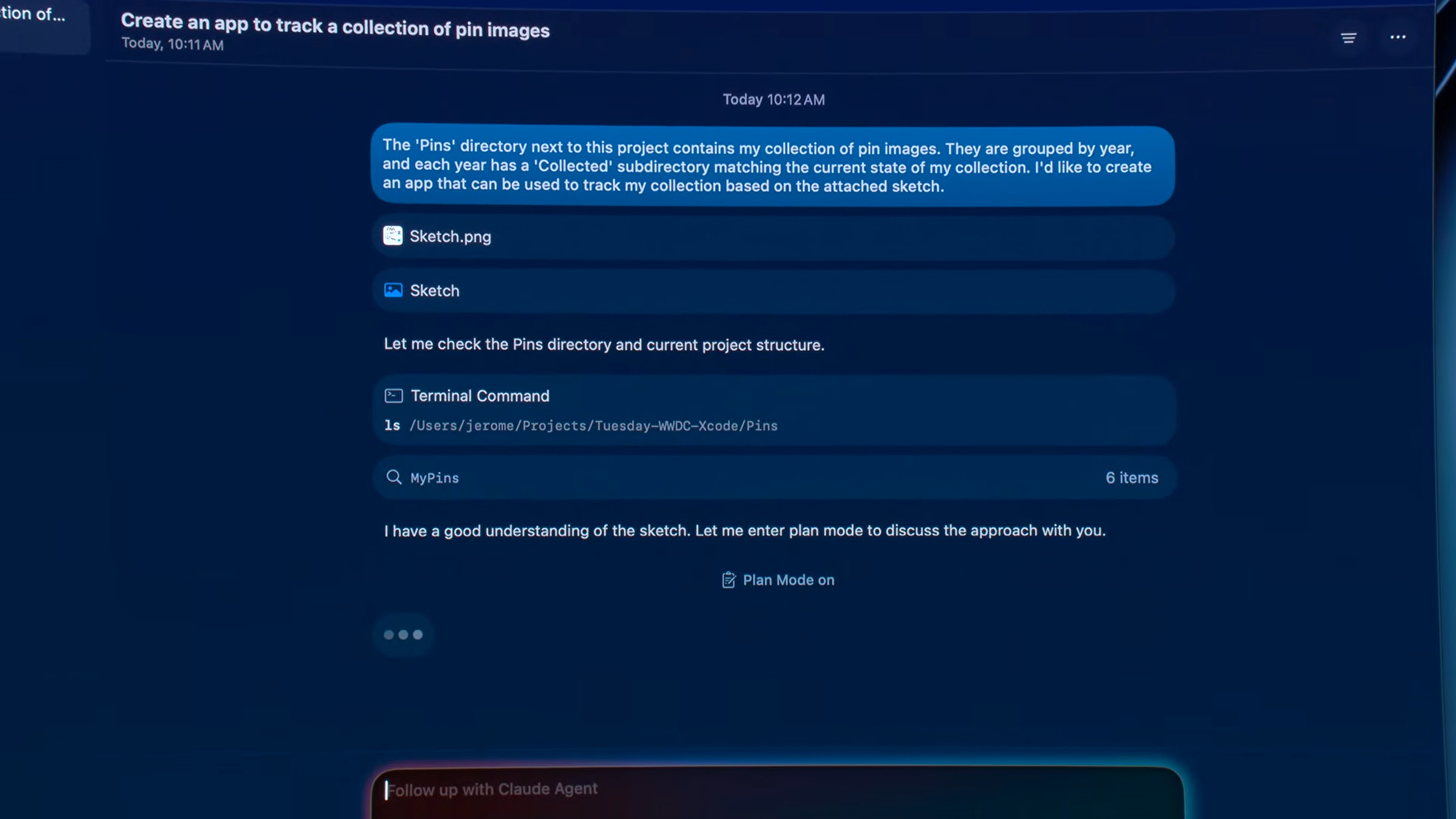
The Xcode 27 section made that point first. Apple showed agentic coding inside Xcode as more than autocomplete or a file-level assistant. The agent was able to inspect the project, ask clarifying questions, build a plan, apply changes across files, use previews, interact with simulators, and run validation tools. Apple starts that walkthrough at the point where Xcode moves into agentic workflows. Watch the Xcode section at 7:21.
The important detail was not that it generated a demo app from a sketch and a folder of WWDC pin images. The important detail was the sequence: describe the intent, answer implementation questions, review the plan, then let the agent do scoped work inside the project.
That sequence is the difference between useful automation and risky automation. I do not want an agent making assumptions silently across a codebase. I want it to stop when it needs a product decision. In the demo, Xcode asked how image assets should be handled, how collection state should be persisted, and whether a user should be able to uncollect a pin. Those are not just implementation details. They are product behavior, data model, and user-experience decisions. If the tool guesses wrong there, the code may compile while the app quietly moves in the wrong direction.
Apple also spent time on permissions, which was the most operationally relevant part of the Xcode demo. The presentation described a macOS 27 file-access model where an agent subprocess has to go through Xcode before reading or writing files. Xcode can apply policy, trust the project boundary, and ask for approval when needed. That is the correct direction. An agent that can build, test, copy, move, or delete files needs a real permission model, not just a friendly chat interface.
App Intents Are Becoming App Architecture
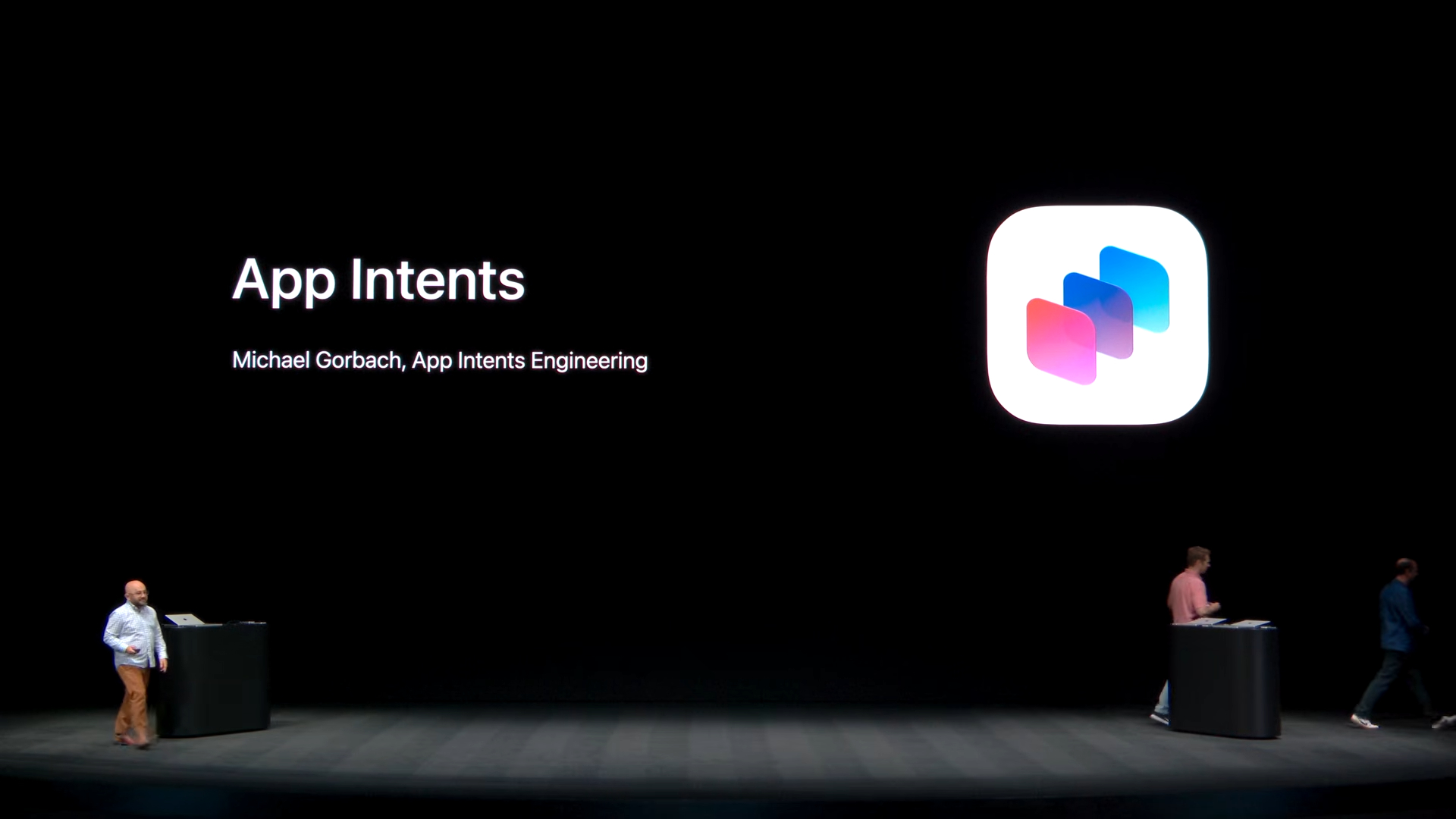
The App Intents section connected the same idea to Siri and system integration. Apple’s message was that apps need to describe their content and actions in a structured way before Siri can safely operate on them. Entities, intents, schemas, semantic indexing, entity annotations, and interaction donations are not glamorous features, but they are the machinery that lets natural language map to actual app behavior. Watch the App Intents section at 26:37.
The HotTickety demo was useful because it showed where the boundary sits. Siri could create an alarm, start a timer, cancel the previous action, search existing alarms, and act on something visible on screen. That only works if the app exposes the right nouns and verbs. A timer is not just text in a UI. It is an app entity with identifiers and properties. Changing or canceling one is not just a string match. It is an intent with parameters, output, and safety expectations.
For developers, that means App Intents should not be treated as a Siri checkbox near the end of a project. They are becoming part of the app architecture. If the app’s data model is vague, if actions are not cleanly represented, or if the app cannot explain what is on screen, Apple Intelligence has less to work with. The presentation made a strong case that good AI integration starts with explicit app structure.
Foundation Models Need Evaluation, Not Blind Trust
Foundation Models was the section where Apple moved from system integration into building AI features inside apps. The framework already gave developers a Swift API for prompting the system language model, but the WWDC26 updates expanded the surface area: image input, Private Cloud Compute, third-party model support, multi-session context, tool discovery, Instruments support, and an Evaluations framework. Watch the Foundation Models section at 43:37.
The practical point is that Apple is trying to make the model swappable while keeping the app code organized around a common Swift interface. In the demo, the code moved from the system language model to a Core AI-backed Qwen model without changing the surrounding prompt flow. Apple also said Google and Anthropic are extending the Foundation Models framework with Swift packages for Gemini and Claude. If that holds up in real projects, it gives developers a cleaner way to choose the model for the job instead of wiring every provider directly into application logic.
Private Cloud Compute is also notable, but it should be evaluated carefully. Apple described a server model available through the operating system, without separate account setup, authentication, API keys, or token costs to the developer. The presentation also said access is tied to the App Store Small Business Program and a per-user daily usage limit. That is attractive for small developers, but it is still a product constraint that would need to be designed around. If an app depends on deeper reasoning, the user experience needs to account for limits, availability, and the difference between on-device and server-backed behavior.
The Evaluations framework may end up being the most important developer feature in the whole presentation. Apple used a book-tracking example where a model generated bad tags for Dracula. That is exactly the kind of failure that makes AI features hard to ship. The feature can look fine in a handful of manual tests and still produce strange output as soon as real users bring different input. Watch the Evaluations section at 53:23.
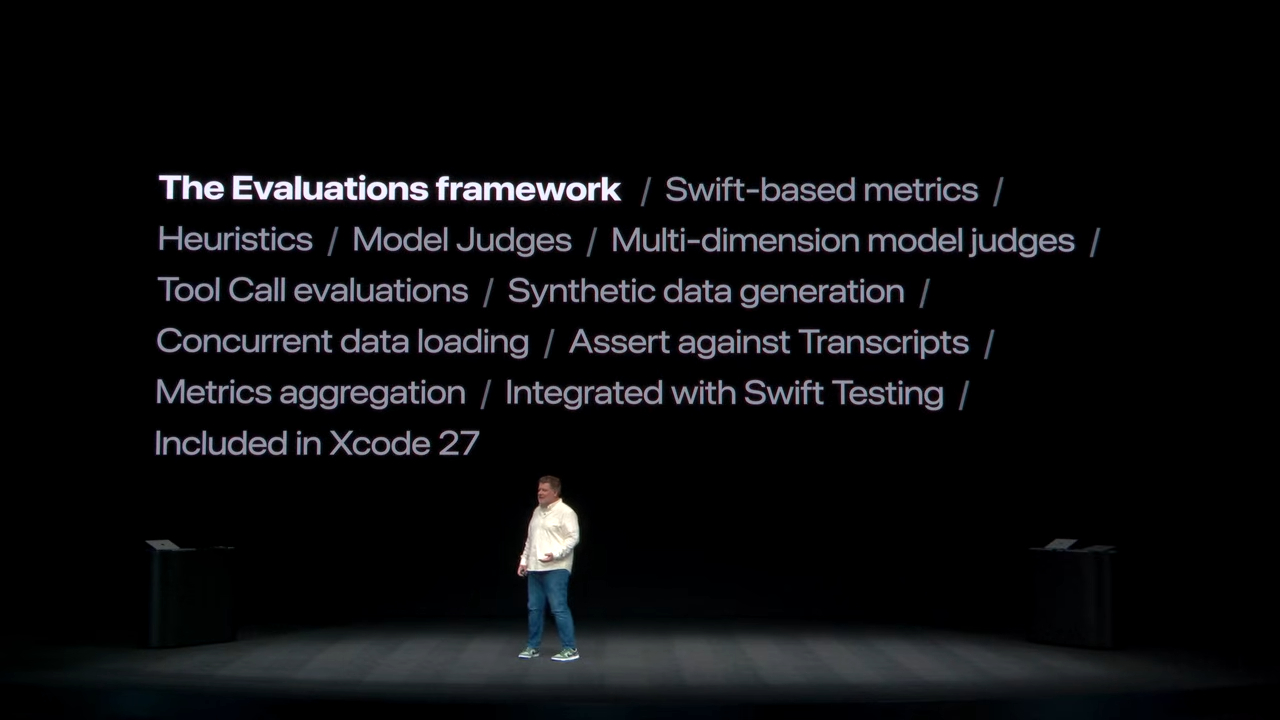
Apple’s answer was evaluation-driven development: define metrics, run evaluations inside test targets, inspect reports in Xcode, use model judges where code-based assertions are not enough, and refine prompts or instructions based on results. That is the right production mindset. If a model is part of the feature, then its behavior needs a test harness. Otherwise the feature is not really under change control.
Core AI Is About Local Deployment Control
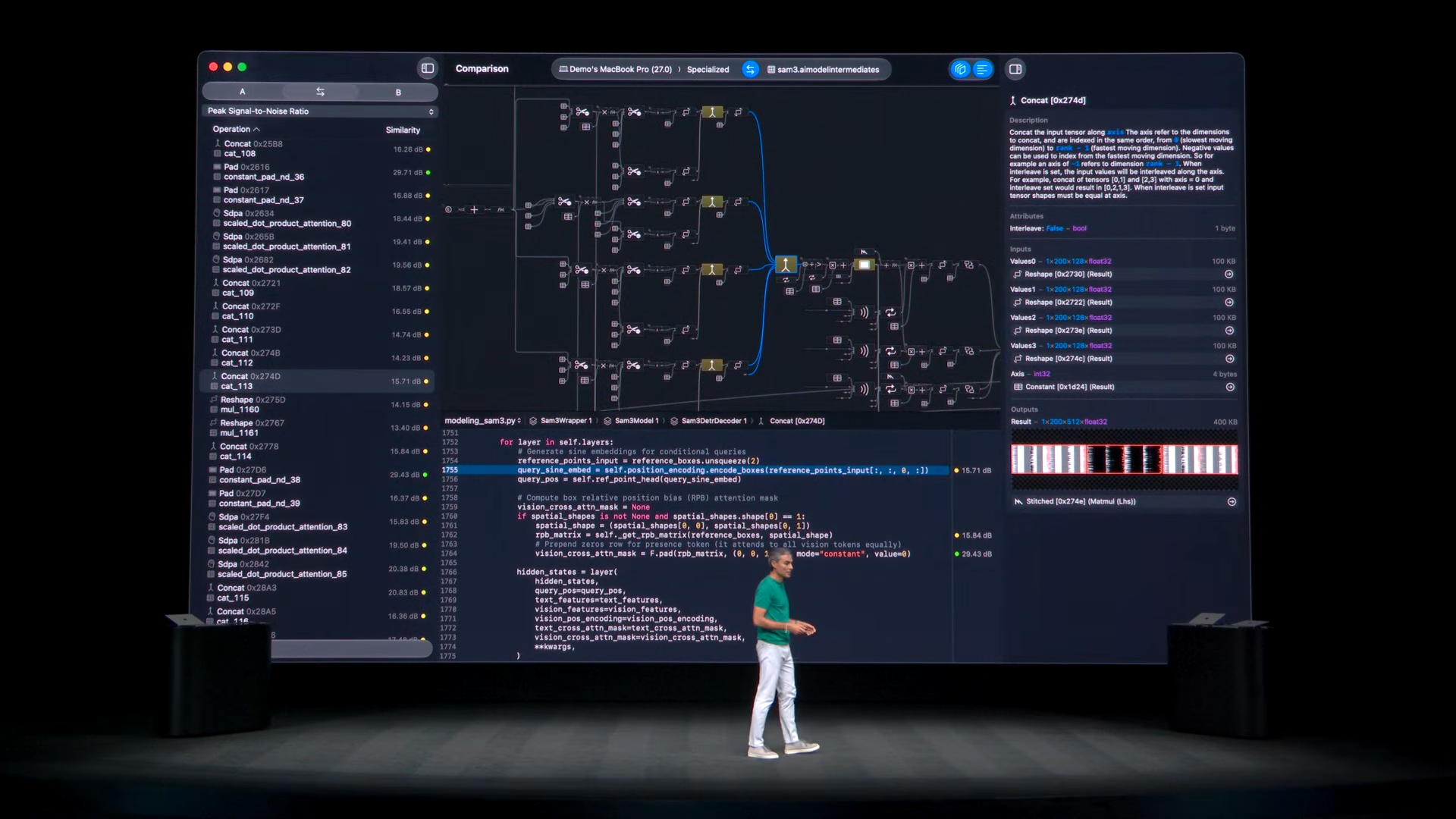
Core AI then answered a different question: what if the app needs to bring its own model and run it on device? Apple positioned Core AI as the next evolution of on-device AI execution across Apple platforms, with a Swift API, PyTorch conversion tooling, optimization controls, precompiled model assets, and a debugger for computation graphs and tensor values. The value here is not only privacy. It is control over the full deployment path. Watch the Core AI section at 61:13.
The creative image demo made that concrete. Apple showed an iPad app using a visual language model and FLUX, converted from PyTorch and running through Core AI on device. The same codebase was then moved to macOS with larger model variants. That is the part developers should pay attention to. If Core AI can make model swaps across device classes straightforward, it gives teams a path from an iPad-scale experience to a Mac-scale experience without treating each target as a separate AI architecture.
MLX Makes the Mac a Local AI Workstation

MLX was the research and experimentation side of the story. Apple described it as an open-source machine learning and numerical computing framework for Apple Silicon, with Python, Swift, C, and C++ support. The presentation emphasized local model use, Hugging Face support, Ollama, LM Studio, vLLM, and distributed workloads across multiple Macs. Watch the MLX section at 73:47.
The MLX demos were intentionally large: processing a full book locally, generating an image from the book context, and then using multiple Macs connected with Thunderbolt 5 for distributed inference. The point was not that every developer needs a local Mac cluster. The point was that Apple wants the Mac to be credible not only as an app development machine, but as a local AI workstation for experimentation, fine-tuning, inference, and sensitive-data workflows.
What I Took Away
That is where the presentation landed for me. Apple treated AI as software engineering infrastructure, not just as a demo layer. If developers adopt these tools with that mindset, the result should be better than a wave of pasted-on chat interfaces. The best use of Apple Intelligence will come from apps that already know what their data means, can describe their actions clearly, and can test intelligent behavior before putting it in front of users.
For me, the practical takeaway is that Apple’s AI direction is not only about which model is best. It is about where the model runs, what context it gets, what permissions it has, how the app exposes meaning, and whether the behavior can be evaluated before release. Those are engineering questions first. The better Apple answers those questions in the platform, the more useful these tools become in real applications.
Source: Inside Apple Intelligence and Xcode: Special Presentation
AI Usage Transparency Report
AI Era · Written during widespread use of AI tools
AI Signal Composition
Score: 0.23 · Moderate AI Influence
Summary
Apple's WWDC26 presentation on Apple Intelligence and Xcode highlighted the importance of integrating AI into the platform boundary, rather than treating it as a separate service. The presentation emphasized the need for developers to consider where work should run, what data is allowed to be accessed, when user approval is required, and how behavior that is not fully deterministic can be tested.
Related Posts
When Chromium Mistakes Your VPN for a Local Network
Turning off Jamf Trust fixed the webinar, which normally would have sent me straight to its routing policies. This time the route was fine: Chromium was treating Jamf's ZTNA broker addresses as a local network, and an Edge and Chrome preference corrected it.

Clamshell iBook G3 Restoration, Part 1: From Broken Screen to Board-Level Repair
Part one of a Clamshell iBook G3 restoration: a broken screen, a charger detour, a blinking system folder, a full teardown, and the backlight connector mistake that paused the project.

Bromure Gives Codex a Room of Its Own
I installed Bromure Agentic Coding, watched it build the Linux VM, authenticated Codex, and followed a real Codex task through the workspace.
Claude Code Auto Mode Changes Approval Flow, Not the Safety Boundary
Claude Code Auto mode changes how approval decisions are handled. It does not expand the boundary of what the coding agent should be allowed to do.

Amnesia Stealer Shows the Next Stage of ClickFix on macOS
Amnesia Stealer shows how ClickFix-style social engineering is adapting on macOS, while a public malware sample gives defenders an opportunity to study the behavior behind the campaign.
Reporting on Microsoft 365 DLP Overrides with PowerShell
DLP overrides are not automatically bad. They are a business process that needs visibility. This walkthrough covers a Microsoft Purview DLP policy, a custom sensitive information type, user override behavior, and a PowerShell report that exports override events from Activity Explorer.
PowerBook 140 BlueSCSI Install: Cable Fixed, Battery-Bay Power, and Wi-Fi Setup
The PowerBook 140 project moved from preparing a BlueSCSI card in Basilisk II to installing the repaired internal SCSI cable, powering the BlueSCSI Pico externally from the battery bay, booting System 7.1, and fighting through DaynaPORT Wi-Fi setup.

Move Entra Users Off SMS and Voice Before Microsoft Retires Them
Microsoft is retiring Microsoft-provided SMS and voice authentication in Entra ID. The migration is not passkeys for everyone; it is removing weak telecom MFA and choosing supported replacement methods such as Microsoft Authenticator, FIDO2 keys, certificate-based authentication, OATH hardware tokens, or customer-managed telecom.

Fixing a Broken Apple Cinema Display Stand with a 3D Printed Leg
A 22-inch Apple Cinema Display arrived with a broken acrylic easel stand, so I used a 3D printed replacement leg instead of sending the monitor back.

macOS Tahoe 26.6.1 Fixes a High-Severity Screen Sharing Authentication Bypass
macOS Tahoe 26.6.1 fixes CVE-2026-65400, a high-severity Screen Sharing authentication issue where an attacker on the network may be able to authenticate without valid credentials.
