
Apple has quietly turned Apple Business Manager (Now Apple Business) into something much broader than the device enrollment portal many of us have known for years. The new experience feels cleaner, more organized, and much more intentional. After spending time with the latest Apple Business, my first reaction is that Apple is building a more complete business platform — one that brings identity, services, communications, support, storage, and payments closer together under a single administrative surface.
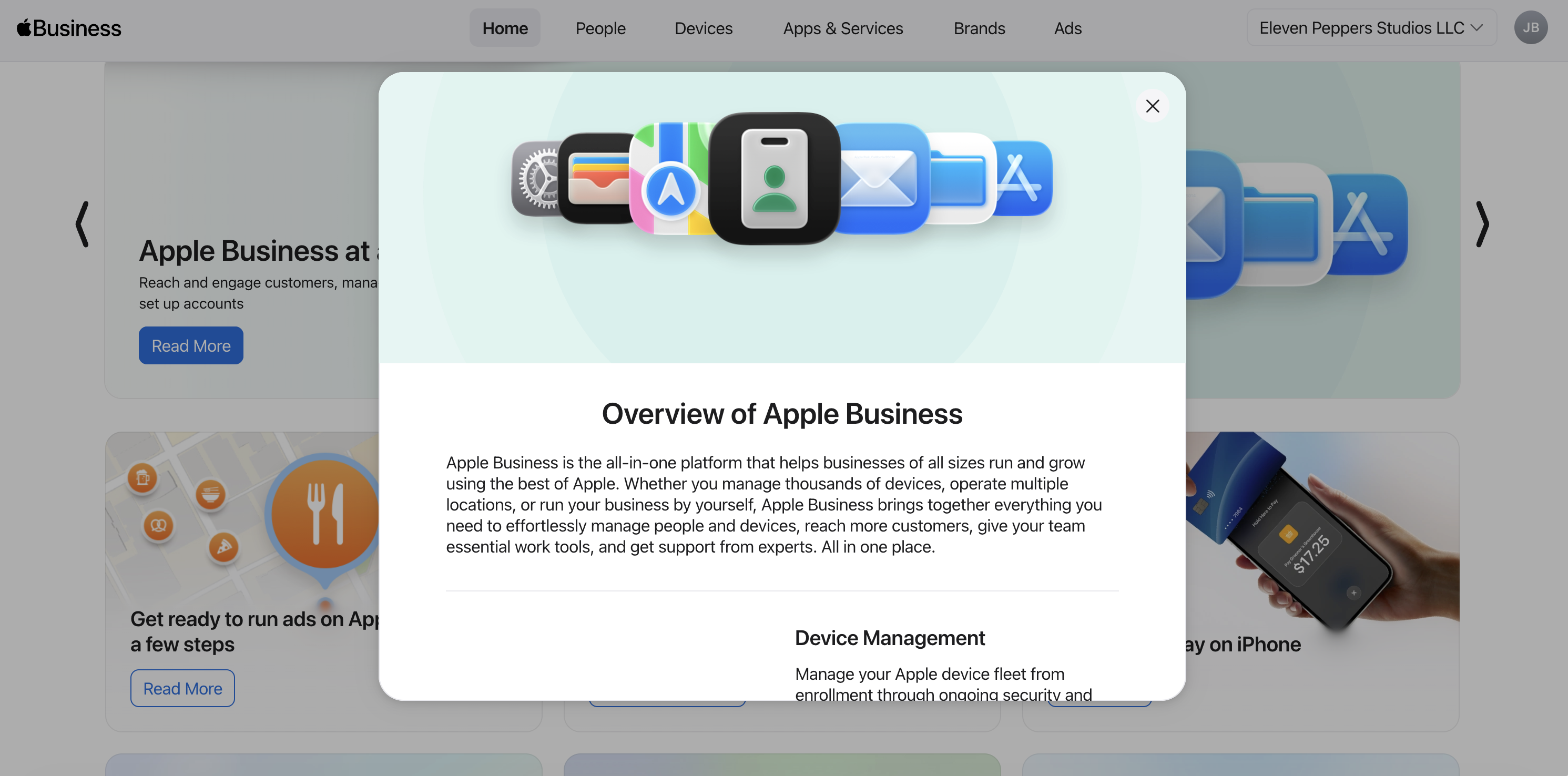
For a long time, Apple Business Manager was primarily associated with automated device enrollment, Managed Apple IDs, app assignments, and integration with MDM. Those foundations are still here, but the new direction is much more expansive. The platform now feels like a one-stop shop for a much wider set of business features, and that makes this release worth a closer look.
A cleaner platform with a broader mission
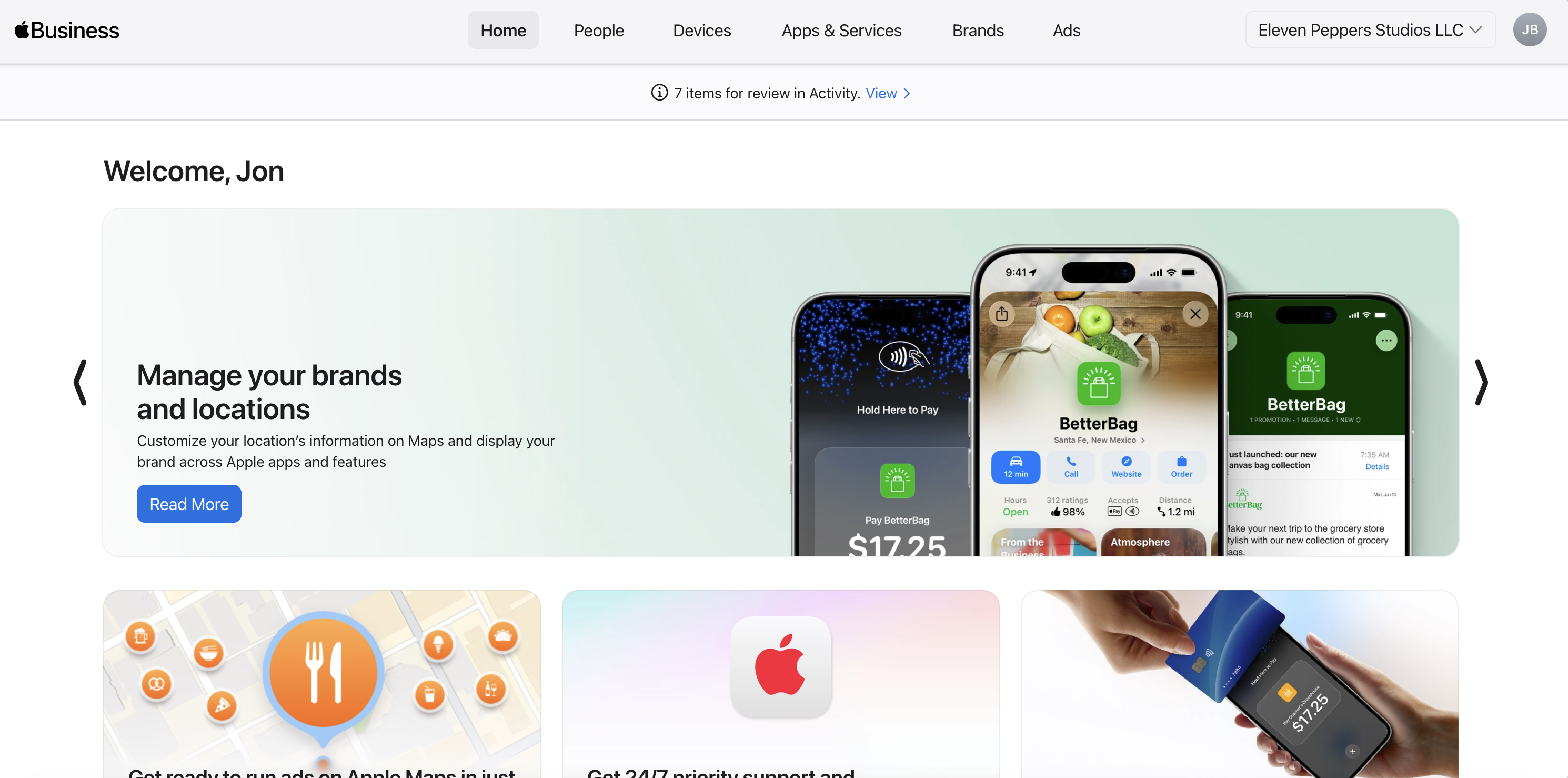
The first thing that stands out is the refreshed look and feel. The new interface is clean, organized, and easier to parse. More importantly, the product now reads less like a collection of adjacent admin tools and more like a unified business control plane.
There is a stronger sense that Apple wants businesses to manage more of their operational footprint here, not just device deployment. Apple highlights federated authentication support with Google Workspace, Microsoft Entra ID, and other identity providers, reinforcing that identity is now a major part of the story. Apple also continues to position the platform alongside external MDM solutions rather than as a replacement, which is an important distinction for IT teams already invested in mobile device management workflows.
Apps and Books remain a core part of the experience as well, with Apple continuing to emphasize centralized purchasing and reassignment. That is not brand new on its own, but in the context of everything else now living in this experience, it contributes to the sense that Apple Business Manager is evolving into the administrative center for a broader Apple-at-work stack.
Another practical improvement is visibility. Search appears to span users, devices, and content more cleanly, which should make everyday administration and troubleshooting more efficient. And while the new enhanced logging and API capabilities deserve their own dedicated breakdown, the headline takeaway is clear: Apple is making ABM more operationally useful for modern IT teams, not just more visually polished.
AppleCare is now much more operational
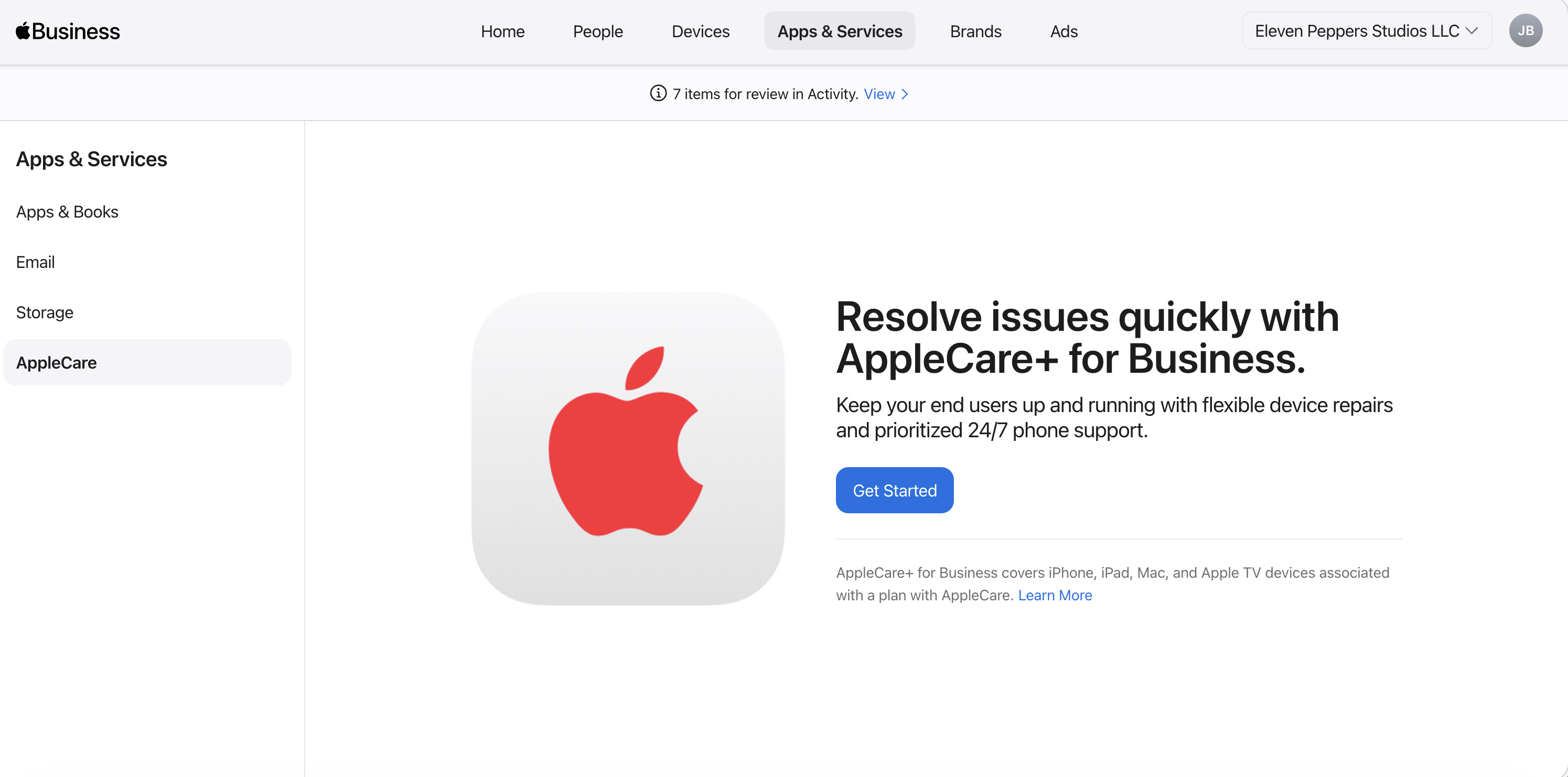
One of the more notable additions is how AppleCare is now surfaced within Apple Business Manager and Apple School Manager. This is meaningful because AppleCare has historically felt adjacent to device management rather than part of it. That line is starting to blur.
The documentation makes clear that Apple now supports both user plans and device plans. Device plans make sense for shared hardware scenarios, while user plans fit environments where a person and their associated devices are the unit of management.
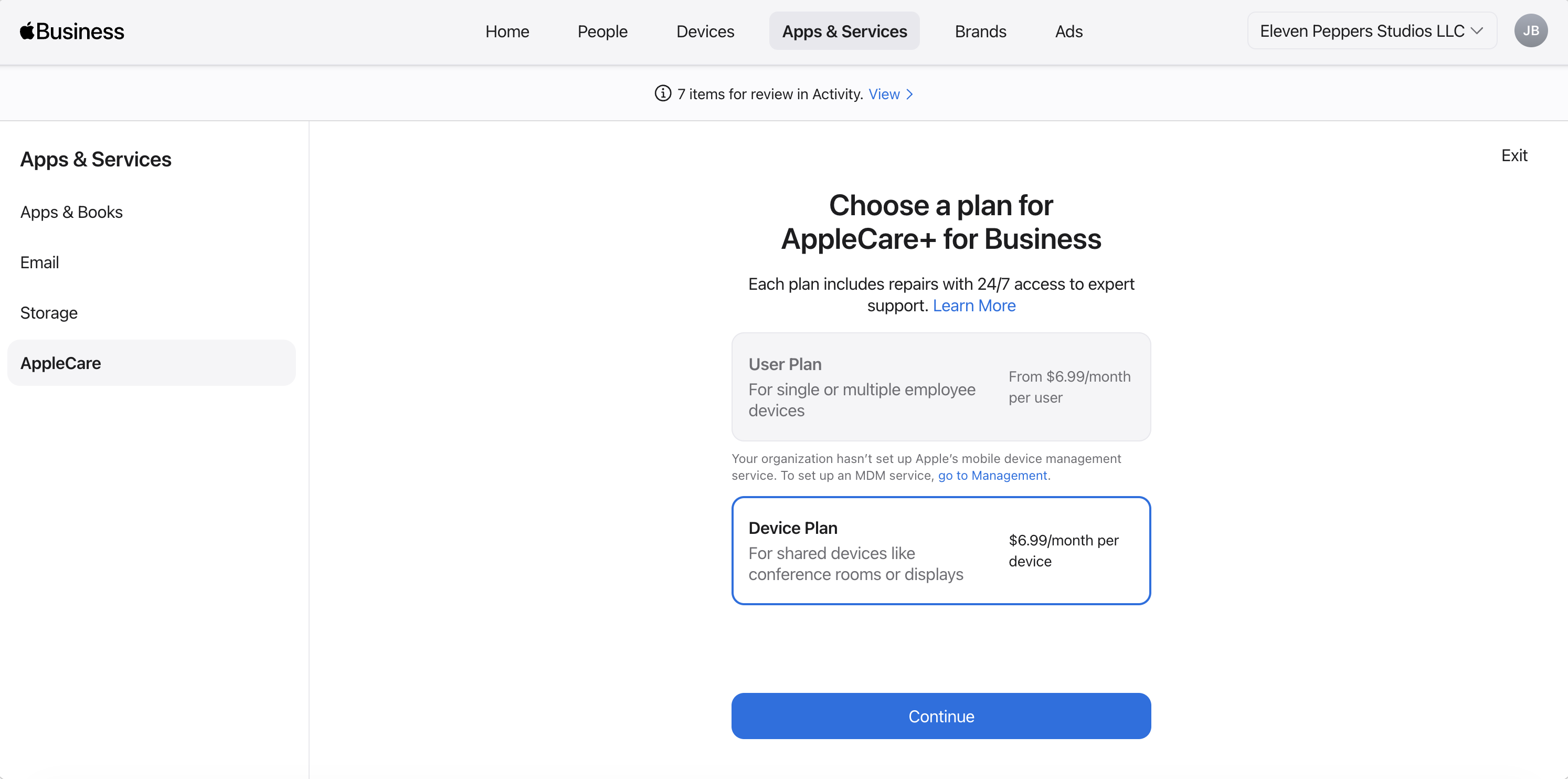
What stood out to me beyond that, though, is the administrative model. AppleCare plan assignment is centrally managed by admins, not end users, and coverage is visible in the context of managed users and devices. That reframes AppleCare as something closer to an operational lifecycle tool rather than a post-purchase add-on. In other words, AppleCare is becoming part of the same management surface where businesses already think about deployment, identity, and ownership.
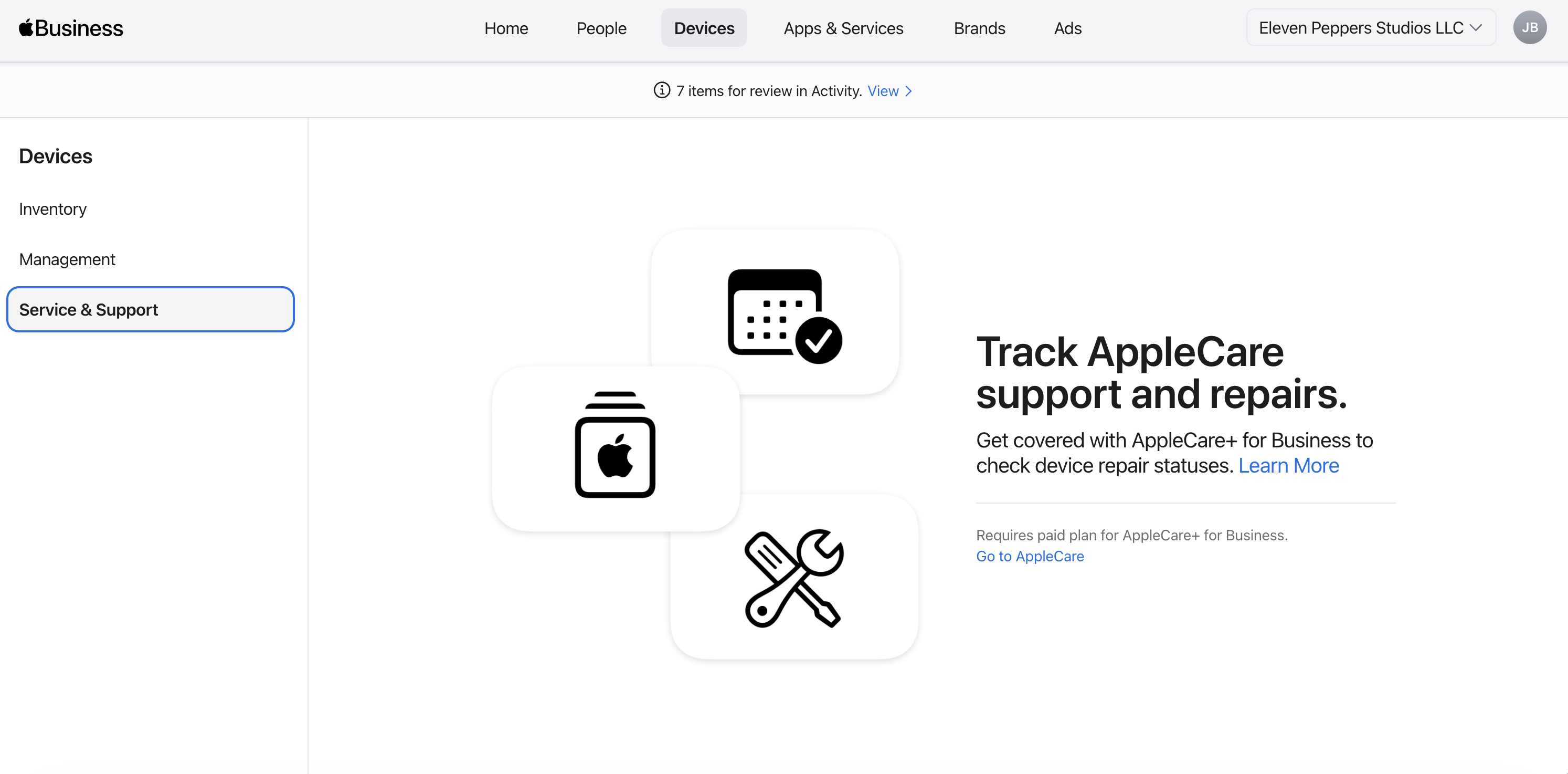
There is also an important behavior requirement here: users must enroll or sign in to their device using their Apple Business Manager email for user-based applicability to make sense. That reinforces how strongly Apple is centering Managed Apple Accounts in this new model.
Branded Mail is one of the more intriguing additions
On the surface, the value proposition is clear: build more trust and legitimacy into business email sent from your domain. What does this mean? A logo and company icon now shows up in the Mail app for emails your company sends based on brand information.
The setup appears to rely on domain-level DNS verification Apple states “Domains need to be verified by Apple and you have only 14 calendar days to complete the verification process or you need to start over.”
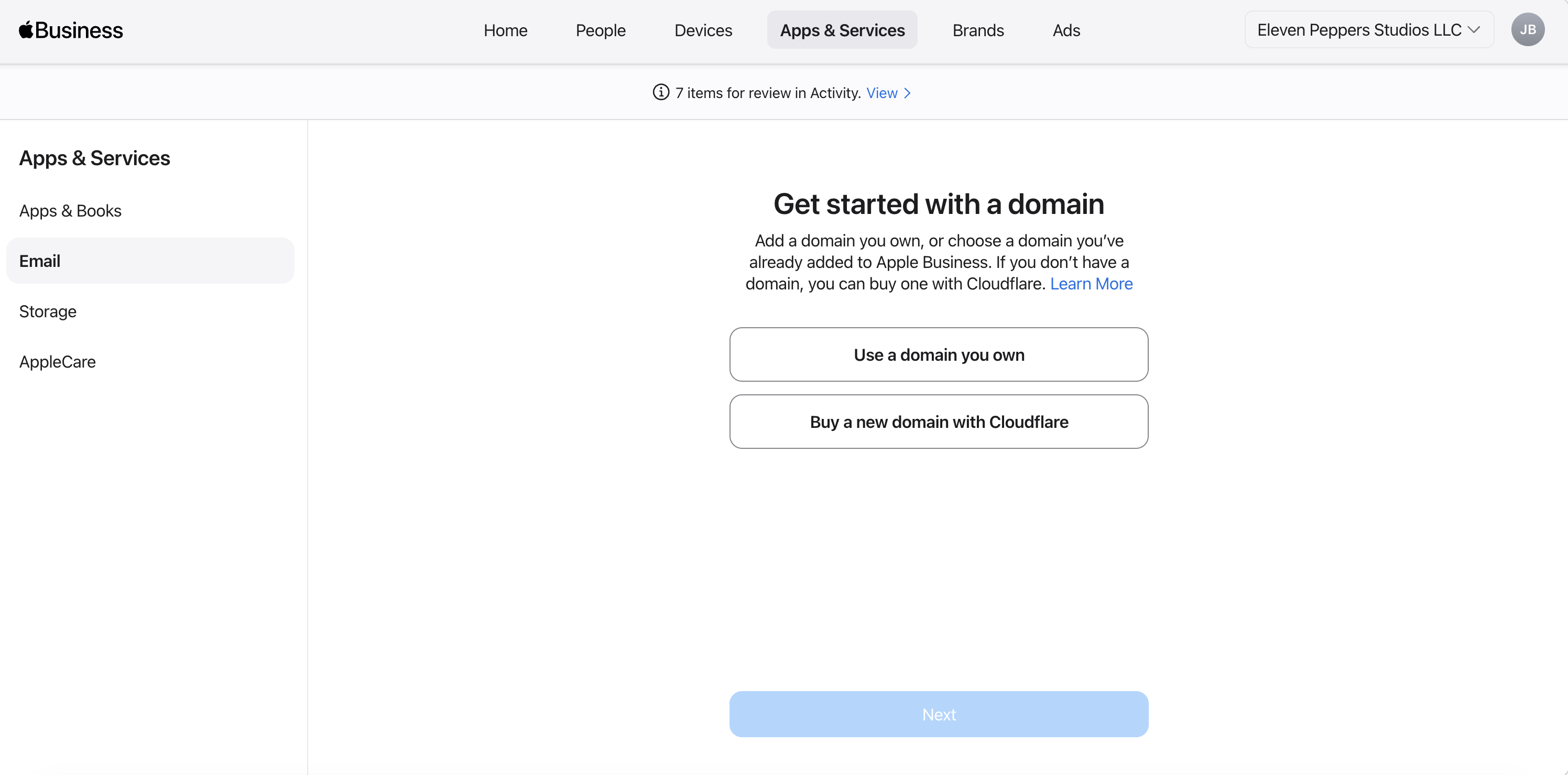
Email for Apple Business is an additional feature that you can setup where Apple states “In Apple Business, you can set up an email service with your domain or, if available, buy it from Cloudflare. After you set it up, users you specify can use this email domain to send and receive email.”. The standard setup is setup MX, DKIM, and DMARC records and migrate your email to Apple as the primary provider. This undoubtably unlocks icloud.com access as a business email account user with login with their managed Apple ID.
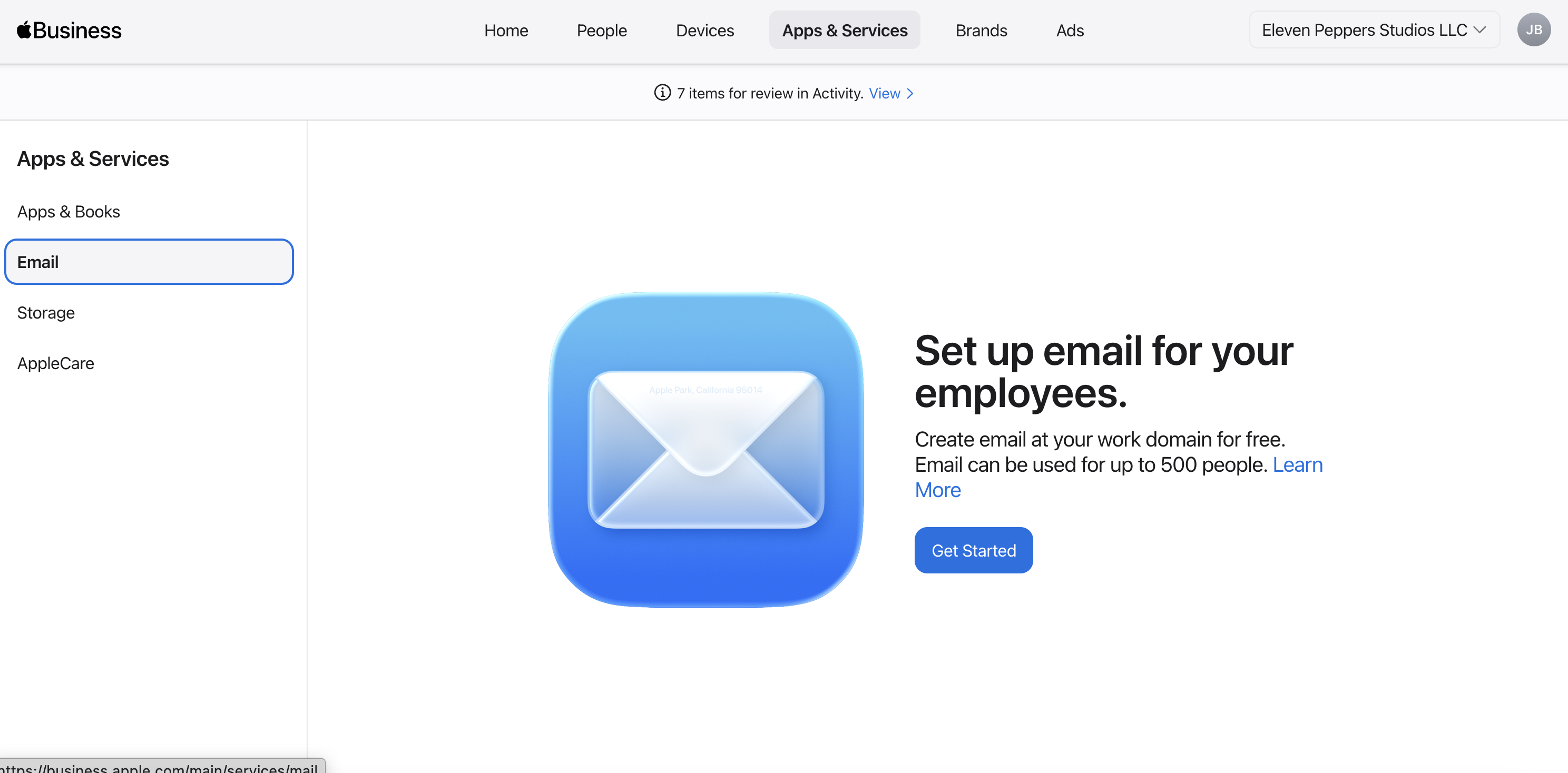
Apple also notes support for up to 500 users, which strongly suggests the target market here is small to midsize business rather than large-scale enterprise messaging replacement. That feels deliberate. Apple is not trying to out-Microsoft Microsoft 365 or out-Google Google Workspace across the board. Instead, it seems to be offering a tighter Apple-native identity and services layer for businesses that want something simpler.
Apps and Books remains stable, but still important
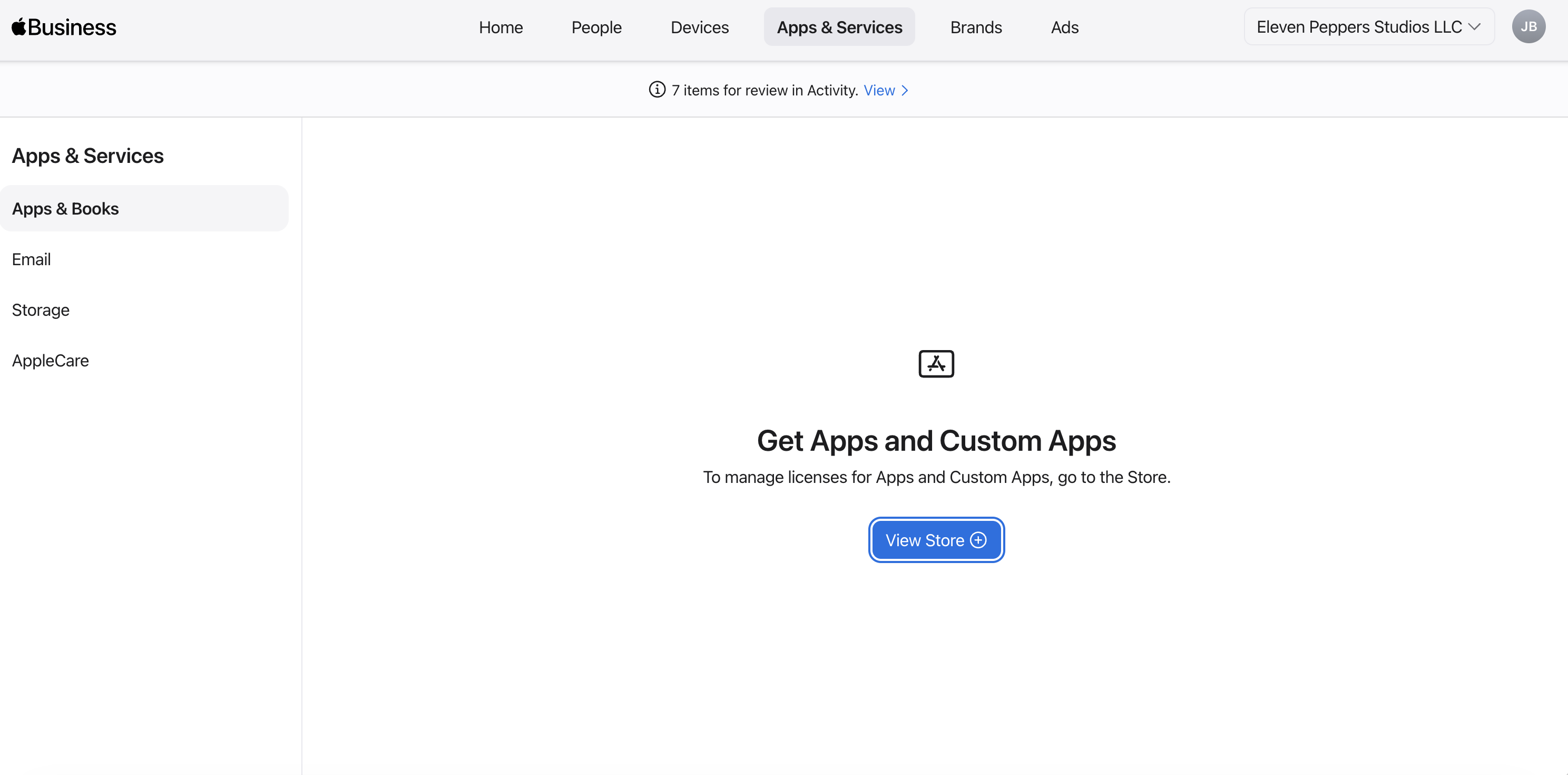
Apps and Books is probably the least surprising area of the update, and that is not a criticism. In many ways, stability is the story here.
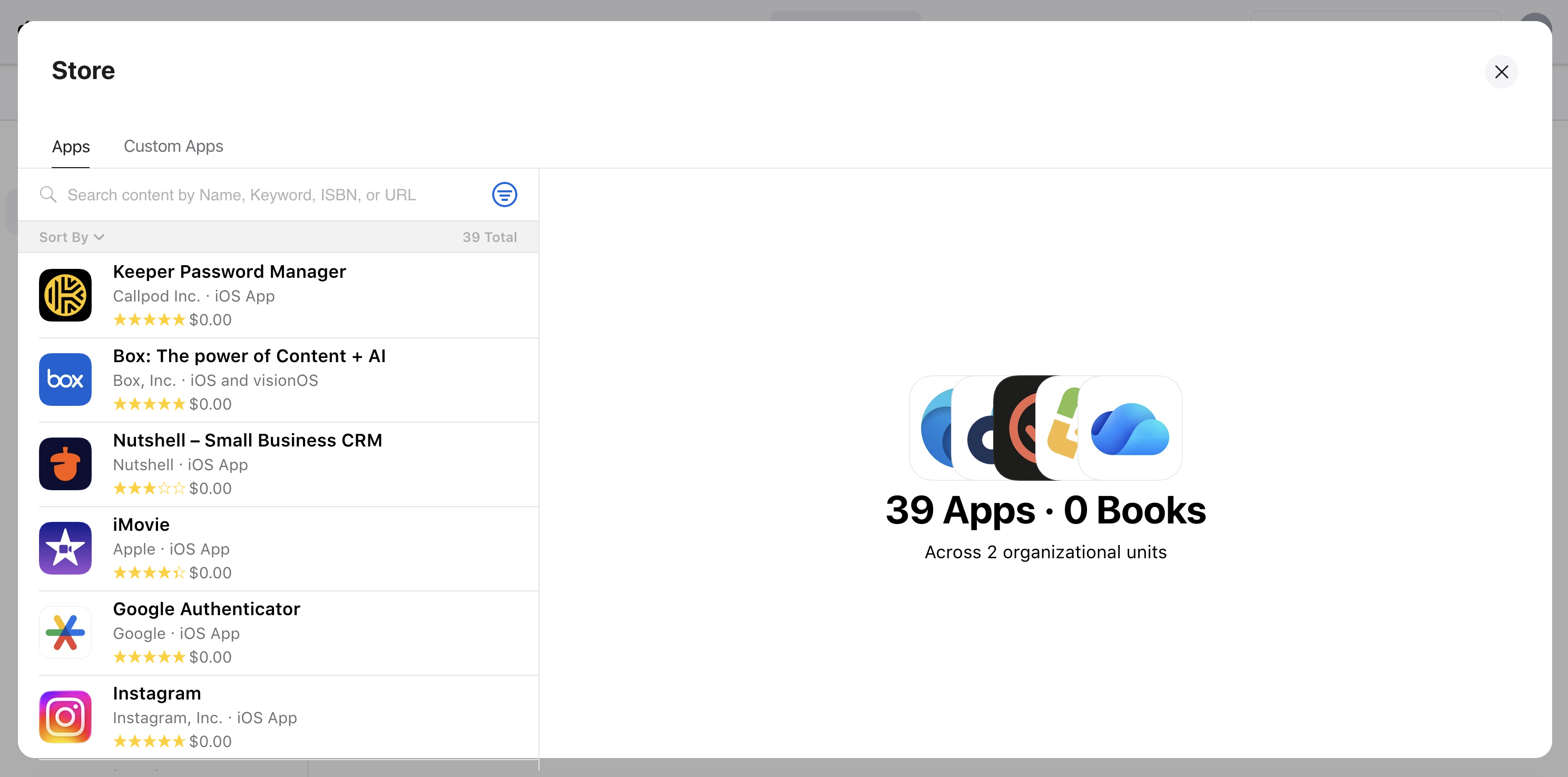
This part of Apple Business Manager still looks broadly familiar, but there are a few reminders of why it remains foundational. Apps can be assigned directly to devices without requiring individual Apple IDs, licenses remain revocable and reusable, and deployment continues to be closely tied to MDM. Apple also continues to support controlled deployment models where devices do not need an accessible App Store.
That all reinforces the idea that Apps and Books is a mature part of the platform. The big change is not that Apple reinvented this area; it is that it now lives inside a larger and more ambitious business platform.
Brand identity is becoming a managed asset
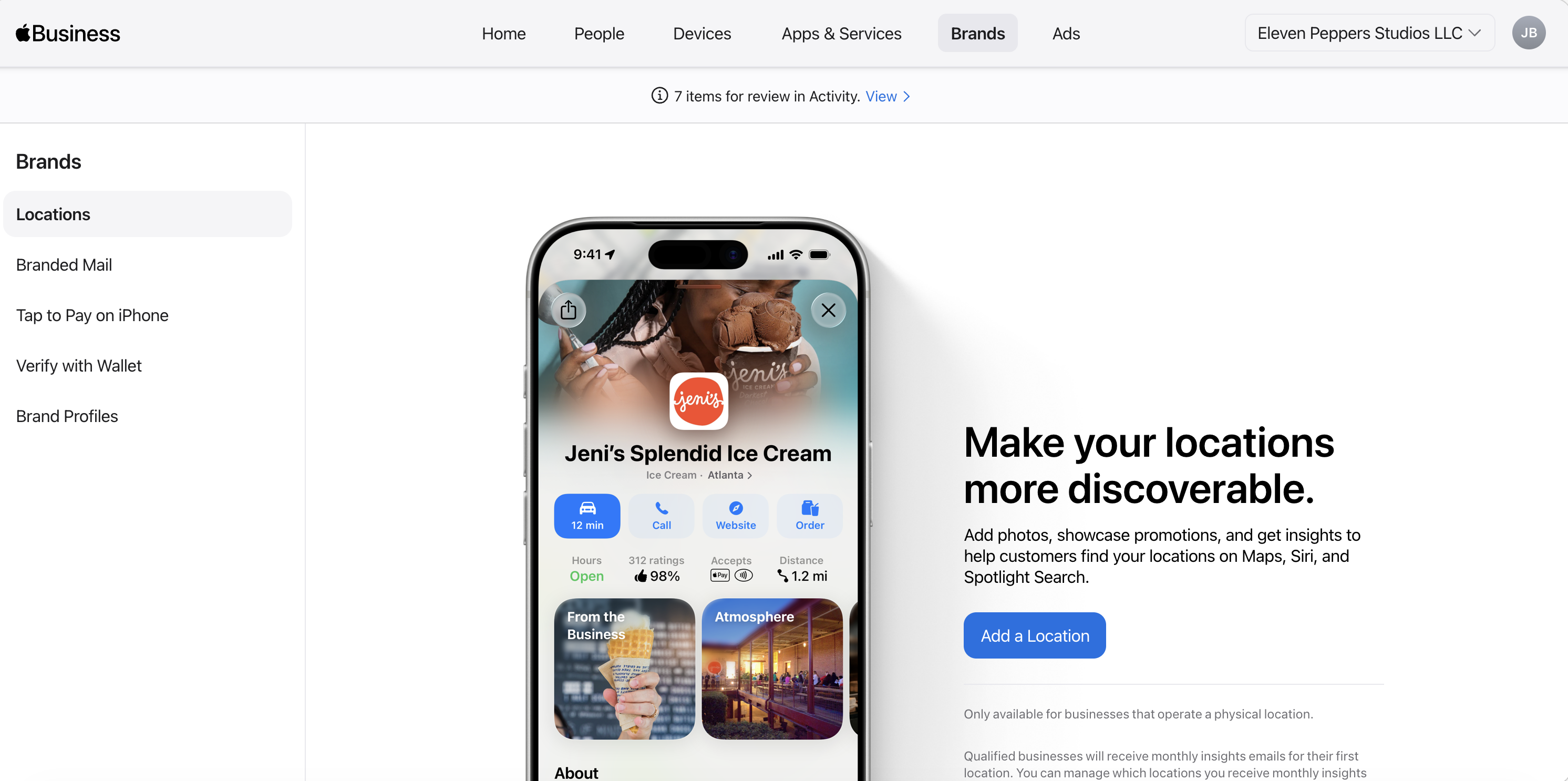
The introduction of Apple Brands within Apple Business Manager reflects more than a simple feature move from Apple Business Connect—it marks a consolidation of brand identity into the core business platform. What was previously defined through separate workflows, as outlined in Apple’s Business Chat documentation (Getting Started PDF) and managed via Apple Business Register, is now being centralized directly inside ABM. This brings brand from a prerequisite step into a governed, reusable object that aligns with how Apple structures organizations across its ecosystem. Rather than changing the underlying process, Apple is unifying it—establishing ABM as the single source of truth for brand identity across services.
Storage pushes ABM closer to business iCloud
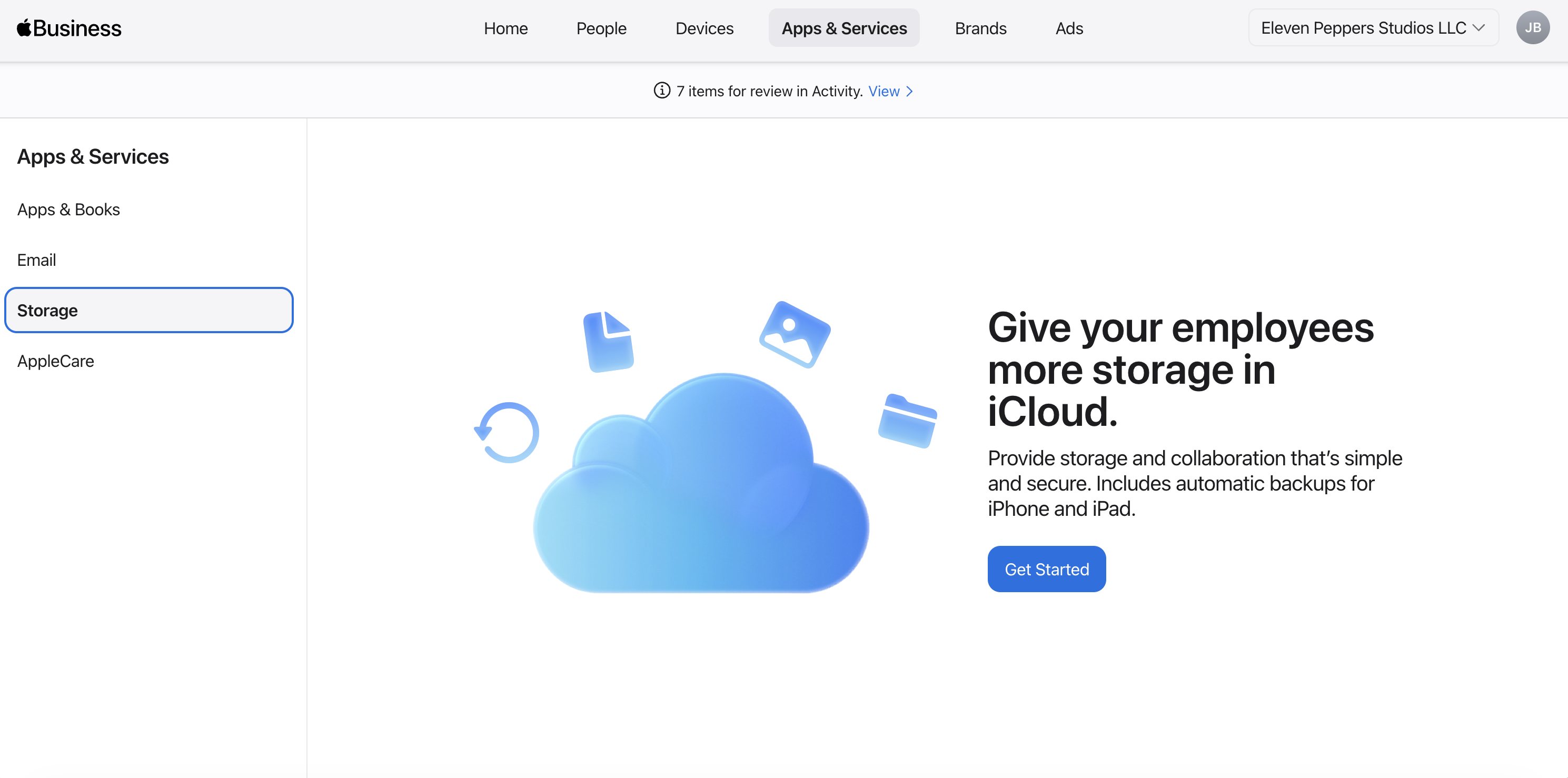
The ability to purchase iCloud storage for users so they can sync Desktop and Documents with iCloud Drive under their business identity is a meaningful expansion. It pushes Apple Business Manager beyond device administration and further into day-to-day user services.
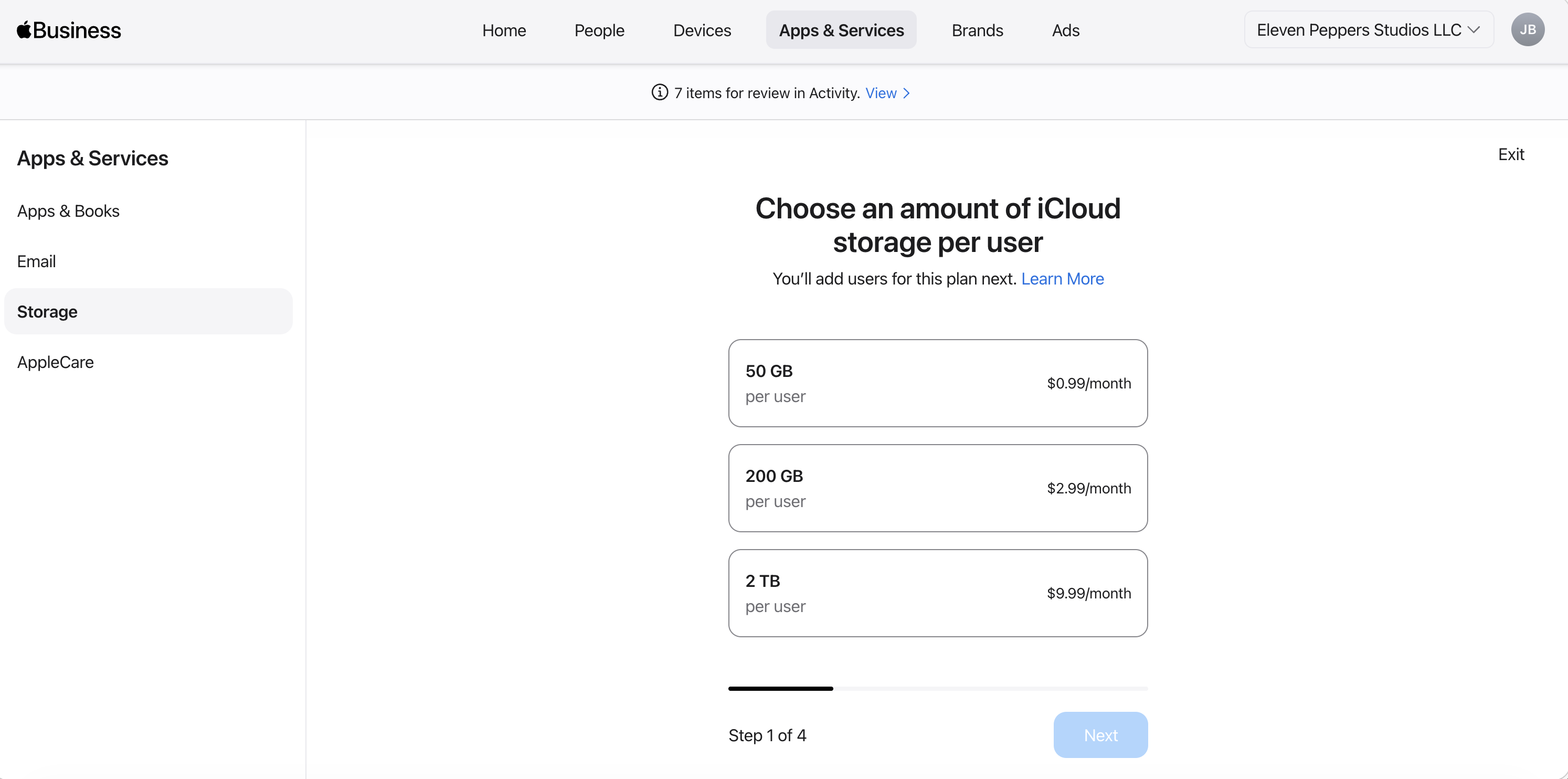
What stands out is the management model. Storage is assigned per Managed Apple Account rather than as a pooled organizational bucket, users need to be signed in with their managed account on a device, and admins control who gets storage and how much. This is not consumer iCloud repackaged with a different label. It is Apple adapting iCloud-style services to a business identity framework.
That is why it increasingly feels fair to say Apple Business Manager is moving closer to a form of “Business iCloud.”
Tap to Pay shows Apple’s commerce ambitions
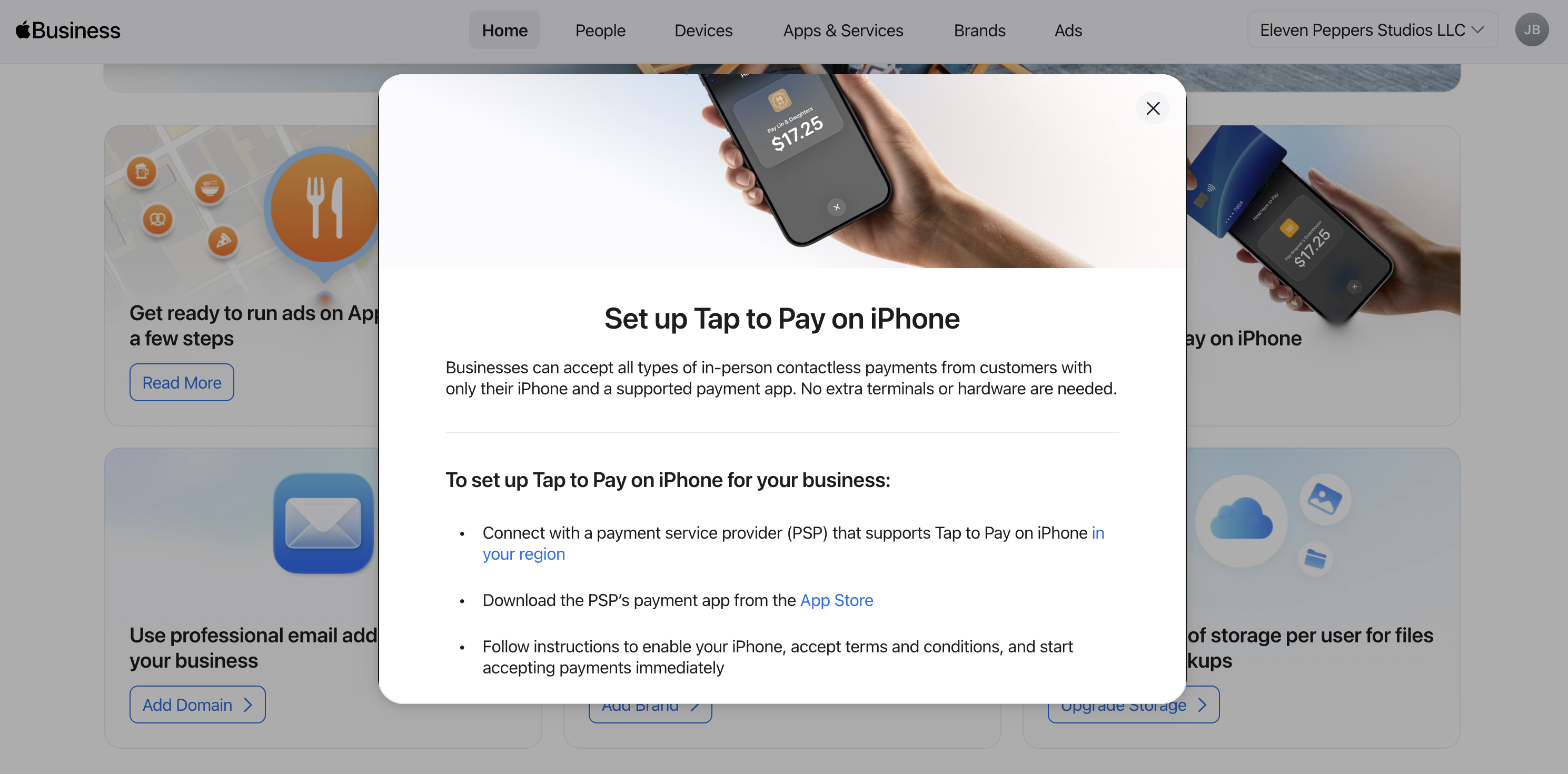
Tap to Pay on iPhone is another example of Apple expanding what belongs inside the business conversation.
The basics are straightforward: Tap to Pay works through payment providers, many providers offer their own apps, and businesses can also build support into their own apps. But the surrounding details are what matter.
This is limited to compatible iPhone hardware, it is built around contactless NFC transactions, and Apple is providing the framework layer rather than acting as the payment processor. In practice, that means Apple is enabling the business capability while leaving the payment flow and acquiring relationship to the provider ecosystem.
Even so, this is a big deal. It turns iPhone into a more direct point-of-sale tool and gives businesses another reason to think of Apple devices as operational business infrastructure, not just employee endpoints.
The Apple Business app brings ABM to the field
Apple also now offers a dedicated Apple Business app on the App Store, which acts as a companion to Apple Business Manager and Apple Business Essentials.
At a high level, this app extends core business management capabilities directly onto iPhone. It works with Apple Business device management and provides a much more accessible entry point for organizations that may not have a traditional MDM setup in place.
For small businesses in particular, this is a meaningful shift. Instead of requiring a full MDM deployment from day one, Apple now provides a lighter-weight path to start managing devices, identities, and business services. That lowers the barrier to entry significantly.
There is also an interesting retail implication here. Apple Store employees can now demonstrate and potentially sell this experience directly to businesses in-store. That is a notable change in go-to-market strategy and suggests Apple wants every business — even very small ones — to adopt at least some level of device enrollment and management protections at the point of purchase.
Business verification is getting more flexible
Finally, one of the quieter but potentially impactful changes is that Apple Business Manager no longer appears to rely on DUNS as the primary verification path.
That matters because DUNS has historically been one of the friction points in getting organizations enrolled. By supporting multiple verification pathways, Apple is broadening who can realistically get into the platform and how they prove legitimacy.
Apple still requires a verification contact who can confirm authority, and the process still includes review and validation, but the overall model seems more flexible and better suited to a wider range of business structures.
Final thoughts
Apple is taking pieces that used to feel separate — identity, support, storage, brand, mail, apps, commerce, verification — and increasingly bringing them together into a single administrative experience. Some parts already feel well connected. Others still feel early. But the overall direction is clear.
Apple Business Manager is no longer just where businesses enroll devices. It is becoming the place where Apple expects organizations to manage how users sign in, how services are assigned, how support is tracked, how brand identity is represented, and increasingly how business operations plug into the Apple ecosystem.
That is a much bigger story than a UI refresh.
Resources
- Apple Business Manager – Welcome
- AppleCare for Business Plans
- Prepare to Use Branded Mail
- Apps and Books Licenses
- Brand Identity Attributes
- Add iCloud Storage
- Tap to Pay on iPhone (Apple Business)
- Tap to Pay Regions (Developer)
- Tap to Pay Developer Documentation
- Business ID Types
- Apple Business App
AI Usage Transparency Report
AI Era · Written during widespread use of AI tools
AI Signal Composition
Score: 0.27 · Moderate AI Influence
Summary
Apple Business Manager has evolved into a more complete business platform, bringing identity, services, communications, support, storage, and payments closer together under a single administrative surface.
Related Posts

AppleCare One Just Became a Better AppleCare Deal
AppleCare One looks more valuable after AppleCare+ price increases for Macs and iPads, especially for people with several Apple devices and older eligible hardware.
WWDC 2026 Was Bigger Than The Keynote
Most of those conversations eventually landed in the same place. Siri wasn't ready. Liquid Glass was everywhere. There was no new hardware announcement. Depending on who you asked, WWDC 2026 was either disappointing or forgettable.

Low Profile Walkthrough and Review
Today I’m walking through Low Profile, a utility from Nindi Gill that I use when I want to inspect profiles already installed on a Mac and figure out whether those profiles contain issues I need to clean up. The value is that Low Profile gives me a straightforward way to inspect profiles installed on any Mac. This simplicity makes it easy for me to identify and address potential problems, which is especially useful when working with multiple machines or troubleshooting complex profile configurations.

ABM Warranty 0.4.1 Walkthrough: Multiple Credentials
In this part of the ABM Warranty 0.4.1 walkthrough series, I’m focusing on multiple credentials. In the first video, I showed the basic setup and how to add a single credential. Now, I want to explore what happens when I remove a credential, what changes occur when I add more than one, and how the app behaves once there are multiple contexts in play. This will help clarify any potential issues or inconsistencies that may arise with multiple credentials.

QuickPKG Walkthrough and Review
I use QuickPKG when I need to turn an application, DMG, or ZIP file into a package quickly without wasting time in a heavier packaging workflow. This post follows the same path as my video: what QuickPKG is, where to get it, how I run it, what a simple packaging example looks like, and where I think admins need to be careful about potential pitfalls that can arise from using this tool.

Amphetamine: The Ultimate Mac Utility to Keep Your Computer Awake
In today's fast-paced digital world, keeping your computer awake during important tasks is crucial. Enter **Amphetamine**, a powerful utility designed specifically for Mac users. This app ensures that your system remains active, preventing it from going to sleep or activating the screensaver when you need it most. In this article, we will explore the features of Amphetamine, how to use it effectively, and why it’s a must-have for Mac admins and everyday users alike.
Mactracker Walkthrough and Review
In the world of Mac administration, having the right tools at your disposal is crucial. One of the standout applications that every Mac admin should consider is **Mac Tracker**. This powerful app serves as a comprehensive database of all historical Mac OS versions and Apple accessories, making it an invaluable resource for both seasoned professionals and newcomers alike. In this article, we will explore the features of Mac Tracker, how it can enhance your workflow, and why it deserves a spot in your toolkit.

Reviewing Bravas.io - Roll your own Cloud MSP like Electric.ai
When inquiring about a demo or starting a 30-day trial, please mention the code JONBROWN to receive an additional 5% discount on your first year of annual service. This offer is exclusive to new customers and can be applied at the time of sign-up. The discount will be automatically reflected in your account upon activation of the annual plan.

Reviewing Bravas.io - Enrolling using a Zero Touch Workflow!
When inquiring about a demo or starting a 30-day trial, please mention the code JONBROWN to receive an additional 5% discount on your first year of annual service. This offer is exclusive to new customers and can be applied at the time of sign-up. The discount will be automatically reflected in your account upon activation of the annual plan.
XCodes Walkthrough and Review
Xcodes is an amazing native application that you can use to switch back and forth between different versions of XCode on your Mac. Why would you need this? Some developers need to test beta versions of XCode and manually switching back and forth is a huge pain. You can only have one active version of XCode if your using the CLI and its hard to remember which one you left activated and which versions are actually installed.
