

As someone who uses the Jamf Security Cloud VPN, I have developed a fairly predictable routine when a website refuses to cooperate. Turn off Jamf Trust, reload the page, and see what happens.
It is the quickest way to divide the problem in half. If the page is still broken, I can stop blaming the VPN and look at the browser, the service, or the network. If the page suddenly comes to life, I know Jamf Trust is involved, and experience has taught me where to look next: the routing policy.
Jamf has since documented the problem I eventually found, along with the address ranges its administrators can target, but the behavior itself comes from Chromium. Jamf Trust happened to expose it in my environment; another VPN or proxy that brokers public traffic through private-looking addresses could run into the same conflict.
That instinct is not unreasonable. Jamf Security Cloud decides which traffic should pass through Jamf Trust using application and destination-based rules. Those rules depend on hostnames, IP addresses, and subnets that change as cloud services evolve. I have already written about missing destinations in Jamf Security Cloud Standard Routing Policies and the work required to keep Microsoft 365 routing definitions current. In both cases, updating the destinations was the answer.
After being bitten by that problem a few times, it is easy to see every VPN-related failure through the same lens. The site works with Jamf Trust off, so some URL must be missing. Find it, add it, and move on. That line of reasoning is usually efficient, right up until it is completely wrong.
Not the usual pattern
I was watching an ISC2 webinar while connected to Jamf Trust. The ISC2 page loaded normally, as did the embedded BrightTALK player, but the video itself stopped with error 232011.
Everything about the failure pointed toward a familiar answer. BrightTALK was loading media from CloudFront, and embedded video players tend to pull content from several supporting domains. I expected to find a CDN hostname that needed to be added to an Access Policy.
Edge DevTools showed the player failing on an HLS manifest with a URL like this:
https://d1skirtpy3tn5k.cloudfront.net/.../13159-674769.m3u8
I copied that exact URL, opened it in Edge with Jamf Trust still connected, and it worked. That was the point where the normal diagnosis stopped making sense. CloudFront was reachable. The same Mac, browser, VPN connection, and URL had just succeeded. The only meaningful difference was how Edge reached it. The BrightTALK player requested the manifest as a cross-origin subresource; opening the URL myself turned it into a top-level navigation.
At first that felt like an irritating technicality. It turned out to be the entire problem.
What ZTNA was doing behind the request
Jamf Trust ZTNA does more than send packets down a traditional tunnel. As Jamf explains in its support article about Chrome Local Network Access and Jamf Trust ZTNA, when a destination is handled by a ZTNA Access Policy, Jamf brokers the connection using an address from ranges reserved for that purpose:
IPv4: 10.240.0.0/14
IPv6: fd53:1c5a::/32
The CloudFront manifest was still the destination, but Jamf represented that connection inside the ZTNA path with one of those broker addresses. Jamf understood what the address meant and knew where the traffic needed to go. Edge only saw an address in private IPv4 space or, in the IPv6 case, inside the fc00::/7 unique-local range.
That difference became important because Chromium’s Local Network Access protection was also evaluating the request. LNA is intended to stop a public website from quietly reaching into the user’s local network. Routers, printers, management interfaces, and local services should not become accessible to any public page that asks for them, so Chromium treats a request from a public origin to a local address as a separate security boundary.
This is also what sits behind the newer privacy prompt in Edge that asks whether a website should be allowed to access the local network. I had seen that warning and understood its general purpose, but I had never connected it to Jamf Trust. In this case, the website was not really trying to reach a printer, router, or server on the user’s LAN. Jamf was routing the request through its private-looking ZTNA namespace, and Edge reacted to the address it saw. Microsoft’s article on Local Network Access restrictions in Edge explains when the prompt appears and why subresources, fetch() requests, and embedded frames can trigger it.
The webinar happened to cross that boundary in a way the browser could see. The public ISC2 page embedded BrightTALK, and BrightTALK requested its CloudFront manifest through Jamf’s ZTNA broker address. Jamf saw a legitimate public resource moving through the tunnel. Chromium saw a public page reaching toward what looked like the local network.
WITHOUT THE ADDRESS-SPACE OVERRIDE

┌──────────────────────────────┐
│ Public ISC2 webinar page     │
└──────────────┬───────────────┘
               │ loads
               ▼
┌──────────────────────────────┐
│ Embedded BrightTALK player   │
└──────────────┬───────────────┘
               │ requests a CloudFront .m3u8 manifest
               ▼
┌─────────────────────────────────────────────────────────┐
│ Jamf Trust ZTNA                                         │
│                                                         │
│ Matches the destination to an Access Policy and         │
│ represents it with a broker address from:               │
│                                                         │
│   10.240.0.0/14                                         │
│   fd53:1c5a::/32                                        │
└──────────────┬──────────────────────────────────────────┘
               │ Edge sees a private/local-looking address
               ▼
┌─────────────────────────────────────────────────────────┐
│ Chromium Local Network Access                           │
│                                                         │
│   Public page  ──────>  Local address                   │
│                        BLOCKED                          │
└─────────────────────────────────────────────────────────┘


WITH THE ADDRESS-SPACE OVERRIDE

┌──────────────────────────────┐
│ Same BrightTALK request      │
└──────────────┬───────────────┘
               │
               ▼
┌─────────────────────────────────────────────────────────┐
│ Chromium browser policy                                 │
│                                                         │
│   10.240.0.0/14=public                                  │
│   [fd53:1c5a::]/32=public                               │
└──────────────┬──────────────────────────────────────────┘
               │ Chromium now sees public → public
               ▼
┌──────────────────────────────┐
│ Request allowed by LNA       │
└──────────────┬───────────────┘
               │ continues through the Jamf Trust tunnel
               ▼
┌──────────────────────────────┐
│ CloudFront manifest loads    │
│ Webinar video plays          │
└──────────────────────────────┘
This also explained the strange direct-URL result. Microsoft documents that Edge applies LNA restrictions to subresources, fetch() requests, and subframe navigation, but not currently to main-frame navigation. The player could fail while the same manifest worked in the address bar without either result being contradictory.
Nothing was missing from the CloudFront route. The browser and Jamf simply disagreed about what kind of network the broker address represented.
Why this is bigger than Jamf
Once I understood that Chromium was enforcing the block, the wider implication was hard to ignore. Jamf Trust is a clear, documented example, but it is not the only network architecture capable of creating this collision.
Google describes the relevant address-space policy as useful for certain VPN and proxy configurations. That qualifier matters. A conventional VPN that leaves public services resolving to their normal public addresses may never encounter this. A VPN, secure web gateway, or proxy that represents public resources with private-looking addresses can.
That makes “works with the VPN off” even less useful as a final diagnosis. The VPN may not be blocking the destination at all. Its connection-brokering design may be exposing the destination to a browser security rule that did not exist, or was not enforced the same way, when the VPN was originally deployed.
The timing helps explain why this setting is so easy to overlook. Jamf says the Chrome behavior affects version 142 and later. Microsoft documents Edge LNA enforcement for subresources and fetch() beginning with Edge 143. The clean enterprise fix did not arrive until Chrome and Edge 146, after many VPN implementations and their browser profiles were already in production.
An administrator could have a perfectly sensible ZTNA deployment, keep its routes current, and still be missing this preference because it solves a newer problem in a different product. Nothing in the Jamf routing interface points toward a Chromium address-classification policy.
The preference that corrected the mismatch
Chromium 146 introduced LocalNetworkAccessIpAddressSpaceOverrides, an enterprise policy that lets an administrator change how a specific CIDR range or address-and-port combination is classified for LNA.
For Jamf Trust, the values are:
10.240.0.0/14=public
[fd53:1c5a::]/32=public
Those two lines tell Chromium that Jamf’s ZTNA broker ranges represent public destinations for this particular security decision. They do not add BrightTALK or CloudFront to an Access Policy, and they do not turn off Jamf Trust. They correct the piece of information Chromium could not discover on its own.
Once Edge treated those addresses as public, the BrightTALK request stopped looking like a public-to-local connection. The player retrieved the same manifest through the same Jamf tunnel, and the webinar played.
This is a far better answer than disabling LNA or creating a wildcard exception. Google warns that classifying all IPv4 and IPv6 space as public is effectively the same as turning the protection off. I only want to reclassify a range when the VPN or proxy vendor documents that it represents public or brokered resources.
For another VPN, the pattern is reusable but the values are not:
VENDOR_IPV4_CIDR=public
[VENDOR_IPV6_CIDR]=public
I would not guess at those ranges or copy Jamf’s values into an unrelated deployment. The vendor needs to identify which addresses it uses for brokering, and the administrator needs to confirm that the range does not also contain genuine internal resources that should remain protected as local.
Deploying it to Edge and Chrome with Jamf Pro
The browser reads the preference; Jamf Pro is simply how I deliver it to managed Macs. Edge and Chrome use the same key and array values, but each browser has its own preference domain:
Microsoft Edge: com.microsoft.Edge
Google Chrome:  com.google.Chrome
For Edge, the complete plist is:
<?xml version="1.0" encoding="UTF-8"?>
<!DOCTYPE plist PUBLIC "-//Apple//DTD PLIST 1.0//EN"
  "http://www.apple.com/DTDs/PropertyList-1.0.dtd">
<plist version="1.0">
<dict>
    <key>LocalNetworkAccessIpAddressSpaceOverrides</key>
    <array>
        <string>10.240.0.0/14=public</string>
        <string>[fd53:1c5a::]/32=public</string>
    </array>
</dict>
</plist>
In Jamf Pro, I created a computer configuration profile, opened Application & Custom Settings, selected Upload, and added com.microsoft.Edge as the preference domain. After adding the plist, I scoped it to a test group rather than sending a new browser security setting straight to every Mac.
Chrome uses the same payload with com.google.Chrome as the preference domain. Jamf’s support article includes its Chrome example, while Microsoft’s Edge macOS guidance confirms the Edge preference domain. If Jamf Pro is not the MDM, the same managed browser preference can be delivered by another management platform.
One detail cost me enough time that it is worth calling out: the browser has to be fully restarted. Microsoft marks this policy as not dynamically refreshable. Closing the affected tab, or even closing the last window while the browser remains running, is not enough.
After restarting, I checked edge://policy and confirmed that LocalNetworkAccessIpAddressSpaceOverrides appeared with a status of OK and both ranges were present. The Chrome equivalent is chrome://policy.
Only then did I repeat the webinar test. With Jamf Trust connected and the override installed, the embedded HLS request succeeded and the video played. That was the comparison I wanted: same VPN, same website, same media request, but with Chromium finally interpreting the broker address correctly.
A better question than “does it work with the VPN off?”
I am not abandoning the VPN-off test. It remains one of the fastest ways to narrow a connectivity problem, and missing routes will continue to be a real source of trouble. What changed is the conclusion I draw from it.
If disabling the VPN fixes a site, I now know only that the VPN path matters. Before I start feeding more domains into an Access Policy, I want to see the request that failed. Does the exact URL work directly? Is the application loading it through JavaScript or an embedded frame? Does DevTools mention Local Network Access, CORS, or an unknown address space? Is the browser new enough to enforce LNA, and has its address-space override been deployed?
Jamf Trust was doing exactly what its ZTNA design required: representing the connection with an address it could broker through the tunnel. Chromium was doing what its security model required: protecting local-looking addresses from public web pages. The missing piece was telling the browser what those particular addresses meant.
It is a small preference with a surprisingly large effect. More importantly, it changes the troubleshooting story from “the VPN broke this website” to a much more useful question: which layer actually said no?
Sources
- Google: Chrome Enterprise release notes
- Google: Set Chrome policies for users or browsers
- Jamf: Chrome Local Network Access Prompts with Jamf Trust ZTNA
- Microsoft: Adapting your website for Local Network Access restrictions in Microsoft Edge
- Microsoft Edge policy: LocalNetworkAccessIpAddressSpaceOverrides
- Microsoft: Configure Edge for macOS using a property list
- Jamf: Deploying Custom Computer Configuration Profiles Using the Application & Custom Settings Payload
AI Usage Transparency Report
AI Era · Written during widespread use of AI tools
AI Signal Composition
Score: 0.25 · Moderate AI Influence
Summary
The article discusses a problem with Jamf Trust ZTNA and Chromium's Local Network Access protection, which can block requests to public resources through private-looking addresses.
Related Posts
Apple Software Updates Need a Blueprint Before the MDM Commands Fade
Apple software update management is moving away from command-first MDM workflows. Jamf Blueprints and Declarative Device Management give Mac admins a better place to express update intent, scope, enforcement, and visibility.

Jamf Moves Platform SSO Into the Enrollment Gate
Jamf's attended Simplified Setup for Platform SSO changes Mac enrollment by making identity registration part of Setup Assistant before the MDM profile is installed.

Check out this new JAMF Script upload tool
Digambar Ghosalkar's Jamf Script Uploader is useful because it moves Jamf Pro script work out of manual browser copy/paste and into a repeatable API-backed workflow.
Two PPPC Tools I Would Add After the Profile Looks Right
A follow-up on two tools worth adding to a PPPC troubleshooting workflow: PPPC_Analyser for inspecting app privacy requirements and QuickJamfDeploy for forcing the Jamf management framework into place during deployment.
Audit Jamf API Roles Before They Become Forgotten Access
A read-only Jamf Pro API role audit script that reports role privilege reach, write-capable access, review priority, and API client inventory without changing Jamf.

Review the Smart Group Before You Scope the Policy
Review your Smart Group before you ever scope a Jamf policy. Validate inventory, understand your signals, test exclusions, and prove the group works before it reaches production.
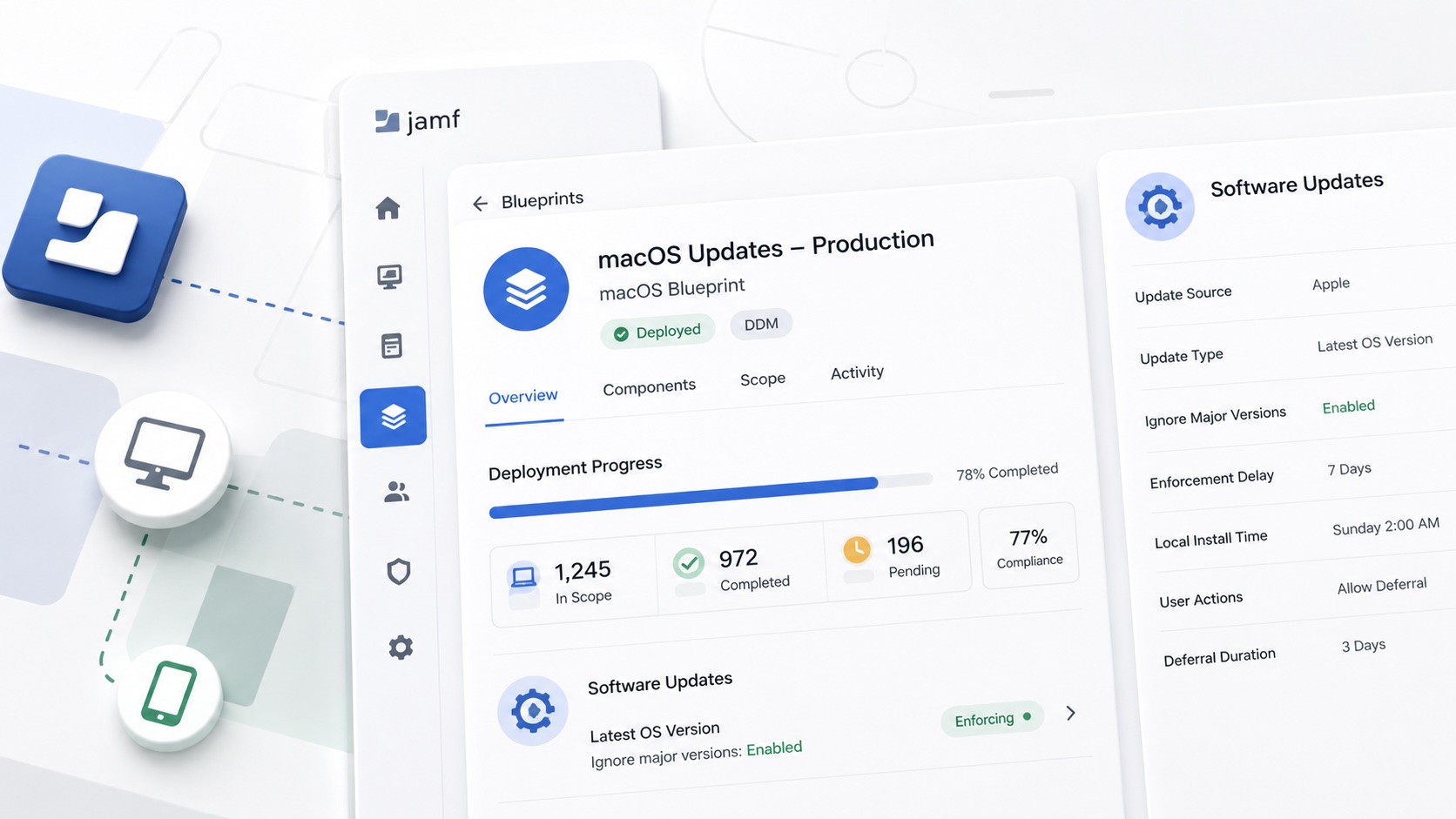
Build Jamf DDM Update Blueprints for macOS and iOS
How I set up Jamf software update blueprints for macOS and iOS using Declarative Device Management, staged scope, clear enforcement timing, and visible deployment progress.

Review the Package Before You Build the Policy
A Jamf-focused package review workflow for checking installer signing, package contents, scope, validation, and rollback before a policy reaches production Macs.
Jamf Was My Mac Evidence Layer for CMMC
How Jamf Compliance helped support the Mac portion of a CMMC assessment, and why I added a small read-only CSV summary script for auditor-ready failed-result evidence.
Adobe in Jamf: To Package or Not to Package
A Jamf Pro workflow for deciding when Adobe software should be deployed as a manual Adobe package and when the Jamf App Catalog path is the better fit.
