
Keeping Jamf Security Cloud Sharp for O365
When I first wrote about troubleshooting Standard Routing Policies in Jamf Security Cloud, the goal was simple: help admins keep Microsoft Teams and Microsoft 365 traffic flowing smoothly through Jamf Trust + App-Based VPN.
Fast-forward, Microsoft has added additional IP ranges and hostnames — and if you’re relying solely on Jamf’s built-in policy, you’re eventually going to feel the pain when Teams, Outlook, or SharePoint suddenly stop behaving.
This post updates the original allow-list to ensure full functionality with Microsoft 365 services, including Teams calling, media, authentication, and content delivery.
As before — we don’t remove anything. We only add what’s required and label what’s New.
Updated Allowed & Required URLs for Jamf Security Cloud App VPN Policy (Microsoft Services)
✅ Default Jamf Policy URLs (Unchanged)
| Category | URLs / Subnets |
|---|---|
| Prebuilt Policy | *.adl.windows.com |
| *.mediaservices | |
| windows.net | |
| *.msecnd.net | |
| *.msteams | |
| *.sfbassets.com | |
| *.skvne.com | |
| *.skvneforbusiness.com | |
| *.adl.windows.com | |
| *.mediaservices.windows.net | |
| *.msecnd.net | |
| *.mstea.ms | |
| *.sfbassets.com | |
| *.skype.com | |
| *.skypeforbusiness.com | |
| *.teams.microsoft.com | |
| skype.com | |
| skypeforbusiness.com | |
| teams.microsoft.com |
✅ Required Custom Hostnames (Original + New)
| Hostname | Status |
|---|---|
| *.lync.com | Required |
| *.resources.office.net | Required |
| *.static.microsoft | Required |
| *.teams.cloud.microsoft | Required |
| *.usercontent.microsoft | Required |
| *.users.storage.live.com | Required |
| compass-ssl.microsoft.com | Required |
| join.secure.skypeassets.com | Required |
| mamservice.manage.microsoft.com | Required |
| mlccdnprod.azureedge.net | Required |
| resources.office.net.edgekey.net | Required |
| aadcdn.msftauth.net | New |
| autodiscover.office365.com | New |
| cdn.office.net | New |
| cdn.office365.com | New |
| config.office.com | New |
| exchange.microsoft.com | New |
| *.akadns.net | New |
| *.azureedge.net | New |
| attachments.office.net | New |
✅ Required IP Ranges (Original + New)
| IP Range / Address | Status |
|---|---|
| 52.122.0.0/15 | Required |
| 52.244.160.207/32 | Required |
| 52.238.119.141/32 | Required |
| 40.64.0.0/10 | New |
| 131.253.0.0/16 | New |
| 52.96.0.0/14 | New |
| 20.190.128.0/18 | New |
| 104.146.0.0/16 | New |
| 204.79.197.0/24 | New |
| 13.107.0.0/16 | New |
What Changed?
Microsoft is rapidly expanding delivery and authentication networks to support:
- Teams AV media & recording services
- CDN-accelerated Office 365 content
- Exchange and Outlook authentication shifts
- Azure AD / Entra traffic delivery upgrades
- Regional cloud & edge expansion
Jamf’s default routing list still doesn’t always catch everything — so the safest path is periodic manual validation against the Microsoft service endpoint list.
👉 https://learn.microsoft.com/en-us/microsoft-365/enterprise/urls-and-ip-address-ranges
Conclusion
Once again — the minute these new entries were added, end-user friction disappeared. Teams behaved, Outlook synced, and Microsoft 365 returned to the smooth experience we expect.
Key takeaway:
Even with platform vendors automating routing intelligence, cloud environments evolve faster than policy libraries. Review, validate, test, and stay ahead — or your users will alert you the hard way.
If you found this helpful, follow me on LinkedIn and feel free to drop questions or lessons you’ve learned in your environment.
Stay secure, stay curious, and keep Jamf sharp. 🔐💪
Sources
Ready to take your Apple IT skills and consulting career to the next level?
I’m opening up free mentorship slots to help you navigate certifications, real-world challenges, and starting your own independent consulting business.
Let’s connect and grow together — Sign up here
AI Usage Transparency Report
AI Era · Written during widespread use of AI tools
AI Signal Composition
Score: 0.29 · Moderate AI Influence
Summary
Updated Allowed & Required URLs for Jamf Security Cloud App VPN Policy (Microsoft Services)
Related Posts

When Chromium Mistakes Your VPN for a Local Network
Turning off Jamf Trust fixed the webinar, which normally would have sent me straight to its routing policies. This time the route was fine: Chromium was treating Jamf's ZTNA broker addresses as a local network, and an Edge and Chrome preference corrected it.
Apple Software Updates Need a Blueprint Before the MDM Commands Fade
Apple software update management is moving away from command-first MDM workflows. Jamf Blueprints and Declarative Device Management give Mac admins a better place to express update intent, scope, enforcement, and visibility.

Jamf Moves Platform SSO Into the Enrollment Gate
Jamf's attended Simplified Setup for Platform SSO changes Mac enrollment by making identity registration part of Setup Assistant before the MDM profile is installed.

Check out this new JAMF Script upload tool
Digambar Ghosalkar's Jamf Script Uploader is useful because it moves Jamf Pro script work out of manual browser copy/paste and into a repeatable API-backed workflow.

Two PPPC Tools I Would Add After the Profile Looks Right
A follow-up on two tools worth adding to a PPPC troubleshooting workflow: PPPC_Analyser for inspecting app privacy requirements and QuickJamfDeploy for forcing the Jamf management framework into place during deployment.

Audit Jamf API Roles Before They Become Forgotten Access
A read-only Jamf Pro API role audit script that reports role privilege reach, write-capable access, review priority, and API client inventory without changing Jamf.

Review the Smart Group Before You Scope the Policy
Review your Smart Group before you ever scope a Jamf policy. Validate inventory, understand your signals, test exclusions, and prove the group works before it reaches production.
Build Jamf DDM Update Blueprints for macOS and iOS
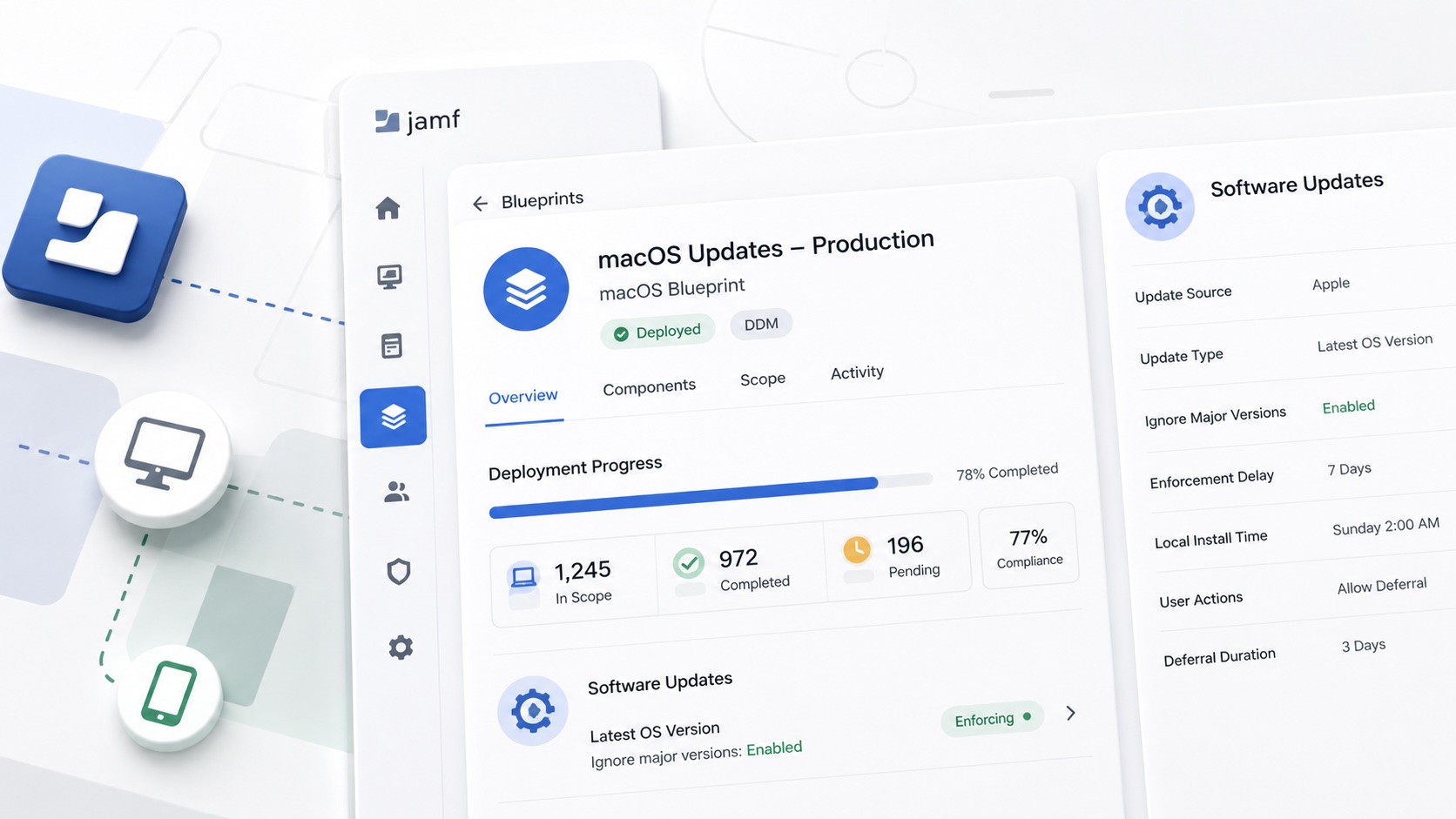
How I set up Jamf software update blueprints for macOS and iOS using Declarative Device Management, staged scope, clear enforcement timing, and visible deployment progress.

Review the Package Before You Build the Policy
A Jamf-focused package review workflow for checking installer signing, package contents, scope, validation, and rollback before a policy reaches production Macs.
Jamf Was My Mac Evidence Layer for CMMC
How Jamf Compliance helped support the Mac portion of a CMMC assessment, and why I added a small read-only CSV summary script for auditor-ready failed-result evidence.
