Two PPPC Tools I Would Add After the Profile Looks Right


After writing about checking the PPPC profile before blaming the application, I realized there are several tools I reach for that deserve their own discussion.
The previous article focused on the profile itself: verifying the bundle identifier, designated code requirement, TCC service, authorization, profile scope, and making sure another PPPC profile wasn’t overriding the one I expected to apply. That’s still where I start whenever an application isn’t behaving the way I expect.
Before I ever open Jamf Pro or Microsoft Intune, though, there are two questions I want answered.
The first is, what does this application actually need?
The second is, what’s the easiest way to build and deploy a valid PPPC policy once I know the answer?
Those are separate problems, and fortunately there are several excellent tools that help solve them.
PPPC_Analyser
If I’m working with an application I’ve never deployed before, PPPC_Analyser is usually the first tool I run.
Unlike a PPPC profile editor, PPPC_Analyser doesn’t build a payload. Instead, it analyzes an application bundle and reports the information you’re likely to need when creating one. It extracts the bundle identifier, designated code requirement, Team ID, entitlements, privacy usage strings, and identifies the TCC services the application appears likely to request.
That information is valuable because many PPPC problems begin long before your MDM is involved.
It’s surprisingly common to hear that an application “needs permissions” without anyone being able to explain which permissions those actually are. Is it requesting Accessibility? AppleEvents? Screen Recording? Full Disk Access? Is the request coming from the application itself, a helper process, or another executable hidden inside the bundle?
I’d rather answer those questions before I start authoring a profile.
Running the tool is straightforward.
./pppc_analyzer.sh /Applications/zoom.us.app
or
./pppc_analyzer.sh /Applications/Microsoft\ Teams.app
Within a few seconds I have most of the information I’d otherwise spend several minutes collecting manually. That output becomes the foundation for the rest of my deployment work.
It’s important to understand what PPPC_Analyser is designed to do.
It gathers evidence.
It doesn’t decide your security policy.
If the tool reports that an application is likely to request Screen Recording, that doesn’t automatically mean I want to grant it. Apple’s PPPC model intentionally treats certain privacy services differently, and the appropriate decision still depends on the application’s purpose and my organization’s security requirements.
PPPC_Analyser shortens the discovery process. It doesn’t replace testing or administrative judgment.
MacPPPC (PPPC Builder)
The final piece of my toolkit is MacPPPC, formerly known as PPPC Builder.
If PPPC_Analyser is about discovery and Intune PPPC Utility is about authoring, MacPPPC focuses on making deployment easier.
The project includes a large catalog of predefined applications, supports building PPPC payloads for modern MDM platforms, and can even deploy profiles directly into Microsoft Intune using Microsoft Graph. For organizations managing large fleets of Macs, that can remove a tremendous amount of repetitive work from the deployment process.
Even if you don’t use the direct deployment features, it’s an excellent reference. Having a catalog of known applications and their identifiers is useful when you’re validating your own work or comparing configurations across environments.
Like the other tools, though, I don’t treat it as a substitute for understanding the application. It’s still my responsibility to review the permissions being granted and decide whether they align with the organization’s security requirements.
If You’re Managing Macs with Intune
Everything I’ve covered so far applies regardless of which MDM you’re using. Whether you’re deploying PPPC profiles with Jamf Pro, Kandji, Mosyle, Workspace ONE, Addigy, or another platform, understanding the application should always come before building the policy.
If your organization uses Microsoft Intune, there’s another project worth adding to your toolkit: Intune PPPC Utility.
The utility is designed specifically for creating and validating PPPC policies for Intune. Instead of manually building Settings Catalog entries and copying bundle identifiers, designated code requirements, and authorization settings between multiple windows, it reads much of that information directly from the application and helps generate a valid policy.
One feature I particularly appreciate is the built-in validation. Intune will happily let you create combinations of settings that don’t actually make sense or aren’t supported by Apple’s PPPC framework. Discovering those mistakes after deployment usually means another round of troubleshooting and testing. Intune PPPC Utility catches many of those problems before the policy ever reaches a Mac.
If you’re already managing macOS with Intune, it’s a tool that’s well worth keeping in your toolbox. It doesn’t replace understanding PPPC, but it makes building and validating policies considerably less error-prone.
How I Put It All Together
Regardless of which MDM I’m using, my workflow is always the same.
I start by understanding the application—not by building the PPPC profile.
Running PPPC_Analyser against the application bundle gives me the information I need to identify the application correctly and understand the privacy services it’s likely to request.
./pppc_analyzer.sh /Applications/Example.app
From there, I build the PPPC profile using the application’s actual bundle identifier, designated code requirement, and the permissions I intend to allow. Whether I’m creating that profile in Jamf Pro, Kandji, Mosyle, Workspace ONE, Addigy, or another MDM doesn’t really change the process. The policy should be based on what the application actually requires, not on trial and error.
If I’m managing Macs with Microsoft Intune, I’ll often use Intune PPPC Utility to build and validate the Settings Catalog policy before deploying it. It’s not a required part of the workflow, but it can eliminate a lot of manual work and help catch common configuration mistakes.
When I need to accelerate deployment or I’m looking for a catalog of known applications, MacPPPC is another excellent resource. Whether I’m generating a new profile, comparing identifiers, or deploying through Intune, it can save a significant amount of time.
No matter which tools I use, the final step never changes: test the deployment.
I verify that the correct profile reaches the device, confirm that the expected privacy permissions are applied, and make sure the application behaves the way I intended under the same conditions my users will experience. No tool can replace that final validation, and it’s still the best way to prove whether a PPPC issue has actually been solved.
Final Thoughts
None of these tools replace understanding how PPPC works.
A PPPC profile is still a security policy. You need to understand what the application is requesting, decide whether that request is appropriate, and validate the user experience after deployment. No utility can make those decisions for you.
What these tools do is remove unnecessary guesswork.
When I’m working with an application I’ve never deployed before, PPPC_Analyser helps me understand its identity before I start building a profile.
If I’m managing Macs with Microsoft Intune, Intune PPPC Utility makes creating and validating a Settings Catalog policy considerably easier. If you’re using another MDM, that step will naturally look different.
MacPPPC sits further down the workflow by helping generate and deploy PPPC payloads, particularly in Intune environments, while also providing a useful catalog of known applications and identifiers.
The important part isn’t which tool you use. It’s understanding where each one fits.
Start by learning what the application actually needs. Build a policy based on evidence instead of assumptions. Then test it on a Mac that reflects your production deployment before rolling it out more broadly.
That’s still the same lesson from my previous article: don’t blame the application until you’ve proven the profile.
These tools simply make it easier to gather the information you need before making that decision.
Sources
- PPPC_Analyser
- Intune PPPC Utility
- MacPPPC
- PPPC Builder (GitHub)
- Apple Platform Deployment: Privacy Preferences Policy Control Payload
AI Usage Transparency Report
AI Era · Written during widespread use of AI tools
AI Signal Composition
Score: 0.3 · Moderate AI Influence
Summary
Two tools for PPPC troubleshooting: PPPC_Analyser and QuickJamfDeploy.
Related Posts

When Chromium Mistakes Your VPN for a Local Network
Turning off Jamf Trust fixed the webinar, which normally would have sent me straight to its routing policies. This time the route was fine: Chromium was treating Jamf's ZTNA broker addresses as a local network, and an Edge and Chrome preference corrected it.

Amnesia Stealer Shows the Next Stage of ClickFix on macOS
Amnesia Stealer shows how ClickFix-style social engineering is adapting on macOS, while a public malware sample gives defenders an opportunity to study the behavior behind the campaign.
Apple Software Updates Need a Blueprint Before the MDM Commands Fade
Apple software update management is moving away from command-first MDM workflows. Jamf Blueprints and Declarative Device Management give Mac admins a better place to express update intent, scope, enforcement, and visibility.

Contour Brings Schema Checks to Mac Admin Configuration Work
Contour is a MacAdmins configuration toolkit that brings schema validation, repeatable generation, normalization, and AI-agent-safe command discovery to Apple configuration profiles, DDM declarations, PPPC, Santa, mSCP, Background Task Management, notifications, support app profiles, and osquery schema lookup.

Three Mac Update Helpers That Fit Below a Patch Platform
Latest, Applite, and an all-in-one macOS update script each solve a different part of lightweight Mac maintenance: app update visibility, Homebrew-backed app management, and command-line package updates that can be wrapped carefully for small teams or basic MDM.
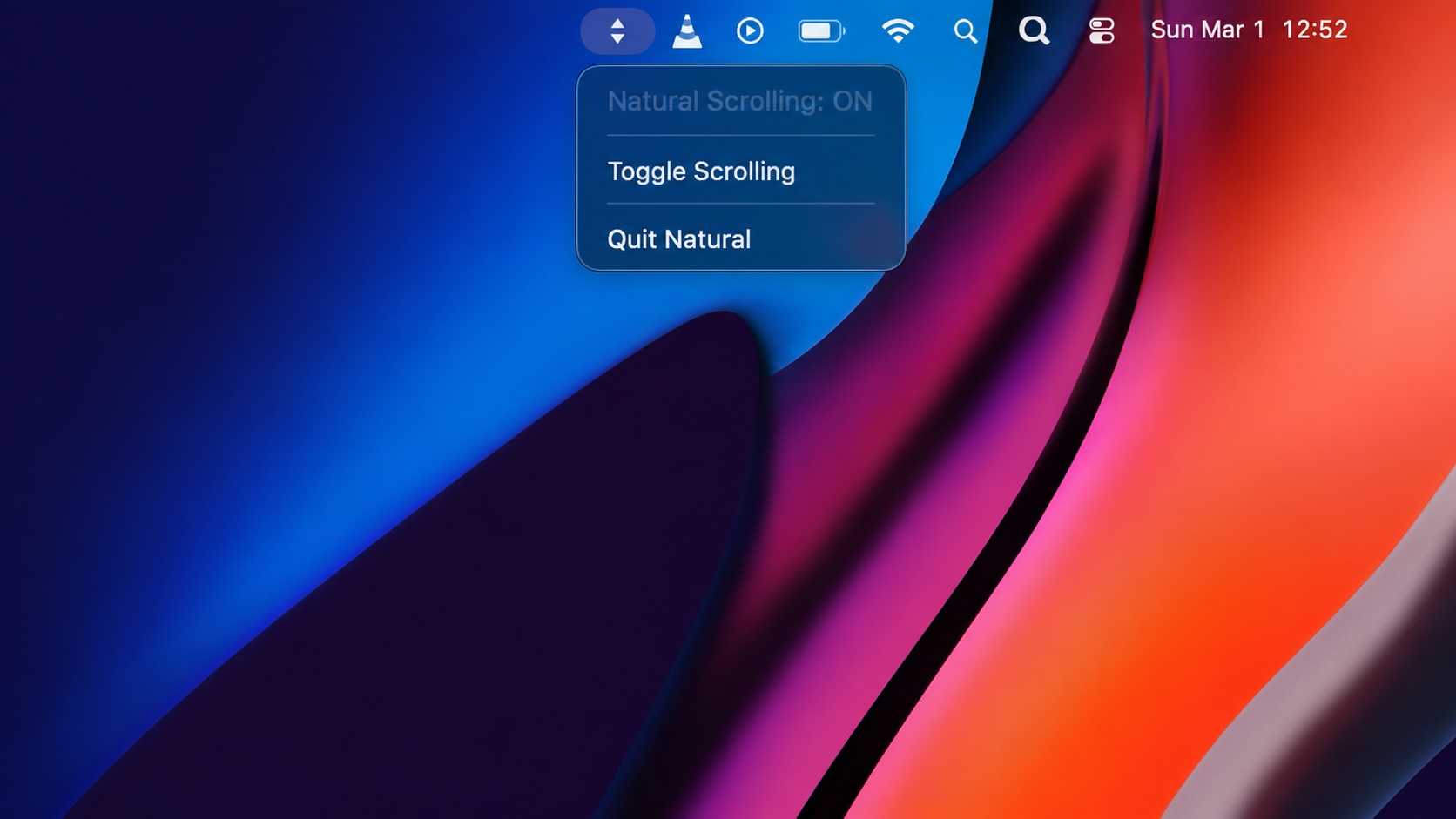
Natural Makes the macOS Scroll Direction Toggle Less Buried
Natural is a small macOS menu bar utility that makes the natural scrolling toggle easy to reach, but building it from source also shows why open-source desktop utilities need clear prerequisite checks before they become recommended tools.

Why Mac Performance Monitor Belongs in the Mac Admin Toolbox
Mac Performance Monitor belongs in the Mac admin toolbox because it records local performance history, helps Help Desk review slow-Mac reports after the moment has passed, and keeps process telemetry on the Mac instead of sending it to a cloud service.

Jamf Moves Platform SSO Into the Enrollment Gate
Jamf's attended Simplified Setup for Platform SSO changes Mac enrollment by making identity registration part of Setup Assistant before the MDM profile is installed.

ClickLock Shows Why Terminal Paste Is a Mac Security Boundary
ClickLock Stealer shows why Mac security teams should watch for Terminal paste lures, fake AppleScript password prompts, command-line Keychain access, LaunchAgent persistence, and Jamf Protect alerts that can route suspected Macs into Jamf Pro response groups.

Deploying DDM OS Reminder 4.0.0 in Jamf
DDM OS Reminder 4.0.0 is deployed as two separate pieces in Jamf: a managed preferences profile and a one-time installer script that creates the reminder script, starter script, and LaunchDaemon heartbeat on the Mac.
