Review the Package Before You Build the Policy


A package that installs successfully on your test Mac isn’t automatically ready for deployment through Jamf Pro.
That’s an easy trap to fall into because Jamf makes software deployment look deceptively simple. Upload the package, create a policy, scope it to a Smart Group, and you’re done.
Except you’re usually not. The package is only one part of the deployment. Before it reaches production, I want to understand what it’s installing, how Jamf is going to deliver it, what other configuration the application depends on, and how I’ll verify that everything worked after the policy runs. That’s the review process I follow before I ever scope a package to production devices.
Step 1: Understand What the Package Actually Does
The first review has nothing to do with Jamf. Before I think about policies, Smart Groups, or deployment schedules, I want to understand exactly what the installer is going to change on the Mac.
Some packages are simple. They copy an application into /Applications, write a package receipt, and they’re finished. Others install launch daemons, privileged helpers, login items, system extensions, scripts, certificates, or files throughout /Library. At that point I’m no longer reviewing an application installer—I’m reviewing changes to the operating system.
Apple’s deployment guidance assumes administrators understand what they’re deploying before distributing it. I think that’s a good habit regardless of which MDM you’re using.
The first commands I usually run are:
pkgutil --check-signature VendorApp.pkg
pkgutil --expand VendorApp.pkg /tmp/VendorApp-expanded
find /tmp/VendorApp-expanded -maxdepth 3 -type f | sort | head -50
Those commands aren’t a security audit, but they answer some practical questions very quickly.
Is the package signed?
What files are included?
Is this simply an application installer, or is it introducing supporting components that will require additional planning?
Understanding the payload first makes the rest of the deployment much easier to reason about.
Step 2: Design the Deployment
Once I understand the package, I start thinking about how I want Jamf to deliver it.
One thing I’ve learned over the years is that a policy isn’t just an installer with a trigger attached to it. It’s the deployment strategy.
The trigger, execution frequency, Smart Group, exclusions, validation method, and rollback plan all determine how successful that deployment is likely to be.
Before I build the policy, I usually sketch out something like this:
Policy Name: Install VendorApp
Package: VendorApp-5.4.2.pkg
Trigger: Recurring Check-in
Frequency: Once per Computer
Scope: Pilot Smart Computer Group
Exclusions: Known Incompatible Macs
Validation: Extension Attribute
Rollback: Vendor Uninstaller
One line always receives the most attention: validation.
How will I know the deployment actually succeeded?
If I can’t answer that question before the policy exists, I probably haven’t finished designing the deployment.
Step 3: Review Everything the Package Depends On
This is probably where I see the most deployment issues, and it’s a good reminder that successfully installing software is only one part of a successful deployment.
It’s easy to focus on whether the package built correctly, uploaded successfully, and installed without errors. The deployment policy runs, the logs look clean, and every indicator suggests the rollout was a success. Unfortunately, that’s often the point where the real testing begins rather than where it ends.
The first time the application launches, it may request permissions that were never approved, attempt to load a system extension that hasn’t been authorized, register a managed Login Item that wasn’t configured, or depend on a certificate, content filter, or other supporting configuration that was never deployed. None of those issues indicate a problem with the package itself—they indicate that the overall deployment wasn’t fully planned.
When I’m preparing to deploy new software, I try to think beyond the installer and consider everything the application expects from the operating system. Does it require a PPPC profile? Will it need a System Extension approval? Does it install a managed Login Item? Are certificates, network extensions, or other configuration profiles required before the application can function correctly? Those questions are just as important as verifying that the installer completes successfully.
Rather than discovering those dependencies after the application reaches production, I prefer to identify and deploy the supporting configuration first, validate everything on a pilot Mac, and confirm that the application behaves exactly as expected from the moment it launches. Taking that extra time upfront usually results in a much smoother deployment and significantly fewer support requests once the software reaches users.
For me, a deployment isn’t considered complete simply because the installer finished without errors. It’s complete when the application installs, launches, and functions exactly as intended, with users never realizing how much planning went into making the experience feel effortless.
Validate the Entire Deployment
By this point, I’m not really testing the package anymore. The package itself has already been built, signed, and reviewed. The deployment policy has been created, the supporting configuration profiles have been scoped, and any required PPPC profiles, System Extensions, certificates, or managed Login Items are already in place.
What I’m validating now is that all of those pieces work together the way I expect them to.
I usually start by confirming that macOS recognizes the installer as valid and that the package signature is intact:
spctl --assess --type install --verbose VendorApp.pkg
pkgutil --check-signature VendorApp.pkg
Those commands tell me whether Gatekeeper accepts the installer and whether the package has been signed by the expected developer. They don’t guarantee the application will work, but they do eliminate two common sources of deployment problems before I ever install anything.
Next, I perform a manual installation on a test Mac so I can observe the entire process without involving my MDM.
sudo installer -pkg VendorApp.pkg -target /
Once installation completes, I verify that macOS recorded the package receipt:
pkgutil --pkgs | grep -i vendor
If I need more detail, I can inspect the receipt to verify exactly what version was installed and where it placed files on the system:
pkgutil --pkg-info com.vendor.application
pkgutil --files com.vendor.application
I also confirm that the application actually exists where I expect it to and launches successfully:
ls -la "/Applications/Vendor App.app"

open "/Applications/Vendor App.app"
If the application installs background services or launch daemons, I’ll verify that those components were registered correctly as well:
launchctl print system | grep -i vendor
Only after I’m satisfied that the installer behaves correctly on its own do I move into Jamf Pro. At that point, I’m no longer asking whether the package installs—I already know that answer. Instead, I’m validating that the deployment policy downloads the package successfully, executes as expected, updates inventory, reports the correct application version, and applies any supporting configuration without requiring user intervention.
The final step is always a limited pilot deployment. I’ll scope the policy to a small Smart Group, review the policy logs, verify inventory reporting, confirm the installed version, and make sure I understand how I’d remove or replace the software if something unexpected happens. Finding those answers during a pilot is far preferable to discovering them after hundreds or thousands of Macs have already received the deployment.
None of these commands, or the pilot itself, represent a formal certification process. What they do is reduce uncertainty. Every successful validation removes another unknown, and every unknown I eliminate before production is one less surprise waiting for my users.
Final Thoughts
One thing that’s become increasingly clear to me is that successful software deployments are rarely determined by whether the package installs without errors. In most environments, that’s actually the easy part. The more interesting question is whether the application is fully usable once the installation has finished. Does it have the PPPC permissions it needs? Have any required system extensions or managed login items already been approved? Did the Smart Group target the correct devices? Can inventory confirm that the deployment reached the desired state? Those are the questions that usually determine whether users describe a deployment as successful.
That’s why I spend far more time thinking about the deployment than the installer itself.
A package is simply the payload. The policy determines when and how it’s delivered. Smart Groups determine which Macs receive it. Configuration profiles provide the permissions and supporting configuration the application depends on, while inventory and Extension Attributes tell me whether everything actually worked the way I intended. Each of those pieces is independent, but they all contribute to the same user experience. If one part of that workflow is missing or poorly designed, the entire deployment can appear to fail even when the package installed perfectly.
Looking at deployments this way has changed how I prepare software for production. Instead of asking whether a package is ready to upload into Jamf, I ask whether the entire deployment is ready for users. By the time I expand a policy beyond my pilot group, I want to understand what the package installs, how it’s being targeted, what supporting configuration it requires, how I’ll verify success, and what my recovery plan looks like if something doesn’t behave as expected.
That review takes more time than simply uploading a package, but it’s also the point where most deployment problems are discovered. Every question answered before a package reaches production is one less problem that users—and administrators—have to solve later.
Sources
- Jamf Pro Documentation: Packages
- Jamf Pro Documentation: Policies
- Apple Platform Deployment: Distribute packages to Mac computers
AI Usage Transparency Report
AI Era · Written during widespread use of AI tools
AI Signal Composition
Score: 0.28 · Moderate AI Influence
Summary
A package that installs successfully on one Mac is not automatically ready for a Jamf policy.
Related Posts

When Chromium Mistakes Your VPN for a Local Network
Turning off Jamf Trust fixed the webinar, which normally would have sent me straight to its routing policies. This time the route was fine: Chromium was treating Jamf's ZTNA broker addresses as a local network, and an Edge and Chrome preference corrected it.
Apple Software Updates Need a Blueprint Before the MDM Commands Fade
Apple software update management is moving away from command-first MDM workflows. Jamf Blueprints and Declarative Device Management give Mac admins a better place to express update intent, scope, enforcement, and visibility.

Jamf Moves Platform SSO Into the Enrollment Gate
Jamf's attended Simplified Setup for Platform SSO changes Mac enrollment by making identity registration part of Setup Assistant before the MDM profile is installed.

Check out this new JAMF Script upload tool
Digambar Ghosalkar's Jamf Script Uploader is useful because it moves Jamf Pro script work out of manual browser copy/paste and into a repeatable API-backed workflow.
Two PPPC Tools I Would Add After the Profile Looks Right
A follow-up on two tools worth adding to a PPPC troubleshooting workflow: PPPC_Analyser for inspecting app privacy requirements and QuickJamfDeploy for forcing the Jamf management framework into place during deployment.

Audit Jamf API Roles Before They Become Forgotten Access
A read-only Jamf Pro API role audit script that reports role privilege reach, write-capable access, review priority, and API client inventory without changing Jamf.

Review the Smart Group Before You Scope the Policy
Review your Smart Group before you ever scope a Jamf policy. Validate inventory, understand your signals, test exclusions, and prove the group works before it reaches production.
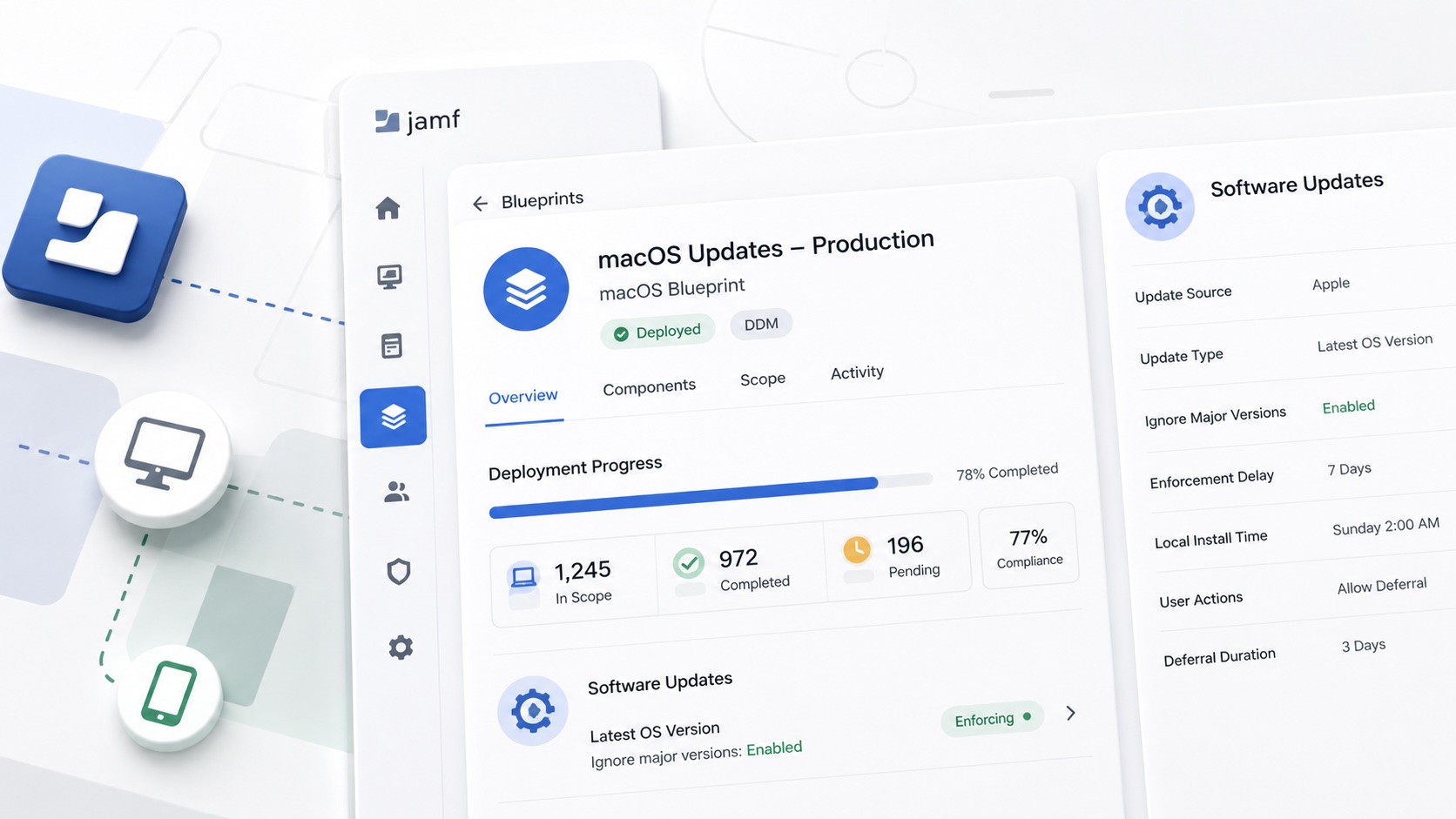
Build Jamf DDM Update Blueprints for macOS and iOS
How I set up Jamf software update blueprints for macOS and iOS using Declarative Device Management, staged scope, clear enforcement timing, and visible deployment progress.
Jamf Was My Mac Evidence Layer for CMMC
How Jamf Compliance helped support the Mac portion of a CMMC assessment, and why I added a small read-only CSV summary script for auditor-ready failed-result evidence.
Adobe in Jamf: To Package or Not to Package
A Jamf Pro workflow for deciding when Adobe software should be deployed as a manual Adobe package and when the Jamf App Catalog path is the better fit.
