
Apple Business Manager and Apple School Manager are excellent systems of record. They tell you exactly what devices you own, who they’re assigned to, and how they’re enrolled. For inventory, they are authoritative. For risk, they are silent.
What neither platform shows you is which devices are quietly becoming liabilities.
Warranty expiration is not surfaced. AppleCare+ status is not prioritized. Devices that are weeks away from falling out of coverage look exactly the same as devices that are fully protected. Unless you manually click into individual records, export data, or maintain a parallel spreadsheet, there is no way to understand risk across a fleet at a glance. As environments grow, that gap doesn’t just persist — it compounds.
This is the problem that led me to build ABM Warranty.
In our own organization, we needed a way to ensure company devices stayed under warranty. Not as a “nice to have,” but as a deliberate operational strategy. Many of our employees work remotely. They don’t have the luxury of walking into an office staffed with hardware technicians. When something goes wrong, the difference between being under warranty and out of warranty is the difference between a fast replacement and a costly, time-consuming disruption.
Keeping devices covered gives peace of mind. It protects the business from unexpected repair costs, and it protects employees by giving them flexibility to get service wherever they are. Out-of-warranty repairs are expensive, unpredictable, and difficult to budget for. When you manage this proactively, warranty coverage becomes a safety net instead of an afterthought.
This has become even more relevant as Apple hardware longevity has increased. The M1 through M3 generations age exceptionally well. Devices remain fast, reliable, and useful longer than traditional replacement cycles assumed. Apple itself recommends a three to four year lifecycle, but also offers renewable warranties for a reason. Many organizations can reset, redeploy, and continue using hardware with a high degree of confidence — as long as coverage is maintained.
The challenge isn’t deciding whether to renew or replace. The challenge is knowing which devices need action, and when.
Apple Business Manager and Apple School Manager were never designed to answer that question. They are inventory platforms, not lifecycle dashboards. Even if Apple eventually adds a native warranty dashboard — and it would make sense for them to do so — exporting and acting on that data would still be a real operational need. Organizations don’t just want to see information. They need to report on it, share it, and integrate it into planning workflows.
In the meantime, teams are left building fragile processes outside of Apple’s tools. Manual exports. Spreadsheets. Ad hoc scripts. Repeated logins across multiple accounts. None of this scales cleanly, especially for MSPs, school districts, or enterprises managing multiple Apple Business Manager or Apple School Manager environments.

Support Indie Development
These apps are built in my free time.
I build and maintain these tools as an indie developer outside of client work and day-to-day responsibilities. If you find these apps useful and want to help fund continued development, updates, support, and new releases, you can sponsor the work directly.
Monthly support helps me keep shipping improvements, maintain compatibility, and invest more time into building practical software for the Apple admin and consultant community.
ABM Warranty exists to bridge that gap.
It provides a focused dashboard that surfaces warranty and AppleCare+ risk immediately. Devices approaching expiration are visible without hunting. Prebuilt filters make it easy to answer questions like “what is expiring soon,” “what is already out of coverage,” and “what needs attention right now.” Data can be exported securely for reporting, budgeting, or asset tracking without scraping or workarounds.
For organizations with multiple ABM or ASM accounts, switching between environments is intentional and safe. There’s no logging in and out, no credential confusion, and no data crossover. Everything stays local, private, and under the administrator’s control.
This isn’t about replacing Apple’s platforms. It’s about completing them. Inventory tells you what you own. Warranty tracking tells you what’s at risk.
If you manage more than a few dozen Apple devices, this is worth paying attention to. Warranty coverage isn’t just a line item — it’s part of a sustainable device program. Until Apple provides a native way to surface and act on this information, administrators still need answers. ABM Warranty is how I solved that problem for our own fleet, and it’s built to solve it for others facing the same reality.
If this problem sounds familiar, I’d encourage you to try ABM Warranty in your own environment and see how it fits into your workflow. The app is available now, and the beta program is open specifically so Apple IT administrators, MSPs, and school IT teams can put it through real-world use. Your feedback directly influences how the product evolves, from how warranty risk is surfaced to how data is exported and acted on across multiple accounts. If you manage Apple devices at scale, downloading the app, testing it with your fleet, and sharing what works — and what doesn’t — is the fastest way to help shape a tool designed for the realities of modern Apple management.
Ready to take your Apple IT skills and consulting career to the next level?
I’m opening up free mentorship slots to help you navigate certifications, real-world challenges, and starting your own independent consulting business.
Let’s connect and grow together — Sign up here
AI Usage Transparency Report
AI Era · Written during widespread use of AI tools
AI Signal Composition
Score: 0.03 · Low AI Influence
Summary
Download ABM Warranty
Related Posts

Tracing a Mac Failure with Logger Utility
Use Logger Utility to filter and stream macOS logs, inspect an Ask AI prompt, and turn a focused export into a local Llama troubleshooting report.

When Chromium Mistakes Your VPN for a Local Network
Turning off Jamf Trust fixed the webinar, which normally would have sent me straight to its routing policies. This time the route was fine: Chromium was treating Jamf's ZTNA broker addresses as a local network, and an Edge and Chrome preference corrected it.

Amnesia Stealer Shows the Next Stage of ClickFix on macOS
Amnesia Stealer shows how ClickFix-style social engineering is adapting on macOS, while a public malware sample gives defenders an opportunity to study the behavior behind the campaign.
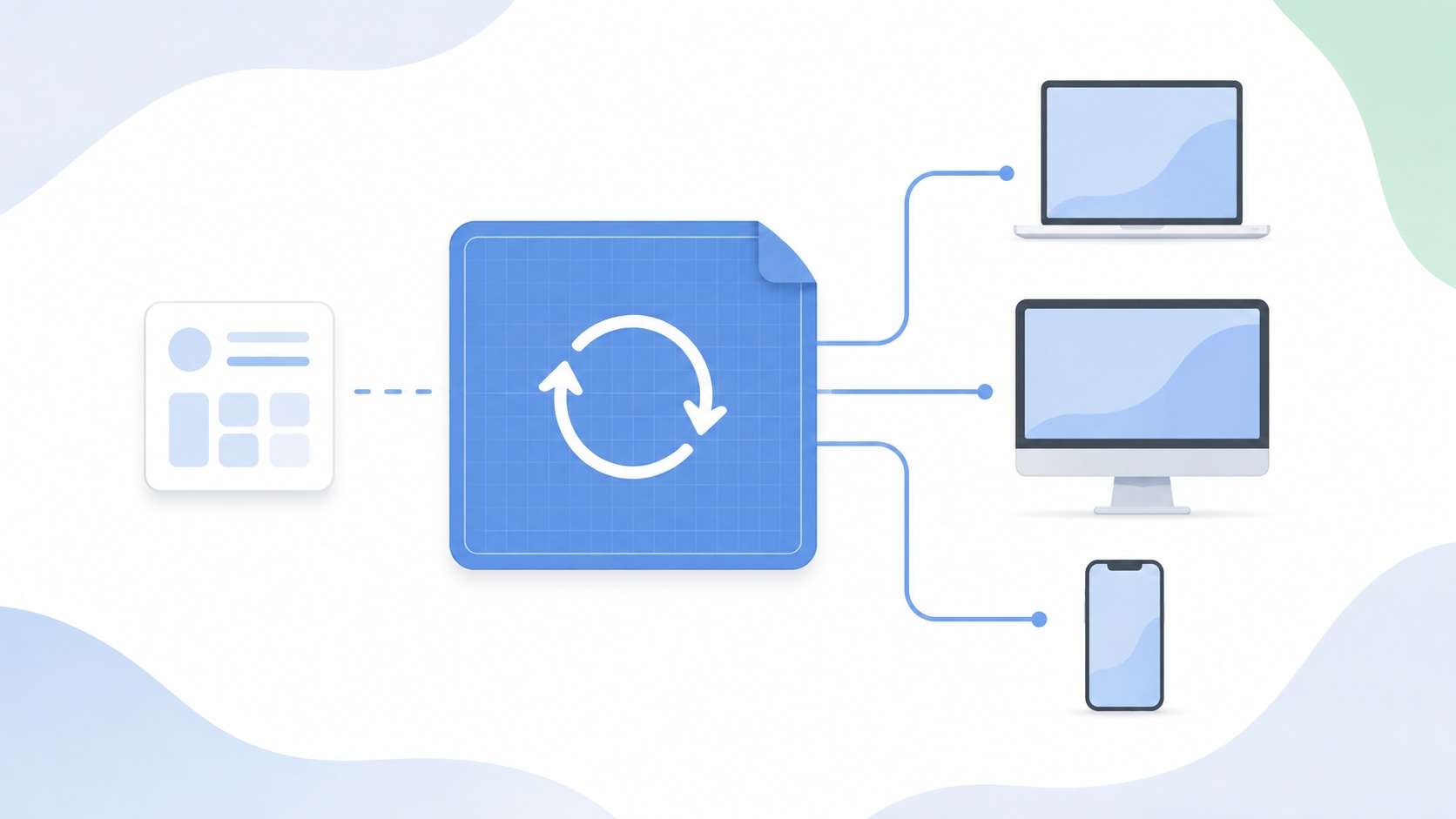
Apple Software Updates Need a Blueprint Before the MDM Commands Fade
Apple software update management is moving away from command-first MDM workflows. Jamf Blueprints and Declarative Device Management give Mac admins a better place to express update intent, scope, enforcement, and visibility.

Contour Brings Schema Checks to Mac Admin Configuration Work
Contour is a MacAdmins configuration toolkit that brings schema validation, repeatable generation, normalization, and AI-agent-safe command discovery to Apple configuration profiles, DDM declarations, PPPC, Santa, mSCP, Background Task Management, notifications, support app profiles, and osquery schema lookup.

Three Mac Update Helpers That Fit Below a Patch Platform
Latest, Applite, and an all-in-one macOS update script each solve a different part of lightweight Mac maintenance: app update visibility, Homebrew-backed app management, and command-line package updates that can be wrapped carefully for small teams or basic MDM.
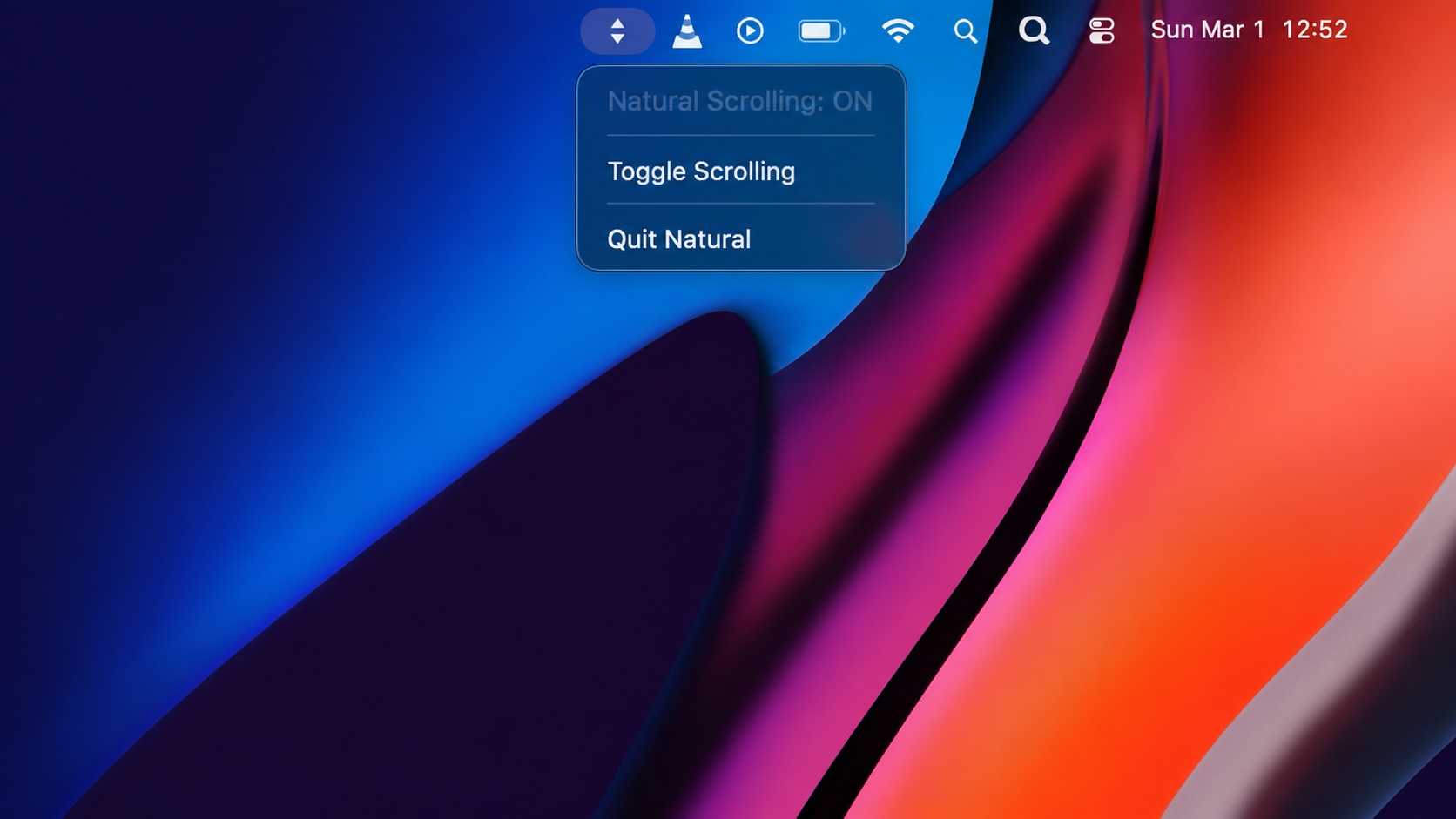
Natural Makes the macOS Scroll Direction Toggle Less Buried
Natural is a small macOS menu bar utility that makes the natural scrolling toggle easy to reach, but building it from source also shows why open-source desktop utilities need clear prerequisite checks before they become recommended tools.

Why Mac Performance Monitor Belongs in the Mac Admin Toolbox
Mac Performance Monitor belongs in the Mac admin toolbox because it records local performance history, helps Help Desk review slow-Mac reports after the moment has passed, and keeps process telemetry on the Mac instead of sending it to a cloud service.

Jamf Moves Platform SSO Into the Enrollment Gate
Jamf's attended Simplified Setup for Platform SSO changes Mac enrollment by making identity registration part of Setup Assistant before the MDM profile is installed.
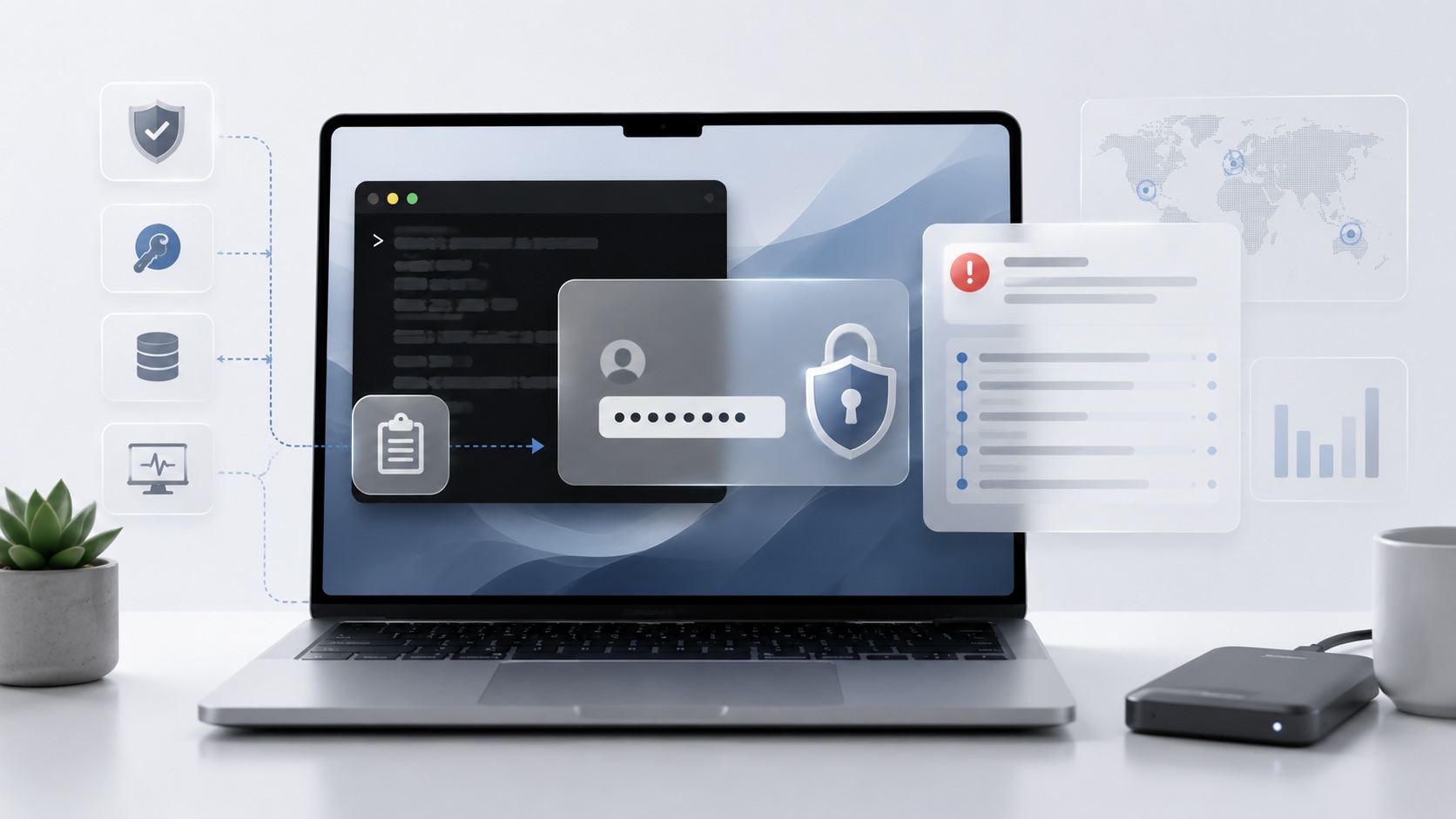
ClickLock Shows Why Terminal Paste Is a Mac Security Boundary
ClickLock Stealer shows why Mac security teams should watch for Terminal paste lures, fake AppleScript password prompts, command-line Keychain access, LaunchAgent persistence, and Jamf Protect alerts that can route suspected Macs into Jamf Pro response groups.
