
Welcome to my blog
Join me on my journey as I share my insights and experiences on all things Apple, Business and Entrepreneurship!
Join me on my journey as I share my insights and experiences on all things Apple, Business and Entrepreneurship!
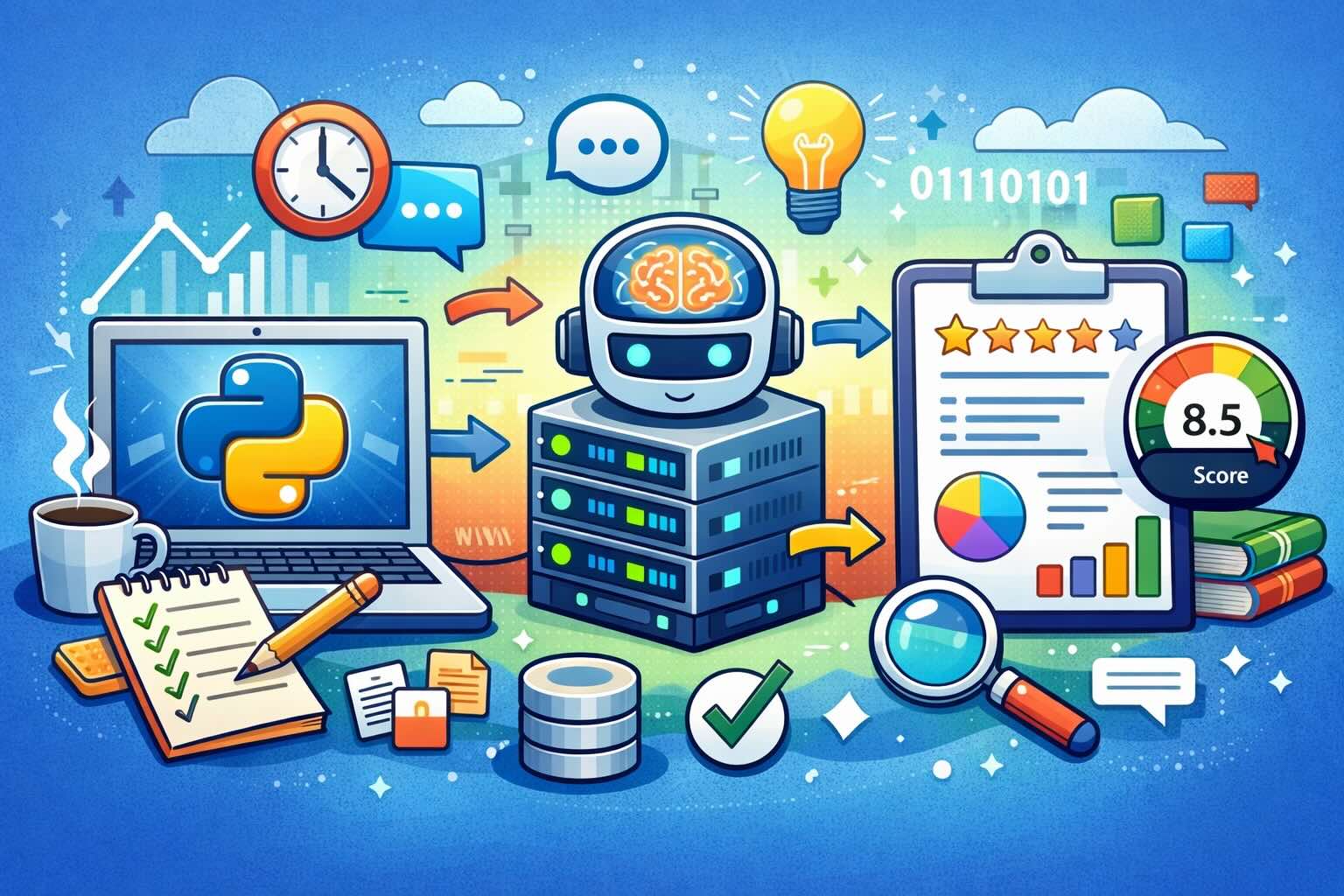
There’s a moment that kind of sneaks up on you when you’ve been writing for a while, especially if you’ve started using AI tools regularly. You stop asking whether AI was used at all, and instead start wondering how much it actually shaped what you’re reading. That shift is subtle, but once you notice it, you can’t really unsee it.
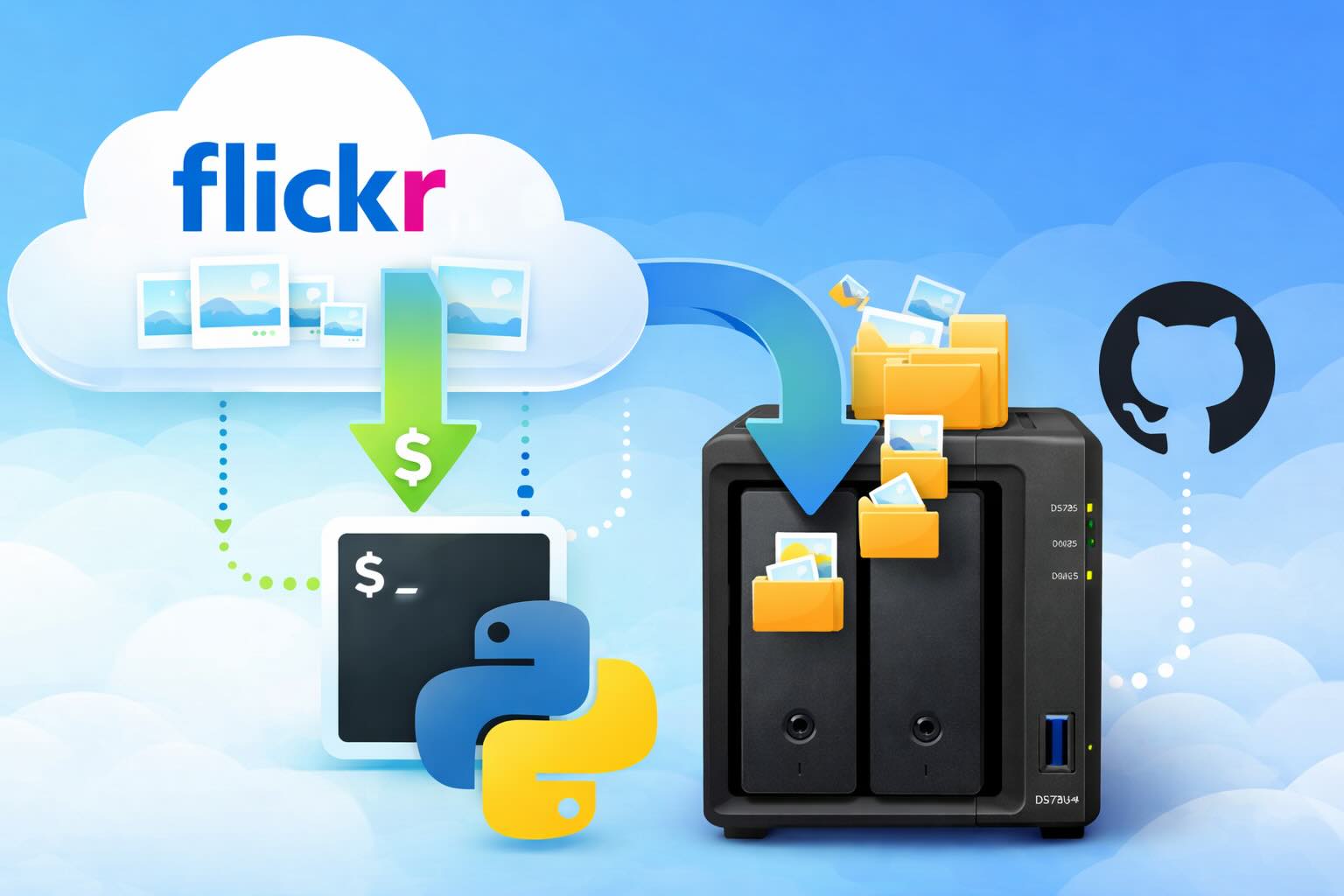
There’s a certain kind of friction you start to notice when you’ve been using a service for a long time. Not enough to make you leave immediately, but enough to make you pause. Flickr had been that kind of service for me. It quietly held years of photos, uploads from old phones, albums I hadn’t looked at in ages, and a massive "Auto Upload" collection that had grown into something I didn’t fully understand anymore.

Local LLMs have rapidly evolved beyond text and are now capable of producing high-quality images directly on-device. For users running Apple Silicon machines—especially M-series Mac Studios and MacBook Pros—this represents a major shift in what’s possible without relying on cloud services. Just a few years ago, image generation required powerful remote GPUs, subscriptions, and long processing times. Today, thanks to optimized models and Apple’s Metal acceleration, you can generate and edit images locally with impressive speed and quality. The result is a workflow that is faster, private, and entirely under...
There’s a tipping point in every Jamf Pro environment where the policy list begins to feel like a junk drawer. Everyone means well. Nobody deletes anything. And then, months later, you’re trying to answer simple questions like: *Which policies are actually scoped? What’s no longer referenced? Why are there five versions of the same script?* This post covers a small, practical script I wrote to help you **see** what’s stale, **explain** why it’s stale, and (optionally) **park** it safely out of the way—without deleting a thing.
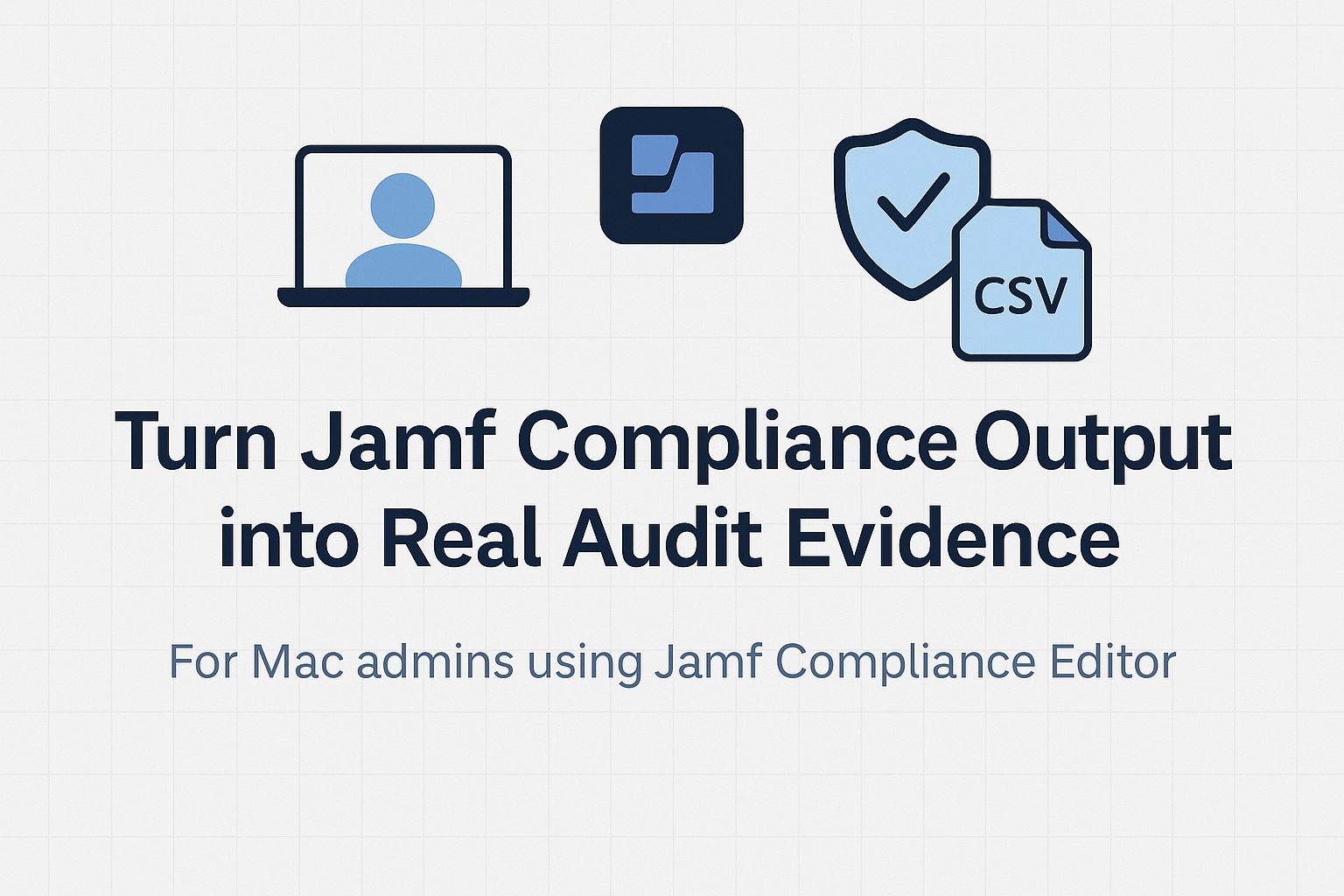
Most teams use Apple’s macOS Security Compliance Project (mSCP) baselines because they scale and they’re repeatable. Jamf’s tooling makes deployment straightforward and the Extension Attribute (EA) output is a convenient place to capture drift. What you don’t automatically get is the artifact an auditor will accept on a specific date—an actual document you can file that shows which endpoints are failing which items, plus a concise roll-up of failure counts you can act on. Smart Groups answer scope; they don’t produce evidence.

Most of us treat Apple Configurator like a fire extinguisher: break glass, DFU, restore, move on. But it can do a lot more, and when you know the edges, you can turn a bricked morning into a ship-it afternoon. Below are ten things I regularly use (or wish I’d used sooner) that demonstrate its capabilities beyond just emergency recovery.
Keeping macOS environments up-to-date in a seamless, efficient, and low-maintenance way has always been a challenge for IT admins. Traditional package deployment workflows can be time-consuming, prone to versioning issues, and require extensive testing and repackaging. This can lead to frustration and wasted resources as IT teams struggle to keep pace with the latest updates and patches. But there's another way—a more elegant, nimble approach: scripting.
Microsoft OneDrive is widely used for syncing documents across devices, but on macOS, it can silently fail to sync certain files if they violate Windows filesystem rules — like overly long paths or invalid characters. This creates frustrating experiences for end users who don’t know why files aren’t syncing.
Enabling FileVault is a critical step in securing macOS devices, particularly in managed environments like schools, enterprises, and remote teams. For administrators using **Jamf Pro**, automating this process can simplify device onboarding and ensure compliance with disk encryption policies. This automation also helps reduce the administrative burden associated with manually configuring each device, allowing IT staff to focus on other tasks while maintaining a secure environment.
Managing and maintaining a growing collection of scripts in a GitHub repository can quickly become cumbersome without automation. Whether you're writing bash scripts for JAMF deployments, maintenance tasks, or DevOps workflows, it's critical to keep things well-documented, consistently versioned, and easy to track over time. This includes ensuring that changes are properly recorded, dependencies are up-to-date, and the overall structure remains organized.

macOS has earned a strong reputation for built-in security, but the real value of the platform is not just that protections exist. It is that Apple continues pushing the operating system toward more context-aware security decisions that help users make better choices before a problem becomes a breach. This approach allows users to understand and mitigate potential risks in real-time, rather than simply reacting to threats after they've occurred.
