
Most teams use Apple’s macOS Security Compliance Project (mSCP) baselines because they scale and they’re repeatable. Jamf’s tooling makes deployment straightforward and the Extension Attribute (EA) output is a convenient place to capture drift. What you don’t automatically get is the artifact an auditor will accept on a specific date—an actual document you can file that shows which endpoints are failing which items, plus a concise roll-up of failure counts you can act on. Smart Groups answer scope; they don’t produce evidence.
This script fills that gap. It reads computer inventory from Jamf Pro, pulls the EA your baseline emits, normalizes whatever format it finds, and writes two CSVs: one per-device view with the failing items for each machine, and one fleet-level summary of unique failing items with counts. The goal is boring on purpose. You run it, it writes files, you attach those files to a ticket or a GRC record, and you can reproduce the process tomorrow without reinventing the report.
The problem this solves
Compliance baselines are great at enforcing state. Where teams get stuck is at the reporting layer—turning console views and ad-hoc exports into a dated artifact that stands up in an audit. People copy lists, paste them into spreadsheets, and lose the thread the next time someone asks for “the same snapshot for last Tuesday.” Evidence should be reproducible, timestamped, and easy to compare over time. That’s what these two CSVs are meant to be.
There’s also the question of signal. When you’re chasing individual devices from a dashboard, it’s hard to tell which failures are actually driving risk at scale. A simple count by failing item puts that in focus immediately. The script’s fleet summary file gives you that lens so you can prioritize remediation tasks and prove progress with before/after runs instead of screenshots.
How it works
Under the hood, the script authenticates to the Jamf Pro Modern API and pages through computer inventory. It reads the EA you’ve designated for compliance output—commonly the one populated by your mSCP baseline—and then parses the content into a consistent model. It’s defensive by design: if your EA is JSON in one environment and pipe-delimited or multiline in another, the parser still produces clean rows. A special case is “No baseline set.” You’ll see that status on the per-device report so you can fix scoping, but it’s excluded from the fleet summary so it doesn’t distort the counts. The point is predictable output that compares cleanly across days and audits.
Requirements
You need a Jamf Pro API account with read access to inventory and authentication endpoints, and you should already be deploying a compliance baseline that populates the EA this script reads. On the runtime side, plan to use the MacAdmins Python framework on your admin host or runner—the script expects to be invoked with the managed_python3 shim that’s standard in a lot of MacAdmin shops. With those pieces in place, you can run locally for ad-hoc snapshots or schedule it to produce daily evidence.
Usage
Export credentials first. OAuth client credentials are preferred; username/password will work as a fallback:
# OAuth (recommended)
export JAMF_URL="https://yourorg.jamfcloud.com"
export JAMF_CLIENT_ID="your_client_id"
export JAMF_CLIENT_SECRET="your_client_secret"

# or username/password fallback
export JAMF_USER="jamf_api_reader"
export JAMF_PASSWORD="••••••••"
Then run the tool:h
/usr/local/bin/managed_python3 "JAMF Compliance Reports.py" --ea-name "Compliance - Failed Result List" --out-dir "./Reports"
You’ll end up with two files—compliance_failed_by_device.csv and compliance_failed_counts.csv—in the output directory you specify. Save them with the date in the filename or drop them into an evidence bucket you control so they form a reliable trail.
Operational notes
If a large slice of the fleet reports “No baseline set,” fix that first. It’s almost always scoping or profile precedence, and until baselines land consistently you’ll be chasing noise. Once baselines are stable, the fleet summary makes prioritization obvious. There are usually a handful of recurring items that deserve focused remediation or a profile cleanup; when you fix those, the counts move quickly and the before/after story is easy to tell. Treat the CSVs as artifacts, not just diagnostics. Store them in a place with retention and immutability so you can answer “what did this look like last quarter?” without rebuilding anything.
Where POA&M fits
A Plan of Action and Milestones (POA&M) is the administrative counterpart to technical remediation. It’s a record that captures the weakness, the owner, the plan, and the dates—then closes with evidence. The per-device CSV tells you exactly which systems and users are in scope so you can assign work with precision. The fleet summary gives you a rational way to prioritize and communicate risk. When you attach a dated CSV to the POA&M record, and later attach a newer one showing the reduction or closure, you’ve moved from “we know this is a problem” to “we fixed it on purpose and here’s the proof.” That’s what auditors expect, and it’s healthier operationally because the process is repeatable.
If you want the nuts and bolts, the code lives here: Scripts/Security/NIST in my repo. It’s intentionally small. Run it, produce the two files, and keep moving.
Sources
- JAMF Pro Compliance Report Script - REPO & Readme
- Apple: macOS Security Compliance Project overview and docs — Apple Platform Security / mSCP site (NIST Pages).
- Jamf: Compliance Editor baseline guidance — Trusted Jamf Docs • Jamf Pro API — API Overview / API Authentication.
- NIST CSRC: Plan of Action & Milestones (POA&M) — CSRC Glossary.
- MacAdmins Python: framework used widely with Jamf — GitHub Repo / Releases.
Ready to take your Apple IT skills and consulting career to the next level?
I’m opening up free mentorship slots to help you navigate certifications, real-world challenges, and starting your own independent consulting business.
Let’s connect and grow together — Sign up here
AI Usage Transparency Report
AI Era · Written during widespread use of AI tools
AI Signal Composition
Score: 0.33 · Moderate AI Influence
Summary
This script fills the gap in compliance reporting by producing two CSVs: one per-device view with failing items and one fleet-level summary of unique failing items with counts.
Related Posts

Claude Code Auto Mode Changes Approval Flow, Not the Safety Boundary
Claude Code Auto mode changes how approval decisions are handled. It does not expand the boundary of what the coding agent should be allowed to do.

Contour Brings Schema Checks to Mac Admin Configuration Work
Contour is a MacAdmins configuration toolkit that brings schema validation, repeatable generation, normalization, and AI-agent-safe command discovery to Apple configuration profiles, DDM declarations, PPPC, Santa, mSCP, Background Task Management, notifications, support app profiles, and osquery schema lookup.
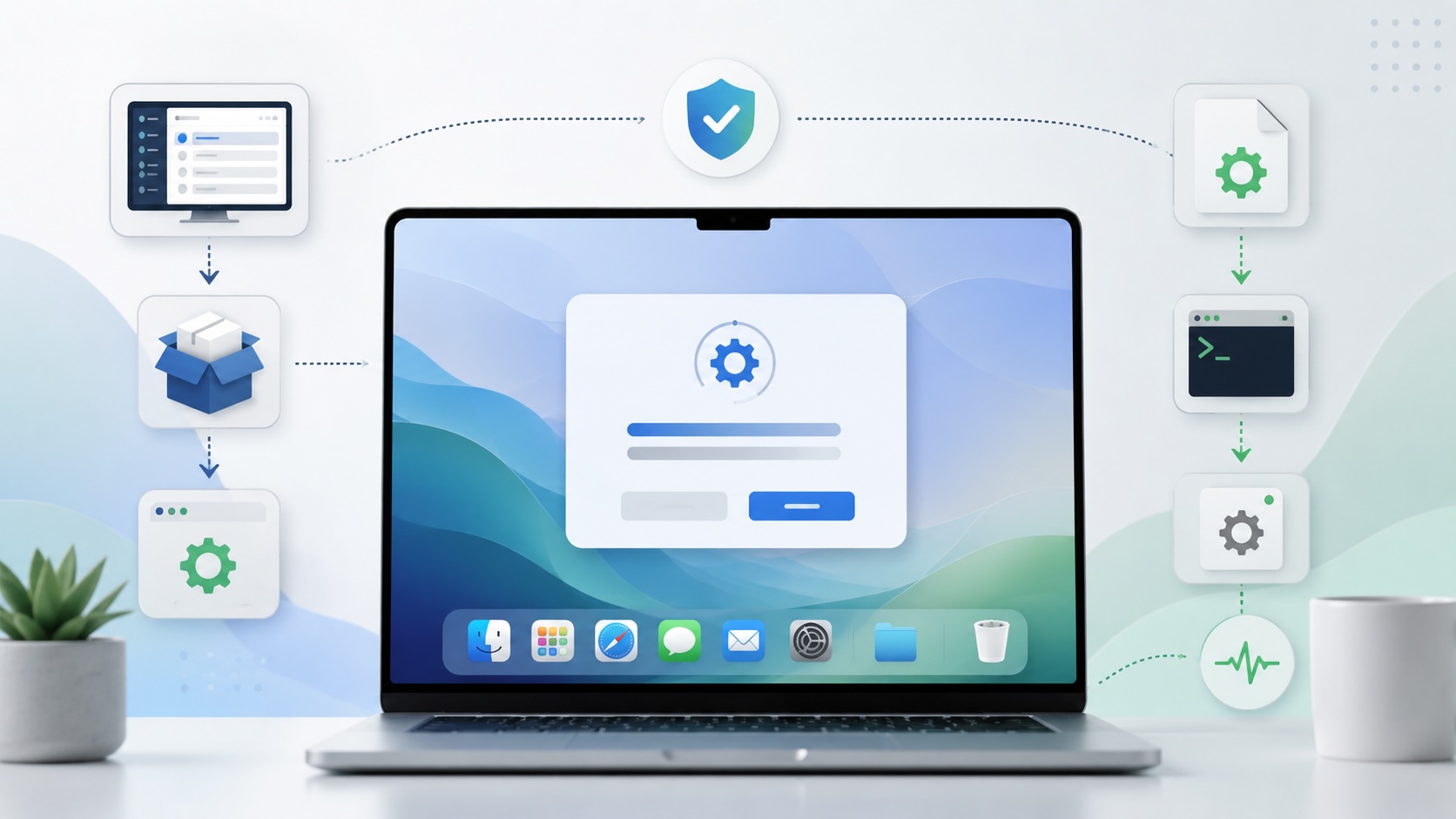
Deploying DDM OS Reminder 4.0.0 in Jamf
DDM OS Reminder 4.0.0 is deployed as two separate pieces in Jamf: a managed preferences profile and a one-time installer script that creates the reminder script, starter script, and LaunchDaemon heartbeat on the Mac.
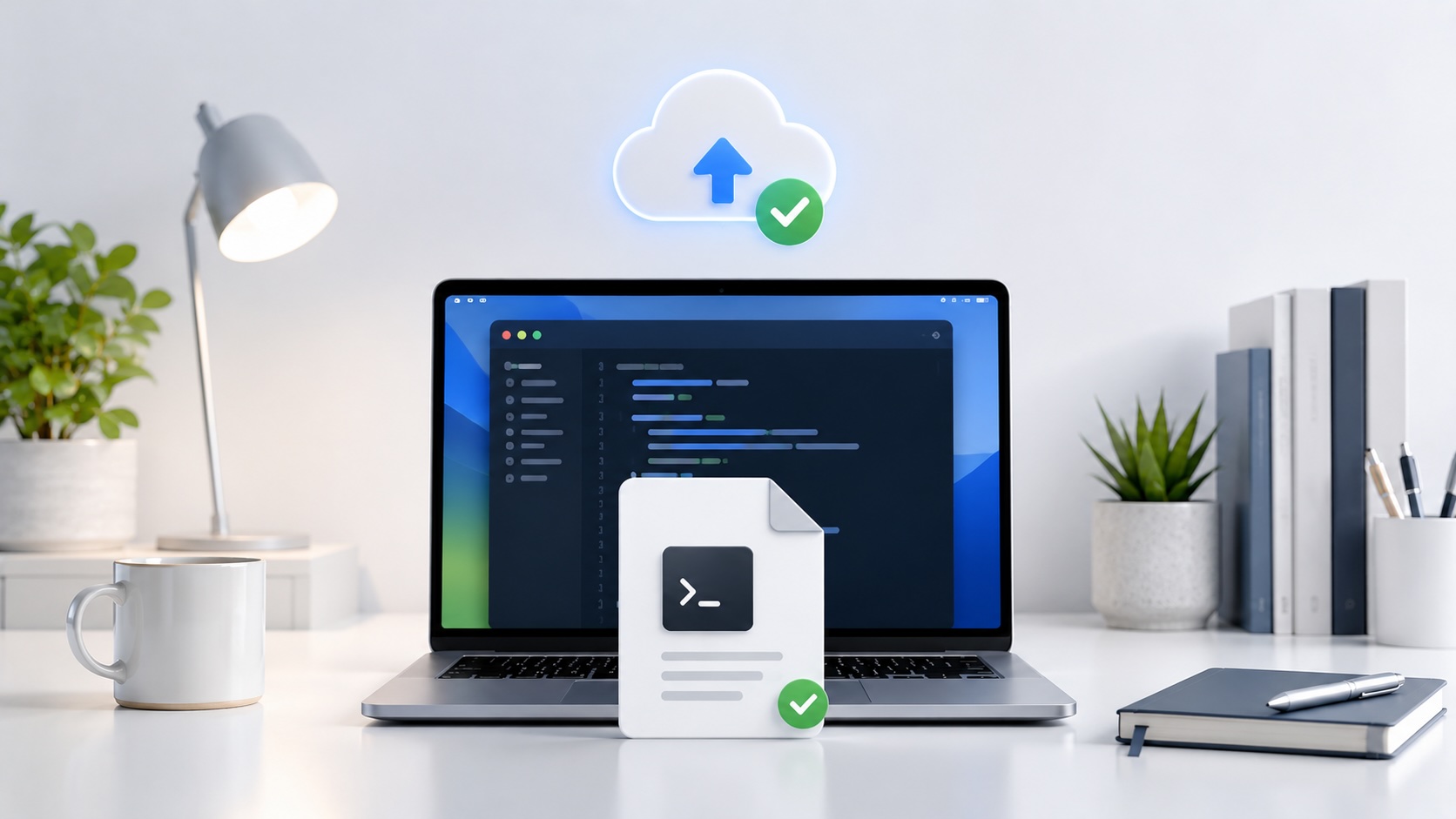
Check out this new JAMF Script upload tool
Digambar Ghosalkar's Jamf Script Uploader is useful because it moves Jamf Pro script work out of manual browser copy/paste and into a repeatable API-backed workflow.
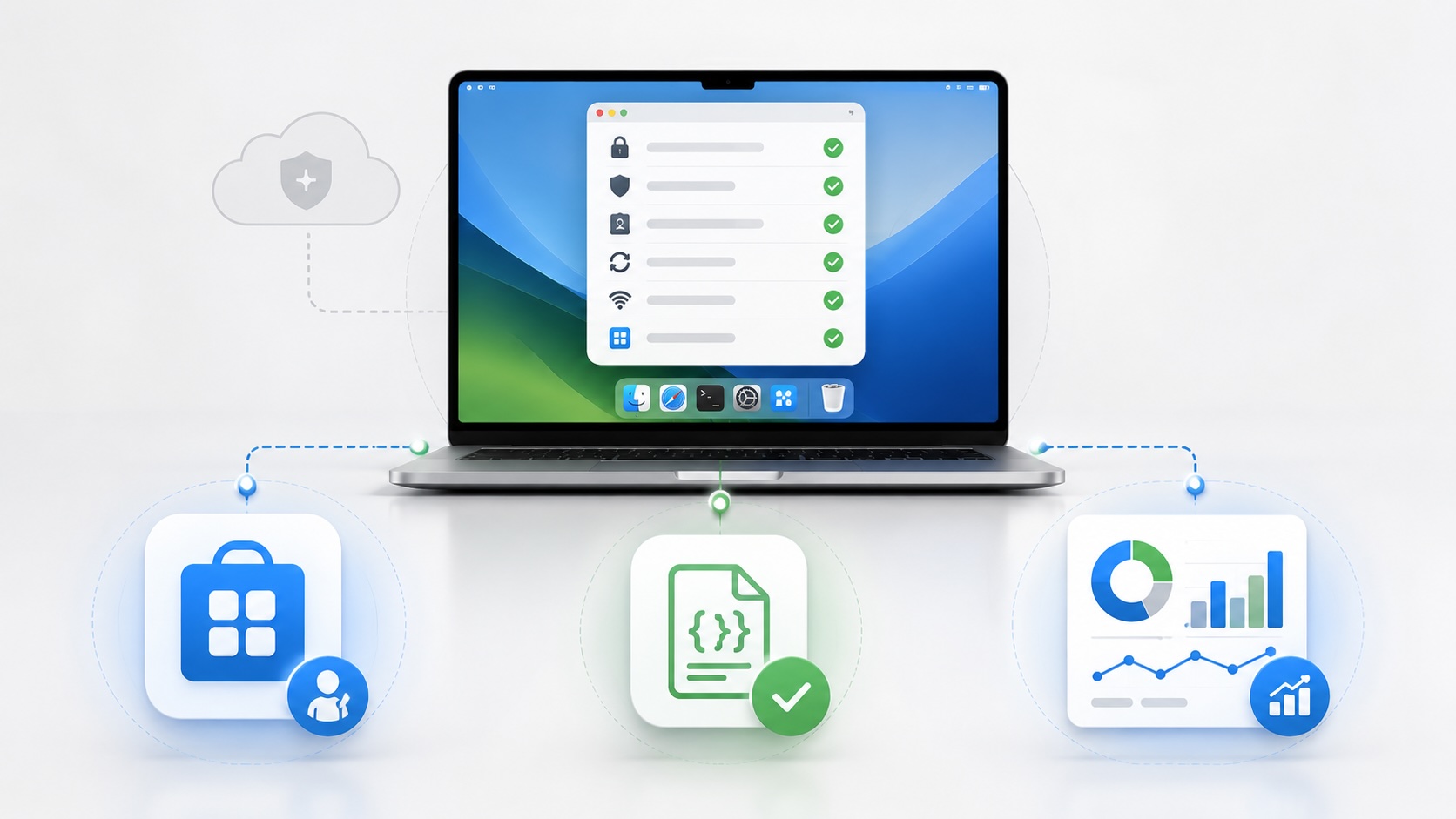
Using Mac Health Check 4.0.0 for Self-Service Compliance and Reporting
Mac Health Check 4.0.0 gives MDM administrators a Self Service workflow for showing managed Mac health, generating local JSON, and optionally feeding Splunk reporting.

Understanding GitHub Actions Before You Let Them Run
New to GitHub Actions? Learn what they are, where they come from, how AI uses them, and the review process I follow before trusting third-party Actions in production.

Audit Jamf API Roles Before They Become Forgotten Access
A read-only Jamf Pro API role audit script that reports role privilege reach, write-capable access, review priority, and API client inventory without changing Jamf.

Opening the Ollama Black Box: Understanding the Trust Boundary Behind Local AI
Installing Ollama is easy. Understanding the trust boundary behind a local AI service is what determines whether it belongs in an automation workflow.

Your Vibe-Coded App Still Needs a Trustworthy Release Path
Why vibe-coded apps still need release discipline: code signing, notarization, checksums, and GitHub artifact attestations all support integrity and user trust.

Secure Storage Isn't Enough: Using Secrets Safely in Admin Automation
Secret managers protect stored credentials. They don't automatically protect how your automation uses them. Here's the review process I use before workflows reach production.
