
Welcome to my blog
Join me on my journey as I share my insights and experiences on all things Apple, Business and Entrepreneurship!
Join me on my journey as I share my insights and experiences on all things Apple, Business and Entrepreneurship!
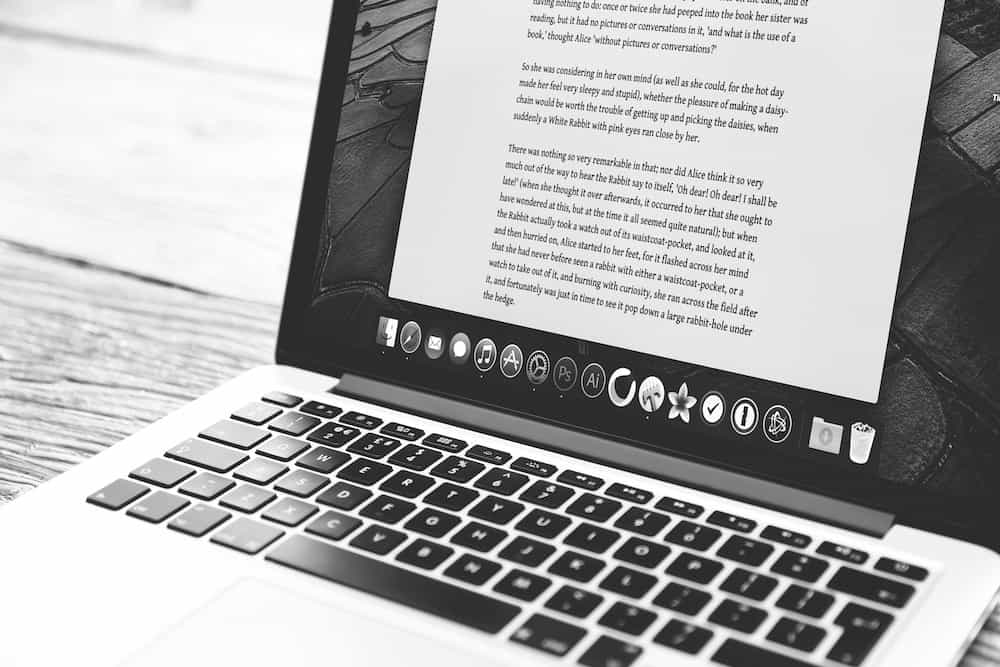
--- Many people discount the importance of running app level updates on your computers. Programs like Chrome, Firefox and Adobe Creative Suite all have built it update utilities that will look for and apply critical security and functional updates from their respective development teams. Part of the job of software vendors is providing quality assurance meaning they are testing their software to make sure that it is stable and usable for their users. However little is known about how each vendor actually tests their software. Many only test on newer...

Smartphone addiction is real. Do you check your iPhone before you get out of bed? During family dinners? Right before you go to sleep? Constantly during the day even when you’re on vacation? If you—or your family members—feel that you're disappearing into your phone too often or at inappropriate times, it may be time to do something about it. Consider how this behavior affects your relationships and daily routines – are you missing out on quality time with loved ones or neglecting responsibilities because of your phone use?

Junk calls are one of the great annoyances of the modern world. You're minding your own business when your iPhone vibrates in your pocket. You pull it out, curious as to who's calling, but don't recognize the number. You may notice that it's in the same exchange as your phone number, suggesting that it's a neighbor. Often these calls are nothing more than automated messages or telemarketers trying to sell you something.

Apple has started preorders for its new HomePod as of yesterday. Priced at $349, the audio accessory focuses on delivering high-quality sound, offers integration with Siri's AI capabilities, and provides access to Apple Music's vast library of 45 million songs. The device is designed to work seamlessly within existing Apple ecosystems, allowing users to control it with their iPhone or iPad.
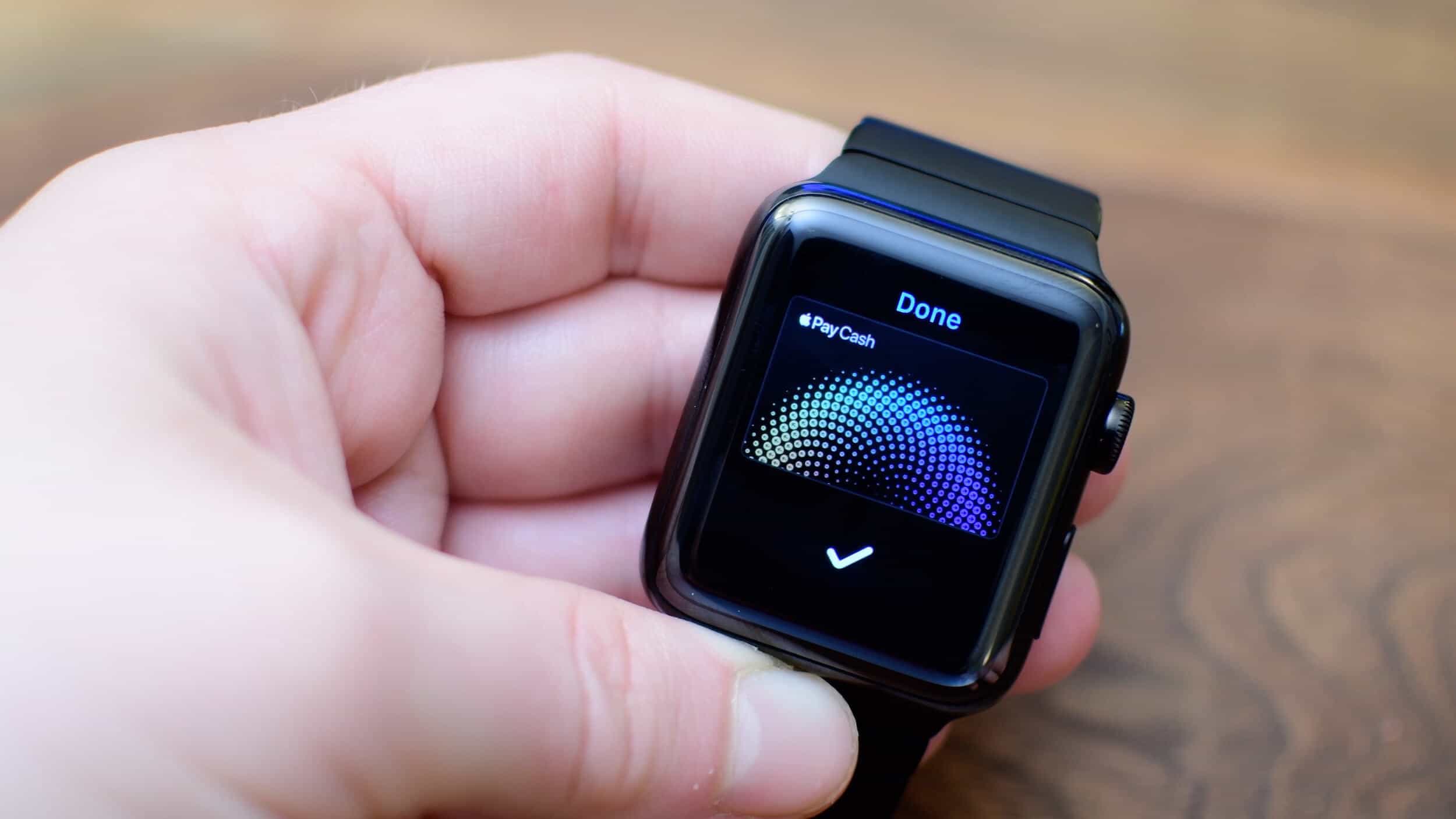
After you install watchOS 4.2, you will see on your paired iPhone with iOS 11.2 installed, an Apple Pay Cash option within the Watch app's Wallet settings. To enable it, simply toggle the switch to "ON". You'll then be prompted to sign in with your Apple ID to complete the setup process.
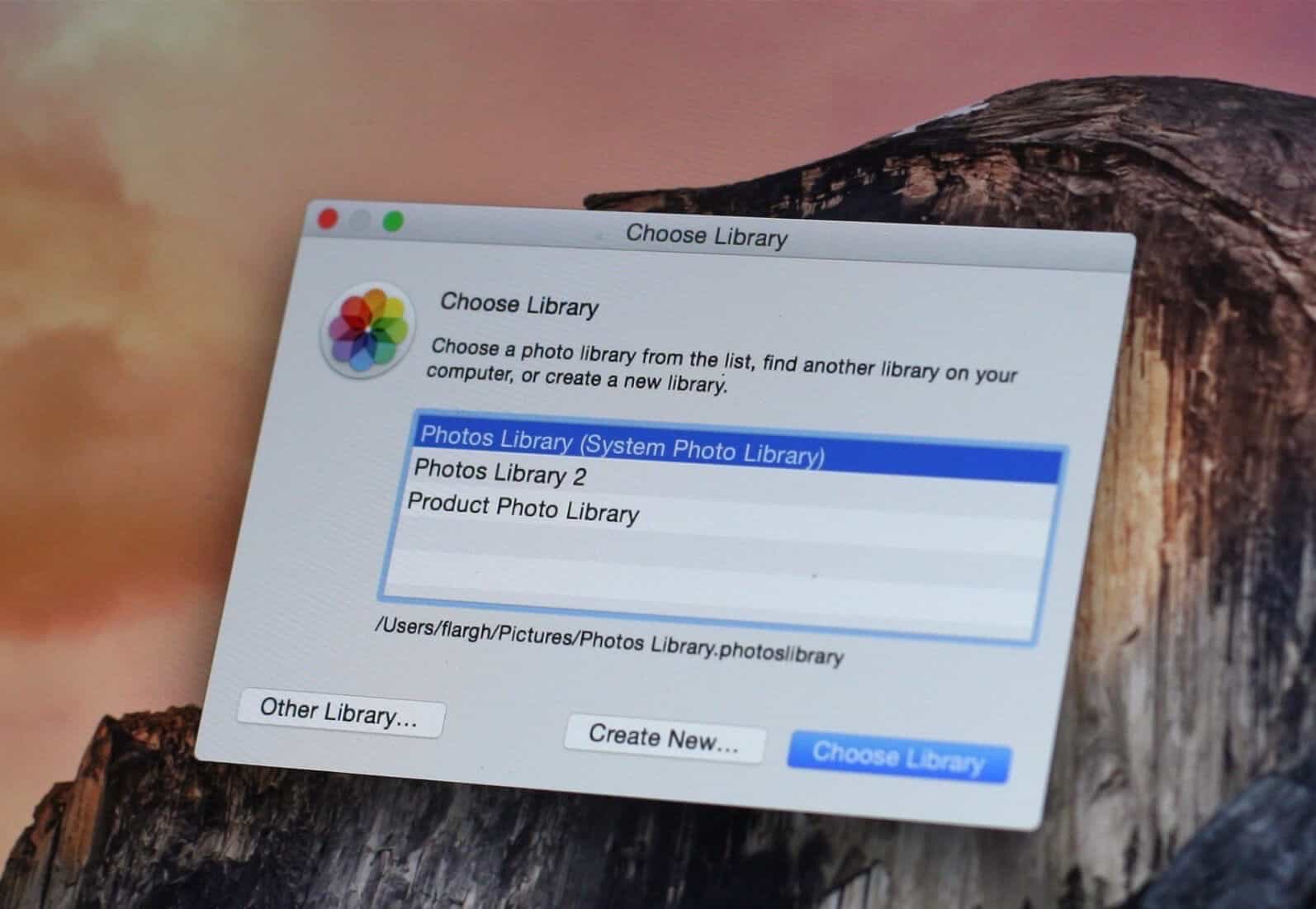
Sometimes whether it is for backup purposes or for hosting, you will want to move your photos stored in your Apple Photos application library on your Mac to an external drive instead of the startup boot drive. This can help free up space and reduce clutter on your main drive. Making the change is simpler than you think, as long as you follow a few straightforward steps.
Earlier this week we reported that Apple had acknowledged some iPhones are being throttled to prevent unexpected shutdowns. This admission came after a class-action lawsuit was filed against the company, alleging that it intentionally slowed down older devices to encourage users to upgrade to newer models. See our previous post for more information on this development.
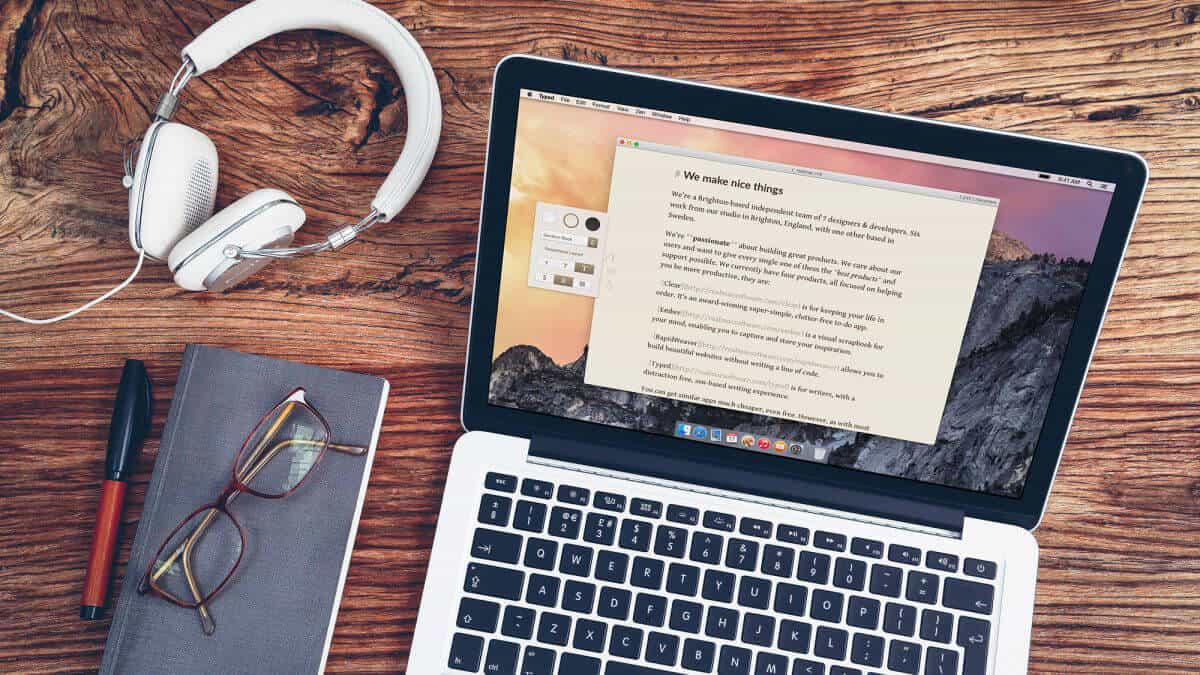
It is the season for giving, and we're happy to share some of our free apps with you. Here's a rundown of what's available to install on your Mac:
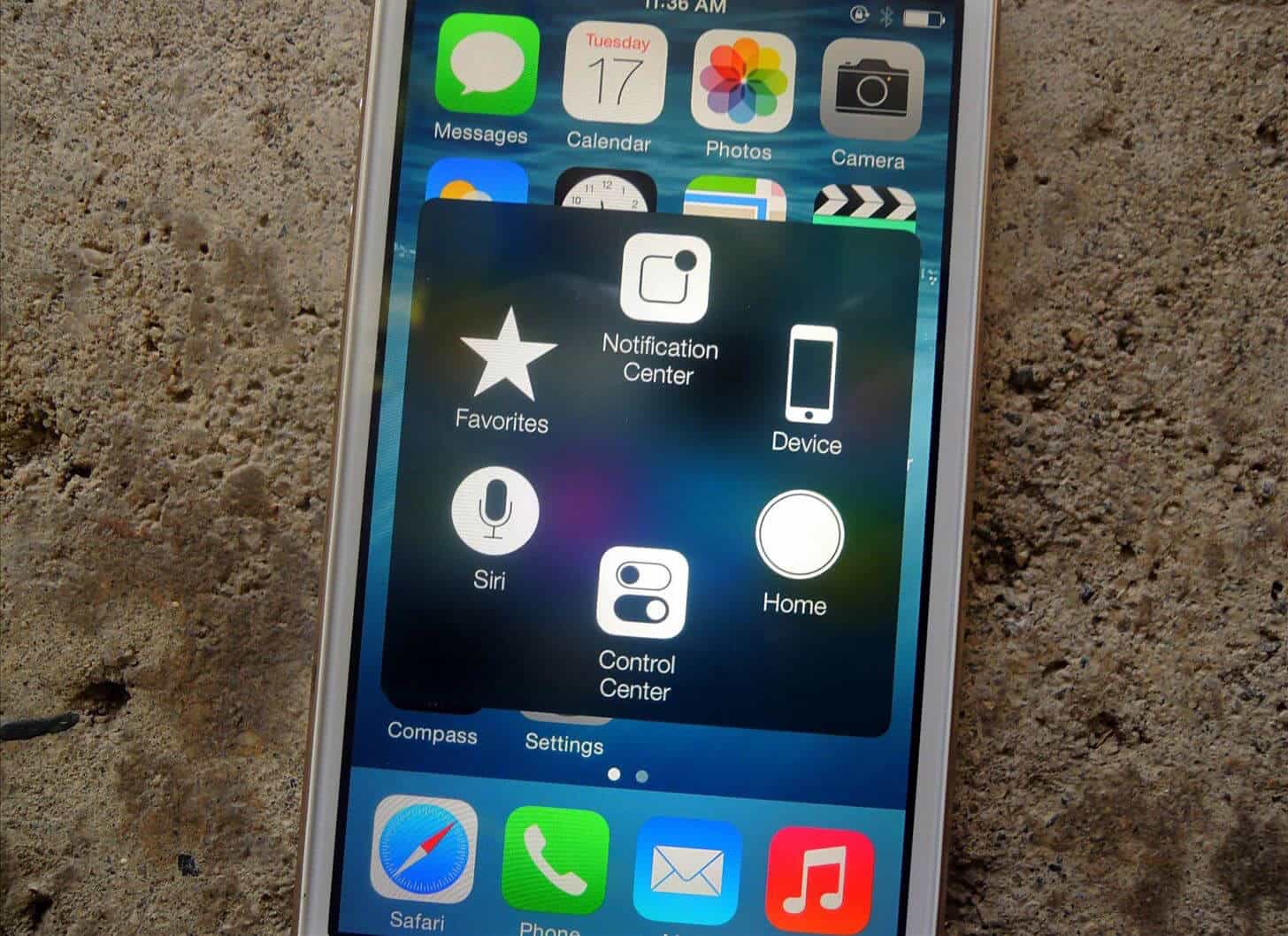
Apple has made accessibility for differently abled people a cornerstone of iPhones and iDevices since 2007, and most of us never bother to explore these controls on our iPhone unless there is a specific need. These features are often hidden in plain sight, buried beneath layers of default settings and user interfaces that cater to the majority.
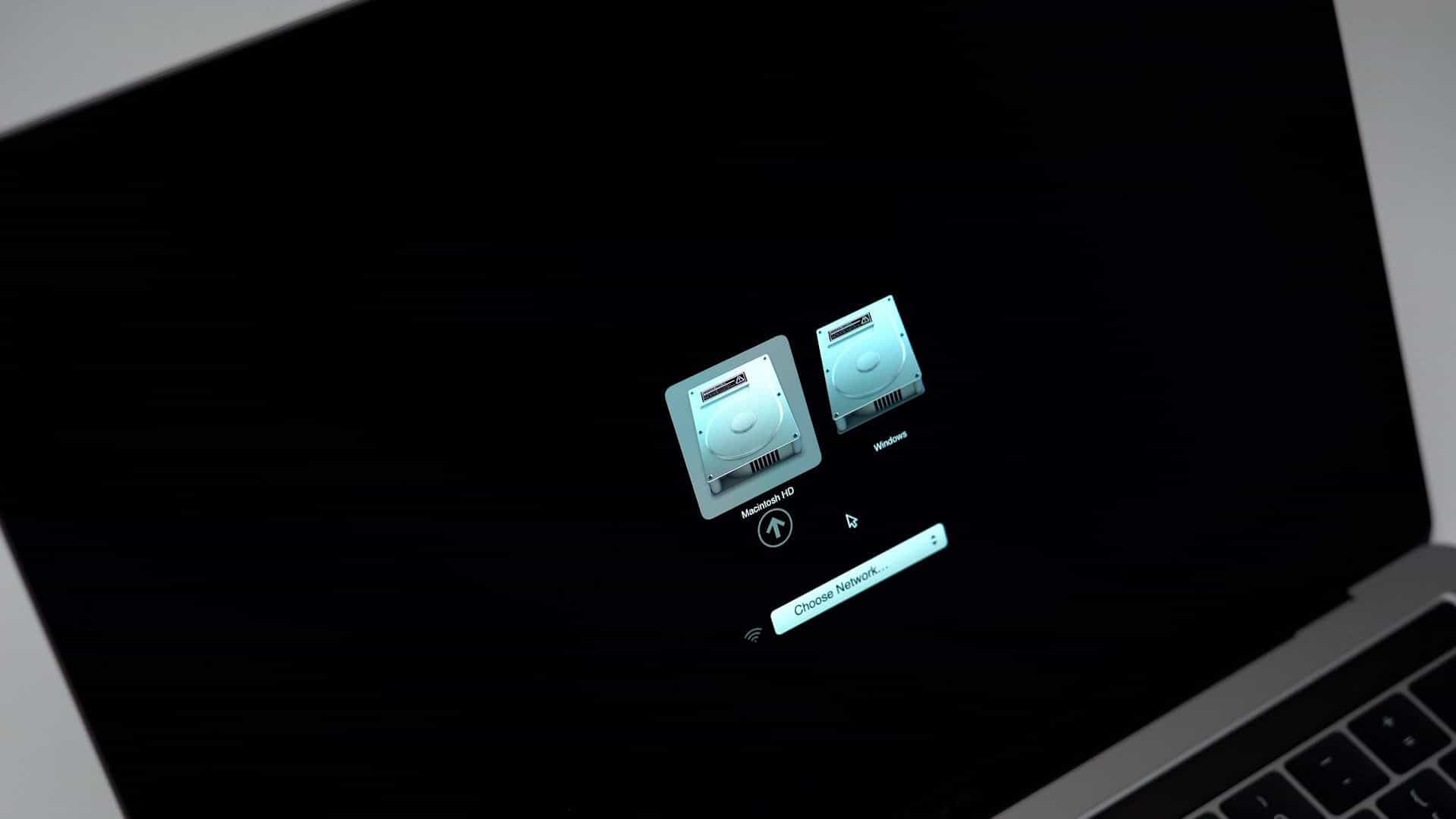
If like me you use the Boot Camp Control panel in Windows to restart your Mac into High Sierra and you are using an SSD drive for High Sierra, you may or may not notice that you can no longer choose your Macintosh startup disk in the Boot Camp Control Panel in Windows. This change is likely due to a limitation in the integration between Boot Camp and High Sierra on an SSD, but I haven't been able to find any official documentation confirming this.
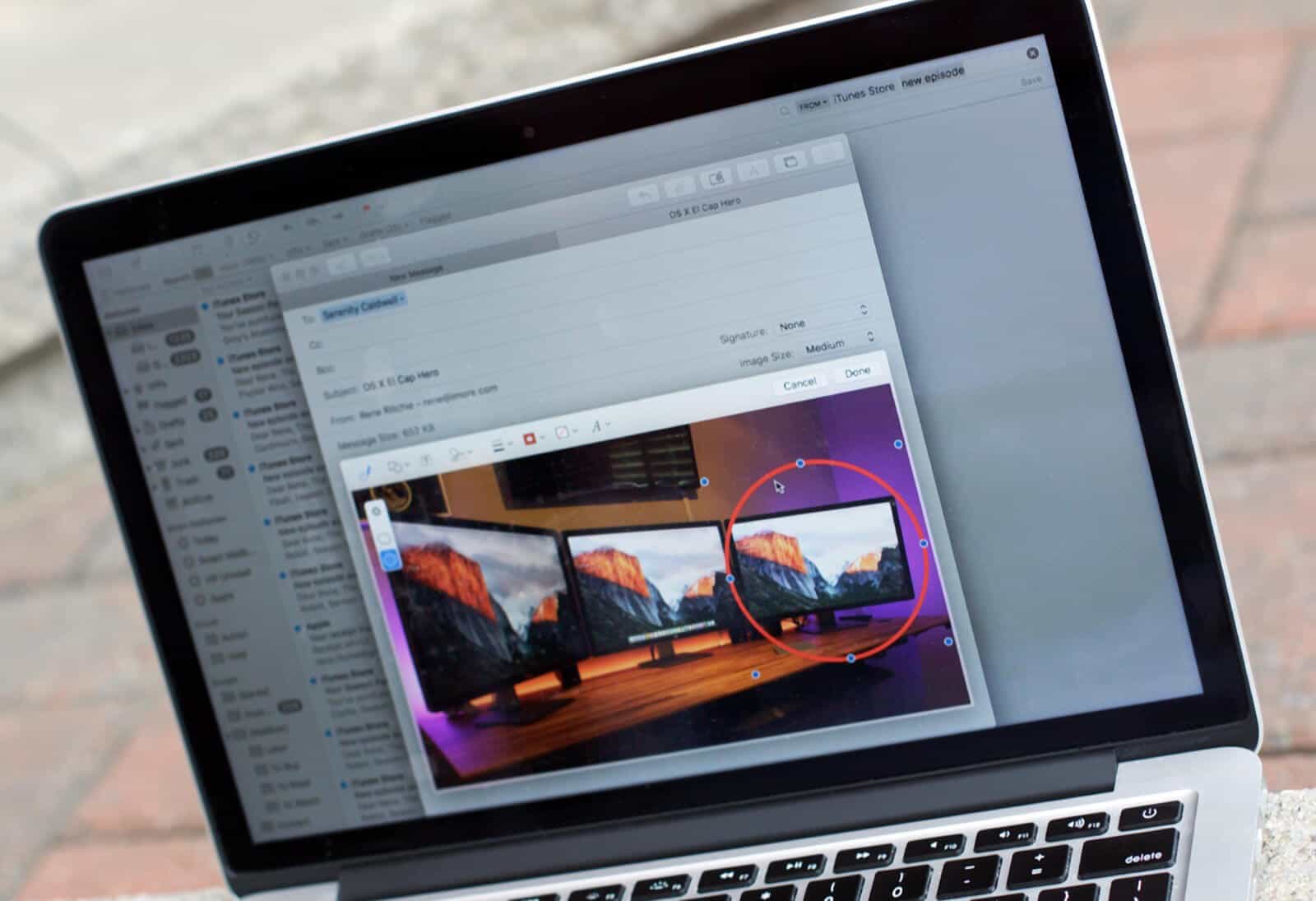
Just like Spotlight, the Mail App now supports natural language search. If that phrase leaves you stumped, it means you can search using a more natural way, such as using "from Jon last week" instead of specifically searching for "jon@gmail.com" on 11/13/2017. This allows you to type in your searches without having to worry about the exact format or syntax, making it easier to find what you're looking for.

With the introduction of Apple Pay Cash, Apple makes it easy to have quick person-to-person money transfers, similar to apps like Square Cash or Venmo. This feature allows users to send and receive money directly from their iPhone or Apple Watch, eliminating the need for intermediaries. The feature is now available for beta testers in the US via iOS 11.2 and watchOS 4.2.
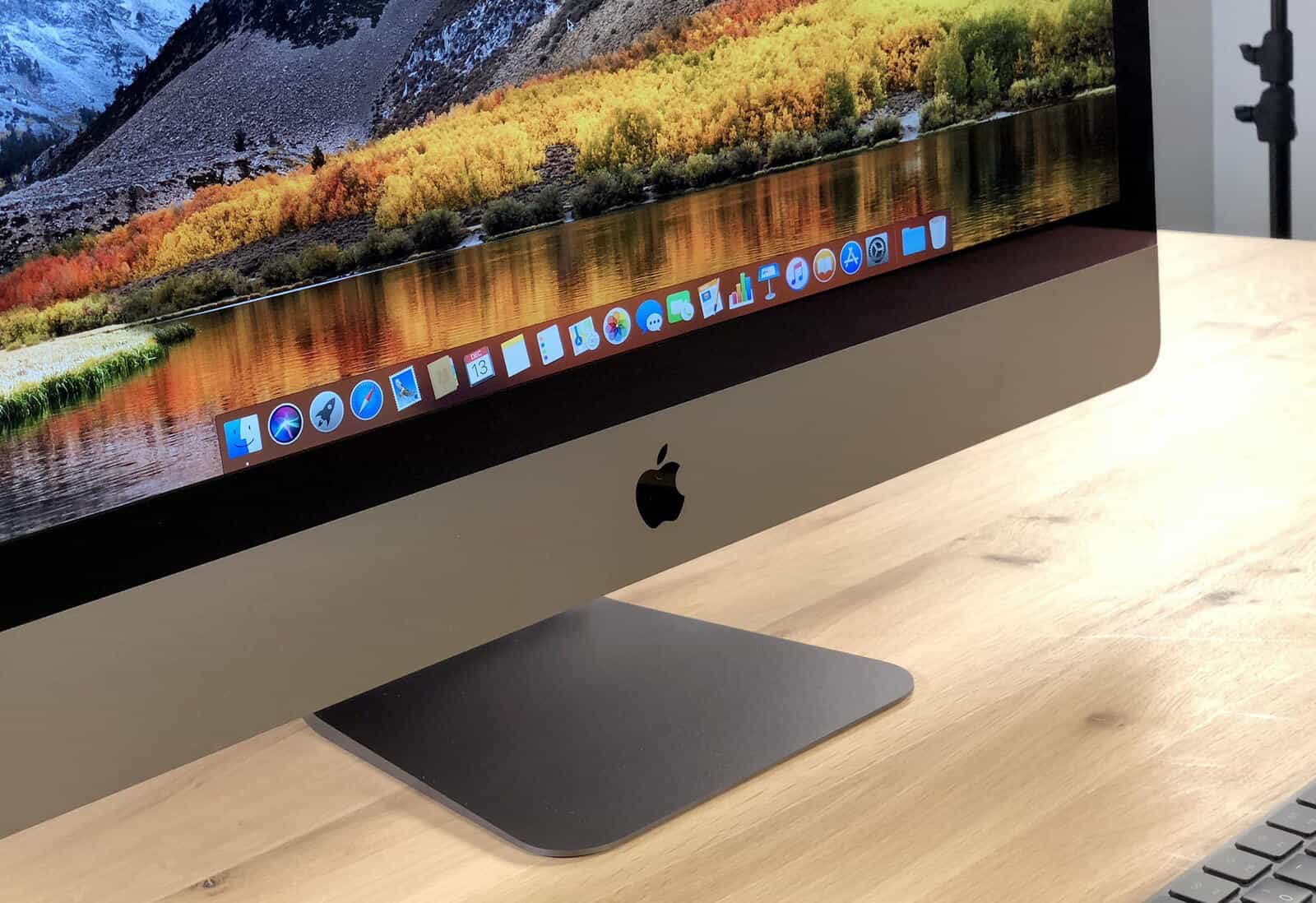
Here at Grove Technologies, we previously provided an overview of the iMac Pro's specifications in our announcement from June of this year.
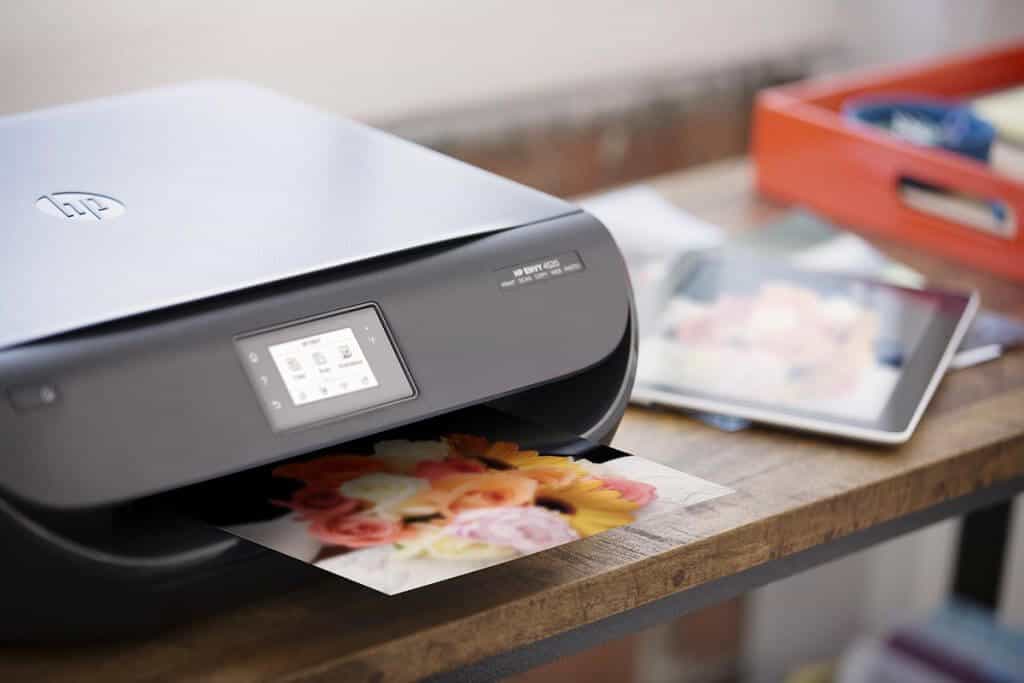
Did you know you can print directly from your iPhone or iPad? To do so, simply ensure that you're connected to a printer on the same wireless network as your device. Then, use either Apple's built-in AirPrint feature or a compatible third-party printing app to send your documents to print.
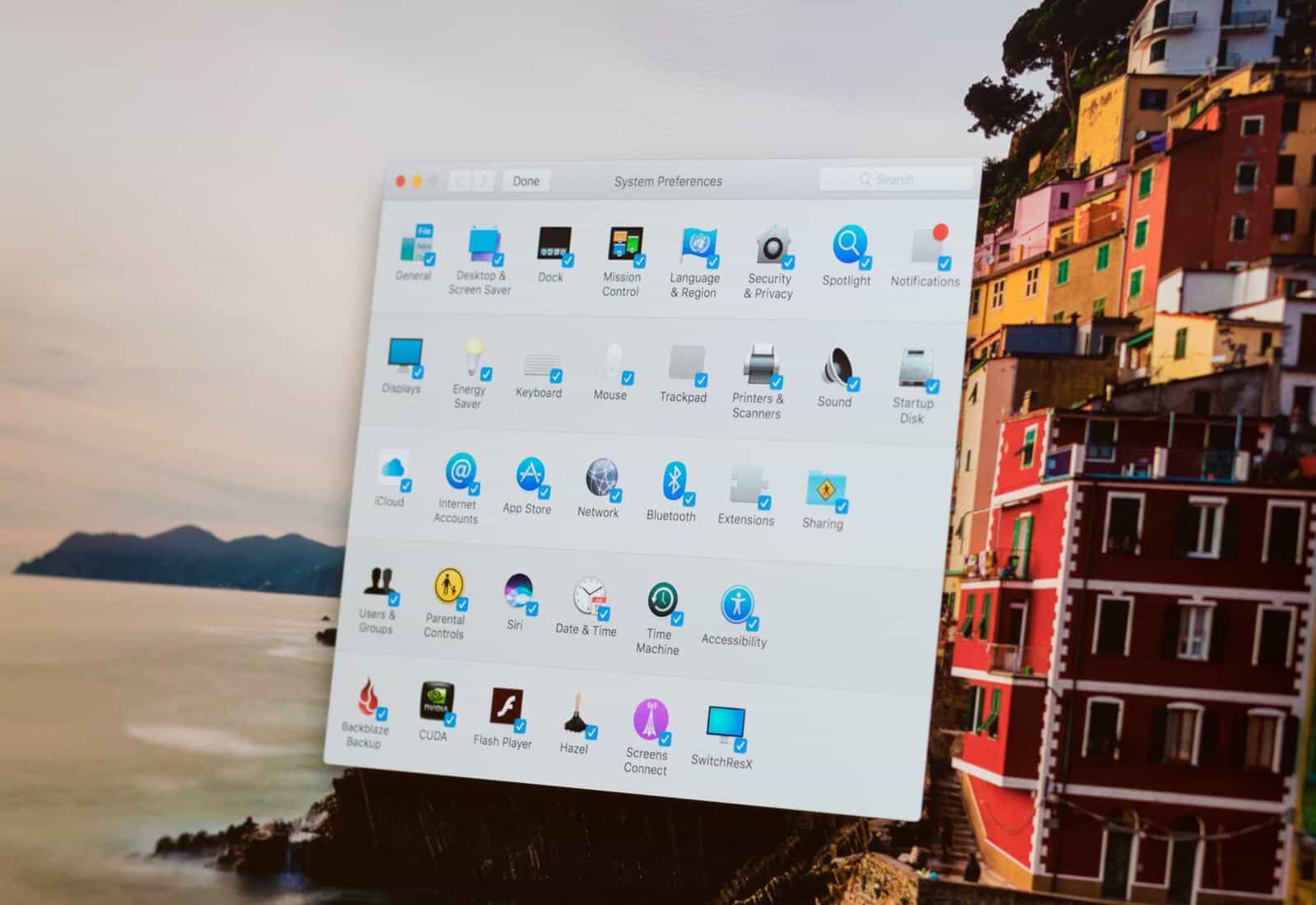
System Preferences (gear icon) on your Mac offers easy ways to customize menu options to access important settings on your computer. The menu has built-in items to adjust your computer’s operating system from its appearance to energy settings, network connectivity and more. It can also contain third-party icons from third-party software or hardware. You can remove any of these items from System Preferences at any time. Additionally, you can reorder the items in the menu to suit your preferences, allowing for a more streamlined interface.
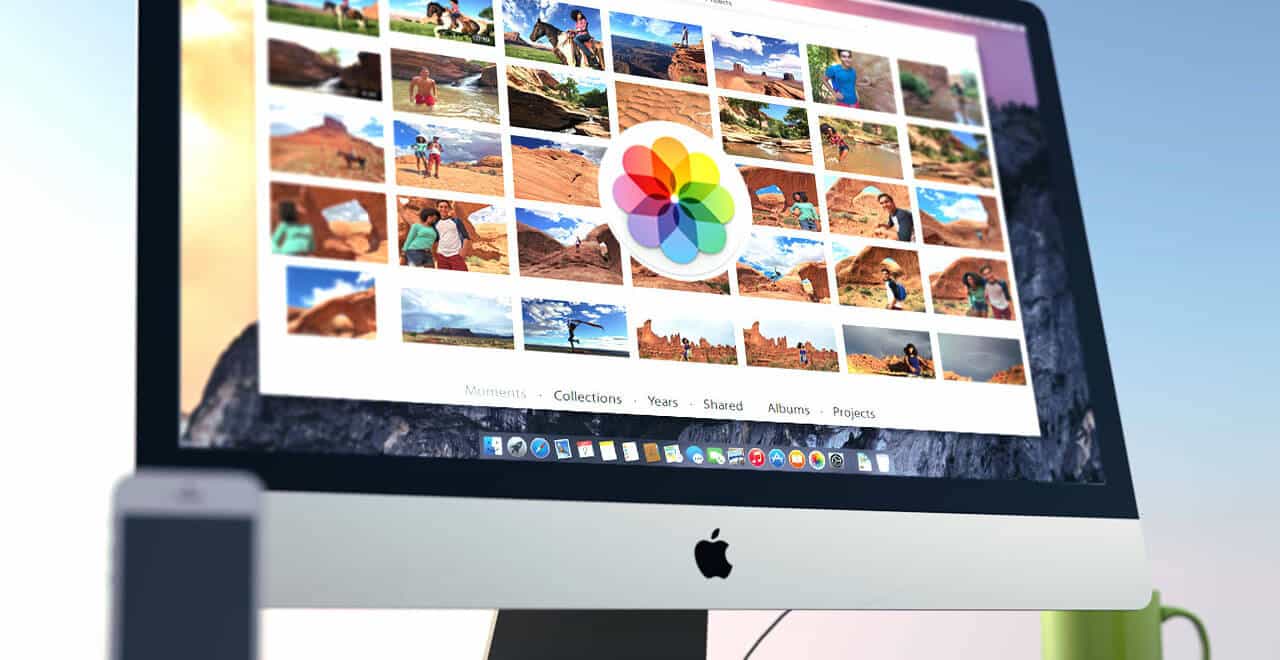
Most of you that use Photos on your Mac will likely use it to download or upload your photos and videos from your iDevice (iPads and iPhones) and maybe even utilize some of the advanced features for sorting, filtering, and organizing your collection. You may also be familiar with Smart Albums, which can help streamline your workflow: see /blog/photos-smart-albums/
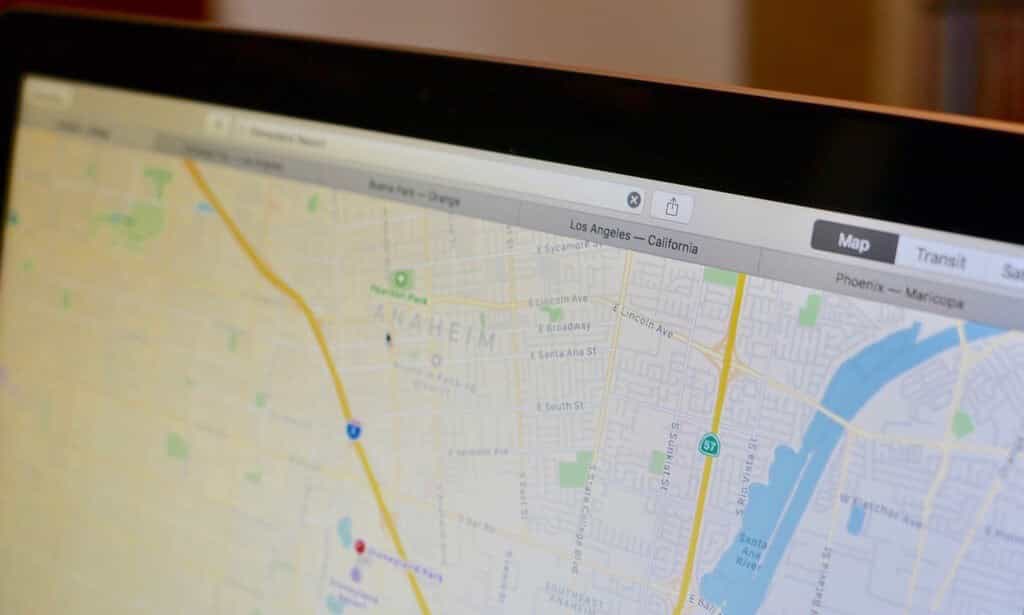
Tracking any package is fast via macOS with an instant package tracking ability that recognizes most tracking numbers and helps you take action faster. This feature allows for quick identification of a package's status, eliminating the need to constantly check multiple websites or wait for updates from shipping carriers.
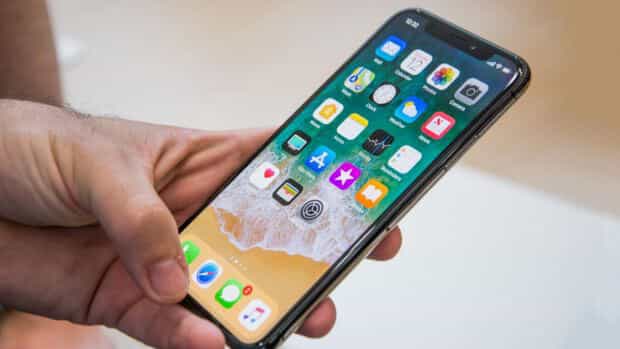
Before Face ID on the iPhone X recognizes you, the notifications show but with no detail. This is happening because Notification previews are set by default to “When Unlocked” on the iPhone X whereas other iPhones still get the notifications with the previews that we are so used to.

I have been using Macintosh computers for a long time. As long as I can remember it's always been said that Macintosh computers are not vulnerable to malicious intent. While malware, spyware, and now ransomware plague the Windows and Linux landscape, Mac has always been a trusted alternative. In fact, Apple themselves highlighted this very sentiment during their "I'm a Mac" commercial campaign, which ran many years ago, showcasing the perceived security benefits of choosing a Mac over other platforms.
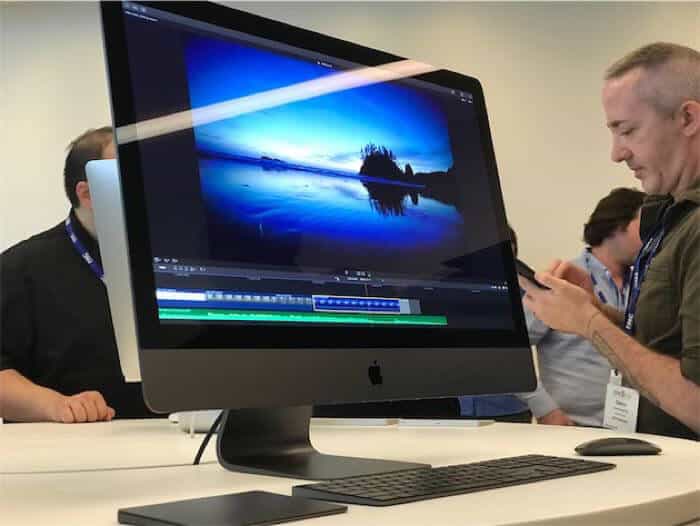
This could make the iMac Pro the first Mac to feature an A series Microprocessor, which are the same chips found in iPhones. The use of these processors would mark a significant departure from Apple's traditional approach to designing its own processors for its computers.
This latest iOS update addresses a specific issue where the letter "I" is occasionally replaced with another character, resulting in unexpected text entry. See our previous blog for more information on this problem and how it has been resolved. The update aims to provide a stable and reliable typing experience for users.
If you are new to Apple News, News is a preinstalled application on every iOS device (iOS 9 or later). To access it, simply locate the News icon on your home screen and tap to open. The app will guide you through its basic features and settings, allowing you to customize your reading experience.

At the end of last week Apple's support forum was lit up by users complaining of the letter "I" mysteriously being replaced with another character. This bug affected iPhones, iPads, and the iPod touch, causing frustration for those who relied on their devices to communicate effectively. The issue seemed to appear out of nowhere, leaving many wondering what could be causing it.

While retail as a whole has taken a major hit with well known chains like Macy's cutting jobs and closing stores, others declaring bankruptcy and many shoppers turning to Amazon increasingly, Apple has chosen to reinvest in retail. 2015 was a difficult year for iPhone sales in the U.S., with only 11% of Americans buying new phones at Apple Stores, and the majority of consumers going directly to their telecommunication providers, usually with low-cost leasing deals tied to longer contracts. Apple's primary sales have been direct through their website, second...
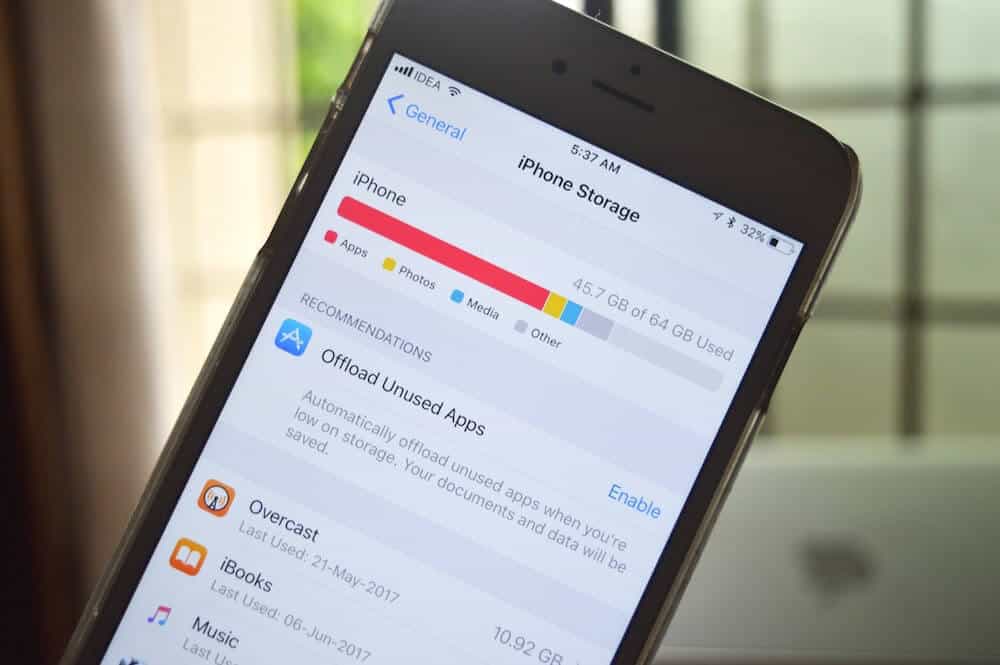
Apple's latest software release, iOS 11, is available for download via the App Store on your iPhone or iPad. Once installed, it offers a quick way to free up space now on your iPhone or iPad via suggested options. You can find these suggestions by navigating to the Settings app (black gears on gray background icon), where you'll be presented with easy-to-follow recommendations to help declutter your device.
--- Sometimes Mac users have run into an unexpected snafu where they realize they cannot connect to their WiFi and get an error message ‘Wi Fi No Hardware Installed.” This message appears when you click on the Wi-Fi symbol on the upper right of your screen. Most computers today, including desktops are usually connected to the Internet via wireless networking so getting this message can be very frustrating. We all use the Internet for communicating and researching throughout the day. Sharing files and even accessing your email can be impossible...

I've been waiting for this since the original iPhone. You no longer need a third-party app to use a QR code, which is a significant improvement over previous versions. This change will likely be welcomed by many users who have grown accustomed to relying on external apps for this functionality.

Letting go of the ubiquitous Home button, a constant on the iPhone, iPad and iPod Touch since the first iPhone in 2007, is a bold change in the new iPhone X. Over time, this button has gained more functionality. However, in building the new iPhone X with an edge-to-edge OLED display, Apple has eliminated the Home button entirely. How do you use the iPhone X without the Home button? Here’s a quick introduction. You can view Apple’s intro video here.


The KRACK attack is a hack on wireless networks allowing hackers to decrypt Wi-Fi traffic. This means the hacker can intercept sensitive information, eavesdrop on communications, perform man-in-the-middle attacks, hijack connections, and potentially gain access to secure areas of the network.
iOS 11 is reported to have been installed on nearly 55% of iOS devices after only one month of being launched.
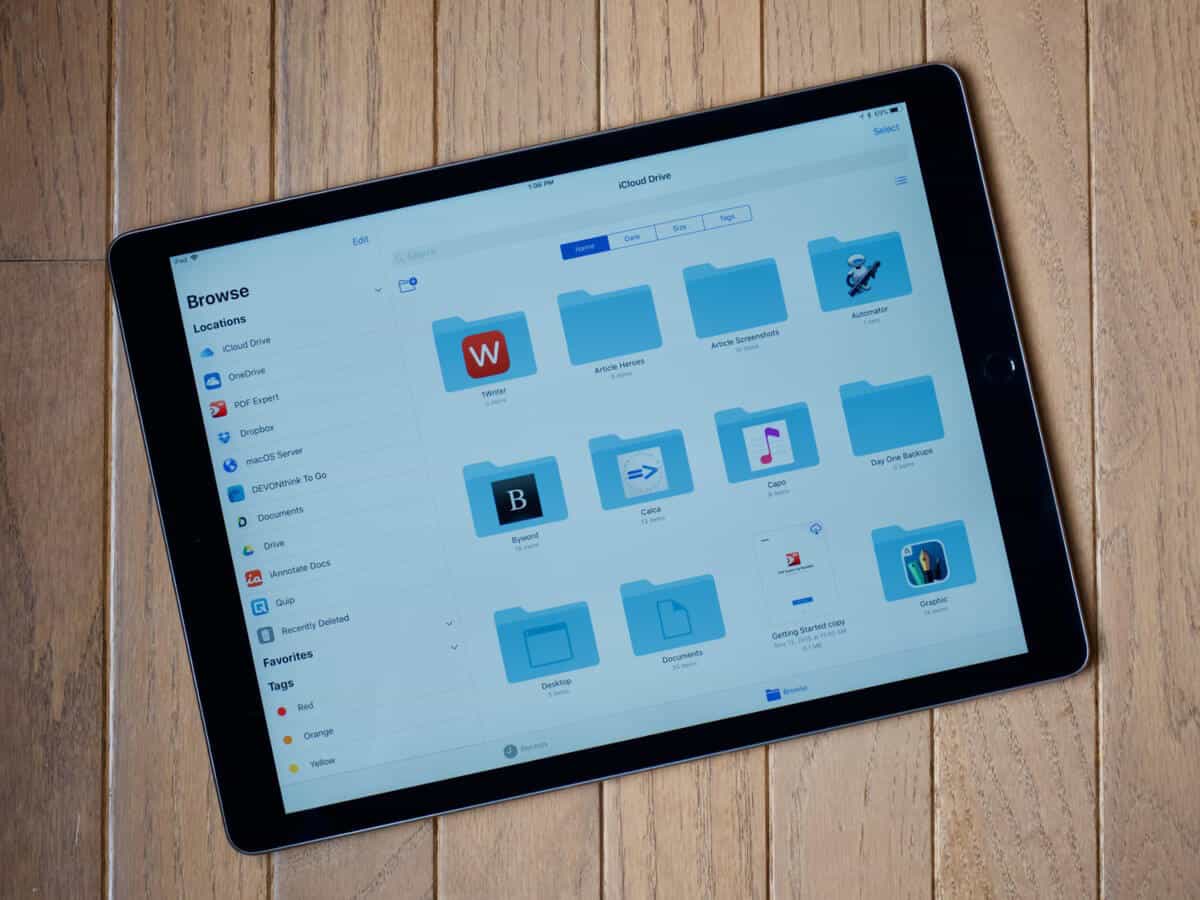
If like me you use iCloud Drive across your devices - including Windows Laptops, iPads, iPhones, and Macs - you may have noticed that with the iOS 11 update, it's now referred to as "Files". This change in terminology might seem minor, but it's worth noting for those who rely on consistency in their workflow.
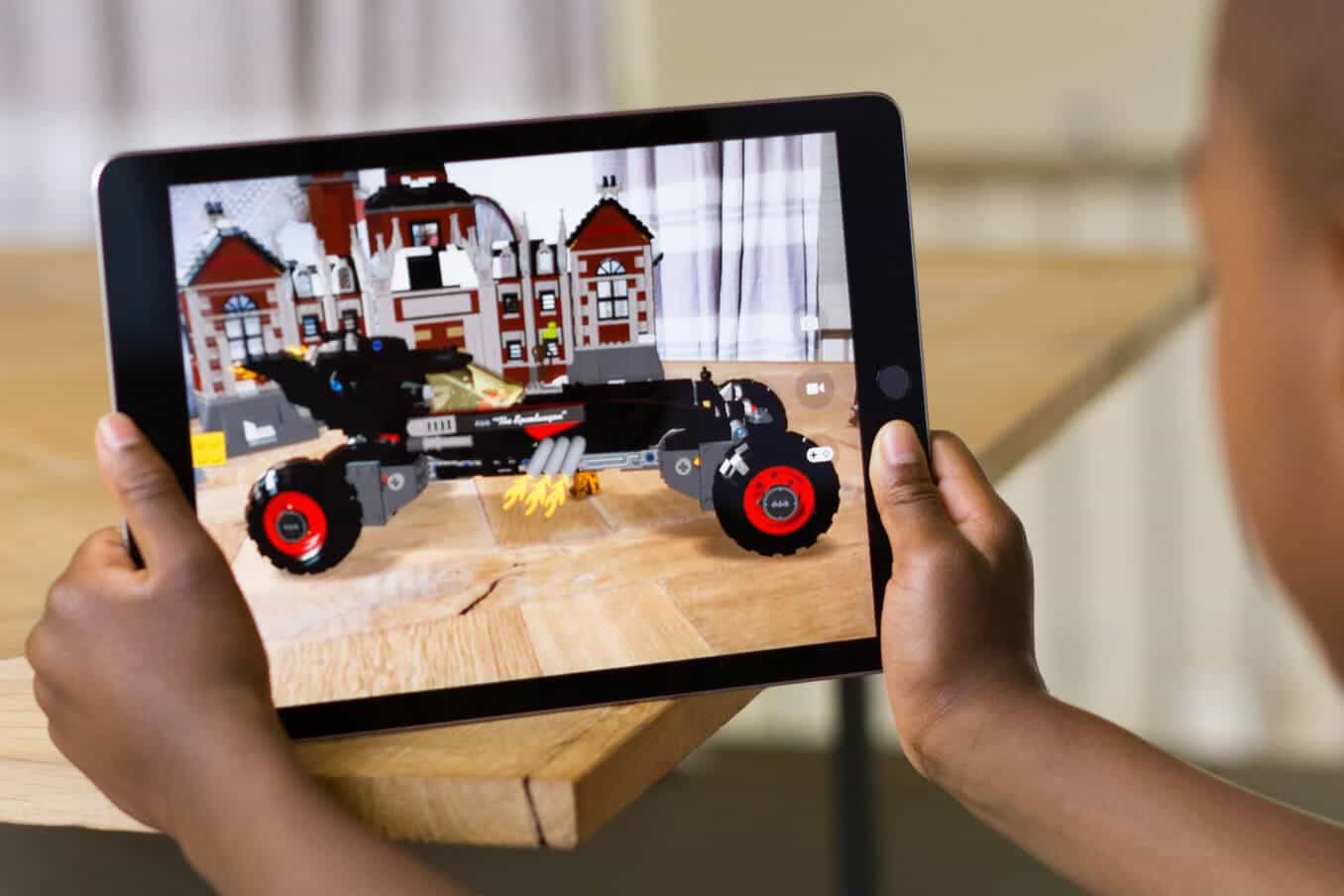
With the tech industry getting increasingly enthusiastic about Augmented Reality, it's natural to wonder where Apple stands in this emerging field. The company has been relatively quiet on its plans for AR, fueling speculation and curiosity among industry observers. As a result, many are left wondering if Apple will make a significant move into this space or maintain its focus on other areas of innovation.

Or go to Safari > "Settings for this website". A pop-up will then open. These settings will then become the default behavior for the website you are currently viewing every time you visit it with Safari, in this example we are using Apple.com. Note that these changes only apply to the specific website and not to your overall Safari settings.

A new strain of ransomware called BadRabbit is spreading through Eastern Europe. Likely created by the same authors as the Petya/Not Petya ransomware outbreak in June, BadRabbit ransomware uses a website to drop a fake Flash update and then drops its payload. The malware is targeting users who visit compromised websites, exploiting vulnerabilities in Adobe Flash to gain access to their systems.
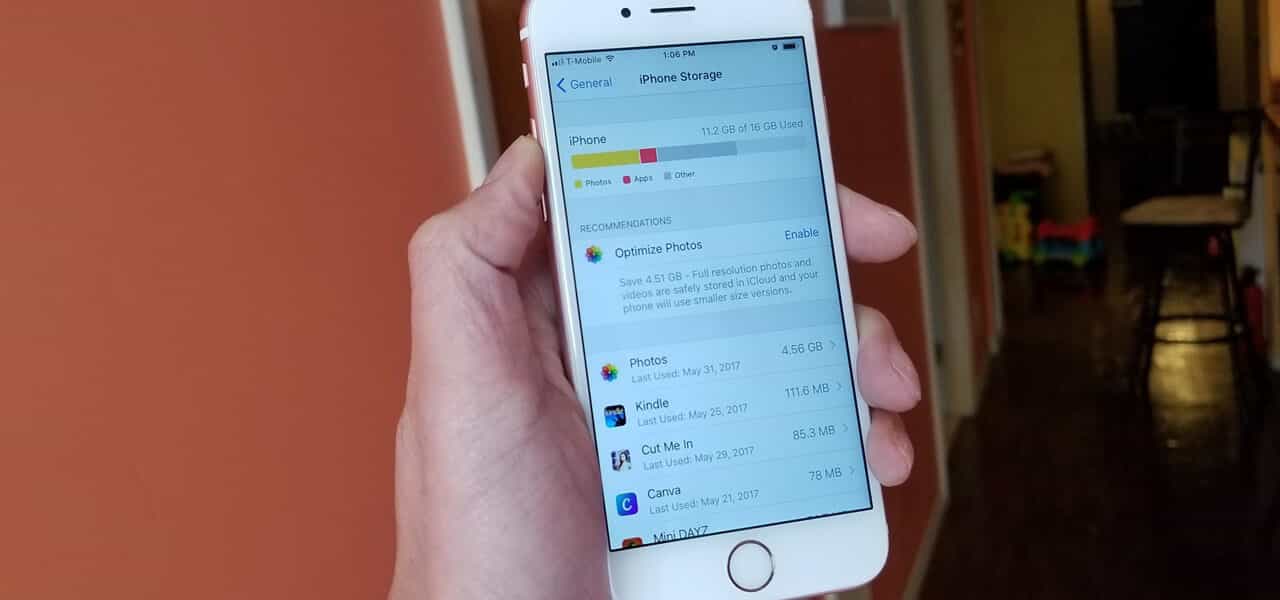
Apple's latest software release, iOS 11, is available for download via the App Store on your iPhone or iPad. Once installed, it offers a quick way to free up space now on your iPhone or iPad via suggested options. You can find these suggestions by navigating to the Settings app (black gears on gray background icon), where you'll be presented with easy-to-follow recommendations to help declutter your device.

On Thursday, Apple announced the launch of its new Chicago store on Michigan Avenue and new events to be hosted at the new Apple store. The company has confirmed that the store will offer a range of services and products, including workshops and training sessions for customers. Details about the specific events and activities are expected to be released in the coming days.
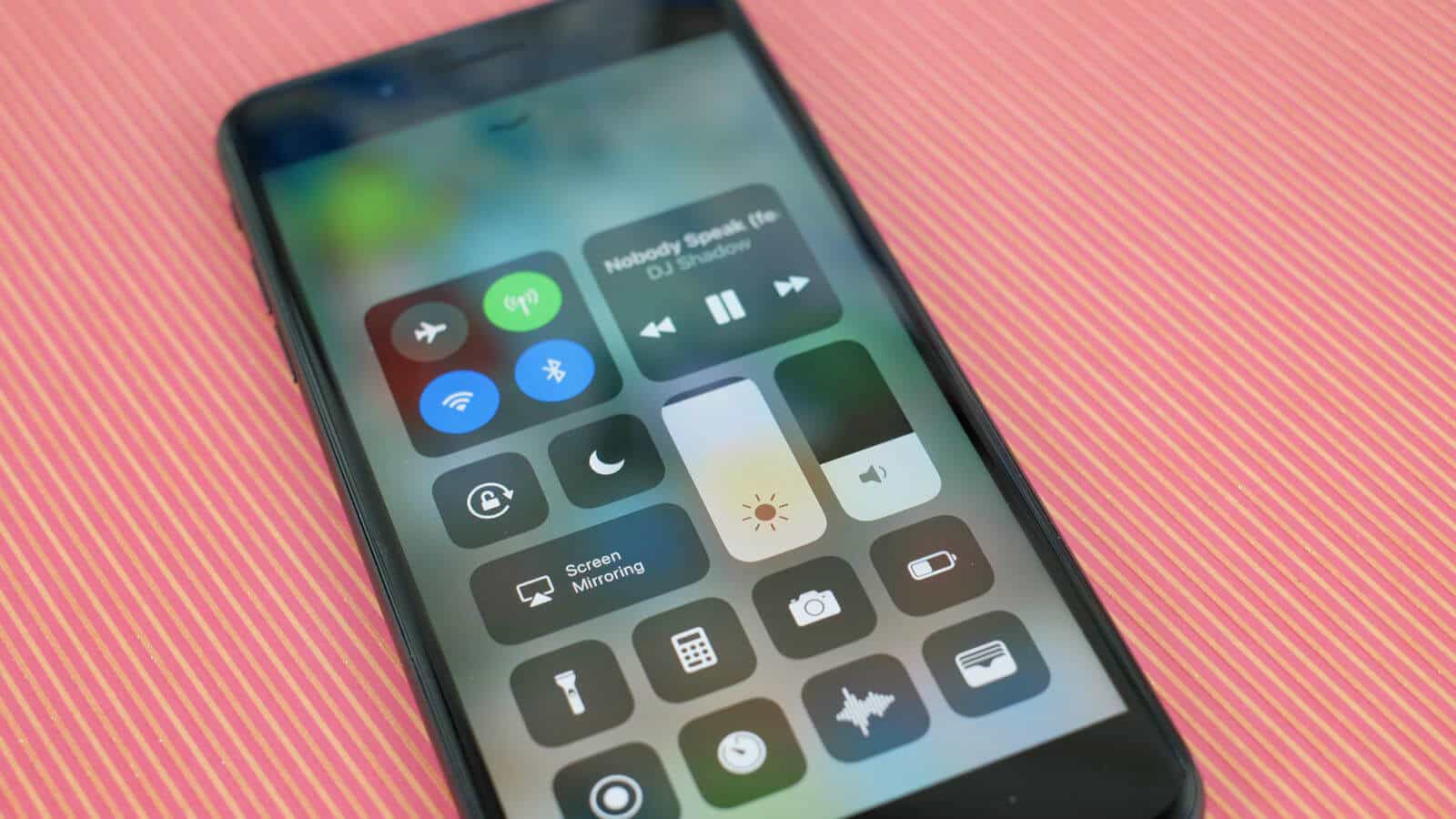
With iOS11 now on your iPhone or iPad, the latest revision to the control center allows you to customize which items are shown and all the controls have been consolidated onto a single screen. The controls are also grouped and organized for easier navigation. Here is how to hit the ground running with the new control center: simply access it by swiping down from the top right corner of your screen, then explore the various options and settings to tailor it to your needs.
Not being a massive Microsoft aficionado I cannot say that I am a major fan of what has been called the Wintel environment.

Apple is known for having stricter standards than other companies and associated software platforms, both for security reasons and maintaining the company's standards for product development. This approach has been a hallmark of Apple's philosophy since its inception. However, in recent years, the company has opened up its platform and ecosystem increasingly to third-party developers while still maintaining high standards.
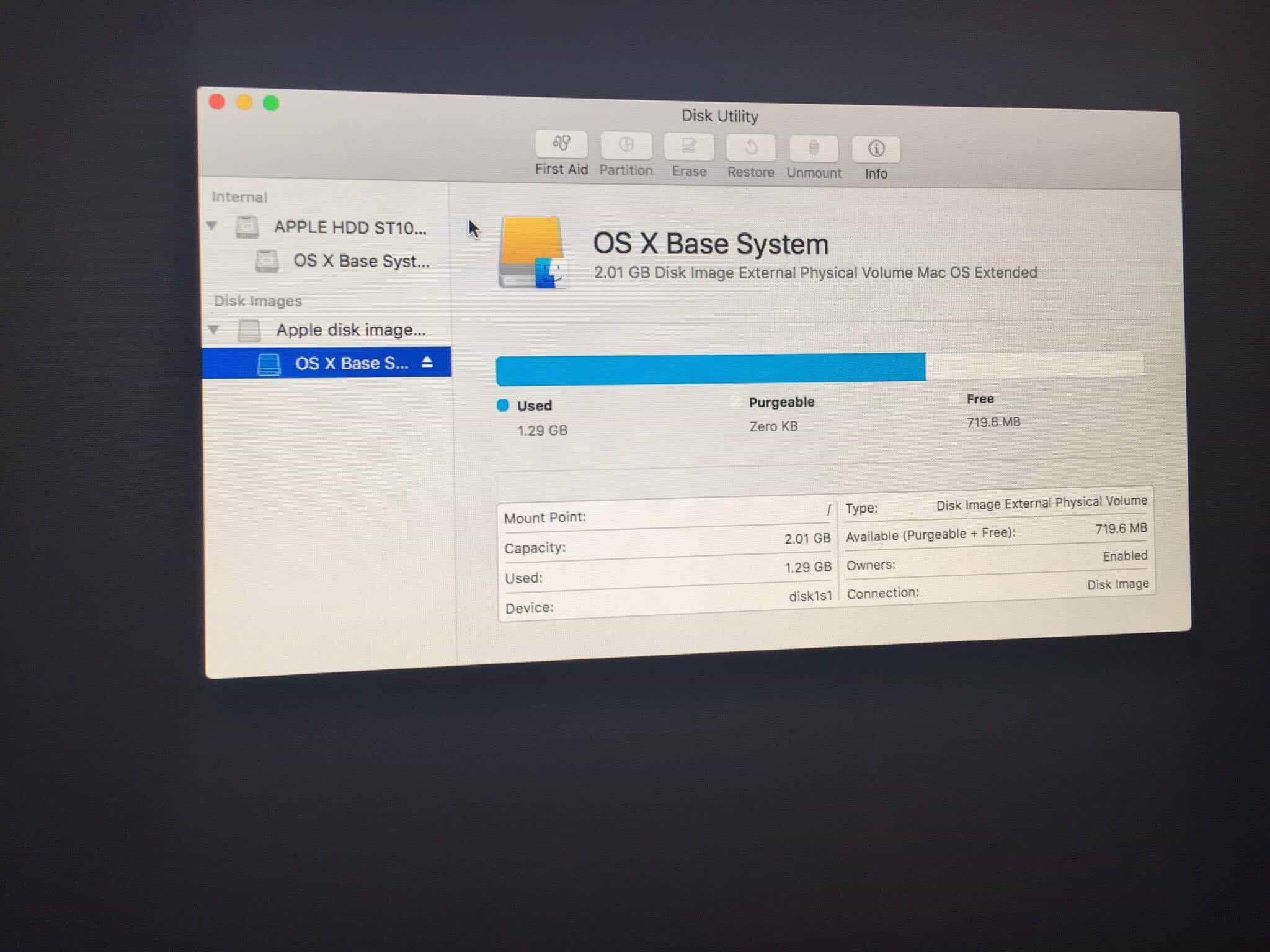
This is our second post on disk images. Creating a disk image is helpful in backing up and transferring data, as it allows for the exact replication of an entire drive or partition. Here’s how you do it.
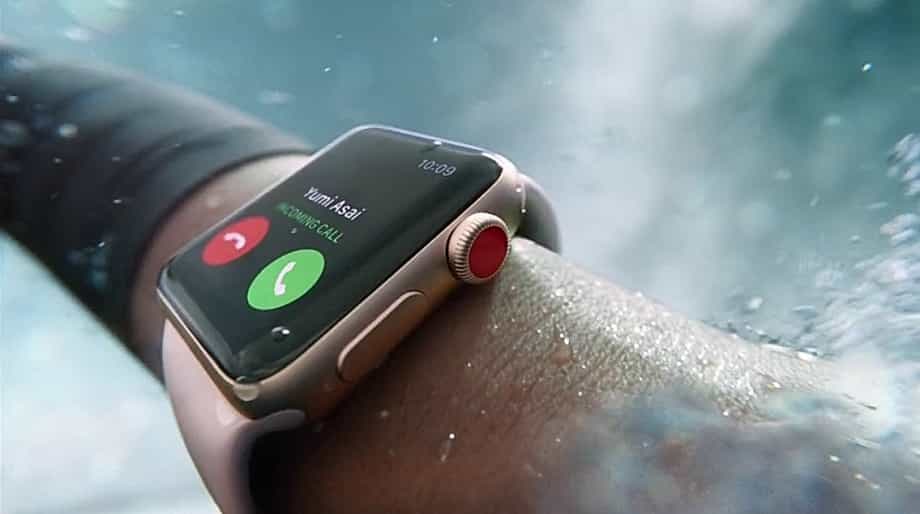
However, most owners have bemoaned the lack of functionality, citing specific examples such as making calls directly from the Apple WATCH, or streaming music to the device without needing a separate iPhone. Some users have also expressed frustration with the limitations on using third-party apps on the WATCH, which they feel holds it back from reaching its full potential.
High Sierra is now available in the App Store for most Macs from 2009 onwards. If it's not available to you in the App Store, it's likely that this update is not compatible with your Mac. You can check manually on our website to see which models are supported. To confirm, simply visit the support page and look up your specific model to determine if High Sierra is an available update for you.
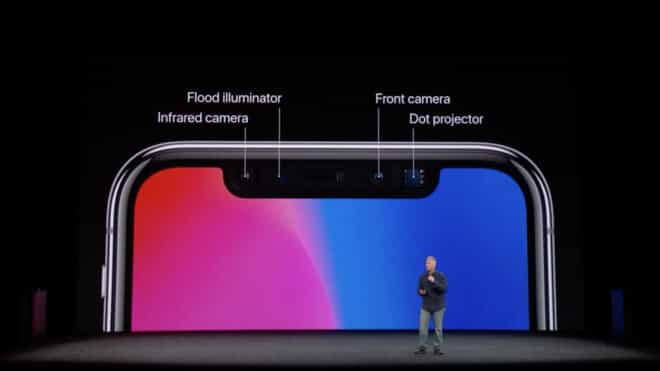
The new iPhone X is the most technologically advanced smartphone in the world, with its A11 Bionic Chip, TrueDepth camera, facial recognition software, and OLED screen. It features a 5.8-inch Super Retina HD display and supports wireless charging capabilities. The device also includes a dual-camera setup with Portrait mode and optical image stabilization.
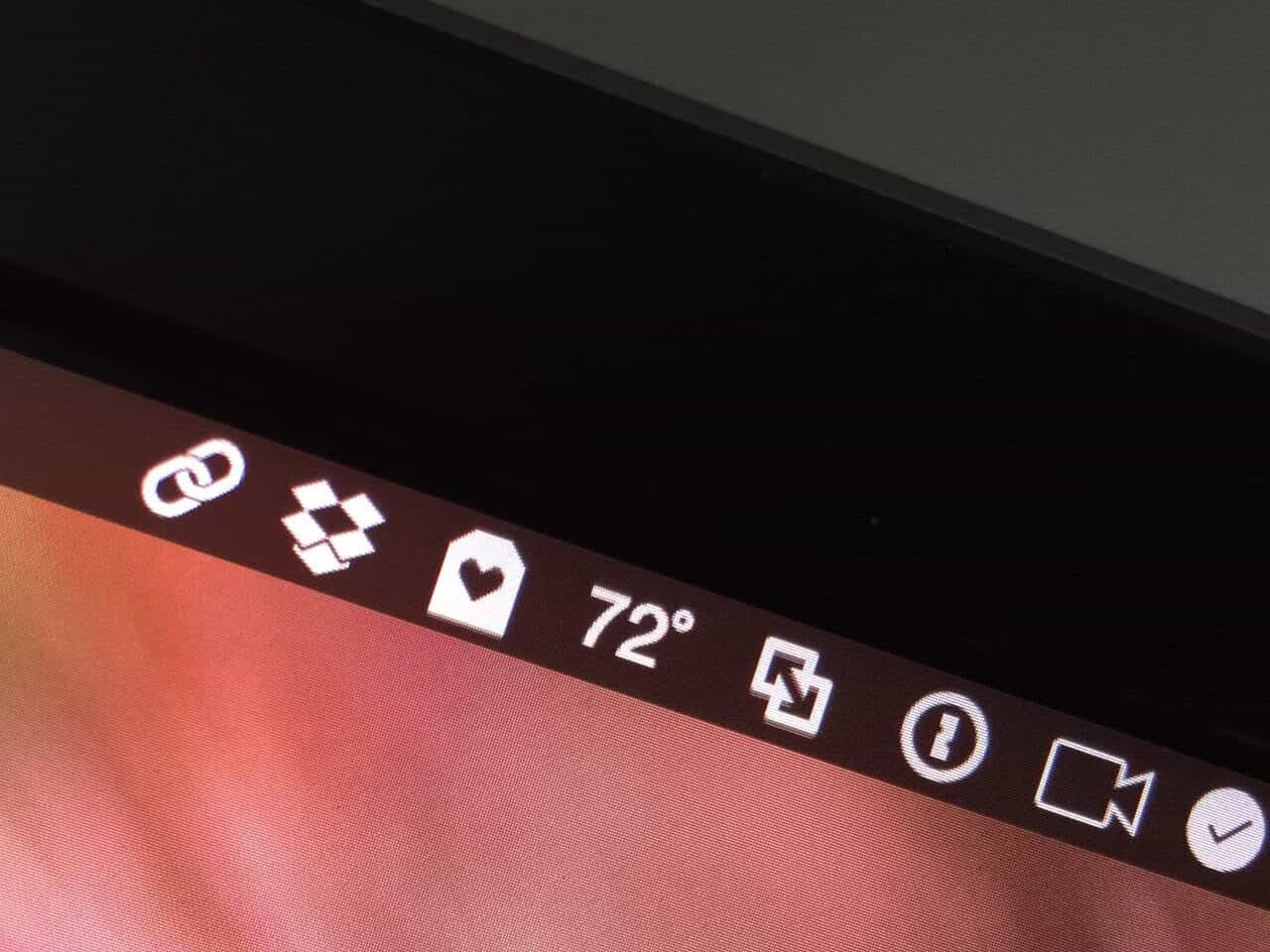
Has your Mac's status or menu bar become too cluttered that it is no longer useful? Here are some tips to help you remove unnecessary programs, organize, and simplify your menu bar. By following these steps, you can regain control over your Mac's interface and make it easier to navigate.
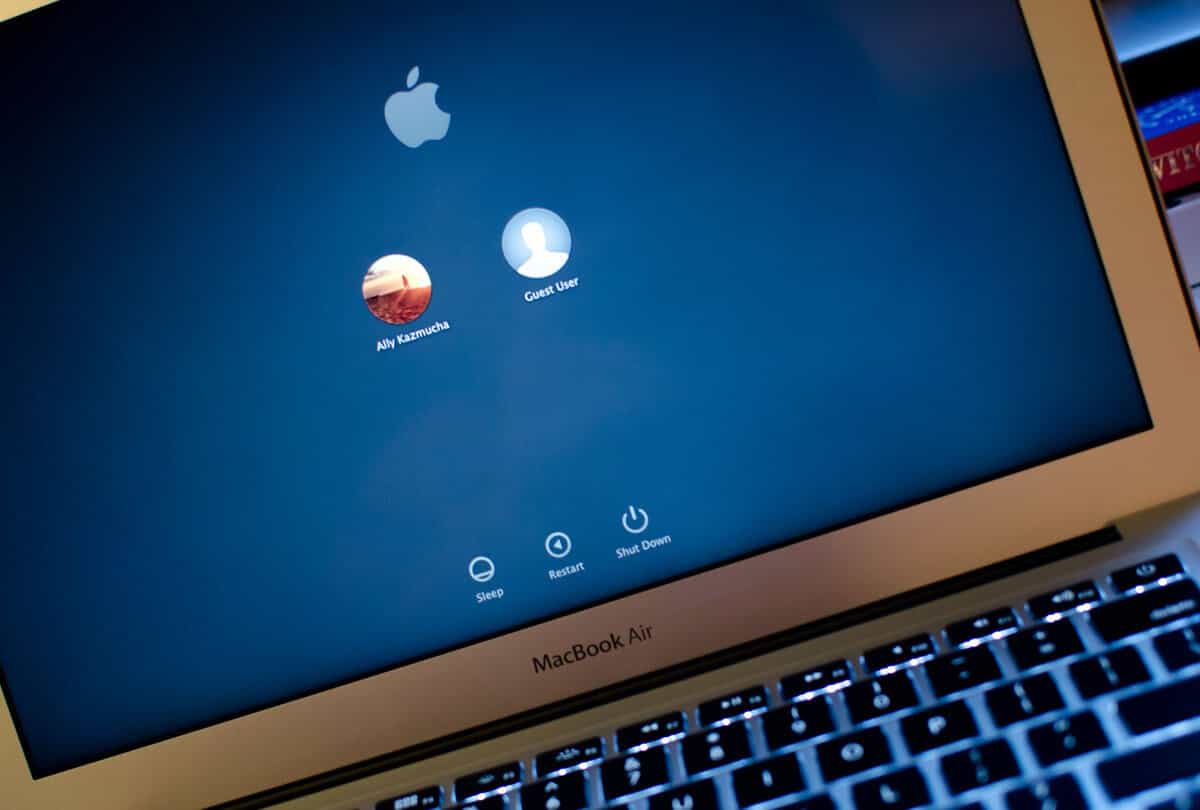
Sometimes it's best to wipe your hard drive and start afresh if you've been troubleshooting a problem for a while. You'll need to backup your old files first, making sure to save any important documents or projects in a safe location. This will ensure that you don't lose any critical data when you reset your system.
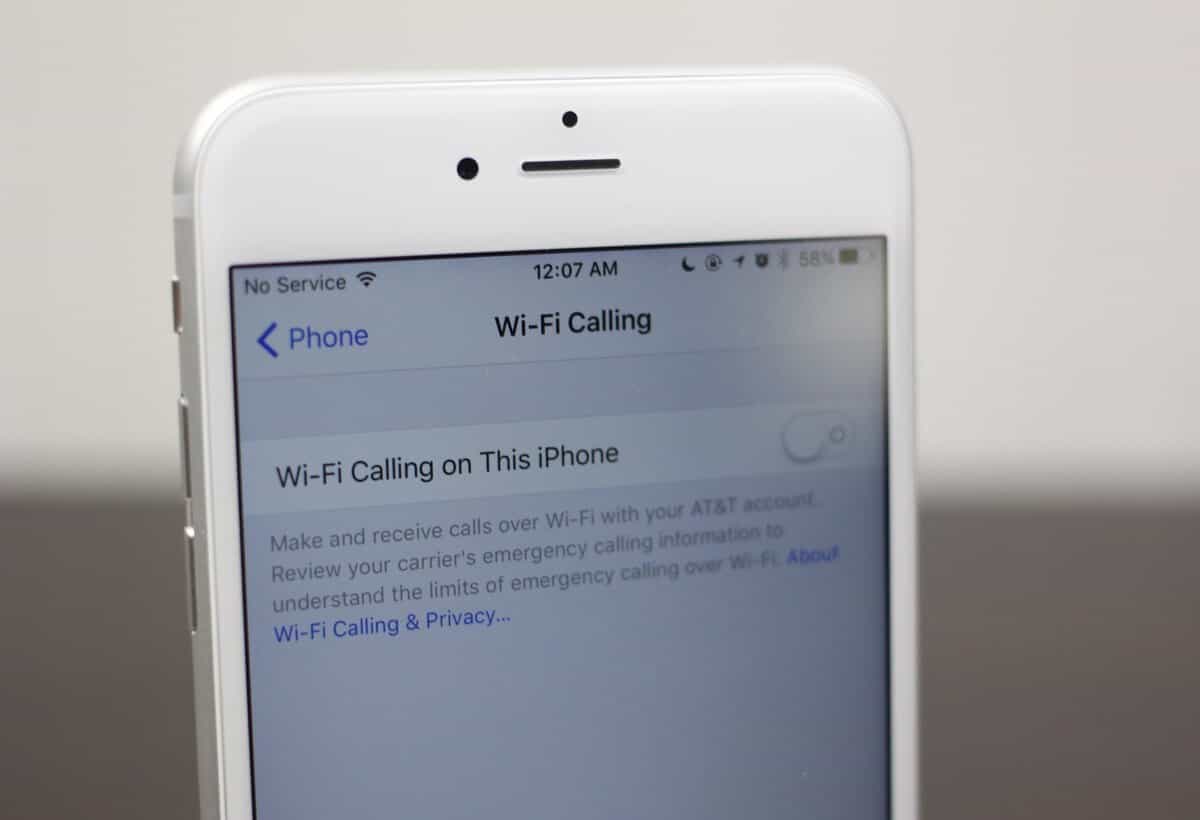
All four major U.S. cellular carriers support Wi-Fi Calling on iPhones. To enable this feature, follow these steps: first, ensure that your iPhone is connected to a Wi-Fi network; then, go to Settings > Phone > Wi-Fi Calling and toggle the switch to "on". Here's how you can turn on this feature on supporting networks.

Widely anticipated, Apple's new iPhones launched last Tuesday, September 12 in the new Steve Jobs Theater on the company's new campus. The event marked a significant milestone for the tech giant as it showcased its latest innovations to a packed audience. Here we take a closer look at the iPhone 8 series.

When you text message a friend, family member, or colleague via your iPhone, your text message may appear blue or green. The color indicates the method you've used and also at times, the type of device you are sending to. This distinction is based on how the message was sent: iMessage (blue) uses internet connectivity, while SMS/MMS (green) relies on cellular network signals.
--- Many diehard CrashPlan users were shocked to find out that their favorite secure storage backup option Crash Plan is leaving the consumer market.

Apple is a new player in the TV market, joining big players Amazon and Netflix in video streaming with a $1 billion investment in original programming over the next 12 months. This move marks a significant shift for Apple as it expands its reach beyond music and mobile devices into the world of television content creation.
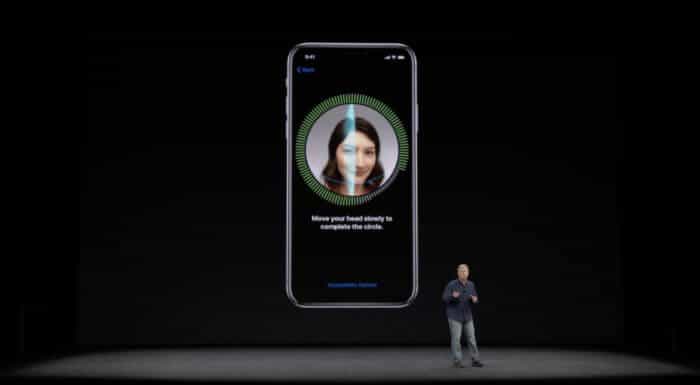
Facial recognition is expected to replace Touch ID in a new 'Face ID' feature available on the OLED iPhone X. This shift marks a significant change from traditional fingerprint scanning, and it's unclear how users will adapt to this new biometric authentication method. The introduction of Face ID suggests that Apple is prioritizing facial recognition technology for its future devices.
Although macOS is generally considered more secure than most other operating systems, its growing popularity is attracting a larger number of potential threats. As a result, it's essential to remain vigilant and take proactive measures to protect your system. So long as you keep your system up to date with the latest updates from Apple, most malware can be kept at bay, but this is no guarantee against all types of attacks.

Being predominantly known for its excellent hardware, it's reasonable to assume that a significant portion of Apple's revenue comes from selling hardware products, such as the Macintosh. The company's focus on designing and manufacturing high-quality devices has contributed to its reputation in this area. As a result, many people associate Apple with its line of computers and other electronic gadgets.

Earlier this year, Apple announced that its new corporate headquarters, initially referred to as Campus 2, was nearing completion and would be ready to house over 12,000 employees. The project has since been officially renamed Apple Park and is now open for business. Construction continues on adjacent buildings and parklands through the summer, with ongoing work expected to wrap up by the end of the season. View aerial drone footage here.
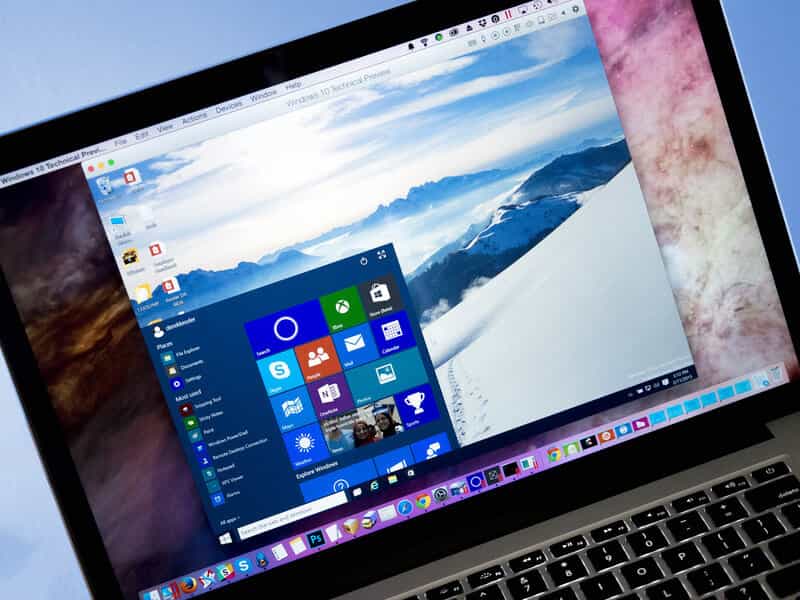
Parallels 13 has just been released by Parallels International GmbH, one of the major reasons to upgrade will be version 13 is Optimized for macOS High Sierra. This optimization enables seamless integration and compatibility with Apple's latest operating system. Version 13 of Parallels promises faster access to your Windows files up to 47% faster compared with Parallels 12, making it easier than ever to work across platforms.

If you own an iPhone or an iPad you will be well aware of the limitations of your device when it comes to storage and the quantity of data that you are trying to store on it. To make it simpler the iPhone and iPad now have great quality cameras, and it takes a lot of drive space to store these high quality images and videos. Hopefully the new standards (HEVC and HEIF) being adopted with better compression will go some way to resolve this.

Yes please! I can count on one hand the number of times I've been to the cinema in recent years. Getting popcorn without having to make it myself is a nice bonus, but what really appeals to me is the comfort and familiarity of watching a film from my own home. It's just easier that way - no need to worry about finding parking or dealing with crowds, I can simply settle in and enjoy the movie.
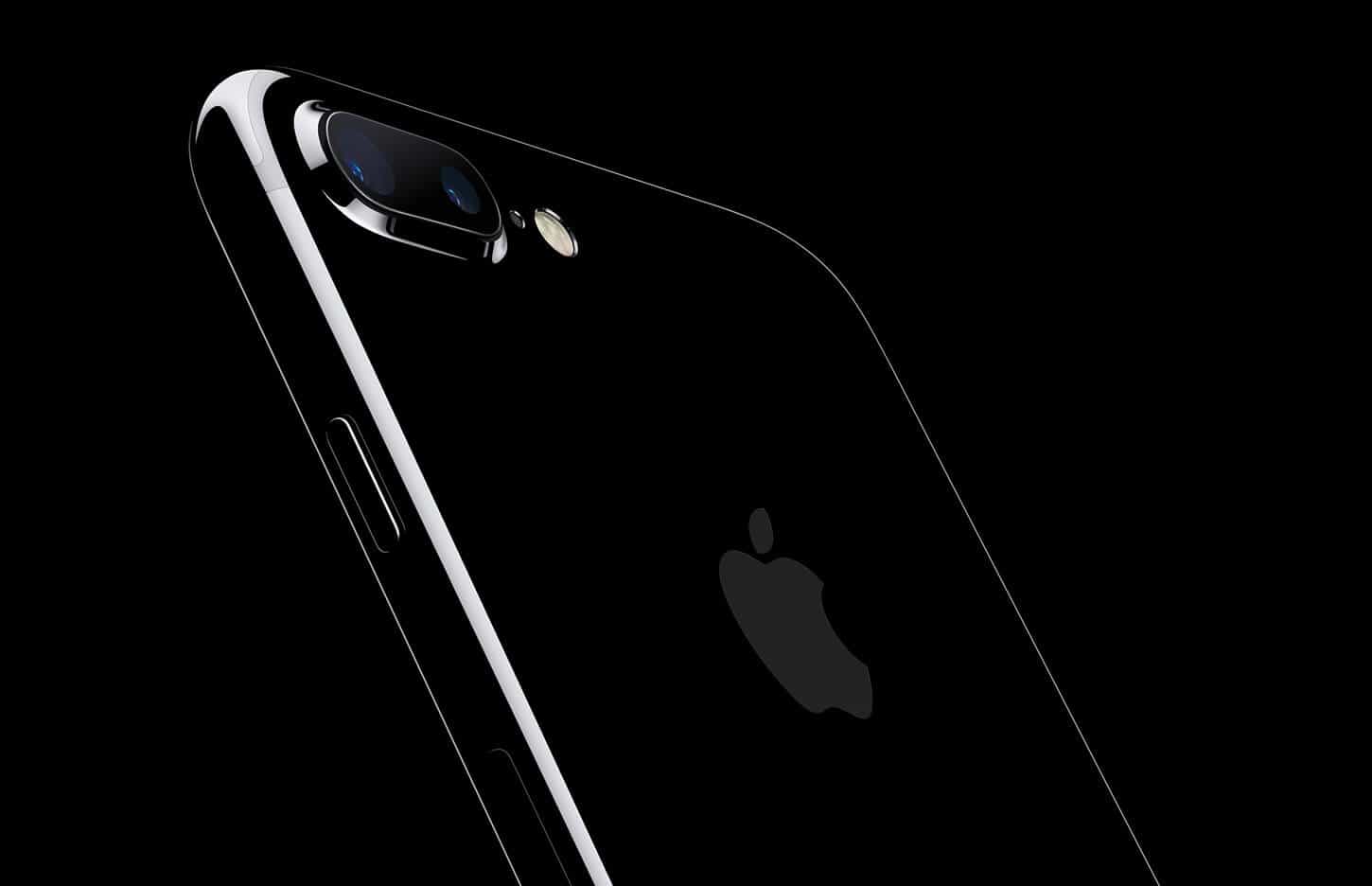
Downloading the latest apps you love and taking a lot of photographs may soon fill up your iPhone or iPad faster than you intended. Clearing out junk files, unwanted items in your device's cache and files that hog up memory can free up space on your iPhone or iPad and get your devices running faster and smoother than ever. This process is especially important if you're using older models, as cluttered storage can slow them down significantly.

One of the most widely anticipated features in Apple’s new iPhone set to be released this fall is facial recognition, where the iPhone can recognize approaching people quickly. The advanced facial recognition technology is expected to replace existing Touch ID fingerprint scanner, approving quick log-ins and payments as well. The new software is also expected to work with third-party apps similar to TouchID and will recognize multiple faces.
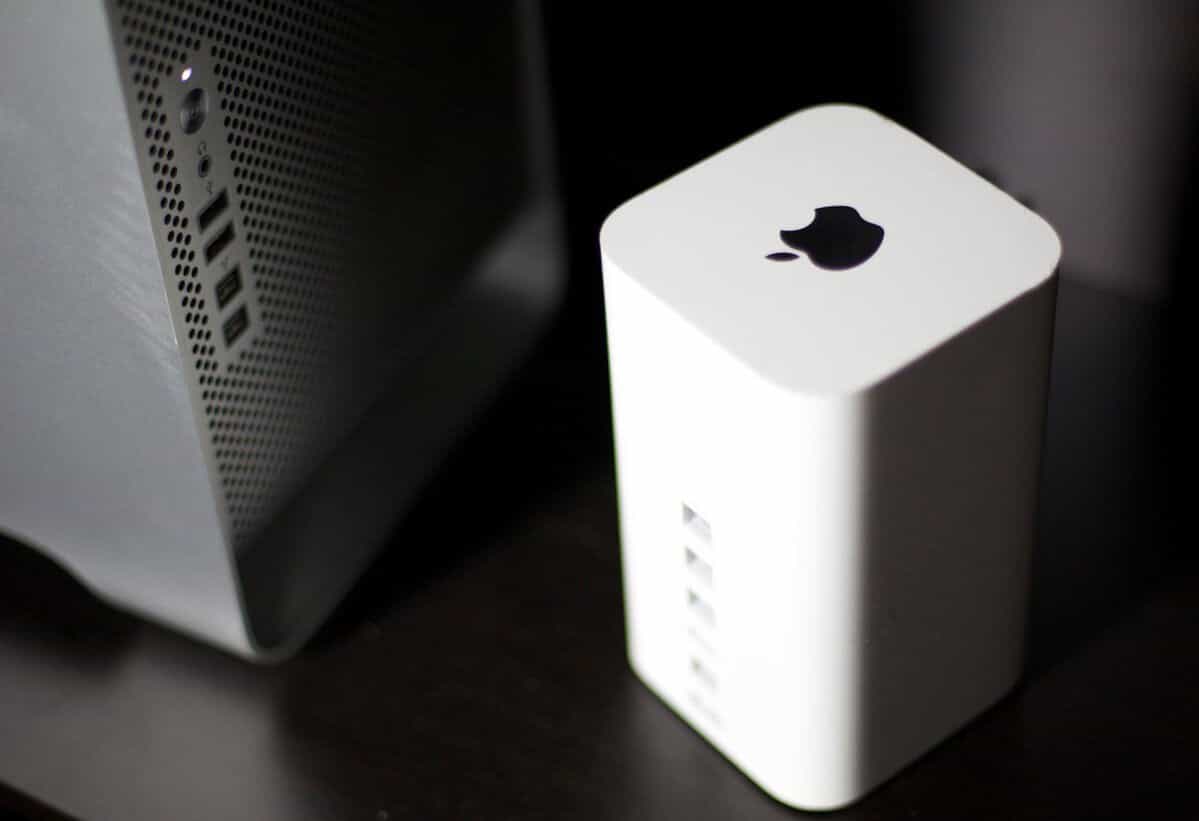
Having a workstation (Desk?) as such is part and parcel of being an IT professional, you need somewhere to keep all of those paper documents for bills and the IRS plus somewhere to keep your USB pen drives, Hard Drives, Printers, 3D printers scanners etc. If like me you’ve opted for a non portable Mac for your day to day office tasks such as writing these articles, then that Mac probably has files that are not practical to make copies of to carry about with you when using your MacBook...

The World Wide Developers Conference from Apple did not disappoint when it came to software, with iOS 11 being rolled out in Fall of 2017. We are currently on the 5th Public Beta, which, if you're feeling adventurous, can be installed and tested on your iDevice right now.

For the longest time, in order to sign a document that you had received via email such as a PDF file, you would have to print out the file first, sign it on the dotted line using a pen, scan the document and send it to yourself using a USB flash or email, and then finally send it to your recipient. This process was not only time-consuming but also required a lot of physical effort and materials. A rather long process, isn’t it?

Apple released macOS High Sierra, its latest version of its desktop operating system earlier in June at WWDC in San Jose, CA. The beta version of the software was available to developers to download immediately and now a public version will be available this month at beta.apple.com. The software will be available as a free software update from the Mac App Store this fall. A developer preview is already available for those who want to get started early, but it's recommended that only experienced users attempt to install it.

Click on Sharing and select Internet Sharing. Next, choose Share Your Connection From in the menu that pops up and choose the Internet connection that you want to share. This could be Internet over Ethernet or other options available to you. The specific steps may vary depending on your system configuration, but this general process should apply regardless of the underlying network setup.

For a while, it’s been apparent that Apple is developing an autonomous driving system. This is clear from information shared by California's DMV where Apple got a DMV permit to test autonomous driving systems this past April. Apple joined a list of 30 companies that have been granted autonomous car testing permits by the state of California. This list includes automotive manufacturers, automotive suppliers, startups, and tech players, such as Google and Tesla, which have also been actively pursuing autonomous vehicle development.
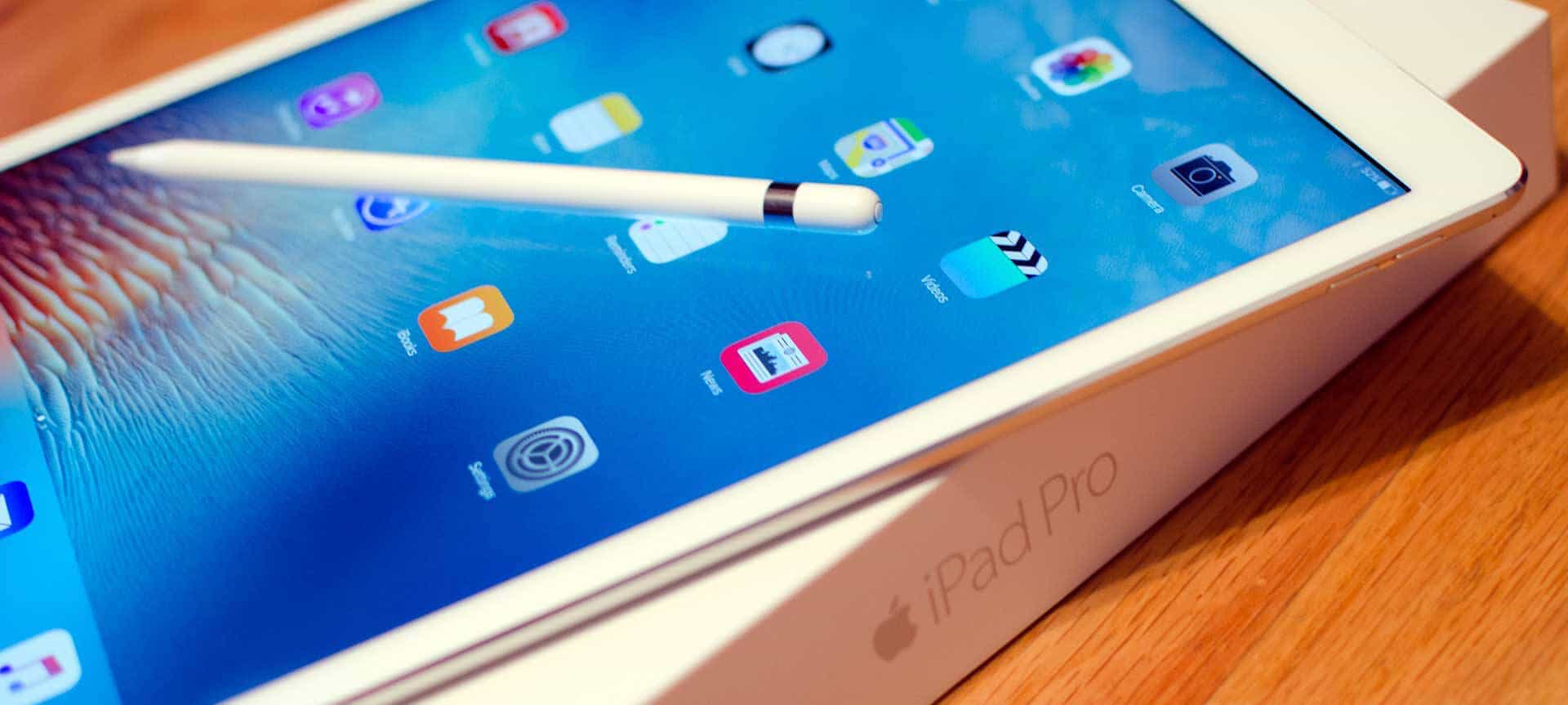
Apple has cut the price of iPads in a bid to increase sales, as such sales are now up over 10% on iPads in 2017 compared with the tail end of 2016. This tactic on reducing iPad prices is the oldest trick in the book with iPad sales flagging in comparison to growing iPhone sales in recent years, however this increase in iPad sales has not increased revenues greatly for Apple as the price cut has hit profit margins.
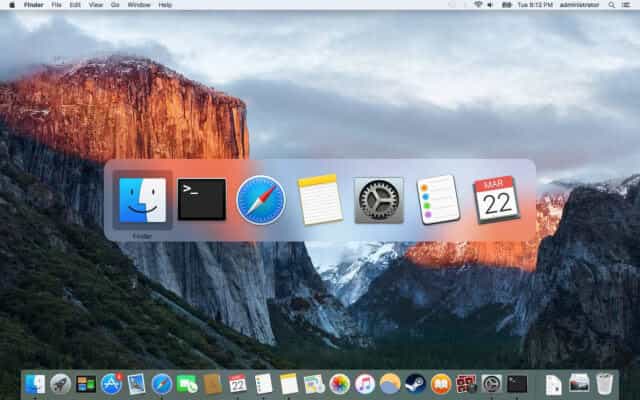
In this week's how-to, I'm going to go over one of the basics in macOS Sierra. The App switcher is a feature that can save you minutes in each working day by allowing you to quickly switch between open applications. This simple yet effective tool can help free up time to do other things, making it easier to stay focused and productive throughout your workday.
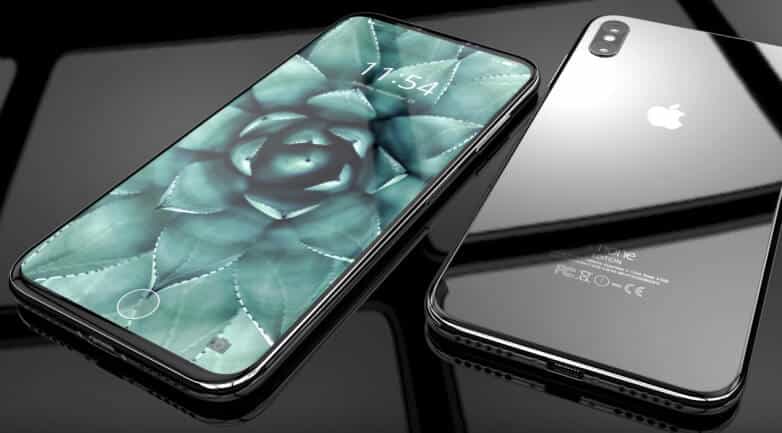
You may expect "iPhone 8" to be the name as it follows all of the names Apple has given to previous iPhones. However, with some of the new nomenclature being used for other Apple products, it would be reasonable to expect a name such as iPhone Pro - you have to admit it has a nice ring to it. The shift in naming convention does raise questions about whether this is indeed an incremental update or something more significant.
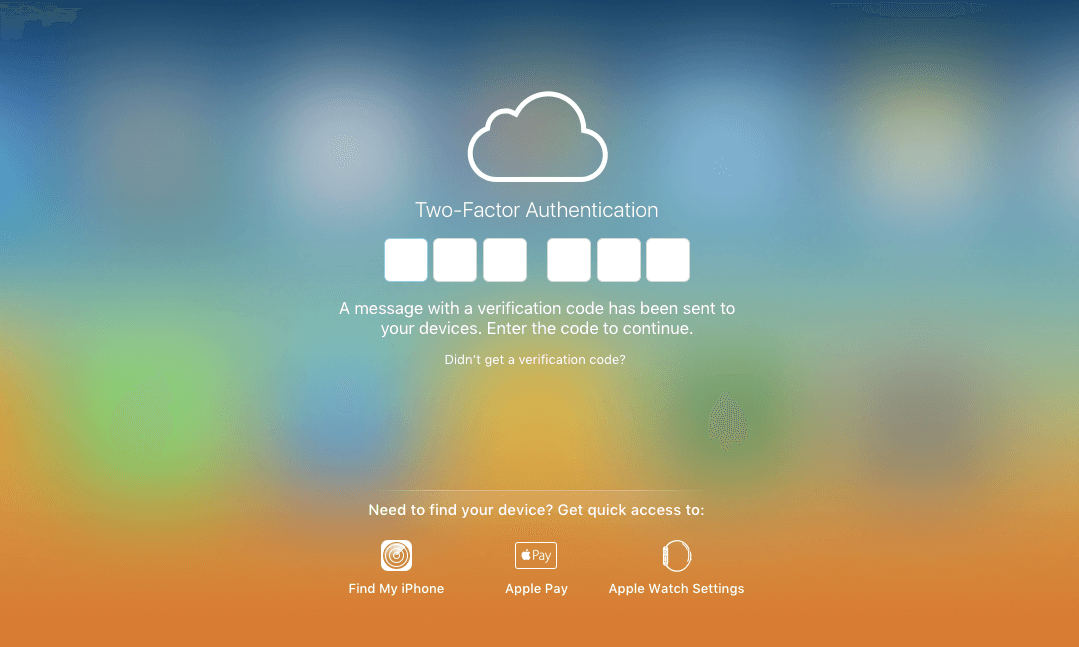
Apple ID has included 2FA (Two-factor authentication) on macOS and iOS devices for some time, and it is strongly advised that you use it. This additional layer of security helps protect your account from unauthorized access by requiring a second form of verification in addition to your password. Using 2FA can significantly reduce the risk of your Apple ID being compromised.
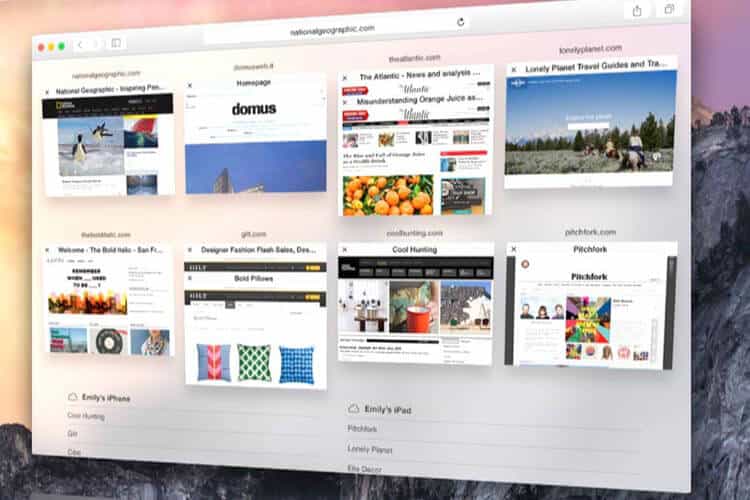
Apple has blocked ad blocker Apps that work outside of Safari, a move that aligns with its long-standing policy in the App Store terms for developers. This stance reflects Apple's recognition of advertising as a primary revenue stream for many app developers. The company has consistently maintained this position, prioritizing the monetization strategies used by developers to sustain their apps and services.
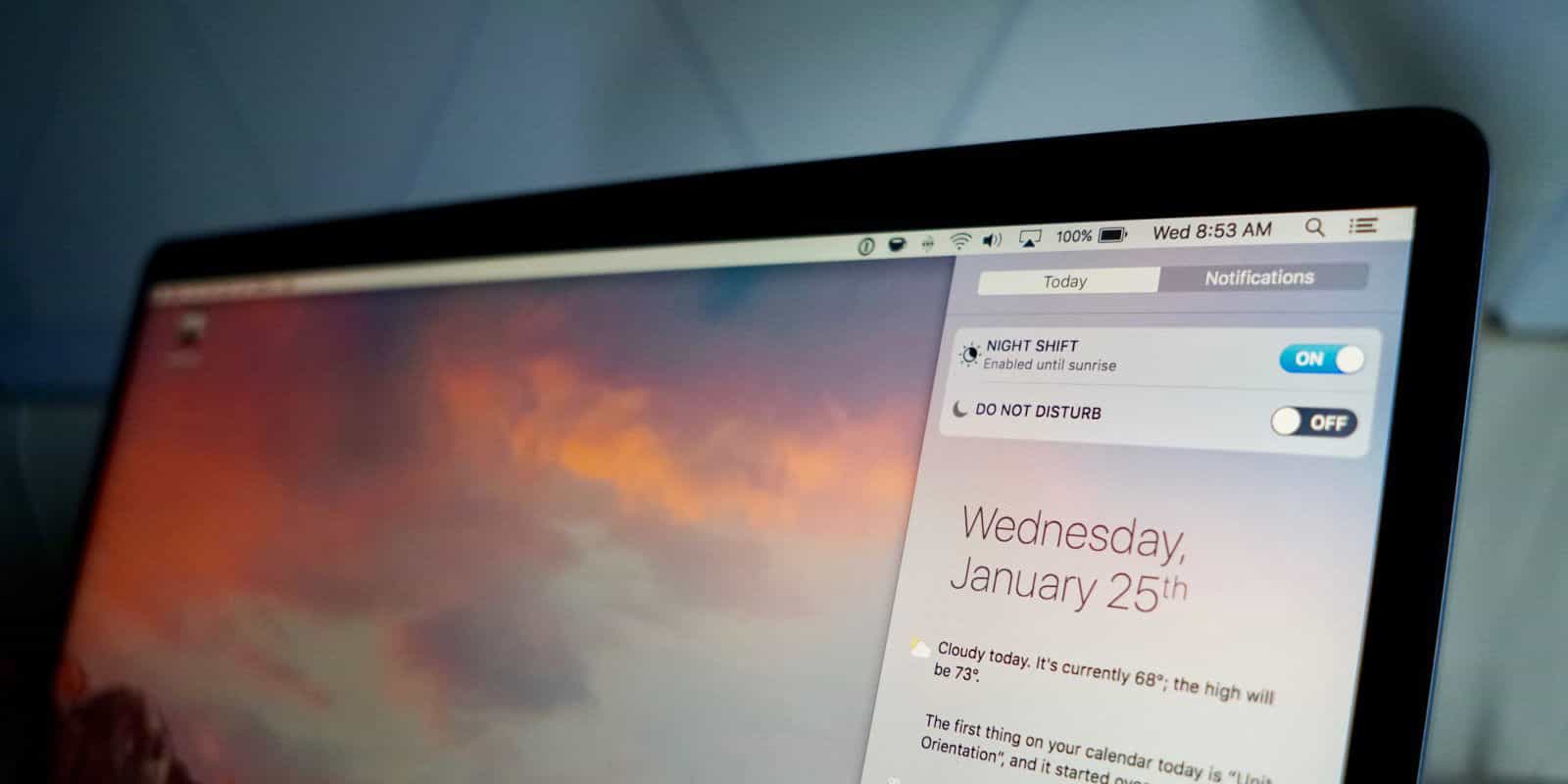
If, like myself, you often find yourself working late into the night on your Mac, you may start to feel the strain of staring at the screen for hours on end. Your eyes may begin to hurt and feel fatigued. The good news is that there is a way to make the screen less harsh on the eyes. You can find Night Shift in:
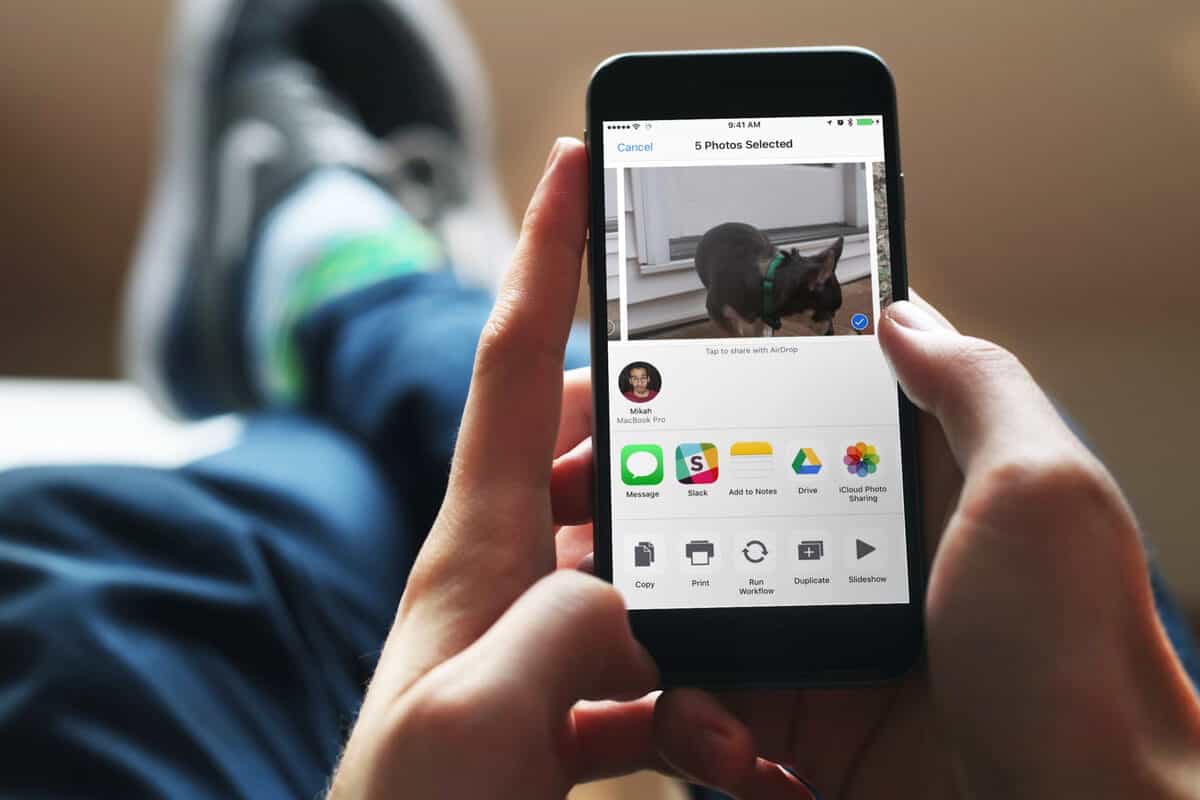
You can easily share and transfer files between iPhones, iPads and Macs. AirDrop uses Bluetooth LE to discover connections and broadcast them and Wi-Fi to transfer data. It’s fast, easy to use and secure.

Recently, Apple started sharing interactive HomeKit experiences at 46 Apple retail stores so that customers could try out the smart home platform and get familiar with HomeKit. New stores keep being added, allowing more people to experience the capabilities of HomeKit firsthand. Having HomeKit available to test out with different devices and environments makes it easier for customers to understand how it could work for them in their own homes.

Apple has improved upon its popular Apple TV and even brought Amazon Prime into its fold of popular shows. You know you want one now, and here's a quick walk-through with tips to set up your new device. To get started, make sure you have a compatible TV and internet connection. Next, download the Apple TV app on your device and follow the in-app instructions for setup.
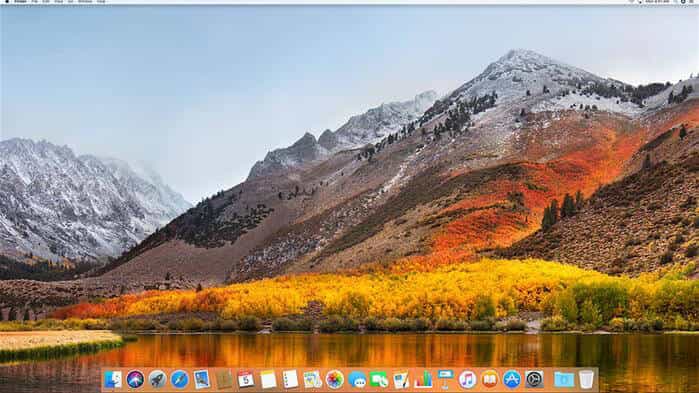
High Sierra the new macOS being released later this year will be the last macOS to support 32-bit apps. This year you will need to look at which apps you cannot live without if you want to continue upgrading macOS after High Sierra, making sure you have versions of the apps you need that will run on a 64 bit system because as of macOS 10.14 32-bit apps will no longer be supported.
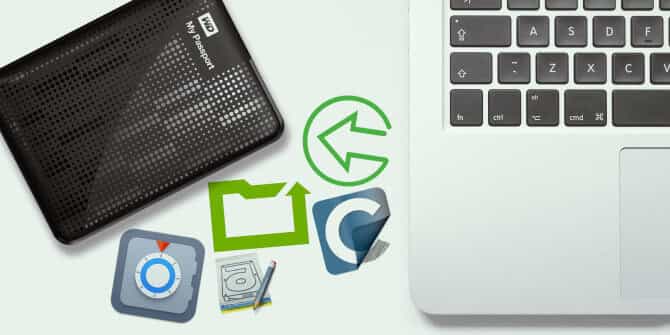
Back in 2008 I was burgled and lost a MacPro G5, on that Mac I had been working for months on a 3D render of my local town's high street in Bryce 3D of all programs. The project was still in its early stages, but it held sentimental value as it was the first time I'd attempted to recreate a real-world location in 3D.
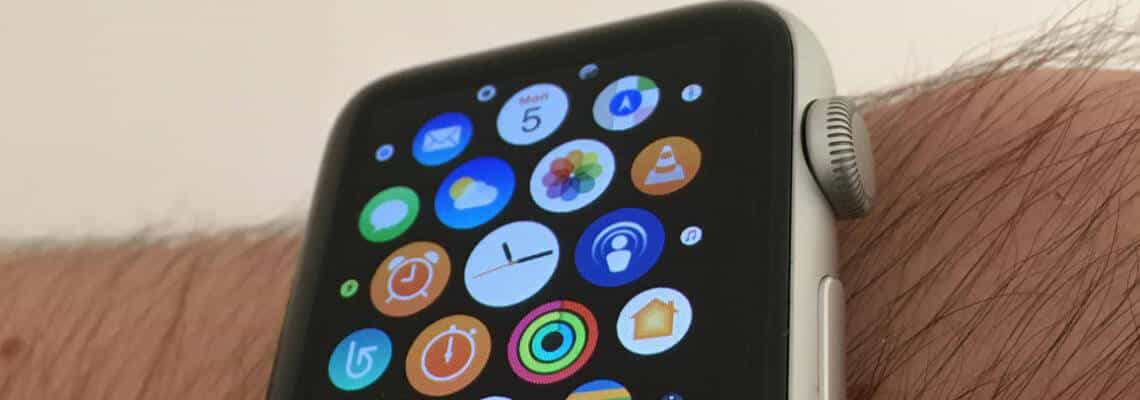
Earlier last month, Apple previewed watchOS 4 at WWDC. The new watch software features a proactive Siri watch face that contains information you find relevant every day and a new way of experiencing music. The update also offers an updated Workout app with enhanced tracking capabilities and introduces GymKit, which helps you connect your workout to existing cardio equipment for more accurate results. View Apple’s Preview here.
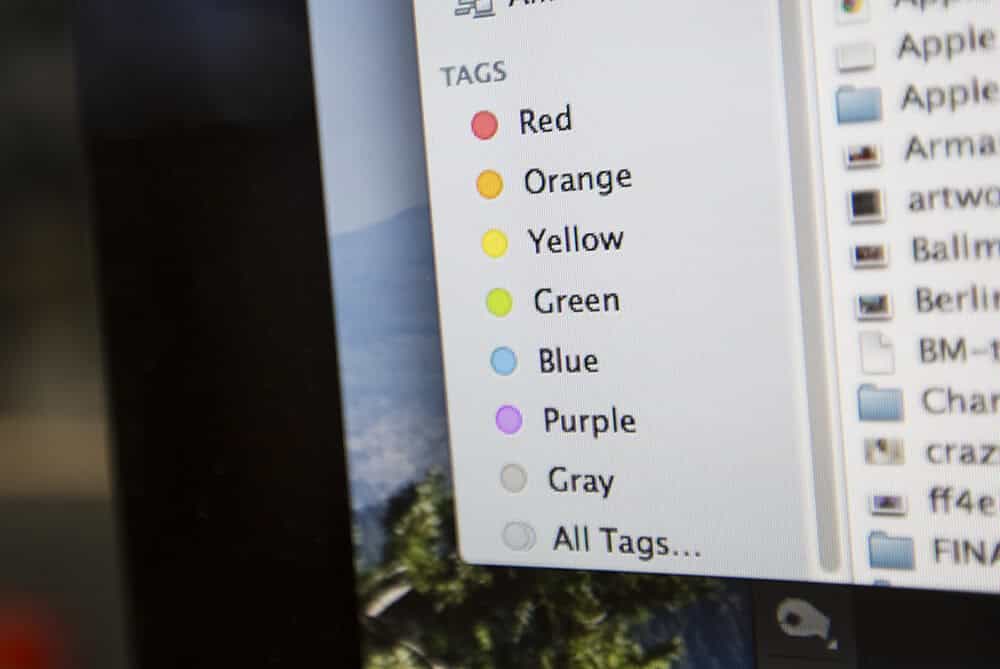
The macOS finder which powers the desktop, file manager, and more - it's likely to be your most used app. Apple describes it as “The Macintosh Desktop Experience”, a core part of the Mac experience that many users interact with daily. The Finder has some great hidden features, here are some to get you started and make your work flow better.
Apple launched the first public beta of macOS High Sierra at the end of June, which means you can download and install it without being in the Apple developer program. This is beta software so it is not the best idea to install this on your everyday Mac as bugs will be present and your apps may not work. Be aware that installing a beta version can also cause issues with system stability and compatibility with certain hardware configurations, which could lead to data loss or other problems if you're...
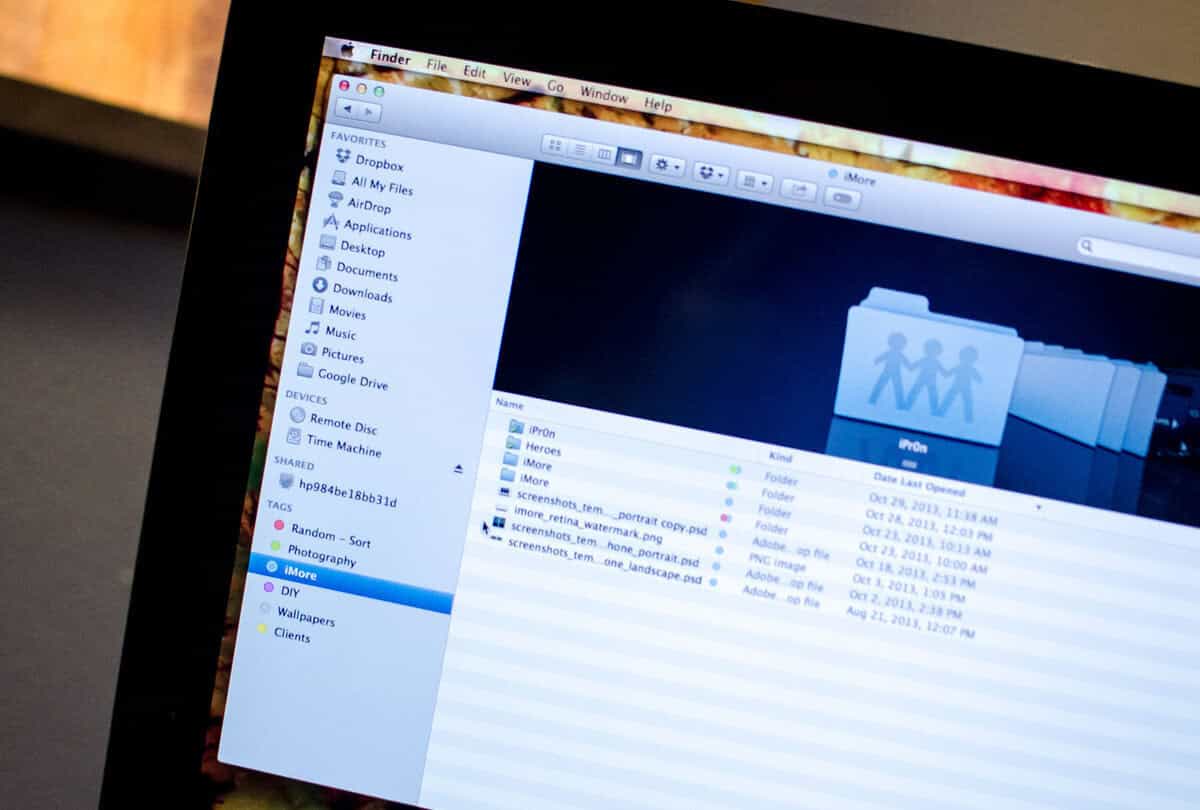
Your Mac makes it easy to do things by opening up any files you click on right away, using default applications. This streamlined approach helps you get started quickly and efficiently. However, sometimes you may need a different application to open up a specific type of file, such as a document or image that requires specialized software.
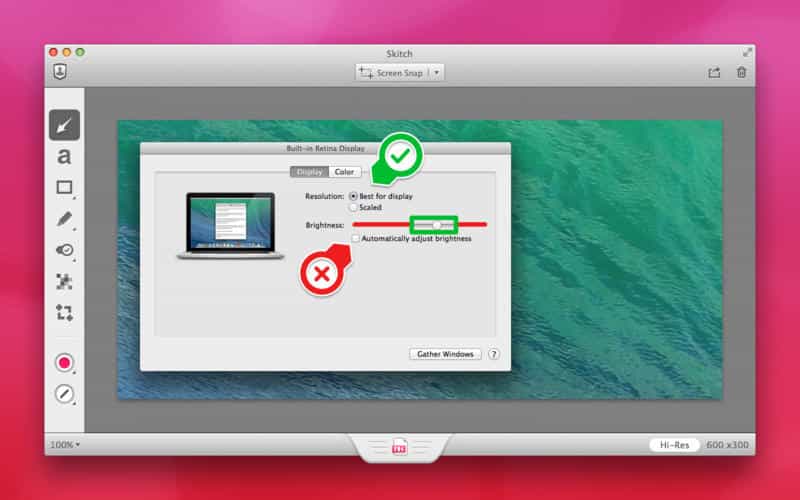
Basic copy and paste on a Mac has not changed much since the 1990s. You can still right-click to copy or use the keyboard shortcut ⌘ Command + C. The functionality remains consistent with earlier versions of macOS, providing a familiar experience for users who have grown accustomed to these methods over the years.
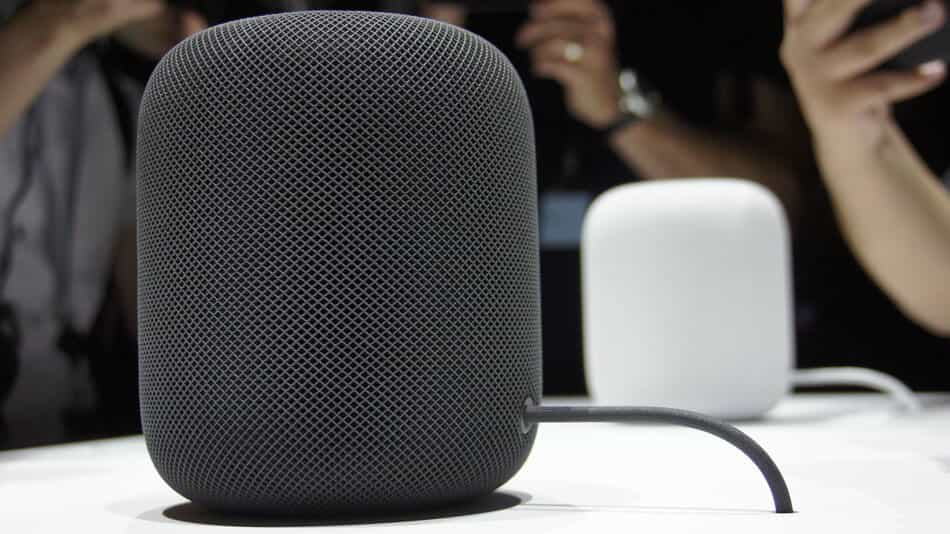
The HomePod is powered by Siri intelligence and can interact with your messages, relay sports scores, the news, provide translations, and control your home. It also allows you to make hands-free calls, set reminders, and send messages using voice commands. Additionally, it integrates with other Apple devices to provide a seamless experience across all your connected products.
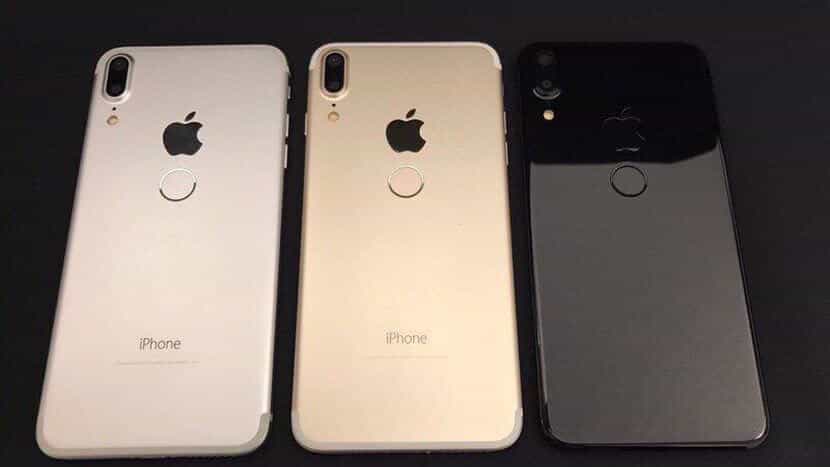
For its 10th edition of the iPhone first, Apple is expected to have a dramatic redesign. Since 2012, Apple has unveiled new iPhone editions in the first or second week of September consistently. Expectations remain that Apple will follow this schedule, announcing its new iPhone model in roughly 80 days from now, which would be consistent with previous years' releases.
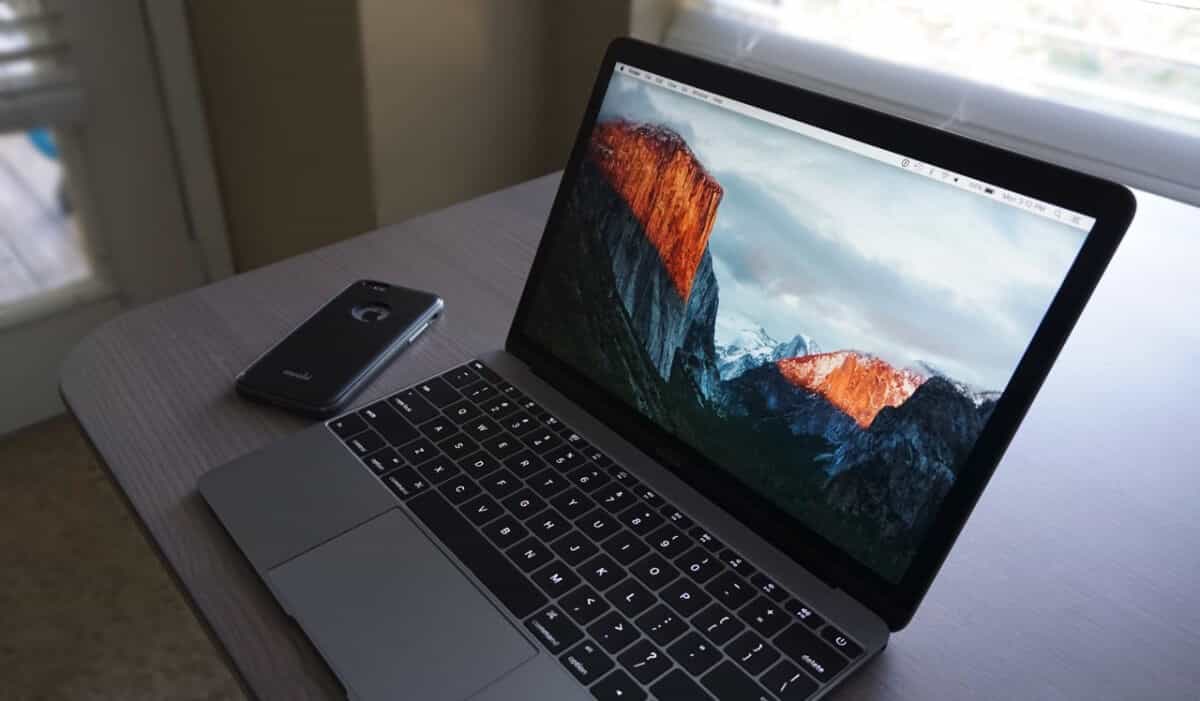
Whether you need access to an old password or you're helping a friend or family member, it's helpful to know how to retrieve an old password on your Mac. It's easy to forget old passwords you haven't used in a while. Maybe you got a request like this: "I forgot my password for that old account" or "Can you help me reset the password for my grandma's email?" Knowing how to recover old passwords can save time and effort, especially when dealing with sensitive information.
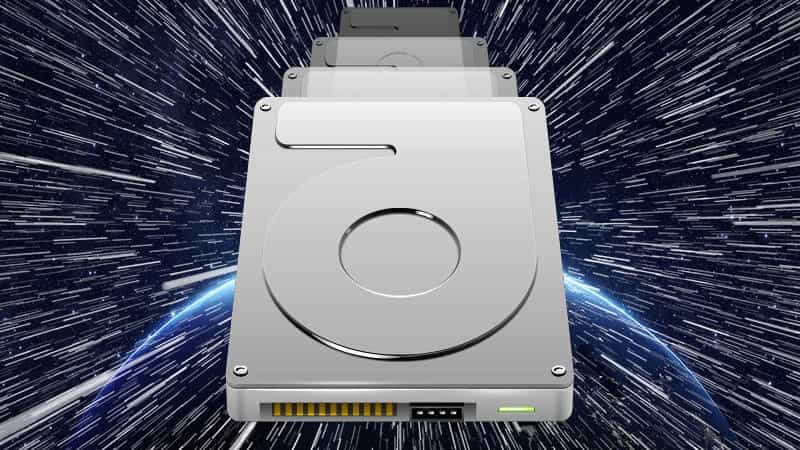
The new update to the ageing HFS+ file system will bring higher performance, better data integrity, and a significantly improved Time Machine. This update aims to address long-standing issues with the current file system, providing a more stable foundation for future development. The changes are focused on under-the-hood improvements rather than cosmetic overhauls.
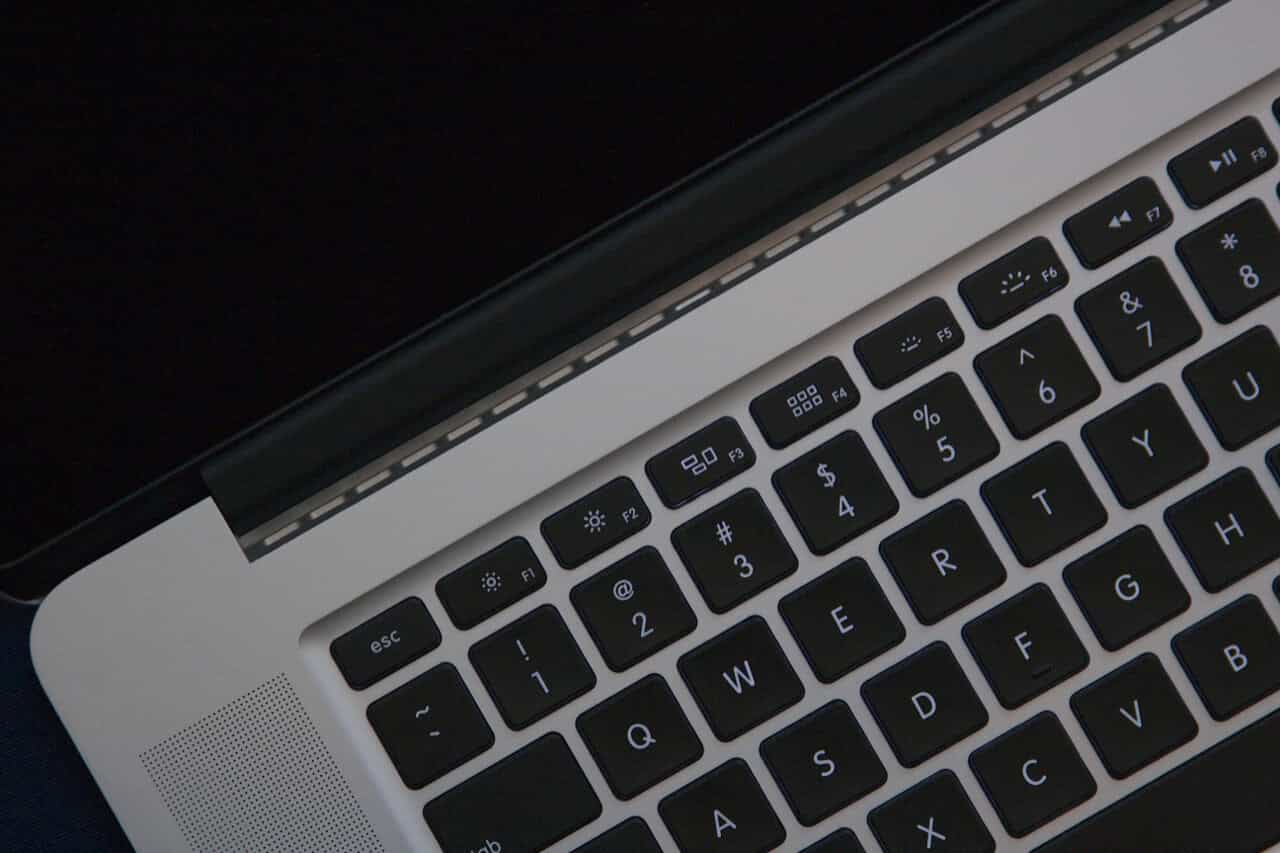
--- Disclaimer: Great care should be taken when altering the behavior of the cooling fans, as improper adjustments can lead to catastrophic consequences. If you overheat your Mac for an extended period, you will likely cause permanent damage or even destroy it entirely. As such, we strongly advise against making these modifications without proper expertise and caution. If you're unsure about how to proceed, consider consulting a qualified professional who has experience with Mac repairs and maintenance.
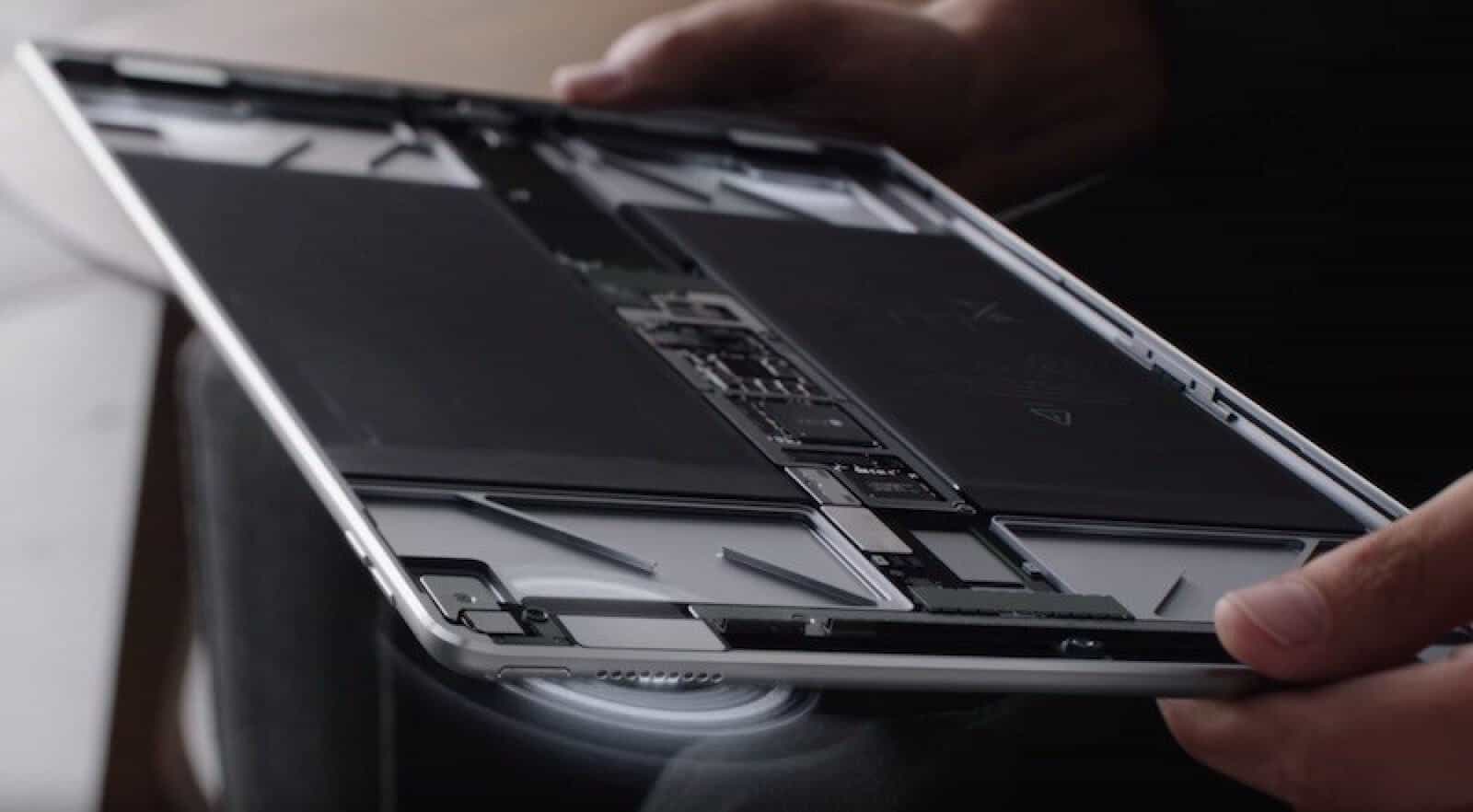
Earlier this month at WWDC, Apple shared its new 10.5 inch iPad Pro model with a larger display and ProMotion technology. The updated device is part of the company's ongoing efforts to refine its tablet lineup.
Here are three macOS 10 tips, tricks and shortcuts to help you stay productive and keep your Mac running smoothly.
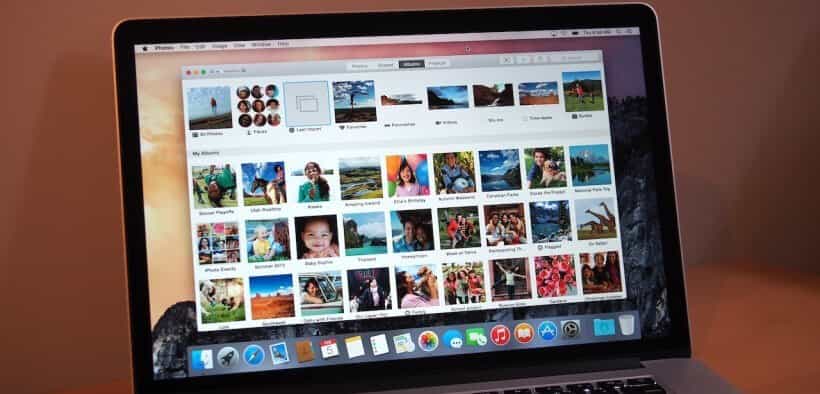
Photos has been included with OS X since Yosemite 10.10.3, two years ago now! If like me you've resisted using it in favor of what you're used to, you are missing out. Photos has some really great features that work quickly from within MacOS, allowing you to easily access the photos from all your Apple devices. It's worth giving it a try if you haven't already, as it can simplify your photo management and organization.
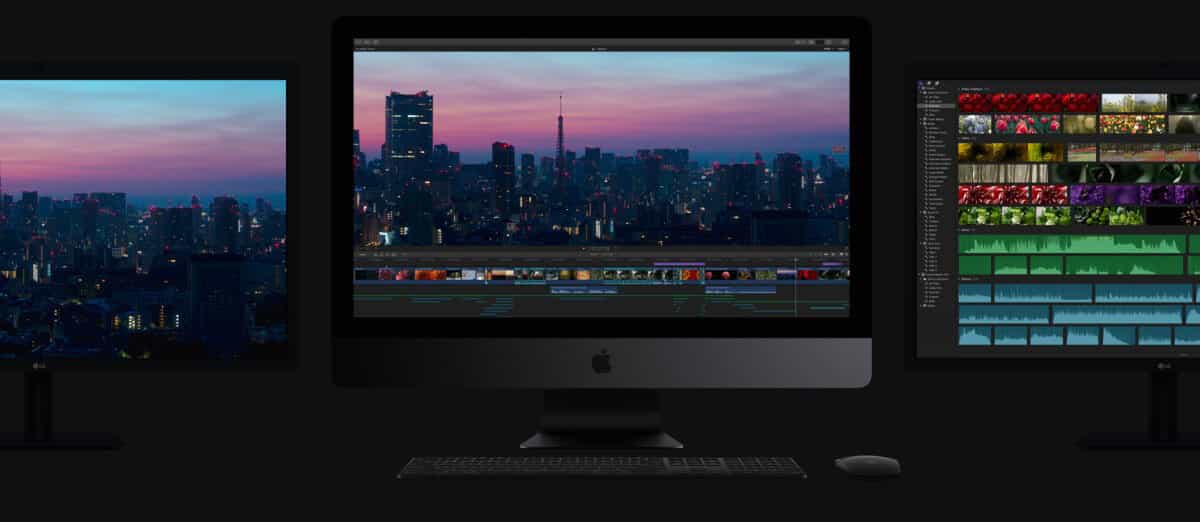
For some time now, Mac users have often opted for an iMac with all the necessary upgrades for their workstation rather than the Mac Pro. This is largely due to the fact that its latest re-incarnation in the "dustbin" case has been shunned for its lack of upgradeability, making it less appealing as a long-term solution for professionals who require flexibility and customization.
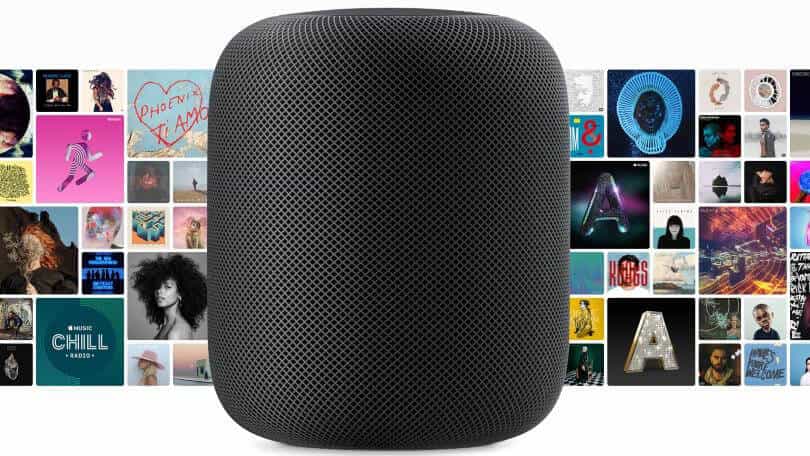
Apple has entered the smart speaker market, a space already occupied by the well-established Amazon Echo and Google Echo, with its new HomePod, scheduled for release in December 2017. The company's device stands out from the competition by prioritizing superior sound quality that is both immersive and high fidelity.

After reading the Solarwinds WHD SSL Guide it was not immediately clear to me how to properly secure WebHelpDesk, despite my best efforts. With many hours spent trying various configurations and troubleshooting, I finally found a solution with some help from this guide. Now, I will be demonstrating the ssl recipe that worked for me, in the hopes of saving others from similar frustration.
We don’t often talk much about web development or web optimization but recently we started investigating alternative methods / means to our web hosting environment. Currently we are using JustHost’s shared web hosting for jonbrown.org/blog. We are using their lowest shared hosting tier at which costs us $6 per month. We recently did quite a bit to optimize our site and I figured I would share our secret recipe for success that helped us improve our overall web speed rank by almost 90%. Having a website that is faster obviously...
Apple computers recently have exploded in popularity, Apple stock is soaring and Apple computers are now and have been for some time prime real estate for sticky fingers. So what is an Apple user to do? Keep your beloved computer locked up? With the threat of loss, or theft of Apple devices being a reality, many companies and solutions have emerged in the marketplace to address this growing concern.
If you're like me and need to deploy VMware in your environment and are unsure of the approach to use, then you have several options. If you use Casper, JAMF has come out with a PDF outlining the best methods for packaging and deploying VMware, its preferences and VMMachines. Since VMWare Fusion 5 however, VMware has included a nice manageable way to deploy VMware to all your machines. This alternative method eliminates the need for third-party tools or scripts, making it a straightforward solution for those who prefer a more...
As a Mac System Admin working in the Private sector, I must confess I find myself like a kid in the candy store looking, and trying out new products created by third party vendors that make my life, job and the user experience for my clients easier and more productive. I must stress that most admins can not fully share in my joy due to job or security restrictions. Admins in the Government sector for example can only use sanctioned tools and or methods for dealing with common Server Admin...
