

It’s taken as gospel that Macs are more expensive than PCs. A quick look at the Dell Web site reveals laptops for as low as $300. Sure, we can say that the configurations aren’t comparable, that macOS is better than Windows, or that Apple’s hardware quality is superior. Still, our friendly local bean counters have trouble getting past those low upfront prices.
However, unless you’re Rancho Gordo, the goal isn’t to count beans, it’s to get work done, and that’s a different scenario. Let’s look at a few ways that Macs are not just worth the money but can also be cheaper than comparable systems. We’ll start with a Forrester Research study commissioned by Apple that compared the total economic impact of Macs and PCs in large companies with employee-choice programs. In such programs, every employee gets to choose between a Mac and a PC, providing a sizable group across which to compare numbers, but the conclusions apply to large and small organizations alike.
Deeper Cost Analysis
Although the Forrester Research study found that the upfront acquisition cost of Macs was indeed $500 higher than comparable PCs, when additional factors were taken into account, Macs ended up costing about $50 less.
That’s in part because Macs have a higher residual value after 3 years, meaning that you can resell a 3-year-old Mac for more than a 3-year-old PC. Pay more up front, but get more back later on.
Macs also don’t need operating system licenses, and the Mac’s better security eliminates the need for additional licenses for security software.
Reduced IT Support Costs
It has long been thought that Macs required less support than PCs, but only in the past few years have there been organizations with enough Macs and PCs to compare. At IBM, one of the largest Apple-using companies with 290,000 Apple devices, a 2016 study found that the company was saving up to $543 per Mac compared to PCs over a 4-year lifespan. Forrester Research came up with an even higher number, showing that Macs cost $628 less over a 3-year lifespan.
What accounts for these reduced support costs? It takes less time to set up a new Mac, Macs are easier to manage, Macs users open fewer service tickets, and many fewer IT staff are needed. All that adds up to paying for fewer support resources. In another 2018 study, IBM found that it needed just 7 support engineers per 200,000 Macs, compared to 20 support engineers per 200,000 Windows machines.
Improved Employee Productivity and Engagement
Beyond reduced support costs, Mac users turn out to be more productive, more engaged, and more likely to stay with the company than PC users. Forrester Research found that over 3 years, Mac-using employees posted 48 hours more productivity (in part due to reduced downtime). That’s likely thousands of dollars more benefit to the company, per employee.
Even still, it can be hard to quantify that benefit, which is why Forrester Research compared users in sales positions. In its study, Forrester found that Mac-using employees showed a 5% increase in sales performance. That’s nothing compared to IBM, which found that its Mac-based salespeople closed deals worth 16% more than their Windows-using counterparts.
Finally, both Forrester Research and IBM discovered that Mac users were less likely to leave the company—20% less likely in Forrester’s study and 17% less likely in IBM’s research. That’s not just an indication of loyalty. There are significant costs to replacing employees who leave, so the higher the retention rate, the better it is for the bottom line.
Improved Overall Security
Few would argue with the belief that Macs are more secure than PCs. In Forrester’s research, the interviewed organizations said that the Mac has a fundamentally more secure architecture than Windows. In today’s world, criminals employ malware to steal information. Data breaches are costly, with a 2019 study by IBM Security and the Ponemon Institute pegging the average cost of a data breach at $3.9 million. The amounts vary by industry and the size of the breach, of course, but the average cost per data record was nearly $150.
Security breaches can have other costs as well. With a compromised account, attackers have often been able to pose as executives and get accounting departments to wire money to offshore accounts. Plus, when news of a data breach hits, it can result in the loss of customers. In the IBM Security study, healthcare companies suffered from a 7% customer turnover after a breach.
So yes, Macs do have higher upfront costs than PCs. But savvy managers know to look past such simplistic comparisons to the bigger picture, where equipping employees with Macs both saves far more than the difference in cost between a Mac and a PC and enables employees to produce more for the organization.
AI Usage Transparency Report
Pre-AI Era · Written before widespread use of generative AI tools
AI Signal Composition
Score: 0.05 · Low AI Influence
Summary
Macs are not just worth the money but can also be cheaper than comparable systems in the long run due to their higher residual value, reduced IT support costs, improved employee productivity and engagement, and better security.
Related Posts
Setting up Ollama on macOS
Recently, after some bad experiences with OpenAI's ChatGPT and CODEX, I decided to look into and learn more about running local AI models. On its face it was intimidating, but I had seen a lot of people in the MacAdmins community posting examples of macOS setups, which really helped lower the bar for me both in terms of approachability and just making me more aware of the local AI community that exists out there today.
AI Agent Constraints and Security
I really feel like in this era of AI it's essential to write about and share experiences for others who are leveraging AI, especially now that AI usage seems almost ubiquitous. Specifically, when it comes to AI in development and the rapid growth of AI-driven automations in the IT landscape, I believe there's a need for open discussion and exploration.

ABM Warranty 0.4.1
The 0.4.x release series for ABM Warranty is focused on operational scale. The earlier 0.3 releases were about trust, correctness, and stabilizing the foundation. Version 0.4.1 builds directly on that work by making the app more practical for consultants, internal IT teams, and managed service providers who need to support multiple environments without losing isolation, control, or visibility. This includes improvements to user interface and workflow, as well as enhanced reporting capabilities to help these users manage their workflows more efficiently.

Vibe Coding with Codex: From Fun to Frustration
So there I was, a typically day, a typical weekend. As a ChatGPT customer, I had heard good things about Codex and had not yet tried the platform. To date my experience with agentic coding was simply snippit based support with ChatGPT and Gemeni where I would ask questions, get explanations and support with squashing bugs in a few apps that I work on, for fun, on the side. There were a few core features in one of the apps I built that I wanted to try implementing but the...
The warranty dashboard Apple doesn’t provide… yet
Download ABM Warranty
Why Apple Fleet Risk Isn’t a Security Problem—Until It Is
Security and risk are often treated as interchangeable concepts in modern IT environments, but they are not the same discipline. Security focuses on controls, enforcement, and prevention. Risk management, by contrast, is concerned with likelihood, impact, and consequence across operational, financial, and organizational domains. Frameworks such as those published by NIST make this distinction explicit: risk assessment is not a technical exercise, but a business one. Technology informs risk decisions, but it does not define them.
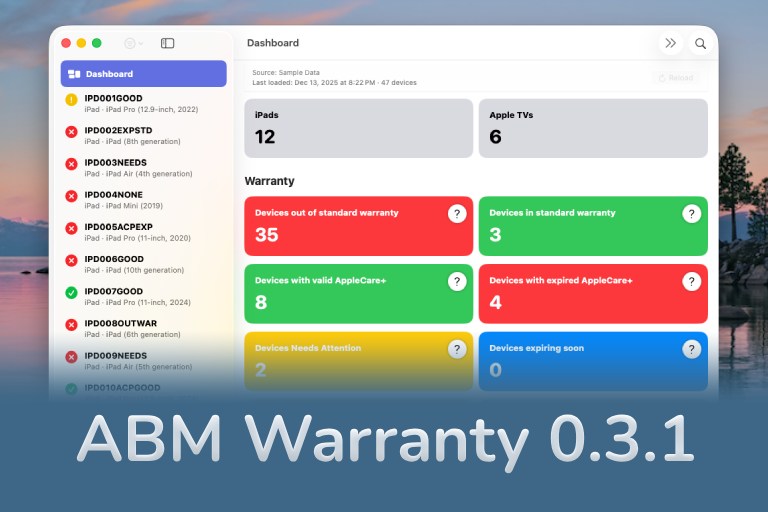
ABM Warranty 0.3.1
The 0.3.x release series for ABM Warranty is about tightening guarantees. Where earlier releases focused on surfacing data and making long-running operations observable, 0.3.x focuses on ensuring that what you see is complete, consistent, and safe to trust—particularly as the app is used in larger, slower, and more varied environments. This shift in focus aims to provide a more reliable foundation for users who require higher levels of assurance from their warranty management system.
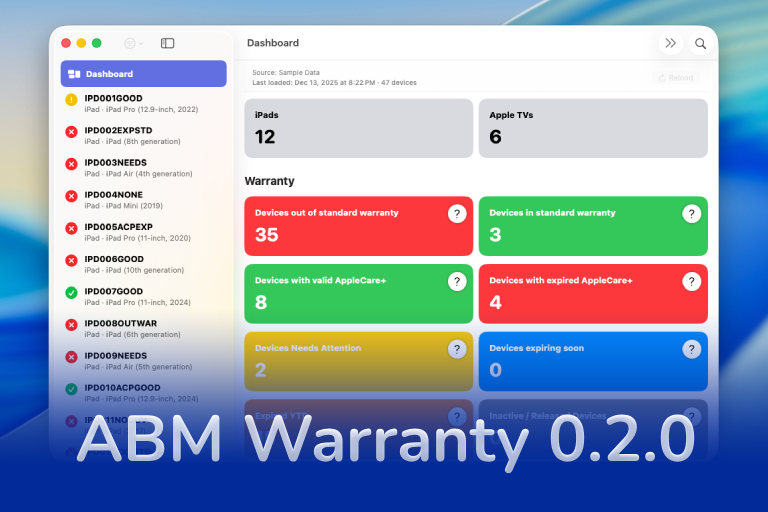
ABM Warranty 0.2.0
ABM Warranty 0.2.0 is a feature release focused on visibility, safety, and scale. This version does not change what ABM Warranty is meant to be, but it significantly improves how the app behaves under real-world conditions—large device counts, API throttling, long-running imports, and the kinds of failure modes Apple IT admins actually encounter. The improvements in this release are designed to make the app more reliable and efficient, allowing it to handle complex scenarios without breaking or becoming unresponsive.

Running a Beta Program: Lessons Learned
Shipping software in isolation is comforting. You control the inputs, the environment, and the narrative you tell yourself about how things work. The moment you invite other people in—especially people who don’t share your assumptions—you lose that comfort. You also gain something far more valuable. Running a public beta for ABM Warranty through Apple’s TestFlight program forced me to confront that tradeoff head-on, and it fundamentally changed how quickly and confidently the app matured.
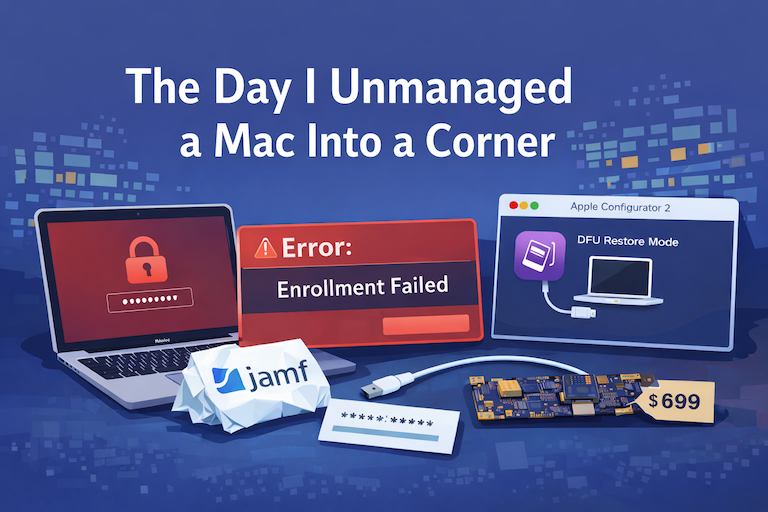
The Day I Unmanaged a Mac Into a Corner
There are a few kinds of mistakes you make as a Mac admin. There are the ones that cost you time, the ones that cost you sleep, and then there are the ones that leave you staring at a perfectly good laptop thinking, “How did I possibly make this *less* manageable by touching it?” These mistakes often stem from a lack of understanding or experience with macOS, but they can also be the result of rushing through tasks or not taking the time to properly plan and test.
