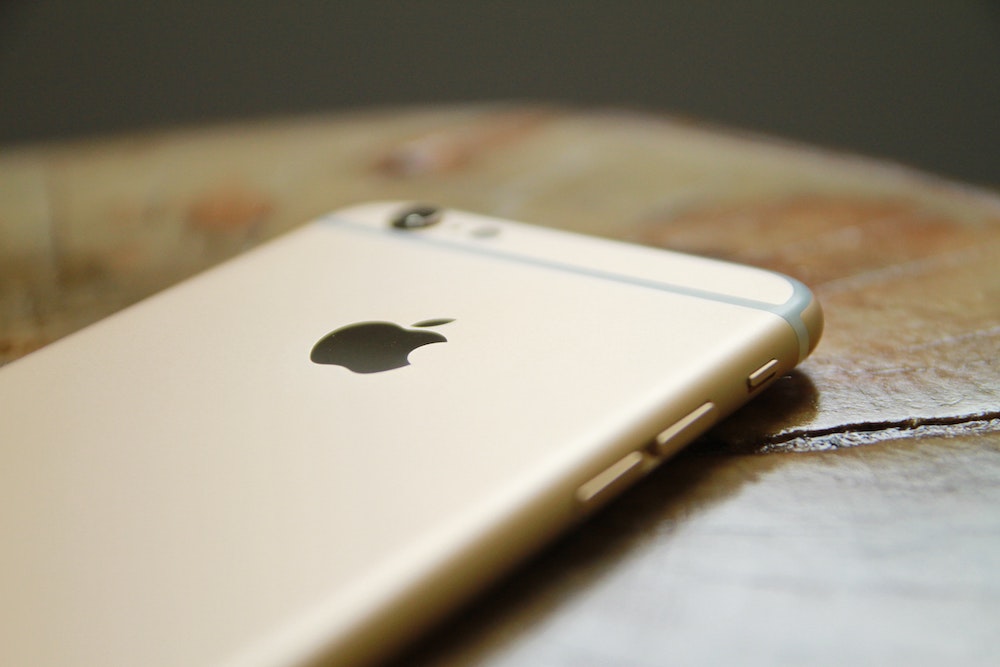

Apple recently released iOS 13.5, incorporating a new Exposure Notification API in response to the global COVID-19 pandemic. We’ve seen a few people freaking out about this, but seriously, calm down, folks. At best, the Exposure Notification API could lower contact tracing costs, reduce the spread of COVID-19, prevent life-changing health consequences, and save lives. At worst, it won’t prove particularly effective. In neither case does it pose any threat to personal privacy.
Why have Apple and Google—two companies that normally compete tooth and nail—formed this unprecedented partnership? Contact tracing is one of the key techniques employed by public health authorities in slowing the spread of COVID-19. It involves gathering information from an infected person about those they’ve been in contact with, enabling authorities to learn who might have been the source of the infection and who they may have infected. It’s a slow, laborious, and error-prone process—do you know or even remember all the people you’ve come in contact with over the past few weeks?—but it’s helpful nonetheless.
To speed up this process and make it more accurate, Apple and Google are building exposure notification capabilities into their respective smartphone operating systems. A large percentage of the population carries a smartphone running either iOS or Android, and since these phones have the capability to detect when other phones are in their vicinity via Bluetooth, Apple and Google realized they could use technology to alert people when they had been exposed to a person who later tests positive for COVID-19.
Their solution comes in two phases. In the first phase, Apple and Google are releasing the Exposure Notification API, and that’s what just happened with iOS 13.5. This API, or application programming interface, allows apps written by public health authorities to work across both iOS and Android devices, something that’s never been possible before. The first key fact to understand is that only public health authorities will be allowed to write apps that leverage the Exposure Notification API. It cannot be incorporated into sketchy social media apps.
Unfortunately, it seems likely that many people will never learn about or download those apps. So in the second phase, Apple and Google will build the exposure notification technology directly into iOS and Android, so it can work without a public health authority app being installed.
The second key fact to understand is the entire system is opt-in. You must explicitly consent to the terms and conditions of the program before it becomes active on your phone. That’s true whether you get an app in the first phase or rely on the integration in the second phase. And, of course, if you change your mind, you can always turn it off in the app or the operating system settings.
How does it work? Apple and Google have developed an ingenious approach that ensures that those who opt-in to the technology can use it without worrying about privacy violations.
Your phone creates a Bluetooth beacon with a unique ID derived from a randomly generated diagnosis encryption key. The system generates a fresh diagnosis key every 24 hours and stores it on your phone for 14 days, deleting all older keys. Plus, the unique Bluetooth beacon ID that your phone broadcasts to other phones in your vicinity changes every 15 minutes. Similarly, your phone reads the unique IDs from nearby phones and stores them locally. This approach ensures privacy in three important ways:
- No personal information is shared. The ID is based on a random encryption key and changes constantly, so there’s no way it could be traced back to your phone, much less to you personally.
- No location information is stored. The only data that’s generated and transferred between the phones are these unique IDs. The system does not record or share location information, and Apple and Google have said they won’t approve any public health authority app that uses this system and also records location separately.
- No data is uploaded unless you test positive. As long as you remain uninfected by COVID-19, no data from your phone is uploaded to the Apple- and Google-controlled servers.
What happens if you test positive for COVID-19? (Sorry!) In that case, you would need to use a public health authority app to report your test results. You’ll likely have to enter a code or other piece of information to validate the diagnosis—a requirement necessary to prevent fake reporting.
When the app confirms your diagnosis, it triggers your phone to upload up to the last 14 days of diagnosis encryption keys—remember, these are just the keys from which the IDs are derived, not the IDs themselves—to the servers. Fewer days might be uploaded depending on when the exposure could have occurred.
All the phones enrolled in the system constantly download these diagnosis keys from devices of infected people. Then they perform cryptographic operations to see if those keys match any of the locally stored Bluetooth IDs captured during the period covered by the key. If there’s a match, that means you were in proximity to an infected person, and the system generates a notification with information about the day the exposure happened, how long it lasted, and the Bluetooth signal strength (which can indicate how close you were). A public health authority app will provide detailed instructions on how to proceed; if someone doesn’t have the app yet, the smartphone operating system will explain how to get it. Additional privacy protections are built into these steps:
- No one is forced to report a positive diagnosis. Just as you have to opt-in to the proximity ID sharing, you must explicitly choose to share your positive diagnosis. Not sharing puts others, including your loved ones, at risk, but that’s your decision to make.
- Shared diagnosis keys cannot identify you. The information that your phone uploads in the case of a positive diagnosis is limited to—at most—14 encryption keys. Those keys, which are then shared with others’ phones, contain no personal or location information.
- The matching process takes place only on users’ phones. Since the diagnosis keys and the derived IDs only meet on individual phones, there’s no way Apple, Google, or any government agency could match them up to establish a relationship.
- The notification information is too general to identify individuals. In most cases, there will be no way to connect an exposure notification back to an individual. Obviously, if you were in contact with only one or two people on a relevant day, that’s less true, but in such a situation, they’re likely known to you anyway.
Finally, Apple and Google have said they’ll disable the exposure notification system on a regional basis when it is no longer needed.
We apologize if that sounds complicated. It is, and necessarily so, because Apple and Google have put a tremendous amount of thought and technical and cryptographic experience into developing this exposure notification system. They are the preeminent technology companies on the planet, and their knowledge, skills, and expertise are as good as it gets. A simpler system—and, unfortunately, we’ll probably see plenty of other apps that won’t be as well designed—would likely have loopholes or could be exploited in unanticipated ways.
You can read more about the system from Apple and Google, including a FAQ and the technical specifications.
Our take? We’ll be installing the necessary app and participating in this exposure notification system. It’s the least we can do to help keep our loved ones and others in our communities safe. In a pandemic, we all have to work to help others.
AI Usage Transparency Report
Pre-AI Era · Written before widespread use of generative AI tools
AI Signal Composition
Score: 0.01 · Low AI Influence
Summary
Apple and Google have developed an exposure notification system to help slow the spread of COVID-19. The system uses Bluetooth beacons with unique IDs that change constantly, ensuring privacy in three important ways: no personal information is shared, no location information is stored, and no data is uploaded unless you test positive.
Related Posts
Setting up Ollama on macOS
Recently, after some bad experiences with OpenAI's ChatGPT and CODEX, I decided to look into and learn more about running local AI models. On its face it was intimidating, but I had seen a lot of people in the MacAdmins community posting examples of macOS setups, which really helped lower the bar for me both in terms of approachability and just making me more aware of the local AI community that exists out there today.
AI Agent Constraints and Security
I really feel like in this era of AI it's essential to write about and share experiences for others who are leveraging AI, especially now that AI usage seems almost ubiquitous. Specifically, when it comes to AI in development and the rapid growth of AI-driven automations in the IT landscape, I believe there's a need for open discussion and exploration.

ABM Warranty 0.4.1
The 0.4.x release series for ABM Warranty is focused on operational scale. The earlier 0.3 releases were about trust, correctness, and stabilizing the foundation. Version 0.4.1 builds directly on that work by making the app more practical for consultants, internal IT teams, and managed service providers who need to support multiple environments without losing isolation, control, or visibility. This includes improvements to user interface and workflow, as well as enhanced reporting capabilities to help these users manage their workflows more efficiently.
Vibe Coding with Codex: From Fun to Frustration
So there I was, a typically day, a typical weekend. As a ChatGPT customer, I had heard good things about Codex and had not yet tried the platform. To date my experience with agentic coding was simply snippit based support with ChatGPT and Gemeni where I would ask questions, get explanations and support with squashing bugs in a few apps that I work on, for fun, on the side. There were a few core features in one of the apps I built that I wanted to try implementing but the...
The warranty dashboard Apple doesn’t provide… yet
Download ABM Warranty
Why Apple Fleet Risk Isn’t a Security Problem—Until It Is
Security and risk are often treated as interchangeable concepts in modern IT environments, but they are not the same discipline. Security focuses on controls, enforcement, and prevention. Risk management, by contrast, is concerned with likelihood, impact, and consequence across operational, financial, and organizational domains. Frameworks such as those published by NIST make this distinction explicit: risk assessment is not a technical exercise, but a business one. Technology informs risk decisions, but it does not define them.
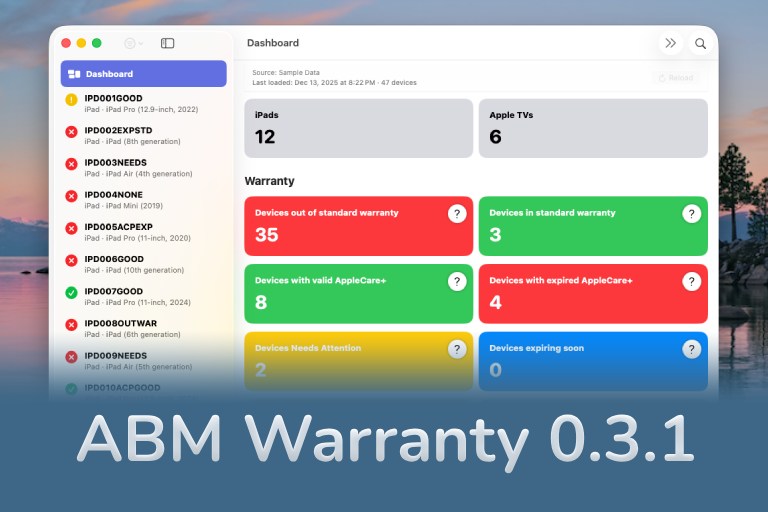
ABM Warranty 0.3.1
The 0.3.x release series for ABM Warranty is about tightening guarantees. Where earlier releases focused on surfacing data and making long-running operations observable, 0.3.x focuses on ensuring that what you see is complete, consistent, and safe to trust—particularly as the app is used in larger, slower, and more varied environments. This shift in focus aims to provide a more reliable foundation for users who require higher levels of assurance from their warranty management system.
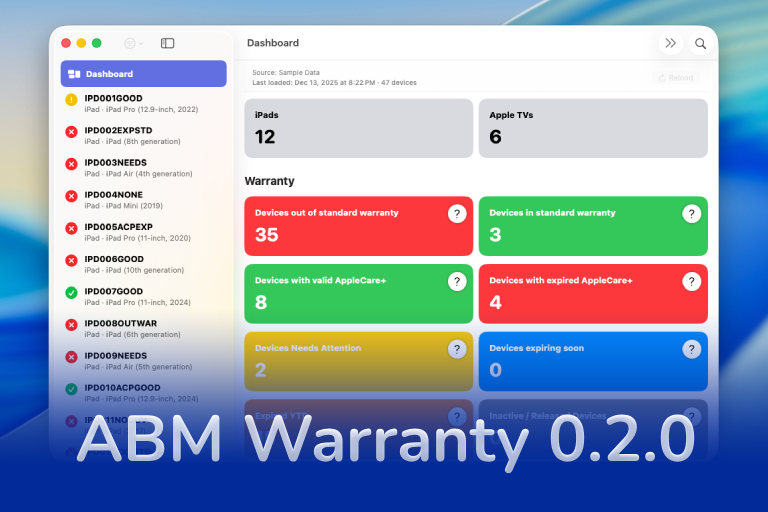
ABM Warranty 0.2.0
ABM Warranty 0.2.0 is a feature release focused on visibility, safety, and scale. This version does not change what ABM Warranty is meant to be, but it significantly improves how the app behaves under real-world conditions—large device counts, API throttling, long-running imports, and the kinds of failure modes Apple IT admins actually encounter. The improvements in this release are designed to make the app more reliable and efficient, allowing it to handle complex scenarios without breaking or becoming unresponsive.
Running a Beta Program: Lessons Learned
Shipping software in isolation is comforting. You control the inputs, the environment, and the narrative you tell yourself about how things work. The moment you invite other people in—especially people who don’t share your assumptions—you lose that comfort. You also gain something far more valuable. Running a public beta for ABM Warranty through Apple’s TestFlight program forced me to confront that tradeoff head-on, and it fundamentally changed how quickly and confidently the app matured.
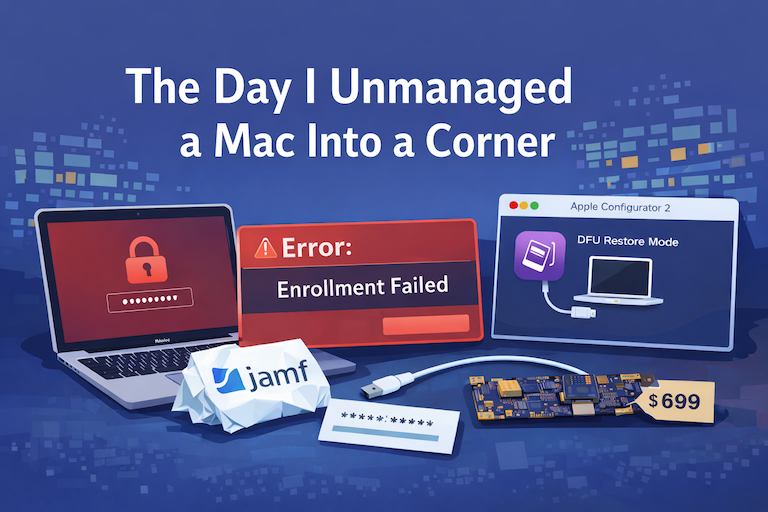
The Day I Unmanaged a Mac Into a Corner
There are a few kinds of mistakes you make as a Mac admin. There are the ones that cost you time, the ones that cost you sleep, and then there are the ones that leave you staring at a perfectly good laptop thinking, “How did I possibly make this *less* manageable by touching it?” These mistakes often stem from a lack of understanding or experience with macOS, but they can also be the result of rushing through tasks or not taking the time to properly plan and test.
