Latest Articles

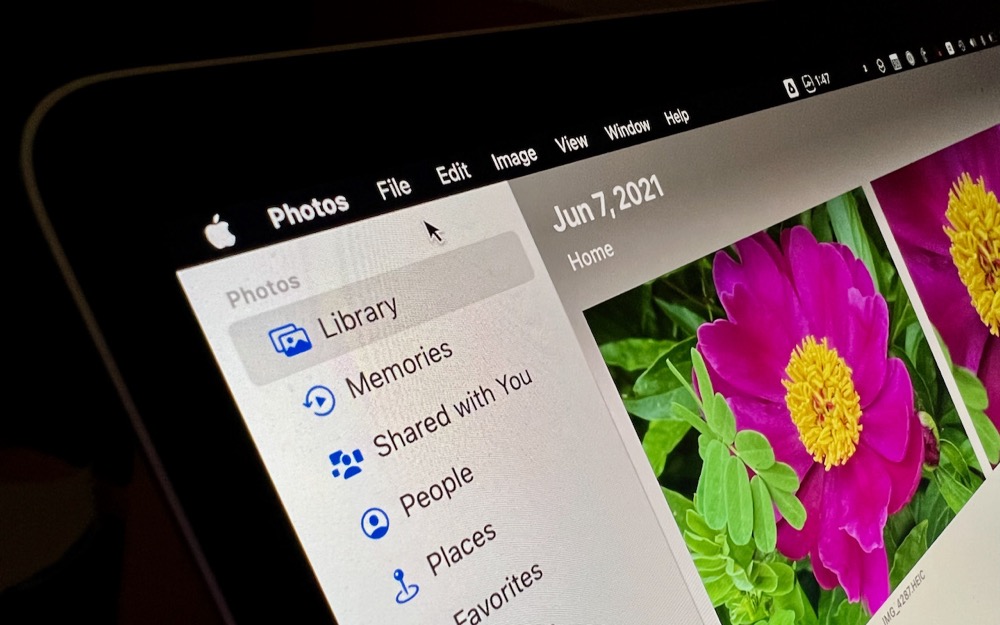
Live Text Digitizes Text in Photos in iOS 15, iPadOS 15, and macOS 12 Monterey

Thanks to the incredible processing power of Apple’s recent devices, this digitization of graphics to text takes place instantly—hence “live” text. Apple says it works on any Mac that can run Monterey, but on the iPhone and iPad, it requires a model with an A12 Bionic processor or later, which means anything in this list (check your device in Settings > General > About > Model Name):

Avoid Unusual Top-Level Domains in Custom Domain Names

Before we go any further, let’s make sure we’re all on the same page. Domain names are necessary because computers on the Internet are all identified by inscrutable numeric IP addresses. You can remember and type apple.com easily; 184.31.17.21 not so much. Domain names have two or more parts: the top-level domain (read from the end, such as com) and the second-level domain (like apple), plus optional third-level domains (which could give you support.apple.com).

Need to Resize Images in Various Ways? Give Preview a Try

These tasks are easily accomplished with professional graphics apps like Photoshop, but you don’t need to pay for or learn Photoshop for a quick resizing and cropping of an image. That’s because Preview, which is built into macOS, can do many of these tasks with aplomb.

The Best Apple-Related Gifts for 2021

AirTag Do you know someone who’s always misplacing their keys, purse, or backpack? Apple’s new AirTag tracker is the perfect gift for such a person. Attach one to a keyring (with a separate $29 AirTag Loop or $39 AirTag Leather Loop) or drop it in a bag, and from then on, the person can use the Find My app to see where they left their stuff. Support for ultra-wideband enables precision finding with an iPhone 11 or later—with earlier iPhones, the detected location won’t be quite so precise. AirTag uses...

Prev 1 ... 43 44 45 46 47 ... 147 Next