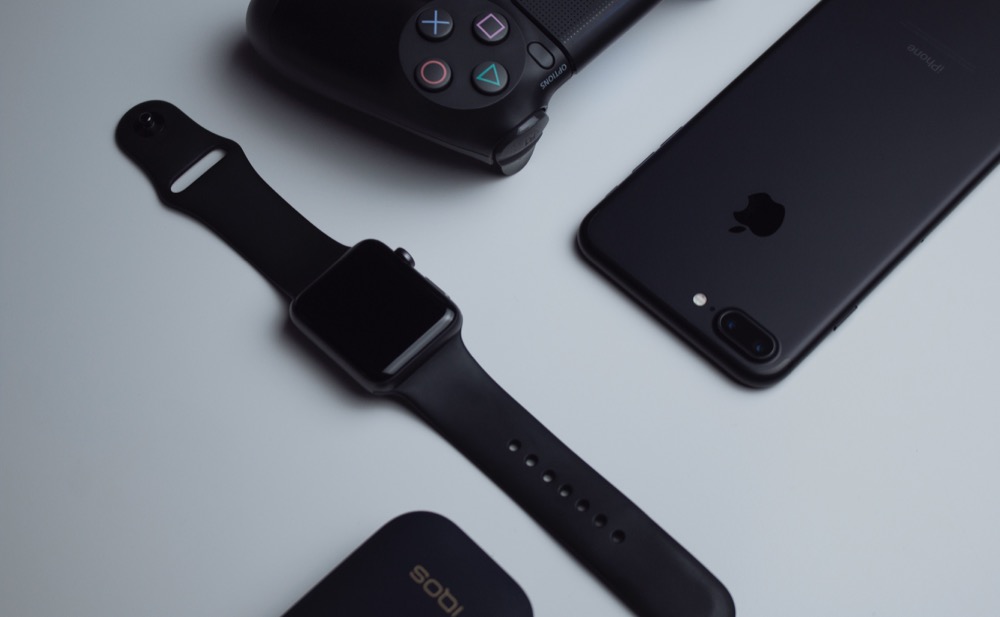

The holiday shopping season is fast approaching! Given the significant stresses placed on society’s fulfillment, distribution, and delivery systems by the pandemic, we recommend you start thinking about your holiday gift-giving sooner rather than later. Even Apple, which generally does an excellent job predicting demand and shipping products quickly, has been suffering from delays this year. But if you order in time, Apple has a wide variety of products that would make great gifts for your Apple-using loved ones.
AirPods and AirPods Pro
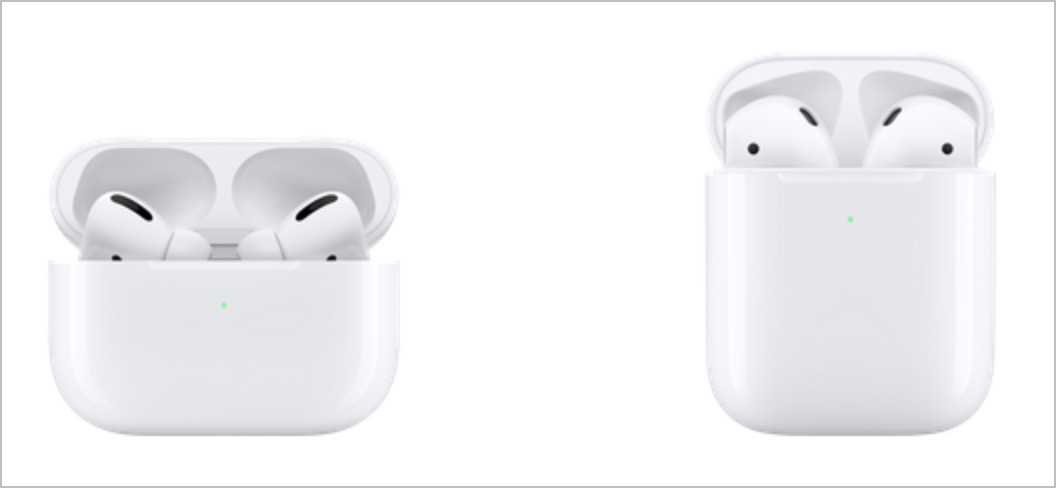
Apple makes two models of its insanely popular wireless earbuds: the original AirPods and the noise-canceling AirPods Pro. Although it’s tempting to assume that the AirPods Pro are simply better than the AirPods, the decision isn’t that simple. The AirPods are cheaper ($159, or $199 with a wireless charging case) and don’t block the ear canal. The AirPods Pro are smaller and cost $249, and you also get active noise cancellation, a customizable fit, a wireless charging case, and sweat and water resistance. However, the AirPods Pro block the ear canal, which many people dislike, and don’t stay in as well for some.
HomePod and HomePod mini
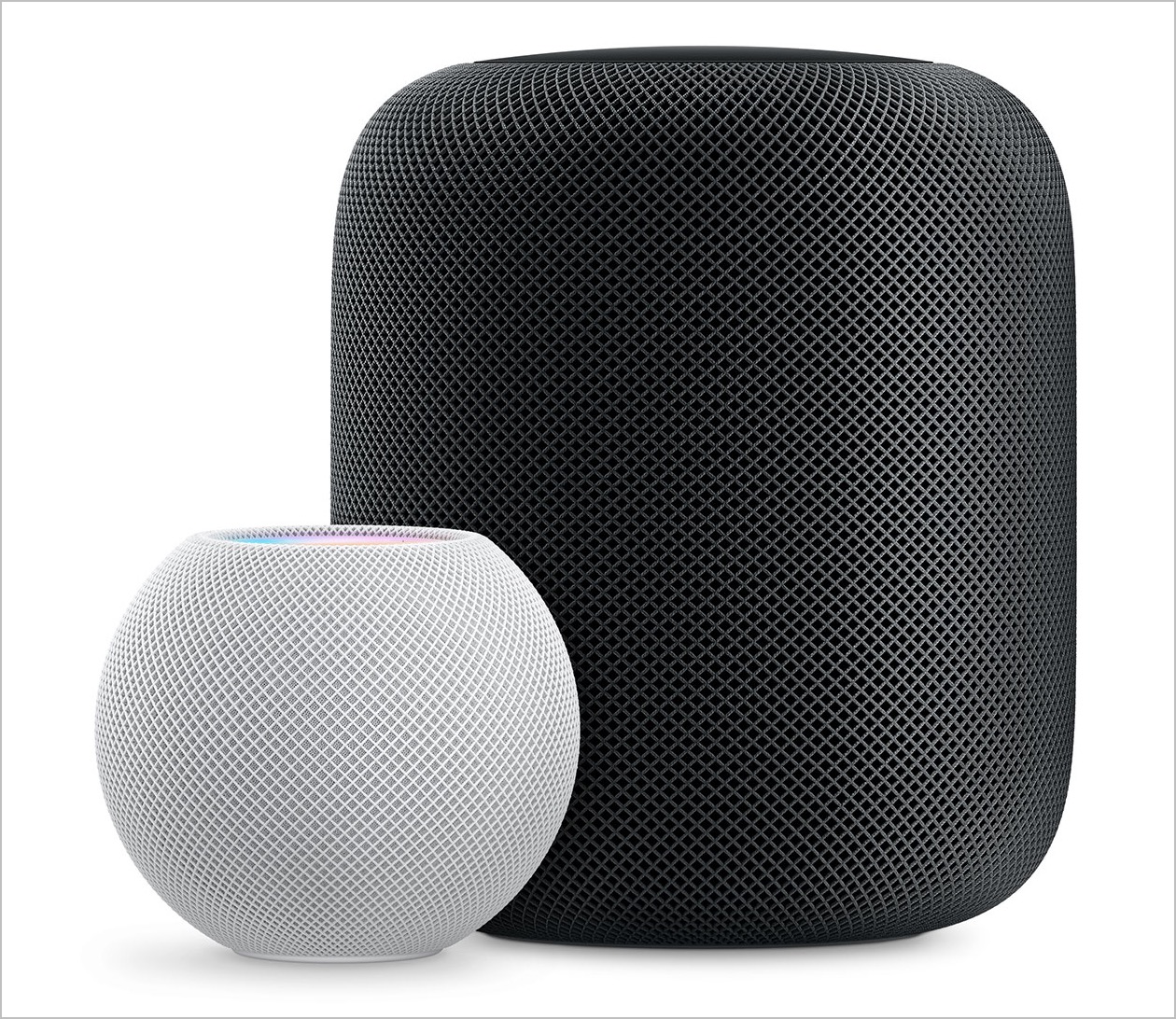
Apple’s HomePod smart speaker lags behind Amazon’s Alexa and Google Home devices in large part because of its price, which started at $349 and later dropped to $299. But the sound that the HomePod puts out is top-notch, and Apple has done a good job of integrating the HomePod into the overall ecosystem of Apple devices, so you can use it as a speaker for an Apple TV. It also works well for controlling HomeKit-compatible lights and plugs.
Cognizant of the price problem, Apple has just introduced a new HomePod mini that enters the market at $99. It’s also a lot smaller than the original HomePod, and while its sound probably isn’t as good due to fewer bits of audio hardware, we’re betting that it’s still excellent. A HomePod mini can do nearly anything a HomePod can do, including creating a stereo pair with another HomePod mini (but not with a HomePod). It’s a cheaper introduction to having a Siri-enabled smart speaker and a nice way to bring audio into other parts of a home or office.
iPad
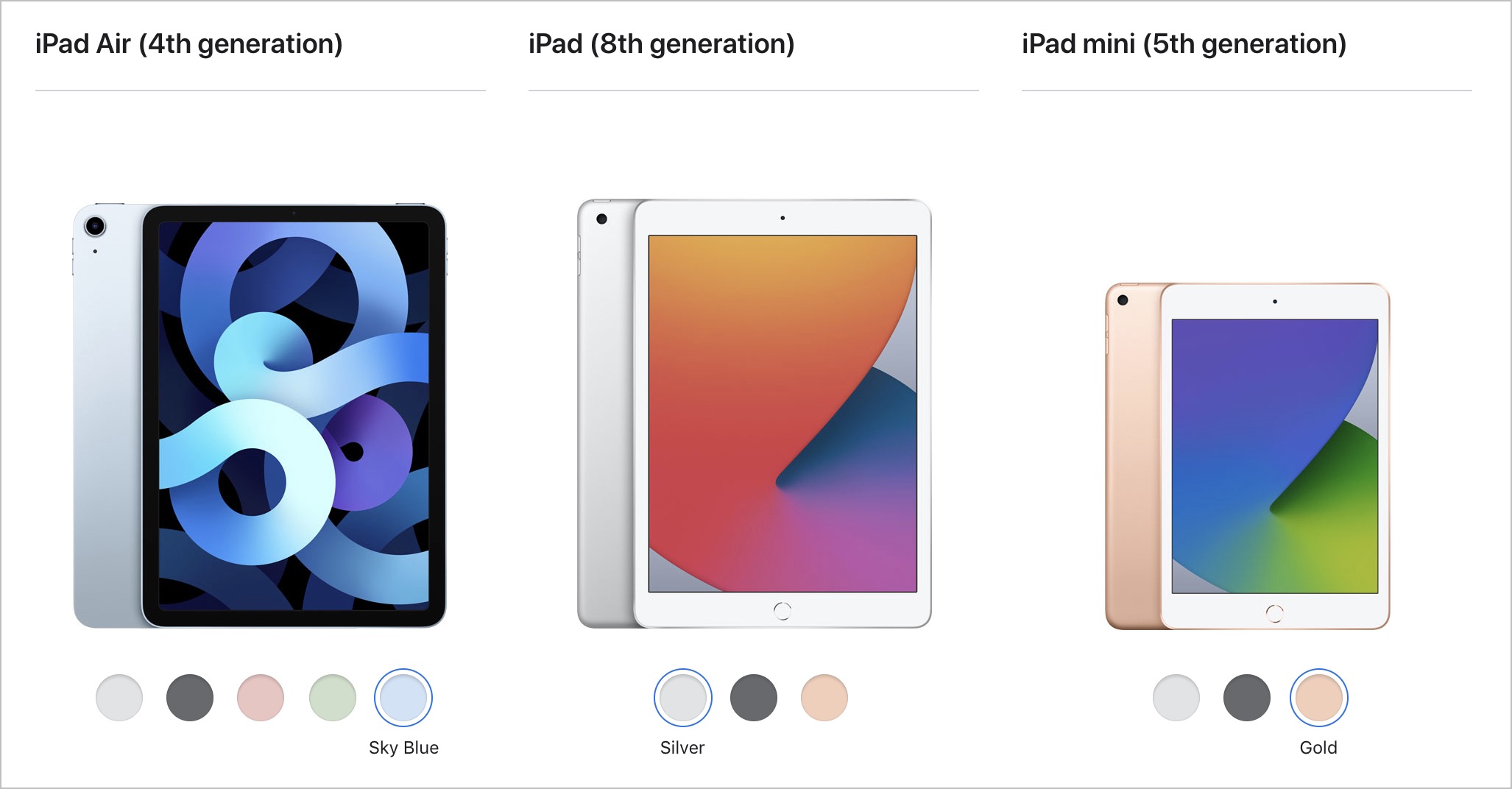
Apple’s iPad line is stronger than ever. At the top, the iPad Pro comes in 11-inch and 12.9-inch models, and while they’re bursting with power, they’re also on the high end of the price spectrum (starting at $799 and $999), which makes them less attractive as gifts. Plus, they might be due for updates soon.
Instead, for a demanding iPad user, look at the new fourth-generation iPad Air ($699), which combines the flat-edged industrial design of the iPad Pro with Apple’s latest chip. It’s compatible with the second-generation Apple Pencil ($129) and the Magic Keyboard for iPad ($299).
For kids or those who want an iPad for simpler purposes like browsing the Web, reading books, watching TV, and playing casual games, you won’t go wrong with the new eighth-generation iPad, which combines thoroughly respectable specs with a low price starting at $329. For additional input options, it works with the first-generation Apple Pencil ($99) and the Smart Keyboard ($159).
Finally, don’t count the fifth-generation iPad mini out. At $399, it’s a little more expensive than the 10.2-inch iPad, but its 7.9-inch screen makes it a lot smaller, which many people like. It too is compatible with the first-generation Apple Pencil, and although Apple doesn’t make any keyboards for it, it will work with any Bluetooth keyboard. If you’re having trouble deciding between the iPad and the iPad mini, check out Apple’s comparison tool.
Apple Watch gift certificate
Finally, we love the Apple Watch, and it would seem to make a great gift. However, we urge caution when considering it as a present. The problem is Apple provides a dizzying number of options, and everyone has their own preferences, so it’s difficult to know what to get. You can choose from the new Apple Watch Series 6 (starting at $399), the equally new but less expensive Apple Watch SE (starting at $279), or the older Apple Watch Series 3 (starting at $199). Get the Series 6 if you want an Always-On Display, blood oxygen sensor, and ECG capabilities. The Apple Watch SE lacks those three options but has the same screen size as the Series 6, along with its compass, altimeter, and fall detection feature. And the Series 3 has a slightly smaller screen and just the core Apple Watch features. Apple has a helpful comparison tool.
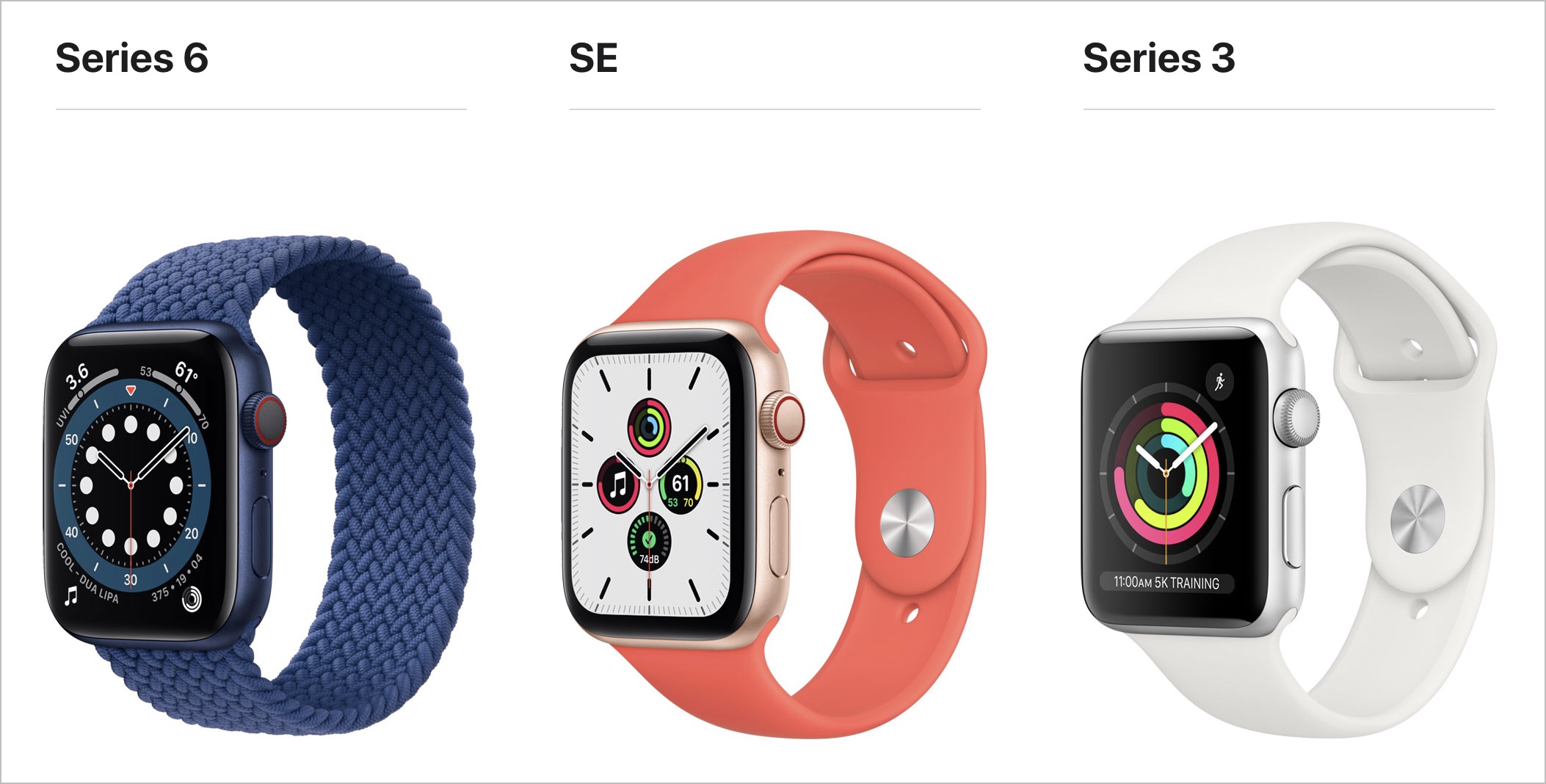
Within each model, you have to choose between larger and smaller case sizes, pick a case material (aluminum for all, or stainless steel or titanium for the Series 6), a case color, a band type, and a band color. And then there’s the question of whether Wi-Fi–only is sufficient or if a cellular-capable model makes more sense.
So unless you think you know exactly what the recipient would like, we’d encourage giving a certificate that’s good for a conversation about what would be most appreciated. Then sit down with the Apple Watch Studio to run through all the aesthetic decisions.
AI Usage Transparency Report
Pre-AI Era · Written before widespread use of generative AI tools
AI Signal Composition
Score: 0.04 · Low AI Influence
Summary
The article discusses various Apple products that make great gifts, including AirPods, HomePod, iPad, and Apple Watch. It highlights the pros and cons of each product and provides recommendations for different types of users.
Related Posts

Setting up Ollama on macOS
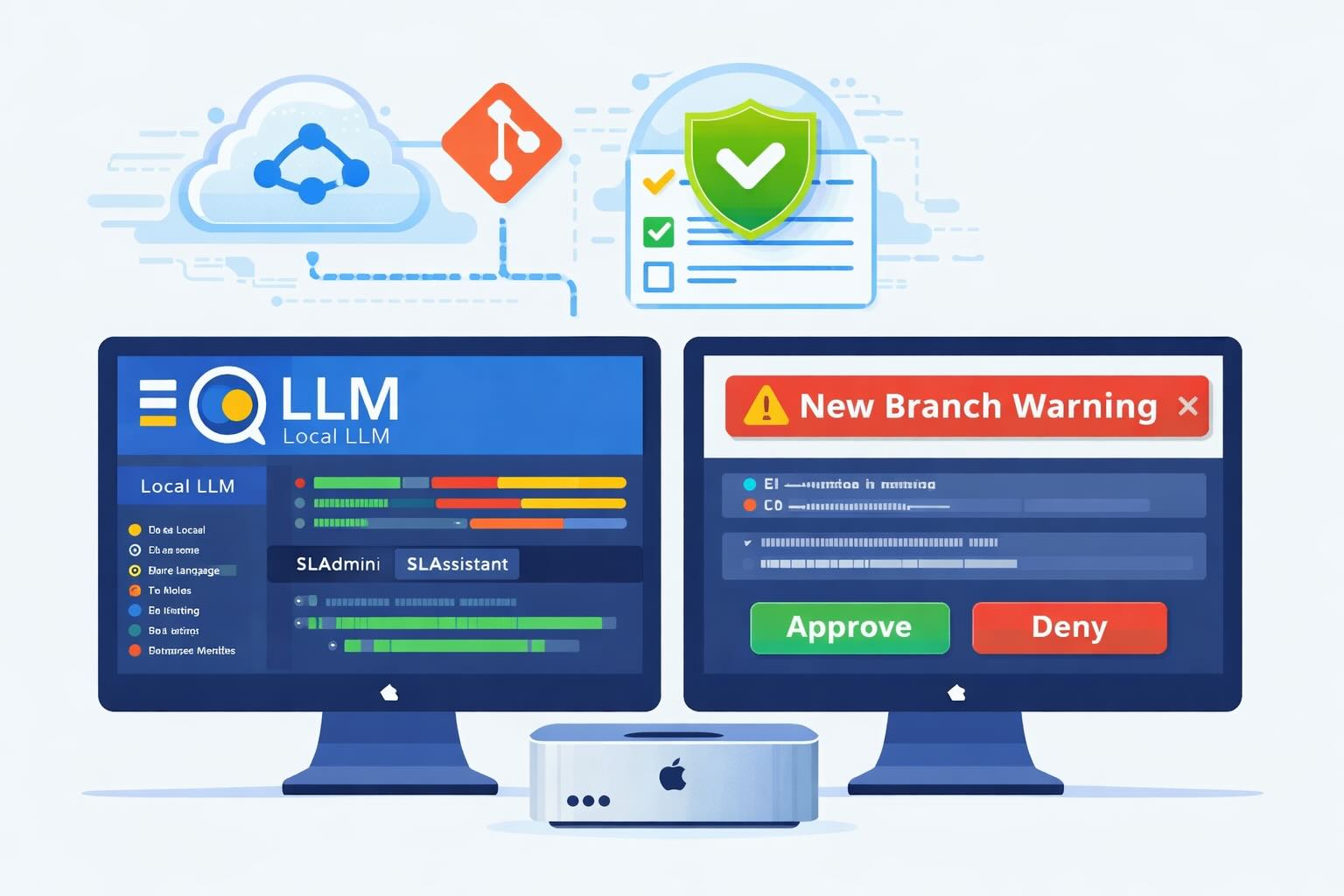
Recently, after some bad experiences with OpenAI's ChatGPT and CODEX, I decided to look into and learn more about running local AI models. On its face it was intimidating, but I had seen a lot of people in the MacAdmins community posting examples of macOS setups, which really helped lower the bar for me both in terms of approachability and just making me more aware of the local AI community that exists out there today.
AI Agent Constraints and Security
I really feel like in this era of AI it's essential to write about and share experiences for others who are leveraging AI, especially now that AI usage seems almost ubiquitous. Specifically, when it comes to AI in development and the rapid growth of AI-driven automations in the IT landscape, I believe there's a need for open discussion and exploration.

ABM Warranty 0.4.1
The 0.4.x release series for ABM Warranty is focused on operational scale. The earlier 0.3 releases were about trust, correctness, and stabilizing the foundation. Version 0.4.1 builds directly on that work by making the app more practical for consultants, internal IT teams, and managed service providers who need to support multiple environments without losing isolation, control, or visibility. This includes improvements to user interface and workflow, as well as enhanced reporting capabilities to help these users manage their workflows more efficiently.
Vibe Coding with Codex: From Fun to Frustration
So there I was, a typically day, a typical weekend. As a ChatGPT customer, I had heard good things about Codex and had not yet tried the platform. To date my experience with agentic coding was simply snippit based support with ChatGPT and Gemeni where I would ask questions, get explanations and support with squashing bugs in a few apps that I work on, for fun, on the side. There were a few core features in one of the apps I built that I wanted to try implementing but the...
The warranty dashboard Apple doesn’t provide… yet
Download ABM Warranty
Why Apple Fleet Risk Isn’t a Security Problem—Until It Is
Security and risk are often treated as interchangeable concepts in modern IT environments, but they are not the same discipline. Security focuses on controls, enforcement, and prevention. Risk management, by contrast, is concerned with likelihood, impact, and consequence across operational, financial, and organizational domains. Frameworks such as those published by NIST make this distinction explicit: risk assessment is not a technical exercise, but a business one. Technology informs risk decisions, but it does not define them.
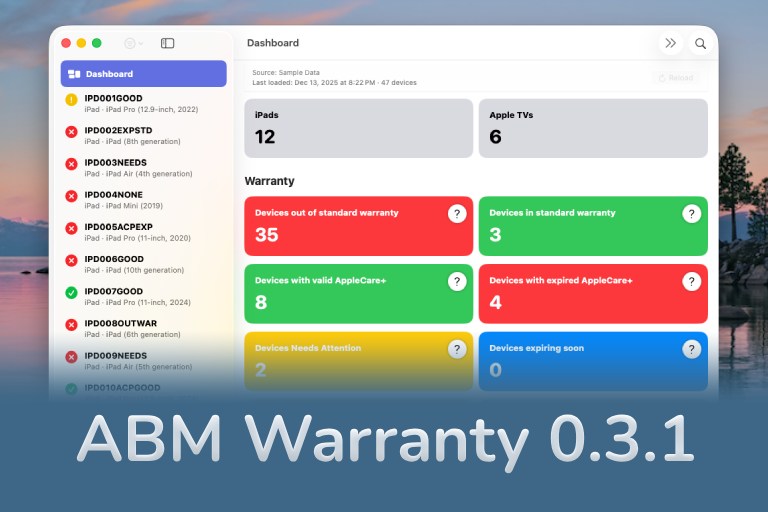
ABM Warranty 0.3.1
The 0.3.x release series for ABM Warranty is about tightening guarantees. Where earlier releases focused on surfacing data and making long-running operations observable, 0.3.x focuses on ensuring that what you see is complete, consistent, and safe to trust—particularly as the app is used in larger, slower, and more varied environments. This shift in focus aims to provide a more reliable foundation for users who require higher levels of assurance from their warranty management system.
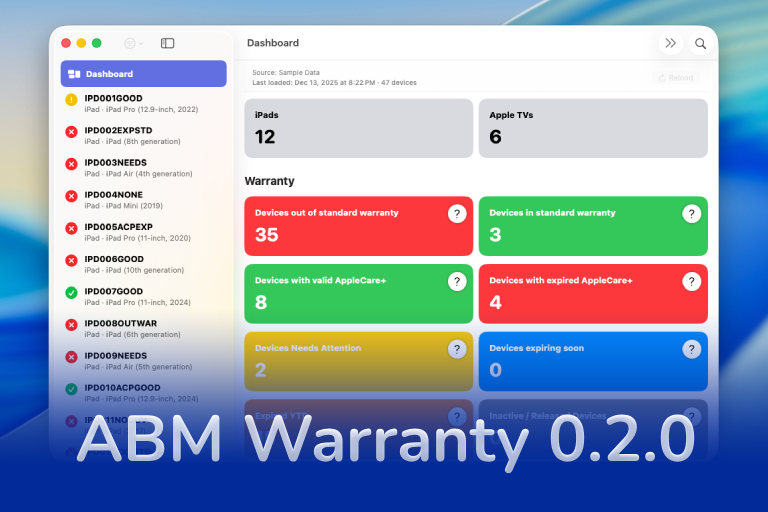
ABM Warranty 0.2.0
ABM Warranty 0.2.0 is a feature release focused on visibility, safety, and scale. This version does not change what ABM Warranty is meant to be, but it significantly improves how the app behaves under real-world conditions—large device counts, API throttling, long-running imports, and the kinds of failure modes Apple IT admins actually encounter. The improvements in this release are designed to make the app more reliable and efficient, allowing it to handle complex scenarios without breaking or becoming unresponsive.
Running a Beta Program: Lessons Learned
Shipping software in isolation is comforting. You control the inputs, the environment, and the narrative you tell yourself about how things work. The moment you invite other people in—especially people who don’t share your assumptions—you lose that comfort. You also gain something far more valuable. Running a public beta for ABM Warranty through Apple’s TestFlight program forced me to confront that tradeoff head-on, and it fundamentally changed how quickly and confidently the app matured.
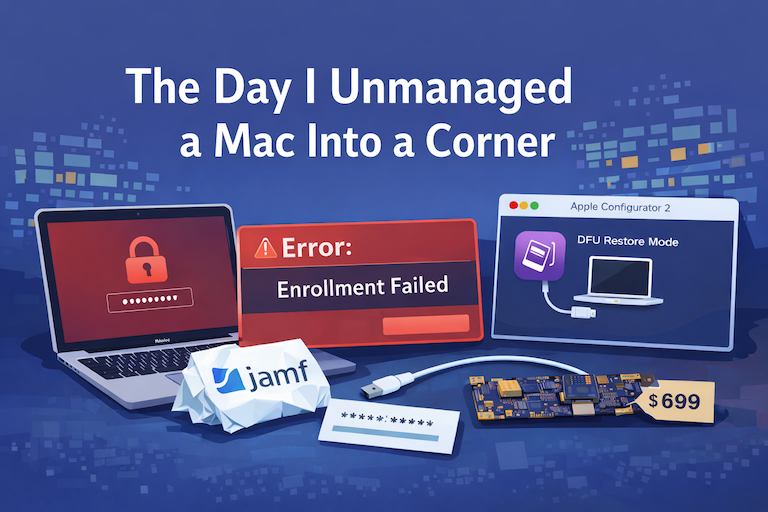
The Day I Unmanaged a Mac Into a Corner
There are a few kinds of mistakes you make as a Mac admin. There are the ones that cost you time, the ones that cost you sleep, and then there are the ones that leave you staring at a perfectly good laptop thinking, “How did I possibly make this *less* manageable by touching it?” These mistakes often stem from a lack of understanding or experience with macOS, but they can also be the result of rushing through tasks or not taking the time to properly plan and test.
