

For those who work in organizations, regardless of size, you know how much effort is involved with coordinating a group’s technology. It can take quite some time to set up a new Mac, iPad, or iPhone with all the right apps, settings, and logins. And that’s just to get started—on an everyday basis, maintaining solid security practices is essential, and support requests are inevitable.
The solution to all this is MDM, or mobile device management, which is a way of centrally administering computers, tablets, and smartphones to simplify setup and ensure peace of mind for both employers and employees. Apple strongly encourages the use of MDM; the company continually enhances the core capabilities that MDM systems expose for IT administrators. If the benefits we outline here interest you, contact us to talk about your needs.
Benefits to the Organization
MDM is a big win for organizations, including businesses, non-profits, schools, government agencies, and more. It’s just too hard—and too insecure—to deal with every device individually. With MDM, organizations benefit in the following ways.
- Quick, consistent setup: With MDM, organizations can create profiles—collections of settings and account information—and install them automatically as part of a deployment strategy. In the best case, users have to do little more than power on the device and sign in; it automatically checks with the MDM server and downloads the necessary information. MDM solutions also let organizations install and configure approved sets of apps to ensure that every employee has the tools they need at their fingertips.
- Improved security: A great deal of digital security comes down to policies: requiring a strong passcode, ensuring secure settings for things like screensavers, requiring that backups be encrypted, and more. All these options are easily set and enforced by MDM profiles. Plus, MDM can separate personal and business accounts and data and even ensure encryption of on-device data. And perhaps most important, MDM enables remote locating, locking, and wiping of lost devices.
- Lower costs: Although MDM solutions usually come with a monthly cost, research shows that organizations save money overall in two main ways. Initially, MDM reduces setup costs by replacing an hour or two of hands-on effort with remotely pushed deployment. Over time, the consistency of setup and app availability dramatically reduces ongoing support costs.
- Asset tracking: An MDM solution enables information-rich asset tracking, making it easy for an organization to see exactly what devices it owns, which employees have them, and where they’re located. Such a system enables more efficient use of existing resources and easier lifecycle management.
Benefits to the User
Although it might seem as though MDM is primarily aimed at helping and protecting the organization, individual users benefit as well.
- Personal/work separation: MDM makes it possible to separate personal and work accounts and data, which can eliminate the need to carry both personal and work phones at all times. In some cases, MDM can also make it so employees can securely use their own devices—which might be newer or more powerful—with organizational data and accounts.
- Faster, easier setup: Most people don’t look forward to setting up and configuring devices, particularly when typing in usernames and passwords for numerous accounts. MDM does much of that, so employees can focus on their actual jobs.
- Peace of mind: With the security policies enforced by MDM, users can have confidence that they haven’t inadvertently done anything to expose confidential data. Plus, mistakes happen, and devices are lost or stolen. An MDM solution might be able to locate a lost device, and if not, it can ensure that the device is both worthless and unable to reveal anything damaging.
As helpful as MDM is once your organization is using it, we won’t pretend that choosing and setting up an MDM solution is trivial. Unless you have significant IT staff and resources, it makes sense to work with people who already have considerable MDM experience. We do, and we’d be happy to discuss a custom approach that fits your needs.
AI Usage Transparency Report
Pre-AI Era · Written before widespread use of generative AI tools
AI Signal Composition
Score: 0.04 · Low AI Influence
Summary
MDM (Mobile Device Management) is a solution for organizations to centrally administer computers, tablets, and smartphones, simplifying setup and ensuring peace of mind.
Related Posts

Setting up Ollama on macOS
Recently, after some bad experiences with OpenAI's ChatGPT and CODEX, I decided to look into and learn more about running local AI models. On its face it was intimidating, but I had seen a lot of people in the MacAdmins community posting examples of macOS setups, which really helped lower the bar for me both in terms of approachability and just making me more aware of the local AI community that exists out there today.
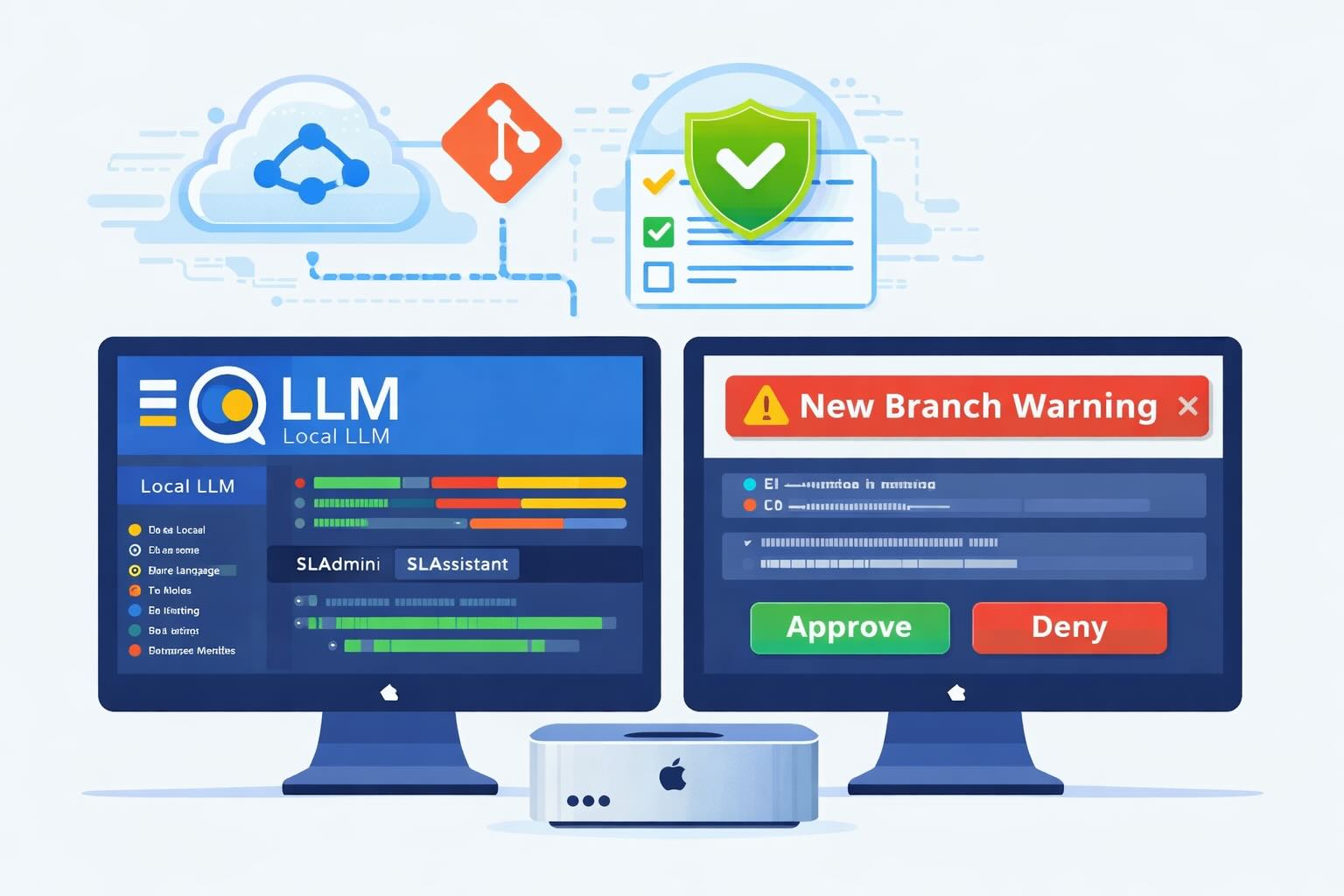
AI Agent Constraints and Security
I really feel like in this era of AI it's essential to write about and share experiences for others who are leveraging AI, especially now that AI usage seems almost ubiquitous. Specifically, when it comes to AI in development and the rapid growth of AI-driven automations in the IT landscape, I believe there's a need for open discussion and exploration.

ABM Warranty 0.4.1
The 0.4.x release series for ABM Warranty is focused on operational scale. The earlier 0.3 releases were about trust, correctness, and stabilizing the foundation. Version 0.4.1 builds directly on that work by making the app more practical for consultants, internal IT teams, and managed service providers who need to support multiple environments without losing isolation, control, or visibility. This includes improvements to user interface and workflow, as well as enhanced reporting capabilities to help these users manage their workflows more efficiently.

Vibe Coding with Codex: From Fun to Frustration
So there I was, a typically day, a typical weekend. As a ChatGPT customer, I had heard good things about Codex and had not yet tried the platform. To date my experience with agentic coding was simply snippit based support with ChatGPT and Gemeni where I would ask questions, get explanations and support with squashing bugs in a few apps that I work on, for fun, on the side. There were a few core features in one of the apps I built that I wanted to try implementing but the...
The warranty dashboard Apple doesn’t provide… yet
Download ABM Warranty
Why Apple Fleet Risk Isn’t a Security Problem—Until It Is
Security and risk are often treated as interchangeable concepts in modern IT environments, but they are not the same discipline. Security focuses on controls, enforcement, and prevention. Risk management, by contrast, is concerned with likelihood, impact, and consequence across operational, financial, and organizational domains. Frameworks such as those published by NIST make this distinction explicit: risk assessment is not a technical exercise, but a business one. Technology informs risk decisions, but it does not define them.
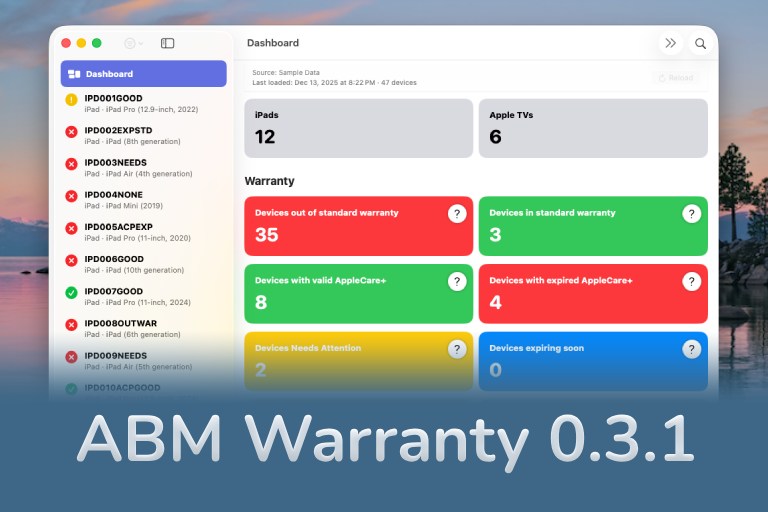
ABM Warranty 0.3.1
The 0.3.x release series for ABM Warranty is about tightening guarantees. Where earlier releases focused on surfacing data and making long-running operations observable, 0.3.x focuses on ensuring that what you see is complete, consistent, and safe to trust—particularly as the app is used in larger, slower, and more varied environments. This shift in focus aims to provide a more reliable foundation for users who require higher levels of assurance from their warranty management system.
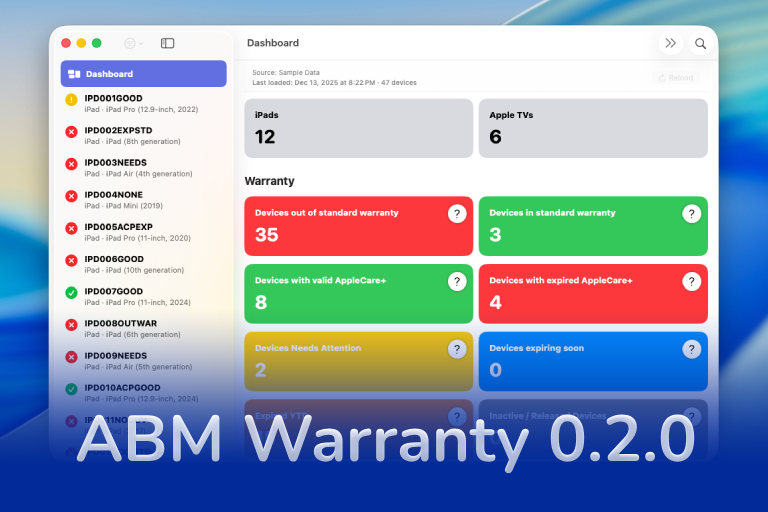
ABM Warranty 0.2.0
ABM Warranty 0.2.0 is a feature release focused on visibility, safety, and scale. This version does not change what ABM Warranty is meant to be, but it significantly improves how the app behaves under real-world conditions—large device counts, API throttling, long-running imports, and the kinds of failure modes Apple IT admins actually encounter. The improvements in this release are designed to make the app more reliable and efficient, allowing it to handle complex scenarios without breaking or becoming unresponsive.

Running a Beta Program: Lessons Learned
Shipping software in isolation is comforting. You control the inputs, the environment, and the narrative you tell yourself about how things work. The moment you invite other people in—especially people who don’t share your assumptions—you lose that comfort. You also gain something far more valuable. Running a public beta for ABM Warranty through Apple’s TestFlight program forced me to confront that tradeoff head-on, and it fundamentally changed how quickly and confidently the app matured.
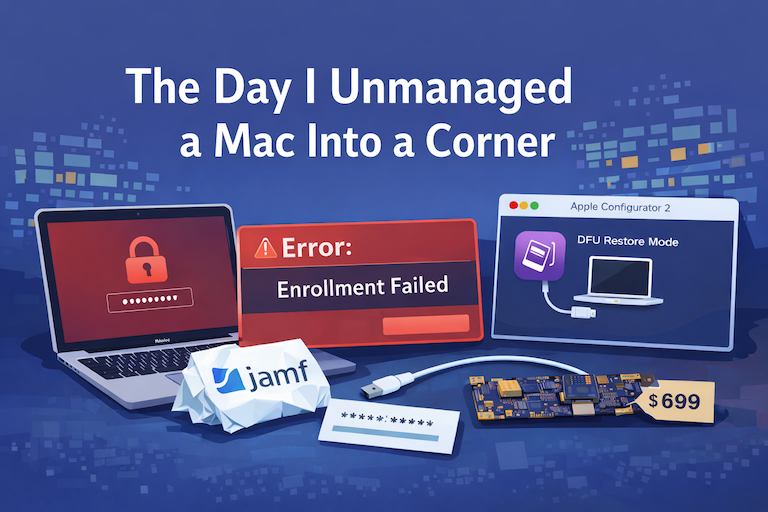
The Day I Unmanaged a Mac Into a Corner
There are a few kinds of mistakes you make as a Mac admin. There are the ones that cost you time, the ones that cost you sleep, and then there are the ones that leave you staring at a perfectly good laptop thinking, “How did I possibly make this *less* manageable by touching it?” These mistakes often stem from a lack of understanding or experience with macOS, but they can also be the result of rushing through tasks or not taking the time to properly plan and test.
