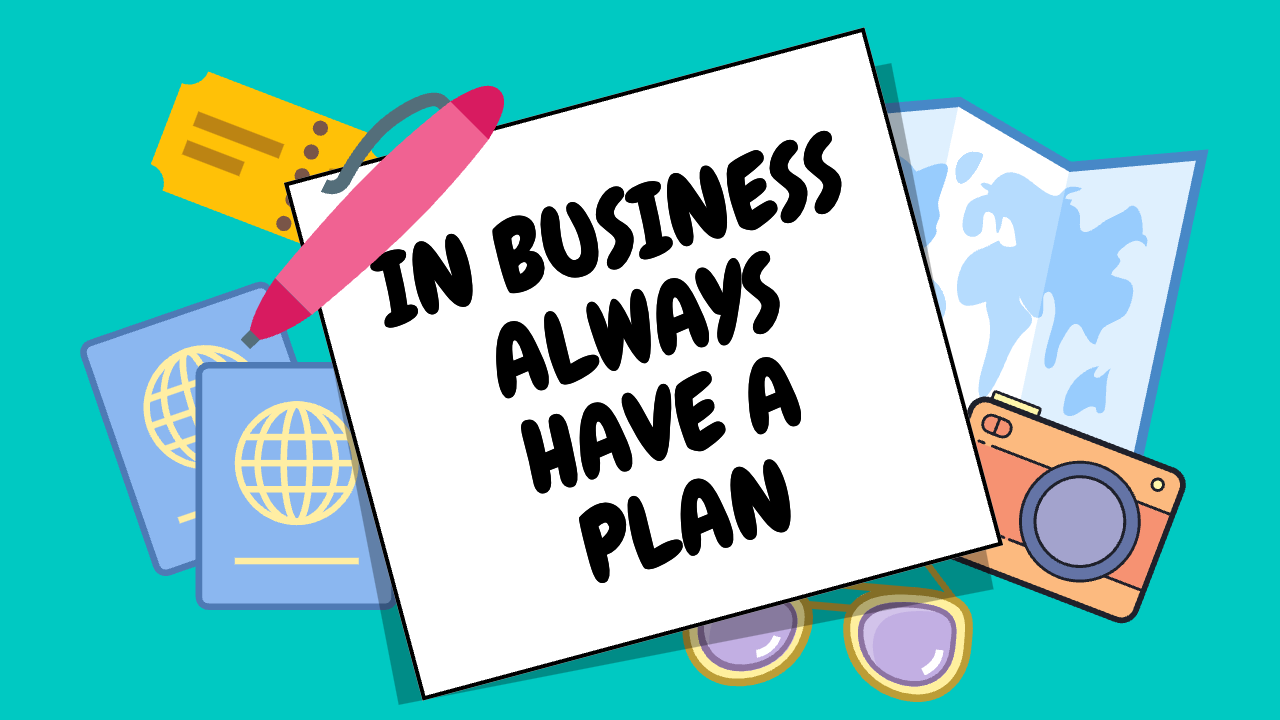

Startup planning matters, but one of the biggest mistakes founders make is treating the original plan as if it should remain fixed. A business plan is most useful when it helps you make better decisions in the present, not when it becomes a document you are afraid to revisit. The reality is that markets change, customers change, and your own understanding of the business changes as you gain experience.
At different stages of growth, the plan should serve different purposes. Early on, the focus may be on finding customers, validating demand, and understanding the market. As the business matures, the priorities often shift toward repeatability, operational growth, and building systems that can support a larger client base. Later, the plan may evolve again toward creating long-term value, defining the next stage of leadership, or preparing for a partnership or exit that takes the company further than it could go alone.
That is why revisiting the plan is critical. A strategy that made sense at one stage can become a liability if it is never updated. Founders who refuse to reassess often end up solving the wrong problems, chasing outdated goals, or holding onto assumptions that no longer match the business they are actually running. Reviewing the plan regularly creates room to adjust before those issues become expensive.
Writing the plan down is part of that discipline. A business plan that exists only in your head is difficult to test, refine, or share. Once it is documented, it becomes easier to evaluate your assumptions, measure progress, and communicate direction to other people. It also forces a level of clarity that many founders avoid when they are moving too fast.
Long-range thinking matters as well. Looking one year ahead is useful, but looking three, five, or even ten years ahead can reveal deeper truths about what you actually want to build. If you enjoy the work today but cannot picture yourself leading the company at a later stage, that is not necessarily a problem. It may simply mean the business should be planned with a future transition, partnership, or exit in mind. That kind of clarity is part of responsible planning, not a sign of weak commitment.
It is also important to accept that not every business is supposed to scale the same way. Some companies are built for broad growth, while others are best when they stay specialized and focused. The market you serve places real constraints on the size, shape, and pace of the business. A strong plan recognizes those realities instead of pretending every company is meant to become the same kind of success story.
The best startup plans are not rigid. They are durable enough to keep you moving and flexible enough to change when reality demands it. If you revisit your plan consistently, write it down clearly, and allow it to evolve with the business, it becomes more than a document. It becomes a practical tool for surviving mistakes, adapting to change, and building with intention.
AI Usage Transparency Report
AI Era · Written during widespread use of AI tools
AI Signal Composition
Score: 0.0 · Low AI Influence
Summary
Startup planning matters, but one of the biggest mistakes founders make is treating the original plan as if it should remain fixed. A business plan is most useful when it helps you make better decisions in the present, not when it becomes a document you are afraid to revisit. The reality is that markets change, customers change, and your own understanding of the business changes as you gain experience. In fact, revisiting and updating your plan regularly can help you stay adaptable and responsive to these shifts, rather than getting stuck on an outdated vision.
Related Posts
Setting up Ollama on macOS
Recently, after some bad experiences with OpenAI's ChatGPT and CODEX, I decided to look into and learn more about running local AI models. On its face it was intimidating, but I had seen a lot of people in the MacAdmins community posting examples of macOS setups, which really helped lower the bar for me both in terms of approachability and just making me more aware of the local AI community that exists out there today.
AI Agent Constraints and Security
I really feel like in this era of AI it's essential to write about and share experiences for others who are leveraging AI, especially now that AI usage seems almost ubiquitous. Specifically, when it comes to AI in development and the rapid growth of AI-driven automations in the IT landscape, I believe there's a need for open discussion and exploration.

ABM Warranty 0.4.1
The 0.4.x release series for ABM Warranty is focused on operational scale. The earlier 0.3 releases were about trust, correctness, and stabilizing the foundation. Version 0.4.1 builds directly on that work by making the app more practical for consultants, internal IT teams, and managed service providers who need to support multiple environments without losing isolation, control, or visibility. This includes improvements to user interface and workflow, as well as enhanced reporting capabilities to help these users manage their workflows more efficiently.
Vibe Coding with Codex: From Fun to Frustration
So there I was, a typically day, a typical weekend. As a ChatGPT customer, I had heard good things about Codex and had not yet tried the platform. To date my experience with agentic coding was simply snippit based support with ChatGPT and Gemeni where I would ask questions, get explanations and support with squashing bugs in a few apps that I work on, for fun, on the side. There were a few core features in one of the apps I built that I wanted to try implementing but the...
The warranty dashboard Apple doesn’t provide… yet
Download ABM Warranty
Why Apple Fleet Risk Isn’t a Security Problem—Until It Is
Security and risk are often treated as interchangeable concepts in modern IT environments, but they are not the same discipline. Security focuses on controls, enforcement, and prevention. Risk management, by contrast, is concerned with likelihood, impact, and consequence across operational, financial, and organizational domains. Frameworks such as those published by NIST make this distinction explicit: risk assessment is not a technical exercise, but a business one. Technology informs risk decisions, but it does not define them.
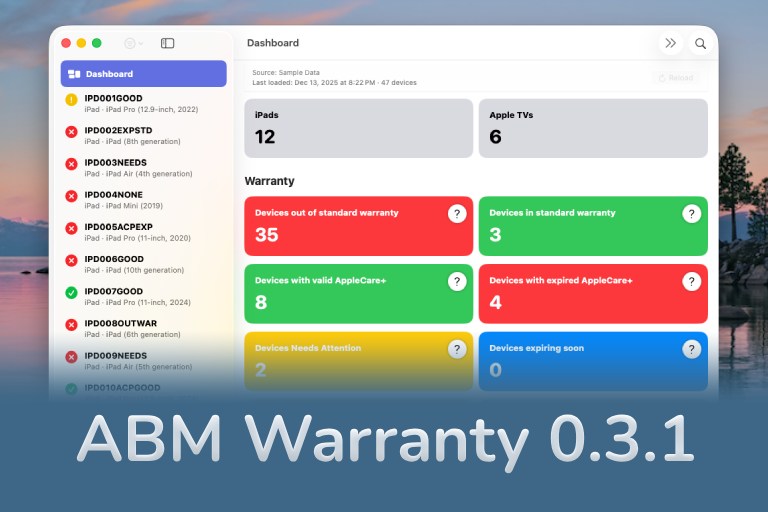
ABM Warranty 0.3.1
The 0.3.x release series for ABM Warranty is about tightening guarantees. Where earlier releases focused on surfacing data and making long-running operations observable, 0.3.x focuses on ensuring that what you see is complete, consistent, and safe to trust—particularly as the app is used in larger, slower, and more varied environments. This shift in focus aims to provide a more reliable foundation for users who require higher levels of assurance from their warranty management system.
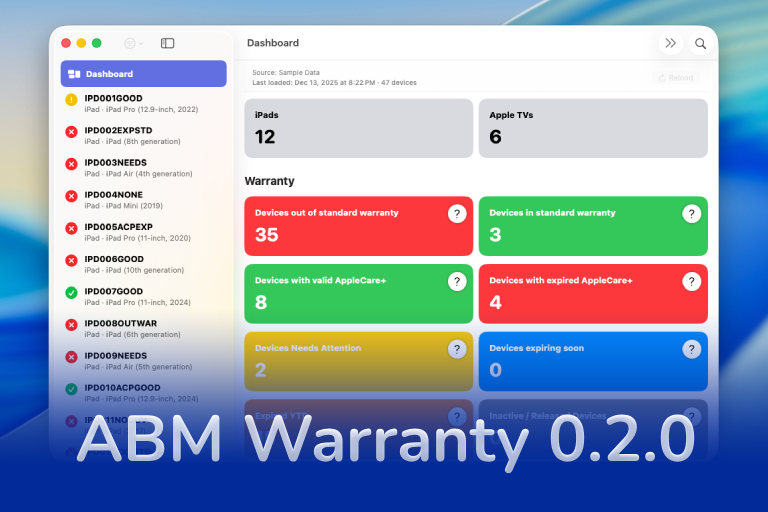
ABM Warranty 0.2.0
ABM Warranty 0.2.0 is a feature release focused on visibility, safety, and scale. This version does not change what ABM Warranty is meant to be, but it significantly improves how the app behaves under real-world conditions—large device counts, API throttling, long-running imports, and the kinds of failure modes Apple IT admins actually encounter. The improvements in this release are designed to make the app more reliable and efficient, allowing it to handle complex scenarios without breaking or becoming unresponsive.

Running a Beta Program: Lessons Learned
Shipping software in isolation is comforting. You control the inputs, the environment, and the narrative you tell yourself about how things work. The moment you invite other people in—especially people who don’t share your assumptions—you lose that comfort. You also gain something far more valuable. Running a public beta for ABM Warranty through Apple’s TestFlight program forced me to confront that tradeoff head-on, and it fundamentally changed how quickly and confidently the app matured.
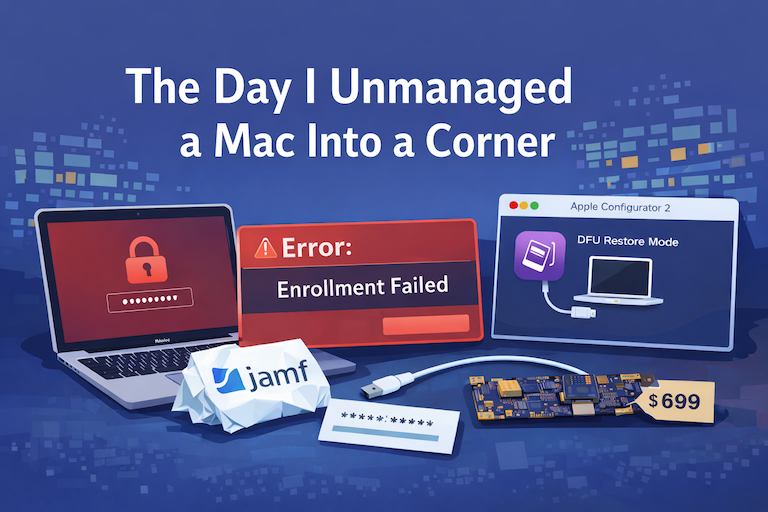
The Day I Unmanaged a Mac Into a Corner
There are a few kinds of mistakes you make as a Mac admin. There are the ones that cost you time, the ones that cost you sleep, and then there are the ones that leave you staring at a perfectly good laptop thinking, “How did I possibly make this *less* manageable by touching it?” These mistakes often stem from a lack of understanding or experience with macOS, but they can also be the result of rushing through tasks or not taking the time to properly plan and test.
