

Need help with something? On occasion, we all need tech support. Speaking as the people who are sometimes on the other end of those requests for help, we have some suggestions on how to get the support you need as quickly as possible.
For instance, think about what we have to do if we receive an email message along the lines of “I keep getting a note that my backups aren’t working.” All we can tell from that message is that something may be wrong with the user’s backups. But without knowing what app they’re using and what the specific error is, we can’t even begin to recommend a solution. We’ll have to go back and forth to figure out what we need to learn to address the problem. By the end of the (possibly lengthy) process, both the user and we may be quite frustrated.
So here’s a simple set of steps you can use to get to the heart of a troubleshooting problem whenever you’re communicating with tech support.
- Describe your setup as it relates to the problem. Whenever possible, be specific about what apps you’re using and include screenshots or videos. In our example above, this might involve saying, “I back up with Time Machine to an external hard drive. It has been working fine, but now I’m getting this error.” (Obviously, if you’re talking on the phone, it might not be possible to share a screenshot, but you can read it to the support rep.)
- Next, explain how you’ve tried to resolve the problem so tech support doesn’t automatically tell you to repeat the same actions. (They may anyway, just to confirm that you did everything properly, but it’s still a help.) You might say, “I clicked OK and let Time Machine try again, but I got the error on the next backup too. Then I launched Disk Utility, selected my Time Machine drive, and clicked First Aid.”
- Finally, explain what happened (or failed to happen) when you took the actions in the previous step. For instance, “First Aid also reported an error.”
- At this point, you may need to repeat Step 2 and 3 for each thing you tried, but you’ve given the support person enough for them to start recommending other courses of action. (In this case, we’d have you erase the drive using Disk Utility and see if that eliminated the error. Even if it did, we’d recommend that you get a new backup drive since you don’t want to depend on a potentially flaky drive for important backup data.)
The steps are a little different if you’re trying and failing to figure out how to accomplish some task. Try this script:
- I want to: State what you’re trying to achieve, and as before, make sure to say what apps you’re using. For instance, “I’m using Preview to read a PDF, and I want to print it with four pages per sheet of paper to avoid wasting hundreds of pieces of paper.”
- I tried: As before, explain what you’ve already attempted, as in: “In Preview’s Print dialog, I tried choosing 4 from the Copies Per Page menu.”
- What happened was: Finally, explain what happened after what you tried, and why it was wrong. “That caused me to get four copies of the same page in the preview, rather than four different pages.”
- Again, you may need to repeat Steps 2 and 3 for everything you tried, but in this case, we have all we need to explain that you need to click the Preview menu in the middle of the Print dialog, choose Layout, and then choose 4 from the Pages Per Sheet menu.
One last thing. It’s always important to explain your overall goal, rather than just ask a specific question. In the example above, for instance, saying that your goal was to reduce paper usage was helpful because we could then suggest that you select the Two-Sided checkbox near the top to print on both sides of the paper, cutting your paper usage in half.
So next time you need to contact tech support, make sure to use these tips, and you’ll likely get better support and a faster resolution to your problem.
AI Usage Transparency Report
Pre-AI Era · Written before widespread use of generative AI tools
AI Signal Composition
Score: 0.07 · Low AI Influence
Summary
A guide on how to effectively communicate with tech support, including steps to troubleshoot problems and ask for help.
Related Posts

When Chromium Mistakes Your VPN for a Local Network
Turning off Jamf Trust fixed the webinar, which normally would have sent me straight to its routing policies. This time the route was fine: Chromium was treating Jamf's ZTNA broker addresses as a local network, and an Edge and Chrome preference corrected it.
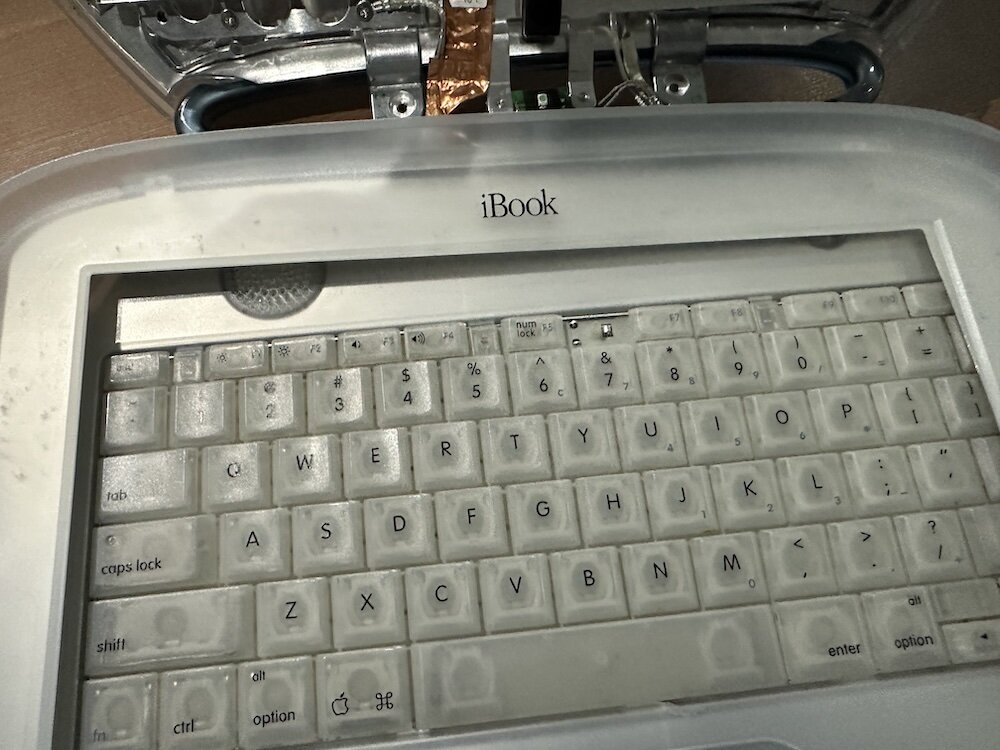
Clamshell iBook G3 Restoration, Part 1: From Broken Screen to Board-Level Repair
Part one of a Clamshell iBook G3 restoration: a broken screen, a charger detour, a blinking system folder, a full teardown, and the backlight connector mistake that paused the project.

Bromure Gives Codex a Room of Its Own
I installed Bromure Agentic Coding, watched it build the Linux VM, authenticated Codex, and followed a real Codex task through the workspace.
Claude Code Auto Mode Changes Approval Flow, Not the Safety Boundary
Claude Code Auto mode changes how approval decisions are handled. It does not expand the boundary of what the coding agent should be allowed to do.

Amnesia Stealer Shows the Next Stage of ClickFix on macOS
Amnesia Stealer shows how ClickFix-style social engineering is adapting on macOS, while a public malware sample gives defenders an opportunity to study the behavior behind the campaign.
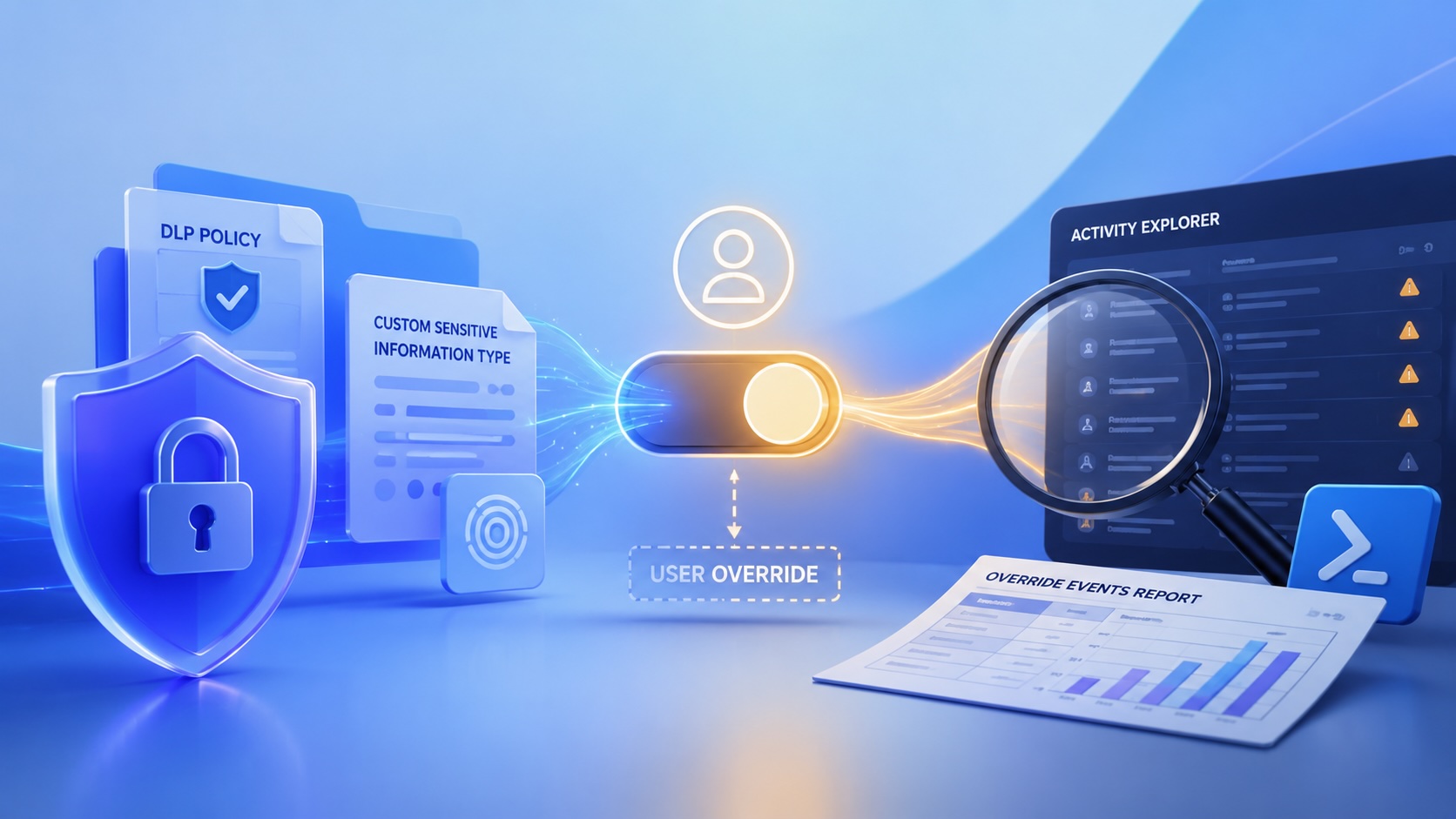
Reporting on Microsoft 365 DLP Overrides with PowerShell
DLP overrides are not automatically bad. They are a business process that needs visibility. This walkthrough covers a Microsoft Purview DLP policy, a custom sensitive information type, user override behavior, and a PowerShell report that exports override events from Activity Explorer.
PowerBook 140 BlueSCSI Install: Cable Fixed, Battery-Bay Power, and Wi-Fi Setup
The PowerBook 140 project moved from preparing a BlueSCSI card in Basilisk II to installing the repaired internal SCSI cable, powering the BlueSCSI Pico externally from the battery bay, booting System 7.1, and fighting through DaynaPORT Wi-Fi setup.

Move Entra Users Off SMS and Voice Before Microsoft Retires Them
Microsoft is retiring Microsoft-provided SMS and voice authentication in Entra ID. The migration is not passkeys for everyone; it is removing weak telecom MFA and choosing supported replacement methods such as Microsoft Authenticator, FIDO2 keys, certificate-based authentication, OATH hardware tokens, or customer-managed telecom.
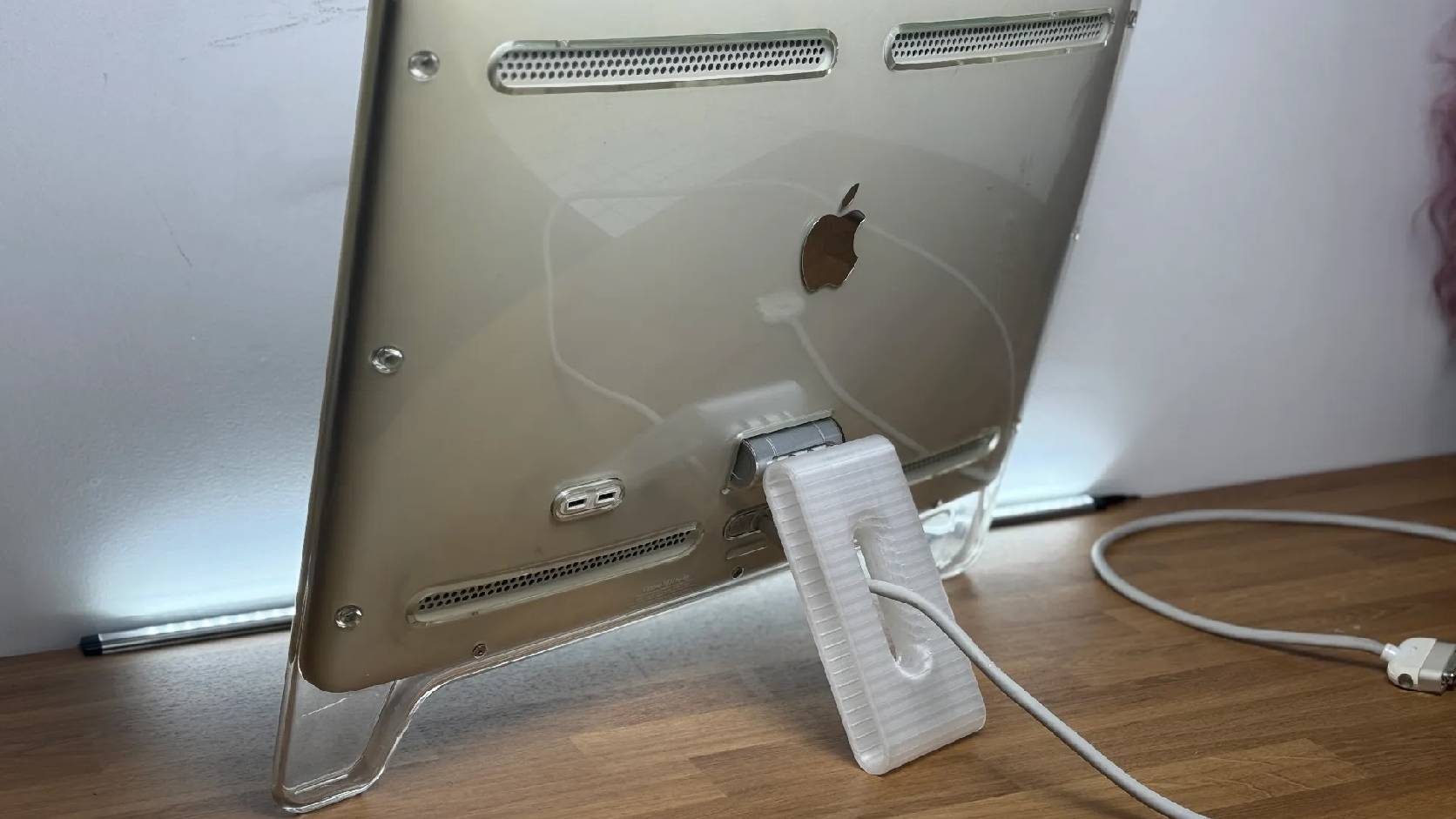
Fixing a Broken Apple Cinema Display Stand with a 3D Printed Leg
A 22-inch Apple Cinema Display arrived with a broken acrylic easel stand, so I used a 3D printed replacement leg instead of sending the monitor back.
macOS Tahoe 26.6.1 Fixes a High-Severity Screen Sharing Authentication Bypass
macOS Tahoe 26.6.1 fixes CVE-2026-65400, a high-severity Screen Sharing authentication issue where an attacker on the network may be able to authenticate without valid credentials.
