

For those who work in organizations, regardless of size, you know how much effort is involved with coordinating a group’s technology. It can take quite some time to set up a new Mac, iPad, or iPhone with all the right apps, settings, and logins. And that’s just to get started—on an everyday basis, maintaining solid security practices is essential, and support requests are inevitable.
The solution to all this is MDM, or mobile device management, which is a way of centrally administering computers, tablets, and smartphones to simplify setup and ensure peace of mind for both employers and employees. Apple strongly encourages the use of MDM; the company continually enhances the core capabilities that MDM systems expose for IT administrators. If the benefits we outline here interest you, contact us to talk about your needs.
Benefits to the Organization
MDM is a big win for organizations, including businesses, non-profits, schools, government agencies, and more. It’s just too hard—and too insecure—to deal with every device individually. With MDM, organizations benefit in the following ways.
- Quick, consistent setup: With MDM, organizations can create profiles—collections of settings and account information—and install them automatically as part of a deployment strategy. In the best case, users have to do little more than power on the device and sign in; it automatically checks with the MDM server and downloads the necessary information. MDM solutions also let organizations install and configure approved sets of apps to ensure that every employee has the tools they need at their fingertips.
- Improved security: A great deal of digital security comes down to policies: requiring a strong passcode, ensuring secure settings for things like screensavers, requiring that backups be encrypted, and more. All these options are easily set and enforced by MDM profiles. Plus, MDM can separate personal and business accounts and data and even ensure encryption of on-device data. And perhaps most important, MDM enables remote locating, locking, and wiping of lost devices.
- Lower costs: Although MDM solutions usually come with a monthly cost, research shows that organizations save money overall in two main ways. Initially, MDM reduces setup costs by replacing an hour or two of hands-on effort with remotely pushed deployment. Over time, the consistency of setup and app availability dramatically reduces ongoing support costs.
- Asset tracking: An MDM solution enables information-rich asset tracking, making it easy for an organization to see exactly what devices it owns, which employees have them, and where they’re located. Such a system enables more efficient use of existing resources and easier lifecycle management.
Benefits to the User
Although it might seem as though MDM is primarily aimed at helping and protecting the organization, individual users benefit as well.
- Personal/work separation: MDM makes it possible to separate personal and work accounts and data, which can eliminate the need to carry both personal and work phones at all times. In some cases, MDM can also make it so employees can securely use their own devices—which might be newer or more powerful—with organizational data and accounts.
- Faster, easier setup: Most people don’t look forward to setting up and configuring devices, particularly when typing in usernames and passwords for numerous accounts. MDM does much of that, so employees can focus on their actual jobs.
- Peace of mind: With the security policies enforced by MDM, users can have confidence that they haven’t inadvertently done anything to expose confidential data. Plus, mistakes happen, and devices are lost or stolen. An MDM solution might be able to locate a lost device, and if not, it can ensure that the device is both worthless and unable to reveal anything damaging.
As helpful as MDM is once your organization is using it, we won’t pretend that choosing and setting up an MDM solution is trivial. Unless you have significant IT staff and resources, it makes sense to work with people who already have considerable MDM experience. We do, and we’d be happy to discuss a custom approach that fits your needs.
AI Usage Transparency Report
Pre-AI Era · Written before widespread use of generative AI tools
AI Signal Composition
Score: 0.04 · Low AI Influence
Summary
MDM (Mobile Device Management) is a solution for organizations to centrally administer computers, tablets, and smartphones, simplifying setup and ensuring peace of mind.
Related Posts
When Chromium Mistakes Your VPN for a Local Network
Turning off Jamf Trust fixed the webinar, which normally would have sent me straight to its routing policies. This time the route was fine: Chromium was treating Jamf's ZTNA broker addresses as a local network, and an Edge and Chrome preference corrected it.
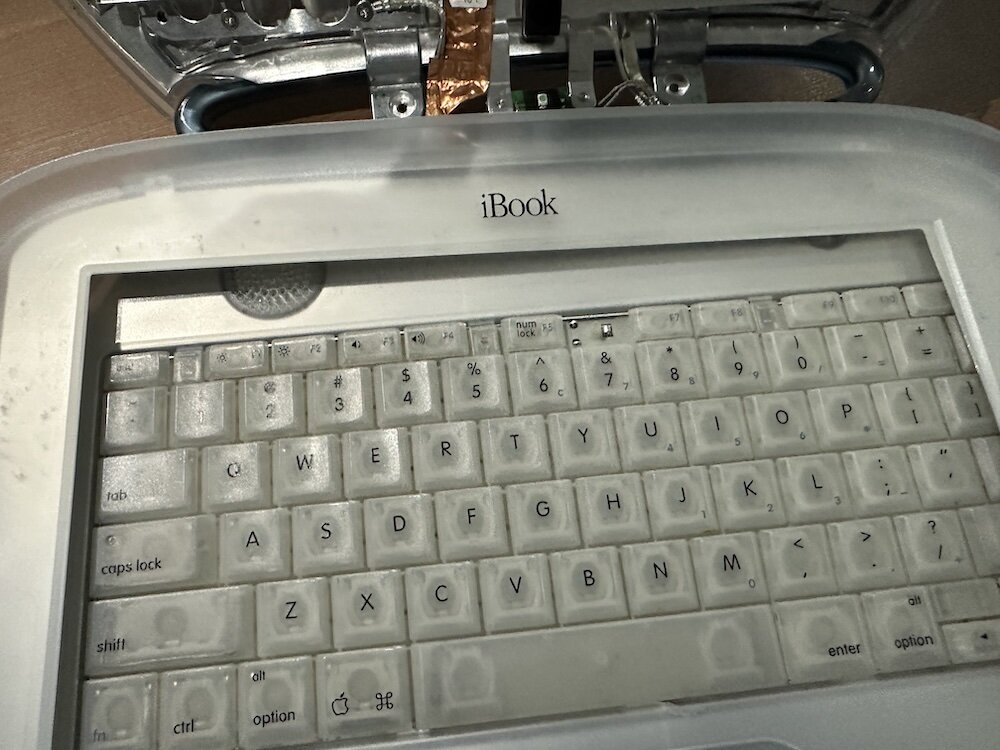
Clamshell iBook G3 Restoration, Part 1: From Broken Screen to Board-Level Repair
Part one of a Clamshell iBook G3 restoration: a broken screen, a charger detour, a blinking system folder, a full teardown, and the backlight connector mistake that paused the project.

Bromure Gives Codex a Room of Its Own
I installed Bromure Agentic Coding, watched it build the Linux VM, authenticated Codex, and followed a real Codex task through the workspace.
Claude Code Auto Mode Changes Approval Flow, Not the Safety Boundary
Claude Code Auto mode changes how approval decisions are handled. It does not expand the boundary of what the coding agent should be allowed to do.

Amnesia Stealer Shows the Next Stage of ClickFix on macOS
Amnesia Stealer shows how ClickFix-style social engineering is adapting on macOS, while a public malware sample gives defenders an opportunity to study the behavior behind the campaign.
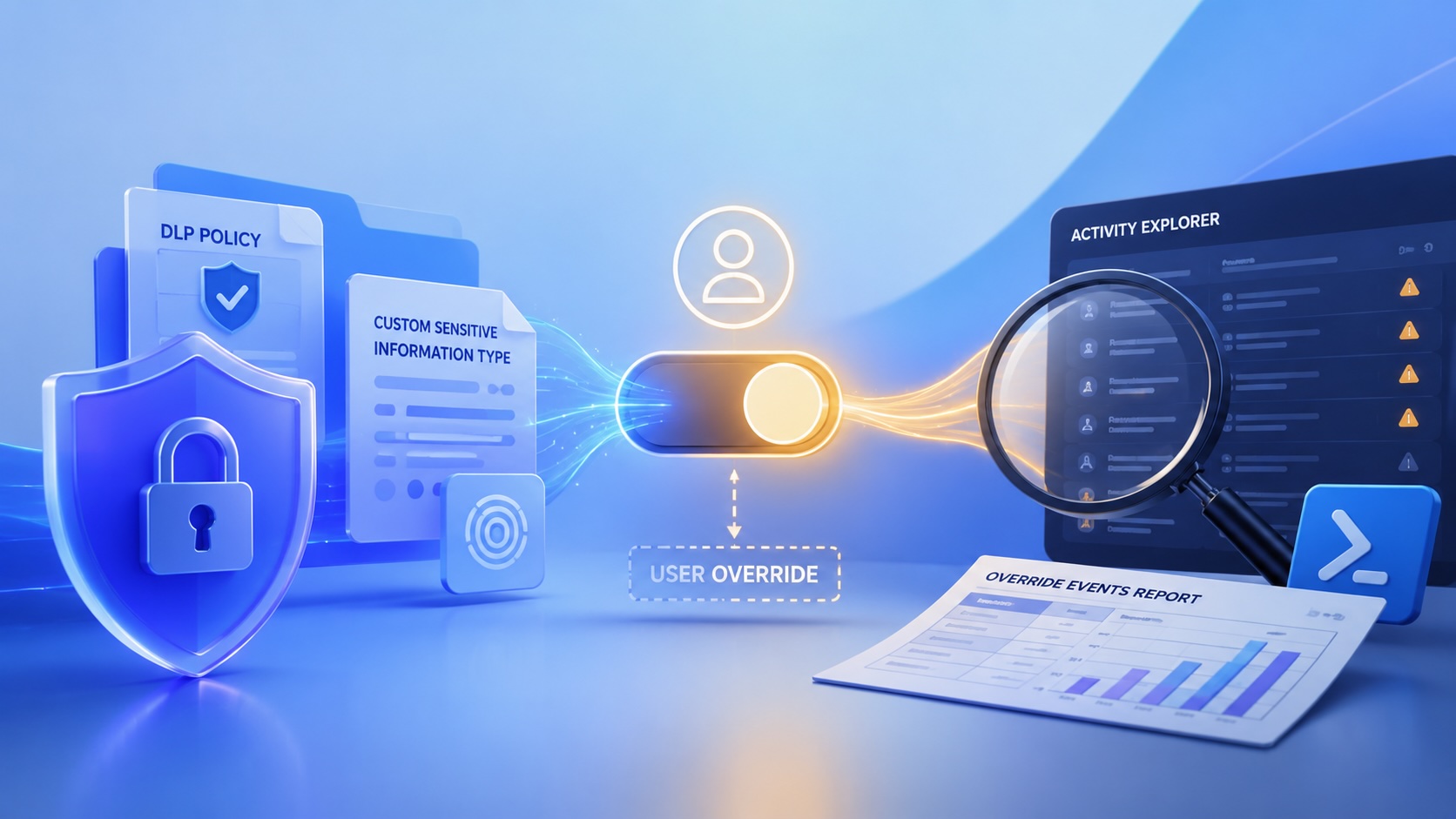
Reporting on Microsoft 365 DLP Overrides with PowerShell
DLP overrides are not automatically bad. They are a business process that needs visibility. This walkthrough covers a Microsoft Purview DLP policy, a custom sensitive information type, user override behavior, and a PowerShell report that exports override events from Activity Explorer.

PowerBook 140 BlueSCSI Install: Cable Fixed, Battery-Bay Power, and Wi-Fi Setup
The PowerBook 140 project moved from preparing a BlueSCSI card in Basilisk II to installing the repaired internal SCSI cable, powering the BlueSCSI Pico externally from the battery bay, booting System 7.1, and fighting through DaynaPORT Wi-Fi setup.

Move Entra Users Off SMS and Voice Before Microsoft Retires Them
Microsoft is retiring Microsoft-provided SMS and voice authentication in Entra ID. The migration is not passkeys for everyone; it is removing weak telecom MFA and choosing supported replacement methods such as Microsoft Authenticator, FIDO2 keys, certificate-based authentication, OATH hardware tokens, or customer-managed telecom.
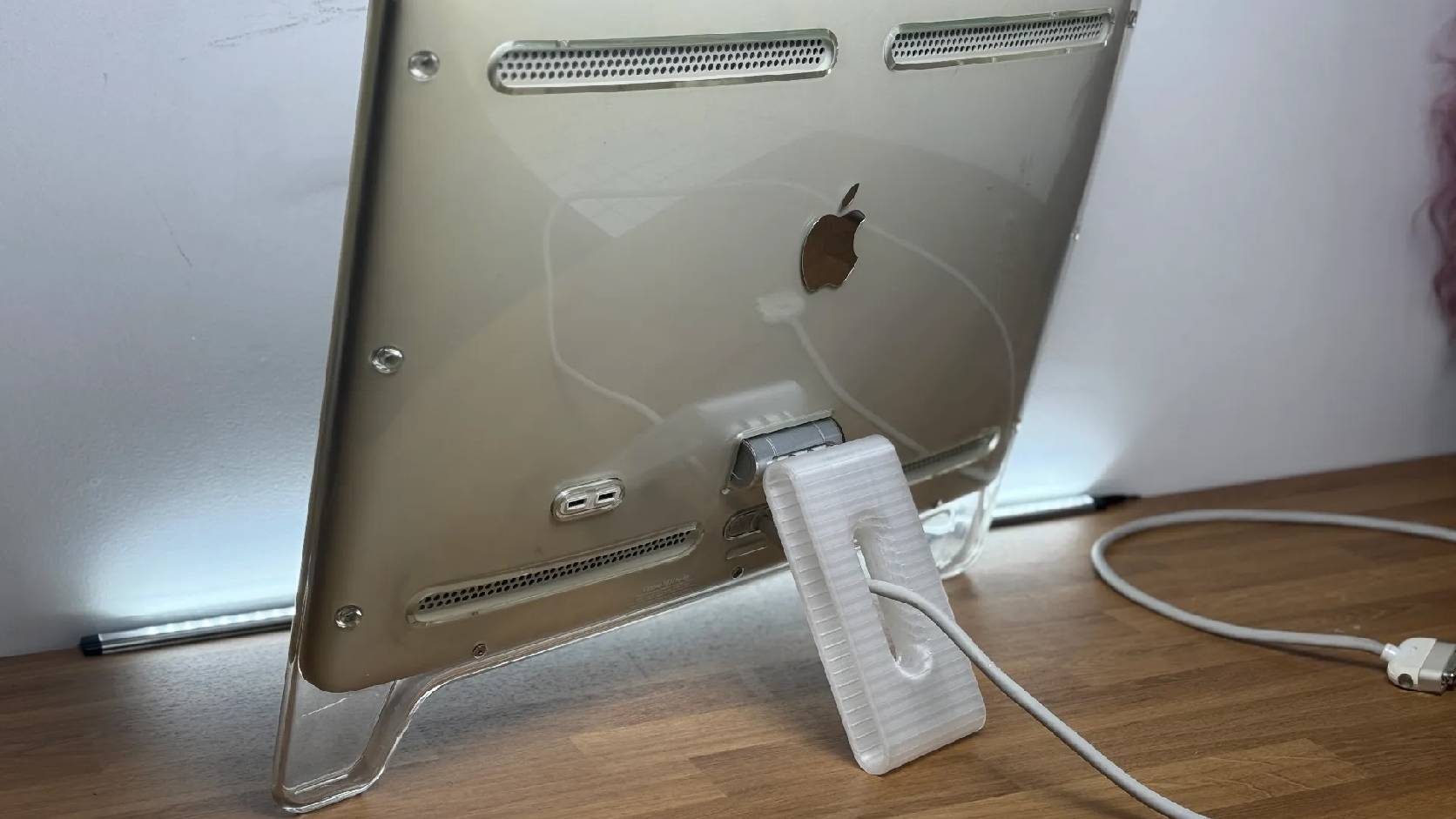
Fixing a Broken Apple Cinema Display Stand with a 3D Printed Leg
A 22-inch Apple Cinema Display arrived with a broken acrylic easel stand, so I used a 3D printed replacement leg instead of sending the monitor back.

macOS Tahoe 26.6.1 Fixes a High-Severity Screen Sharing Authentication Bypass
macOS Tahoe 26.6.1 fixes CVE-2026-65400, a high-severity Screen Sharing authentication issue where an attacker on the network may be able to authenticate without valid credentials.
