
Apple’s recent announcement that it would soon be releasing two new technologies aimed at protecting children has generated a firestorm of media coverage and questions from customers. Unfortunately, much of the media coverage has been based on misconceptions about how the technology works, abetted by uncharacteristically bungled communications from Apple. It’s not inconceivable that Apple will modify or even drop these technologies in the official release of iOS 15, iPadOS 15, and macOS 12 Monterey, but in the meantime, we can provide answers to the common questions we’ve been hearing.
What exactly did Apple announce?
Two unrelated technologies:
-
Messages will gain features that warn children and their parents when sexually explicit photos are received or sent. Such content will be blurred, the child will be warned and given the option to avoid viewing the image, and parents may be alerted (depending on the age of the child and settings).
-
Photos uploaded by US users to iCloud Photos will be matched—using a complex, privacy-protecting method that Apple has developed—against known illegal photos considered Child Sexual Abuse Material, or CSAM. If a sufficient number of images match, they’re verified by a human reviewer at Apple to be CSAM and then reported to the National Center for Missing and Exploited Children (NCMEC), which works with law enforcement in the US.
Does this mean Apple is scanning all my iPhone photos?
Yes and no. Messages will use machine learning to identify sexually explicit content in received and sent images. That scanning takes place entirely on the iPhone—Apple knows nothing about it, and no data is ever transmitted to or from Apple as a result. It’s much like the kind of scanning that Photos does to identify images that contain cats so you can find them with a search. So scanning is taking place with this Messages feature, but Apple isn’t doing it.
The CSAM detection feature operates only on images uploaded to iCloud Photos. (People who don’t use iCloud Photos aren’t affected by the system at all.) On the device, an algorithm called NeuralHash creates a hash and matches it against an on-device database of hashes for known illegal CSAM. (A hash is a one-way numeric representation that identifies an image—it’s much like how a person’s fingerprint identifies them but can’t be used to re-create that person.) NeuralHash knows nothing about the content of any image—it’s just trying to match one hash against another. In this case, it’s matching against existing image hashes, not scanning for a type of content, and Apple is notified only after enough image hashes match.
It’s also important to note that this is different from how companies like Facebook, Google, and Microsoft scan your photos now. They use machine learning to scan all uploaded photos for CSAM, and if they detect it, they’re legally required to report it to the NCMEC’s CyberTipline, which received 21.7 million CSAM reports from tech companies in 2020, over 20 million from Facebook alone. Because Apple does not scan iCloud Photos in the US like other companies scan their photo services, it made only 265 reports in 2020.
What happens if the CSAM detection feature makes a mistake?
This is called a false positive, and while vanishingly improbable, it’s not mathematically impossible. Apple tested 100,000,000 images against NeuralHash and its CSAM hash database and found 3 false positives. In another test using 500,000 adult pornography images, NeuralHash found no false positives.
Even if NeuralHash does match an image hash with one in the known CSAM hash database, nothing happens. And nothing continues to happen until NeuralHash has matched 30 images. Apple says that the chances of there being 30 false positives for the same account are 1 in 1 trillion.
I have terrible luck. What if that happens with my account?
Once at least 30 images have matched, the system enables Apple to decrypt the low-resolution previews of those images so a human can review them to see if they are CSAM. Assuming they are all false positives—remember that possession of CSAM is illegal in the US—the reviewer sends them to Apple engineers to improve the NeuralHash algorithm.
Could non-CSAM images end up in Apple’s CSAM hash database?
It’s extremely unlikely. Apple is constructing its database with NCMEC and other child-safety organizations in other countries. Apple’s database contains image hashes (not the actual images; it’s illegal for Apple to possess them) for known illegal CSAM images that exist both in the NCMEC database and at least one other similar database. So multiple international organizations would have to be subverted for such image hashes to end up in Apple’s database. Each source database will have its own hash, and Apple said it would provide ways for users and independent auditors to verify that Apple’s database wasn’t tampered with after creation.
Plus, even if a non-CSAM image hash were somehow added to Apple’s database and matched by NeuralHash, nothing would happen until there were 30 such images from the same account. And if those images weren’t CSAM, Apple’s human reviewers would do nothing other than pass the images to engineering for evaluation, which would likely enable Apple to determine how the database was tampered with.
Couldn’t a government require Apple to modify the system to spy on users?
This is where much of the criticism of Apple’s CSAM detection system originates, even though Apple says the system will be active only in the US. On the one hand, Apple has said it would resist any such requests from governments, as it did when the FBI asked Apple to create a version of iOS that would enable it to break into the San Bernardino shooter’s iPhone. On the other hand, Apple has to obey local laws wherever it does business. In China, that already means that iCloud is run by a Chinese company that presumably has the right to scan iCloud Photos uploaded by Chinese users.
It’s conceivable that some country could legally require Apple to add non-CSAM images to a database, instruct its human reviewers to look for images the country finds objectionable, and report them to law enforcement in that country. But if a country could successfully require that of Apple, it could presumably force Apple to do much more, which hasn’t happened so far. Plus, the CSAM detection system identifies only known images—it’s not useful for identifying unknown images.
Is Apple heading down a slippery slope?
There’s no way to know. Apple believes this CSAM detection system protects the privacy of its users more than scanning iCloud Photos in the cloud would, as other companies do. But it’s highly unusual for a technology that runs on consumer-level devices to have the capacity to detect criminal activity.
AI Usage Transparency Report
Pre-AI Era · Written before widespread use of generative AI tools
AI Signal Composition
Score: 0.03 · Low AI Influence
Summary
Apple's CSAM detection system uses NeuralHash to identify known illegal images, but critics argue it could be used for surveillance.
Related Posts

Check Encrypted HFS+ Drives Before macOS 28
Apple says macOS 28 will not support encrypted Mac OS Extended volumes, so older encrypted HFS+ external drives need to be identified, backed up, decrypted, converted, or reformatted before that upgrade.

How I Keep Up With ISC2 CPE Credits Without Making It a Second Job
Keeping up with ISC2 CPE credits is easier when you treat it like a normal professional habit instead of a renewal emergency. Here is the system I use across CISSP, CCSP, SSCP, and CSSLP, with free and low-friction sources for webinars, books, training, and work-based credits.
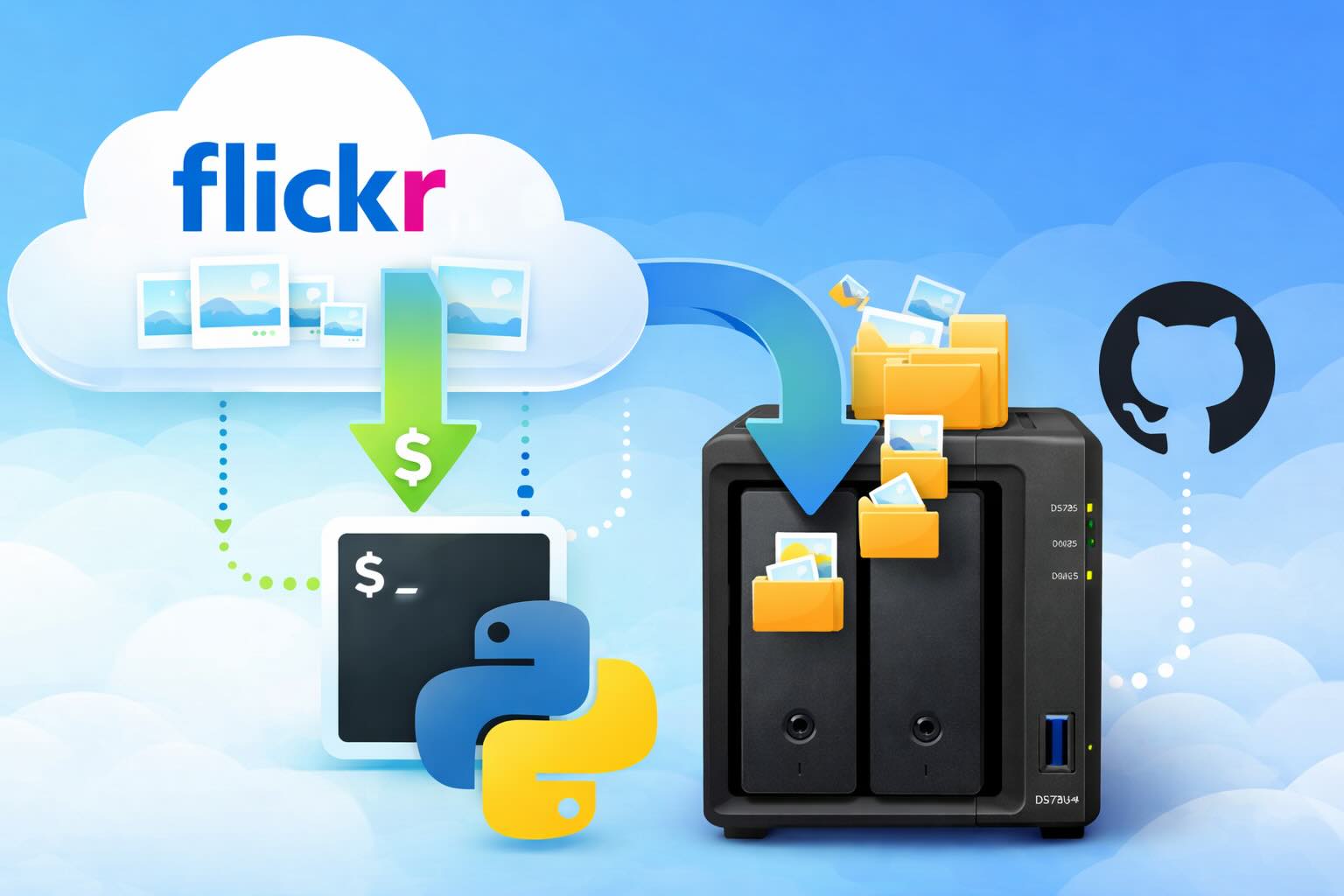
Leaving Flickr: Migrating 20,000+ Photos to Synology and Taking Back Control
There’s a certain kind of friction you start to notice when you’ve been using a service for a long time. Not enough to make you leave immediately, but enough to make you pause. Flickr had been that kind of service for me. It quietly held years of photos, uploads from old phones, albums I hadn’t looked at in ages, and a massive "Auto Upload" collection that had grown into something I didn’t fully understand anymore.

How I Finally Passed the PMP Exam (After 12 Years of Waiting)
Back in 2013, I registered for a PMI membership with every intention of pursuing my PMP certification. I downloaded the handbook, bookmarked the eligibility requirements, and even told a few friends that I was going to do it "soon." At the time, I thought getting certified would be a straightforward process, but little did I know what lay ahead in terms of studying and preparation.

10 Things You Didn't Know You Could Do With Apple Configurator (That Save Mac Admins Hours)
Most of us treat Apple Configurator like a fire extinguisher: break glass, DFU, restore, move on. But it can do a lot more, and when you know the edges, you can turn a bricked morning into a ship-it afternoon. Below are ten things I regularly use (or wish I’d used sooner) that demonstrate its capabilities beyond just emergency recovery.
The Evolution of Apple Certification: A Journey Through Versions, Challenges & Growth
When I recently passed the Apple Certified Support Professional (ACSP) exam again, I paused to reflect — not just on this milestone, but on the long path I’ve walked through Apple’s certification landscape. My first certification dates back to macOS 10.5, and over the years, I’ve earned credentials across nearly every version since. In that time, the exams — and Apple itself — have transformed significantly.

Secure Software, Secure Career: How I Passed the CSSLP
After passing the CISSP earlier this year, I decided to follow it up with the **Certified Secure Software Lifecycle Professional (CSSLP)** certification. For those unfamiliar, CSSLP is an ISC2 certification that focuses specifically on secure software development practices across the full SDLC—from requirements and design to coding, testing, deployment, and maintenance. My goal in pursuing this certification was to further develop my skills in ensuring the security of software throughout its entire lifecycle.
Managing Bring Your Own Device (BYOD) for Android with Microsoft Intune
Alright, so today we're going to be talking about the management of bring your own device BYOD for Android devices. There's a lot of information out there for the management of iOS devices and you can do that with pretty much any Apple MDM on the market. We just happen to use Jamf where I work, but you could use anything from Braavos to SimpleMDM to Kanji or JumpCloud. Mosyle is also a great option.

BYO with me in 2025: iOS with User Enrollment in JAMF Pro
It really depends on your company's needs. For example, many companies need to hire 1099 contractors and in such a case they come with their own devices but not the correct security settings or enforcements. Remember BYOD is a security construct. The idea here is that you should be securing the company's sensitive data in all forms. This may involve implementing policies for contractor-owned devices, ensuring that all devices accessing company data meet minimum security standards, and regularly reviewing and updating these standards to stay ahead of emerging threats.
Securing BYOD Email Access: Exploring Strategies in Microsoft 365
In today’s mobile-first world, organizations increasingly rely on Bring Your Own Device (BYOD) programs to empower employees while optimizing costs. However, this flexibility introduces unique challenges, particularly around securing email access. To mitigate risks, we are implementing a comprehensive strategy to block email access on non-company devices by default and ensure only sanctioned apps can access organizational email accounts. This approach will help prevent unauthorized access and data breaches, aligning with our commitment to maintaining the security and integrity of company communications.
