
When I recently passed the Apple Certified Support Professional (ACSP) exam again, I paused to reflect — not just on this milestone, but on the long path I’ve walked through Apple’s certification landscape. My first certification dates back to macOS 10.5, and over the years, I’ve earned credentials across nearly every version since. In that time, the exams — and Apple itself — have transformed significantly.
A Look Back: The macOS 10.5 Era and the Early Certification Landscape
Back in 2008 when I first became an Apple Certified Support Professional, the certification process was a different beast entirely. Exams were proctored, in-person affairs — often taken at Apple Authorized Training Centers. The questions reflected the full complexity of the platform at the time. And that complexity was immense.
We had macOS Server (then called Mac OS X Server), which introduced a level of infrastructure depth that demanded more than just support knowledge. Topics like Open Directory, NetBoot, DNS, mobile home directories, Xsan, and MCX (Managed Client for OS X) were all fair game. For the Apple Certified System Administrator (ACSA) and Technical Coordinator (ACTC) tracks, you were expected to know it all — and be able to implement it in real-world environments.
It wasn’t just theory. These certifications were hands-on, boots-on-the-ground, and required a real understanding of the file system, command-line tools, startup processes, and more. The people earning these certifications were often deploying labs, managing fleets of Macs in education or creative industries, and troubleshooting at the hardware–software intersection.
I earned a suite of these certifications during that time — ACTC, ACSA, Directory Services Specialist — because that’s what was needed to do the job right.
Specialized and Expansive: The Mid-2010s and the Associate Explosion
As macOS evolved and Apple’s footprint in enterprise and education deepened, the certification structure shifted. We began to see a broad array of Apple Certified Associate exams between 10.7 and 10.13. These were more modular — focused on specific topics like:
- Mac Integration (working in mixed Mac/PC environments)
- Mac Management (user and device management in business contexts)
- Even productivity apps like iLife and iWork (circa 2009)
These certifications were often geared toward people who weren’t managing large infrastructures, but still needed technical fluency. IT generalists, teachers, media specialists, and help desk teams — they all benefited from these more approachable certs.
I embraced these too. They helped reinforce that there’s no shame in revisiting fundamentals — in fact, it often makes you sharper in your higher-level work.
The Cloud Era and Modernization of Certification
Starting around macOS 10.12 and especially after the introduction of macOS 11 (Big Sur), Apple’s certification approach shifted again — and dramatically. As Apple’s enterprise strategy matured — with MDM at the core, Apple Business Manager, and identity federation — much of the old complexity was replaced with cloud-centric workflows.
Gone were many of the traditional on-premise tools. macOS Server was quietly deprecated. Directory services faded into history. And in place of a sprawling certification ecosystem, Apple streamlined its offerings into something more modern:
- Free, online training content
- Self-paced learning through the Apple IT Training portal
- Practice exams and official certifications administered remotely, with live proctoring to ensure exam integrity
The current ACSP exam is less about infrastructure and more about supporting users within Apple’s modern ecosystem — System Settings (replacing System Preferences), iCloud, Managed Apple IDs, and deployment best practices via MDM and supervision. It’s more focused, yes — but no less valuable.
The Mindset Factor: 2023 vs 2025
Here’s where things get personal.
In 2023, I took the Apple Certified Support Professional (ACSP) exam online for the first time and it was my first experience with taking the exam fully online under live supervision.
To my surprise, I failed. It was the first Apple exam I had ever failed, and I remember the moment vividly.
It shook me. Not because the material was impossibly difficult, but because I realized I hadn’t shown up as my best self. I was in the middle of a challenging transition, dealing with the stress of a consultancy merger, and my focus was fractured. It’s easy to underestimate how much your mental state affects your ability to think clearly — especially when reading tricky, deliberately ambiguous multiple-choice questions.
I regrouped, studied, and passed on the second try. But it left an impression.
Fast forward to 2025: I approached the exam with a different mindset. This time, I studied the official Apple training thoroughly, took the Apple Certified Professional practice test, and made sure I was emotionally centered. I walked in calm, confident, and clear-headed — and it showed.
I passed easily. Same platform. Same Apple. Very different outcome.
What Hasn’t Changed
Despite all the evolution, some core truths about Apple certification have remained:
- Precision matters. Apple’s exam language is notoriously nuanced. “System Settings” vs “Settings” can lead you to the wrong answer if you’re not fully tuned in.
- Breadth counts. Even today’s streamlined exams require a solid grasp across macOS, iOS, iCloud, hardware, networking, deployment, and support best practices.
- Real-world experience still wins. You can’t study your way around years of hands-on support work. I truly believe my practical knowledge, earned in the field, has made the biggest difference — far more than flashcards ever could.
- Certifications still open doors. Even with free training and easy access, holding an up-to-date certification still communicates something important: you care, you invest in your craft, and you meet a standard.
Supporting the Next Generation
These days, I find just as much joy in mentoring others as I do in earning new credentials. I’ve had the privilege of walking this path for years — from managing Xserve RAID arrays in OS X Server, to helping companies adopt Apple Silicon at scale.
If you’re just starting out — or thinking of going independent in the Apple consulting world — I’d love to help.
My Apple Certification Timeline
Here’s a snapshot of the Apple certifications I’ve earned over the years. Each one tells a story of where Apple — and I — was at the time:
- ACSP: macOS 10.5 → 10.15, 11, 2023, 2025
- ACTC: 10.5 → 10.10
- ACSA: 10.5
- Apple Certified Specialist – Directory Services 10.6
- Apple Certified Pro – Final Cut Pro 6
- Apple Certified Associate – iLife, iWork, Mac Integration (10.7 → 10.13), Mac Management (10.9 → 10.10)
Each badge was earned with intention — through shifting technologies, workplace transitions, and personal growth. I’m proud of the journey.
Final Thoughts
To anyone on the path: Stay curious. Keep going. The landscape changes, but the principles of care, curiosity, and craft remain constant.
Whether you’re troubleshooting an MDM enrollment profile or helping a creative pro recover their Final Cut Pro library, you’re doing important work. These certifications? They’re just the beginning.
Let’s continue to learn, support, and elevate one another — one version, one challenge, one breakthrough at a time.
Ready to take your Apple IT skills and consulting career to the next level?
I’m opening up free mentorship slots to help you navigate certifications, real-world challenges, and starting your own independent consulting business.
Let’s connect and grow together — Sign up here
AI Usage Transparency Report
AI Era · Written during widespread use of AI tools
AI Signal Composition
Score: 0.34 · Moderate AI Influence
Summary
Apple certification has evolved significantly over the years, from in-person exams to online proctored ones. The current ACSP exam focuses on supporting users within Apple's modern ecosystem. Certifications still matter and can open doors, but real-world experience is key.
Related Posts

When Chromium Mistakes Your VPN for a Local Network
Turning off Jamf Trust fixed the webinar, which normally would have sent me straight to its routing policies. This time the route was fine: Chromium was treating Jamf's ZTNA broker addresses as a local network, and an Edge and Chrome preference corrected it.
Clamshell iBook G3 Restoration, Part 1: From Broken Screen to Board-Level Repair
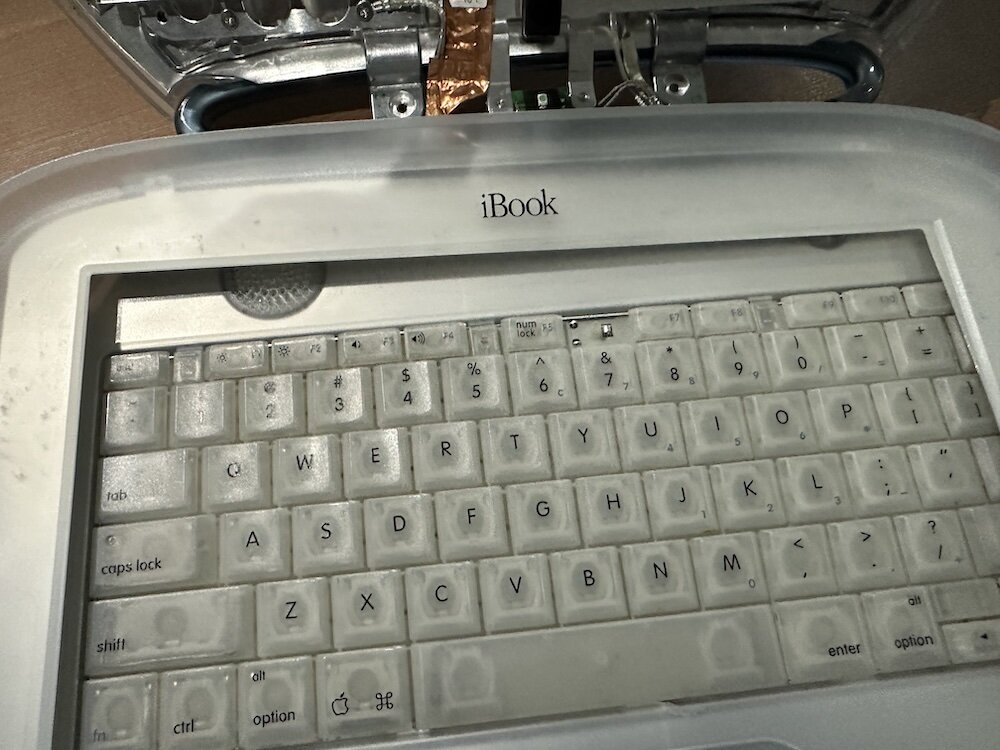
Part one of a Clamshell iBook G3 restoration: a broken screen, a charger detour, a blinking system folder, a full teardown, and the backlight connector mistake that paused the project.
Bromure Gives Codex a Room of Its Own
I installed Bromure Agentic Coding, watched it build the Linux VM, authenticated Codex, and followed a real Codex task through the workspace.
Claude Code Auto Mode Changes Approval Flow, Not the Safety Boundary
Claude Code Auto mode changes how approval decisions are handled. It does not expand the boundary of what the coding agent should be allowed to do.

Amnesia Stealer Shows the Next Stage of ClickFix on macOS
Amnesia Stealer shows how ClickFix-style social engineering is adapting on macOS, while a public malware sample gives defenders an opportunity to study the behavior behind the campaign.
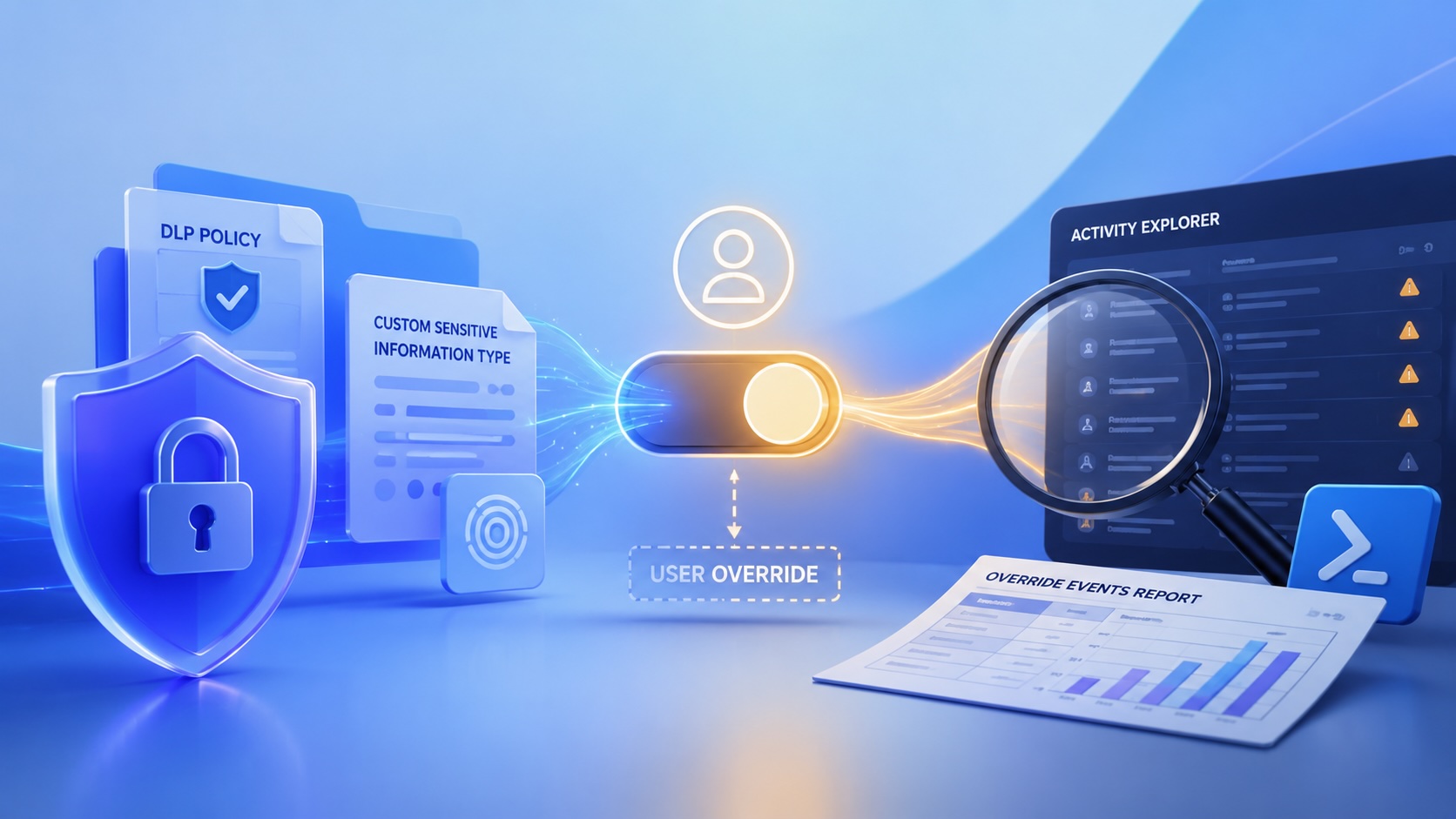
Reporting on Microsoft 365 DLP Overrides with PowerShell
DLP overrides are not automatically bad. They are a business process that needs visibility. This walkthrough covers a Microsoft Purview DLP policy, a custom sensitive information type, user override behavior, and a PowerShell report that exports override events from Activity Explorer.
PowerBook 140 BlueSCSI Install: Cable Fixed, Battery-Bay Power, and Wi-Fi Setup
The PowerBook 140 project moved from preparing a BlueSCSI card in Basilisk II to installing the repaired internal SCSI cable, powering the BlueSCSI Pico externally from the battery bay, booting System 7.1, and fighting through DaynaPORT Wi-Fi setup.
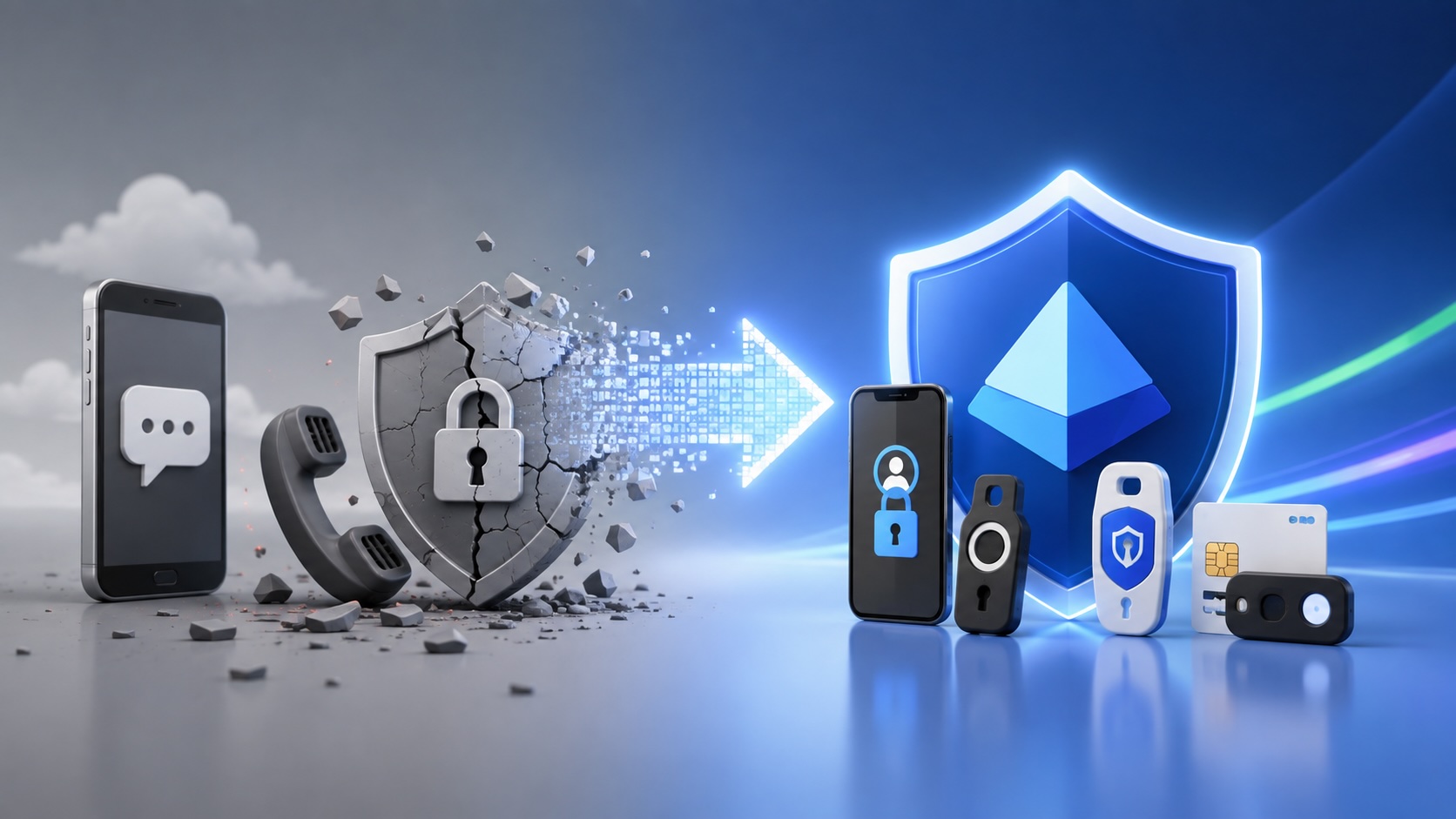
Move Entra Users Off SMS and Voice Before Microsoft Retires Them
Microsoft is retiring Microsoft-provided SMS and voice authentication in Entra ID. The migration is not passkeys for everyone; it is removing weak telecom MFA and choosing supported replacement methods such as Microsoft Authenticator, FIDO2 keys, certificate-based authentication, OATH hardware tokens, or customer-managed telecom.
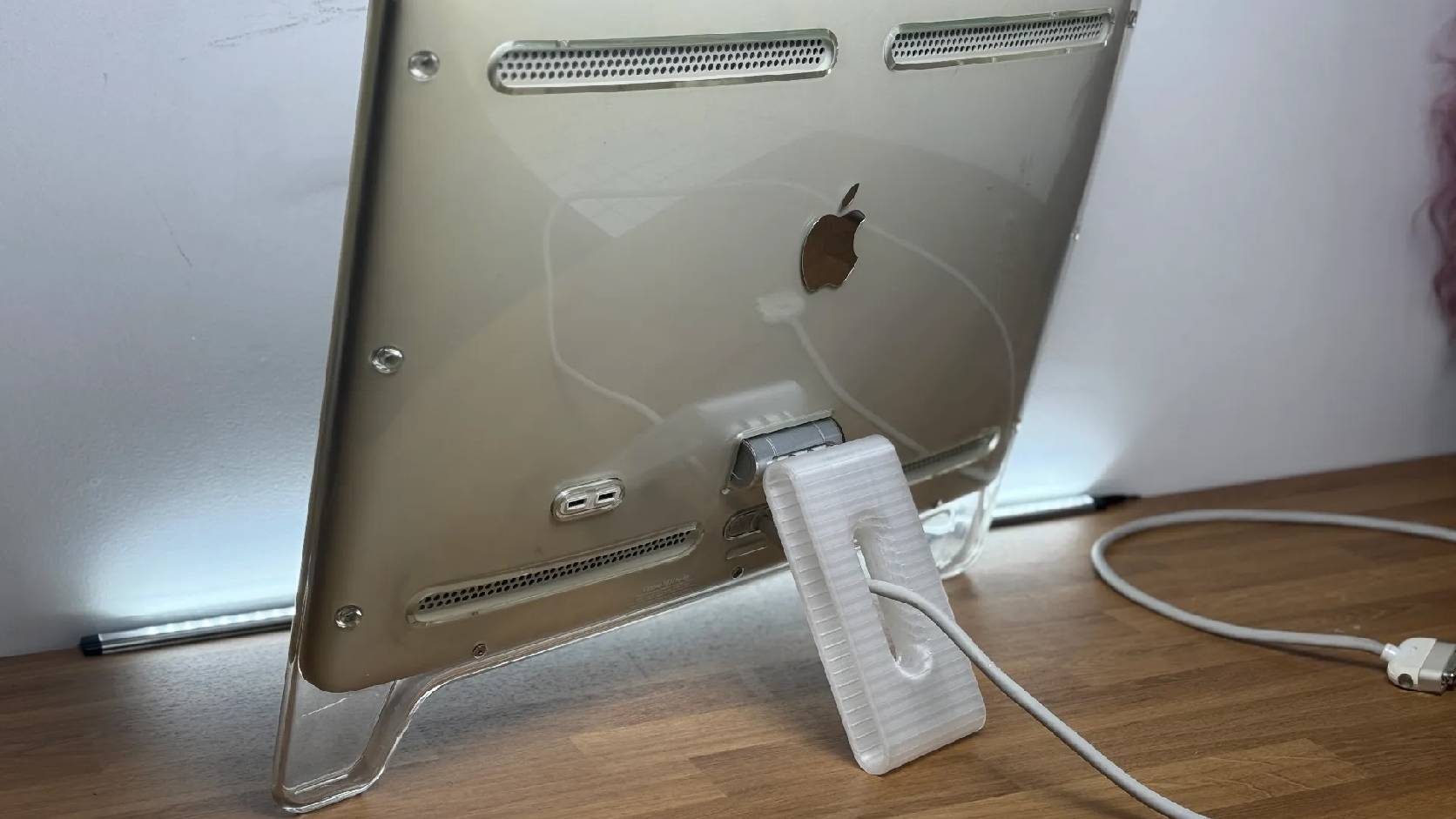
Fixing a Broken Apple Cinema Display Stand with a 3D Printed Leg
A 22-inch Apple Cinema Display arrived with a broken acrylic easel stand, so I used a 3D printed replacement leg instead of sending the monitor back.
macOS Tahoe 26.6.1 Fixes a High-Severity Screen Sharing Authentication Bypass
macOS Tahoe 26.6.1 fixes CVE-2026-65400, a high-severity Screen Sharing authentication issue where an attacker on the network may be able to authenticate without valid credentials.
