
Startup planning matters, but one of the biggest mistakes founders make is treating the original plan as if it should remain fixed. A business plan is most useful when it helps you make better decisions in the present, not when it becomes a document you are afraid to revisit. The reality is that markets change, customers change, and your own understanding of the business changes as you gain experience.
At different stages of growth, the plan should serve different purposes. Early on, the focus may be on finding customers, validating demand, and understanding the market. As the business matures, the priorities often shift toward repeatability, operational growth, and building systems that can support a larger client base. Later, the plan may evolve again toward creating long-term value, defining the next stage of leadership, or preparing for a partnership or exit that takes the company further than it could go alone.
That is why revisiting the plan is critical. A strategy that made sense at one stage can become a liability if it is never updated. Founders who refuse to reassess often end up solving the wrong problems, chasing outdated goals, or holding onto assumptions that no longer match the business they are actually running. Reviewing the plan regularly creates room to adjust before those issues become expensive.
Writing the plan down is part of that discipline. A business plan that exists only in your head is difficult to test, refine, or share. Once it is documented, it becomes easier to evaluate your assumptions, measure progress, and communicate direction to other people. It also forces a level of clarity that many founders avoid when they are moving too fast.
Long-range thinking matters as well. Looking one year ahead is useful, but looking three, five, or even ten years ahead can reveal deeper truths about what you actually want to build. If you enjoy the work today but cannot picture yourself leading the company at a later stage, that is not necessarily a problem. It may simply mean the business should be planned with a future transition, partnership, or exit in mind. That kind of clarity is part of responsible planning, not a sign of weak commitment.
It is also important to accept that not every business is supposed to scale the same way. Some companies are built for broad growth, while others are best when they stay specialized and focused. The market you serve places real constraints on the size, shape, and pace of the business. A strong plan recognizes those realities instead of pretending every company is meant to become the same kind of success story.
The best startup plans are not rigid. They are durable enough to keep you moving and flexible enough to change when reality demands it. If you revisit your plan consistently, write it down clearly, and allow it to evolve with the business, it becomes more than a document. It becomes a practical tool for surviving mistakes, adapting to change, and building with intention.
AI Usage Transparency Report
AI Era · Written during widespread use of AI tools
AI Signal Composition
Score: 0.0 · Low AI Influence
Summary
Startup planning matters, but one of the biggest mistakes founders make is treating the original plan as if it should remain fixed. A business plan is most useful when it helps you make better decisions in the present, not when it becomes a document you are afraid to revisit. The reality is that markets change, customers change, and your own understanding of the business changes as you gain experience. In fact, revisiting and updating your plan regularly can help you stay adaptable and responsive to these shifts, rather than getting stuck on an outdated vision.
Related Posts

When Chromium Mistakes Your VPN for a Local Network
Turning off Jamf Trust fixed the webinar, which normally would have sent me straight to its routing policies. This time the route was fine: Chromium was treating Jamf's ZTNA broker addresses as a local network, and an Edge and Chrome preference corrected it.

Clamshell iBook G3 Restoration, Part 1: From Broken Screen to Board-Level Repair
Part one of a Clamshell iBook G3 restoration: a broken screen, a charger detour, a blinking system folder, a full teardown, and the backlight connector mistake that paused the project.
Bromure Gives Codex a Room of Its Own
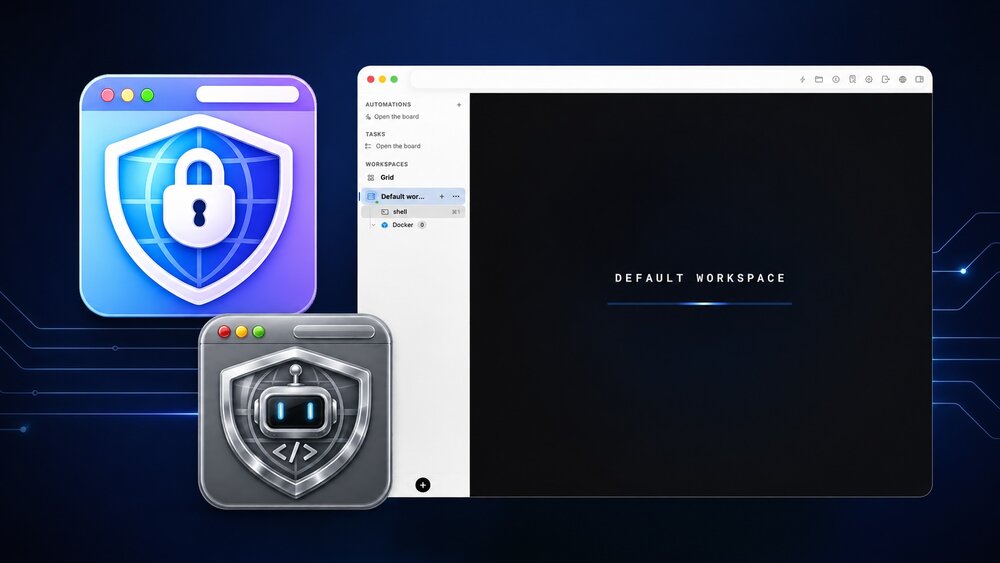
I installed Bromure Agentic Coding, watched it build the Linux VM, authenticated Codex, and followed a real Codex task through the workspace.

Claude Code Auto Mode Changes Approval Flow, Not the Safety Boundary
Claude Code Auto mode changes how approval decisions are handled. It does not expand the boundary of what the coding agent should be allowed to do.

Amnesia Stealer Shows the Next Stage of ClickFix on macOS
Amnesia Stealer shows how ClickFix-style social engineering is adapting on macOS, while a public malware sample gives defenders an opportunity to study the behavior behind the campaign.

Reporting on Microsoft 365 DLP Overrides with PowerShell
DLP overrides are not automatically bad. They are a business process that needs visibility. This walkthrough covers a Microsoft Purview DLP policy, a custom sensitive information type, user override behavior, and a PowerShell report that exports override events from Activity Explorer.
PowerBook 140 BlueSCSI Install: Cable Fixed, Battery-Bay Power, and Wi-Fi Setup
The PowerBook 140 project moved from preparing a BlueSCSI card in Basilisk II to installing the repaired internal SCSI cable, powering the BlueSCSI Pico externally from the battery bay, booting System 7.1, and fighting through DaynaPORT Wi-Fi setup.

Move Entra Users Off SMS and Voice Before Microsoft Retires Them
Microsoft is retiring Microsoft-provided SMS and voice authentication in Entra ID. The migration is not passkeys for everyone; it is removing weak telecom MFA and choosing supported replacement methods such as Microsoft Authenticator, FIDO2 keys, certificate-based authentication, OATH hardware tokens, or customer-managed telecom.
Fixing a Broken Apple Cinema Display Stand with a 3D Printed Leg
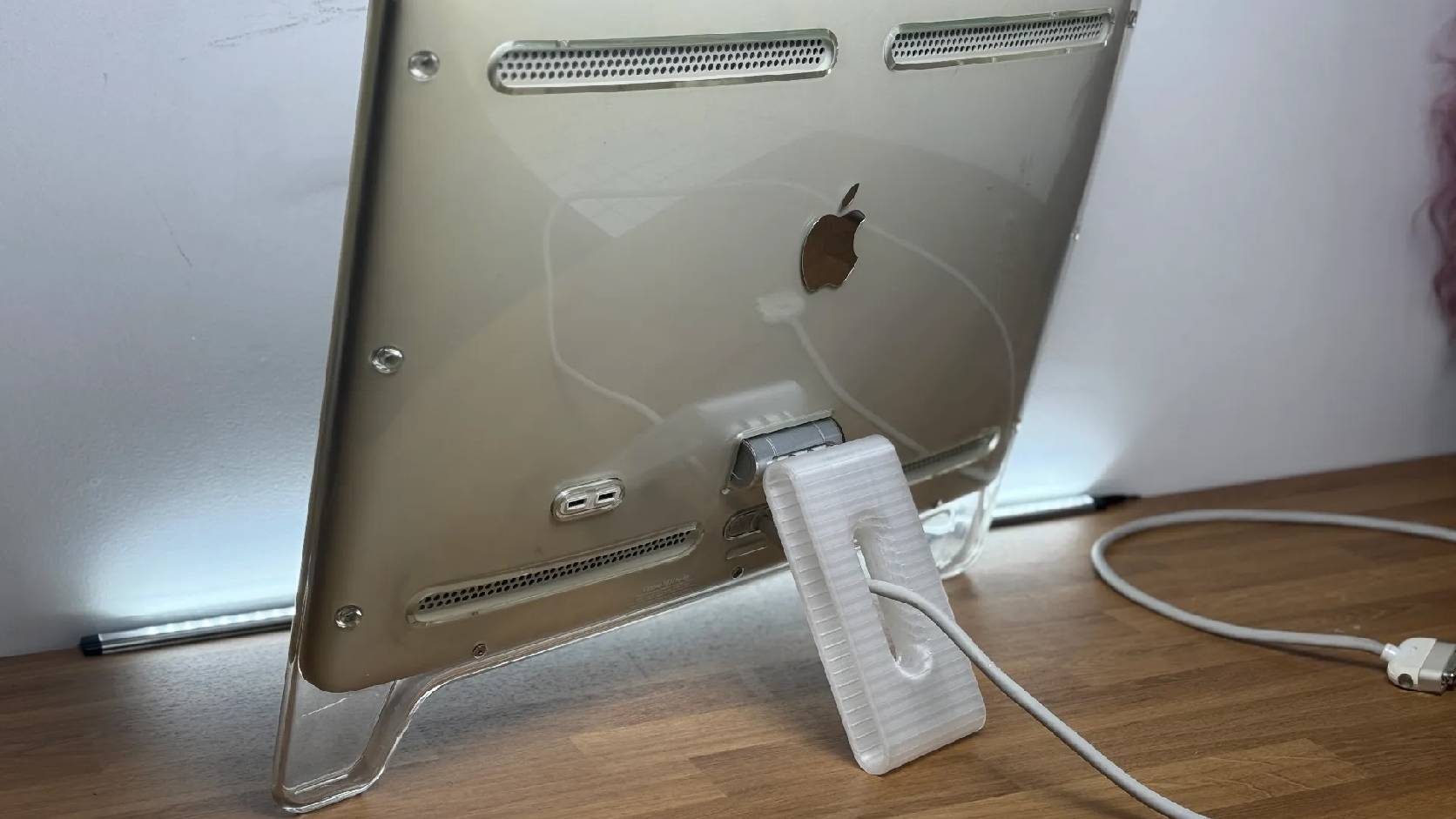
A 22-inch Apple Cinema Display arrived with a broken acrylic easel stand, so I used a 3D printed replacement leg instead of sending the monitor back.

macOS Tahoe 26.6.1 Fixes a High-Severity Screen Sharing Authentication Bypass
macOS Tahoe 26.6.1 fixes CVE-2026-65400, a high-severity Screen Sharing authentication issue where an attacker on the network may be able to authenticate without valid credentials.
