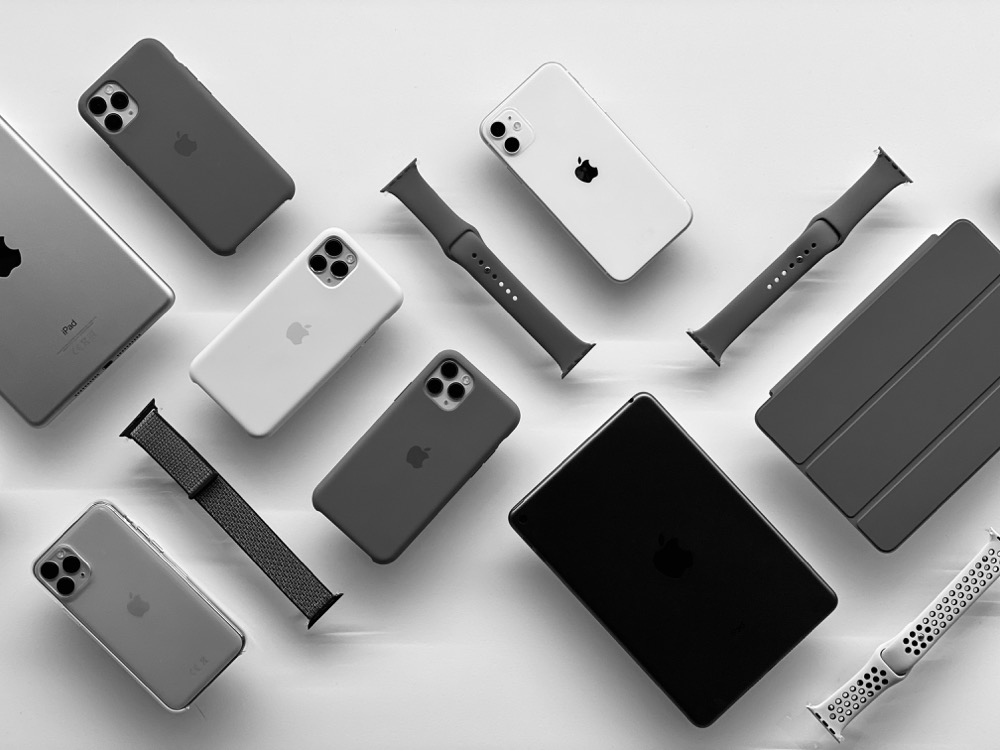

The Best Apple-Related Gifts for 2021
It may seem early to start thinking about the holiday shopping season, but with the global supply chain suffering pandemic-related slowdowns, there’s no telling how long it will take to get something you order today. Apple has generally done a good job of managing its supply chain issues, but even still, if you want to make sure you have an Apple something for that special someone, we recommend buying it soon. Here are our recommendations.
AirTag
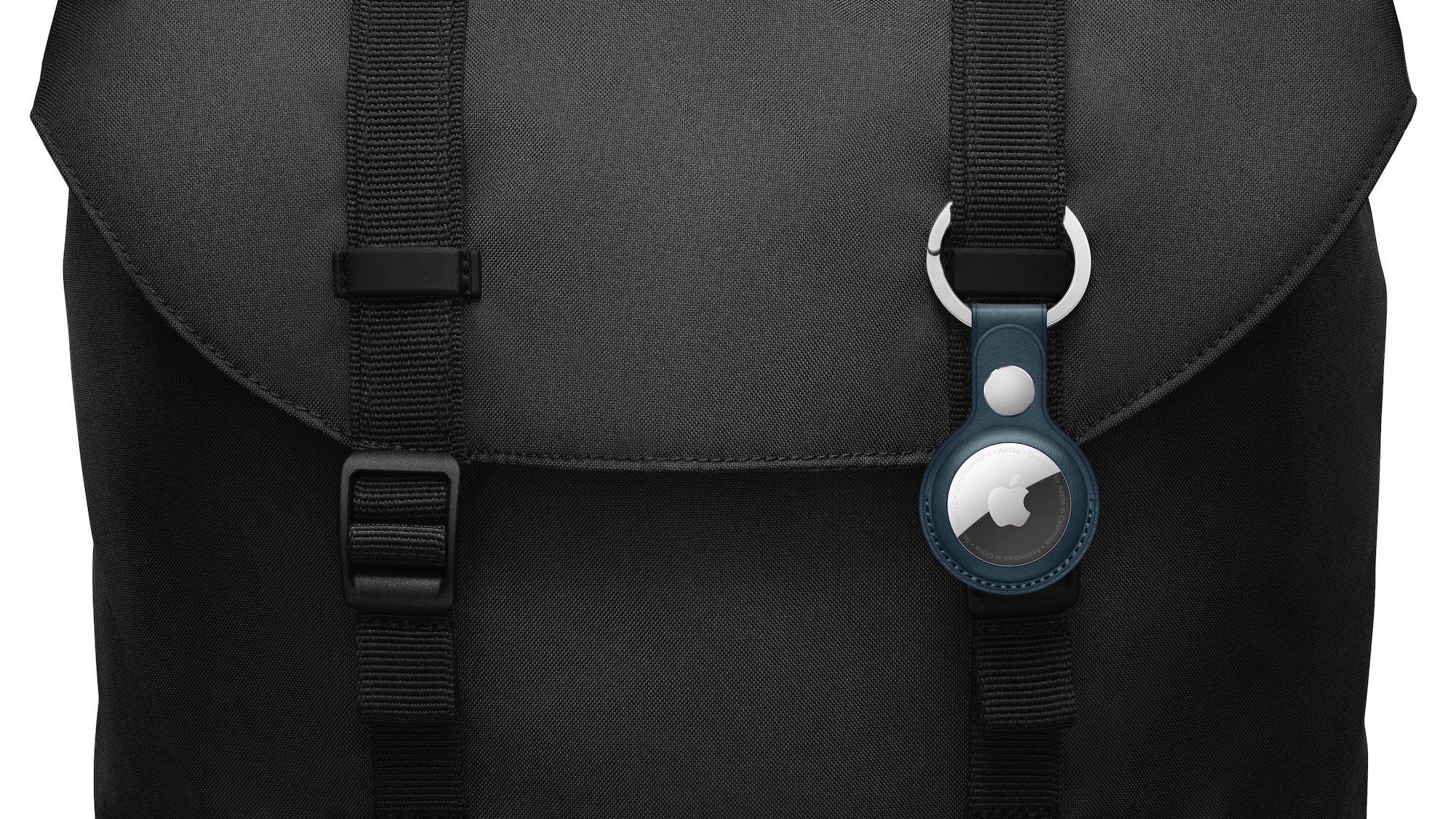
Do you know someone who’s always misplacing their keys, purse, or backpack? Apple’s new AirTag tracker is the perfect gift for such a person. Attach one to a keyring (with a separate $29 AirTag Loop or $39 AirTag Leather Loop) or drop it in a bag, and from then on, the person can use the Find My app to see where they left their stuff. Support for ultra-wideband enables precision finding with an iPhone 11 or later—with earlier iPhones, the detected location won’t be quite so precise. AirTag uses the Find My network, so even if the item is far away, passing Apple devices that detect it can securely share its location with you. One AirTag costs $29, or you can get a pack of four for $99. You can even have Apple personalize each AirTag with custom text and emoji.
AirPods and AirPods Pro
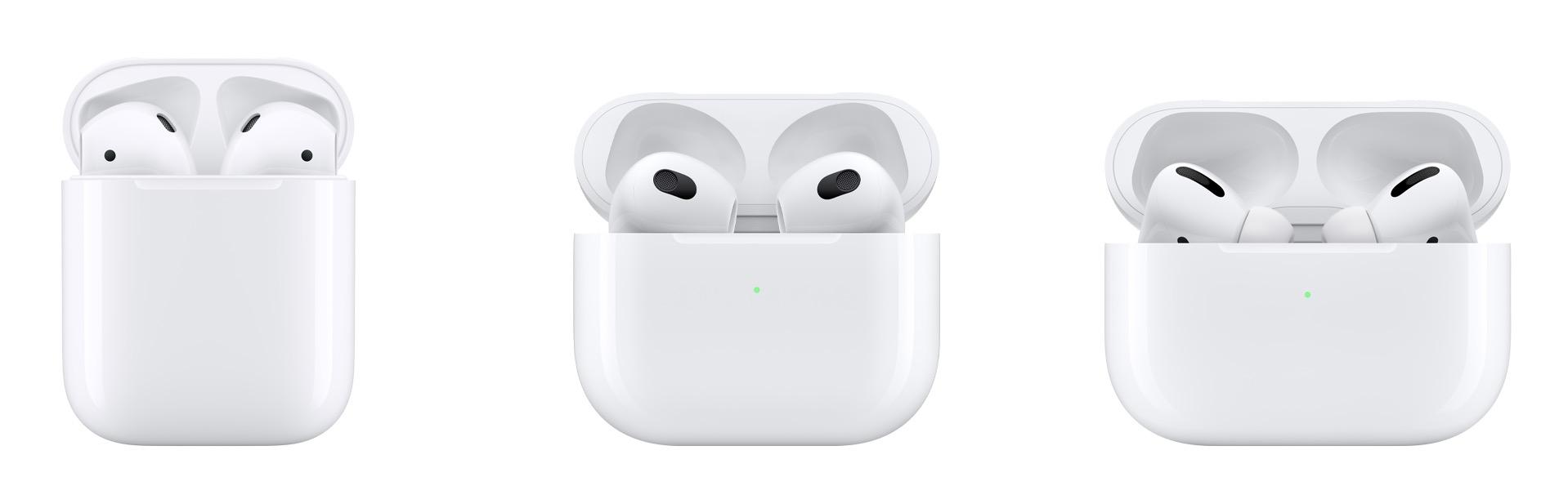
Apple’s wireless earbuds remain popular, and the company just released the third-generation AirPods to supplement the second-generation AirPods and the AirPods Pro. All three make excellent gifts. The second-generation AirPods cost $129, have a relatively long stalk, and boast up to 5 hours of listening on one charge. The $179 third-generation AirPods shrink the stalk, switch to a force sensor for controls, add support for spatial audio with dynamic head tracking, feature sweat and water resistance, have a MagSafe wireless charging case, and last up to 6 hours on a single charge. For $249, the AirPods Pro include the features of the third-generation AirPods and add silicone ear tips and active noise cancellation with optional transparency mode, but they have only 4.5 hours of listening time. All three have charging cases, support Hey Siri commands, and automatically switch between Apple devices.
HomePod mini
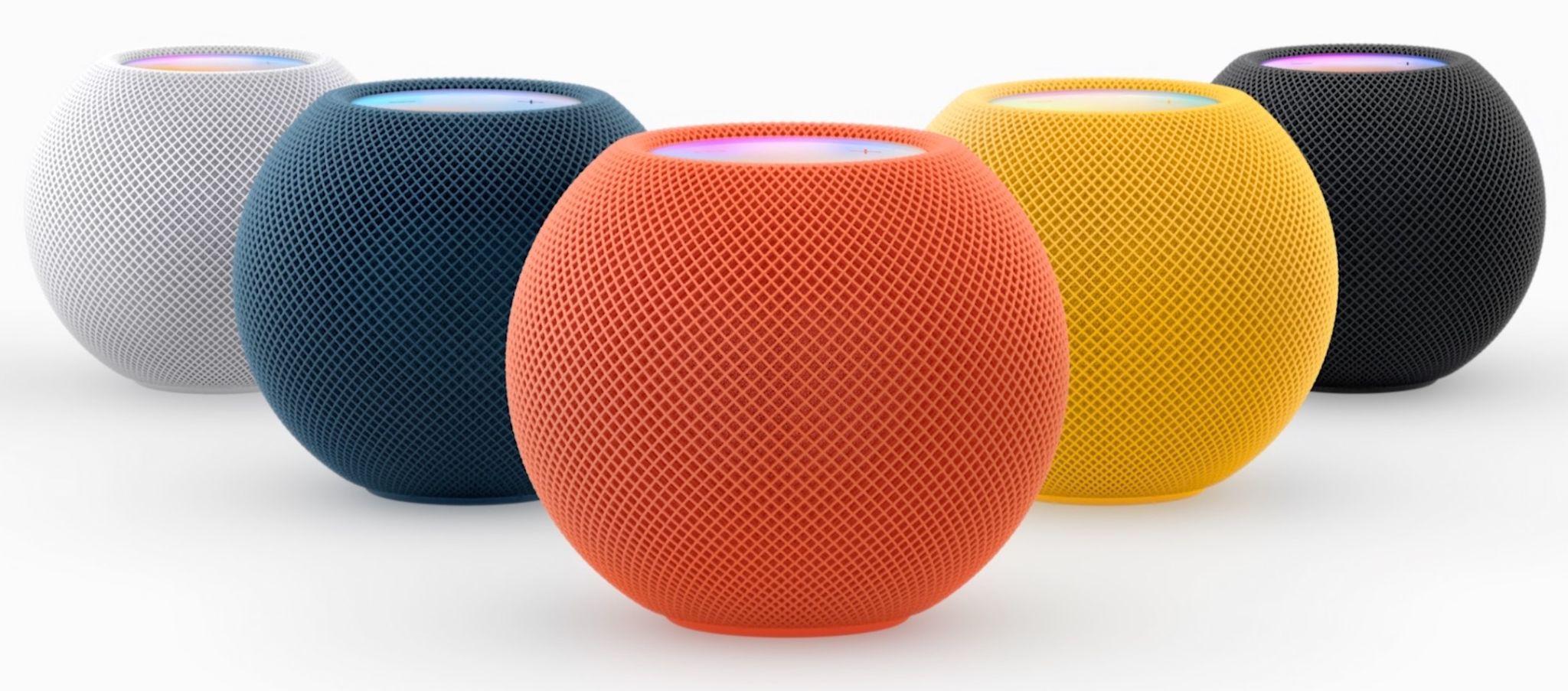
Earlier this year, Apple discontinued the full-size HomePod, which wasn’t a big hit at its relatively high price of $299. However, the $99 HomePod mini remains available, and Apple is now selling it in five colors, with blue, orange, and yellow joining white and black. (The new colors will become available at some point in November.) The grapefruit-sized HomePod mini may be small, but it produces great sound for its size, and it can do pretty much everything the larger HomePod could do. You can control it entirely via Siri, pair two for stereo sound, use it as a hub for your HomeKit home automation accessories, and even have it play the sound from your Apple TV. Put a HomePod mini in different rooms in the house, and you can use Intercom to communicate with family members using your voice. If you’re giving it as a gift, remember that it’s best when paired with an Apple Music subscription.
iPad and iPad mini
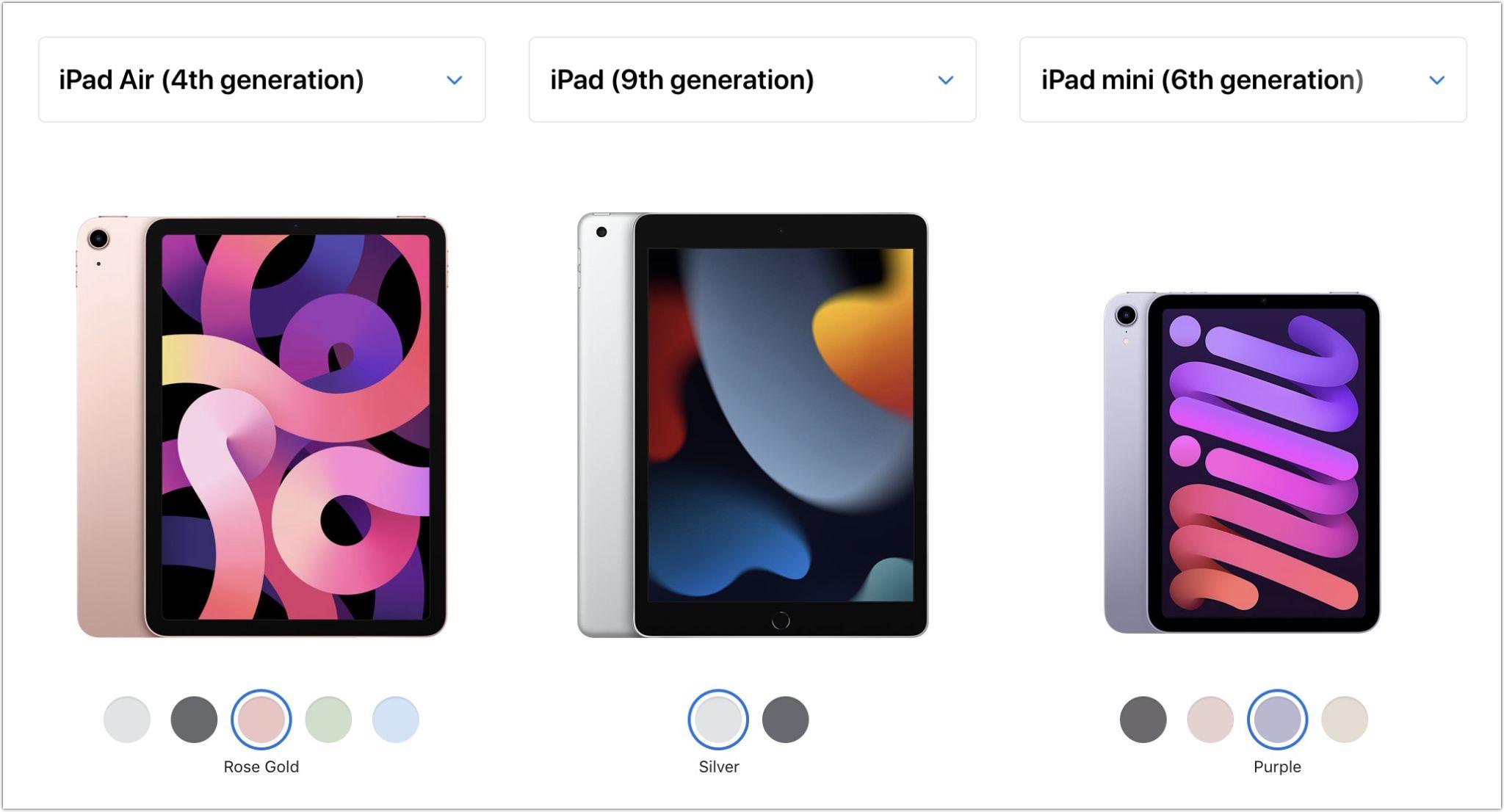
If you’re looking to give an iPad as a gift, you have a lot of choice. The top-of-the-line iPad Pro may be overkill for most given its power and price—$799 for the 11-inch model and $1099 for the 12.9-inch model. But the fourth-generation iPad Air, which starts at $599, provides sufficient power for even the most intensive tasks, especially when coupled with a second-generation Apple Pencil ($129) and either a Magic Keyboard ($299) or Smart Keyboard Folio ($179).
If those possibilities seem pricey for an iPad that’s destined for a kid or an adult with basic needs, look no further than the new ninth-generation iPad, which remains a bargain at $329. It works with the first-generation Apple Pencil ($99), and those who need to write can add the $159 Smart Keyboard. Finally, don’t forget the sixth-generation iPad mini, which benefited from a major redesign back in September. It’s now more like a diminutive version of the iPad Air, with more colors and a squared-off industrial design compatible with the second-generation Apple Pencil. It’s $499, and if you need a keyboard, you’ll have to look to a third-party manufacturer or use a standard Bluetooth wireless keyboard.
Apple Watch Gift Certificate
Last but far from least, we love the Apple Watch, and it would seem to make a great gift. However, we urge caution. Apple provides a dizzying number of options for case size, material, and color, plus the band and color, making it difficult to know what would be most appreciated. So we’d encourage giving a certificate that’s good for a conversation about what to purchase. Then sit down with the recipient to run through all the decisions in the Apple Watch Studio.
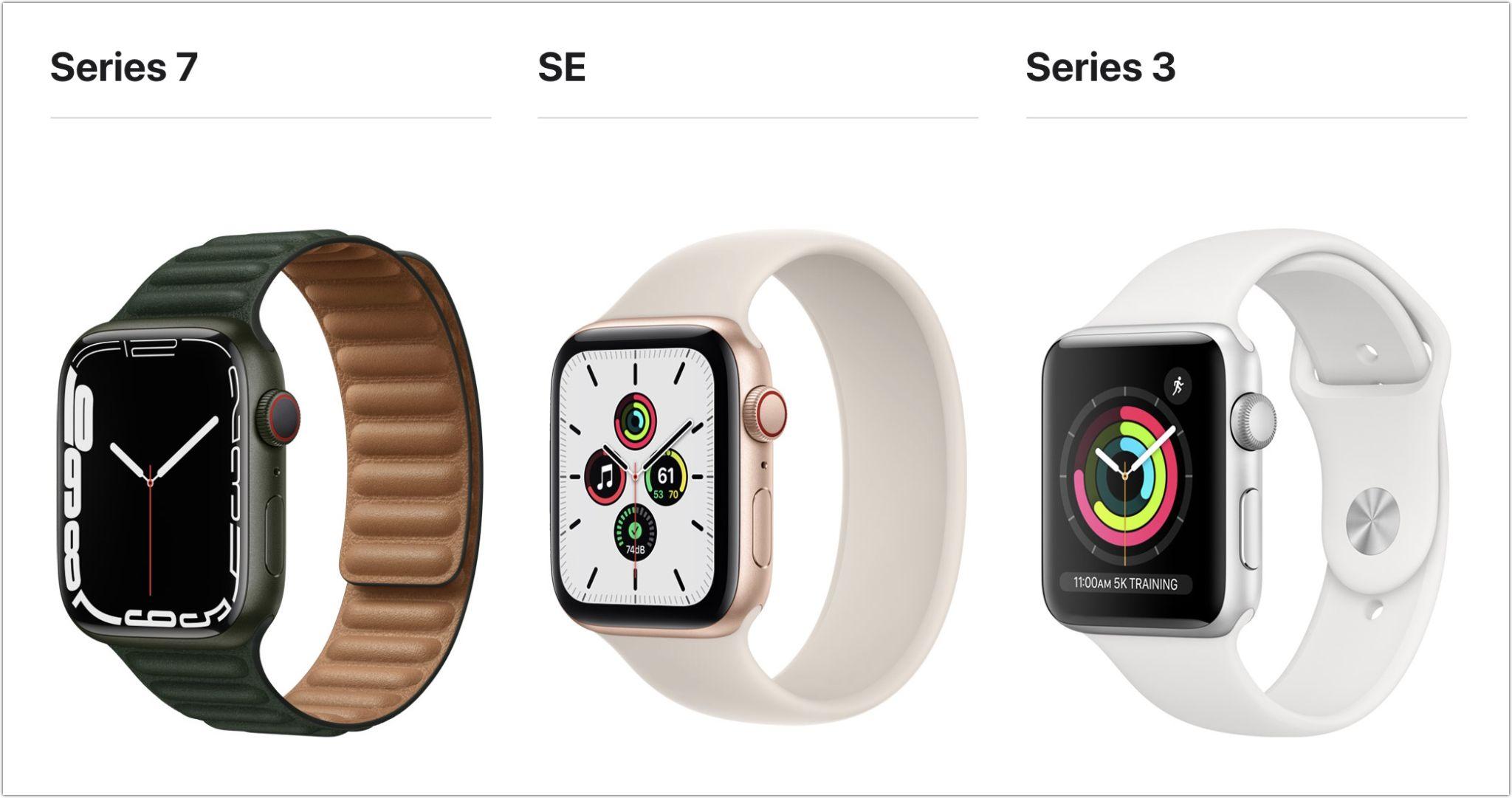
There are three options this year: the new Apple Watch Series 7 (starting at $399), last year’s less expensive Apple Watch SE (starting at $279), or the much older Apple Watch Series 3 (starting at $199). Get the Series 7 if you want an Always-On Display, blood oxygen sensor, and ECG capabilities—it also boasts a larger screen than last year’s Series 6 while remaining compatible with all the bands. The Apple Watch SE lacks the Series 7’s advanced sensors and has a slightly smaller screen size, but it still provides the compass, altimeter, and fall detection features. The screen on the Series 3 is smaller yet, and it lacks a number of key features. Unless keeping the cost to a minimum is essential, we have a hard time recommending the Series 3—it’s getting too old. Apple has a helpful comparison tool.
You may have noticed that we didn’t include any Macs in this article. They are worthy gifts, but they’re quite a bit more expensive and more difficult to select without extensive discussion of the recipient’s needs. Let us know if you need help choosing the right Mac for someone on your list, but we’re partial to the M1-based MacBook Air and 24-inch iMac for many users.
AI Usage Transparency Report
Pre-AI Era · Written before widespread use of generative AI tools
AI Signal Composition
Score: 0.04 · Low AI Influence
Summary
Apple-related gifts for 2021, including AirTag, AirPods, HomePod mini, iPad and Apple Watch.
Related Posts
Check Encrypted HFS+ Drives Before macOS 28
Apple says macOS 28 will not support encrypted Mac OS Extended volumes, so older encrypted HFS+ external drives need to be identified, backed up, decrypted, converted, or reformatted before that upgrade.
How I Keep Up With ISC2 CPE Credits Without Making It a Second Job
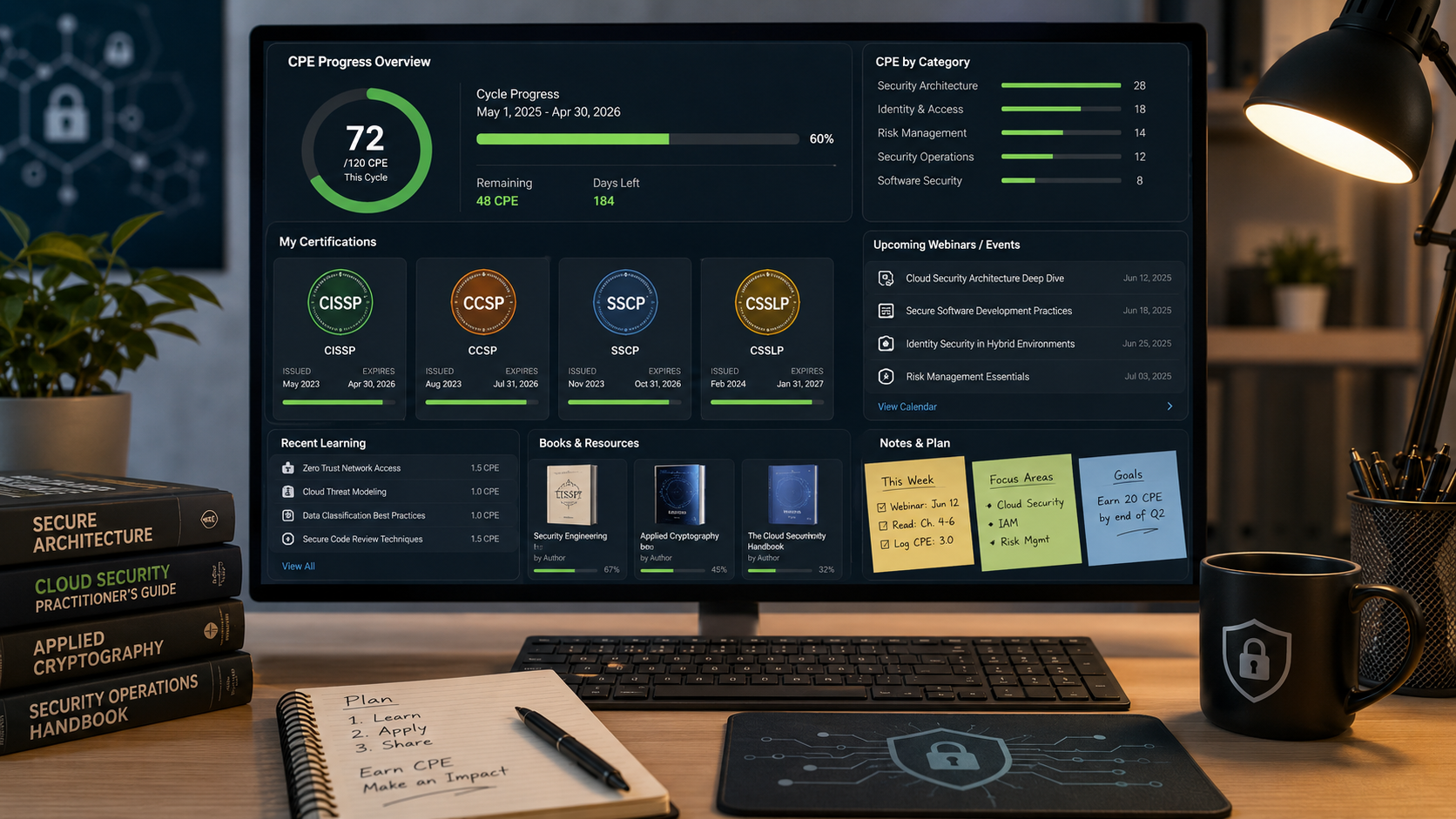
Keeping up with ISC2 CPE credits is easier when you treat it like a normal professional habit instead of a renewal emergency. Here is the system I use across CISSP, CCSP, SSCP, and CSSLP, with free and low-friction sources for webinars, books, training, and work-based credits.
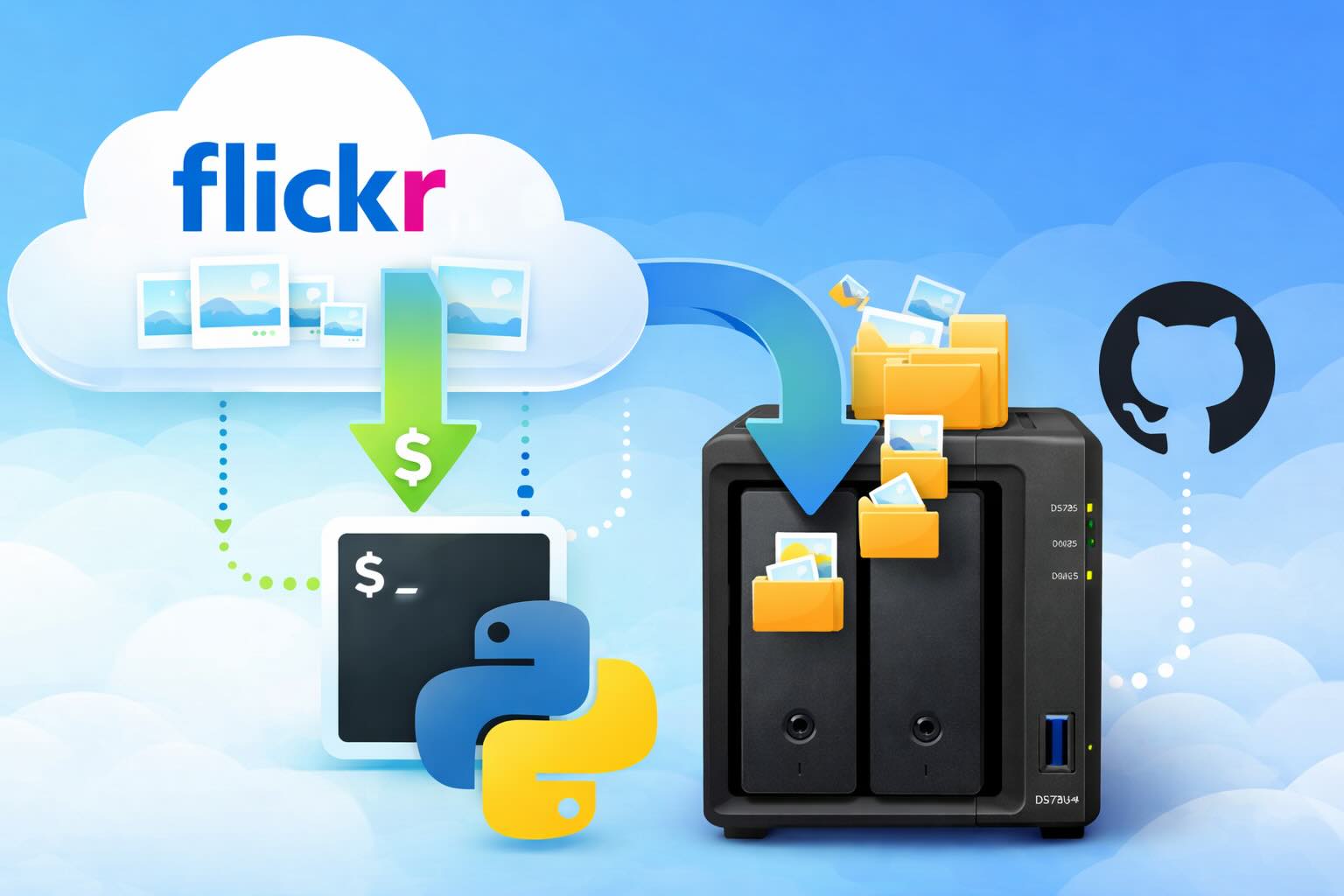
Leaving Flickr: Migrating 20,000+ Photos to Synology and Taking Back Control
There’s a certain kind of friction you start to notice when you’ve been using a service for a long time. Not enough to make you leave immediately, but enough to make you pause. Flickr had been that kind of service for me. It quietly held years of photos, uploads from old phones, albums I hadn’t looked at in ages, and a massive "Auto Upload" collection that had grown into something I didn’t fully understand anymore.

How I Finally Passed the PMP Exam (After 12 Years of Waiting)
Back in 2013, I registered for a PMI membership with every intention of pursuing my PMP certification. I downloaded the handbook, bookmarked the eligibility requirements, and even told a few friends that I was going to do it "soon." At the time, I thought getting certified would be a straightforward process, but little did I know what lay ahead in terms of studying and preparation.

10 Things You Didn't Know You Could Do With Apple Configurator (That Save Mac Admins Hours)
Most of us treat Apple Configurator like a fire extinguisher: break glass, DFU, restore, move on. But it can do a lot more, and when you know the edges, you can turn a bricked morning into a ship-it afternoon. Below are ten things I regularly use (or wish I’d used sooner) that demonstrate its capabilities beyond just emergency recovery.
The Evolution of Apple Certification: A Journey Through Versions, Challenges & Growth
When I recently passed the Apple Certified Support Professional (ACSP) exam again, I paused to reflect — not just on this milestone, but on the long path I’ve walked through Apple’s certification landscape. My first certification dates back to macOS 10.5, and over the years, I’ve earned credentials across nearly every version since. In that time, the exams — and Apple itself — have transformed significantly.

Secure Software, Secure Career: How I Passed the CSSLP
After passing the CISSP earlier this year, I decided to follow it up with the **Certified Secure Software Lifecycle Professional (CSSLP)** certification. For those unfamiliar, CSSLP is an ISC2 certification that focuses specifically on secure software development practices across the full SDLC—from requirements and design to coding, testing, deployment, and maintenance. My goal in pursuing this certification was to further develop my skills in ensuring the security of software throughout its entire lifecycle.
Managing Bring Your Own Device (BYOD) for Android with Microsoft Intune
Alright, so today we're going to be talking about the management of bring your own device BYOD for Android devices. There's a lot of information out there for the management of iOS devices and you can do that with pretty much any Apple MDM on the market. We just happen to use Jamf where I work, but you could use anything from Braavos to SimpleMDM to Kanji or JumpCloud. Mosyle is also a great option.
BYO with me in 2025: iOS with User Enrollment in JAMF Pro
It really depends on your company's needs. For example, many companies need to hire 1099 contractors and in such a case they come with their own devices but not the correct security settings or enforcements. Remember BYOD is a security construct. The idea here is that you should be securing the company's sensitive data in all forms. This may involve implementing policies for contractor-owned devices, ensuring that all devices accessing company data meet minimum security standards, and regularly reviewing and updating these standards to stay ahead of emerging threats.
Securing BYOD Email Access: Exploring Strategies in Microsoft 365
In today’s mobile-first world, organizations increasingly rely on Bring Your Own Device (BYOD) programs to empower employees while optimizing costs. However, this flexibility introduces unique challenges, particularly around securing email access. To mitigate risks, we are implementing a comprehensive strategy to block email access on non-company devices by default and ensure only sanctioned apps can access organizational email accounts. This approach will help prevent unauthorized access and data breaches, aligning with our commitment to maintaining the security and integrity of company communications.
