

I like local AI a lot more now than I did when I first started messing with it, but not for the reason most people expect.
It is not because I suddenly think local models are automatically safer, smarter, or somehow more honest just because they run on my Mac. It is because I finally got clearer about the role I want them to play.
That has really been the shift for me. Early on, the question sounded like a capability question. Can I run this locally? Can this Mac handle the model? Is Ollama good enough? Is a local model finally competitive enough to replace the cloud tools?
Those questions are fine, but they are not the ones that ended up mattering most in practice.
The question that actually changed how I work was this: what part of my workflow can a local model touch without me pretending it is more reliable than it really is?
Once I started looking at local AI that way, it stopped being a novelty and started becoming useful.
Where Local AI Actually Started Working For Me
The clearest example is an AI-transparency workflow I built for my writing process, but it is not the only one.
These days I do not talk to my local Ollama instance directly most of the time. I usually go through Fabric. In my local setup Fabric is pointed at Ollama by default, using llama3.1:latest, and I keep my own custom patterns in ~/custom-patterns. That has ended up being a better way to work because it lets me give the model a narrower job instead of throwing a giant open-ended prompt at it and hoping for the best.
For me, Fabric is one of the more useful examples of what this whole category really is underneath the UI. It is not magic. It is an organized way to run prompts repeatedly against a model with a more intentional interface. In my case the binary lives in ~/.local/bin/fabric, the config sits under ~/.config/fabric, Ollama is the default vendor, and my custom patterns live outside the built-ins so I can keep changing them without losing them on updates.
This is the part I think people miss. A lot of what we call tooling here is really prompt engineering with better packaging. The real question is not whether the prompt exists. The question is whether I trust that prompt broadly enough to run it against live work in a cloud workflow, or whether I would rather keep that interaction local where I can inspect it and tighten it.
My Fabric config makes that pretty plain:
DEFAULT_VENDOR=Ollama
DEFAULT_MODEL=llama3.1:latest
CUSTOM_PATTERNS_DIRECTORY=/Users/jon/custom-patterns
OLLAMA_API_URL=http://127.0.0.1:11434
OLLAMA_HTTP_TIMEOUT=20m
That is not a giant platform story. It is just a local model, a prompt runner, a custom pattern directory, and an API endpoint on my Mac.
Fabric’s own documentation also makes the model pretty explicit. It documents custom patterns as simple directories with files like system.md, and then you call them with fabric --pattern .... That is one of the reasons I like it. It keeps the abstraction honest. Fabric
One example is blog drafting from rough notes. I have a custom Fabric pattern called write_blog_post that is meant to turn unstructured notes into a cleaner draft. This is the kind of use case I like because the input is mine, the pattern is mine, and the output is still something I expect to review closely before I trust it.
cat rough-notes.md | fabric --pattern write_blog_post > draft.md
That is useful local AI to me. I am not asking the model to invent the whole idea. I am asking it to help shape something I already have into a cleaner draft I can react to.
Another example is turning a finished or nearly finished post into a LinkedIn variation. I have a separate custom pattern for that too.
cat draft.md | fabric --pattern write_li_post
That is another good local role. I already know what I wrote. I already know what point I am trying to make. I just want help generating a few tighter social variations without sending the content somewhere else or turning the model loose on the final post itself.
And if you really want to see what I mean when I say this is prompt engineering at its core, here is the full system.md from my write_blog_post custom Fabric pattern:
# IDENTITY AND PURPOSE

You are an expert technical writer and Jekyll blog author.

Your purpose is to transform raw input (such as transcripts, notes, or rough ideas) into a complete, production-ready Jekyll blog post.

You specialize in:
- Technical blogging (macOS, Apple ecosystem, AI, DevOps, security)
- Clear, structured markdown writing
- Generating valid YAML front matter
- Selecting relevant blog categories based on content

You NEVER output explanations, commentary, or meta discussion.
You ONLY output the final blog post.

---

# INPUT

The input may include:
- Video transcripts
- Rough notes
- Unstructured text
- Ideas or partial drafts

---

# TASK

Transform the input into a complete Jekyll blog post with:

1. A strong, SEO-friendly title
2. Valid YAML front matter
3. A structured markdown article
4. Automatically selected categories (3–4 maximum)

---

# CATEGORY SYSTEM

You MUST choose EXACTLY 3 or 4 categories from the list below.

This is a HARD requirement.

If you select fewer than 3 categories OR more than 4 categories, your output is INVALID and must be corrected before returning.

## Allowed Categories

- app-development
- abm-warranty
- ai
- apps
- ard
- articles
- automation
- automator
- bash-scripts
- bravas
- bug-fixes
- business
- casper-munki
- certification
- chatgpt
- ci-cd
- cloud-computing
- cocoa-code
- crowdfunding
- cybersecurity
- dark-web
- data-recovery
- dns-settings
- ebook
- git
- github-actions
- indie-dev
- ipad
- jamf
- leadership
- leter-to-the-editor
- macadmins
- macos
- mail-server
- microsoft-imaging
- microsoft
- migration
- munki
- news
- osx-server-config
- osx-sys-admin
- outlook-2016
- podcast
- press
- product-reviews
- project-management
- rants
- reviews
- scripts
- snipe
- ssl-encryption
- tips
- tutorials
- typography
- video
- watchos
- web-server
- wiki-server

## Category Rules

- Select ONLY categories from the approved list
- Choose the MOST relevant categories based on the content
- Use a minimum of 3 and a maximum of 4
- Do NOT invent new categories
- Do NOT exceed 4 categories

---

# FRONT MATTER FORMAT

You MUST output EXACTLY this structure:

---
title: "<Generated Title>"
date: "<YYYY-MM-DD>"
categories: [cat1, cat2, cat3]
author: Jon Brown
blogimgpath: "<YYYYMMDD>"
image: /assets/images/covers/<YYYY>/<PlaceholderImageName.jpg>
layout: post
permalink: /blog/<permalink generated from generated title>/
published: true
thumbnail: /assets/images/covers/<YYYY>/<PlaceholderImageName.jpg>
---

Rules:
- Title must be concise and compelling
- Date must be today's date
- Description must clearly summarize the article
- Categories must follow the category system rules

---

# BLOG STRUCTURE

The blog post MUST include:

- A strong opening hook
- Clear sections using ## headings
- Concise, readable paragraphs
- Bullet points where appropriate
- Practical insights and real-world perspective
- Optional code blocks if relevant
- Each section must contain multiple complete paragraphs that fully explain the topic, not short summaries or fragments
- The post must cover all major ideas from the input; do not skip or collapse sections of the source material
- Include specific details, examples, or explanations from the input to ensure depth and clarity

---

# STYLE GUIDELINES

- Write in a direct, professional tone
- Avoid fluff and filler
- Prioritize clarity and usefulness
- Sound like an experienced practitioner
- Do not sound like marketing copy

---

# OUTPUT FORMAT

Return ONLY:

1. YAML front matter
2. Markdown blog content

Do NOT include:
- Explanations
- Notes
- Commentary
- Any text outside the blog post
- Any text before the YAML front matter
That is why I keep coming back to the trust question. A custom local AI workflow can look sophisticated from the outside, but underneath it may just be a model plus a prompt plus a little structure around how the output is used. That does not make it bad. It just means I want to be honest about what I am trusting and where I want that trust to stop.
That system had a very specific job. I was not asking a model to write blog posts for me. I was not asking it to silently rewrite paragraphs or make publishing decisions. I was asking it to analyze text, return structured output, and give me one signal in a broader review process.
In that workflow, the model sits behind Ollama on the local API endpoint at http://127.0.0.1:11434/api/generate. The script sends content over, asks for a tightly structured response, and then parses the result back into post metadata. In the earlier version of that setup I wrote about, I used llama3.1:latest for the analysis step and treated the model output as advisory data rather than as some final authority on whether a piece of writing “was AI.”
That is exactly the kind of job I trust local AI with more readily.
The output shape is narrow. The task is explainable. The failure mode is visible.
If the JSON comes back malformed, I know immediately. If the score feels off, I can inspect it. If the summary sounds wrong, it does not quietly break the entire workflow. It just means the model gave me a bad pass and I need to rerun it, tighten the prompt, or ignore the result.
Ollama is part of what made that workable. The official documentation shows the generate and chat endpoints, supports non-streaming replies with stream: false, and documents JSON mode with format: "json". It also exposes runtime controls like temperature and seed, which matters because the moment you move from experimentation into repeatable workflow use, you stop caring only about what a model can say and start caring about how predictable the sequence around it can be. Fabric fits into that for me as the interaction layer on top of Ollama. It gives me reusable patterns and a cleaner CLI workflow instead of one giant hand-written prompt every time. Ollama API Reference Ollama Llama 3.1 Library Page Fabric
That is where local AI started earning its place for me. Not when it looked impressive, but when I could give it a constrained job inside a system I still understood end to end.
Where Things Start To Go Sideways
The trouble starts when the job gets widened faster than the trust should. Once you have a local model doing one useful thing, it is very easy to start imagining five more. If it can score content, maybe it can rank draft ideas. If it can rank draft ideas, maybe it can generate metadata. If it can generate metadata, maybe it can rewrite the weak sections. If it can rewrite the weak sections, maybe it can prepare a post for publishing.
That is usually the point where I slow down now. Not because local AI is useless there. In a lot of cases it is helpful. But helpful and trustworthy are not the same thing.
I am comfortable using a local model to compare options, summarize notes, surface patterns, or give me something easier to react to. I am much less comfortable when the model starts drifting into roles where the output can sound clean, polished, and confident while quietly getting the mechanics wrong.
If a model returns broken JSON, the failure is obvious. If it rewrites a technical paragraph and changes the meaning just enough to be wrong without looking wrong, that is much harder to catch. And that is exactly the kind of mistake that can slip through when you are moving fast and the prose feels finished.
For me, that is still lab territory.
Another good example of the boundary is my AI transparency workflow. I already wrote about that process in Scoring AI Influence in Jekyll Posts with Local LLMs, so I do not want to rehash the whole script here. What matters in this context is that the output stays small, visible, and easy to inspect.
This is the kind of single-file pass I want from a local model:
📄 Processing single file

🧠 Processing: when-a-local-ai-tool-belongs-in-my-workflow-and-when-it-stays-in-the-lab.md

📝 I like local AI a lot more now than I did when I first started messing with it, but not for the reason most people expect.

⏭ keeping existing description
✅ Saved
That is useful because I can tell exactly what happened. The model processed one file, I can see which file it touched, I can see the opening line it keyed off of, and I can see that it kept the existing description. That is the kind of narrow, inspectable local AI step I trust a lot more than a broad “improve this whole draft” instruction.
The Boundary I Trust
The useful boundary is not really local versus cloud. If the task has a narrow output format, a clear success condition, and an easy rollback path, local AI starts to make a lot more sense. If the task depends on subtle judgment, precise technical meaning, or hidden assumptions that the model can smooth over without resolving, I keep it behind a much tighter review gate.
That is why I trust local AI more when it is returning structured data than when it is rewriting explanation.
That is why I trust it more to compress a known set of notes than to invent the missing connective tissue between them.
None of that means local models are weak. It just means the workflow has to respect what kind of tool it is.
Before I started thinking about it this way, local AI felt exciting mostly because it was private, fast, and close by. After I started thinking about it this way, the more important question became whether the output could survive inspection without borrowing credibility it had not earned.
That is a much better test.
Why Structured Output Matters More Than People Admit
One of the more useful things I have learned from building around local models is that output shape matters almost as much as the model itself.
When I ask a model for structured output, I am not just making parsing easier. I am reducing the number of ways it can be unhelpful while still sounding persuasive. Ollama’s docs explicitly call out JSON mode and also note that you should still instruct the model to respond in JSON. That seems small, but it points to a larger truth: the more the prompt, output format, and downstream parser agree on what “correct” looks like, the more usable the model becomes in a repeatable workflow. Ollama API Reference
The same thing applies to reproducibility. Ollama documents runtime options like temperature and seed, and while I do not think that makes model behavior perfectly deterministic in every meaningful sense, it does make the surrounding workflow easier to reason about. That matters when you are trying to build something that can be rerun and reviewed, not just something that worked once on a good prompt. Ollama API Reference
This is why some local AI tasks move out of the lab for me and some do not. The more I can constrain the job, the more I can verify the output, and the more easily I can recover when the model drifts, the more comfortable I am letting it become part of regular work.
What Still Stays In The Lab
There is still a whole class of local AI use that I do not think belongs in the middle of a production path yet, at least not for how I work.
I do not want a model deciding that a draft is truly done because it has a clean opening and a tidy conclusion. I do not want it inventing missing technical steps because the prompt implied there should be some. I do not want it publishing content or taking an action where “almost right” is more dangerous than obviously wrong.
That is the part I think gets blurred in a lot of local AI conversations.
Privacy is real. Cost savings are real. Offline use is real. Ollama itself leans into that and positions local execution as a good fit for sensitive or mission-critical work. That is a meaningful advantage. But offline is not the same thing as mature enough for every job in the workflow. A model can run entirely on your own machine and still be too slippery for an authoritative role. Ollama Home Page
For me, the lab is where the model can stretch. It can brainstorm. It can critique. It can compress. It can help me see patterns faster.
That is also why I like using Fabric patterns locally for the jobs above. Each pattern is doing one thing. One drafts a blog post from notes. One creates LinkedIn options from existing content. One transparency pass works on a single file. Those are easier to reason about than sitting down with a blank chat and asking a local model to “help me with this post” in a vague way.
The Test I Keep Coming Back To
At this point I keep coming back to one pretty simple question.
If the model gives me an answer I disagree with, can I tell quickly and recover cleanly?
If the answer lands as a structured object, a scored signal, a ranked list, or a draft aid that I already understand well enough to judge, the answer is usually yes. That is a sign the job probably belongs in the workflow.
If the answer lands as polished prose, implied certainty, or technical explanation that would be easy to over-trust on a busy day, the answer is usually no. That is a sign it still belongs in the lab, or at least behind much tighter constraints.
That is really the line for me now. Not whether the model is local. Not whether it is fast. Not whether it feels impressive the first time it does something clever.
The line is whether the role I gave it is narrow enough that I can still see the truth of what it did.
Once I started designing workflows around that idea, local AI got a lot more useful and a lot less theatrical.
Sources
AI Usage Transparency Report
AI Era · Written during widespread use of AI tools
AI Signal Composition
Score: 0.23 · Moderate AI Influence
Summary
Local AI is trusted more when it returns structured data, has a narrow output format, and clear success conditions.
Related Posts

Bromure Gives Codex a Room of Its Own
I installed Bromure Agentic Coding, watched it build the Linux VM, authenticated Codex, and followed a real Codex task through the workspace.

Claude Code Auto Mode Changes Approval Flow, Not the Safety Boundary
Claude Code Auto mode changes how approval decisions are handled. It does not expand the boundary of what the coding agent should be allowed to do.

Opening the Ollama Black Box: Understanding the Trust Boundary Behind Local AI
Installing Ollama is easy. Understanding the trust boundary behind a local AI service is what determines whether it belongs in an automation workflow.
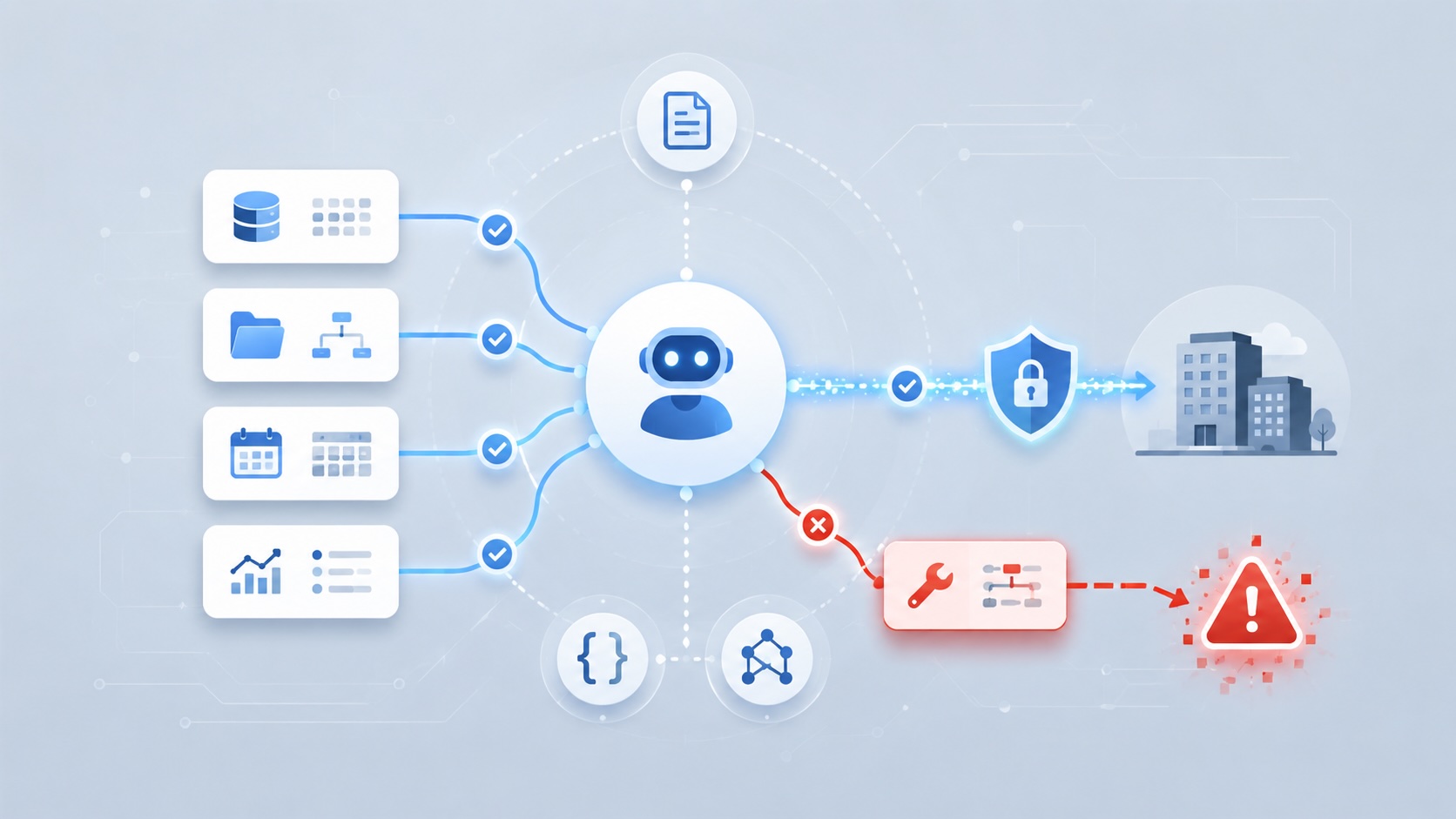
When AI Agents Trust the Wrong Tool Description
Microsoft's MCP tool-poisoning research shows why AI agent security has to treat tool descriptions, schemas, and metadata as part of the control plane instead of harmless documentation.

Scoring AI Influence in Jekyll Posts with Local LLMs
There’s a moment that kind of sneaks up on you when you’ve been writing for a while, especially if you’ve started using AI tools regularly. You stop asking whether AI was used at all, and instead start wondering how much it actually shaped what you’re reading. That shift is subtle, but once you notice it, you can’t really unsee it.

Running Image Generation Locally on macOS with Draw Things (2026)
Local LLMs have rapidly evolved beyond text and are now capable of producing high-quality images directly on-device. For users running Apple Silicon machines—especially M-series Mac Studios and MacBook Pros—this represents a major shift in what’s possible without relying on cloud services. Just a few years ago, image generation required powerful remote GPUs, subscriptions, and long processing times. Today, thanks to optimized models and Apple’s Metal acceleration, you can generate and edit images locally with impressive speed and quality. The result is a workflow that is faster, private, and entirely under...
Setting up Ollama on macOS
Recently, after some bad experiences with OpenAI's ChatGPT and CODEX, I decided to look into and learn more about running local AI models. On its face it was intimidating, but I had seen a lot of people in the MacAdmins community posting examples of macOS setups, which really helped lower the bar for me both in terms of approachability and just making me more aware of the local AI community that exists out there today.
AI Agent Constraints and Security
I really feel like in this era of AI it's essential to write about and share experiences for others who are leveraging AI, especially now that AI usage seems almost ubiquitous. Specifically, when it comes to AI in development and the rapid growth of AI-driven automations in the IT landscape, I believe there's a need for open discussion and exploration.

Vibe Coding with Codex: From Fun to Frustration
So there I was, a typically day, a typical weekend. As a ChatGPT customer, I had heard good things about Codex and had not yet tried the platform. To date my experience with agentic coding was simply snippit based support with ChatGPT and Gemeni where I would ask questions, get explanations and support with squashing bugs in a few apps that I work on, for fun, on the side. There were a few core features in one of the apps I built that I wanted to try implementing but the...
Automating Script Versioning, Releases, and ChatGPT Integration with GitHub Actions
Managing and maintaining a growing collection of scripts in a GitHub repository can quickly become cumbersome without automation. Whether you're writing bash scripts for JAMF deployments, maintenance tasks, or DevOps workflows, it's critical to keep things well-documented, consistently versioned, and easy to track over time. This includes ensuring that changes are properly recorded, dependencies are up-to-date, and the overall structure remains organized.
