QuickPKG - More to Unpack
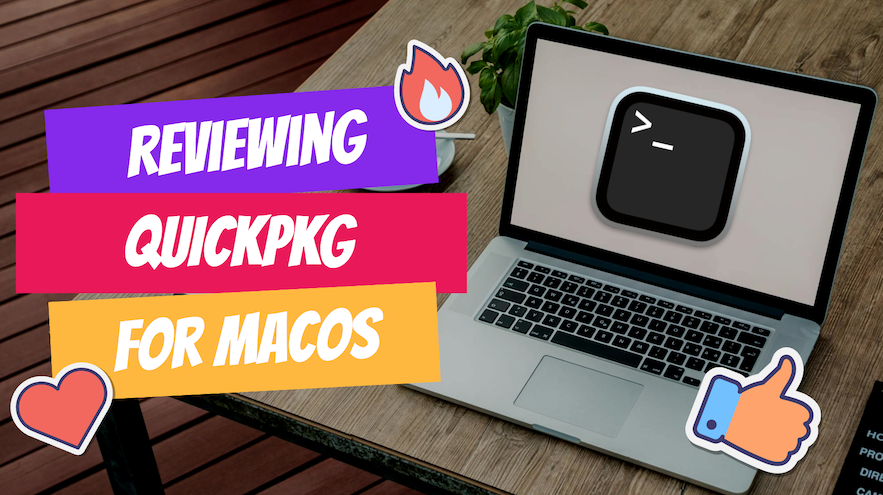
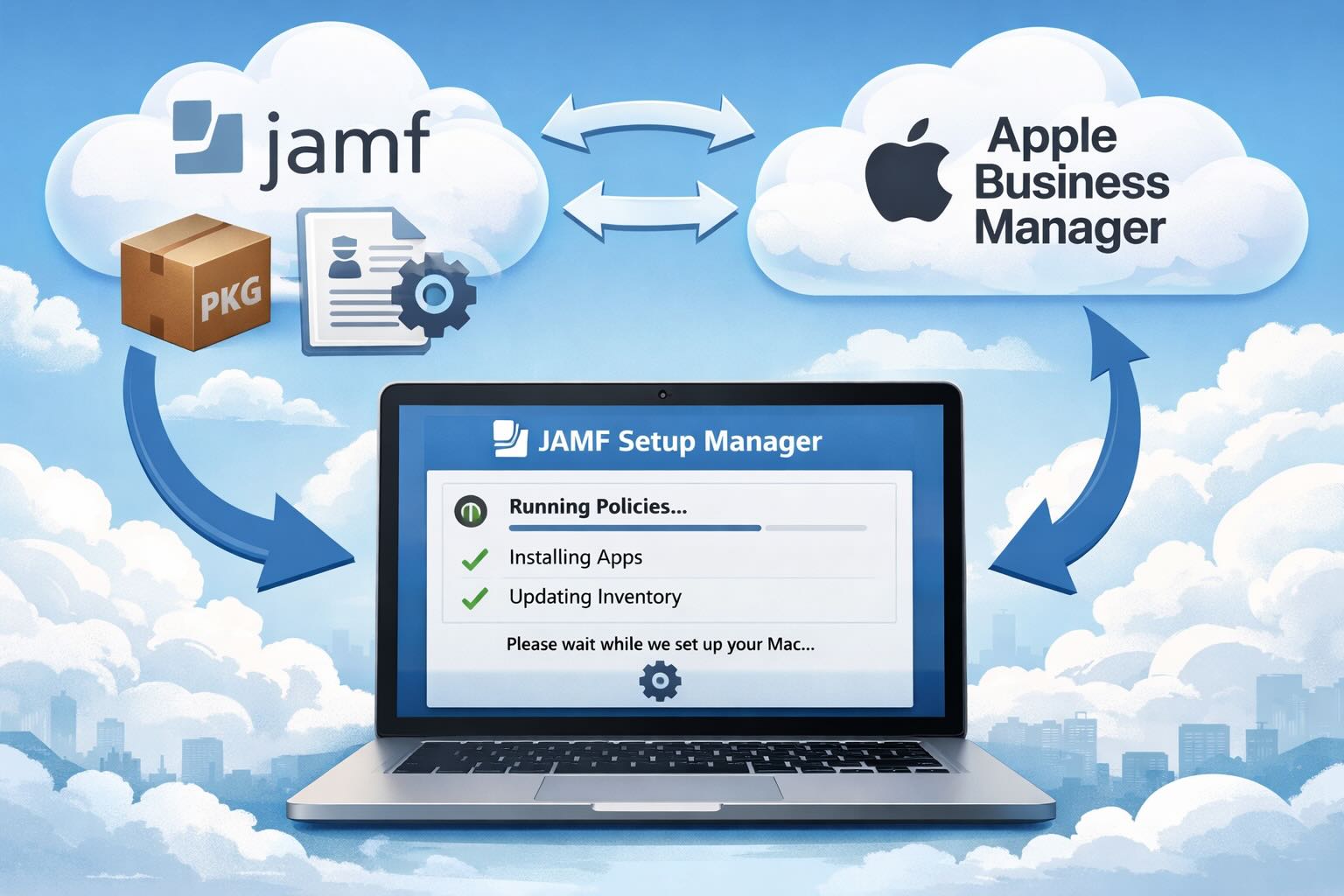
A few days ago I released a review of QuickPKG, a tool I love and use almost daily. What I really love about packaging and QuickPKG is that no matter what Mobile Device Management (MDM) solution I'm working with at any given moment, it provides a universal way to create a quick package to import into JAMF, Mosyle, or any MDM. This consistency is particularly valuable when switching between projects or environments, as the process remains the same regardless of the specific MDM being used.