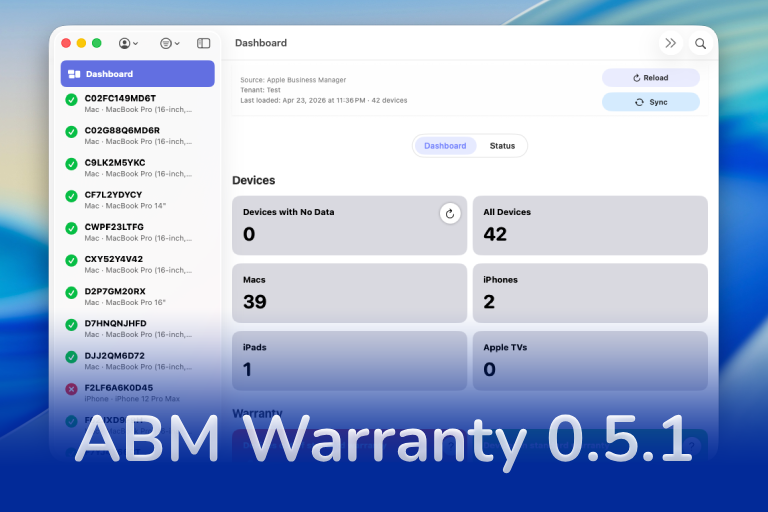

ABM Warranty 0.5.1 moves the outbound connection work from beta into the release track. The release focuses on getting warranty and purchase data out of the ABM Warranty tenant database and into the operational systems teams already use, starting with JAMF Pro and expanding through configurable OAuth-based connections.
The goal is straightforward: ABM Warranty should not only show warranty state inside the app, it should help keep source-of-truth inventory and management systems aligned with Apple Business Manager data. This release adds the connection model, mapping surfaces, job visibility, and guide coverage needed to make that workflow practical.
JAMF API Connection
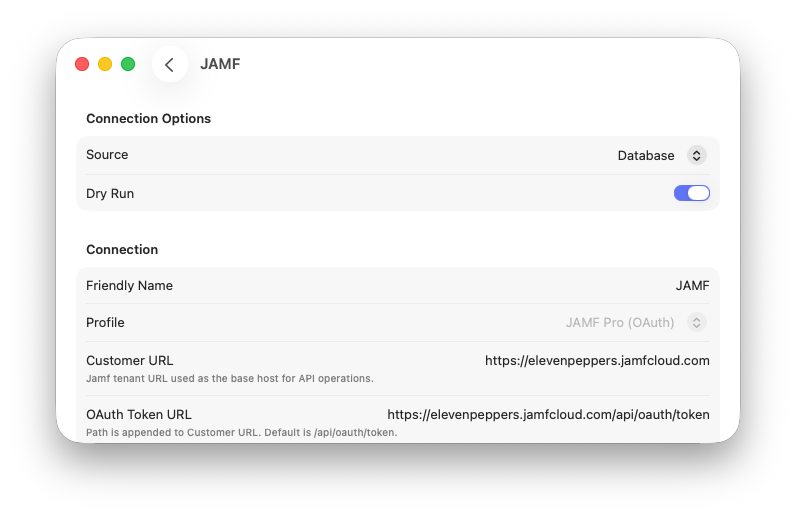
The JAMF API connection gives teams a prebuilt path for authenticating to JAMF Pro and mapping that connection to an ABM Warranty credential set. Once configured, the connection can participate in outbound sync workflows for the tenant you choose.
This is intended for teams that want a structured, supported starting point instead of building every endpoint and field mapping by hand. The connection is designed around the common JAMF workflow where Apple Business Manager purchase and warranty data needs to be reflected in JAMF inventory records.
OAuth Builder
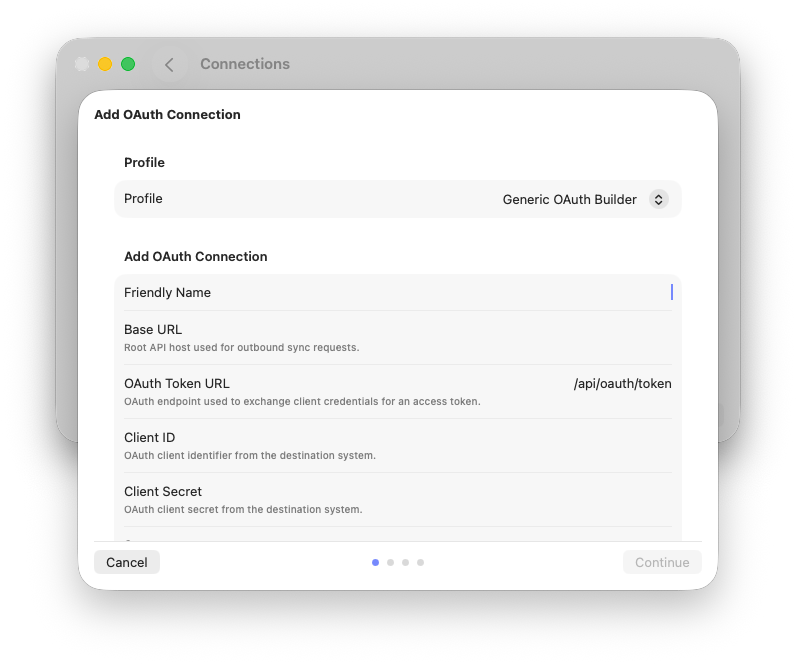
OAuth Builder expands outbound connections beyond a single prebuilt destination. It allows you to define OAuth credentials, describe the device and computer API paths, and map ABM Warranty database fields to the destination fields used by another system.
This is useful when the target API is not covered by a dedicated connection profile yet, or when a team needs more direct control over authentication, fetch paths, update paths, and field mapping behavior. The builder workflow keeps contract setup and mapping review separate so connection problems can be diagnosed more clearly.
Outbound Jobs View
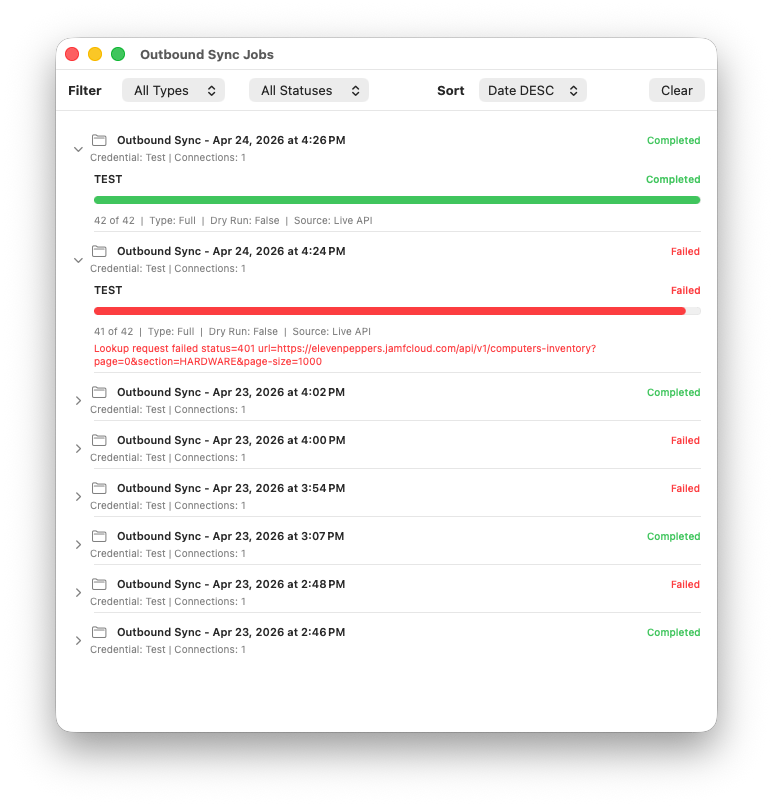
Outbound syncs need their own operational visibility. Version 0.5.1 adds an outbound jobs view that shows dry run results, failures, successful sync states, and job history for connection-based work.
This gives administrators a place to review what happened after an outbound sync starts, whether the run was meant to test mappings or write updates to a destination system. The view is especially useful when teams are validating mappings before moving from dry run behavior to live syncs.
Enhanced Details
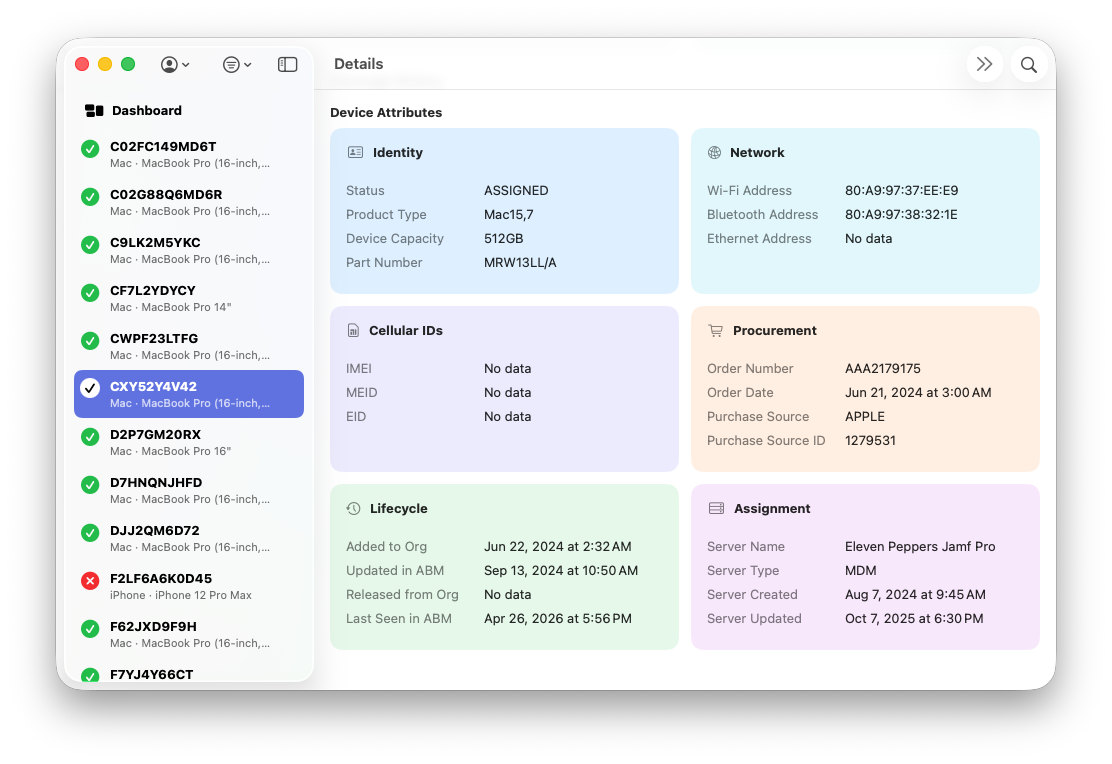
The enhanced detail view exposes more API-sourced device information directly in the app. Instead of limiting the detail view to warranty-focused fields, ABM Warranty can show a broader set of device endpoint information that helps explain what is available for review and outbound sync decisions.
This matters during connection setup because administrators often need to confirm the data they are about to map. Seeing richer device context inside the app reduces the need to jump between systems while troubleshooting or validating a record.
Guide Updates
The 0.5.1 release is paired with new and expanded guide coverage for outbound connection workflows. The guide now includes setup material for JAMF connections, OAuth Builder, API Builder, outbound sync jobs, dry run behavior, and job status review.
These pages are meant to help administrators move from initial connection setup to validation without guessing where each part of the workflow lives. The guide also documents how builder pages are organized, how connection jobs are reviewed, and where troubleshooting information should be checked when a sync does not behave as expected.
Feature Recap
ABM Warranty 0.5.1 introduces:
- Prebuilt JAMF API connection setup
- OAuth Builder for custom OAuth API destinations
- API Builder guide coverage for configurable connection workflows
- Outbound jobs view with dry run, failure, and success states
- Enhanced device detail view with expanded API-sourced information
- Connection guide updates for setup, mapping, validation, and troubleshooting
Other Resources
- Updated Guide
- ABM Warranty TestFlight Beta
- Warranty Support GPT
- Mac Admins Slack - #abm-warranty channel

Support Indie Development
These apps are built in my free time.
I build and maintain these tools as an indie developer outside of client work and day-to-day responsibilities. If you find these apps useful and want to help fund continued development, updates, support, and new releases, you can sponsor the work directly.
Monthly support helps me keep shipping improvements, maintain compatibility, and invest more time into building practical software for the Apple admin and consultant community.
Looking Ahead to 0.6.0
The next beta track is 0.6.0. The focus for that cycle is less about adding another isolated view and more about making ABM Warranty run on a more automatic operational cadence. Version 0.5.1 gives administrators the connection model and outbound job visibility. The next step is helping those workflows run predictably without requiring someone to sit in front of the app and manually kick off every refresh.
Scheduled syncing is one of the primary targets for 0.6.0. The intent is to let teams define sync intervals and run windows so ABM Warranty can keep tenant data fresh in the background while still respecting the realities of large fleets, API pressure, and operational timing. This work is still early, so the important part right now is the direction: scheduled runs need to be observable, interrupt-safe, and connected to the job history that already exists in the app.
Automated notifications are also planned for the 0.6.0 track. Local notifications already exist, but the roadmap is moving toward more configurable warning behavior for teams that need coverage events surfaced outside the app at the right time. That includes tenant-aware notification rules, stronger delivery history, and better auditing for notification events so support teams can understand what was sent, why it was sent, and what still needs follow-up.
The roadmap also keeps several follow-on items behind that 0.6.0 work. Manual seeding, report building, filtered action workflows, and in-app purchase support remain planned, but they need to sit behind the scheduling and automation layer so the foundation is stronger first. The release numbers on the public roadmap have been adjusted to reflect that order more clearly.
In practical terms, 0.6.0 is about moving ABM Warranty from a tool you open to check state into a tool that can help maintain state over time. That is a larger change than a single feature toggle, and it will need beta feedback before it becomes a release.
AI Usage Transparency Report
AI Era · Written during widespread use of AI tools
AI Signal Composition
Score: 0.07 · Low AI Influence
Summary
ABM Warranty 0.5.1 adds outbound connection workflows for JAMF and OAuth-based APIs, an expanded device detail view, outbound job tracking, and guide updates for connection setup and sync review.
Related Posts
When Chromium Mistakes Your VPN for a Local Network
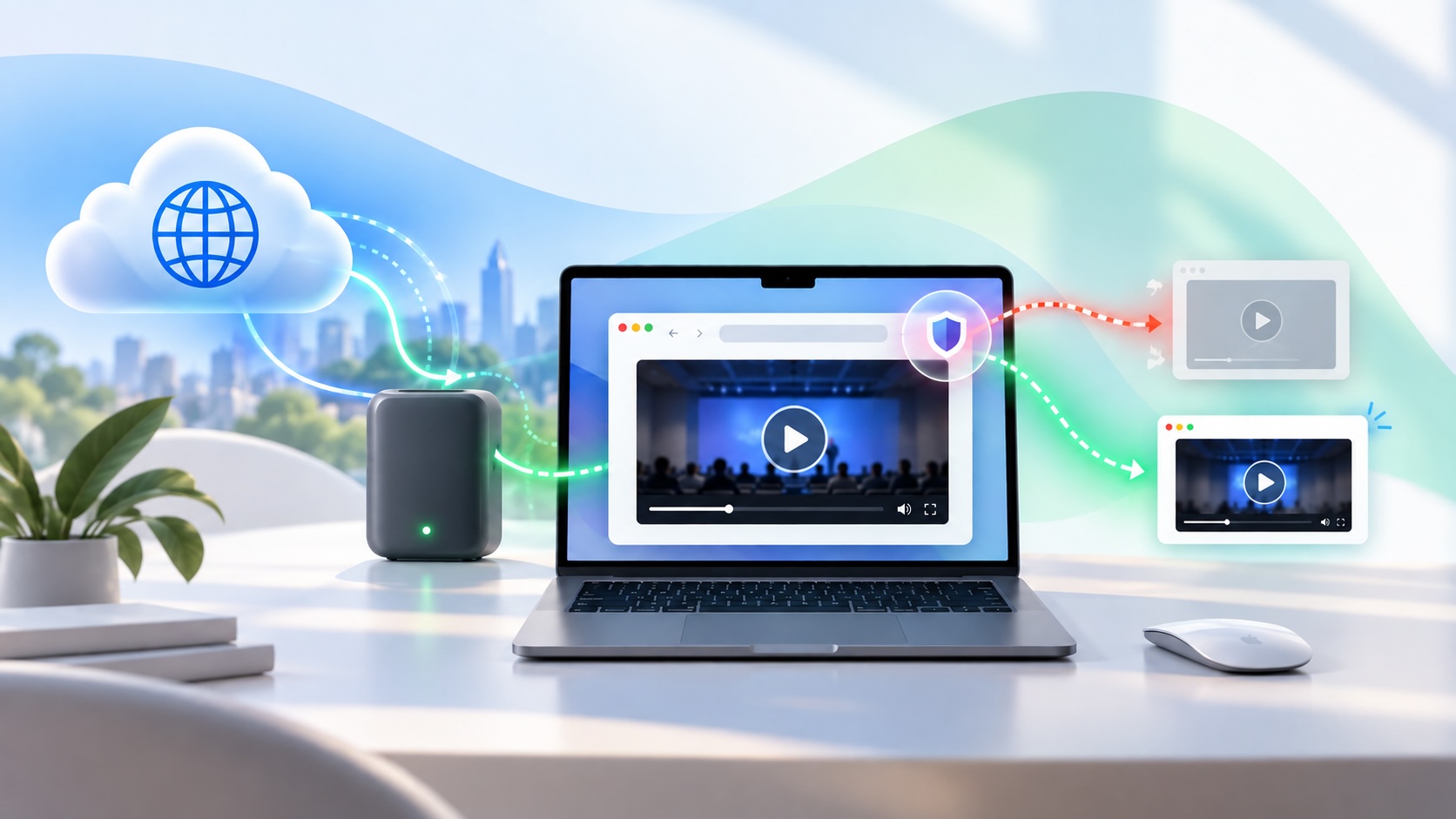
Turning off Jamf Trust fixed the webinar, which normally would have sent me straight to its routing policies. This time the route was fine: Chromium was treating Jamf's ZTNA broker addresses as a local network, and an Edge and Chrome preference corrected it.

Amnesia Stealer Shows the Next Stage of ClickFix on macOS
Amnesia Stealer shows how ClickFix-style social engineering is adapting on macOS, while a public malware sample gives defenders an opportunity to study the behavior behind the campaign.
Apple Software Updates Need a Blueprint Before the MDM Commands Fade
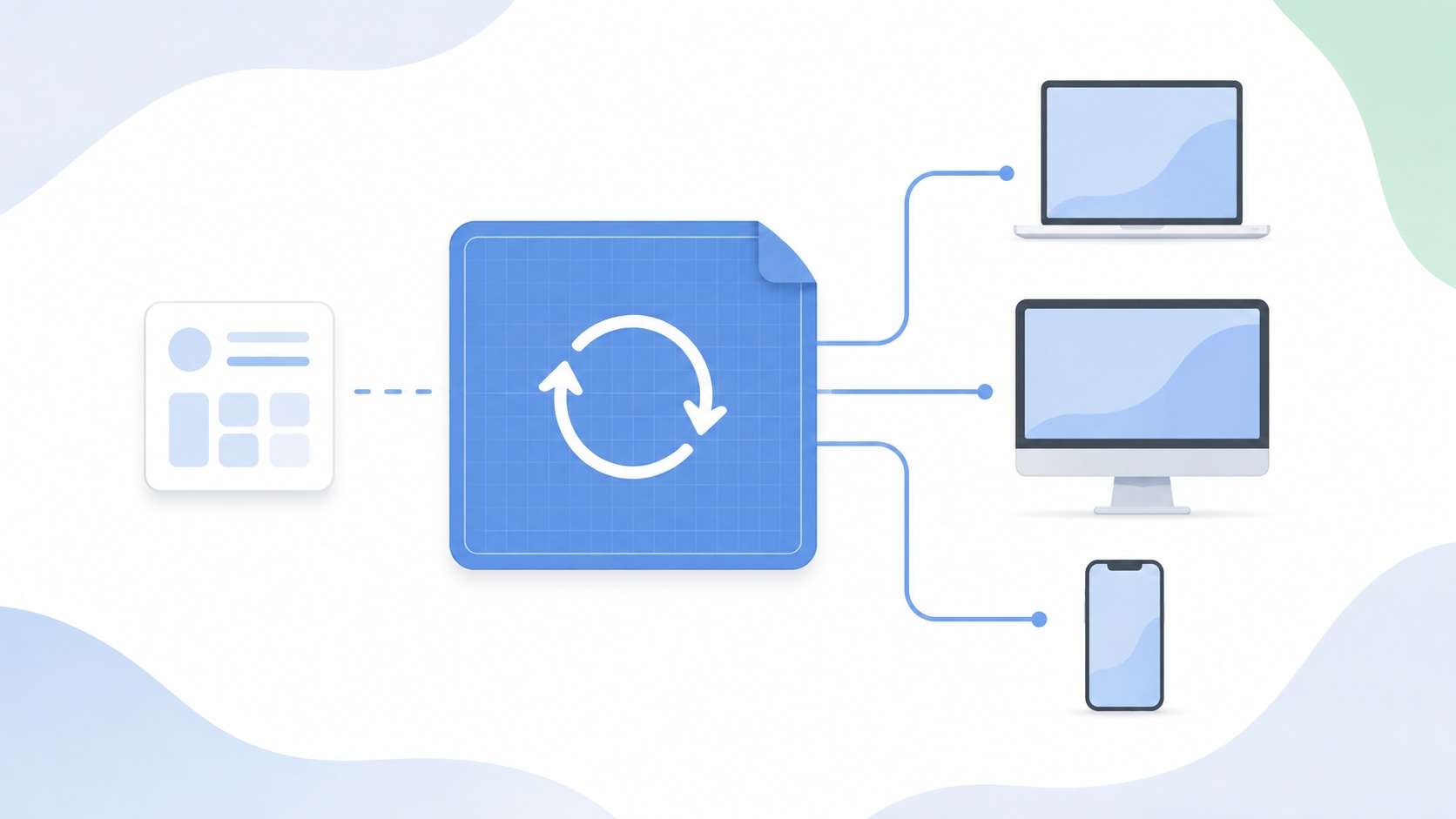
Apple software update management is moving away from command-first MDM workflows. Jamf Blueprints and Declarative Device Management give Mac admins a better place to express update intent, scope, enforcement, and visibility.

Contour Brings Schema Checks to Mac Admin Configuration Work
Contour is a MacAdmins configuration toolkit that brings schema validation, repeatable generation, normalization, and AI-agent-safe command discovery to Apple configuration profiles, DDM declarations, PPPC, Santa, mSCP, Background Task Management, notifications, support app profiles, and osquery schema lookup.

Three Mac Update Helpers That Fit Below a Patch Platform
Latest, Applite, and an all-in-one macOS update script each solve a different part of lightweight Mac maintenance: app update visibility, Homebrew-backed app management, and command-line package updates that can be wrapped carefully for small teams or basic MDM.
Natural Makes the macOS Scroll Direction Toggle Less Buried
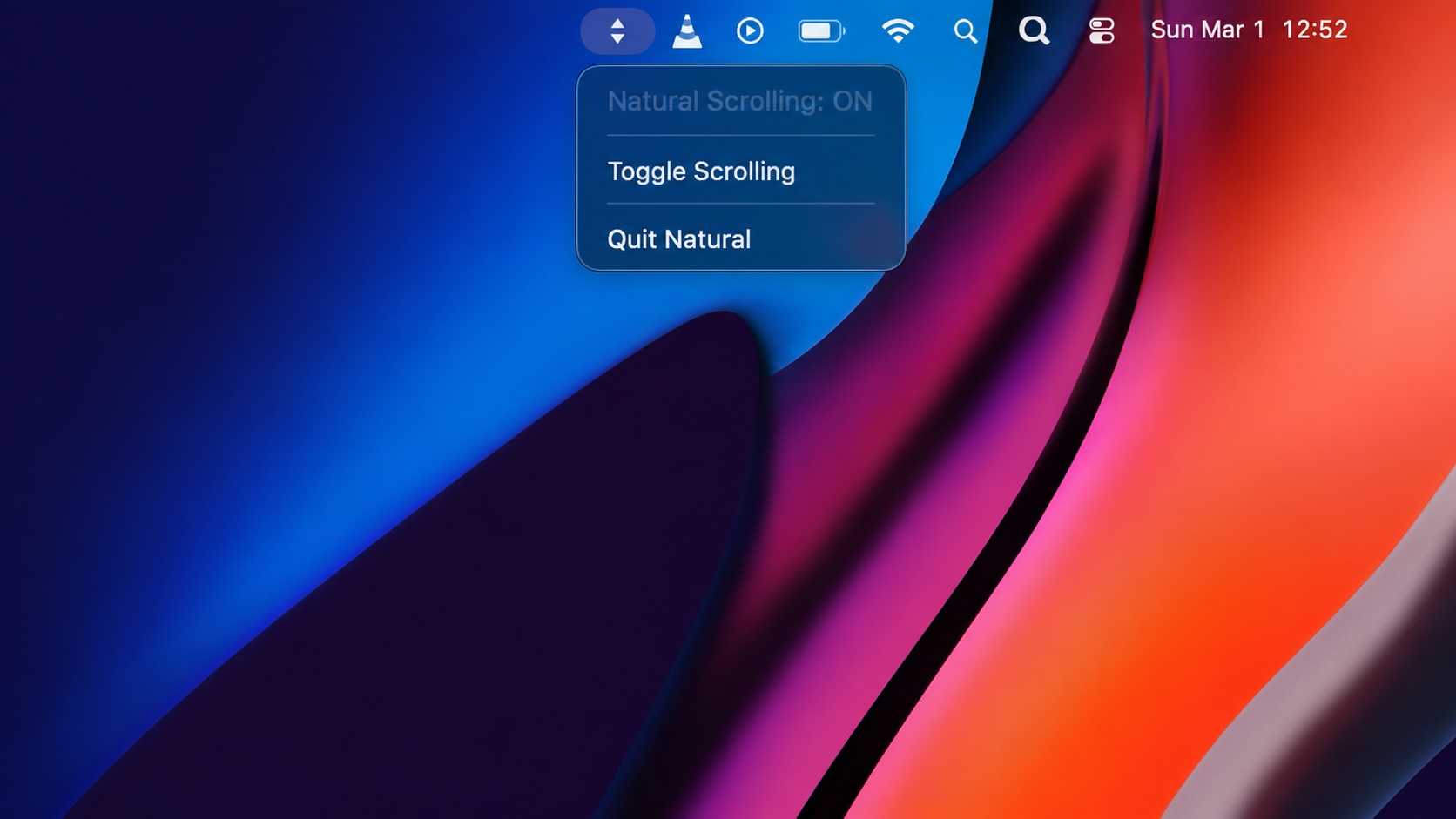
Natural is a small macOS menu bar utility that makes the natural scrolling toggle easy to reach, but building it from source also shows why open-source desktop utilities need clear prerequisite checks before they become recommended tools.

Why Mac Performance Monitor Belongs in the Mac Admin Toolbox
Mac Performance Monitor belongs in the Mac admin toolbox because it records local performance history, helps Help Desk review slow-Mac reports after the moment has passed, and keeps process telemetry on the Mac instead of sending it to a cloud service.

Jamf Moves Platform SSO Into the Enrollment Gate
Jamf's attended Simplified Setup for Platform SSO changes Mac enrollment by making identity registration part of Setup Assistant before the MDM profile is installed.

ClickLock Shows Why Terminal Paste Is a Mac Security Boundary
ClickLock Stealer shows why Mac security teams should watch for Terminal paste lures, fake AppleScript password prompts, command-line Keychain access, LaunchAgent persistence, and Jamf Protect alerts that can route suspected Macs into Jamf Pro response groups.
Deploying DDM OS Reminder 4.0.0 in Jamf
DDM OS Reminder 4.0.0 is deployed as two separate pieces in Jamf: a managed preferences profile and a one-time installer script that creates the reminder script, starter script, and LaunchDaemon heartbeat on the Mac.
