

Apple’s workhorse desktop Mac, the 27-inch iMac with Retina 5K display, hasn’t seen an update since March 2019—nearly a year and a half ago. Happily, the company has finally released a new version of the popular iMac, outfitting it with 10th-generation Intel processors, increasing its RAM and storage capacities, and improving its audio and video capabilities. Prices haven’t changed, with the low-end model starting at $1799, the mid-range model at $1999, and the high-end configuration at $2299.
Separately, although Apple didn’t update either the 21.5-inch iMac or the iMac Pro, it tweaked both of their configurations. The company finally stopped selling the small, inexpensive 21.5-inch iMac with a performance-robbing hard drive. It now comes with SSDs standard across the line, with a 1 TB Fusion Drive as an alternative. For the iMac Pro, Apple dropped the 8-core Intel Xeon W processor configuration, making the base model a 10-core processor configuration.
There are no industrial design changes this time around, unsurprisingly, but the rest of the enhancements will be extremely welcome to anyone who has been holding out for a new iMac.
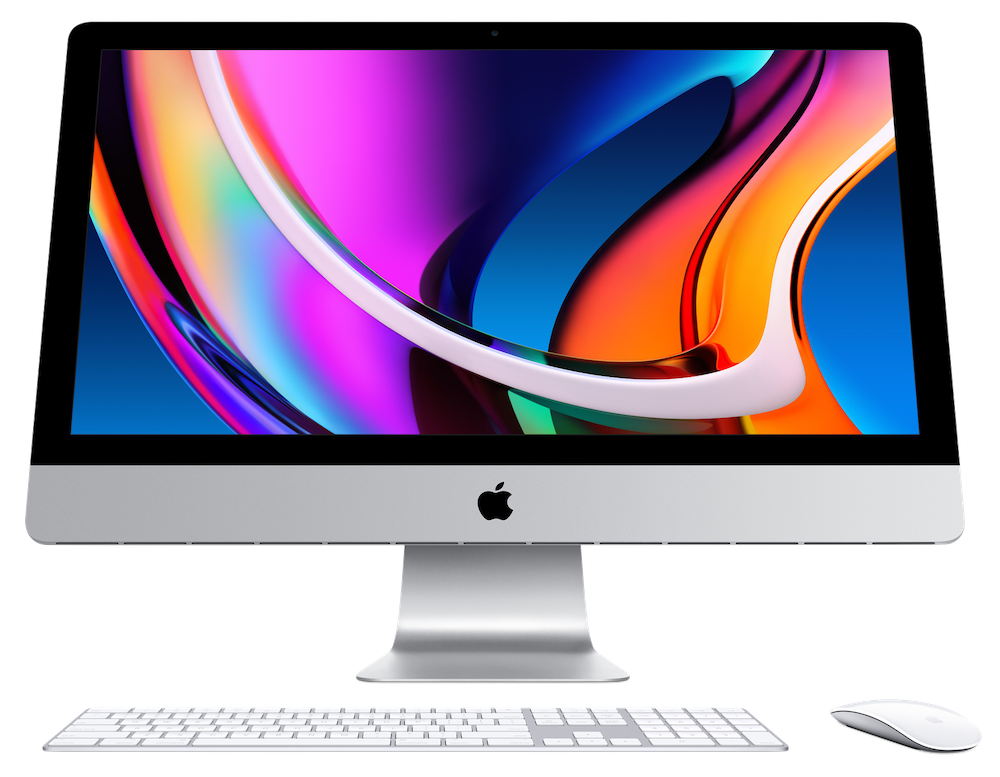
Faster Processors
For those who are concerned about performance but don’t want to spend thousands more on an iMac Pro or Mac Pro, Apple increased the 27-inch iMac’s specs in noteworthy ways. You have choices of four of the latest 10th-generation Intel Core processors: a 3.1 GHz 6-core i5, a 3.3 GHz 6-core i5, a 3.8 GHz 8-core i7, and a 3.6 GHz 10-core i9. Performance and cost both rise through that list.
Higher Performance Graphics Chips
Apple also moved to the next-generation AMD Radeon Pro graphics chips, with the Radeon Pro 5300 with 4 GB of memory in the low-end and mid-range models. The high-end model starts with a Radeon Pro 5500 XT with 8 GB of memory, and you can upgrade to a Radeon Pro 5700 with 8 GB for $300 or a Radeon Pro 5700 XT with 16 GB for $500. The more expensive options would be useful for graphics-intensive workflows, complex video editing, or developing 3D content.
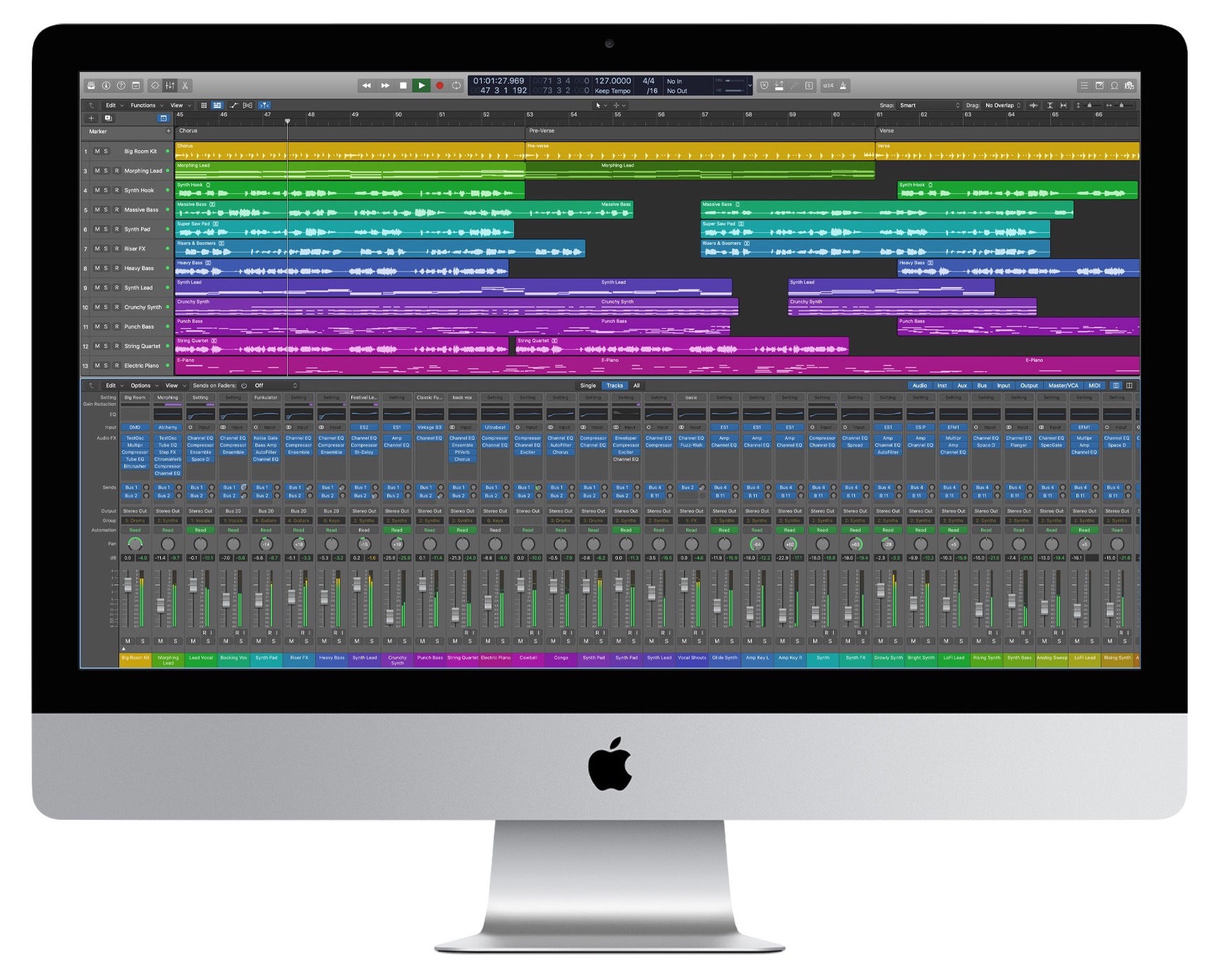
Higher RAM Ceiling
All configurations of the 27-inch iMac start with 8 GB, but you can expand that to 16 GB ($200), 32 GB ($600), 64 GB ($1000) or, for the first time in the iMac line, 128 GB ($2600). Unlike on most other Macs, RAM is user-accessible through a panel on the back, so you’d be smart to buy RAM separately, where it will be far cheaper—perhaps as much as two-thirds less.
Increased SSD Storage
Storage is locked at 256 GB for the low-end model, whereas the mid-range model starts at 512 GB and lets you upgrade to 1 TB ($200) or 2 TB ($600). The high-end model also starts at 512 GB, offering the same 1 TB and 2 TB upgrades and adding 4 TB ($1200) and 8 TB ($2400) options. The Fusion Drive is no longer an option for the 27-inch iMac.
Stronger Security and Processing with the T2 Security Chip
New to the 27-inch iMac is Apple’s T2 security chip. Along with encrypting all data on the SSD and ensuring that macOS hasn’t been tampered with at boot, the T2 chip includes custom processors that provide computational improvements for both audio and video. On the downside, the T2 chip’s added security makes certain kinds of troubleshooting and hardware repair difficult or impossible, so it’s extra important to have reliable backups.
Improved Glare and Ambient Light Handling
For those who have problems with screen glare, the 27-inch iMac now offers a $500 option for “nano-texture glass,” which Apple says provides “better viewing under various lighting conditions, such as a bright room or indirect sunlight.” Previously, nano-texture glass was available only for Apple’s Pro Display XDR screen. The iMac’s Retina display also now supports True Tone, enabling it to adjust its color temperature automatically for ambient light conditions.
Better Video and Audio for Videoconferencing
Those who spend their days on video calls will appreciate the new 1080p FaceTime HD camera, a notable improvement on the previous 720p camera. Apple also says the 27-inch iMac now features higher-fidelity speakers and a studio-quality three-mic array for better audio output and input.
Faster Networking
Finally, if you need the ultimate networking performance, a $100 option gets you 10 Gigabit Ethernet.
Overall, if you need a powerful desktop Mac with a gorgeous display, you can’t go wrong with the new 27-inch iMac. It’s significantly cheaper than the iMac Pro and more powerful than both the Mac mini and the 21.5-inch iMac. Just remember that some of the options are available only if you start with the high-end configuration.
AI Usage Transparency Report
Pre-AI Era · Written before widespread use of generative AI tools
AI Signal Composition
Score: 0.05 · Low AI Influence
Summary
The new 27-inch iMac features improved processors, graphics chips, RAM, and storage options, as well as enhanced security, display, and audio capabilities.
Related Posts
When Chromium Mistakes Your VPN for a Local Network
Turning off Jamf Trust fixed the webinar, which normally would have sent me straight to its routing policies. This time the route was fine: Chromium was treating Jamf's ZTNA broker addresses as a local network, and an Edge and Chrome preference corrected it.

Clamshell iBook G3 Restoration, Part 1: From Broken Screen to Board-Level Repair
Part one of a Clamshell iBook G3 restoration: a broken screen, a charger detour, a blinking system folder, a full teardown, and the backlight connector mistake that paused the project.

Bromure Gives Codex a Room of Its Own
I installed Bromure Agentic Coding, watched it build the Linux VM, authenticated Codex, and followed a real Codex task through the workspace.

Claude Code Auto Mode Changes Approval Flow, Not the Safety Boundary
Claude Code Auto mode changes how approval decisions are handled. It does not expand the boundary of what the coding agent should be allowed to do.

Amnesia Stealer Shows the Next Stage of ClickFix on macOS
Amnesia Stealer shows how ClickFix-style social engineering is adapting on macOS, while a public malware sample gives defenders an opportunity to study the behavior behind the campaign.

Reporting on Microsoft 365 DLP Overrides with PowerShell
DLP overrides are not automatically bad. They are a business process that needs visibility. This walkthrough covers a Microsoft Purview DLP policy, a custom sensitive information type, user override behavior, and a PowerShell report that exports override events from Activity Explorer.

PowerBook 140 BlueSCSI Install: Cable Fixed, Battery-Bay Power, and Wi-Fi Setup
The PowerBook 140 project moved from preparing a BlueSCSI card in Basilisk II to installing the repaired internal SCSI cable, powering the BlueSCSI Pico externally from the battery bay, booting System 7.1, and fighting through DaynaPORT Wi-Fi setup.

Move Entra Users Off SMS and Voice Before Microsoft Retires Them
Microsoft is retiring Microsoft-provided SMS and voice authentication in Entra ID. The migration is not passkeys for everyone; it is removing weak telecom MFA and choosing supported replacement methods such as Microsoft Authenticator, FIDO2 keys, certificate-based authentication, OATH hardware tokens, or customer-managed telecom.
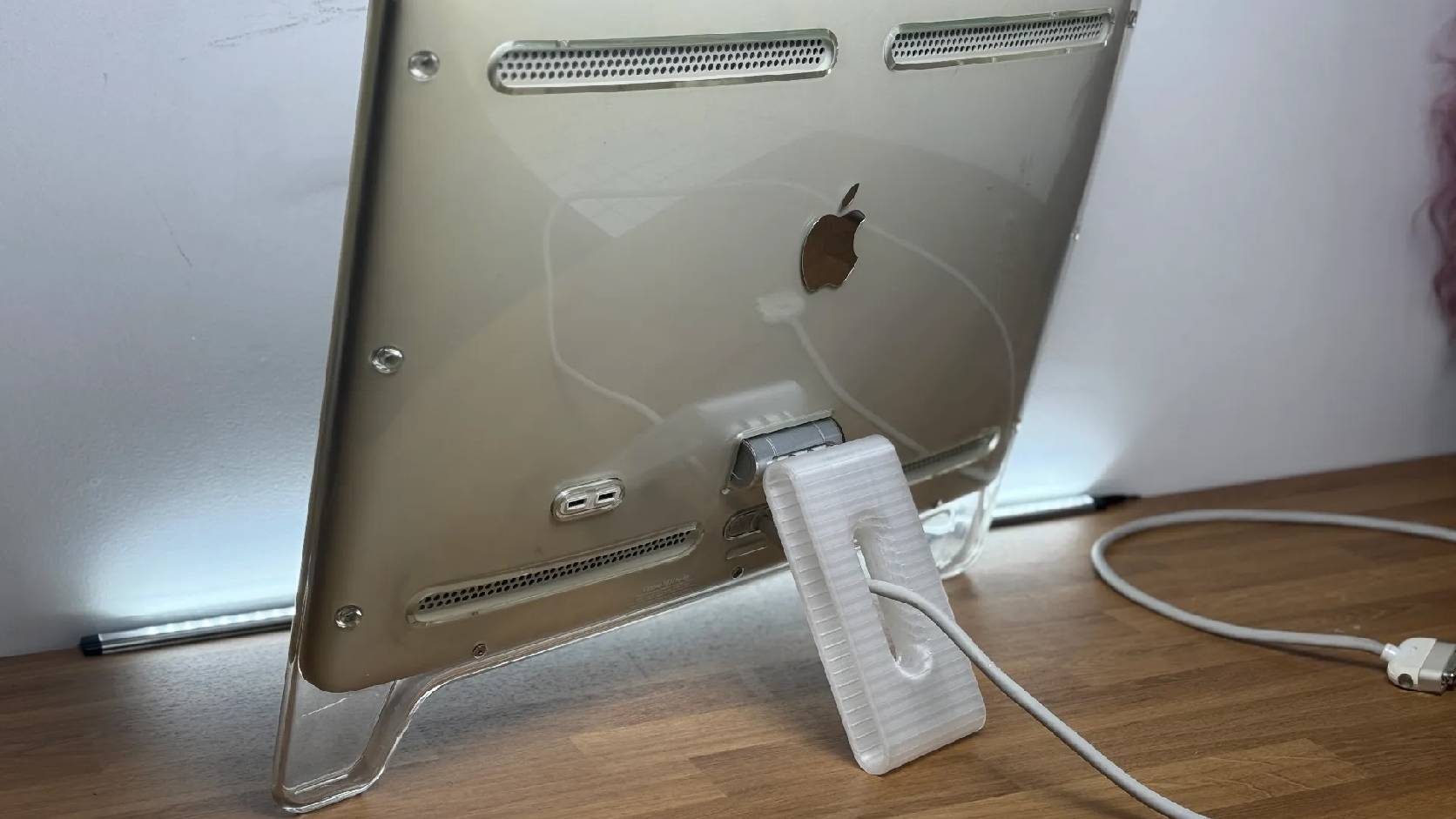
Fixing a Broken Apple Cinema Display Stand with a 3D Printed Leg
A 22-inch Apple Cinema Display arrived with a broken acrylic easel stand, so I used a 3D printed replacement leg instead of sending the monitor back.

macOS Tahoe 26.6.1 Fixes a High-Severity Screen Sharing Authentication Bypass
macOS Tahoe 26.6.1 fixes CVE-2026-65400, a high-severity Screen Sharing authentication issue where an attacker on the network may be able to authenticate without valid credentials.
