

It’s taken as gospel that Macs are more expensive than PCs. A quick look at the Dell Web site reveals laptops for as low as $300. Sure, we can say that the configurations aren’t comparable, that macOS is better than Windows, or that Apple’s hardware quality is superior. Still, our friendly local bean counters have trouble getting past those low upfront prices.
However, unless you’re Rancho Gordo, the goal isn’t to count beans, it’s to get work done, and that’s a different scenario. Let’s look at a few ways that Macs are not just worth the money but can also be cheaper than comparable systems. We’ll start with a Forrester Research study commissioned by Apple that compared the total economic impact of Macs and PCs in large companies with employee-choice programs. In such programs, every employee gets to choose between a Mac and a PC, providing a sizable group across which to compare numbers, but the conclusions apply to large and small organizations alike.
Deeper Cost Analysis
Although the Forrester Research study found that the upfront acquisition cost of Macs was indeed $500 higher than comparable PCs, when additional factors were taken into account, Macs ended up costing about $50 less.
That’s in part because Macs have a higher residual value after 3 years, meaning that you can resell a 3-year-old Mac for more than a 3-year-old PC. Pay more up front, but get more back later on.
Macs also don’t need operating system licenses, and the Mac’s better security eliminates the need for additional licenses for security software.
Reduced IT Support Costs
It has long been thought that Macs required less support than PCs, but only in the past few years have there been organizations with enough Macs and PCs to compare. At IBM, one of the largest Apple-using companies with 290,000 Apple devices, a 2016 study found that the company was saving up to $543 per Mac compared to PCs over a 4-year lifespan. Forrester Research came up with an even higher number, showing that Macs cost $628 less over a 3-year lifespan.
What accounts for these reduced support costs? It takes less time to set up a new Mac, Macs are easier to manage, Macs users open fewer service tickets, and many fewer IT staff are needed. All that adds up to paying for fewer support resources. In another 2018 study, IBM found that it needed just 7 support engineers per 200,000 Macs, compared to 20 support engineers per 200,000 Windows machines.
Improved Employee Productivity and Engagement
Beyond reduced support costs, Mac users turn out to be more productive, more engaged, and more likely to stay with the company than PC users. Forrester Research found that over 3 years, Mac-using employees posted 48 hours more productivity (in part due to reduced downtime). That’s likely thousands of dollars more benefit to the company, per employee.
Even still, it can be hard to quantify that benefit, which is why Forrester Research compared users in sales positions. In its study, Forrester found that Mac-using employees showed a 5% increase in sales performance. That’s nothing compared to IBM, which found that its Mac-based salespeople closed deals worth 16% more than their Windows-using counterparts.
Finally, both Forrester Research and IBM discovered that Mac users were less likely to leave the company—20% less likely in Forrester’s study and 17% less likely in IBM’s research. That’s not just an indication of loyalty. There are significant costs to replacing employees who leave, so the higher the retention rate, the better it is for the bottom line.
Improved Overall Security
Few would argue with the belief that Macs are more secure than PCs. In Forrester’s research, the interviewed organizations said that the Mac has a fundamentally more secure architecture than Windows. In today’s world, criminals employ malware to steal information. Data breaches are costly, with a 2019 study by IBM Security and the Ponemon Institute pegging the average cost of a data breach at $3.9 million. The amounts vary by industry and the size of the breach, of course, but the average cost per data record was nearly $150.
Security breaches can have other costs as well. With a compromised account, attackers have often been able to pose as executives and get accounting departments to wire money to offshore accounts. Plus, when news of a data breach hits, it can result in the loss of customers. In the IBM Security study, healthcare companies suffered from a 7% customer turnover after a breach.
So yes, Macs do have higher upfront costs than PCs. But savvy managers know to look past such simplistic comparisons to the bigger picture, where equipping employees with Macs both saves far more than the difference in cost between a Mac and a PC and enables employees to produce more for the organization.
AI Usage Transparency Report
Pre-AI Era · Written before widespread use of generative AI tools
AI Signal Composition
Score: 0.05 · Low AI Influence
Summary
Macs are not just worth the money but can also be cheaper than comparable systems in the long run due to their higher residual value, reduced IT support costs, improved employee productivity and engagement, and better security.
Related Posts
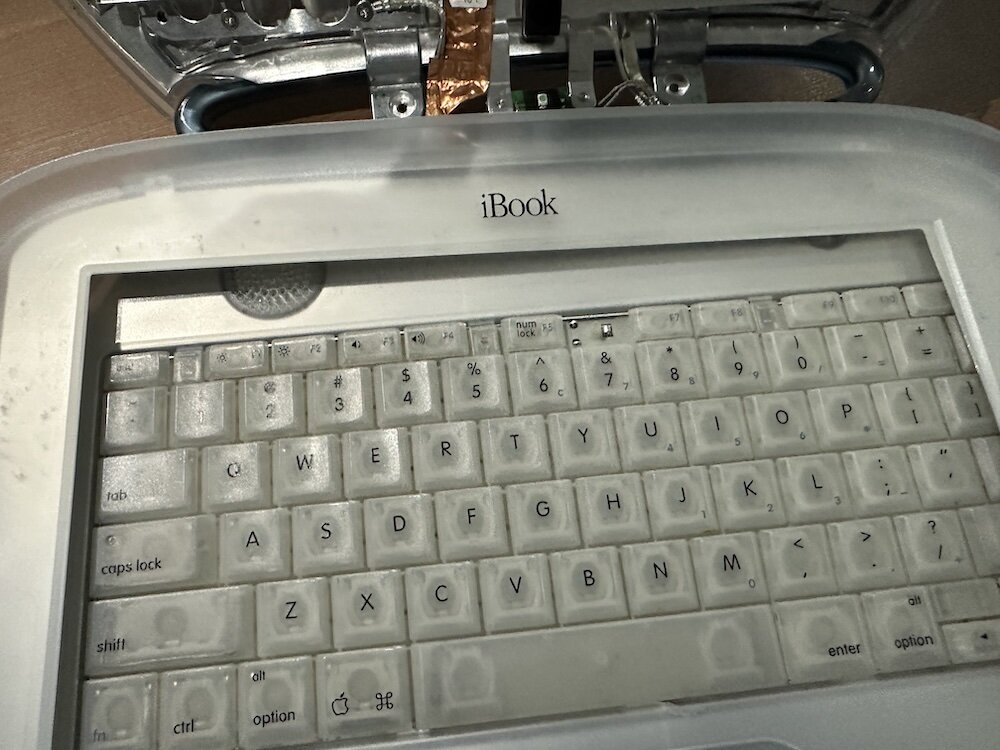
Clamshell iBook G3 Restoration, Part 1: From Broken Screen to Board-Level Repair
Part one of a Clamshell iBook G3 restoration: a broken screen, a charger detour, a blinking system folder, a full teardown, and the backlight connector mistake that paused the project.
Bromure Gives Codex a Room of Its Own
I installed Bromure Agentic Coding, watched it build the Linux VM, authenticated Codex, and followed a real Codex task through the workspace.
Claude Code Auto Mode Changes Approval Flow, Not the Safety Boundary
Claude Code Auto mode changes how approval decisions are handled. It does not expand the boundary of what the coding agent should be allowed to do.

Amnesia Stealer Shows the Next Stage of ClickFix on macOS
Amnesia Stealer shows how ClickFix-style social engineering is adapting on macOS, while a public malware sample gives defenders an opportunity to study the behavior behind the campaign.
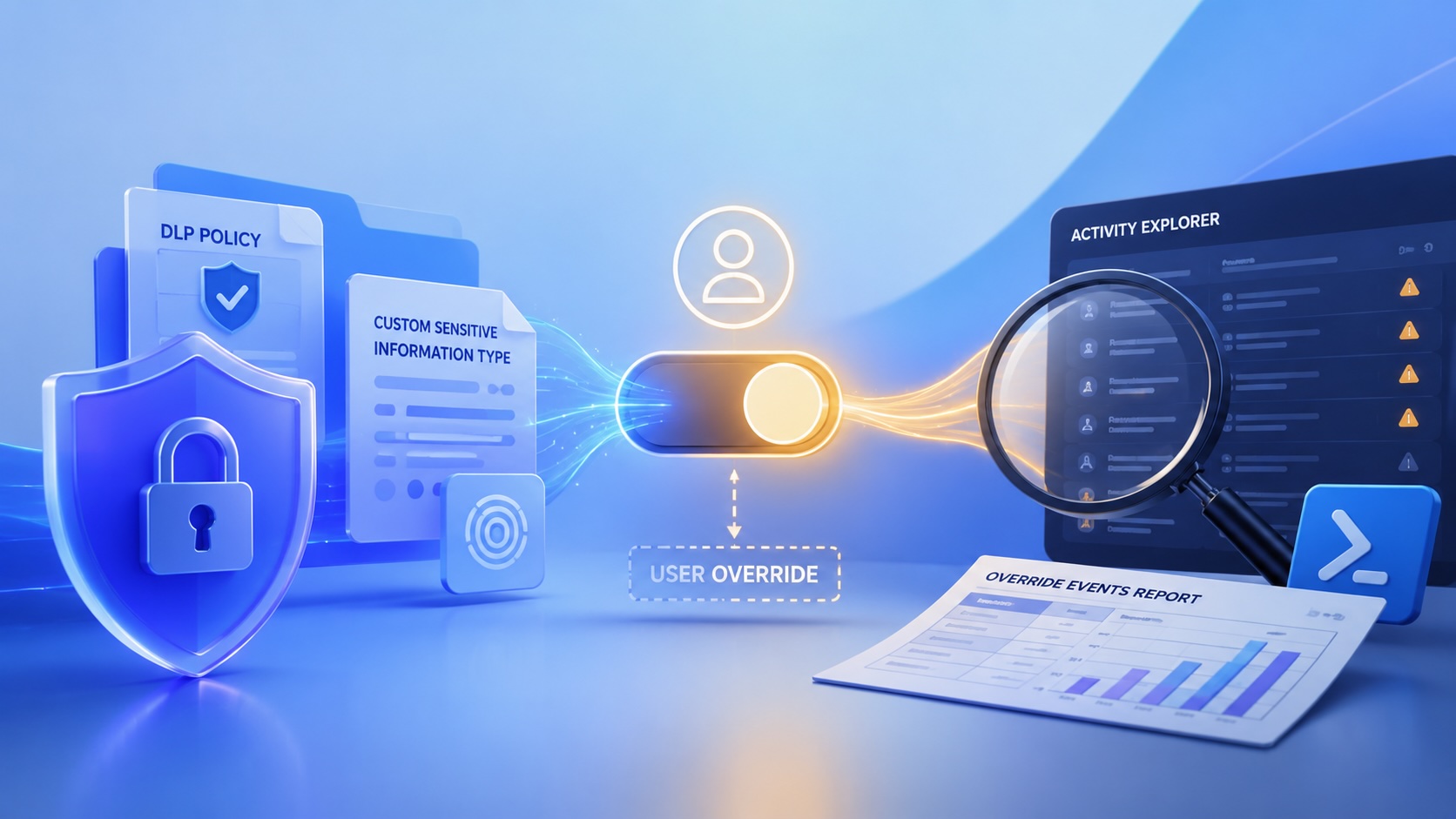
Reporting on Microsoft 365 DLP Overrides with PowerShell
DLP overrides are not automatically bad. They are a business process that needs visibility. This walkthrough covers a Microsoft Purview DLP policy, a custom sensitive information type, user override behavior, and a PowerShell report that exports override events from Activity Explorer.
PowerBook 140 BlueSCSI Install: Cable Fixed, Battery-Bay Power, and Wi-Fi Setup
The PowerBook 140 project moved from preparing a BlueSCSI card in Basilisk II to installing the repaired internal SCSI cable, powering the BlueSCSI Pico externally from the battery bay, booting System 7.1, and fighting through DaynaPORT Wi-Fi setup.
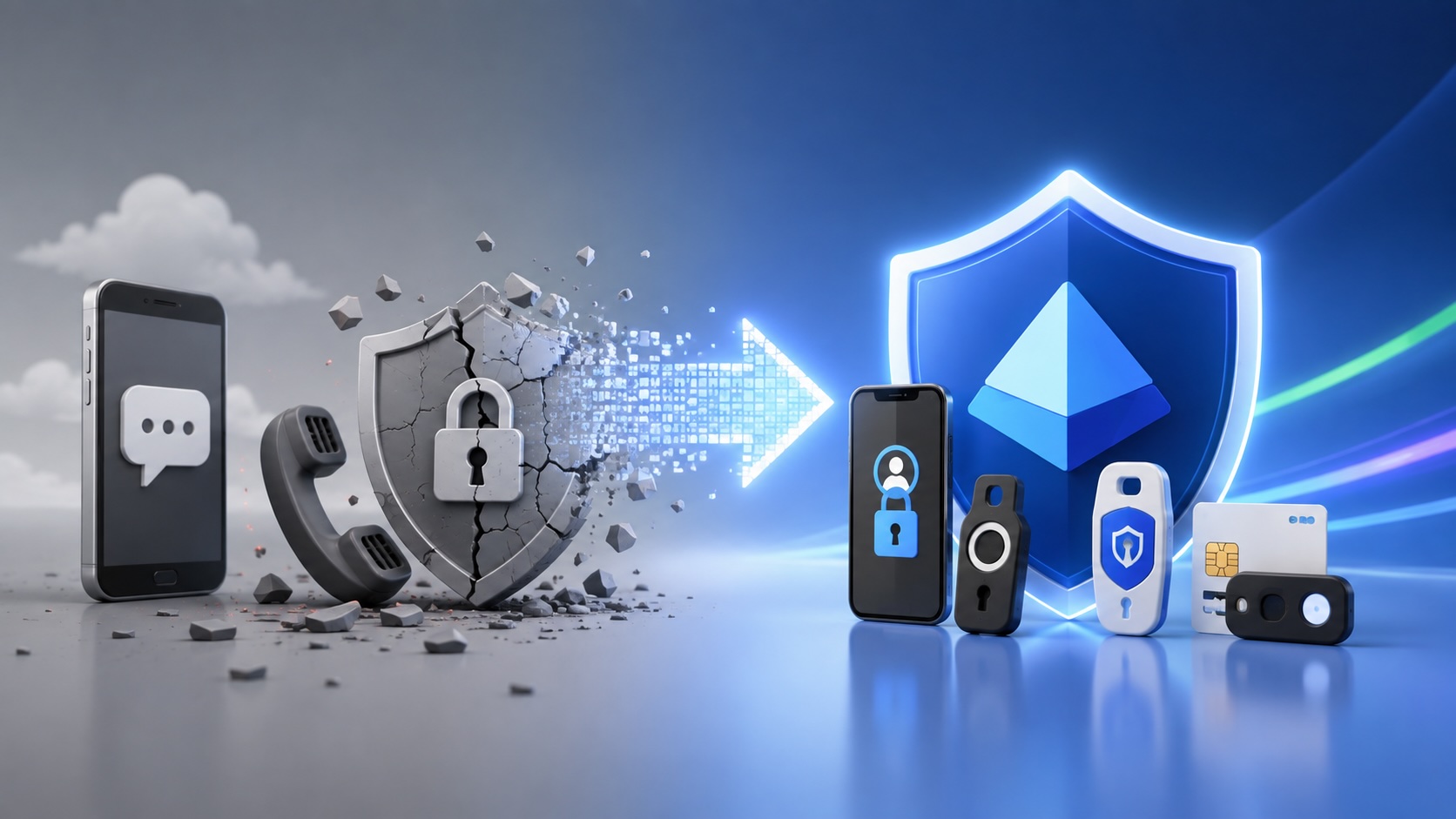
Move Entra Users Off SMS and Voice Before Microsoft Retires Them
Microsoft is retiring Microsoft-provided SMS and voice authentication in Entra ID. The migration is not passkeys for everyone; it is removing weak telecom MFA and choosing supported replacement methods such as Microsoft Authenticator, FIDO2 keys, certificate-based authentication, OATH hardware tokens, or customer-managed telecom.
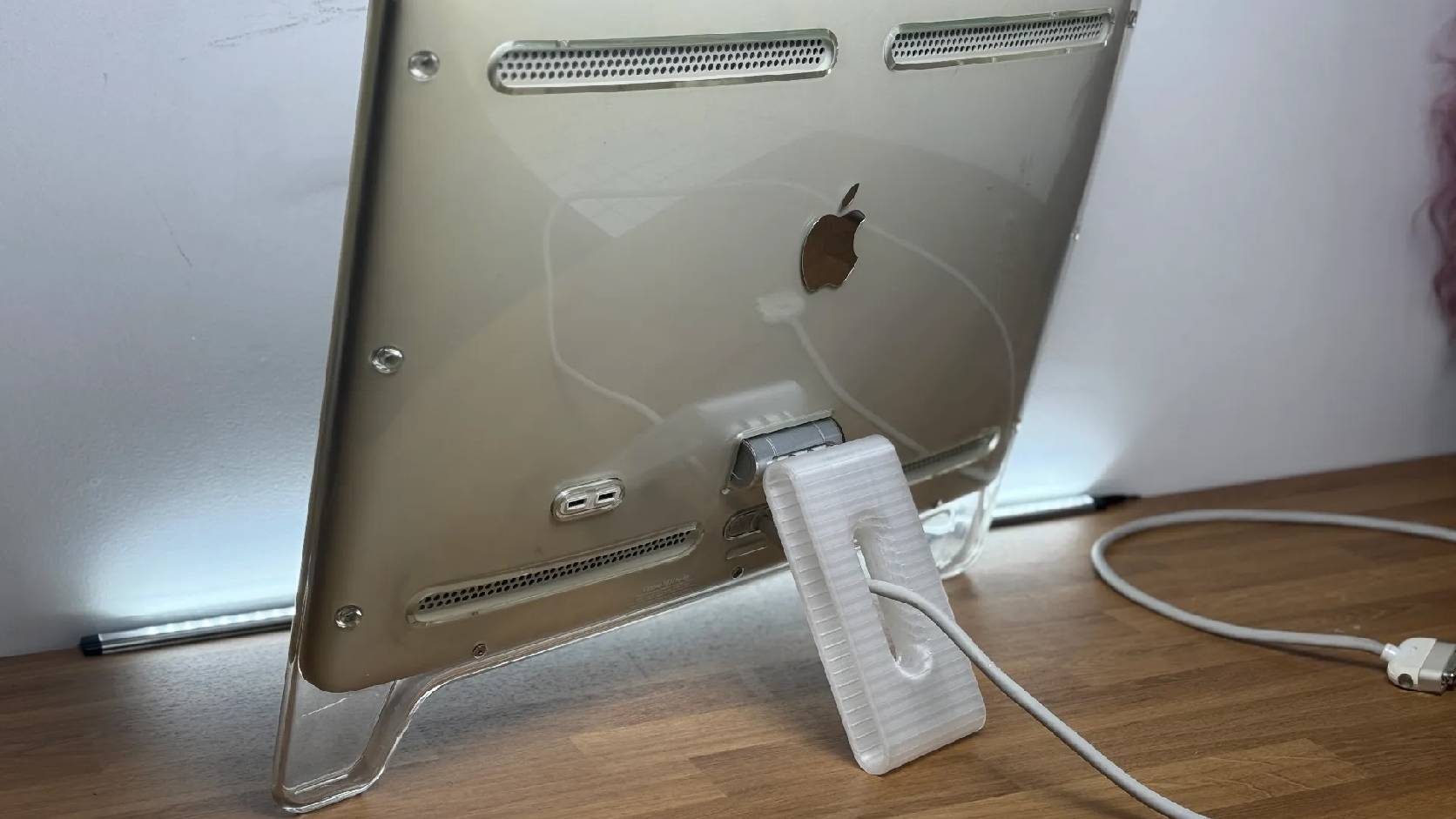
Fixing a Broken Apple Cinema Display Stand with a 3D Printed Leg
A 22-inch Apple Cinema Display arrived with a broken acrylic easel stand, so I used a 3D printed replacement leg instead of sending the monitor back.
macOS Tahoe 26.6.1 Fixes a High-Severity Screen Sharing Authentication Bypass
macOS Tahoe 26.6.1 fixes CVE-2026-65400, a high-severity Screen Sharing authentication issue where an attacker on the network may be able to authenticate without valid credentials.
Three Mac Update Helpers That Fit Below a Patch Platform
Latest, Applite, and an all-in-one macOS update script each solve a different part of lightweight Mac maintenance: app update visibility, Homebrew-backed app management, and command-line package updates that can be wrapped carefully for small teams or basic MDM.
