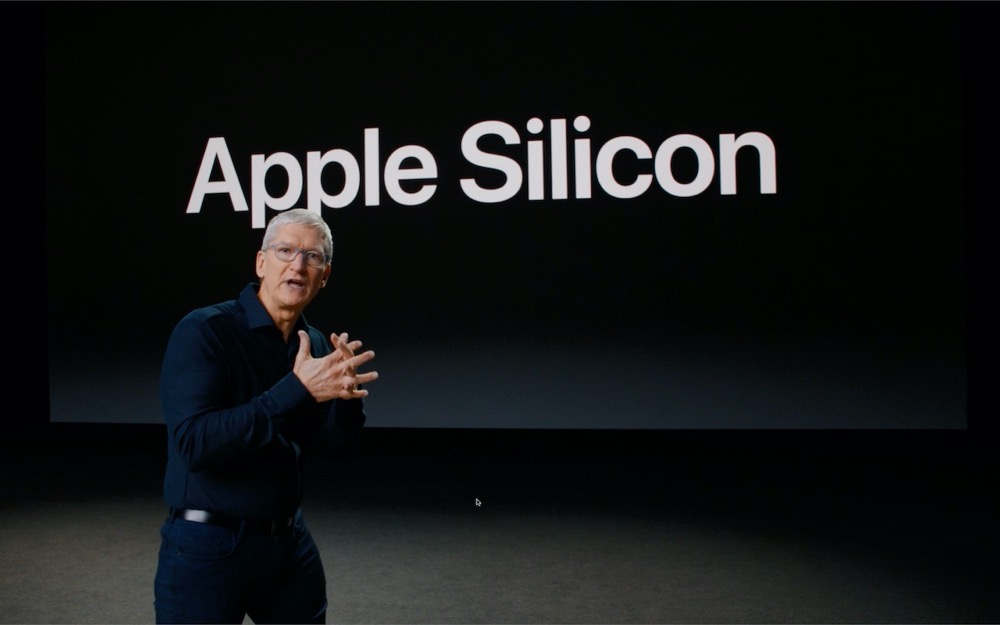

At Apple’s Worldwide Developer Conference keynote, the company dropped a bombshell: in the future, Macs will no longer be powered by Intel chips but will instead rely on custom-designed Apple chips. As surprising as this is, the company has made such massive transitions twice before: first in 1994 with the move from Motorola’s 68000 chips to IBM’s PowerPC platform, and again in 2006 with the jump to processors from Intel. Here are answers to the main questions we’ve been hearing.
What is “Apple silicon”?
For many years now, Apple has created its own chips to power the iPhone, iPad, iPod touch, and Apple TV. These chips, the A series, are based on a platform called ARM, though Apple took pains to avoid saying that during the keynote. Of all Apple’s products, only the Mac continues to use processors from Intel.
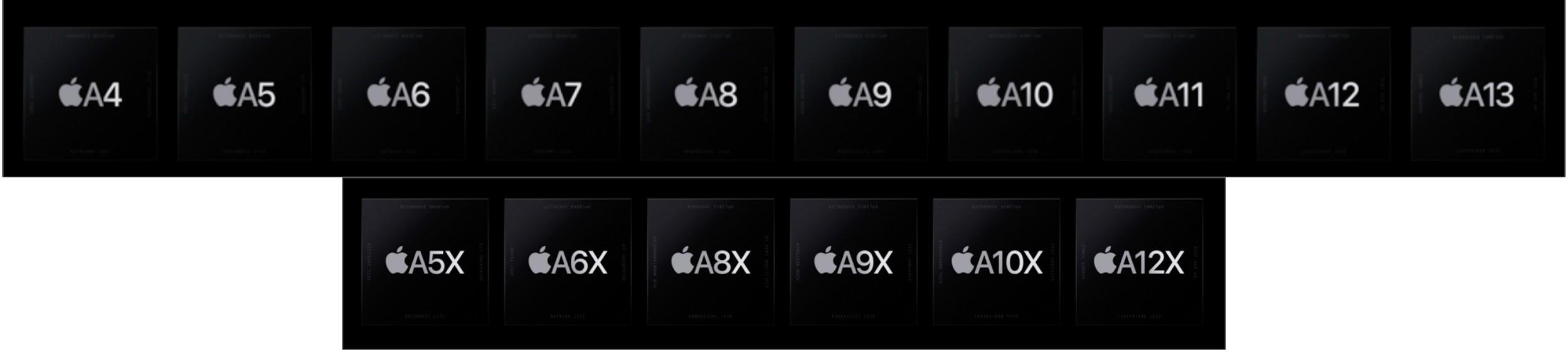
Apple said it would be creating chips specifically to power Macs, although they’ll be part of the same chip family used in iOS devices. That makes sense since macOS and iOS share a great deal of code under the hood.
Why is Apple making this transition?
There are three main reasons:
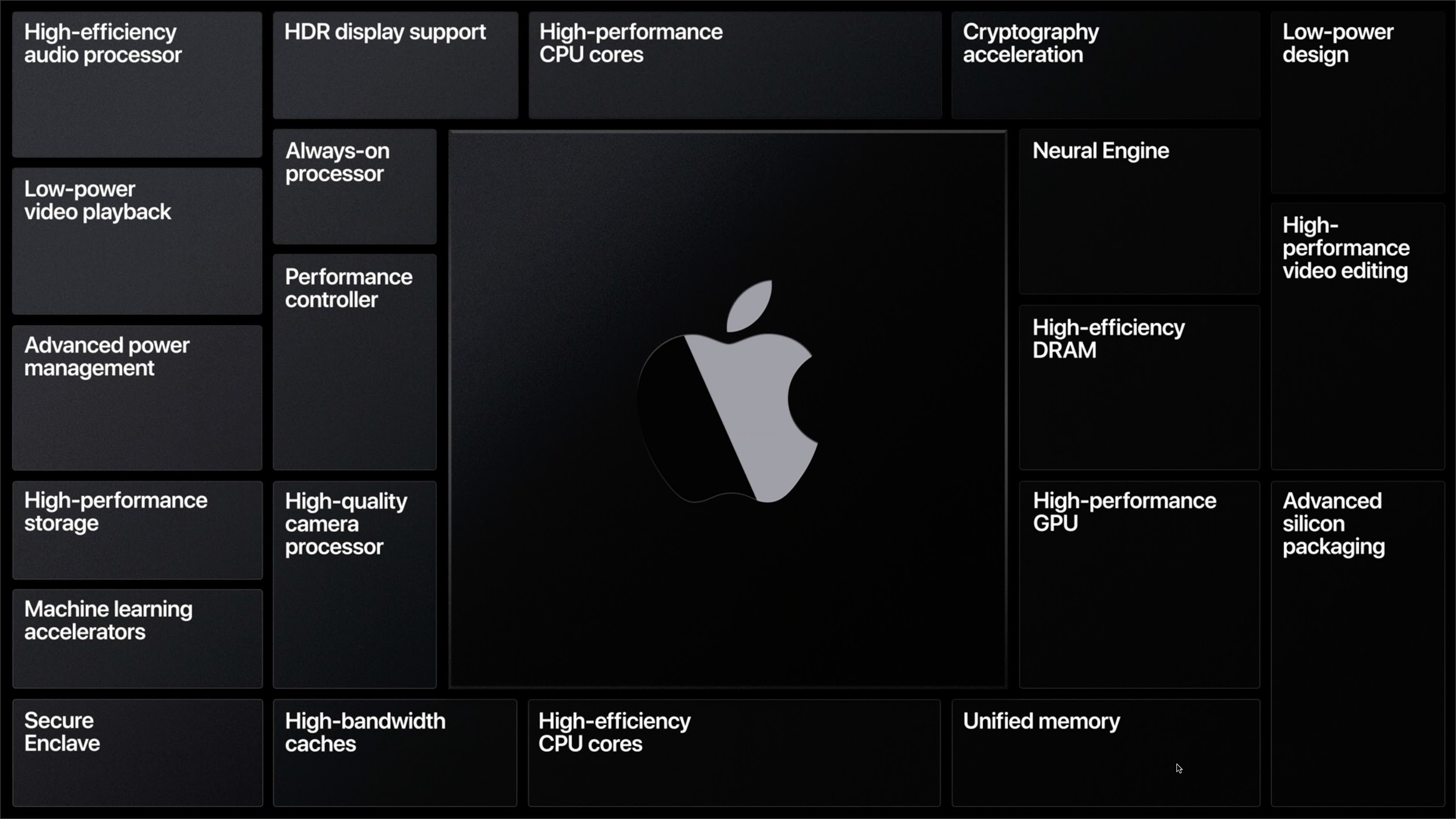
- Performance: With its ARM-based A series of chips, Apple has achieved high levels of performance per watt. When chips run faster, they consume a lot more power, which cuts into battery life and produces a lot of heat. By creating its own chips, Apple can tweak the designs to the sweet spot of performance and power consumption for any given Mac—laptops trade processing power for longer battery life, whereas desktops have fewer tradeoffs. Plus, Apple can build special technologies, like advanced power management and high-performance video editing, into its chips to enhance those capabilities in macOS.
-
Profit: Apple didn’t mention this in the keynote, but it’s a big deal. Intel processors have high profit margins, and Apple would prefer to keep that money instead of paying it to Intel.
-
Control: Apple CEO Tim Cook has famously said, “We believe that we need to own and control the primary technologies behind the products we make.” With Apple making its own chips, its product roadmaps are within its control, rather than being subject to Intel’s schedule, capabilities, and whims.
When will the first Macs with Apple silicon appear?
Apple said that we’d see the first Mac with Apple silicon by the end of
- If past performance is any indication, expect it in December.
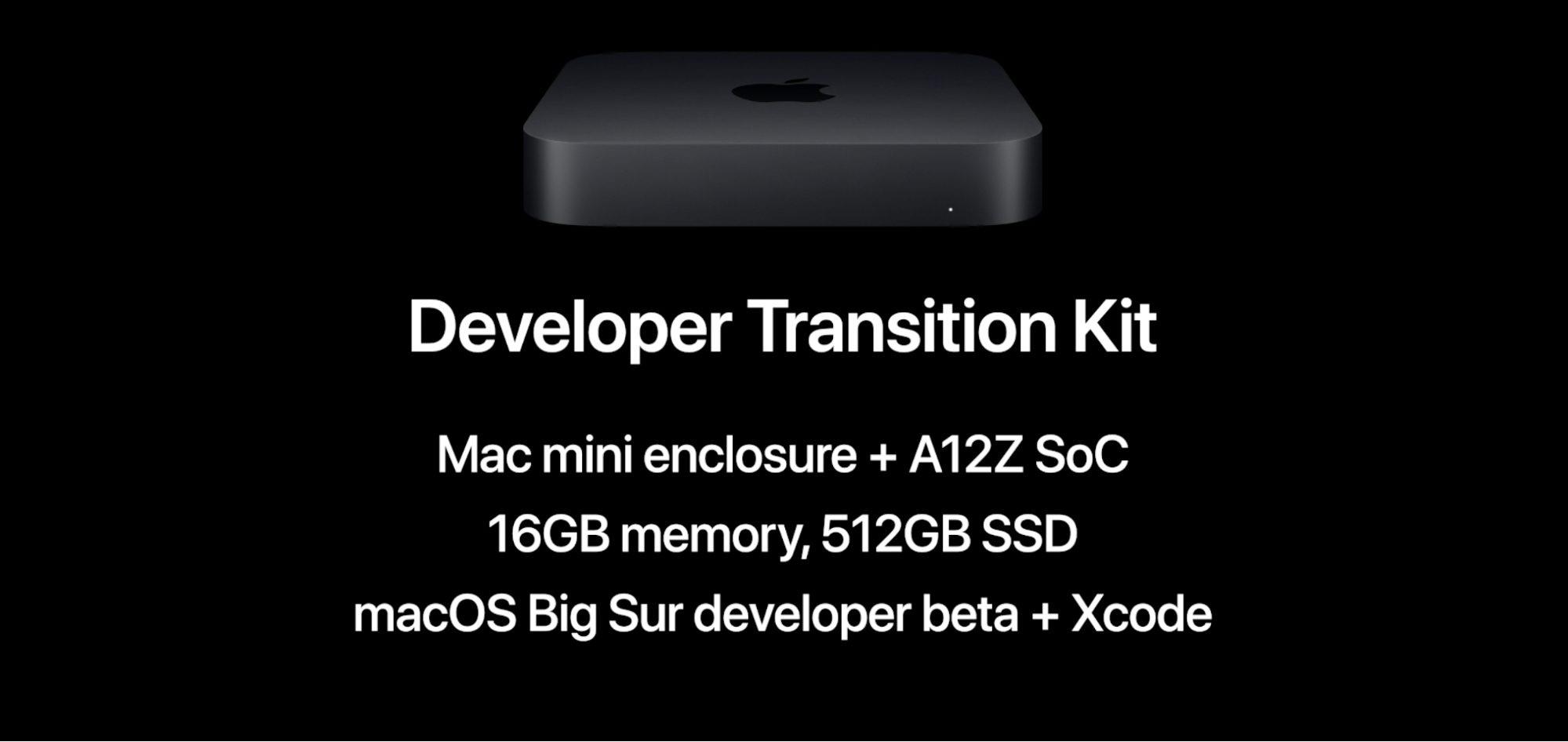
The company did not say what type of Mac it would be, although the Developer Transition Kit hardware that developers can rent from Apple is a Mac mini with the same A12Z chip that runs the latest iPad Pro models. Other likely possibilities include the MacBook Air, MacBook Pro, and iMac.
Is it better to wait for Macs with Apple silicon or buy Intel-based Macs while I can?
There are two schools of thought here. Some recommend buying the first models that appear after a major chip change because Macs with the previous chips may have a shorter effective lifespan once the transition is complete. Others prefer to buy the last models with the earlier chips under the assumption that the first new Macs might have unanticipated problems.
For the longest lifespan, wait for new Macs with Apple silicon. But if you’re worried that the first models out will have teething pains, invest in the last Intel-based Macs.
How long will Apple keep selling Intel-based Macs?
The company said that it anticipates releasing new Intel-based Macs for roughly 2 years and that it has some exciting new models in the pipeline.
How long will Apple continue to support Intel-based Macs?
Apple didn’t commit to a specific length of time but said it would be releasing new software and supporting Intel-based Macs “for years to come.” In the previous processor transition from PowerPC to Intel, Apple maintained the Rosetta translation environment for over 5 years.
In other words, if you buy an Intel-based Mac today, it should have an effective lifespan of at least 3–5 years. Businesses often refresh their Macs on such a cycle, so that’s not unreasonable.
Will my existing software run on a Mac with Apple silicon?
Happily, yes! Apple announced Rosetta 2, which will ship with macOS before Macs with Apple silicon appear. Rosetta 2 automatically translates existing Intel-based apps and can even dynamically translate apps with just-in-time code. If that all sounds like mumbo-jumbo, don’t worry—Apple said that Rosetta 2 will be completely transparent to the user.
We hope that’s true, but Rosetta 2 will probably work only with 64-bit apps that work in 10.15 Catalina. Old 32-bit apps that don’t run in Catalina are unlikely to be supported, nor will low-level software like kernel extensions. Plus, with translated software, performance is always a question.
Will I have to upgrade my apps for Macs with Apple silicon?
Although existing apps should still run, thanks to Rosetta 2, developers will be recompiling their apps to take advantage of all the capabilities of Apple silicon, so where upgrades are available, you’ll generally want to take advantage of them. Native apps running on Apple silicon should enjoy better performance.
Will I still be able to run Windows software in Boot Camp or a virtualization app?
Maybe. Apple talked about virtualization on Macs with Apple silicon and even showed off Parallels Desktop running Linux (versions of which run on ARM chips) but said nothing about Windows.
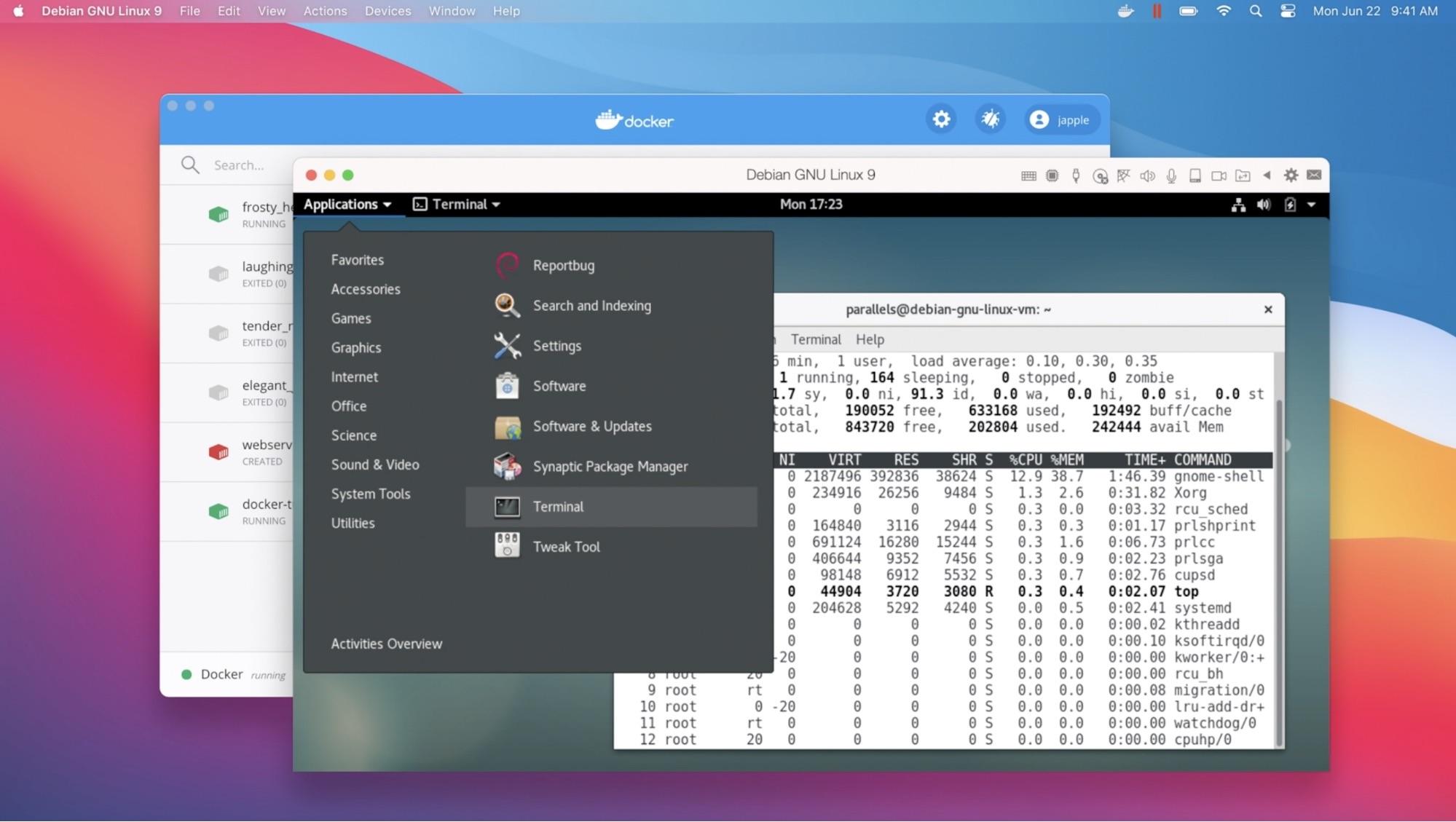
There are some ARM-based PCs, including Microsoft’s Surface Pro X, that come with Windows 10 for ARM. So our guess is that Boot Camp is history, but you’ll be able to run Windows 10 for ARM in Parallels Desktop or VMware Fusion. That may be sufficient if your needs are mainstream, but Windows 10 for ARM has a long list of restrictions.
Are there any other advantages to Macs with Apple silicon?
Indeed! Apple said that Macs with Apple silicon would be able to run all iPhone and iPad apps. During the keynote, the company demoed a few such apps running in their own windows on a Mac with Apple silicon. Whether this is game-changing depends on your needs, but given the millions of apps for the iPhone and iPad, it could be compelling.
Is this transition a good move?
Although there will undoubtedly be some bumps along the way, we think it is. Macs with Apple silicon should be faster and have better battery life than comparable Macs with Intel-based chips. It’s possible that Apple will lower prices too, given the savings from not buying expensive chips from Intel. And while the capability to run iPhone and iPad apps won’t float everyone’s boat, it could be useful.
And if nothing else, it’s yet another example of how we live in interesting times.
AI Usage Transparency Report
Pre-AI Era · Written before widespread use of generative AI tools
AI Signal Composition
Score: 0.04 · Low AI Influence
Summary
Apple is transitioning Macs to custom-designed Apple chips, citing performance, profit, and control as reasons. The first Macs with Apple silicon are expected by the end of 2020, and existing software should run on them thanks to Rosetta 2.
Related Posts

When Chromium Mistakes Your VPN for a Local Network
Turning off Jamf Trust fixed the webinar, which normally would have sent me straight to its routing policies. This time the route was fine: Chromium was treating Jamf's ZTNA broker addresses as a local network, and an Edge and Chrome preference corrected it.
Clamshell iBook G3 Restoration, Part 1: From Broken Screen to Board-Level Repair
Part one of a Clamshell iBook G3 restoration: a broken screen, a charger detour, a blinking system folder, a full teardown, and the backlight connector mistake that paused the project.
Bromure Gives Codex a Room of Its Own
I installed Bromure Agentic Coding, watched it build the Linux VM, authenticated Codex, and followed a real Codex task through the workspace.
Claude Code Auto Mode Changes Approval Flow, Not the Safety Boundary
Claude Code Auto mode changes how approval decisions are handled. It does not expand the boundary of what the coding agent should be allowed to do.

Amnesia Stealer Shows the Next Stage of ClickFix on macOS
Amnesia Stealer shows how ClickFix-style social engineering is adapting on macOS, while a public malware sample gives defenders an opportunity to study the behavior behind the campaign.
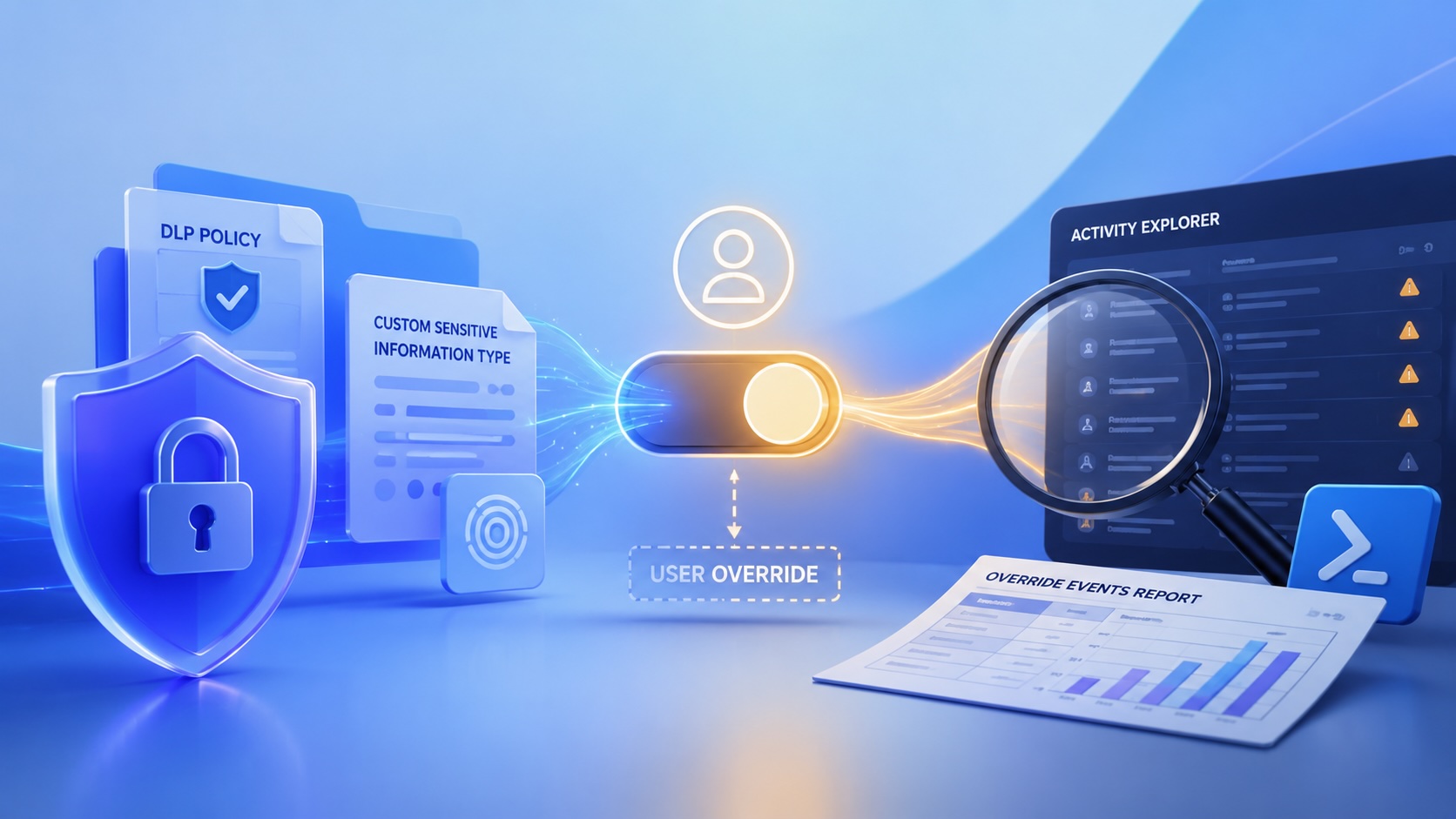
Reporting on Microsoft 365 DLP Overrides with PowerShell
DLP overrides are not automatically bad. They are a business process that needs visibility. This walkthrough covers a Microsoft Purview DLP policy, a custom sensitive information type, user override behavior, and a PowerShell report that exports override events from Activity Explorer.
PowerBook 140 BlueSCSI Install: Cable Fixed, Battery-Bay Power, and Wi-Fi Setup
The PowerBook 140 project moved from preparing a BlueSCSI card in Basilisk II to installing the repaired internal SCSI cable, powering the BlueSCSI Pico externally from the battery bay, booting System 7.1, and fighting through DaynaPORT Wi-Fi setup.

Move Entra Users Off SMS and Voice Before Microsoft Retires Them
Microsoft is retiring Microsoft-provided SMS and voice authentication in Entra ID. The migration is not passkeys for everyone; it is removing weak telecom MFA and choosing supported replacement methods such as Microsoft Authenticator, FIDO2 keys, certificate-based authentication, OATH hardware tokens, or customer-managed telecom.
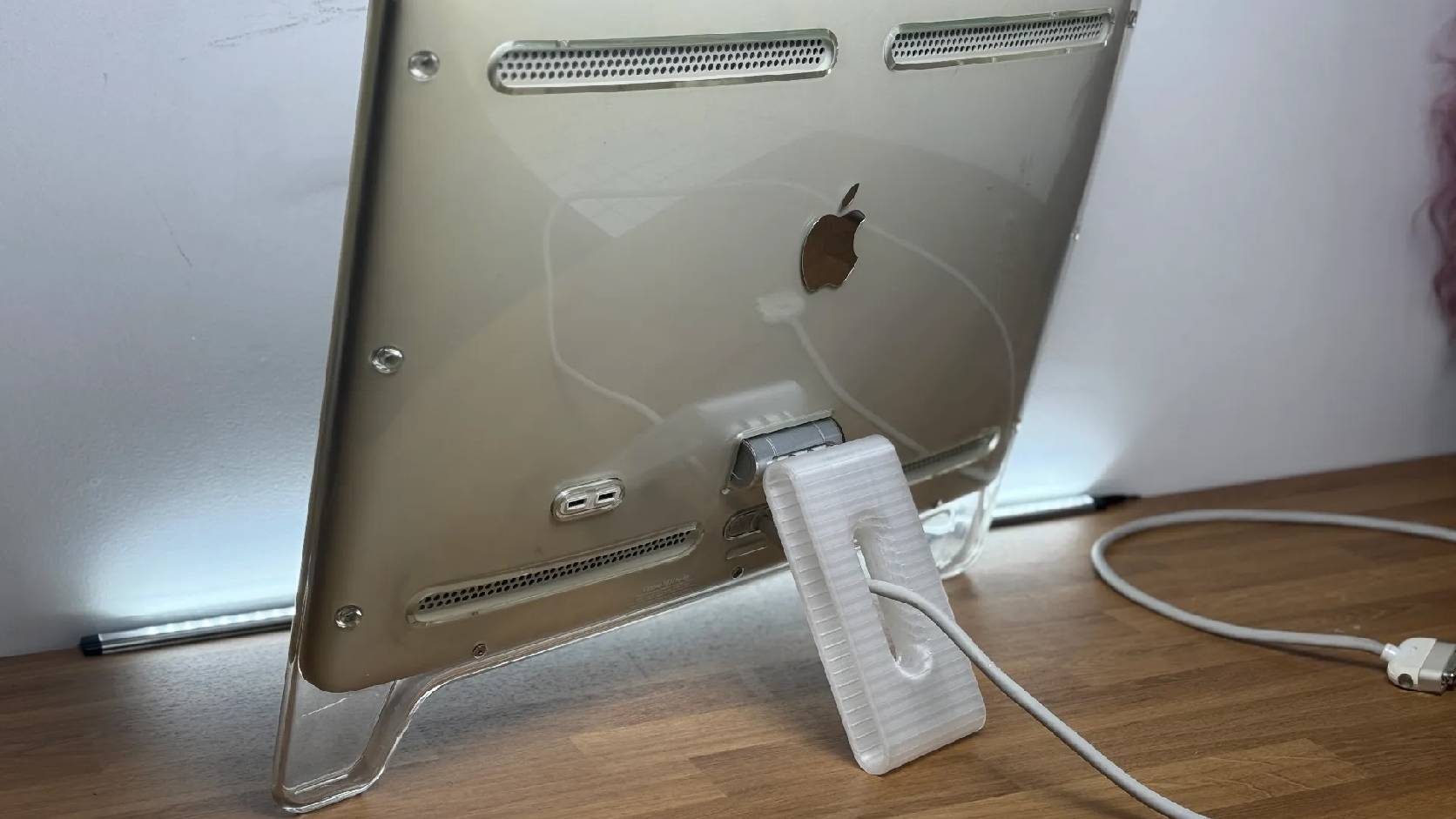
Fixing a Broken Apple Cinema Display Stand with a 3D Printed Leg
A 22-inch Apple Cinema Display arrived with a broken acrylic easel stand, so I used a 3D printed replacement leg instead of sending the monitor back.

macOS Tahoe 26.6.1 Fixes a High-Severity Screen Sharing Authentication Bypass
macOS Tahoe 26.6.1 fixes CVE-2026-65400, a high-severity Screen Sharing authentication issue where an attacker on the network may be able to authenticate without valid credentials.
